The adult content industry is one of the fastest-moving adopters of generative AI, and for good reason. NSFW AI video generators have reached a point where output quality rivals professional production, at a fraction of the cost and time. Whether you're a solo creator, a content entrepreneur, or simply curious about what these tools can do, knowing which platforms deliver the best results for adult content creation is no longer optional.
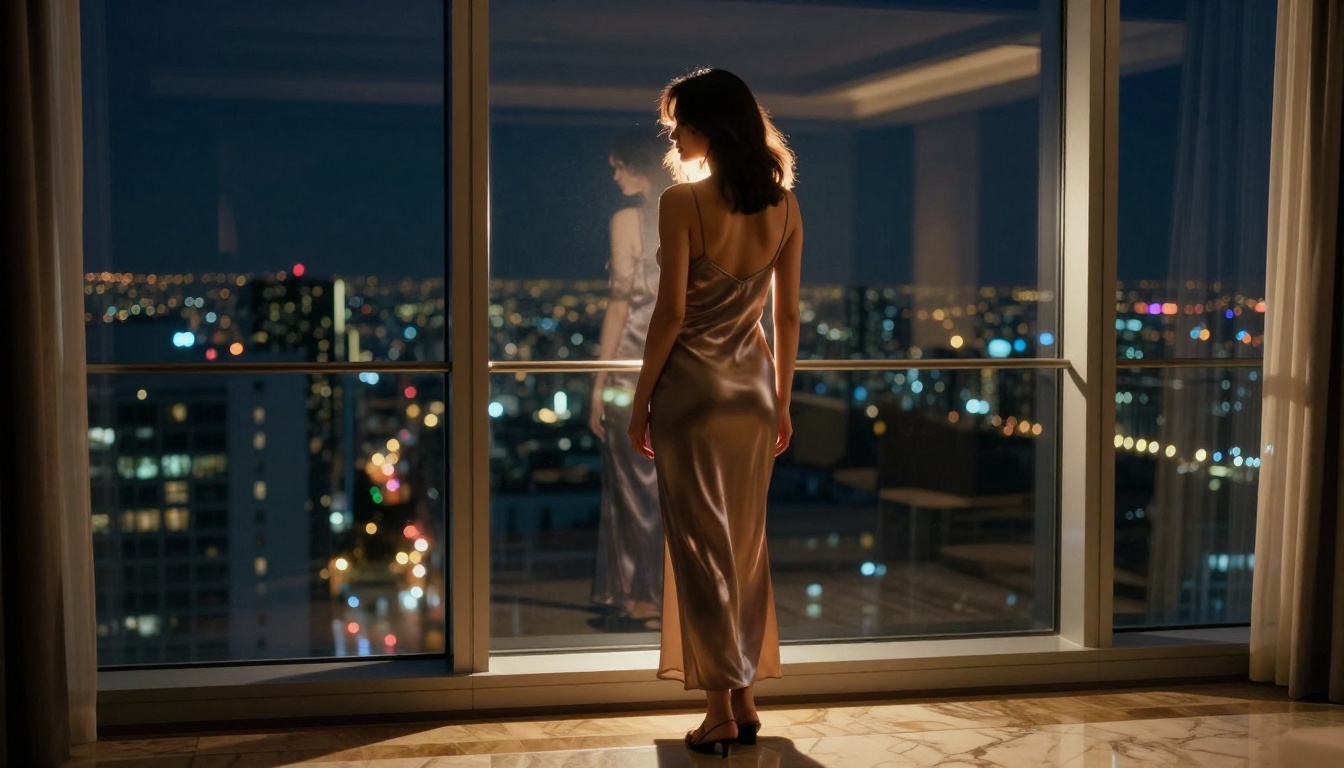
This is a focused breakdown of the top-performing models for NSFW content generation, covering realism, prompt control, output quality, and privacy. If you're ready to actually create, read every section.
Not all AI video generators are built the same. Most mainstream platforms filter NSFW content aggressively, leaving creators with limited options. The tools that actually perform well for adult content creation share a specific set of characteristics that separate them from the crowd.
Realism Over Hype
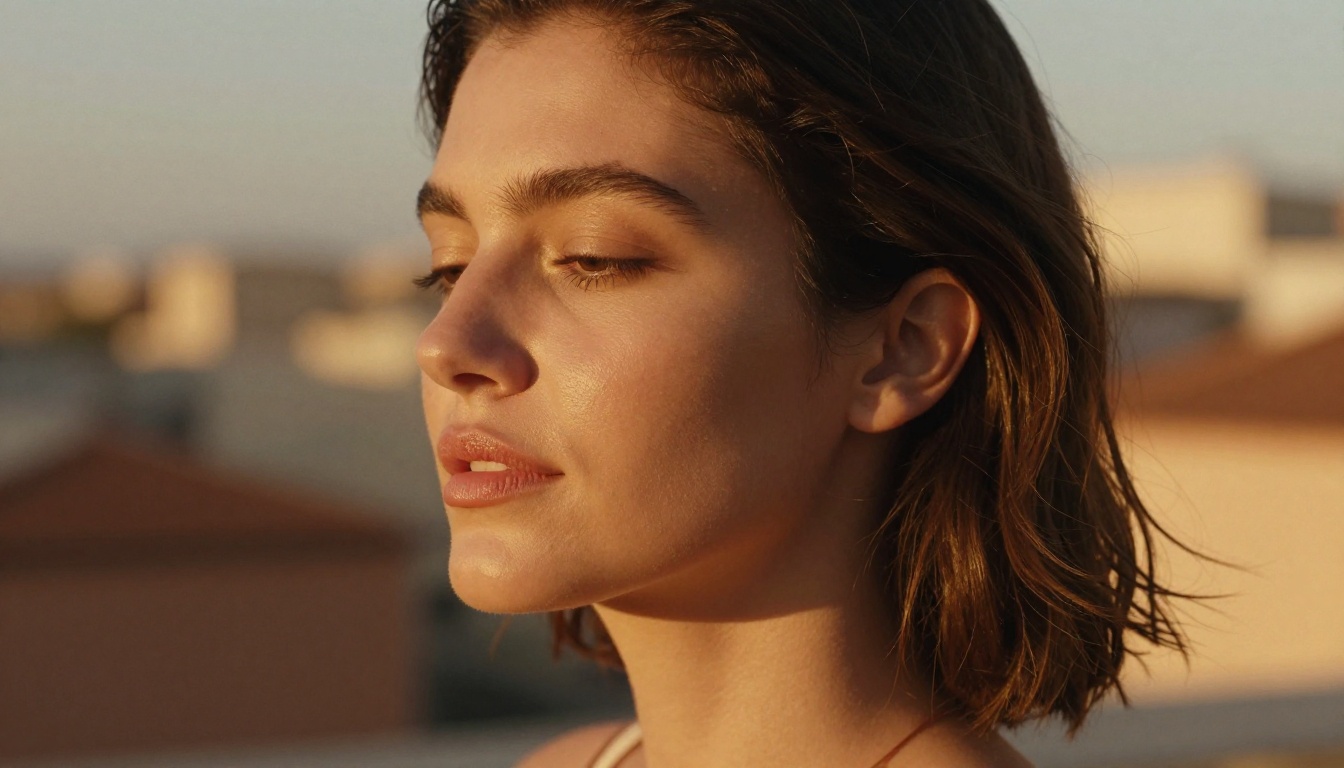
The first benchmark is simple: does the output look real? Early AI video suffered from morphing artifacts, unnatural skin textures, and erratic motion. The current generation of models has moved past most of those problems. Models like Kling v3 Video and WAN 2.6 T2V render human figures with a level of anatomical accuracy and fluid motion that was simply impossible two years ago.
Realism factors that matter:
- Skin texture rendering: Natural pores, micro-shadows, and subsurface scattering
- Motion consistency: Does the character maintain proportions across the full clip?
- Lighting coherence: Does light move with the subject or stay static?
- Temporal stability: No flickering, no morphing between frames
💡 Tip: Test a model with a simple scene first. A woman walking in natural light will reveal motion artifacts faster than any complex scene.
Privacy as a Feature
When generating adult content with AI, privacy is not a luxury. It is a requirement. The best NSFW AI video generators either process locally or use infrastructure that does not retain, store, or use your generations for training. Before committing to any platform, check their data retention policy. Anonymity and output ownership matter enormously in this category.
PicassoIA's infrastructure does not use your generations to train models, keeping your creative output private and exclusively yours.
Platform Accessibility
The best NSFW tools remove friction from the creative process. That means no complex setup, no GPU hardware requirements, and no local installs. Web-based platforms that host the models directly are the practical choice for most creators. You get access to dozens of production-grade models without managing infrastructure.
Top NSFW AI Video Models Right Now
The following models are the current top performers for adult content creation. Each has a distinct profile in terms of speed, realism, and creative control.
Kling v3 for Character Consistency
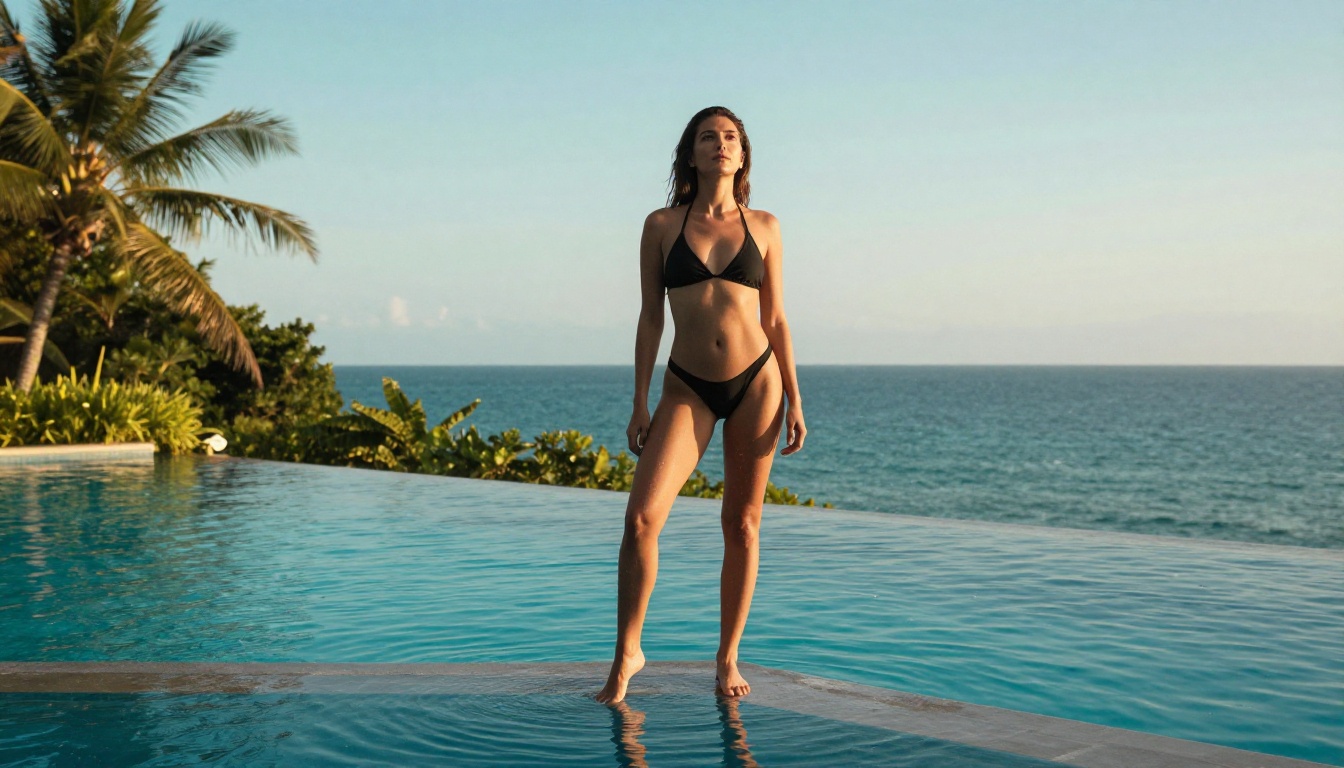
Kling v3 Video by Kwai is currently the strongest model for maintaining character consistency across an entire video clip. When generating adult content, character consistency is critical. You don't want the figure to shift appearance mid-scene. Kling v3 handles this better than most.
Strengths:
- Consistent anatomy across all frames
- Superior facial feature stability
- Strong performance on intimate close-up scenes
- Motion control options for precise movement direction
Best for: Sustained character scenes, close-up intimacy shots, narrative-driven adult content.
Also worth noting: Kling V3 Motion Control allows you to transfer specific movement patterns to any character, which is invaluable for choreographed or stylized adult content.
WAN 2.6 for Raw Output Quality
The WAN series from Wan Video consistently delivers exceptional raw resolution and texture quality. WAN 2.6 T2V and its image-to-video variant WAN 2.6 I2V are top picks for creators who prioritize fine visual detail over generation speed.
| Feature | WAN 2.6 T2V | WAN 2.6 I2V |
|---|
| Input | Text prompt | Image + text |
| Best for | New scene creation | Animating still images |
| Texture quality | Exceptional | Exceptional |
| Generation speed | Moderate | Moderate |
| Character control | Good | Very good |
If you already have a reference image you want to animate, the image-to-video route with WAN 2.6 I2V is faster and more predictable than generating from text alone.
PixVerse v5.6 for Speed and Detail
PixVerse v5.6 offers the best balance of generation speed and output quality in the current lineup. For creators running high volumes of generations, PixVerse delivers consistent quality without the wait times of heavier models.
Its handling of fabric textures, hair physics, and ambient lighting makes it particularly effective for glamour and sensual content creation. It also handles multiple characters in frame better than most competing models at this speed tier.
Veo 3 for Cinematic Motion
Google's Veo 3 is the current benchmark for cinematic motion quality. If you're producing adult content intended for a polished, high-production-value aesthetic, Veo 3's output has a distinctly cinematic feel with smooth camera motion simulation and rich depth rendering.
The fast variant, Veo 3 Fast, is a strong option when you need cinematic quality without full render wait times.
💡 Worth noting: Seedance 1.5 Pro by ByteDance is gaining traction for its expressive human motion rendering. Strong choice for dance and movement-heavy adult content.
Hailuo 2.3 for Image Fidelity
Hailuo 2.3 by Minimax is particularly strong at preserving fine image detail during animation. For adult content where face and body fidelity are the priority, Hailuo 2.3 maintains source image quality better than many comparable models.
Its fast variant, Hailuo 2.3 Fast, delivers comparable quality at significantly reduced generation time, making it a reliable choice for iterative workflows where you're testing multiple prompt variations.
How to Use Kling v3 Video on PicassoIA
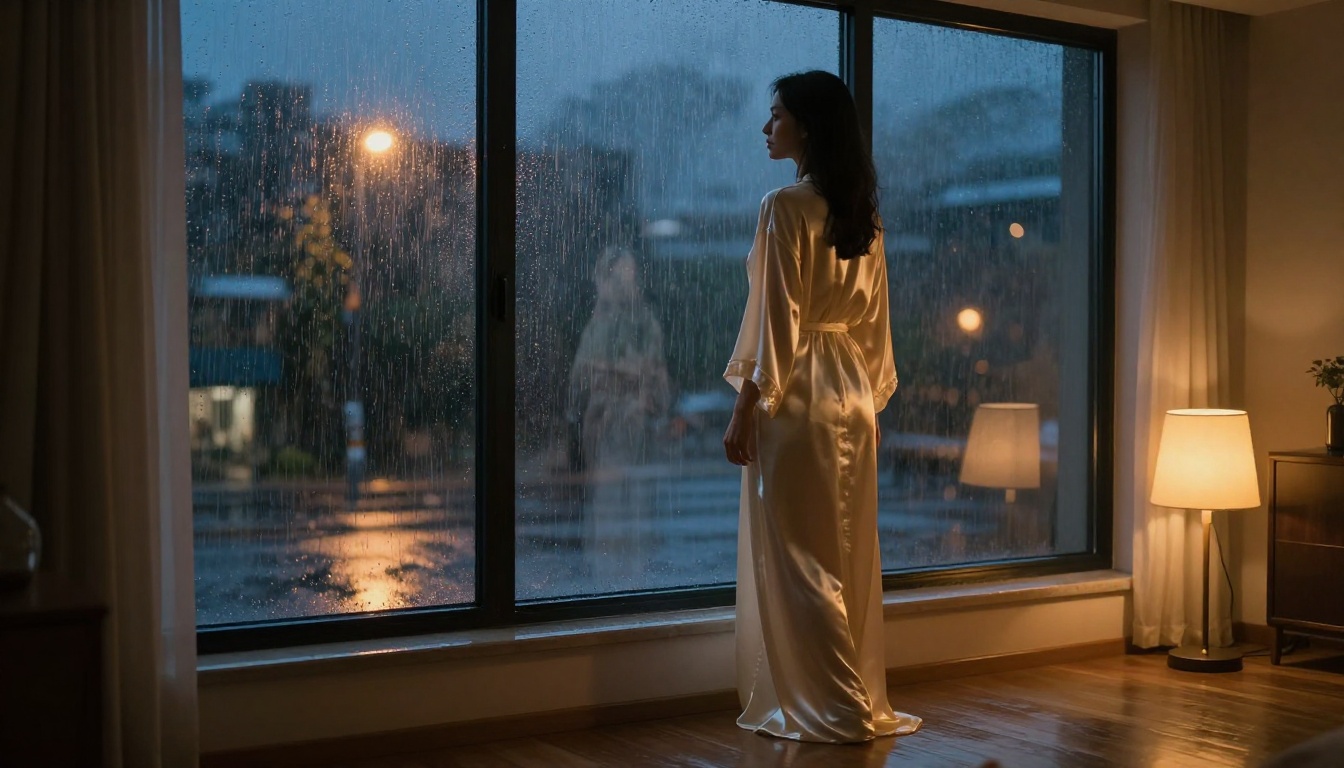
Given its consistent performance and flexibility, Kling v3 Video is the recommended starting point for adult content creators new to AI video generation. Here's a step-by-step breakdown.
Step 1: Write a Detailed Text Prompt
Vague prompts produce vague results. For adult content, specificity is everything. Describe:
- Subject: Age-range, build, hair color, skin tone, expression
- Scene: Location, furniture, lighting, time of day
- Clothing/Styling: Fabric type, fit, color, amount of coverage
- Movement: What is happening, what direction, what speed
- Camera: Angle, distance, movement (static vs. slow push-in)
Example prompt structure:
A [subject description] [clothing detail], [action/movement], in a [scene description], [lighting description], [camera angle and movement], photorealistic, cinematic quality
The more scene-specific your prompt, the closer the output aligns to your vision. Aim for 60 to 100 words in your first draft prompt, then trim anything that conflicts or creates ambiguity.
Step 2: Set Your Parameters
On the Kling v3 Video page, you have access to:
- Duration: 5 or 10 seconds. Start with 5 for testing.
- Aspect ratio: 16:9 for landscape, 9:16 for vertical/mobile content
- CFG Scale: Higher values follow your prompt more strictly. Start at 7.5.
- Negative prompt: Use this aggressively. Include: "distorted anatomy, morphing, artifacts, blurry face, low quality, extra limbs"
Getting the negative prompt right is often the difference between a near-miss and a usable generation. Anatomical distortions are the most common failure mode in adult content AI. Block them explicitly.
Step 3: Generate and Review
After generation, review the clip specifically for:
- Frame-to-frame character consistency
- Anatomical accuracy in motion frames
- Lighting coherence throughout the clip
- Any temporal artifacts in the background
- Natural-looking fabric and hair movement
If results are close but not perfect, refine the prompt rather than regenerating identically. Small wording changes have large effects on output. Changing "standing" to "posing confidently" or "soft lighting" to "single candle from left" will produce noticeably different results.
💡 Pro move: Generate a still image first with a text-to-image model, then pass it to WAN 2.6 I2V or Kling V3 Motion Control for more controlled character animation. This two-step process consistently outperforms single-step text-to-video for character-specific adult content.
Text-to-Video vs. Image-to-Video
One of the most important workflow decisions for adult content AI is whether to generate from text or from a reference image. Both approaches have clear strengths.

| Approach | Pros | Cons |
|---|
| Text-to-Video | Full creative freedom, no reference needed | Less character consistency |
| Image-to-Video | Locks in character appearance | Requires a quality source image |
When to use text-to-video: When you're ideating, testing new scene concepts, or want maximum variety in character appearance.
When to use image-to-video: When you have an established character or aesthetic you want to maintain across multiple clips. Generating your source image with a high-quality text-to-image model first, then animating it, is the most reliable workflow for consistent adult content creation.
LTX-2.3-Pro also supports image-as-input for precise source control, and its generation speed makes it practical for rapid iteration on a character-based workflow.
Prompting That Actually Works
Writing prompts for NSFW AI video is a skill. Most creators underperform early on because they describe what they want to see, not how they want it to look. There is a difference.

Structure Your Scene Like a Director
A film director doesn't say "show a beautiful woman." They say: "Medium close-up, woman in white silk, candlelight from screen left, slow camera pull-back, she turns toward camera at frame end."
That level of specificity translates directly to better AI video output. Think of your prompt as a shot description sheet.
High-performing prompt elements:
- Camera direction: "slow dolly in", "static wide shot", "handheld intimate close-up"
- Lighting description: "golden hour backlight", "single candle from left", "overcast diffuse light"
- Fabric physics: "flowing chiffon in breeze", "tight wet fabric against skin"
- Emotional tone: "confident and relaxed", "playful and direct eye contact", "soft and introspective"
Common Mistakes to Avoid
| Mistake | Why It Hurts | Fix |
|---|
| Too short prompts | Model fills gaps randomly | Add 3x more scene detail |
| No camera instruction | Static, flat results | Always specify angle and motion |
| Missing lighting info | Flat or artificial look | Describe light source and direction |
| No negative prompt | Artifacts sneak through | Block distortion terms explicitly |
| Over-specifying action | Overrides motion modeling | Describe starting pose, suggest direction |
Output Quality, Privacy, and Data
Who Owns Your Generations
This is non-negotiable for adult content. On PicassoIA, generations belong to the creator. The platform does not retain generated content for model training or review. This is a baseline requirement for any adult content creator platform. Verify this with any other platform before generating.
Watermarks and Resolutions
Most free-tier NSFW AI video tools apply watermarks or cap output resolution. If you're producing content for commercial distribution, resolution and watermark-free output are requirements. Check the output specifications before running high-volume generations.
Current resolution benchmarks for adult content production:
- 720p: Acceptable for social/clip formats
- 1080p: Minimum for premium content
- 4K upscale: Use a super-resolution model post-generation for maximum quality
For upscaling generated video frames, super-resolution models on PicassoIA can improve output quality significantly without regenerating from scratch.
Speed vs. Quality Trade-offs
No single model tops every category simultaneously. Here's how the top models stack up:
5 Things Worth Knowing Before You Start
Before running your first generation, these five points will save you significant time and frustration:
-
Generation time varies widely. Heavier models like Veo 3 take longer than fast models like PixVerse v5.6. Match model choice to your timeline.
-
Short clips are better for testing. Always validate your prompt with a 5-second clip before committing to a full 10-second generation. Prompt quality compounds.
-
Image-to-video is more predictable. If character consistency matters, generate a reference image first. It dramatically reduces output variance.
-
Negative prompts are as important as positive prompts. What you exclude shapes the result as much as what you describe.
-
The best NSFW AI video workflows use multiple models. Generate an image with a text-to-image model, refine it, then animate with a video model. Single-model pipelines rarely produce the best results.
💡 Also worth noting: Wan 2.2 Animate Replace lets you swap characters in any existing video, which opens up significant remix possibilities for adult content creators working with reference footage.
Start Creating Your Own Videos
The gap between knowing which tools exist and actually producing quality adult AI video content comes down to one thing: starting. The models referenced here, Kling v3 Video, WAN 2.6 T2V, PixVerse v5.6, Veo 3, and Seedance 1.5 Pro, are all available on PicassoIA with no setup, no API credentials required, and no local hardware needed.
Pick one model from the list, write a prompt with 50 or more words of scene detail, and generate a 5-second test clip. That first generation will tell you more about the craft of AI adult content creation than any article can convey.
The creative ceiling on this technology has not been reached. Each month the models improve, the prompting conventions evolve, and the output quality climbs higher. The creators investing in these skills now are building a significant advantage over those waiting on the sidelines.
Your first video is one prompt away.


