There is a line most AI video tools can't cross: the moment when footage stops looking generated and starts looking shot on a camera by a real crew. For a long time that line stayed firm, kept in place by the subtle wrongness of AI motion, the plastic skin, the eyes that never quite tracked right. Veo 3.1 changed that. And when people talk about NSFW AI video that looks real, this is the model that keeps coming up in every serious conversation about what's now possible.
This isn't about shock value. It's about creative freedom, about what it actually means to produce photorealistic content without a production budget or a film crew. The combination of model capability, prompt craft, and the right platform makes the difference between output that looks like AI and output that makes people genuinely question what they're watching.
The Standard Veo 3.1 Is Setting
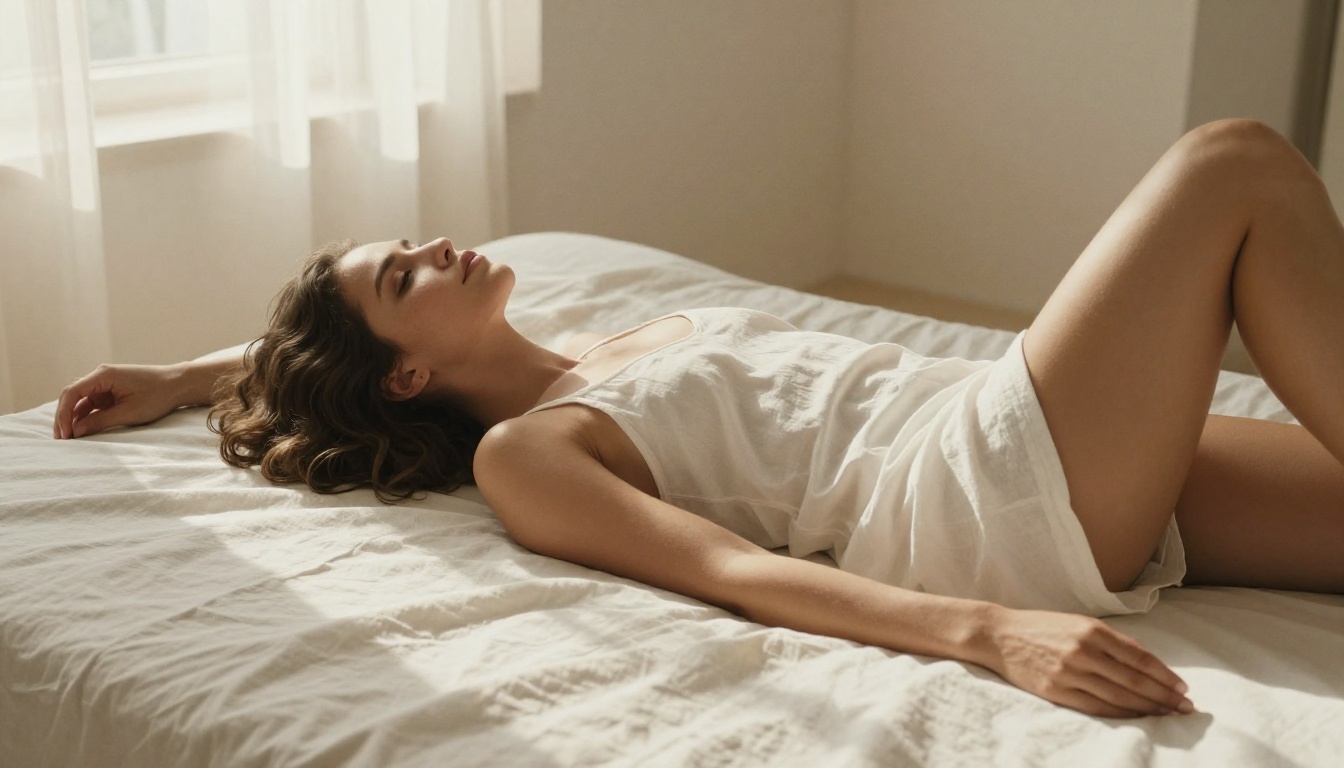
Veo 3.1 from Google represents a significant leap over its predecessors. Where Veo 3 was already impressive, the 3.1 iteration resolves many of the motion artifacts and skin rendering issues that gave away AI origin. The output is 1080p at up to 24fps with synchronized audio built in, and the motion physics are tight enough that casual viewers won't catch the seams.
The Veo 3.1 Fast variant trades some of the fidelity ceiling for dramatically reduced generation time, making it practical for iterating on prompts quickly. The Veo 3.1 Lite sits below that, useful for rough previews before committing to a full render. The full Veo 3.1 is where you go when the final output actually matters.
Native Audio Changes Everything
One of the biggest tells in AI video has always been silence or the wrong kind of sound. Veo 3.1 generates synchronized audio as part of the base output, not as a post-process layer. Ambient sounds, background noise, the subtle acoustic character of a space: these now exist in the video from the first frame. For suggestive or intimate content specifically, this creates an atmosphere that no silent clip can replicate.
Why 1080p at 24fps Feels Cinematic
The resolution and frame rate aren't arbitrary. 24fps is the standard frame rate of film, and human eyes associate it with cinematic authenticity rather than the slightly hyper-real look of 30fps or 60fps video. When Veo 3.1 renders at 1080p 24fps, it's speaking the visual language that audiences have been trained to trust for decades.
The Real Problem with AI-Generated Video
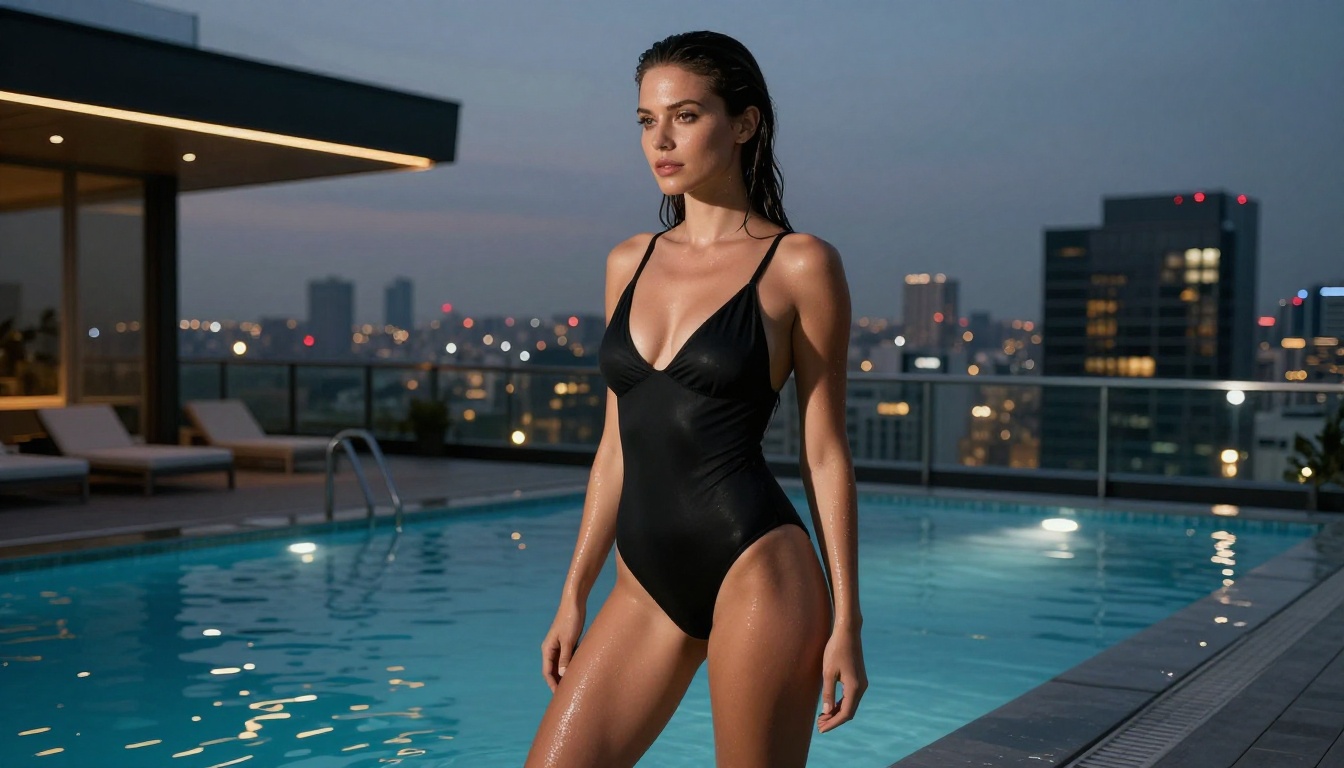
Realism in AI video is harder than realism in AI images for one simple reason: motion. A static image only needs to look right in one moment. A video needs every frame to be consistent with every other frame, the physics of movement need to behave correctly, and subtle things like hair dynamics, water behavior, fabric response to motion, and the way skin compresses under pressure all need to track over time without breaking.
The Uncanny Valley in Motion
Most AI video models fail at what researchers call temporal consistency. A face that looks perfect in frame one might shift subtly by frame forty in ways that trigger instinctive unease in viewers. The skin might maintain its texture while the proportions drift slightly. Eyes track incorrectly. Hands, historically a weakness for all generative models, merge fingers or add digits across frames. These aren't errors the viewer consciously identifies most of the time, but they produce a feeling of wrongness that signals AI.
What Veo 3.1 Does Differently
The temporal coherence in Veo 3.1 is genuinely better than the generation that preceded it. Motion blur is applied correctly to fast-moving elements. Skin stays consistent across frames. The physics of secondary elements like hair and fabric respond in ways that match the primary motion of the subject. This is the technical foundation that makes NSFW AI video with this model land so differently from earlier attempts.
💡 Tip: The biggest gains in realism come from prompts that describe motion physics explicitly. "Hair lifting slightly in breeze" outperforms "wind" as a descriptor because it tells the model what the secondary motion should look like, not just that wind exists.
Best Models for NSFW AI Content on PicassoIA
For NSFW content specifically, the starting point is images, not video. A strong source image fed into an image-to-video model produces dramatically better results than pure text-to-video generation because the model has reference material for how the subject should look across frames. This is why the image generation side of your workflow matters as much as the video side.
Seedream 4.5 Leads for NSFW Images
Seedream 4.5 is the top recommendation for NSFW image generation on PicassoIA. It accepts adult content, supports image editing workflows, and generates ultra-realistic results in under three seconds per image. The skin rendering is particularly strong, with natural texture, realistic light response, and proportions that hold up to close inspection. This is where your source images for video workflows should come from.
💡 Note: The newer Seedream 5 Lite does not support NSFW content. Stick to Seedream 4.5 for adult content generation.

PicassoIA Image Editor Pro for Volume
PicassoIA Image Editor Pro is the tool for anyone who needs to generate at scale. It's an image-to-image model with unlimited generations included in Elite and Infinite plans. Generating 1,000 images costs nothing extra, compared to models like Nano Banana 2 where the same volume would run around $100. Results arrive in under one second, it accepts NSFW content, and there's a free three-generation trial that requires no credit card.
The Full NSFW Model Stack
Beyond the top two, PicassoIA offers a strong lineup of models that work without content restrictions:
How to Use Veo 3.1 on PicassoIA
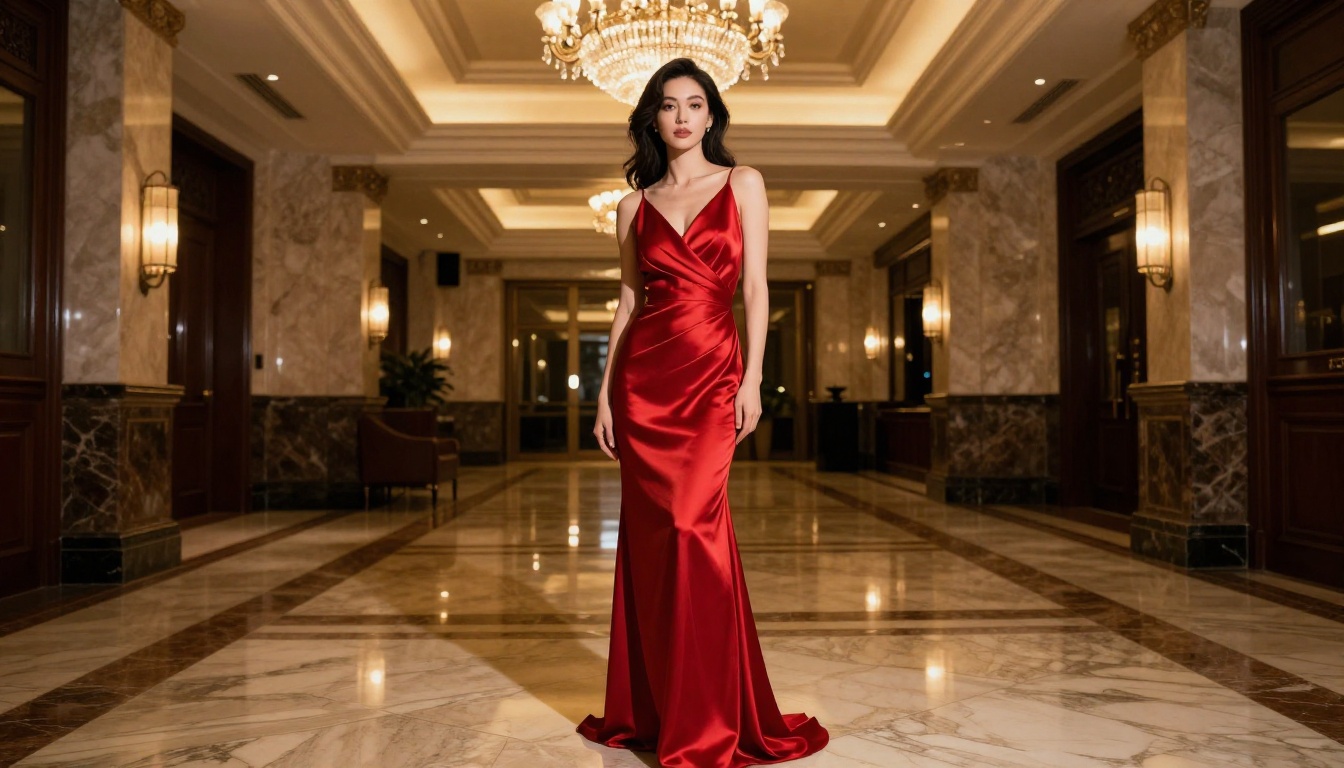
PicassoIA gives direct access to Veo 3.1 without needing API access or a developer environment. The model is available through the platform's text-to-video category and produces 1080p output with synchronized audio.
Step-by-Step Setup
1. Generate your source image first. Open Seedream 4.5 and create the base image for your content. Use a detailed prompt describing lighting, pose, environment, and skin details. Export the URL of the generated image.
2. Navigate to the video model. Go to Veo 3.1 on PicassoIA. For faster iteration use Veo 3.1 Fast, or drop to Veo 3.1 Lite for drafts.
3. Write a motion-focused prompt. Your video prompt should describe what moves, how it moves, and what the camera does, not just what the scene contains. See the prompt writing section below for specifics.
4. Set your output preferences. The model defaults to 1080p at 24fps. There is no reason to change this for NSFW AI video that needs to look real.
5. Generate and review. The full Veo 3.1 render takes longer than fast variants. Review for temporal consistency across the full clip before using the output.
Key Parameters That Matter
- Duration: Shorter clips (under 5 seconds) tend to maintain better temporal consistency than longer ones.
- Motion intensity: Calm, deliberate motion produces more realistic results than fast action.
- Camera movement: Slow dolly-in or gentle pans feel more cinematic and give the model less opportunity to break coherence.
Prompt Writing for Hyper-Realistic Results
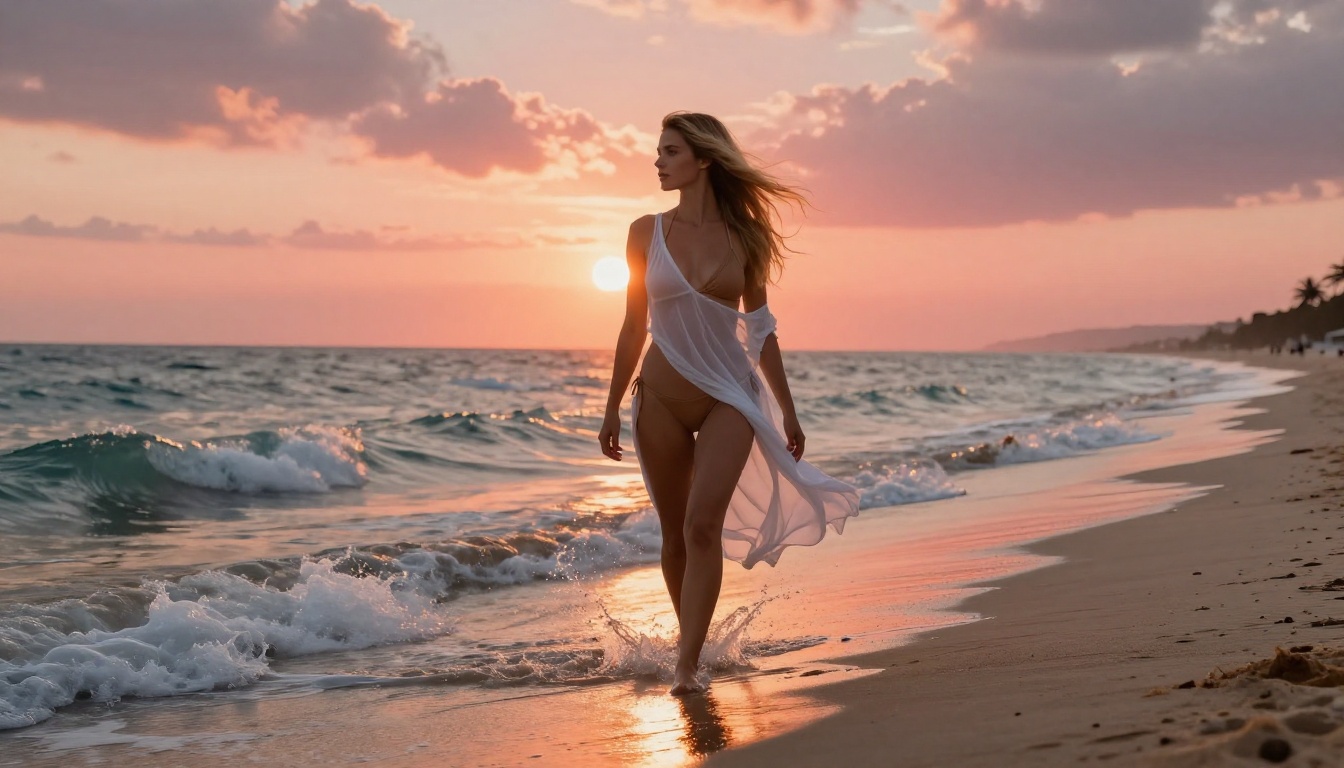
The difference between AI video that reads as real and AI video that reads as generated often comes down to the prompt. Most people under-describe motion and over-describe appearance. For video, the inverse is closer to correct.
The Anatomy of a Realistic Prompt
A prompt that produces realistic NSFW AI video has four distinct components working together:
Subject state: What the subject is doing at the start of the clip, described precisely. "Woman lying on white linen sheets, facing the camera, breathing slowly" rather than "woman in bed."
Motion description: What moves, how, and at what pace. "She slowly turns her head to the left, her hair shifting across her shoulder" rather than "she moves."
Camera behavior: How the camera is moving or not moving. "Slow dolly-in from medium shot to close-up" or "static wide shot, no camera movement" are both valid. Undefined camera behavior produces inconsistent results.
Lighting and atmosphere: The quality and direction of light, described physically. "Soft morning light from the left window casting diffuse shadows across the sheets" rather than "good lighting."
3 Mistakes That Kill Realism
Describing what you want to see rather than what happens. Video models respond better to action descriptions than appearance descriptions. Your image prompt establishes what things look like. Your video prompt should establish what happens.
Asking for too much motion. Trying to pack complex action into a five-second clip creates temporal coherence failures. One clear, simple motion per clip generates better results than multi-step sequences.
Ignoring secondary motion. Real footage always has secondary motion elements: hair, fabric, ambient objects reacting to air movement. Prompts that describe these secondary motions produce results that feel inhabited rather than staged.
💡 Tip: Treat your video prompt like a cinematographer's shot note, not a description of the finished product. "Slow tilt down from face to collarbone, golden afternoon light from right" is a shot note. "Beautiful woman in golden light" is a description. Shot notes produce better results.
Top AI Video Models Compared
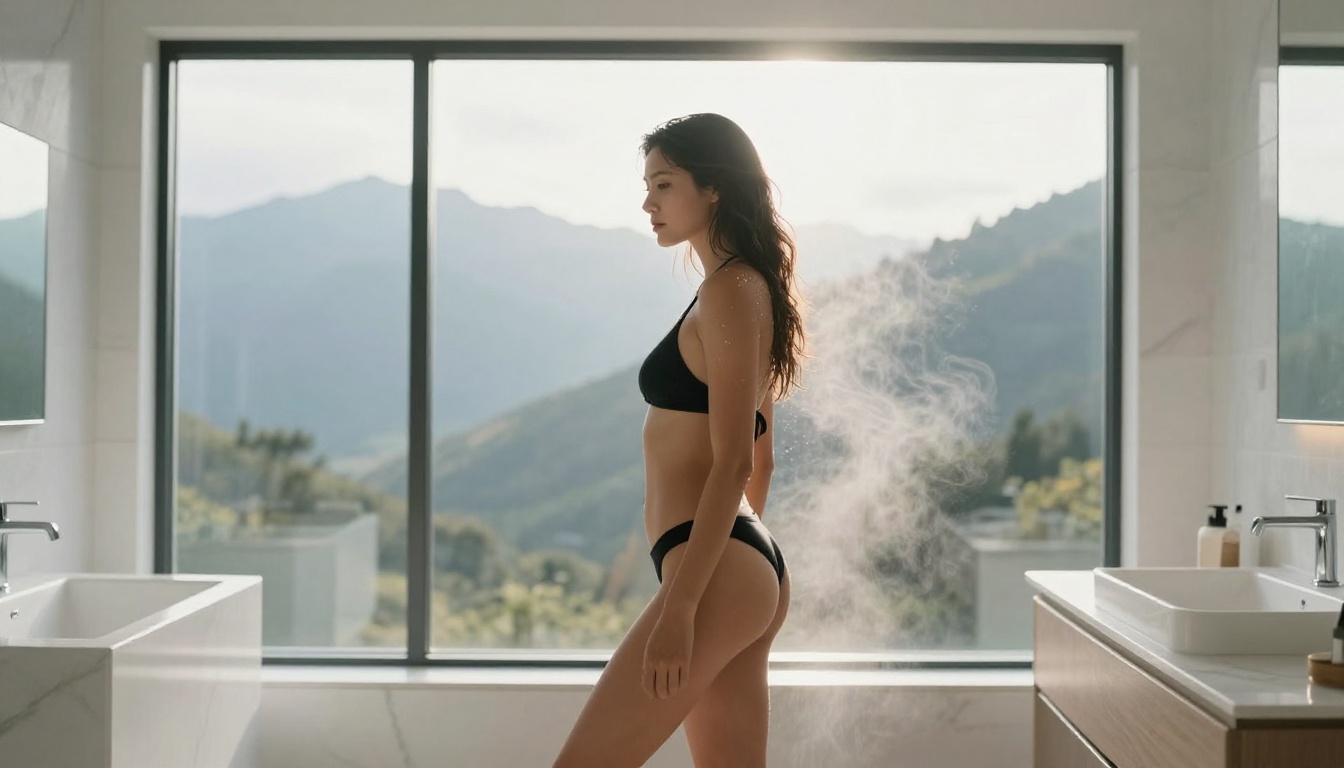
Veo 3.1 isn't the only strong option on PicassoIA for realistic video output. Several other models belong in any serious comparison, each with a distinct profile.
Veo 3.1 vs Seedance 2.0
Seedance 2.0 from ByteDance generates video with built-in audio and strong motion physics. Where Veo 3.1 tends to excel at cinematic framing and natural lighting behavior, Seedance 2.0 handles dynamic motion scenes particularly well. For calm, intimate content with controlled camera movement, Veo 3.1 is the stronger choice. For scenes with more active motion or complex environments, Seedance 2.0 is worth testing alongside it.
Kling v3 vs Wan 2.7
Kling v3 from Kwai produces 1080p cinematic video with strong subject-to-background consistency. Wan 2.7 T2V from Alibaba pushes to 1080p with notably good fabric and hair physics. Both are serious competitors, but neither matches Veo 3.1's current leading position on temporal coherence for skin and facial features across a full five-second clip.
Other models worth knowing:
- Pixverse v5.6: Fast generation, strong at stylized realism.
- P-Video: Safety filter off by default, generates up to 1080p, draft mode for instant previews.
- Grok Imagine Video: Clips up to 15 seconds with no watermarks, strong image-to-video performance.
- LTX 2.3 Pro: The highest fidelity option at up to 4K 50fps, with retake and extend editing modes.
- PicassoIA Video: Unlimited video generation up to 720p, no content restrictions.
| Model | Max Resolution | Audio | NSFW | Best Use |
|---|
| Veo 3.1 | 1080p | Native | Conditional | Cinematic realism |
| Seedance 2.0 | 1080p | Built-in | Conditional | Dynamic motion |
| Kling v3 | 1080p | Yes | Conditional | Cinematic atmosphere |
| P-Video | 1080p | Yes | Yes (no filter) | Unrestricted content |
| LTX 2.3 Pro | 4K/50fps | Yes | Yes | Highest fidelity |
| PicassoIA Video | 720p | No | Yes | Unlimited volume |
AI Video vs Traditional Production

The cost comparison between AI video generation and traditional adult content production is stark. A single day of professional photography or video production involves talent fees, location costs, equipment rental, crew, editing time, and distribution infrastructure. A workflow using Seedream 4.5 for source images and Veo 3.1 for video generation produces comparable visual quality for a fraction of that cost, with no scheduling constraints, no location dependencies, and no talent coordination.
The creative control is also different in kind, not just degree. With AI generation, changing a location means rewriting a prompt. Changing the mood of a scene is a parameter adjustment. Iterating on dozens of variations of the same concept takes minutes rather than days. This changes the economics of content creation completely.
What Still Takes Human Judgment
The tools are strong, but the creative direction still comes from the person running the workflow. The best AI-generated content at this moment comes from creators who understand both the technical parameters of the models and the aesthetics of what they're creating. The prompt is the creative brief. Writing it well is still a skill.
Start Creating Your Own AI Content Today
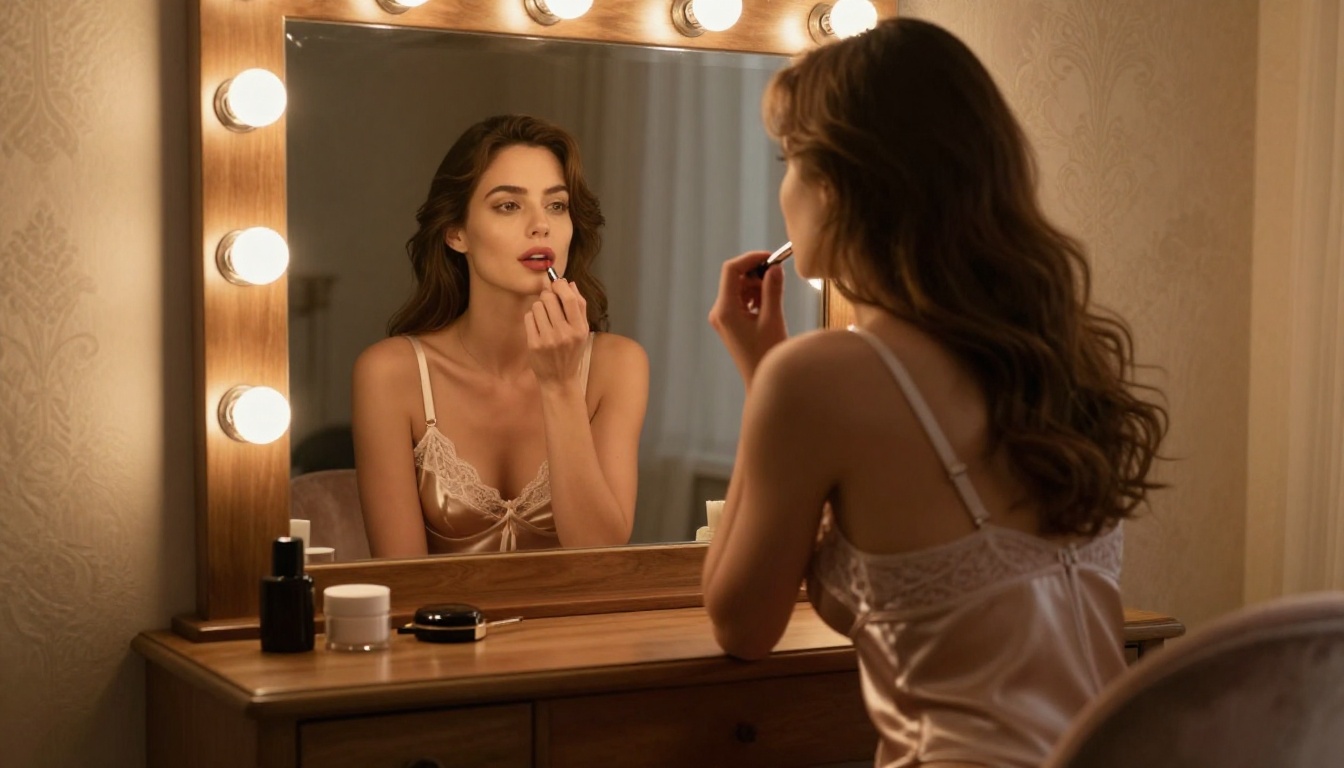
If you haven't tested what current-generation models can actually do, the gap between your expectations and the real output might surprise you. Veo 3.1 is available on PicassoIA right now alongside every model referenced in this article. You don't need API keys, a developer background, or a high-end workstation. The workflow runs in a browser.
The practical starting point is this: generate a source image with Seedream 4.5, write a motion prompt using the shot-note format described above, and run it through Veo 3.1. The first result will show you the baseline. From there, iterate on the motion description and camera behavior until the output reads the way you want it to.
For volume work, pair PicassoIA Image Editor Pro with P-Video for a workflow that generates unlimited source images and converts them to video with the safety filter disabled by default.
For highest fidelity at 4K, LTX 2.3 Pro is the option that pushes the ceiling the furthest.
Every model in this article, plus the full catalog of available AI tools across image generation, video production, audio, and editing, is accessible at picassoia.com/en/all-models. The models are there. The only variable is the quality of the prompt you bring to them.


