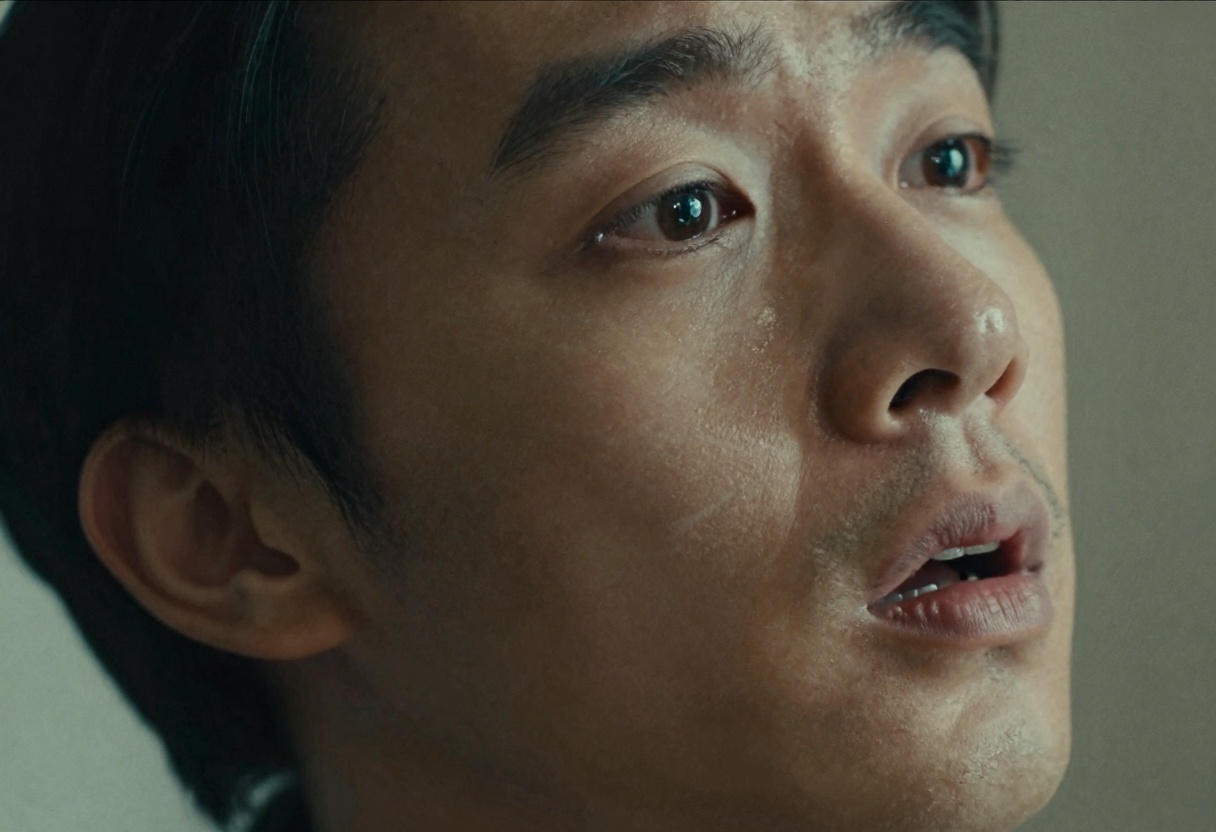
WAN 2.2 has transformed video generation with 30-second processing times and unlimited access. This breakthrough open-source model delivers sharp physics, realistic motion, and professional quality without generation limits. Discover how to leverage unlimited video creation for your projects.
The world of AI-generated video has shifted dramatically. What once required expensive proprietary systems can now be done with open-source tools that rival commercial platforms in quality and speed.
The latest breakthrough comes from a model that processes video in roughly 30 seconds while maintaining remarkable visual fidelity. You can enjoy unlimited generations with this model at no additional cost, making high-volume testing practical for individual creators and small teams.
What Changed in Video AI
Previous video generation systems struggled with physics simulation. Objects would float unnaturally, movements lacked weight, and temporal consistency between frames created visible artifacts. The newest models address these issues through improved training data and architectural refinements.
The advancement includes several key improvements:
Physics-aware generation that maintains object permanence and realistic motion
Faster processing times without sacrificing output quality
Better prompt adherence across the full duration of generated clips
Support for both text-to-video and image-to-video workflows
These changes matter because they remove friction from the creative process. When generation takes 30 seconds instead of several minutes, experimentation becomes feasible. With unlimited access, iteration doesn't require budget approval.
Resolution and Speed Options
The system offers multiple resolution tiers to balance quality against processing time. For rapid prototyping, 480p resolution generates acceptable previews. Production work benefits from 720p output that maintains detail when viewed on modern displays.
Processing speed varies by resolution choice. The optimized 480p pipeline completes in approximately 30 seconds. Higher resolution outputs take proportionally longer but remain competitive with other video AI systems.
Each tier serves different production needs without creating artificial limitations. The unlimited access model means you can generate as many iterations as needed to achieve your creative vision.
Image-to-Video Capabilities
Starting from an existing image opens different creative possibilities than text-alone generation. The system can animate still photographs, bringing subtle motion to landscapes or portraits. Product designers use this workflow to show concepts in context.
The process requires an input image and a text prompt describing desired movement. The model interprets both inputs to create coherent animation that respects the original composition while adding motion elements. Results maintain the style and lighting of the source material.
Different aspect ratios serve different distribution channels. Vertical video suits social platforms optimized for mobile viewing. Horizontal format works better for desktop presentation and traditional video platforms. The system supports both without requiring separate workflows.
Practical Applications
Content creators use fast video generation for several purposes. Social media teams produce multiple variations to test audience response. Educational content benefits from visual demonstrations created on demand. Marketing departments generate concept videos before committing to full production.
The speed advantage matters most during ideation phases. Traditional video production requires weeks from concept to finished clip. AI generation compresses this timeline to minutes, allowing teams to explore more ideas before selecting final directions.
Quality limitations remain important to understand. Generated video works well for certain content types while struggling with others. Realistic human faces present challenges. Abstract concepts and stylized visuals produce more consistent results. Success depends on matching project requirements to model capabilities.
Technical Parameters Worth Understanding
Several adjustable parameters affect output quality and style. Frame count determines video length, with 81 frames providing optimal results for most use cases. Sample shift controls generation behavior in subtle ways that become apparent through experimentation.
Frame rate affects perceived smoothness. The standard 16 frames per second suits many applications while keeping processing requirements manageable. Higher frame rates create more fluid motion at the cost of longer generation times.
Seed values enable reproducibility. Using the same seed with identical parameters generates similar results across multiple runs. This helps when refining prompts or making incremental adjustments to output.
The safety checker prevents generation of prohibited content. Most users should leave this enabled. Disabling it serves specialized workflows that require reviewing edge cases for research purposes.
Unlimited Access Changes Everything
The ability to generate unlimited videos transforms how creative teams approach video projects. A team testing fifty prompt variations no longer faces budget constraints. This enables creative exploration that would be prohibitively expensive with other systems.
Unlimited access eliminates the mental friction of cost-per-generation pricing. Instead of calculating whether each test iteration justifies its expense, creators can focus purely on achieving their vision. This psychological shift encourages more experimentation and better final results.
Project planning becomes simpler when generation costs are predictable. Teams can commit to video-heavy content strategies without worrying about variable expenses. This makes video AI practical for high-volume applications that were previously unfeasible.
Prompt Engineering for Video
Writing effective video prompts requires different techniques than image generation prompts. Temporal elements need explicit description since the model must understand how scenes should evolve over time.
Specific camera movements improve results. Describing whether shots should pan, zoom, or remain static helps the model generate appropriate motion. Action verbs guide subject movement within the frame.
Lighting changes during generation often create unwanted effects. Maintaining consistent lighting descriptions produces more coherent results. When dynamic lighting serves the creative intent, describing the progression explicitly works better than leaving it to model interpretation.
Style references help establish visual direction. Mentioning specific cinematography styles, film stocks, or artistic movements provides context the model can use to guide aesthetic choices. This proves especially useful for stylized content rather than photorealistic output.
Integration Workflows
Video generation becomes more powerful when integrated into larger creative pipelines. Teams combine AI video with traditional editing software, using generated clips as starting points for more complex compositions.
The workflow typically involves generating multiple variations, selecting the best candidates, and refining those selections with conventional tools. This hybrid approach leverages AI speed for exploration while maintaining human control over final output.
Export formats matter for downstream processing. The standard MP4 output works with most editing software without conversion. Quality settings affect file size and editing performance, so understanding the tradeoffs helps optimize the overall workflow.
How to Use WAN 2.2 on PicassoIA
PicassoIA provides straightforward access to video generation models through an intuitive web interface. The platform handles all technical complexity behind a clean user experience designed for creators rather than developers.
Step 1: Access the Model
Navigate to the WAN 2.2 Text-to-Video page on PicassoIA. The interface displays all available parameters with clear descriptions of what each setting controls.
Step 2: Write Your Prompt
Enter a descriptive text prompt explaining what video you want to create. Be specific about subjects, actions, camera movement, and style. For example, "A serene mountain lake at sunset with gentle ripples on the water, slow camera pan from left to right."
Required parameter:
Prompt - Your text description of the desired video
Step 3: Configure Optional Settings
Adjust generation parameters to match your needs:
Resolution - Choose 480p for fast previews or 720p for higher quality (default: 720p)
Aspect Ratio - Select 16:9 for landscape or 9:16 for portrait format (default: 16:9)
Num Frames - Set video length, 81 frames provides optimal results (default: 81)
Frames Per Second - Control playback speed (default: 16)
Seed - Leave blank for random results, or use a specific number for reproducible outputs
Sample Shift - Advanced control parameter (default: 12)
Disable Safety Checker - Keep enabled unless you have specific reasons otherwise (default: false)
Step 4: Generate Your Video
Click the generate button to start processing. The system typically completes 480p generations in approximately 30 seconds. Higher resolutions take longer but still complete faster than most video AI alternatives.
Step 5: Review and Download
When generation completes, preview the result directly in your browser. If satisfied, download the MP4 file to your local system. If adjustments are needed, modify your prompt or parameters and generate again.
The iterative process of refinement works well with fast generation times and unlimited access. Testing multiple variations to find the ideal result remains practical even for individual creators working on tight timelines.
What This Means for Creators
Accessible video AI removes barriers that previously limited who could work with moving images. Technical knowledge requirements decrease. Financial thresholds drop. The time investment for experimentation shrinks to manageable levels.
This democratization creates new opportunities while also changing competitive dynamics. When anyone can generate video content quickly and without cost constraints, differentiation must come from creative vision rather than technical access. The tools amplify execution capability without replacing creative judgment.
Long-term effects remain uncertain. As more creators adopt AI video generation, content volume will increase dramatically. Quality standards may shift as audiences adjust expectations. Distribution platforms will need to adapt to higher volumes of synthetic media.
What seems clear is that video creation workflows have permanently changed. The combination of speed, quality, and unlimited access represented by current models makes certain production approaches obsolete while enabling new creative possibilities that were impractical before.
The technology continues advancing rapidly. Each iteration brings improvements to physics simulation, temporal consistency, and prompt adherence. What works now will likely seem limited compared to systems arriving in coming months. For creators, this means staying current with capabilities while building skills that transfer across tool generations.