You type a prompt. It seems perfectly reasonable to you. Then the AI says no.
That moment of rejection has become a daily frustration for millions of creators who rely on AI image generators to bring their visions to life. Whether it's a portrait that bends the rules of "safe" content, a fantasy scene with suggestive elements, or simply a request that trips an overly aggressive filter, the experience is always the same: a red error message and a dead end.
This article is about why that keeps happening, what it costs creators, and why platforms like Picasso AI are gaining serious traction by taking a fundamentally different approach to creative freedom.
When AI Says No
The Wall You Keep Hitting
OpenAI's image generation tools, including DALL-E and the GPT Image 1.5 model integrated into ChatGPT, operate under a content policy that is, to put it charitably, aggressive. The intention is understandable: prevent genuinely harmful content from being generated at scale. But in practice, the filter catches far more than it should.
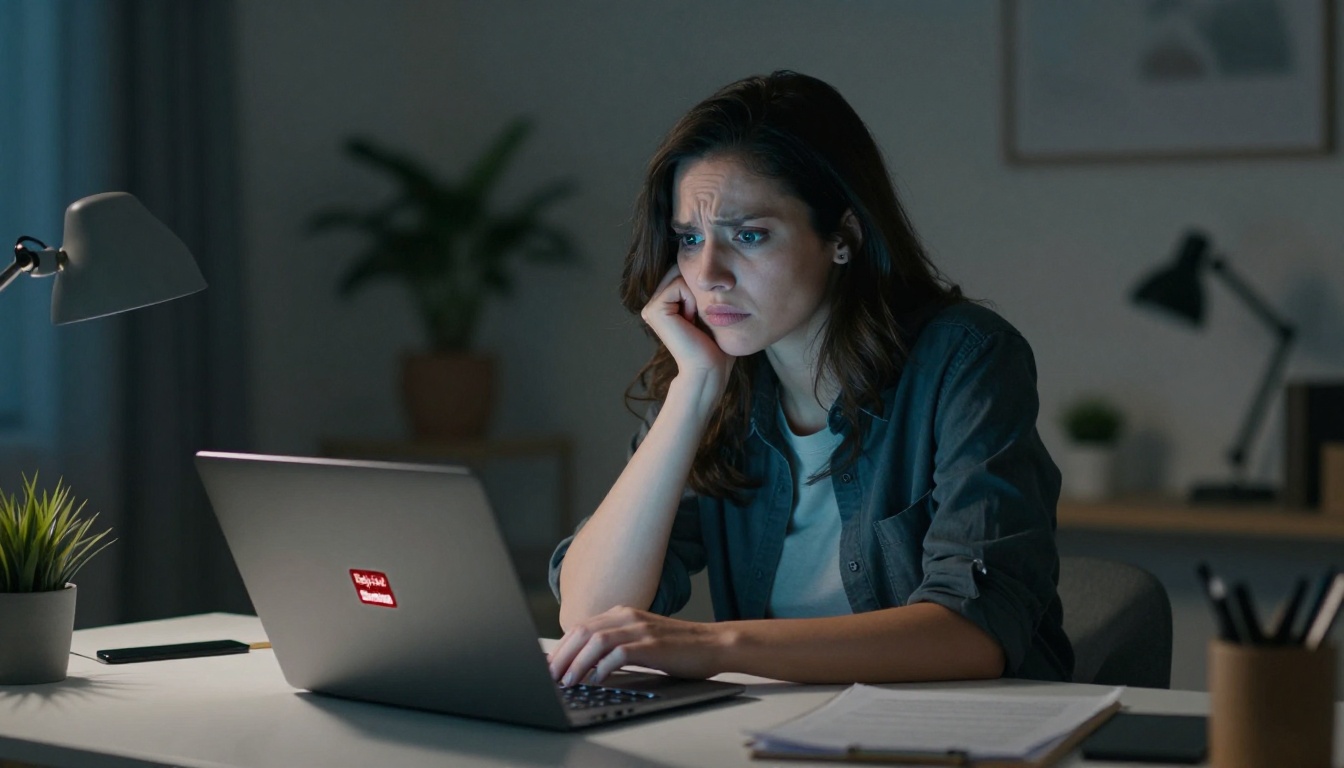
Creators report rejections for:
- Artistic nudity: A figure drawing reference in the style of classical art. Blocked.
- Suggestive fashion: A model in a bikini on a beach. Blocked.
- Fictional violence: A fantasy warrior in battle. Blocked.
- Historical imagery: War photography recreations. Blocked.
- Romance fiction: Intimate couple poses for novel covers. Blocked.
The system doesn't distinguish between intent and execution. It pattern-matches against a list of terms and scenarios that OpenAI's team decided were too risky, then applies a blanket rejection. The result is a tool that often functions less like a creative partner and more like a hall monitor.
What Gets Blocked and Why
The core issue with OpenAI's approach is that it's built for liability management, not creative empowerment. OpenAI is a company with enterprise partnerships, regulatory scrutiny, and a public image to protect. Every controversial image that escapes their filters is a potential headline. So they over-correct by a significant margin.
Their system blocks based on:
- Keywords in prompts: Certain words trigger automatic rejection regardless of context.
- Contextual inference: Even if individual words are neutral, the described scenario may be flagged.
- Pattern recognition: Similar prompts to previously flagged content get pre-emptively rejected.
This creates a situation where legitimate creative work is punished for the behavior of bad actors. Photographers, illustrators, romance novel artists, fashion designers, and adult content creators all suffer equally under a system designed to catch the absolute worst-case scenario.
The Real Cost of Over-Moderation
Artists Hit Hardest
The creative industries that rely most on AI image generation are precisely those most affected by strict content policies. Consider who gets blocked most often:
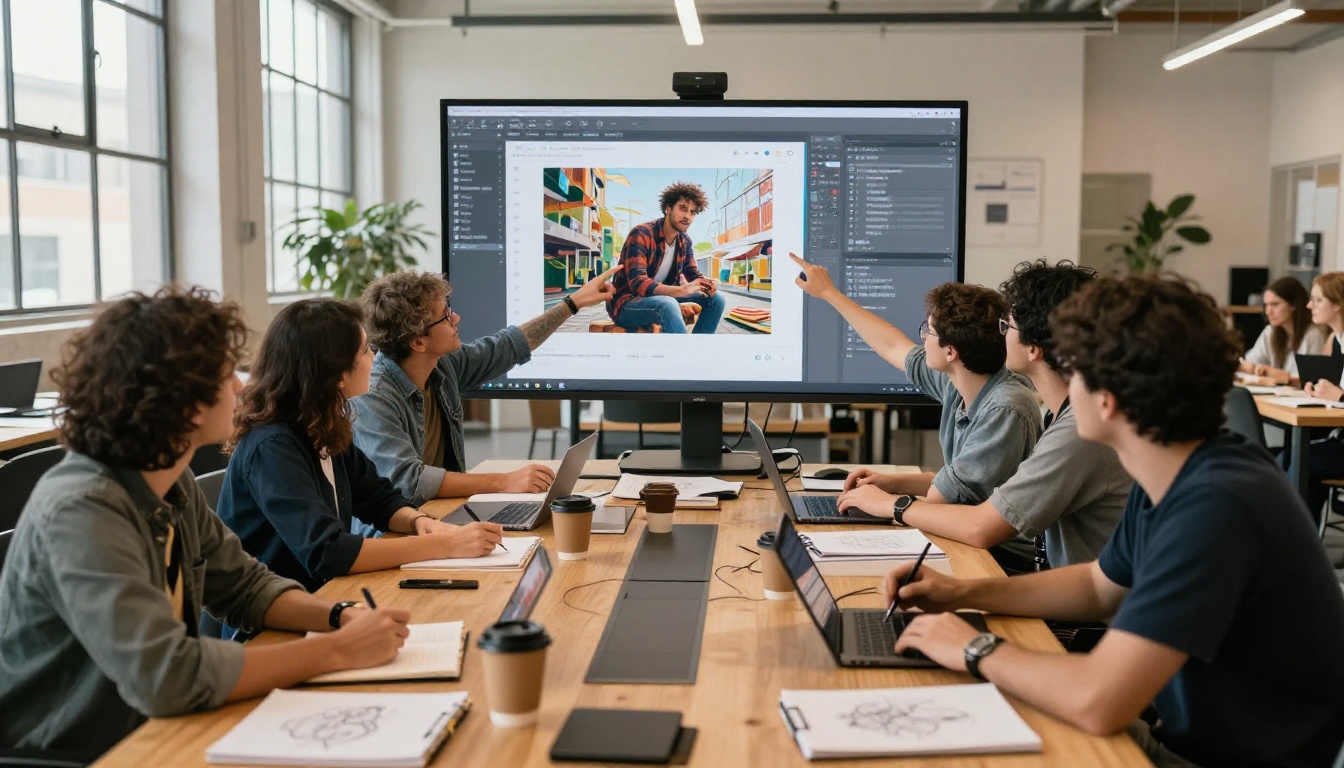
| Creator Type | What They Need | What OpenAI Blocks |
|---|
| Romance cover artists | Suggestive couple poses | "Intimate" scenes |
| Fashion photographers | Swimwear, lingerie concepts | "Revealing" clothing |
| Fantasy illustrators | Battle scenes, dark themes | Broad "violence" tags |
| Fine art creators | Classical nudity references | "Nudity" across the board |
| Adult content platforms | Legal explicit work | Everything above PG-13 |
Each rejection is time lost, creative momentum killed, and a vision that never makes it to reality. For professionals who bill by the hour or run on tight content deadlines, this is not just annoying. It is expensive.
💡 Over-moderation does not only affect NSFW creators. Mainstream fashion photography, film concept art, and even medical illustration regularly trigger false positives in platforms like OpenAI's.
Where the Line Should Be
There is a meaningful difference between preventing genuinely harmful content (exploitation of minors, targeted harassment, illegal material) and blocking adults from creating legal, consensual, artistically legitimate work.
Most creators are not asking for the former. They are asking for the latter. And that is where the debate about AI content policy becomes real: who decides what adults are allowed to create?
The answer, increasingly, is that creators are voting with their usage. Platforms that trust their users with greater creative latitude are growing. Platforms that don't are being left behind.
What "Allows Anything" Actually Means
Freedom Without Chaos
When people say a platform "allows anything," they do not mean it literally. No responsible platform facilitates illegal content. What it means in practice is that the platform applies an adult-oriented, consent-based moderation model rather than a corporate liability model.
The difference looks like this:
- Corporate liability model: Default block. Creators must stay within a narrow safe harbor.
- Adult content model: Default allow for legal content. Hard limits only for genuinely illegal material.
This is the model that professional photography, film, publishing, and gaming have operated under for decades. It is not radical. It is simply treating adult creators like adults.
The Platform That Gets It Right
Picasso AI operates on exactly this principle. The platform provides access to a wide range of AI models, many of which have far fewer content restrictions than OpenAI's tools, within a framework that maintains hard limits on genuinely illegal content while respecting the creative latitude of adult users.
The result: creators can generate suggestive, glamorous, artistic, and NSFW-adjacent content without constant rejection walls. Bikini portraits, artistic nudity with implied rather than explicit content, dark fantasy scenes, romance fiction imagery, all of these are accessible where they would be blocked elsewhere.
The Models Worth Your Time
Flux for Photorealism
The Flux.1 Dev model has become the gold standard for photorealistic AI image generation. It produces images with a level of textural detail, lighting realism, and compositional accuracy that earlier models simply could not achieve. When you are generating portrait work, fashion photography, or any image that needs to read as real photography, Flux.1 Dev is the default choice.
For faster turnaround at only slightly reduced quality, Flux Schnell delivers results in a fraction of the generation time. It is ideal for iterating through prompt variations quickly before committing to a final high-quality render.
Flux 1.1 Pro sits at the top of the Flux family, pushing photorealism further with enhanced prompt adherence and richer fine detail in complex scenes.
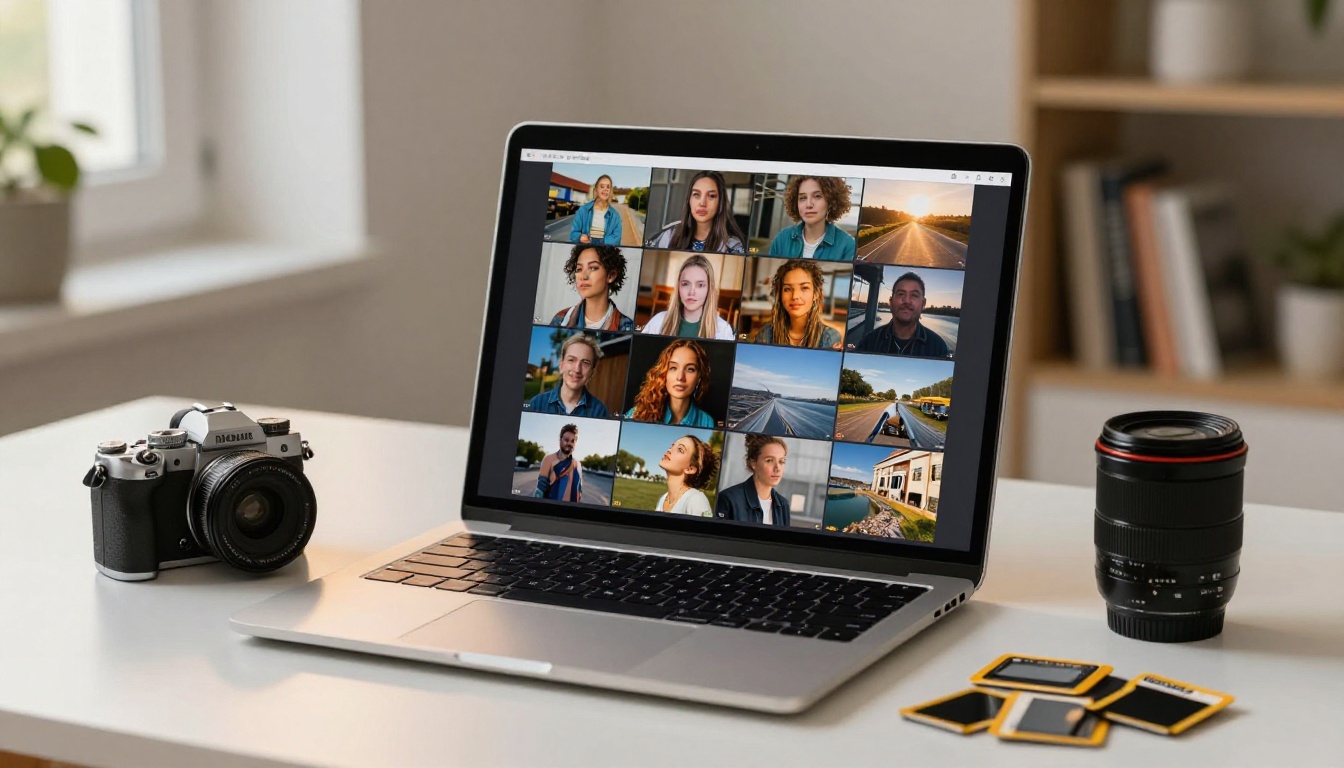
If you need to edit an existing image rather than generate from scratch, Flux Kontext Pro is purpose-built for text-guided image editing. Change outfits, alter backgrounds, adjust lighting conditions, all through natural language prompts, without the rigid restrictions you would encounter in OpenAI's editing tools.
Seedream for 4K Detail
Seedream 4.5 and Seedream 4 from ByteDance represent a different approach to image quality: raw resolution. These models generate true 4K images with a level of fine detail that makes them ideal for large-format print work, high-resolution digital content, and any use case where you will be zooming in or cropping aggressively.
Skin texture, fabric weave, individual hair strands, architectural surfaces, water realism: Seedream handles all of these with impressive fidelity at dimensions that other models struggle to fill.
More Picks for Every Style
Each of these offers a different trade-off between speed, style, and detail level. The right choice depends on what you are making, how fast you need it, and how much resolution you are willing to trade for throughput.
How to Use Flux.1 Dev on Picasso AI
Flux.1 Dev is the recommended starting point for most creators, particularly those moving away from OpenAI's tools. Here is how to get going.
Step 1: Open the Model Page
Navigate directly to Flux.1 Dev on Picasso AI. The interface is clean and direct. No mandatory account configuration, no content declaration forms, no risk of tripping a policy wire before you even begin.
Step 2: Write a Detailed, Visual Prompt
The single biggest factor in output quality is prompt quality. Flux.1 Dev responds exceptionally well to specific, photographer-style language:
- Lighting: "Volumetric golden hour light from the left, god rays through slight atmospheric haze, warm 3200K color temperature"
- Camera specs: "Shot on 85mm f/1.8, shallow depth of field, subject separated from background with soft bokeh"
- Texture language: "Skin texture visible, individual pores, natural imperfections, strand-by-strand hair detail"
- Film simulation: "Kodak Portra 400, slight warm push in highlights, retained grain structure in shadows"
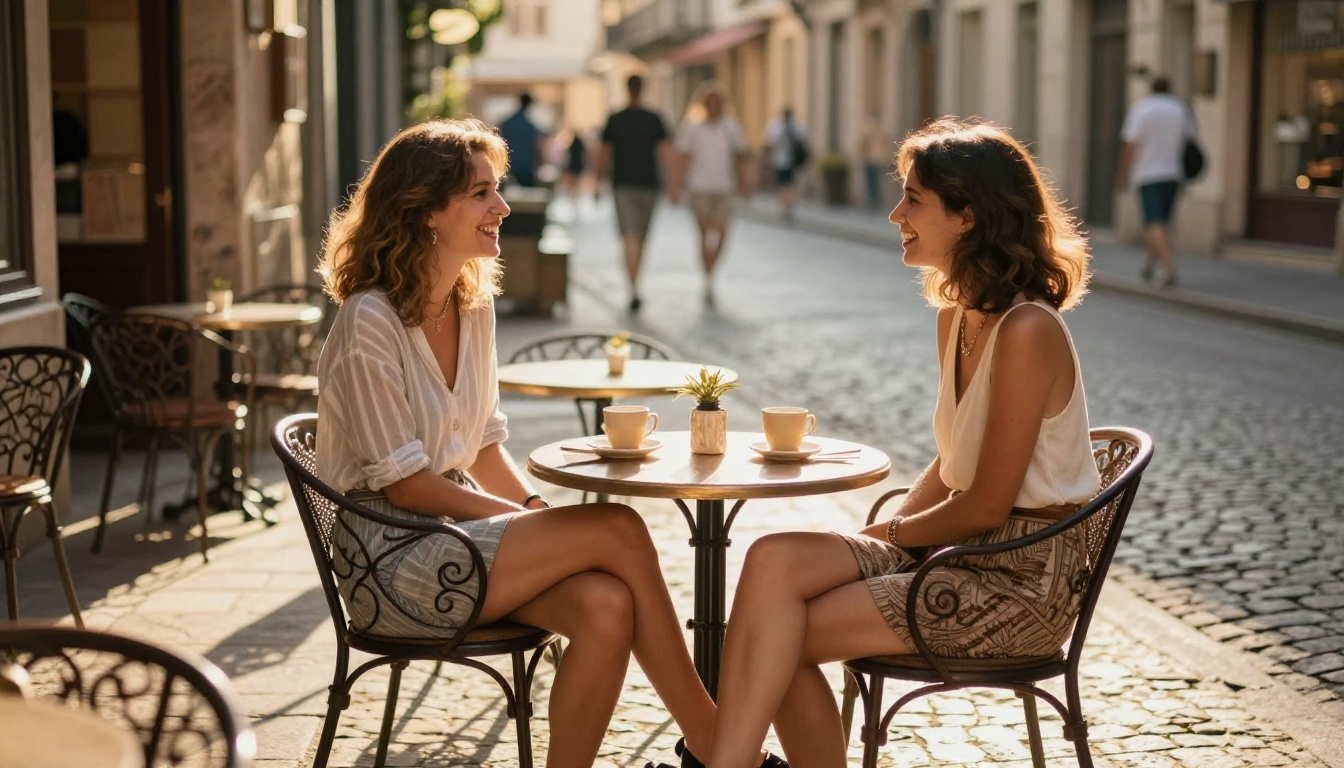
💡 Describe your image like you are briefing a professional photographer, not asking a chatbot. The more specific and visual your language, the better Flux.1 Dev responds.
Step 3: Set Your Aspect Ratio
For web content and social media, 16:9 is the standard. For portrait work intended as vertical content for social or mobile, switch to 9:16. Flux.1 Dev handles both with equal output quality.
Step 4: Iterate Without Fear
Generate multiple variations. Change lighting direction, adjust the subject's position, try different focal lengths in your prompt description. Because Picasso AI does not penalize you for creative exploration, you can iterate freely without worrying that a prompt will trigger a flag on your account.
Side by Side
Here is how the major platforms compare on the things that matter most to creative professionals:
| Feature | OpenAI DALL-E 3 | Midjourney | Picasso AI |
|---|
| NSFW content | Blocked | Limited | Allowed (adult) |
| Suggestive fashion | Often blocked | Limited | Allowed |
| Artistic nudity | Blocked | Limited | Allowed |
| Model variety | 1 model | 1 model | 90+ models |
| Free tier available | Yes | No | Yes |
| Image editing tools | Basic | Limited | Full suite |
| 4K output | No | No | Yes |
| Account ban risk | High | Medium | Low |
The comparison tells a clear story. If you are generating content that might brush against OpenAI's content policy, even if it is entirely legal and artistically legitimate, you are operating with a sword of Damocles above your account. One flagged prompt can trigger a review. Repeated flags can lead to suspension.
Picasso AI removes that fear entirely. You are not creating in an environment designed to police your imagination. You are creating in one designed to support it.
What You Can Actually Create
Glamour and Beauty Work
This is where Picasso AI's value is most immediately obvious. Photographers, fashion brands, beauty influencers, and content creators working in the glamour space can generate:
- Swimwear and lingerie references: For production planning, concept visualization, or direct digital content.
- Beauty portraits: High-resolution close-ups with photorealistic skin rendering, ideal for skincare brands or makeup artists building a portfolio.
- Editorial fashion: Full-look styling concepts with model, garment, and environment all AI-generated and ready for print.
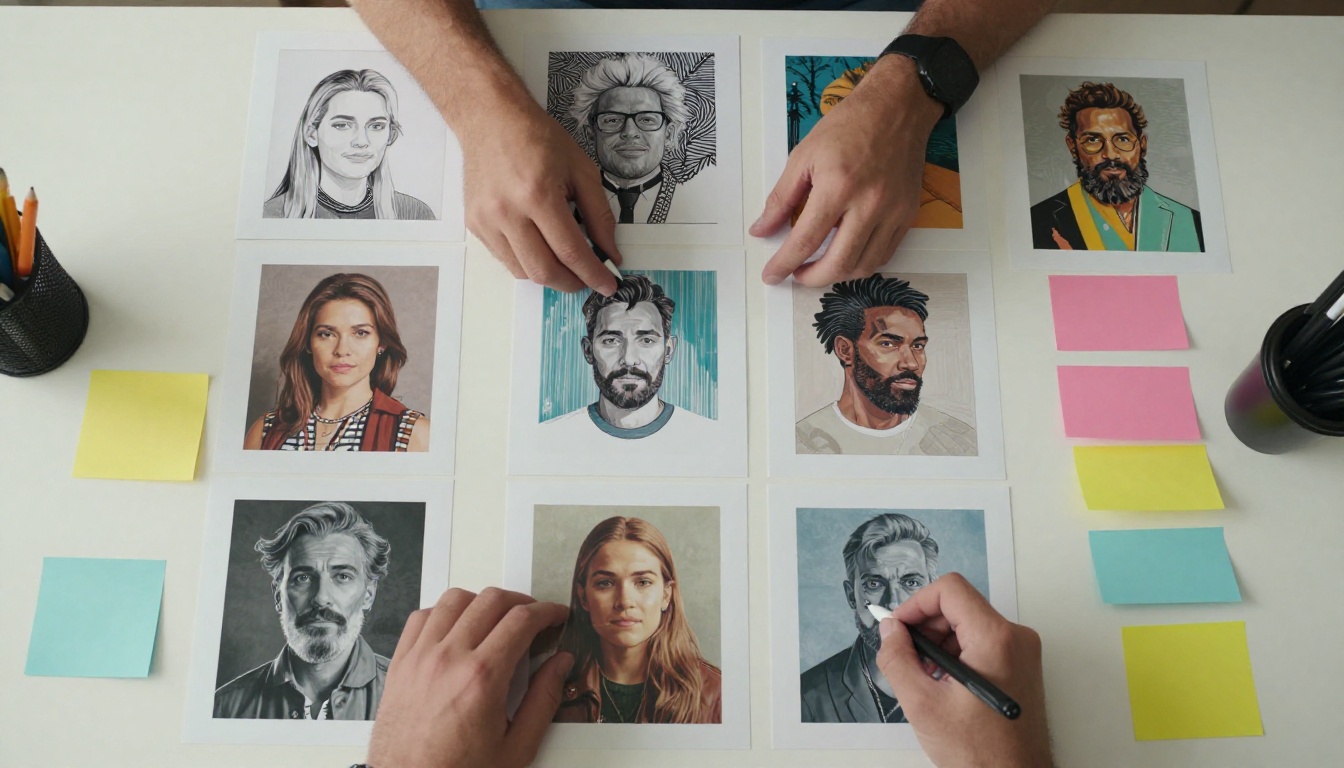
None of this requires workarounds or careful prompt obfuscation. It is simply available. As it should be for adult professionals doing legitimate work.
Fantasy, Art, and Beyond
The platform extends well beyond glamour into the broader creative territory that OpenAI has walled off:
- Dark fantasy: Battle scenes, post-apocalyptic environments, morally complex characters with real weight.
- Romance fiction visuals: The suggestive, intimate, or passionate imagery that the genre demands and that DALL-E will not touch.
- Artistic figure work: Classical-style figure studies, life drawing references, anatomy studies for artists.
- Horror and thriller: Psychological tension, dark atmosphere, imagery that earns its discomfort.
Each of these represents a legitimate, often commercially significant creative category that has been systematically underserved by the dominant AI platforms. Picasso AI fills that gap with over 90 models, each with its own style characteristics and technical strengths.
The Flux Dev LoRA model is particularly powerful for creators building a consistent visual identity. You can train it on your own style or reference imagery, producing outputs that reflect your personal aesthetic rather than a generic AI default. For anyone building a large content library with visual coherence, this is a significant practical advantage.
Try It for Yourself
The strongest argument for Picasso AI is not a comparison table or a list of features. It is the moment you type a prompt that would have been rejected anywhere else and watch a high-quality image appear without incident.
That experience changes how you think about AI image generation. You stop working around the tool and start working with it. The creative process accelerates because you are not losing momentum to rejections, prompt reformulations, and policy workarounds.
Start with Flux.1 Dev if you want photorealism. Use Dreamshaper XL Turbo if you need a stylized aesthetic fast. Pull up Seedream 4.5 when the output needs to hold up at 4K resolution. Switch to Realistic Vision v5.1 when portrait accuracy is the priority.
The variety is part of the value: you are not locked into one model's biases or one company's content philosophy. Picasso AI puts 90+ models in your hands and trusts you to use them as a professional.
Creative freedom is not a niche feature. It is the baseline expectation for any serious creative tool. Picasso AI builds from that baseline. OpenAI starts by taking it away.
The difference, at this point, should speak for itself.


