Picking between OpenArt and Leonardo AI comes down to one question most users ask within their first week: how many models does each platform actually give you? That number matters more than you might expect. Different models produce wildly different art styles, and being locked into a narrow selection becomes frustrating when your creative vision shifts from photorealistic portraits to anime illustration or abstract concept work. This article puts both platforms side by side with real numbers, real limitations, and a clear picture of which one wins on model variety, and why neither may be the best answer in 2027.
What OpenArt Actually Offers
OpenArt positions itself as a community-driven platform, and that philosophy extends to its model library. The platform aggregates models from Civitai, Hugging Face, and internal fine-tunes, which means the raw count looks impressive on paper.
The Model Count on OpenArt
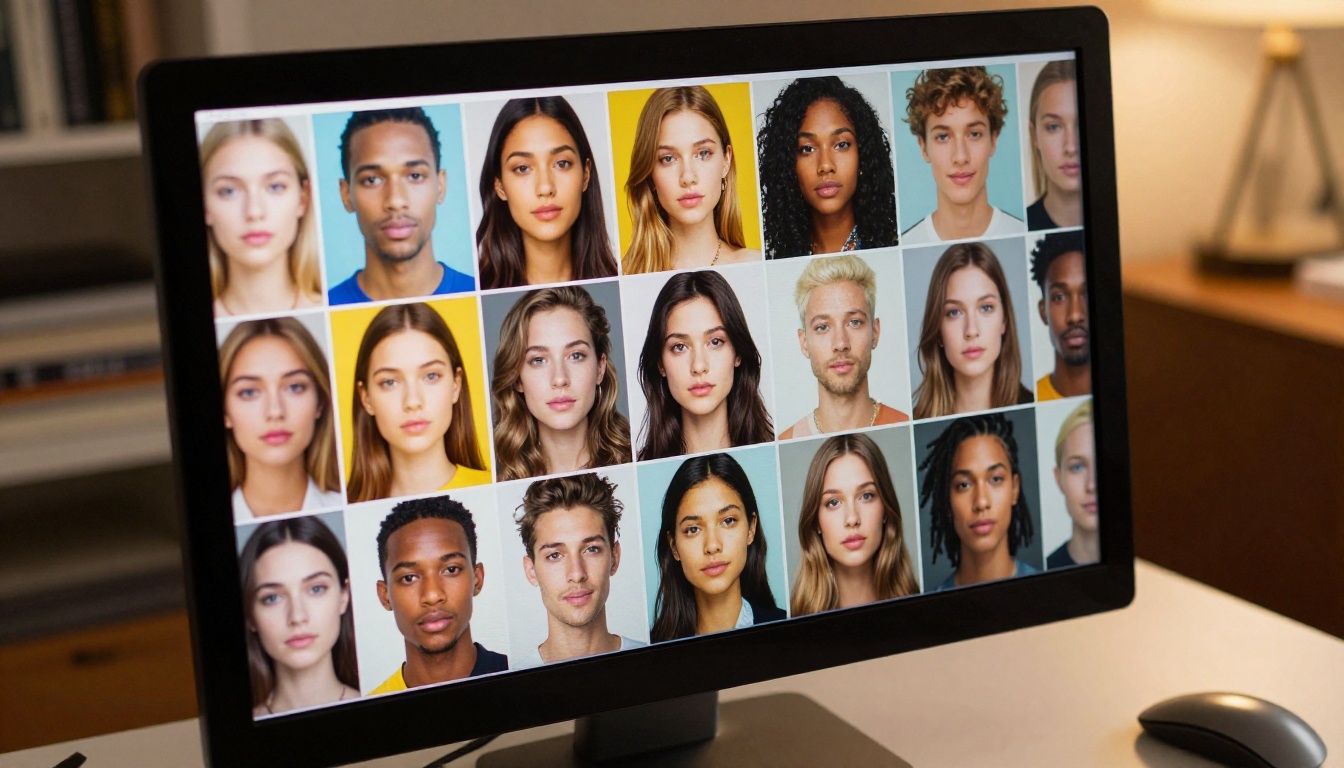
OpenArt lists thousands of community models across its browsable library. The catch is that most of these are checkpoint variations and LoRA files built on a handful of base architectures, primarily Stable Diffusion 1.5, SDXL, and some FLUX variants. When you strip out the duplicates and style variants, the actual architectural diversity shrinks considerably.
OpenArt's strength is in the community model marketplace, where users upload and share their own fine-tunes. If you are hunting for a very specific aesthetic, something like a 1970s film photography style or a vintage comic book look, you might find it there. But quality control is minimal, and output consistency across these community models varies wildly.
What Styles Can You Access
The platform supports a broad range of workflows including text-to-image generation with prompt-based controls, ControlNet for pose and structure guidance, AI Canvas for inpainting and outpainting, community LoRA stacking, and sketch-to-image conversion.
OpenArt's interface allows combining multiple LoRAs, which gives experienced users flexibility. However, new users often struggle with prompt engineering and parameter tuning when community models behave unpredictably. A model that works beautifully for one style of portrait may produce inconsistent results with a slightly different subject description.
The deeper problem with counting OpenArt's community checkpoints as "models" is the maintenance gap. Many checkpoint files were uploaded once and never updated. They reflect the quality ceiling of older architectures, and no amount of prompting will push them past that ceiling.
Leonardo AI's Model Situation
Leonardo AI took a deliberately different approach. Rather than aggregating community work, it built proprietary in-house models alongside fine-tuning tools that let users train their own custom styles.
Leonardo's In-House vs Community Models
Leonardo's core models, Phoenix, Kino XL, Anime XL, and Vision XL, are purpose-built for specific output types. This gives each model more consistent, predictable behavior compared to random community checkpoints. When you pick Anime XL, you know what you are getting. That predictability is a genuine advantage for production workflows.
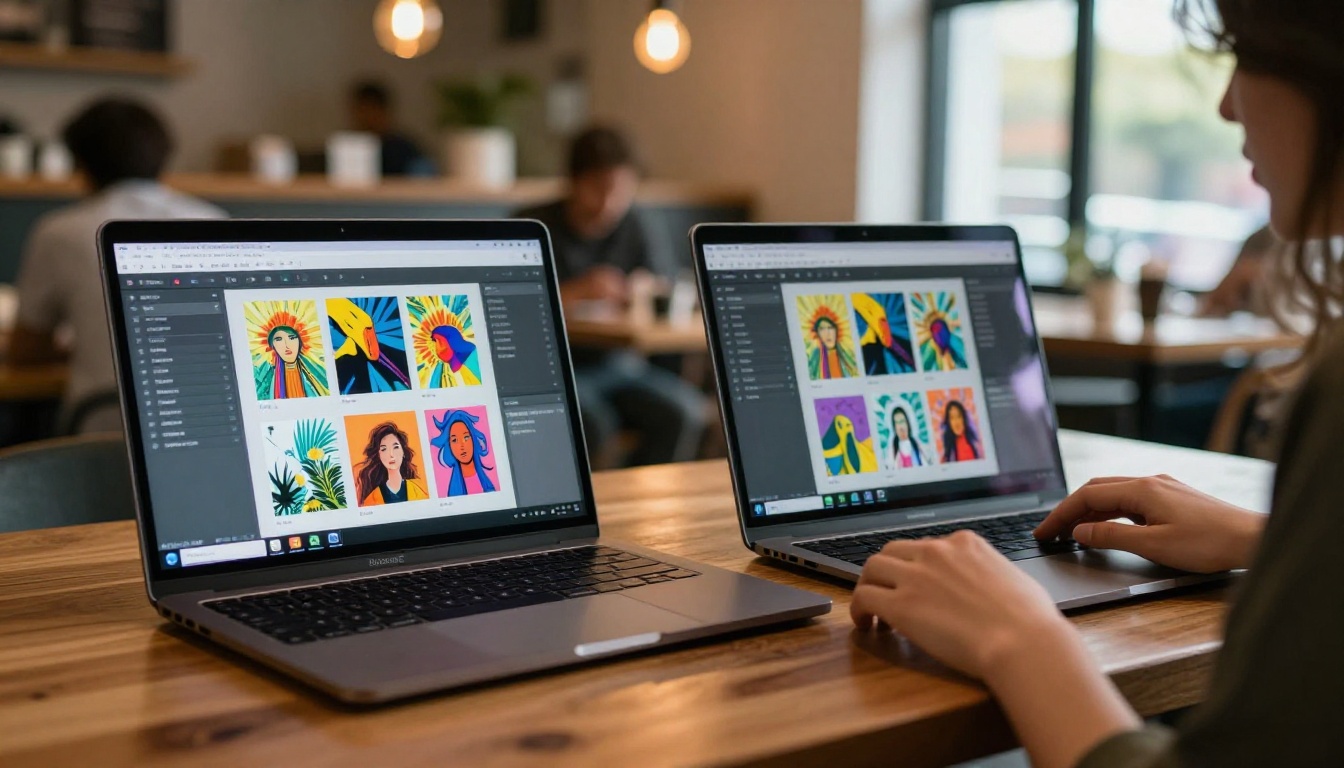
The platform also offers a Model Training feature where users can create custom fine-tunes from their own images. These trained models live in a personal library and can optionally be shared with the community, creating a hybrid system between proprietary and user-generated content.
The Fine-Tuning Advantage
Leonardo's fine-tuning workflow is more accessible than OpenArt's. The interface walks users through the training process with structured flows and recommended settings. For brand consistency, such as product photography, character art, or stylized brand assets, this matters significantly. You can maintain a consistent look across many outputs without prompt engineering acrobatics.
The limitation here is output type. Leonardo's native models shine at illustration, concept art, and stylized character work. For photorealistic outputs, its core models often fall behind newer architectures that handle hyper-realistic detail at a fundamentally different level.
💡 Leonardo AI recently integrated FLUX models, which expanded its photorealistic capability. But the integration is still catching up compared to platforms built around FLUX from the start. Partial integration means you do not always get the full capability of the underlying model.
Head-to-Head Model Comparison
Here is where the numbers become concrete. Both platforms claim large model libraries, but the composition matters as much as the count.
| Feature | OpenArt | Leonardo AI |
|---|
| Base architectures | SD 1.5, SDXL, FLUX (partial) | Phoenix, Kino XL, Anime XL, FLUX (recent) |
| Community models | Thousands (from Civitai / HuggingFace) | Hundreds (user-trained) |
| Proprietary models | Minimal | 4 to 6 core models |
| ControlNet support | Yes | Yes (limited) |
| LoRA support | Yes (stackable) | Yes (custom training) |
| Inpainting / Outpainting | Yes | Yes |
| Model training | Basic | Full guided workflow |
| Output consistency | Variable | More consistent per model |
| API access | Yes | Yes (paid tiers) |
The raw model count favors OpenArt. But usability, output quality, and architectural freshness determine which platform serves your actual creative workflow. A library of ten thousand mediocre checkpoints does not outperform a library of one hundred well-maintained frontier models.

Quality vs. Quantity
Here is the real tension in the OpenArt vs Leonardo debate. OpenArt offers more raw model variety but less consistency. Leonardo offers fewer models but better reliability within its defined niches.
Does More Models Mean Better Output?
Not automatically. When you browse OpenArt's community model list, you will find models that are months or years out of date. Many checkpoint files were trained on older architectures and show their age in output quality: softer edges, less accurate prompt adherence, and the characteristic uncanny valley look that newer models have largely eliminated.
Leonardo's model team updates its core models more regularly. Phoenix, for example, received multiple updates improving hand rendering and facial anatomy, historically the weakest points in AI-generated people.
But neither platform currently sits at the top of the output quality stack. That position belongs to newer architectures that both platforms are still catching up to integrate fully.
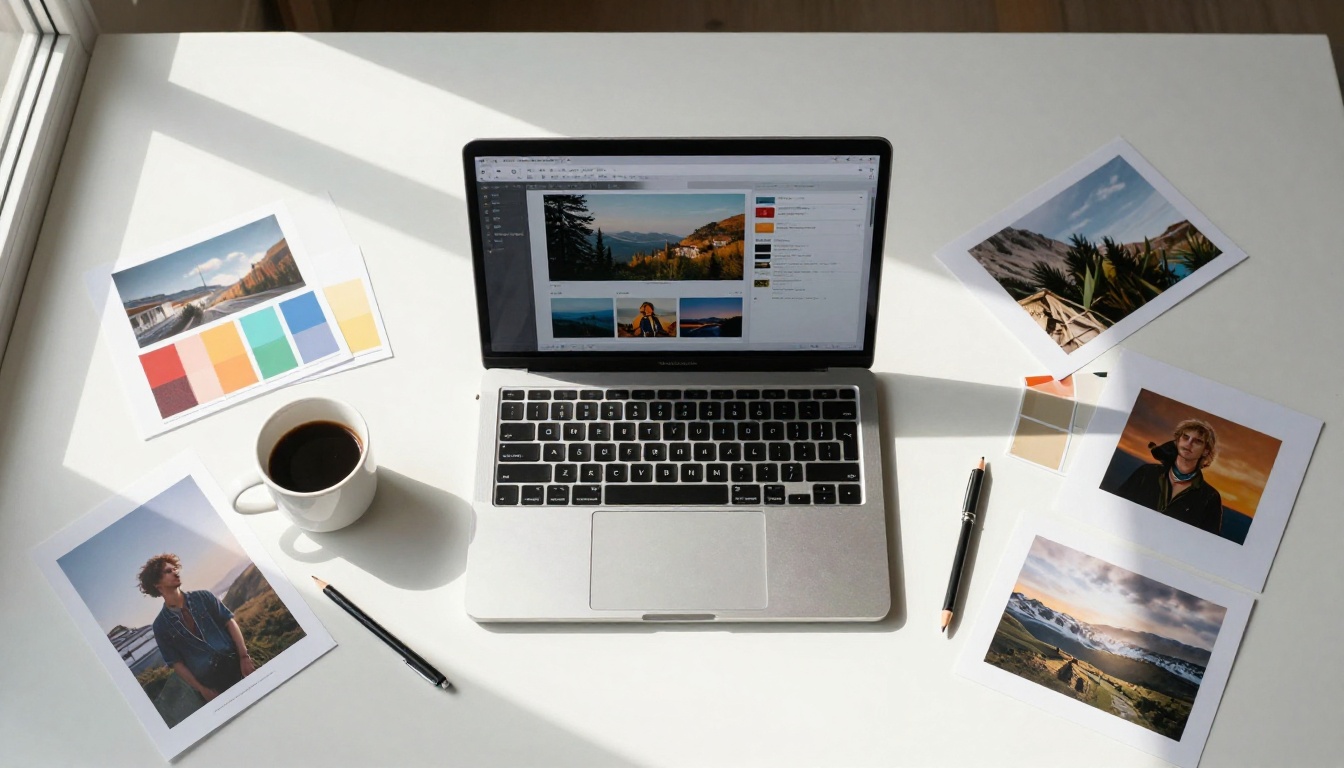
💡 Since FLUX 1.1 Pro became widely available, the bar for photorealistic AI output moved significantly. Platforms that have fully integrated FLUX produce noticeably sharper, more realistic, and more prompt-accurate results than those relying primarily on SDXL-era models.
The Real Third Option
Here is what the OpenArt vs Leonardo comparison tends to overlook: there is a platform with a substantially larger, more current model library than either, with better architectural diversity and properly maintained infrastructure. That platform is PicassoIA.
Why PicassoIA Has Both Breadth and Depth
PicassoIA hosts over 91 text-to-image models in active rotation. These are not community checkpoint dumps, but maintained, tested models with updated infrastructure. The difference is curation. Each model represents a distinct architecture or capability tier, not just a stylistic variation of the same base.
The model range covers photorealistic portraits and lifestyle photography, vector and graphic design outputs, illustration and artistic styles, inpainting and outpainting for image editing, LoRA training and fine-tuning, and specialized workflows like depth control, canny edge detection, and style transfer.

FLUX, Stable Diffusion, and Beyond
PicassoIA runs full, properly integrated versions of the most important current architectures. Here is what is actually available across its text-to-image library:
FLUX Architecture:
- FLUX 1.1 Pro - The flagship for photorealistic outputs with unmatched prompt adherence and detail fidelity
- FLUX 1.1 Pro Ultra - Highest resolution, highest detail for professional-grade production
- FLUX Pro - Commercial-grade generation at high resolution
- FLUX Dev - Open-weights version for flexible, non-commercial creative workflows
- FLUX Schnell - Fast generation without sacrificing the architectural quality of the FLUX family
- FLUX Fill Pro - Precision inpainting for seamless, realistic edits within existing images
- FLUX Redux Dev - Image variation and style transfer with FLUX-level quality
- FLUX Kontext Fast - Context-aware image editing at accelerated speed
Foundation and Frontier Models:
- Stable Diffusion 3 - The latest architecture from Stability AI with improved compositional understanding
- GPT Image 2 - OpenAI's multimodal image generation with strong instruction following
- GPT Image 1 - Highly accurate instruction-following image generation for precise outputs
- Recraft 20B - A 20 billion parameter model built for professional design and illustration
- Ideogram Character - Specialized for consistent character generation and text rendering in images
That list represents more frontier-tier models in a single category than either OpenArt or Leonardo AI currently offers at their core. And these are the models that matter most for high-quality, production-ready outputs.

Pricing and Access Reality
Model count only matters if you can actually access those models without hitting a paywall every few generations.
Free Tier Limits
OpenArt offers a free tier with limited credits per day. Most advanced models require paid credits, and community models with commercial licensing restrictions add another layer of complexity if you plan to use outputs professionally. Tracking which community model has which license is not an intuitive process.
Leonardo AI gives new users 150 tokens daily on its free plan. Each generation costs tokens based on model and resolution, and the more powerful models consume faster. A single high-resolution generation on Phoenix or FLUX can consume 8 to 16 tokens, meaning the free tier disappears quickly for any active workflow.
PicassoIA structures its access differently, with pricing that accounts for the computational cost differences between architectures. Because it runs properly maintained infrastructure, outputs are more consistent and the credit system is more predictable. You are not paying credits for generations that fail or produce unusable outputs from an outdated checkpoint.
What You Actually Pay For
The honest comparison here is not just credits per dollar. It is what those credits produce. Paying for generations on an outdated checkpoint gives you outputs that require heavy editing or re-generation. Paying for FLUX 1.1 Pro generations gives you outputs that often need minimal post-processing.
One good generation from a frontier model is worth more in saved time and client-ready quality than five mediocre ones from an outdated community checkpoint.
The OpenArt vs Leonardo question does not have a single answer. Different creators have genuinely different needs, and the right platform depends on what you actually produce.
For Beginners
OpenArt can be overwhelming for new users because of the model volume and inconsistent interfaces across different community models. You need to know enough to evaluate which models are worth using before you can use them productively. That is a real barrier.
Leonardo AI has cleaner onboarding. Its preset styles and structured generation interface make it easier to get acceptable outputs quickly without deep technical knowledge. If you are completely new to AI image generation, Leonardo's guided experience will get you productive faster.
PicassoIA sits in a useful middle ground. The interface is accessible, but the underlying model quality means even simple prompts produce genuinely impressive results. You do not need to know which checkpoint version works best because the platform maintains that for you.
For Professionals
If you need commercial-grade outputs, consistent style across many images, or specific architectural capabilities like ControlNet, depth maps, or image editing workflows, the calculus shifts.
- OpenArt: Good for professionals who want to import their own models and run complex LoRA stacking workflows with full control
- Leonardo AI: Good for studios with consistent character or product work that benefits from custom fine-tuning and a branded style library
- PicassoIA: Good for professionals who need current frontier models, photorealistic output, and a wide enough model library to switch tools depending on the specific job requirement
💡 The fastest way to lose client trust is delivering AI images with obvious artifacts or the characteristic flat look of older generation models. FLUX 1.1 Pro Ultra nearly eliminates these problems. Platforms that have not integrated current architectures are asking you to compete at a disadvantage.
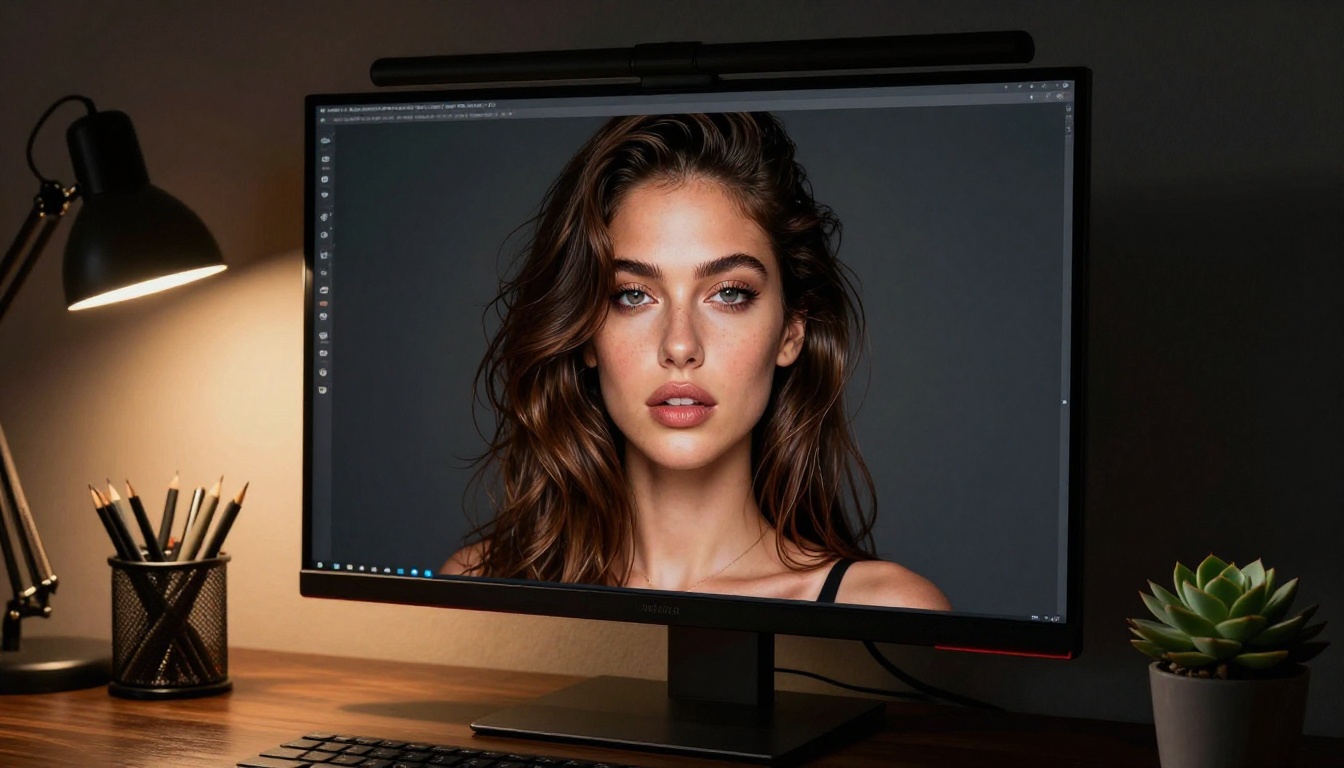
So Which One Wins on Model Count?
OpenArt wins on raw count because of its community checkpoint aggregation. If you measure by unique entries in the library, OpenArt's number is higher, sometimes dramatically so depending on how many community fine-tunes are currently active.
Leonardo AI wins on usable, maintained models. Its core model set is smaller but more reliable, and its recent FLUX integration has narrowed the quality gap with frontier platforms. For consistent professional output within its defined niches, Leonardo's curated approach beats OpenArt's volume approach.
Neither wins on architectural breadth when measured against PicassoIA's active model library of 91 plus text-to-image models, which includes every major current architecture properly integrated and maintained.
Here is the honest summary:
| What Matters | Winner |
|---|
| Biggest raw model count | OpenArt |
| Most consistent model quality | Leonardo AI |
| Broadest frontier architecture access | PicassoIA |
| Best for custom LoRA workflows | OpenArt |
| Best for guided beginners | Leonardo AI |
| Best for commercial photorealism | PicassoIA |
| Largest community of shared checkpoints | OpenArt |
| Most current model integration | PicassoIA |
The right question is not which platform has more models. It is which platform gives you access to the models that matter for your specific work, at a price you can sustain, with an interface you can use efficiently day after day.
Create Your Own Images on PicassoIA
The best way to settle this comparison is to test real outputs yourself. PicassoIA lets you run the same prompt through multiple models in succession, which makes quality comparison concrete rather than theoretical.
Start with a portrait prompt through FLUX Dev, then run the same prompt through Recraft 20B, and compare what you get. The variation in output style between two well-maintained models on the same platform tells you more about real model diversity than any comparison chart can.
If you are coming from OpenArt, you will notice the consistency improvement immediately. If you are coming from Leonardo, you will notice the model depth. Either way, spending twenty minutes on PicassoIA with your actual prompts will give you a direct read on whether the platform fits your workflow, no speculation required.

The model count question was always the wrong starting point. Start with the output quality you need, work backwards to the model that produces it, and build your workflow from there. That is how you find the platform that actually serves your creative process rather than just the one with the biggest number on the marketing page. PicassoIA is worth that twenty-minute test.


