Picking between AI image platforms is no longer just about which one looks nicer. The real question for working creators in 2027 is which platform gives you access to the most powerful, most current frontier models without locking you into a subscription that under-delivers. OpenArt and Picasso AI both claim to offer extensive model libraries, but when you look at what is actually available, the difference is significant.
What "Frontier" Actually Means
The word "frontier" gets used loosely in the AI image space. For the purposes of this comparison, a frontier model is one that represents the current state of the art in at least one measurable dimension: output resolution, photorealism, prompt adherence, generation speed, or multi-modal capability. Models that were cutting-edge two years ago, like the original SDXL base, are no longer frontier models, even if they still produce decent results.
The tier system that matters
Most serious AI art platforms organize their models across tiers: fast and inexpensive models for drafts and iteration, balanced models for standard production work, and pro or max models for final delivery at the highest quality. A platform with true frontier access will have at least three to four strong options at that top tier, representing different model families, not just different versions of the same model.
Why model count tells the real story
You can evaluate a platform's frontier commitment by counting how many distinct model families they support at the cutting edge. A platform with only one or two top-tier families forces you to work around limitations you should not have to accept. When you need photorealistic portrait work, then transition to vector art, then generate structured text within an image, each task ideally needs a different specialized model. The platform that covers all of those without requiring you to switch tools wins on real-world utility.

OpenArt's Library at a Glance
OpenArt has built a reputation as a community-forward platform. It aggregates models from the open-source ecosystem, with a strong emphasis on fine-tuned variants and community-created checkpoints. For someone who wants access to dozens of stylized community models, OpenArt provides that well.
What you actually get with OpenArt
OpenArt supports SDXL-based models, some Flux variants, and a selection of community fine-tunes. Its strength is breadth in the stylized and artistic category, where users have trained countless custom models for anime, illustration, and concept art styles. You will find models there that you cannot find anywhere else precisely because they are community-made and niche-specific.
The platform's canvas tools and image-to-image workflows are genuinely useful. For hobbyists coming from a Stable Diffusion background who want a hosted interface without running local hardware, it is a reasonable starting point.
The blind spots in coverage
Here is where the gap opens up. OpenArt's access to the newest frontier models is inconsistent. As of mid-2025, it does not provide access to the full Flux 2 family, the latest Recraft v4 Pro, Ideogram v3 Quality, or GPT Image 2. These are not niche additions. They represent the current benchmark for photorealism, text rendering, and multi-style output in the industry. Missing them is not a minor gap.
💡 The distinction that matters: Community models are abundant on OpenArt, but if you need the most powerful proprietary frontier models, the library thins out fast.
Picasso AI's Frontier Stack
Picasso AI takes a different approach. Rather than aggregating community models, it focuses on direct integration with the leading frontier model providers: Black Forest Labs, OpenAI, Recraft AI, Ideogram AI, and Stability AI. The result is a library that may have fewer total models than OpenArt's count, but at the top tier, it is considerably deeper.
The Flux 2 family, fully covered
The Flux 2 generation represents a major leap over Flux 1 in photorealism, prompt adherence, and output resolution. Picasso AI supports the full current Flux 2 stack, including Flux 2 Pro for maximum detail at professional quality, Flux 2 Max for 4 megapixel output from text prompts, Flux 2 Dev for open development use, and Flux 2 Flex for both text-to-image and image-to-image in a single model.
Beyond Flux 2, the Flux Kontext series adds real-time image editing capability that operates through natural language. Flux Kontext Pro and Flux Kontext Max let you rewrite any photograph with a text instruction while preserving the original composition and subject. This is a qualitatively different capability from basic inpainting. Flux Kontext Dev and Flux Kontext Fast provide speed-optimized alternatives for iteration.
The earlier Flux generation is also fully represented, including Flux 1.1 Pro, Flux 1.1 Pro Ultra for 4MP photorealistic output, and Flux Schnell for rapid draft generation. The editing-specific models like Flux Fill Pro and Flux Depth Pro extend the family into inpainting and depth-controlled composition.
GPT Image and next-gen realism
OpenAI's image models represent a category shift in how coherently AI images handle complex spatial relationships, accurate proportions, and instruction following. Picasso AI supports GPT Image 1.5, which remains one of the strongest models for scenes requiring precise composition, as well as GPT Image 2, which adds improved rendering of text within images and more accurate scene construction from detailed prompts. For professionals who need images where every element in the prompt actually appears where intended, these models are often the better choice over pure diffusion-based alternatives.
💡 Practical insight: GPT Image models tend to follow complex multi-element prompts more accurately than Flux models. Flux models typically win on raw photographic realism and skin texture. For a commercial workflow, having both available on the same platform removes a constant switching friction.
Recraft v4 and vector-grade outputs
Recraft v4 and Recraft v4 Pro occupy a unique position in the frontier model landscape. Where most image generators produce raster outputs, Recraft specializes in stylistically consistent images with sharp type rendering and scalable vector output options. For brand work, marketing materials, and social graphics where text must be legible within the image, Recraft v4 Pro is currently one of the top-performing models available anywhere. Picasso AI also carries Recraft v3, which remains a strong option for certain creative styles requiring softer aesthetic rendering.

Ideogram v3 and text accuracy
Text rendering within AI images has historically been the weakest point of most diffusion models. Ideogram AI changed that. On Picasso AI, you have access to the full Ideogram v3 tier: Ideogram v3 Quality for maximum detail and accuracy, Ideogram v3 Balanced for everyday production work, and Ideogram v3 Turbo for fast-draft generation. All three handle readable, correctly spelled text within images better than any Flux or Stable Diffusion variant at the same prompt complexity.
The Ideogram v2 generation is also available for backward compatibility, including Ideogram v2 Turbo for users who have established workflows around those models.
Stable Diffusion and SDXL breadth
Picasso AI includes Stable Diffusion 3.5 Large and Stable Diffusion 3.5 Large Turbo for open-model workflows, along with classic SDXL for users who want reliable, well-understood image generation at no additional cost per generation. These models make up the open-source tier for creators who need reproducible, hackable workflows or who are migrating from local Stable Diffusion setups.

Head-to-Head Model Count
The table below compares model availability across the categories that matter most for professional workflows.
| Model Family | OpenArt | Picasso AI |
|---|
| Flux 2 full stack (Pro, Max, Dev, Flex) | Partial | Yes |
| Flux Kontext series (Pro, Max, Dev, Fast) | Limited | Yes |
| Flux 1.x Pro and Ultra | Partial | Yes |
| GPT Image 2 | No | Yes |
| GPT Image 1.5 | No | Yes |
| Recraft v4 and v4 Pro | No | Yes |
| Ideogram v3 (all three tiers) | No | Yes |
| Stable Diffusion 3.5 Large | Partial | Yes |
| SDXL classic | Yes | Yes |
| Community fine-tunes | Extensive | Limited |
| Frontier top-tier model count | ~12 | ~30+ |
The pattern is consistent: where community fine-tunes are the priority, OpenArt wins by volume. Where the question is access to the newest, most powerful frontier releases from major AI labs, Picasso AI wins by a significant margin.
Numbers in a table only go so far. The actual experience of generating on both platforms differs in ways that matter for professional output.
Which models produce the sharpest results
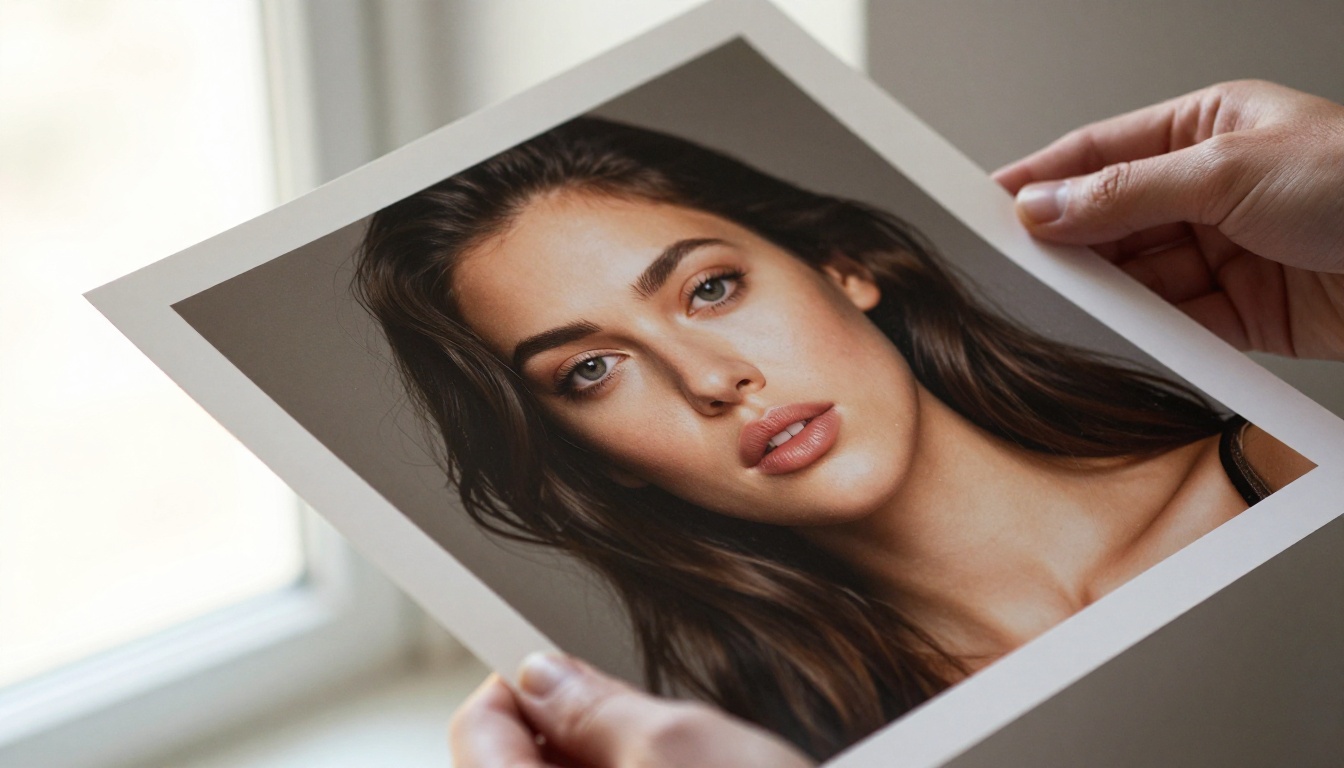
For photorealistic portraiture with accurate skin texture, natural lighting response, and accurate bokeh simulation, Flux 2 Pro and Flux 1.1 Pro Ultra on Picasso AI consistently outperform what is available at equivalent settings on OpenArt. The 4 megapixel output from Flux 2 Max in particular produces images that require no upscaling for most commercial print applications straight out of generation.
For images where readable text must appear naturally within the composition, Ideogram v3 Quality and Recraft v4 Pro have no direct equivalent on OpenArt. This is not a subtle difference. The gap in text rendering is visible immediately on any prompt that includes a label, headline, or branded word.
Generation speed across platforms
Speed comparisons depend heavily on which model tier you are using. At the fast draft tier, both platforms deliver similar results because they use similar underlying infrastructure. The differentiation shows at the professional tier, where Picasso AI's access to models like Flux Kontext Fast provides near-instant iteration even on complex editing tasks. For volume workflows, that speed advantage at the high-quality tier compounds significantly across a day of production.
For professional photographers and retouchers
If your work involves taking real photographs and using AI for editing, extending, or refining them, the Flux Kontext series on Picasso AI is purpose-built for that workflow. Flux Kontext Pro can rewrite elements within a photograph with a text instruction while leaving the rest of the image structurally intact. That is a genuinely useful post-production capability that has no direct equivalent in OpenArt's current offering.
For content creators and marketers
Brand and marketing work demands legible text, consistent style, and reliable turnaround. Recraft v4 Pro and Ideogram v3 Balanced address both requirements directly. The marketing team that needs a hero image with a tagline embedded naturally within it will find that Picasso AI's model access makes that task straightforward where OpenArt makes it difficult or impossible at the same quality level.
For developers and AI researchers
Developers who want to benchmark across many frontier model families will find Picasso AI's coverage more valuable than OpenArt's community breadth. The ability to compare Flux 2 Pro against GPT Image 2 against Ideogram v3 Quality side by side from a single platform removes a major friction point from model evaluation workflows and keeps your prompts and settings consistent across tests.
How to Use Flux 2 Pro on Picasso AI
Since Flux 2 Pro represents the current photorealism benchmark and Picasso AI carries the full Flux 2 stack, here is how to get the best results from it specifically.
Step 1: Open the model page
Navigate to Flux 2 Pro on Picasso AI. You will see the prompt input field and generation settings on the right side of the interface.
Step 2: Write a structured prompt
Flux 2 Pro responds best to prompts that describe the subject first, then the environment, then the lighting, then the camera specifics. For example:
"A woman in her early 30s with short black hair sitting in a bright Parisian cafe, morning light through large windows, 85mm f/1.8, Kodak Portra 400 film grain, photorealistic"
Keep your prompt between 50 and 120 words for best coherence. Shorter prompts work but sacrifice specificity. Longer than 150 words and the model sometimes loses track of which elements to prioritize.
Step 3: Set the aspect ratio
For most commercial use cases, 16:9 is the right starting point. For portrait orientations for social media or print, switch to 9:16. Flux 2 Pro handles both without quality loss at either dimension.
Step 4: Iterate at the fast tier first
Before committing to a Pro-quality generation, run the same prompt through Flux Schnell or Flux Kontext Fast to check composition and framing. This saves time and generation credits during the iteration phase.
Step 5: Upscale for print
If you need print-ready resolution above 4MP, use Picasso AI's super-resolution capability after generation to push the output to full print dimensions without quality degradation.
💡 Tip: Flux 2 Pro handles negative space and composition more reliably than Flux 1.x. If your previous Flux prompts were pulling in too many background elements, Flux 2 Pro does better with a brief environment description rather than explicit negative prompts listing what to exclude.
Step 6: Edit with Kontext if needed
After generating, if you want to change a specific element, switch to Flux Kontext Pro and load your output image. Type a natural language instruction describing only the change you want. The model will apply it while keeping everything else intact.
Start Generating with the Best Models Available
The comparison between OpenArt and Picasso AI comes down to what you value most. OpenArt offers depth in community-generated fine-tunes and a familiar interface for hobbyists transitioning from Stable Diffusion. Picasso AI offers breadth at the frontier tier, with access to more of the most powerful models from the most significant AI labs, all from one place.
If your work demands the best available photorealism, accurate text rendering, or cutting-edge image editing through language, the model library at Picasso AI is not just slightly better. It is categorically different. The access to the full Flux 2 family, both generations of GPT Image, the Recraft v4 suite, and the full Ideogram v3 stack puts it in a different tier for any use case beyond casual hobby generation.
The best way to see the difference is to try it. Open Flux 2 Pro and run the same prompt you have been using elsewhere. Then try Ideogram v3 Quality with a prompt that includes text. The results make the case more clearly than any comparison article can.


