OpenCreator and Higgsfield both promise to take you from a single text prompt to a finished video. But the way they actually deliver on that promise is very different. After running both platforms through the same production demands, from scripting to final export, the gap between them becomes clear fast.
This is not a theoretical comparison. It is about where each tool wins, where it fails, and which one actually fits into a real creative workflow.
What OpenCreator Actually Is
OpenCreator positions itself as an all-in-one AI video creation platform. The pitch is simple: write a prompt, define a style, and receive a complete short-form video with scene transitions, audio syncing, and subtitles. It is built for speed and accessibility, targeting social media creators, marketers, and small teams that need volume over manual control.
The workflow inside OpenCreator is more structured than most competitors. You start with a brief, OpenCreator generates a scene-by-scene breakdown, and you either accept it or adjust before the video is assembled. For creators who need consistent output with minimal intervention, this scripted approach reduces friction dramatically.
Where OpenCreator is strong:
- Scripted scene generation for faceless content
- Built-in voiceover with multiple AI voices
- Platform-specific formatting for Reels, TikTok, and YouTube Shorts
- Batch creation for content calendars
Where it struggles:
- Limited camera control or cinematic override
- Less flexibility for narrative or branded storytelling
- Output can feel templated when prompts are vague
What Higgsfield Actually Is
Higgsfield takes a different stance. Rather than automating the full pipeline, it focuses on cinematic motion quality and gives creators more granular control over how scenes move, how characters behave, and how shots are composed. It targets filmmakers, brand studios, and creators who care deeply about the physical feel of the video, not just the content of it.
The Higgsfield workflow is closer to a traditional director's toolkit. You choose shot types, define motion paths, and control how subjects interact with environments. The model behind Higgsfield is trained specifically to replicate camera physics, meaning the difference between a dolly shot and a handheld push actually shows up in the output.
Where Higgsfield excels:
- Cinematic motion quality that rivals traditional post-production
- Camera path controls for shot variety
- Physics-aware scene generation for realistic movement
- Character consistency across multiple shots
Where it struggles:
- Steeper learning curve for non-filmmakers
- Slower generation times on complex prompts
- Higher cost per output for high-motion scenes
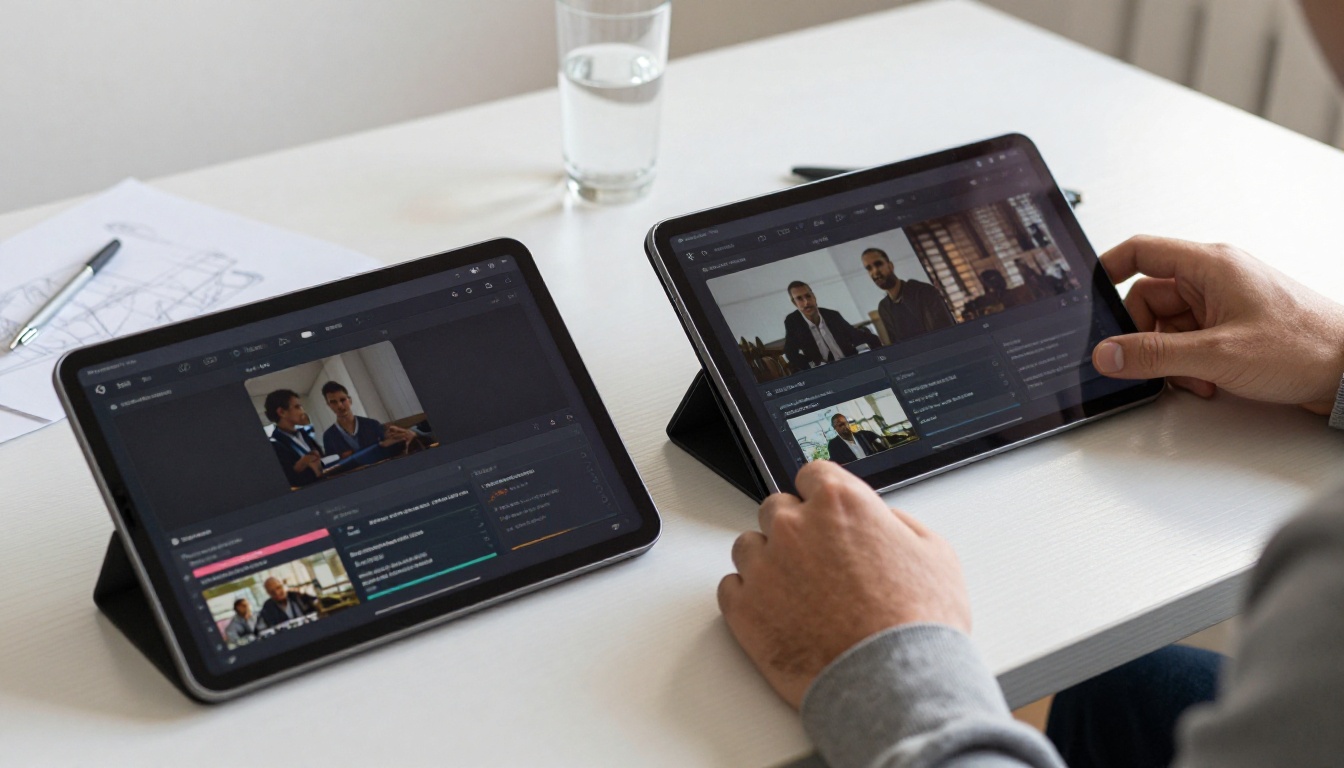
Workflow Comparison Side by Side
The practical difference becomes obvious when you run a real project through both. Use a concrete scenario: creating a 60-second brand video for a product launch, requiring three distinct scenes, a voiceover, and a specific visual tone.
| Step | OpenCreator | Higgsfield |
|---|
| Script / Brief | Auto-generated from prompt | Manual or AI-assisted |
| Scene breakdown | Automated with edit option | Manual with templates |
| Motion control | Limited presets | Full camera path input |
| Character consistency | Moderate | Strong |
| Audio / Voiceover | Built-in AI voice | External integration needed |
| Export resolution | Up to 1080p | Up to 4K |
| Time to first draft | 3-5 minutes | 8-15 minutes |
| Final polish needed | Low for social content | Low for cinematic content |
The table makes the tradeoff obvious. OpenCreator wins on speed and automation. Higgsfield wins on quality and control. The choice depends entirely on what your workflow actually demands.

Video Quality in Practice
Quality is where most comparisons get vague. Here is what the output actually looks like when you push both platforms on the same brief.
OpenCreator Output Quality
For social-first content, OpenCreator produces surprisingly good results. Text-to-video consistency is solid, lip-sync with AI voiceovers is well-aligned, and the automatic color grading keeps footage looking polished without manual intervention. At 1080p, the output is more than sufficient for Instagram Reels or TikTok.
The ceiling, however, is visible. Backgrounds in motion scenes can show artifacts, particularly in outdoor environments with complex depth. Fast-motion sequences often break down at edges. For anything going on a large screen or a premium campaign, these limitations matter.
Higgsfield Output Quality
Higgsfield's cinematic capabilities are genuinely impressive. When you specify a tracking shot following a subject through a space, the motion physics hold up frame by frame. Lighting transitions within a scene feel intentional rather than procedural. At 4K output, detail retention is strong, making it viable for broadcast-adjacent work.
The tradeoff is generation time and computational cost. A complex scene with camera movement, a specific lighting setup, and subject interaction will take longer and cost more credits than a comparable OpenCreator output. For high-value, single-use productions, that cost makes sense. For daily content volume, it adds up quickly.
💡 For high-frequency social creators: OpenCreator's speed-to-quality ratio is hard to beat. For brand films or premium campaigns, Higgsfield's cinematic output justifies the extra time investment.
Speed, Pricing and Access
Generation Speed
OpenCreator consistently delivers a first output within 3-5 minutes for standard 60-second videos. Higgsfield ranges from 8-20 minutes depending on scene complexity and motion density.
For a creator publishing five pieces of content daily, that speed difference translates to roughly an extra hour of waiting per week with Higgsfield. At scale, the math matters.
Pricing Structure
Both platforms use credit-based pricing, but the structures differ considerably:
- OpenCreator charges per video, with bulk pricing that rewards high-volume creators. The entry tier is accessible for solo creators.
- Higgsfield charges per generation, with additional credits for higher resolutions and complex motion requests. Premium tiers are priced toward studios and agencies.
💡 Budget tip: If you are producing more than 20 videos per month, run a credit consumption test on both platforms with your typical prompt complexity before committing to a plan.
Access and Availability
Both platforms are web-based with no local installation required. OpenCreator has a more polished onboarding flow and is faster to start producing. Higgsfield has a steeper initial learning curve but provides more comprehensive documentation for filmmakers.
How you write prompts changes significantly between the two platforms. The same text submitted to both will produce very different results, not just in style but in how well the model actually interprets your intent.
Prompting OpenCreator
OpenCreator responds well to intent-based prompts: describe what you want to communicate, not how you want it shot. A prompt like "a 30-second explainer about sustainable packaging for a DTC brand, upbeat tone, modern visual style" will produce a usable draft.
The platform interprets your creative brief automatically, so over-specifying shot types often causes conflicts with its auto-scene logic. Give it the story, not the storyboard.
Prompting Higgsfield
Higgsfield rewards production-language prompts: describe shots the way a director would. "Medium tracking shot following subject left to right, volumetric morning light from camera left, shallow depth of field with bokeh background" gives Higgsfield exactly what it needs to produce intentional cinematic output.
Vague prompts produce vague results on Higgsfield. The model needs direction, not just subject description.
💡 Hybrid workflow: Write your brief in OpenCreator to get a fast scene structure, then bring your hero shots into Higgsfield for cinematic re-rendering of the most important moments. The two tools are more complementary than they are competing when you use them this way.
OpenCreator Is Right for You If
- You publish content daily or multiple times per week
- Your primary channels are short-form social (TikTok, Reels, Shorts)
- You need minimal editing after generation
- You are a solo creator or small team without a dedicated editor
- Speed and volume are more valuable than cinematic detail
Higgsfield Is Right for You If
- You produce brand films, campaign content, or premium video
- You have a filmmaking background or understand shot language
- Quality and creative control matter more than speed
- You are producing 2-10 videos per week, not 20+
- Your distribution includes broadcast, web, or large-screen formats
Neither Is Perfect If
You need both high volume and cinematic quality in the same workflow. That is where combining tools, or using a broader platform with access to multiple video generation models, becomes the smarter approach.

The PicassoIA Advantage for Full Workflows
One thing both OpenCreator and Higgsfield do not offer is model flexibility. You are locked into their proprietary models, which means you cannot swap to a different generation engine when results do not meet your standards for a particular project.
PicassoIA solves this. Rather than one model, it gives you access to the best text-to-video engines in one place, so you can choose the right tool for each specific production need.
For cinematic video generation similar to what Higgsfield targets, Kling v2.6 delivers 1080p output with strong motion physics and camera path control. For fast social-first generation at OpenCreator-comparable speeds, Wan 2.6 T2V produces high-quality results in seconds.
For the highest-end output, Veo 3 by Google brings native audio generation alongside 1080p video, while Sora 2 Pro from OpenAI handles complex narrative scenes with exceptional character consistency. LTX 2.3 Pro and Seedance 2.0 round out the options for 4K and audio-synced production.
For the image assets within those workflows, models like Flux 1.1 Pro Ultra deliver 4MP photorealistic stills, while Flux Dev handles fast iterative generation during the concepting phase. Imagen 4 and Seedream 4 provide strong alternatives depending on your aesthetic requirements.
This is the core limitation of both OpenCreator and Higgsfield: when their model does not fit your project, there is nowhere to go. With PicassoIA, model flexibility is built into the workflow from the start.
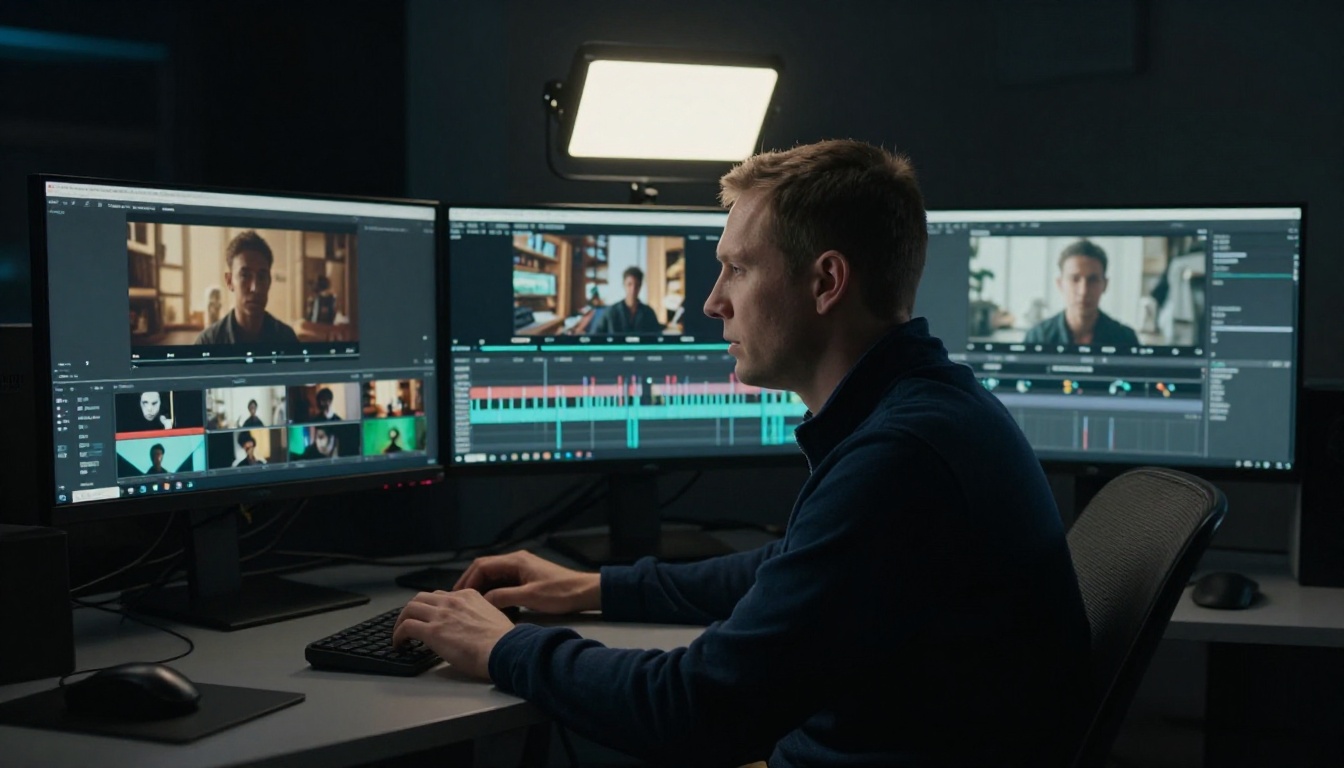
Connecting Image and Video in One Pipeline
Both OpenCreator and Higgsfield are video-first tools. Neither handles image generation natively at the quality level required for professional mixed-media workflows.
A complete AI content workflow typically requires:
- Concept visualization via image generation
- Scene reference creation for consistent art direction
- Video generation from refined prompts or reference images
- Post-processing for upscaling, color correction, or background removal
Running this across two or three separate tools creates friction, version control problems, and inconsistent quality across the pipeline. PicassoIA's model library spans all of these stages in a single interface, from SDXL and Flux Schnell for rapid concepting to Wan 2.5 I2V for animating still images into video clips.
💡 Workflow tip: Generate your scene reference images first with Flux Pro, then use those as input frames for Kling v2.1 or Wan 2.6 I2V to produce motion-consistent video outputs. This image-to-video approach gives you significantly more control over the final visual style than text-only prompting.
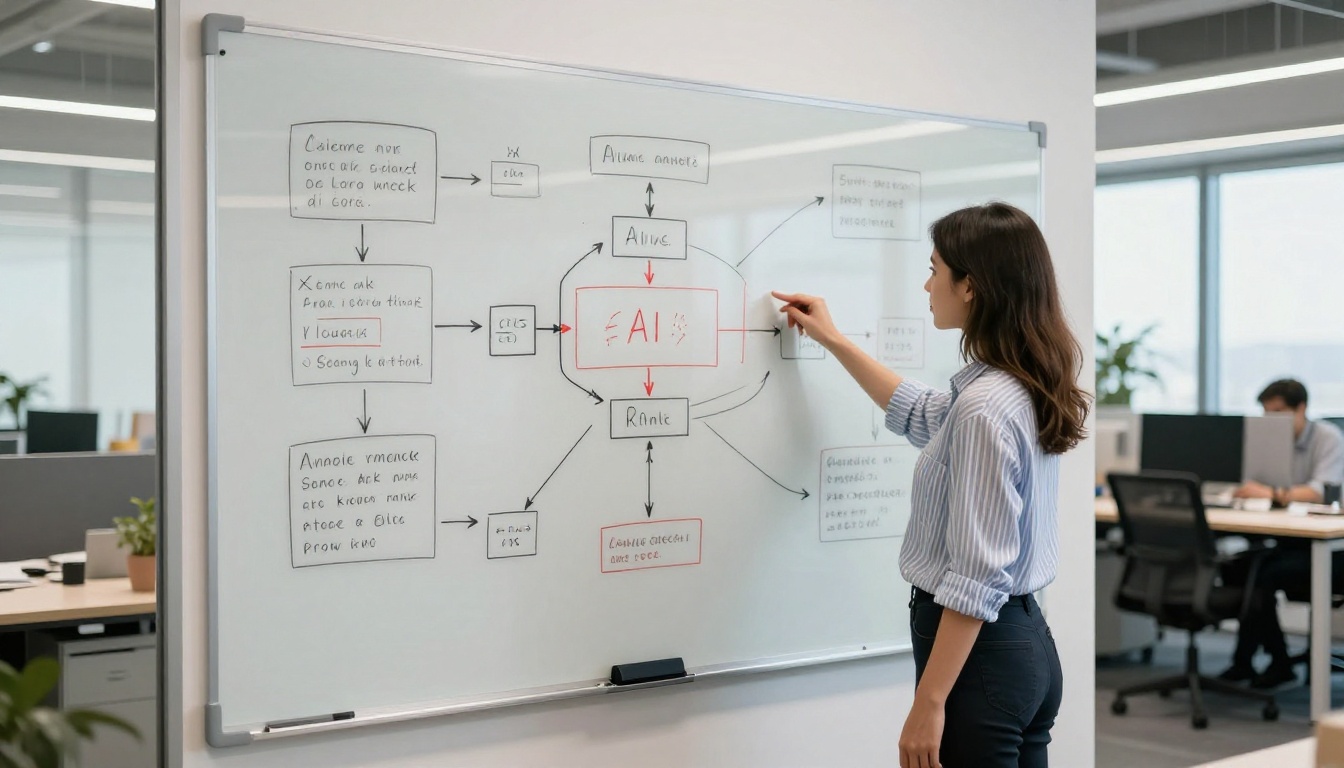
Real Results with the Right Model
The framing of "OpenCreator vs Higgsfield" is ultimately a false choice for most creators. Both tools serve specific use cases well, and both fall short when pushed outside their design intent.
The real question is: do you want to build your workflow around one model's limitations, or pick the best model for each job?
For high-frequency social content, OpenCreator's automation makes sense. For cinematic brand films, Higgsfield's control is valuable. But for creators who need both, and for professionals who cannot afford to be limited by a single provider's output quality on any given day, the multi-model approach wins.
Gen 4.5 by Runway delivers cinematic motion on par with Higgsfield's best outputs. Pixverse v5 handles 1080p social-first content at OpenCreator-comparable speeds. Hailuo 02 produces striking results for narrative-heavy sequences. All of these are accessible from a single platform without switching accounts or learning new interfaces.
The "full workflow" is not a hyperbole. A real AI content workflow in 2027 does not live inside one tool. It moves across models fluidly, selecting the right engine for each task, each scene, and each production standard.
Start Building Your Own Workflow
You have seen what OpenCreator and Higgsfield each bring to the table. Now it is time to run your own tests, with your prompts, your projects, and your creative standards.
The fastest way to do that is to work directly with the models, not through a wrapper that limits your access to them. PicassoIA gives you Kling v2.6, Veo 3, Sora 2 Pro, Flux 1.1 Pro Ultra, and over 180 other models in one place. No platform lock-in. No single-model ceiling.
Pick a scene from your next project and generate it across three different models. The variation in output will tell you more about AI video capabilities in 30 minutes than any comparison article can. That is where the real workflow decisions get made.


