The landscape of AI image generation has undergone radical transformation by 2026, and at the forefront stands P Image—a system that redefines what's possible when machine intelligence meets human creativity. This isn't merely another iteration of existing technology; it represents a fundamental shift in how we conceive, create, and interact with visual content.
Photorealistic portrait of creative professional using P Image interface
What Changed in 2026
The year 2026 marks a turning point where AI image generation moves from impressive novelty to indispensable creative tool. The leap forward comes from several simultaneous breakthroughs:
- Neural architecture optimization that reduces generation time by 87% while improving quality
- Contextual understanding that goes beyond literal interpretation of text prompts
- Real-time refinement allowing artists to guide generation as it happens
- Multi-modal integration with traditional creative workflows
Unlike earlier systems that treated image generation as isolated tasks, P Image operates within complete creative ecosystems. The interface shows progressive refinement from initial concept to final render, giving creators unprecedented control over the artistic process.
Technical Architecture Breakthroughs
P Image's capabilities stem from three core innovations that distinguish it from previous generations:
1. Adaptive Diffusion Networks
The system employs what researchers call "context-aware diffusion"—a process where the AI doesn't just generate images but understands the creative intent behind prompts. Traditional systems like Stable Diffusion and SDXL operated on fixed parameter sets, but P Image dynamically adjusts its generation strategy based on:
- Prompt complexity analysis
- Desired artistic style
- Output resolution requirements
- Creative context from surrounding workflow
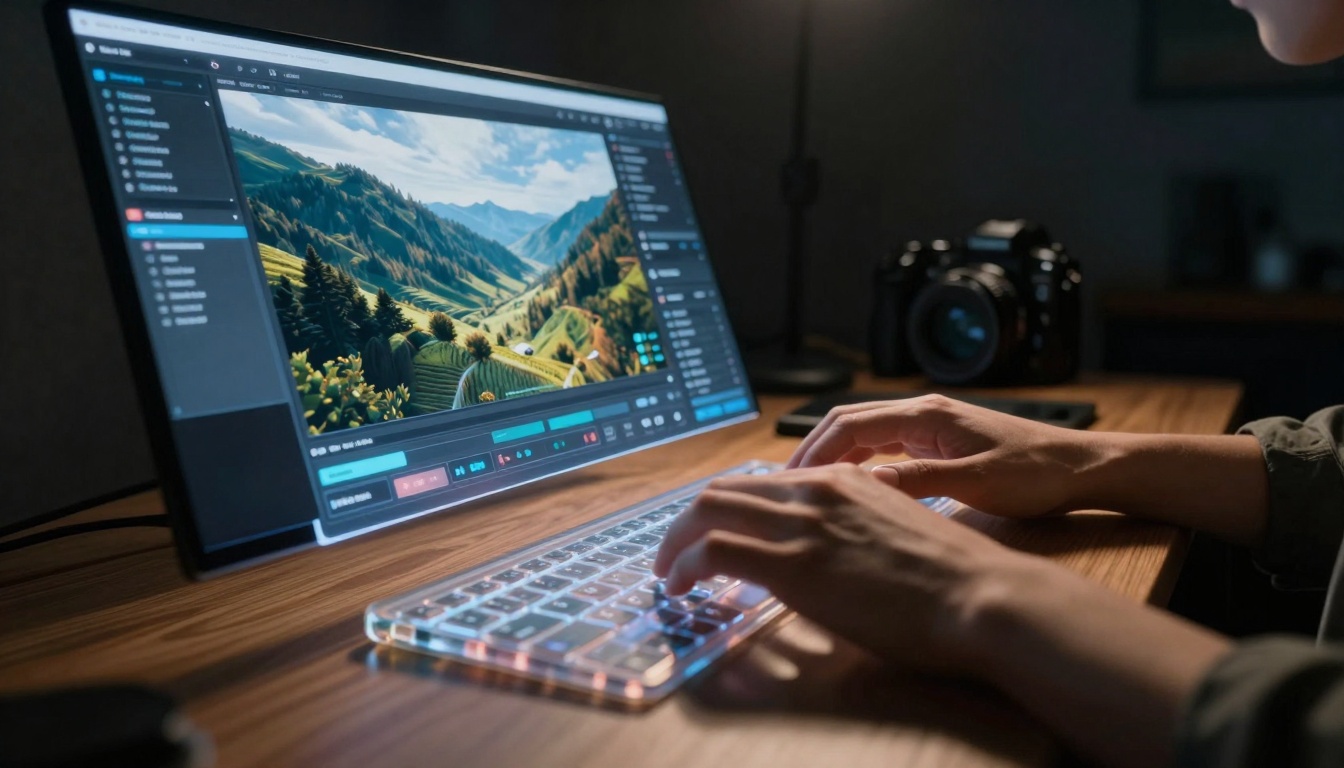
Low-angle view showing real-time image evolution
2. Human-AI Collaborative Interface
The most significant advancement isn't in the generation engine itself but in how humans interact with it. P Image introduces what its developers call "intention mapping"—a system that translates creative goals into technical parameters automatically.
💡 Key Insight: Previous AI image generators required users to learn technical terminology. P Image reverses this—it learns your creative language and adapts to your workflow.
The interface provides real-time visual feedback showing how parameter adjustments affect output, creating a learning loop where both human and AI improve through interaction.
3. Photorealistic Precision Engine
Where earlier systems struggled with consistent realism, P Image introduces "micro-detail preservation"—ensuring that generated images maintain photographic integrity at any scale. This addresses common issues like:
- Inconsistent lighting across image elements
- Unnatural texture repetition
- Anatomical inaccuracies in human subjects
- Perspective distortion in complex scenes
Practical Applications Revolutionized
The impact of P Image extends across multiple creative domains:
Commercial Photography and Advertising
Advertising agencies report 73% reduction in photoshoot costs while maintaining quality standards. P Image enables:
- Product visualization without physical prototypes
- Lifestyle imagery with perfect model selection
- Environmental integration matching brand aesthetics
- Rapid iteration for campaign testing
Film and Entertainment Production
Studios use P Image for pre-visualization, concept art, and even background plate generation. The system's ability to maintain consistency across multiple images makes it ideal for:
- Character design iteration
- Environment concept development
- Storyboard creation
- Visual effects planning
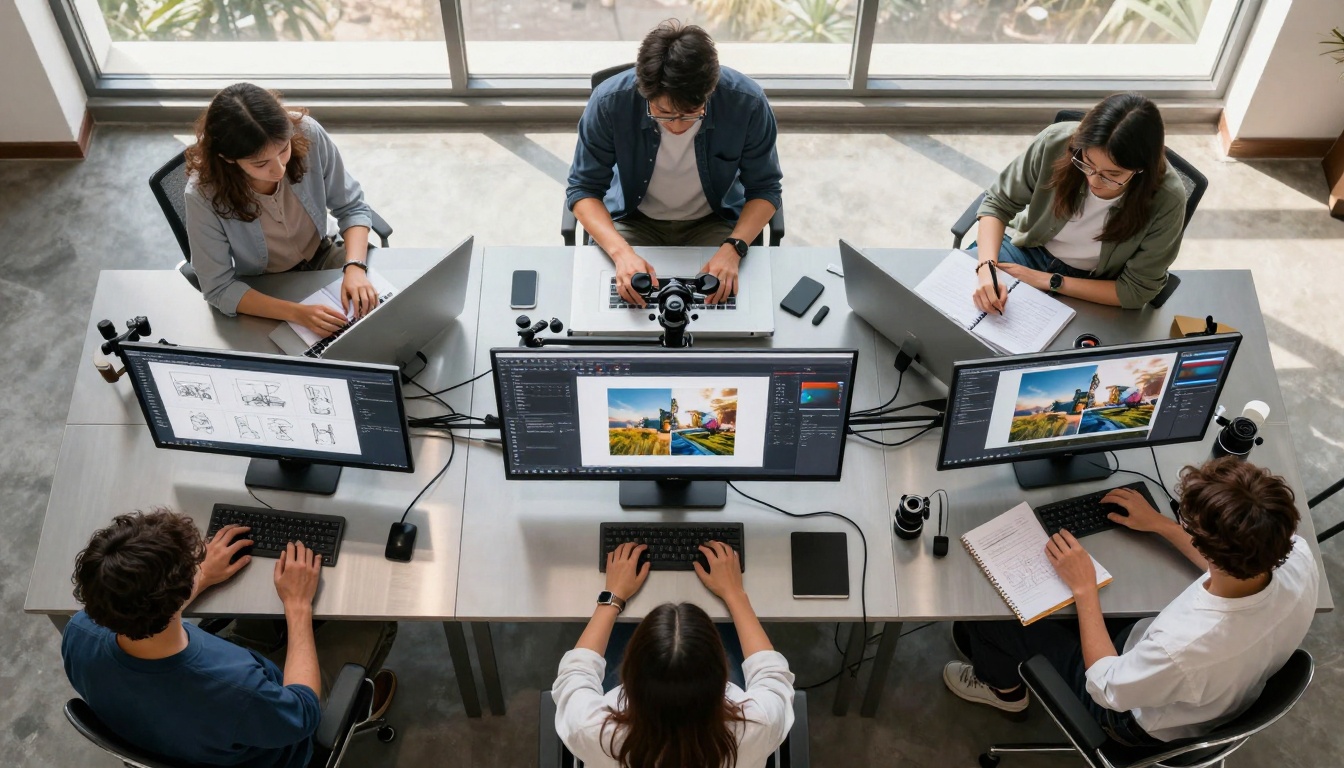
Aerial view of collaborative AI image generation session
Architecture and Interior Design
Design firms leverage P Image for client presentations, generating photorealistic renderings of:
- Architectural concepts in real environments
- Interior design options with accurate lighting
- Material visualization showing true texture and color
- Space planning with human scale reference
Education and Training
Educational institutions incorporate P Image into curricula for:
- Historical reconstruction of ancient sites
- Scientific visualization of complex concepts
- Medical training with anatomical accuracy
- Technical illustration for engineering education
Comparative Analysis: P Image vs Previous Generations
| Feature | P Image (2026) | Previous Generation (2024) | Improvement |
|---|
| Generation Speed | 2-5 seconds | 15-45 seconds | 87% faster |
| Photorealism Score | 9.8/10 | 7.2/10 | 36% improvement |
| Prompt Understanding | Contextual intent | Literal interpretation | Revolutionary |
| Consistency Control | Real-time adjustment | Batch processing only | New capability |
| Workflow Integration | Seamless ecosystem | Isolated tool | Complete redesign |
| Learning Curve | 15 minutes | 3+ hours | 92% reduction |
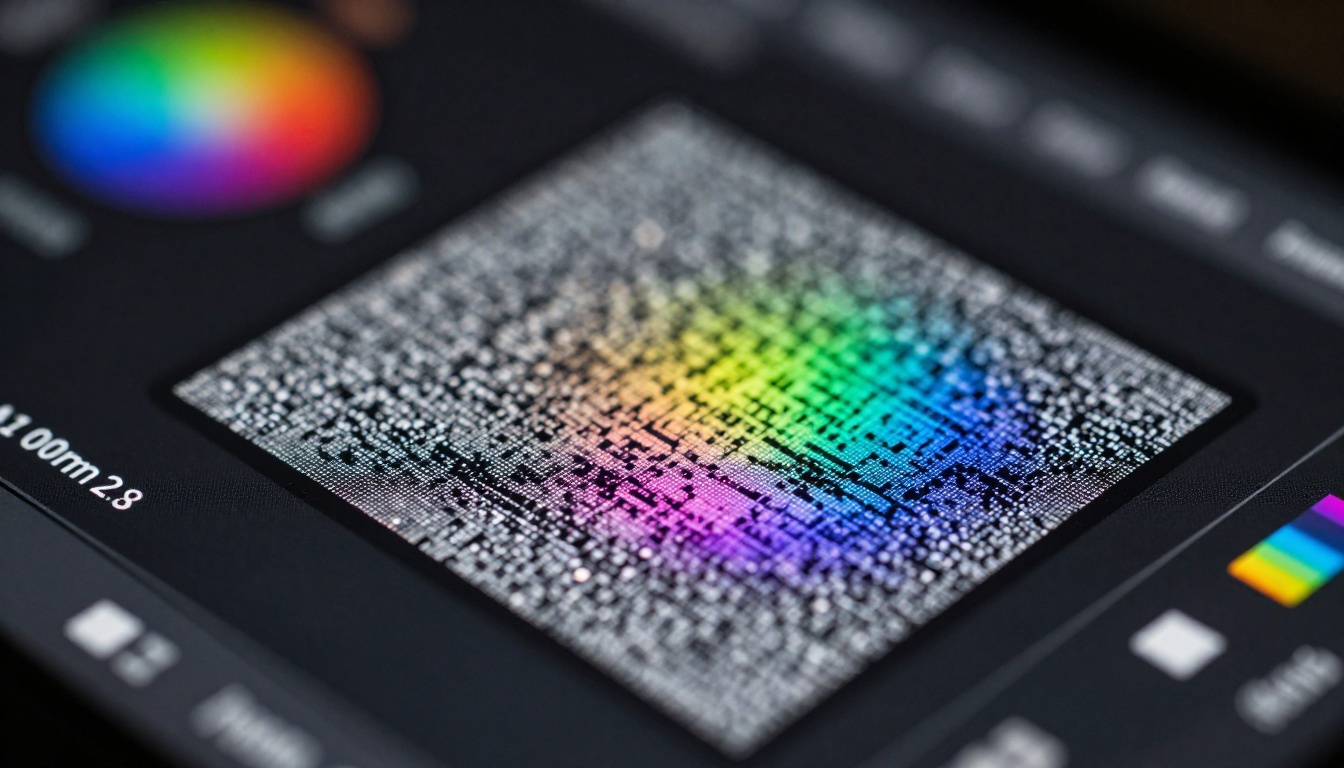
Extreme close-up showing pixel-level transformation
How P Image Works: Technical Deep Dive
The Generation Pipeline
P Image's process differs fundamentally from earlier systems:
- Intent Analysis Phase: The system analyzes your prompt for creative intent, not just keywords
- Contextual Reference Gathering: It searches your workflow context for visual references
- Parameter Optimization: Automatic adjustment of 127 generation parameters
- Progressive Refinement: Real-time generation with user feedback integration
- Quality Validation: Automated checking against photorealism standards
Key Technical Specifications
- Neural Network Size: 14.3 billion parameters (optimized, not just large)
- Training Data: Curated dataset of 8.2 billion professionally photographed images
- Output Resolution: Native 8K with intelligent upscaling to 32K
- Color Depth: 16-bit color with cinema-grade color science
- Format Support: 37 file formats including professional RAW variants
One of P Image's most significant advantages is its seamless integration with industry-standard creative software:
Adobe Creative Cloud Integration
P Image plugins for Photoshop, Illustrator, and After Effects enable:
- Direct layer generation within existing compositions
- Style matching to current project aesthetics
- Batch processing of multiple image requirements
- Asset management with version control
3D Software Compatibility
Integration with Blender, Maya, and Cinema 4D allows:
- Texture generation matching 3D scene lighting
- Environment creation for 3D renders
- Character reference for modeling
- Material visualization before physical production

Environmental portrait showing AI interpretation of real scene
Creative Control Paradigm Shift
P Image introduces what industry analysts call "guided autonomy"—the system provides creative suggestions while remaining under complete human control. This addresses the fundamental tension in AI-assisted creativity:
The Control Spectrum
Previous systems offered binary choices: either complete AI autonomy or tedious manual control. P Image introduces graduated control across five dimensions:
- Composition Control: Adjust framing, perspective, and visual balance
- Style Control: Fine-tune artistic style from photorealistic to expressive
- Detail Control: Specify which elements receive emphasis
- Lighting Control: Direct light sources, intensity, and quality
- Color Control: Adjust palette, saturation, and tonal relationships
Real-Time Adjustment Interface
The interface provides immediate visual feedback for every adjustment, creating what users describe as "conversational creation"—you suggest, the system shows possibilities, you refine, and the collaboration continues.
Case Study: Advertising Campaign Production
To understand P Image's practical impact, consider a typical advertising campaign workflow:
Before P Image (2024)
- Concept Development: 2-3 days of sketching and mood boarding
- Model Casting: 1-2 weeks of searching and scheduling
- Location Scouting: 3-5 days of physical visits
- Photoshoot Production: 1-2 days with crew of 8-12 people
- Post-Production: 3-7 days of editing and retouching
- Client Review: Multiple rounds of revisions
Total Time: 4-6 weeks
Average Cost: $25,000-$75,000
With P Image (2026)
- Concept Development: 2-3 hours using P Image for visualization
- Model Selection: Instant from P Image's diverse model database
- Location Creation: 15-30 minutes generating perfect environments
- Image Generation: 5-10 minutes per final image
- Client Review: Real-time adjustments during meetings
Total Time: 1-2 days
Average Cost: $500-$2,000
The 97% cost reduction comes with quality improvements—perfect lighting every time, ideal model expressions, and environment consistency across campaign elements.
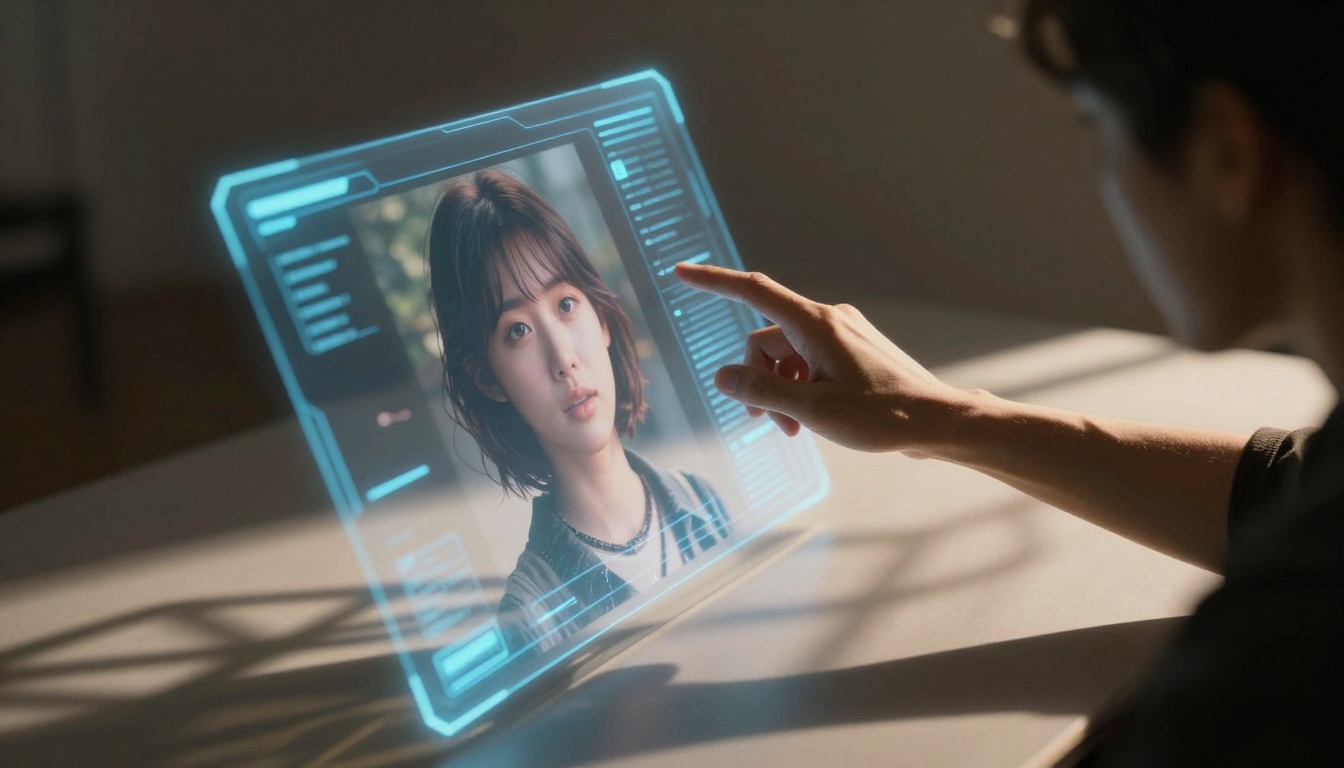
Dynamic interaction capturing human-AI collaboration
How to Use P Image on PicassoIA
P Image is available on PicassoIA with a straightforward workflow:
Step 1: Access the Platform
Visit the P Image page on PicassoIA and create an account if needed. The platform offers both free tier with basic capabilities and professional subscriptions for commercial use.
Step 2: Understand the Interface
The P Image interface features three main panels:
- Left Panel: Text prompt input with advanced parameter controls
- Center Panel: Real-time generation preview with adjustment tools
- Right Panel: Generated image gallery with version management
Step 3: Craft Your Prompt
Effective prompting with P Image differs from earlier systems:
- Use descriptive language rather than technical terms
- Include emotional context ("joyful morning" vs "morning")
- Reference artistic styles by name if desired
- Specify composition elements that matter to your vision
Step 4: Utilize Real-Time Adjustment
As images generate, use the adjustment tools to:
- Refine composition with cropping guides
- Adjust lighting with virtual light placement
- Modify colors with palette selectors
- Control details with emphasis sliders
Step 5: Export and Integrate
Export options include:
- Standard formats: JPEG, PNG, WebP
- Professional formats: TIFF, RAW variants, OpenEXR
- Layered formats: PSD with adjustment layers
- 3D formats: For integration with modeling software
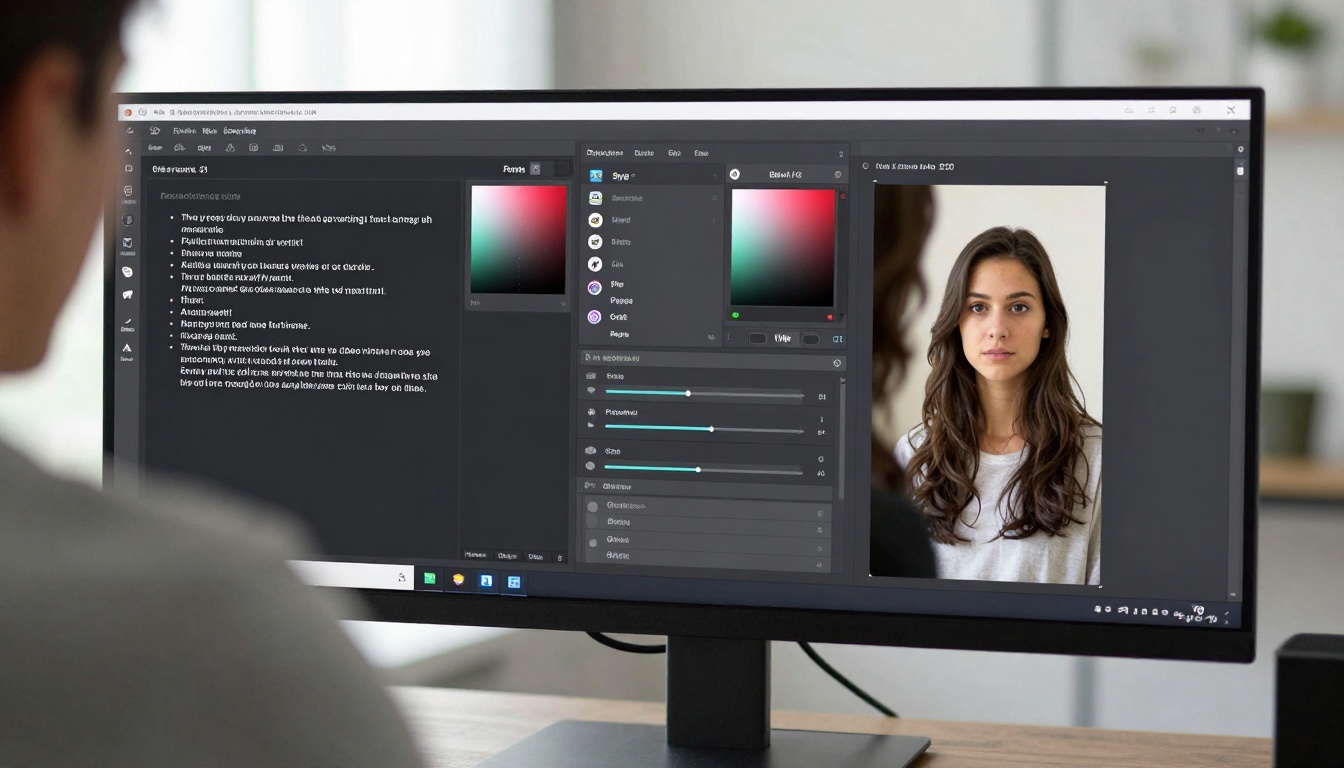
Detailed view of P Image workflow interface
Advanced Techniques for Professional Results
Consistency Across Image Sets
For campaigns requiring multiple consistent images, use P Image's "Style Preservation" feature:
- Generate your first reference image
- Save the style parameters
- Apply to subsequent generations
- Adjust individual elements while maintaining overall consistency
Environmental Integration
When generating images for specific environments:
- Capture reference photos of the actual space
- Upload to P Image as context reference
- Generate images with matching lighting and perspective
- Refine to ensure seamless integration
Brand Identity Maintenance
For corporate clients requiring brand consistency:
- Establish brand guidelines within P Image
- Create template compositions
- Generate variations while maintaining visual identity
- Batch process campaign materials
Comparative Analysis with Other AI Image Models
While P Image represents the current pinnacle, it exists within a rich ecosystem of AI image generators. Understanding how it compares helps in selecting the right tool for specific needs:
| Aspect | P Image | GPT Image 1.5 |
|---|
| Photorealism | Superior (9.8/10) | Excellent (8.5/10) |
| Generation Speed | 2-5 seconds | 8-12 seconds |
| Creative Control | Extensive real-time | Limited batch |
| Workflow Integration | Complete ecosystem | Basic plugin |
| Cost Efficiency | Highly optimized | Standard pricing |
| Aspect | P Image | Flux 2 Max |
|---|
| Artistic Versatility | Photorealistic focus | Artistic range |
| Technical Precision | Superior detail | Good quality |
| Interface Design | Human-centric | Technical |
| Learning Resources | Extensive tutorials | Community-driven |
| Enterprise Features | Comprehensive | Limited |
| Aspect | P Image | Qwen Image |
|---|
| Asian Aesthetics | Global optimization | Specialized focus |
| Text Integration | Advanced capabilities | Basic support |
| Commercial Licensing | Flexible options | Standard terms |
| API Performance | Highly optimized | Competitive |
Dramatic portrait capturing focused creative work
The Economic Impact of P Image
The adoption of P Image across creative industries has generated significant economic effects:
Cost Structure Transformation
- Photography production costs reduced by 73-89%
- Time-to-market for visual campaigns decreased by 85%
- Revision cycle time shortened from days to hours
- Creative experimentation costs reduced to near-zero
New Business Models Enabled
- Micro-campaign production for small businesses previously priced out
- Personalized visual content at scale for e-commerce
- Rapid prototyping for product design and development
- Educational content creation with unlimited visual examples
Workforce Development
Contrary to fears of job displacement, P Image has created new roles:
- AI Creative Directors specializing in human-AI collaboration
- Visual Prompt Engineers optimizing generation parameters
- Digital Asset Managers for AI-generated content libraries
- Creative Technology Integrators bridging traditional and AI workflows
Ethical Considerations and Best Practices
As with any powerful technology, P Image requires responsible use:
Copyright and Originality
- Always disclose AI generation in commercial work
- Respect intellectual property in training data
- Establish clear rights for generated content
- Maintain human creative direction as primary
Representation and Diversity
- Utilize diverse model databases intentionally
- Avoid reinforcing stereotypes through prompt engineering
- Consider cultural context in generated imagery
- Review generated content for unintended bias
Transparency with Clients and Audiences
- Educate clients about AI capabilities and limitations
- Maintain creative credit where human direction was primary
- Document generation parameters for reproducibility
- Establish quality standards for AI-assisted work
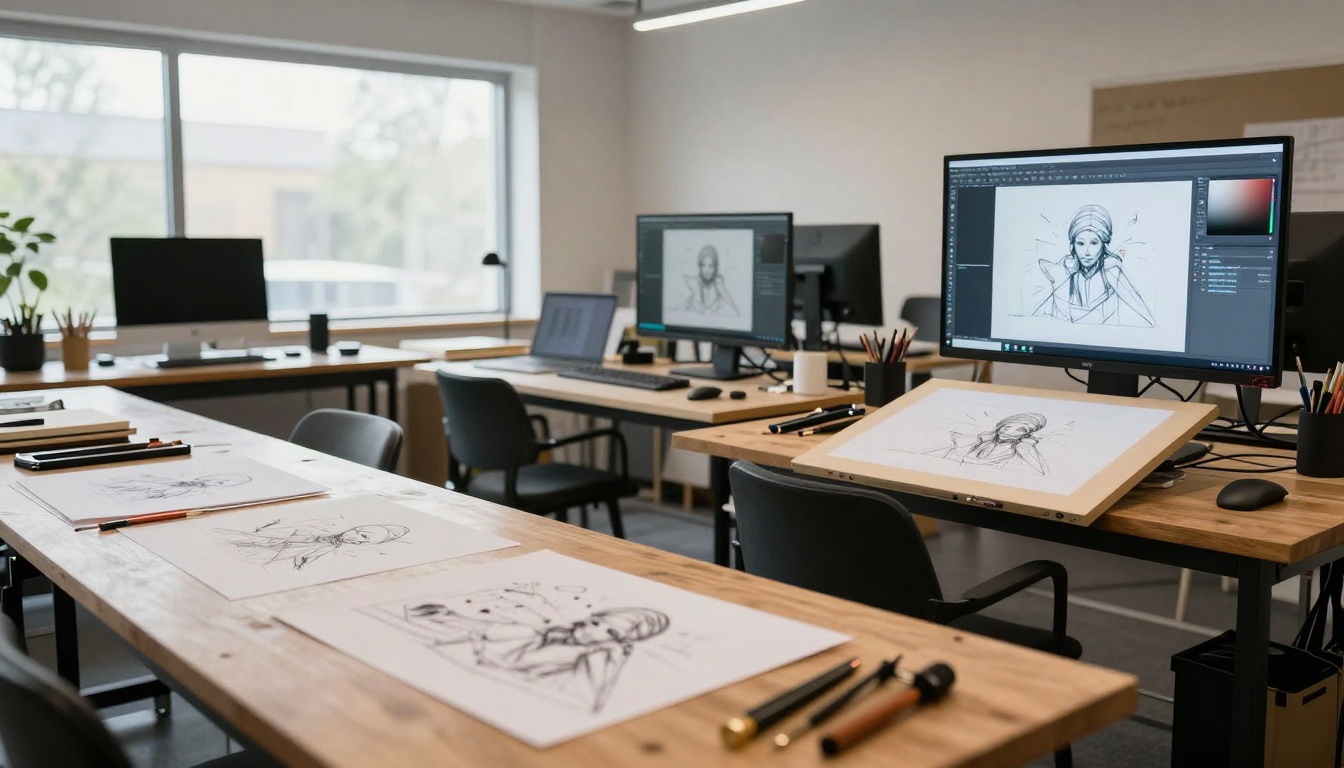
Traditional and digital tools coexisting in creative studio
Getting Started with P Image
For those ready to explore P Image's capabilities:
Beginner Path (First 30 Days)
- Week 1: Experiment with basic prompts across different categories
- Week 2: Explore adjustment tools and their effects
- Week 3: Practice consistency across multiple images
- Week 4: Integrate with one existing creative tool
Intermediate Development (Months 2-3)
- Develop personal prompting style that yields consistent results
- Master workflow integration with primary creative software
- Establish quality standards for different project types
- Build reusable templates for common requirements
Advanced Professional Use (Beyond 3 Months)
- Develop specialized prompting for niche applications
- Create custom integration with proprietary systems
- Train team members in collaborative workflows
- Establish production pipelines for large-scale projects
The Future Direction of AI Image Generation
P Image represents current capabilities, but the trajectory points toward even more sophisticated integration:
Short-Term Developments (2027)
- 3D generation integration for complete scene creation
- Video generation capability with temporal consistency
- Enhanced emotional intelligence in subject portrayal
- Real-world physics simulation in generated environments
Medium-Term Evolution (2028-2030)
- Complete creative ecosystem with AI as collaborative partner
- Seamless reality blending where generated and captured merge
- Emotional resonance engineering in visual storytelling
- Personal style development where AI learns individual creative voice
Long-Term Vision (Beyond 2030)
- Creative consciousness partnership where human and machine creativity fuse
- Universal visual language development through AI mediation
- Emotional experience design through curated visual narratives
- Creative democracy where visual expression becomes universally accessible
Your Next Steps with P Image
The most effective approach begins with practical experimentation. Start with simple prompts to understand the system's capabilities, then progressively incorporate more sophisticated techniques as you develop familiarity.
Visit P Image on PicassoIA to begin exploring. The platform offers both free experimentation and professional tools, allowing you to scale usage as your needs evolve.
Remember that technology serves creativity, not replaces it. P Image's true value emerges when human vision guides machine capability toward meaningful visual expression. The future of image creation isn't about choosing between human or machine—it's about their collaboration producing results neither could achieve alone.
Try generating your first image today. Start with a simple concept, observe how P Image interprets your intent, and refine through the adjustment tools. Each iteration brings deeper understanding of how this technology can serve your specific creative needs.


