If you've been comparing AI image generators lately, you've probably landed on two names that keep coming up: Leonardo Phoenix 1.0 and Google Imagen 4. One comes from a creative-focused company that built its reputation on fine-tuned models and a passionate community. The other drops from one of the most resource-rich AI labs on the planet. Both produce stunning images. But they are built with very different priorities, and choosing between them can save you hours of frustrating trial and error.
This breakdown puts both models through their paces on image quality, prompt accuracy, style range, speed, and real-world usability. No hype, no vague impressions. Just a direct comparison of what each model actually does well and where it falls short.
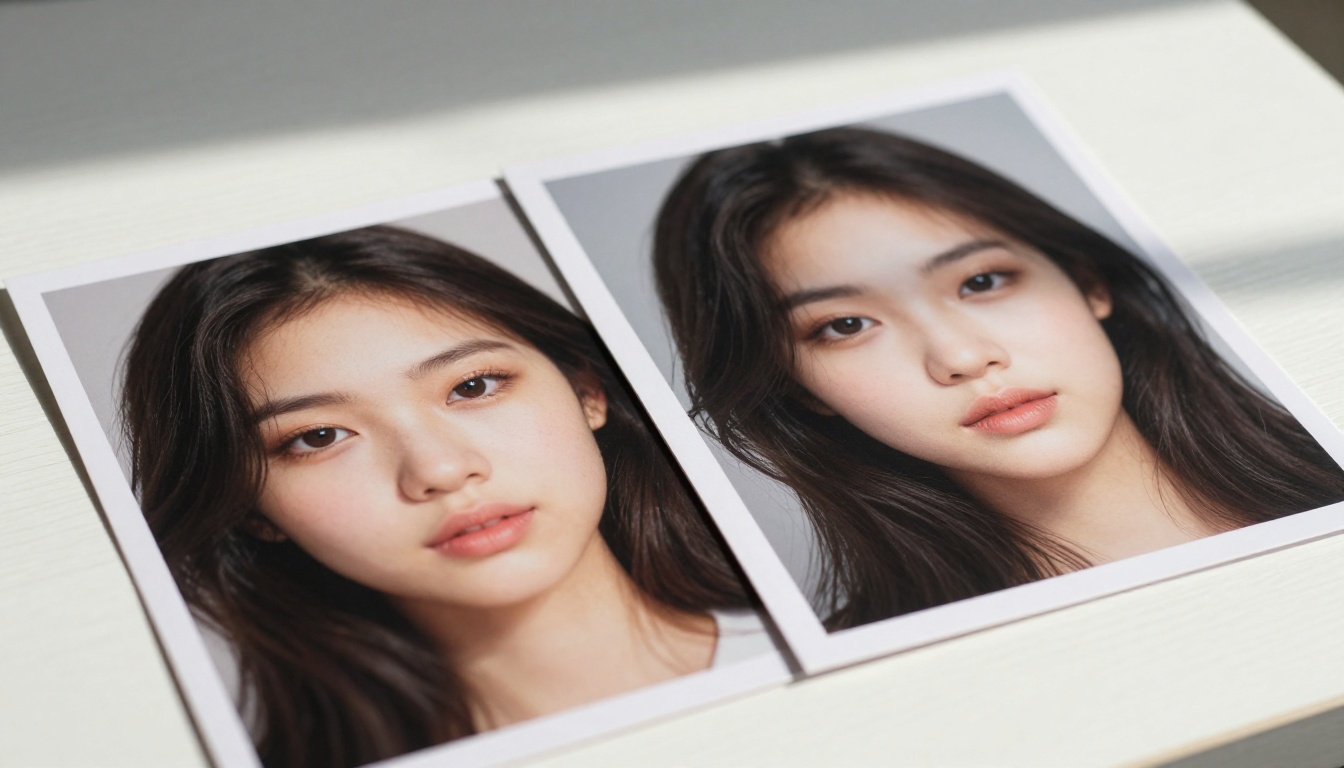
What Phoenix and Imagen 4 Actually Are
Before diving into results, it helps to know what you're comparing. These are two fundamentally different systems built by teams with different goals.
Leonardo Phoenix 1.0 in Brief
Leonardo Phoenix 1.0 is Leonardo AI's flagship proprietary model, released in 2024. Unlike earlier Leonardo models that were fine-tuned versions of Stable Diffusion, Phoenix was built from scratch. The goal was to produce images that feel intentional and cohesive, not just technically sharp. Phoenix prioritizes artistic coherence, meaning it tends to interpret prompts with a sense of visual storytelling rather than just literally rendering words.
Main traits of Phoenix 1.0:
- Architecture: Proprietary, not SDXL or SD-based
- Strength: Artistic, character-driven, stylistically flexible
- Prompt style: Responds well to natural language descriptions
- Output feel: Painterly depth, cinematic framing, strong composition
- Best for: Concept art, portraits, marketing visuals, visual storytelling
Google Imagen 4 in Brief
Imagen 4 is Google DeepMind's most capable text-to-image model as of 2025. It builds on the cascade diffusion approach from earlier Imagen versions but with significantly better photographic realism and, notably, improved text rendering within images. Google trained Imagen 4 on a massive proprietary dataset and optimized heavily for factual, literal prompt adherence.
Main traits of Imagen 4:
- Architecture: Cascade diffusion, Google proprietary
- Strength: Photorealism, text-in-image accuracy, anatomical precision
- Prompt style: Benefits from very specific, structured prompts
- Output feel: Clean, photographic, precise
- Best for: Product photography, realistic scenes, document images

Image Quality: The Real Differences
Both models produce images that would have seemed impossible just two years ago. But their quality profiles are noticeably different once you run the same prompts through both.
Photorealism and Skin Detail
Imagen 4 has a measurable edge on raw photorealism. Skin pores, fabric weave, hair strand separation, wet surface reflections: these all render more accurately in Imagen 4 outputs. For a shot of a person standing on a sunlit street, Imagen 4 tends to produce something you could mistake for a real photograph.
Phoenix 1.0, by contrast, leans toward a stylized realism. Skin looks beautiful but has a slight softness that reads as intentional. Shadows are more dramatic. The overall image has more visual punch even when the scene itself is mundane.
Which wins on photorealism? Imagen 4, by a meaningful margin for scenes requiring documentary-level accuracy. Phoenix wins on visual appeal and composition.
Prompt Adherence and Accuracy
This is where things get interesting. Imagen 4 is extremely literal. Ask for "a red cup on a blue table" and you will get exactly that, every time. It rarely hallucinates objects or misinterprets spatial relationships.
Phoenix 1.0 takes more creative liberties. This is a strength when you want "a moody portrait at dusk with cinematic lighting" because Phoenix will make a series of nuanced decisions about color temperature, pose, and framing. But it can frustrate users who need precise object placement or exact color matching.

| Criteria | Phoenix 1.0 | Imagen 4 |
|---|
| Photorealism | ★★★★☆ | ★★★★★ |
| Prompt Accuracy | ★★★★☆ | ★★★★★ |
| Artistic Style | ★★★★★ | ★★★☆☆ |
| Portrait Quality | ★★★★★ | ★★★★☆ |
| Text in Image | ★★★☆☆ | ★★★★★ |
| Anatomy Accuracy | ★★★★☆ | ★★★★★ |
| Creative Composition | ★★★★★ | ★★★☆☆ |
Where Phoenix 1.0 Beats Imagen 4
Phoenix was designed with creatives in mind. This shows in several areas where it consistently outperforms Imagen 4.
Artistic Range and Style Flexibility
Phoenix handles style transitions better than almost any current model. You can shift from hyper-realistic photography to oil painting aesthetics to concept art just by adjusting prompt language, without needing to switch models or apply LoRA weights. The model seems to have internalized a broader visual vocabulary.
This is a practical advantage for marketing teams, content creators, and social media managers who need a consistent look across different visual formats. With Phoenix, you can generate product images, lifestyle photography mockups, and illustrated brand assets all from the same interface.
Tip: Phoenix responds exceptionally well to lighting descriptors. Add phrases like "volumetric afternoon light" or "soft overcast studio lighting" to dramatically improve output quality.
Character Consistency
One of Phoenix's standout features is character coherence across prompts. When generating a series of images featuring the same person or character, Phoenix tends to maintain more consistent facial features, skin tone, and overall appearance compared to Imagen 4. This makes it significantly more useful for:
- Social media content series
- Product lookbook photography with a model
- Storytelling and visual narrative projects
- Brand ambassador imagery

Fine-Grained Aesthetic Control
Phoenix was built by a team that deeply understood how photographers and visual artists think. Prompts using camera terminology, film simulation styles, and compositional language yield dramatically better results than the same prompts in Imagen 4. If you know how to describe an image the way a photographer would, Phoenix rewards that knowledge generously.
Where Imagen 4 Has the Edge
Google's model dominates in areas tied to literal accuracy and technical precision.
Raw Photographic Realism
For product photography, scientific illustration, or any use case where the image needs to be factually and visually accurate, Imagen 4 is ahead. The model handles subsurface scattering on skin, specular highlights on glossy surfaces, and environmental reflections with noticeably more accuracy.
Run a prompt asking for "a glass of water on a marble countertop, harsh midday light, water droplets on the outside of the glass" and Imagen 4 will produce something you could actually use in a high-end restaurant menu without any post-processing.
Text Rendering Inside Images
This is one of the most practical advantages Imagen 4 holds over the entire field, not just Phoenix. Text-in-image accuracy is something most diffusion models struggle with. Imagen 4 renders legible, correctly spelled text within images far more reliably. For creating:
- Ad mockups with overlaid copy
- Product labels and packaging
- Social media templates
- Book cover concepts
Imagen 4 is in a different class. Phoenix 1.0, like most diffusion-based models, still struggles with accurate in-image text rendering.
Consistent Anatomy
Hands, ears, and complex poses remain a challenge for many AI image generators. Imagen 4 handles them significantly better than Phoenix 1.0. For full-body portraits, group shots, or images with complex physical interactions between subjects, Imagen 4 produces fewer anatomical errors.
Speed, Pricing, and API Access
Both models are commercially available, but the access model and pricing structure differ in ways that matter for different workflows.
Cost Per Image in 2025
| Model | Cost Per Image (approx.) | Notes |
|---|
| Phoenix 1.0 | $0.02–$0.04 | Via Leonardo API |
| Imagen 4 | $0.03–$0.06 | Via Google Vertex AI |
| Flux Dev | $0.01–$0.03 | Open weights |
| Flux Pro | $0.04–$0.05 | API only |
For high-volume workflows, the cost difference compounds quickly. Teams generating thousands of images per month will find Phoenix slightly more economical through Leonardo's platform.
API Integration for Developers
Imagen 4 requires access through Google Vertex AI, which involves cloud account setup, IAM configuration, and per-project billing. It is well-documented but adds friction for solo creators or small teams.
Phoenix 1.0's API through Leonardo is more straightforward for independent developers. There's a simpler authentication flow and better documentation for creative use cases.
For developers: If you're building an application that needs image generation at scale, both APIs are production-ready. Imagen 4 integrates more naturally into Google Cloud infrastructure. Phoenix integrates better with creative tooling and lighter-weight projects.

Practical Use Cases: Who Should Use What
The right choice often comes down to what you're actually building or creating.
For Marketing and Brand Creatives
Phoenix 1.0 is usually the better choice. Its natural language prompt handling, style flexibility, and visual storytelling capability make it ideal for:
- Campaign imagery
- Social media content at volume
- Lifestyle product photography
- Brand visual identity mockups
The images have an inherent polish and emotional resonance that makes them effective for consumer-facing content.
For Developers and Technical Teams
Imagen 4 tends to win when your use case requires precision:
- Product catalog images with exact specifications
- Visual QA for manufacturing mockups
- Legal document illustration
- Medical or scientific imagery
The accuracy and text rendering make it the more reliable choice for professional and technical applications where image correctness matters more than artistic appeal.

How to Use Leonardo Phoenix 1.0 on PicassoIA
Since Leonardo Phoenix 1.0 is available directly on PicassoIA, you can start generating images without setting up an API account or navigating cloud billing.
Step 1: Open the Model
Go to Leonardo Phoenix 1.0 on PicassoIA. You will see the prompt interface directly on the model page.
Step 2: Write a Strong Prompt
Phoenix responds best to prompts that combine:
- Subject: Who or what is in the image
- Environment: Where it takes place and what surrounds it
- Lighting: The single most impactful element you can specify
- Camera context: 85mm f/1.8, medium close-up, aerial view, etc.
- Mood: The emotional register of the scene
Example prompt:
"A young woman in a cream linen dress sitting on a rustic stone staircase in southern Italy, dappled olive grove sunlight from the left, 85mm f/1.8 portrait lens with soft background bokeh, warm morning atmosphere, visible fabric texture, photorealistic"
Step 3: Adjust Output Settings
- Set aspect ratio based on your use case (16:9 for headers, 1:1 for social, 9:16 for stories)
- Run 2 to 4 variations per prompt before committing
- Use the negative prompt field to exclude unwanted elements: "blurry, text, watermark, cartoon, illustration"
Step 4: Iterate on the Result
Phoenix rewards iteration. Your first output is rarely your best. Tweak the lighting description, add a specific lens type, or adjust the subject's positioning in the scene. Within 3 to 5 variations, you can typically land on something production-ready.
Pro tip: Add "Kodak Portra 400 film grain" or "Fujifilm Superia 800" to any Phoenix prompt for instant photographic warmth and texture depth.

Other Models Worth Trying on PicassoIA
If you're building a creative workflow and want to experiment beyond these two models, PicassoIA gives you access to a broad range of options:
- Flux 1.1 Pro: The current leader for balanced quality and speed among open-architecture models. Highly detailed, strong prompt adherence.
- Flux Dev: Open weights, ideal for custom fine-tuning and experimental workflows.
- RealVisXL V3.0 Turbo: Optimized specifically for photorealistic outputs, particularly portrait photography with lifelike skin detail.
- Stable Diffusion 3.5 Large: Stability AI's most capable base model, good for creative experimentation and fine-tuning.
- Flux Schnell: The fastest high-quality option available for batch workflows when speed matters more than maximum detail.
Each of these fills a different niche. The fastest way to find what works for your specific use case is to run the same prompt across 3 to 4 models and compare outputs directly.

Pick One, Try Both, Then Decide
The honest answer to "Phoenix vs Imagen 4" is: use both if you can, because they are genuinely good at different things. For most creative workflows centered on brand imagery, portraits, and visual storytelling, Phoenix 1.0 is the more reliable everyday choice. For technical accuracy, product photography, and text-in-image work, Imagen 4 is hard to beat.
What matters more than picking the "best" model is picking the right model for a specific task. The difference in output quality between a well-matched model and a poorly-matched one is larger than the difference between any two individual models running at peak performance.
The best way to figure out what's right for your workflow is to run your own tests with your own prompts. Leonardo Phoenix 1.0 is available directly on PicassoIA alongside Flux 1.1 Pro, Flux Dev, RealVisXL V3.0 Turbo, and dozens of other models, all in one place. Pick a prompt you care about, generate it across three different models, and see which one delivers results that match your vision. That single experiment will tell you more than any written comparison.


