If you've spent any time with Artlist's AI image tools, you already know the frustration. A prompt that should produce a beautifully shot editorial photo gets flagged. A suggestive but tasteful concept gets blocked. What was supposed to be a creative platform starts to feel like a content moderation system with an image generator bolted on. That's not creative freedom. That's creative throttling.
What Artlist's Filters Actually Block
The Creative Wall Nobody Talks About
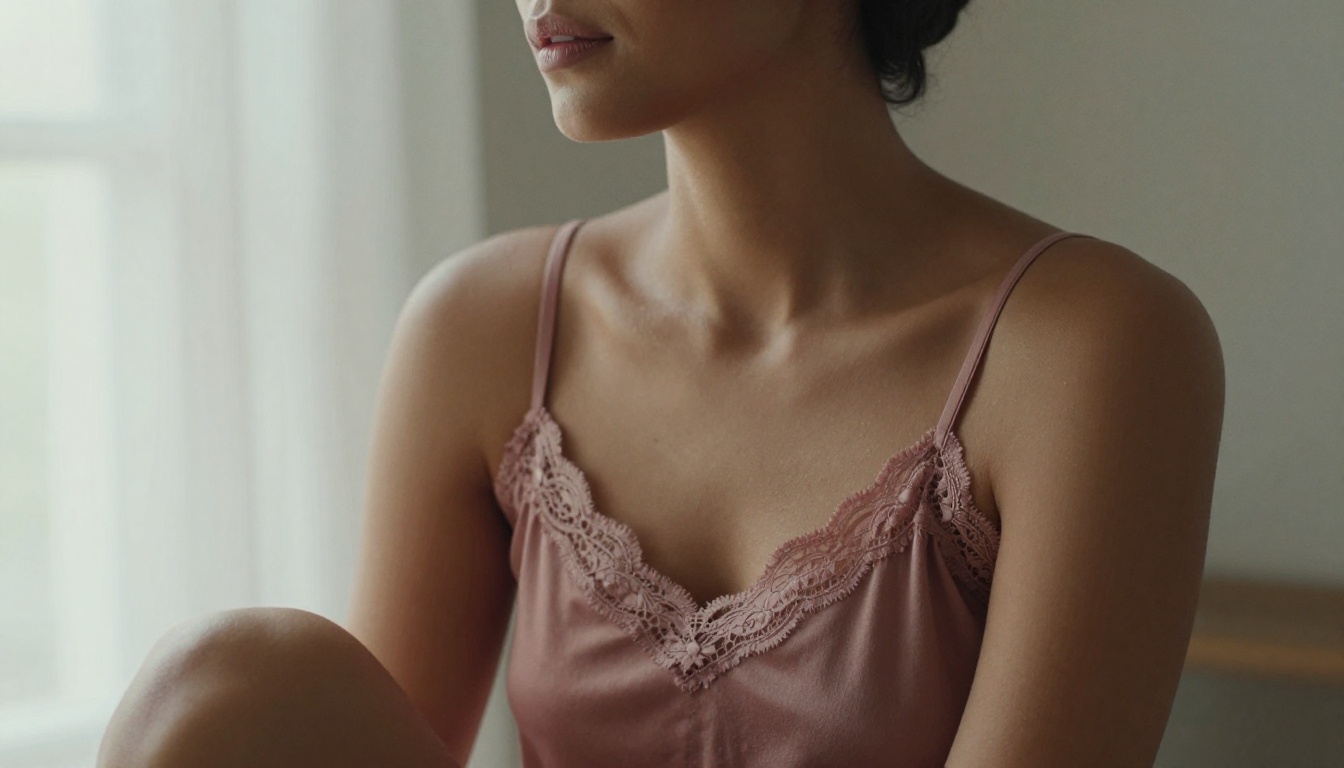
Artlist built its reputation on stock music and video licensing. When they moved into AI-generated imagery, they brought that same compliance-focused mindset with them. The result? A platform that's excellent for corporate presentations and safe-for-work content, but nearly useless for fashion editorials, adult creative projects, lingerie campaigns, or anything that involves the female form in a non-clinical way.
The filter system isn't just about explicit content either. Artlist's AI flags suggestive poses, intimate framing, and even certain swimwear shots. Photographers working on lifestyle brands, adult wellness companies, or editorial fashion frequently hit invisible walls that produce zero useful output. The frustration isn't hypothetical. It's the daily reality for thousands of creative professionals who signed up expecting a creative tool and got a compliance filter instead.
The deeper problem is opacity. You don't know what will be blocked until it's blocked. That unpredictability makes it impossible to build reliable workflows around the tool, which is a serious problem for anyone working on production timelines.
Who Actually Pays the Price
The people most affected by Artlist's filter system aren't generating pornographic content. They're:
- Fashion photographers who need to prototype shoots with models in swimwear
- Adult wellness brands producing tasteful product imagery for legitimate businesses
- Romance novelists needing artwork that suggests intimacy without being explicit
- Creative directors building mood boards for editorial campaigns
- NFT artists working in the glamour or fine art nude space
- Boudoir photographers looking to pre-visualize shoot concepts before booking studio time
These are legitimate professionals with legitimate needs. The filter system treats them like threats instead of customers.
Why Picasso AI Breaks the Mold
Built for Real Creative Freedom
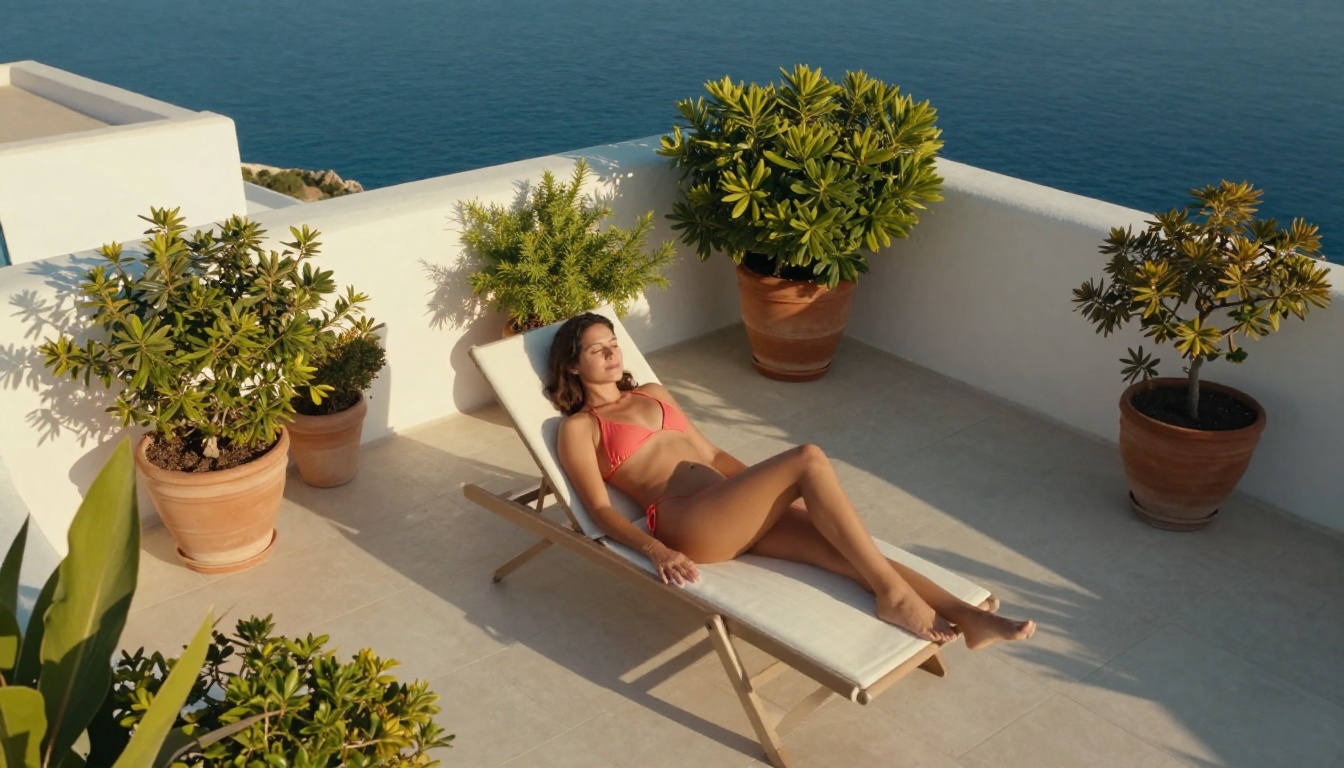
Picasso AI takes a fundamentally different stance. The platform operates on the principle that creative professionals deserve access to the full spectrum of image generation, from pristine corporate imagery to suggestive, atmospheric, and NSFW content, without having to explain themselves to an algorithm.
The platform hosts over 91 text-to-image models with varying capability levels, styles, and content tolerances. Instead of a blanket restriction system, it gives creators access to models that can generate everything from hyperrealistic portraits to intimate editorial photography. The philosophy is simple: trust the creator to know what they need.
💡 The core difference: Artlist restricts at the platform level. Picasso AI trusts the model and the creator to define appropriate output together.
This isn't just a philosophical distinction. In practice, it means the difference between a tool that actually works for your project and one that constantly interrupts your creative process with rejections.
The Models That Make It Possible
The range of available models on Picasso AI is one of its biggest structural advantages. You're not locked into a single proprietary model with built-in guardrails. You choose from specialized models tuned for photorealism, artistic quality, and creative flexibility. Each model has its own characteristics, strengths, and output profile.
Here are some of the most powerful options for unrestricted creative work:
The Best Models for Unrestricted Image Creation
Flux Kontext Dev: The Precision Tool
Flux Kontext Dev is one of the most capable models on the platform for generating photorealistic images with contextual accuracy. It understands the compositional relationships between elements in a scene, which means your prompts for atmospheric, intimate, or editorial shots produce coherent, believable results rather than AI artifacts and anatomical errors.
When you're building a lingerie lookbook prototype or a romantic editorial series, Flux Kontext Dev respects what you describe. A "woman in a silk slip dress seated by a rain-soaked window" actually looks like that, with the right light, the right fabric behavior, and the right atmospheric mood. Not a generic stock photo interpretation.
The model also handles negative space and background depth particularly well, which is critical for editorial work where the relationship between subject and environment carries as much meaning as the subject itself.
Flux Fast and Flux Kontext Fast: Speed Without Sacrifice
Flux Fast and Flux Kontext Fast are optimized for rapid iteration. If you're running 30 different concept variations for a creative shoot pre-visualization, these models deliver quality results at a pace that doesn't break your workflow or your timeline.
For creative directors who need to prototype fast before committing to a real shoot budget, the speed-to-quality ratio of these models is hard to match anywhere else. Generate a concept in seconds, evaluate, refine the prompt, generate again. The turnaround time is short enough that iteration becomes genuinely productive rather than a waiting game.
GPT Image 1: The Prompt Interpreter
GPT Image 1 handles complex, layered prompts better than most models in its class. When you need to describe nuanced scenarios with specific lighting conditions, precise compositional details, and specific subject characteristics, this model has the prompt comprehension to deliver on all of them simultaneously without losing coherence.
It's particularly strong when multiple elements need to coexist naturally: a woman in an evening gown in a specific indoor setting with precise light quality, background atmosphere, and specific fabric textures all behaving correctly at the same time.
Real Results: Picasso AI vs. Artlist AI
The Prompt Test
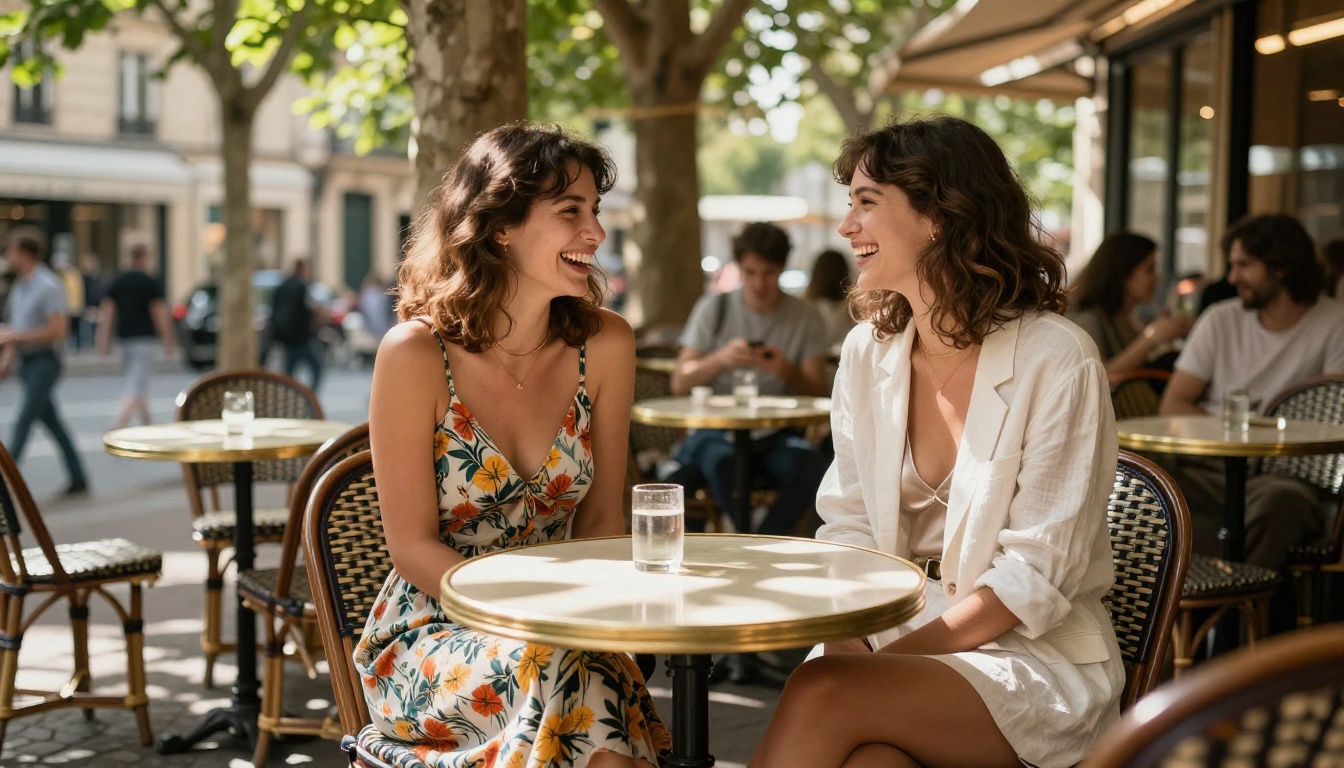
To make the comparison concrete, consider this prompt: "A woman in her late 20s wearing a white linen bikini standing at the edge of a tropical pool, golden afternoon sunlight, photorealistic"
Artlist AI: Flags the prompt for suggestive content. Output blocked or heavily sanitized to the point of being useless for the intended purpose.
Picasso AI with Flux Kontext Dev: Produces a photorealistic RAW-style image matching the description with accurate lighting, natural skin tones, correct swimwear fabric behavior, and compositional fidelity to the brief.
That's the difference in practice. Not in theory. Not in marketing language. In actual output you can use.
Prompt Engineering Matters More Here
Because Picasso AI doesn't over-filter your prompts, the quality of your output scales directly with the quality of your prompt. There's no platform-level homogenization happening. On Picasso AI, you keep full control over the specifics:
- Specify lighting direction: "volumetric morning light from the left"
- Define lens characteristics: "85mm f/1.4 with creamy background bokeh"
- Set film stock: "Kodak Portra 400 film grain, warm tonal curve"
- Control exact atmosphere: "intimate, soft shadow gradient, no harsh flash"
- Describe texture: "visible pore detail on skin, natural lip moisture, linen fabric weave"
💡 Pro tip: Treat every prompt like a photographer brief. Subject, environment, light, lens, mood. The specificity is what separates editorial-quality output from generic AI imagery.

NSFW and Suggestive Content: Where the Line Is
What "Non-Explicit NSFW" Actually Means
Picasso AI operates in the suggestive and glamour space rather than explicit territory. The platform supports:
- Bikini, lingerie, and swimwear imagery shot in editorial and lifestyle contexts
- Implied nudity presented in an artistic, non-graphic way
- Intimate editorial framing and boudoir aesthetics
- Romance-adjacent and sensual atmospheric imagery
- Glamour photography with tasteful, aesthetically-focused subject presentation
What it doesn't produce: explicit sexual content, graphic nudity in non-artistic contexts, or content involving minors. The platform maintains artistic integrity while giving adult creators the access they need to produce real, commercially viable work.
The Aesthetic Approach That Works
The most effective way to use Picasso AI for suggestive content is to approach it the way an editorial or fashion photographer would. Think in terms of the visual elements that create atmosphere:
- Wardrobe: Specify fabric, cut, and how clothing sits and drapes on the body
- Pose: Describe posture and gesture precisely rather than vaguely
- Environment: Set up the full context (boutique hotel suite, private beach at dusk, poolside at golden hour)
- Mood: Define the emotional atmosphere explicitly (confident, serene, intimate, sensual)
- Light: Natural light sources always read as more authentic and less clinical than artificial lighting
The images that produce the best results are written with real photographic vocabulary. Vague requests produce vague results. Specific briefs produce specific, usable images.
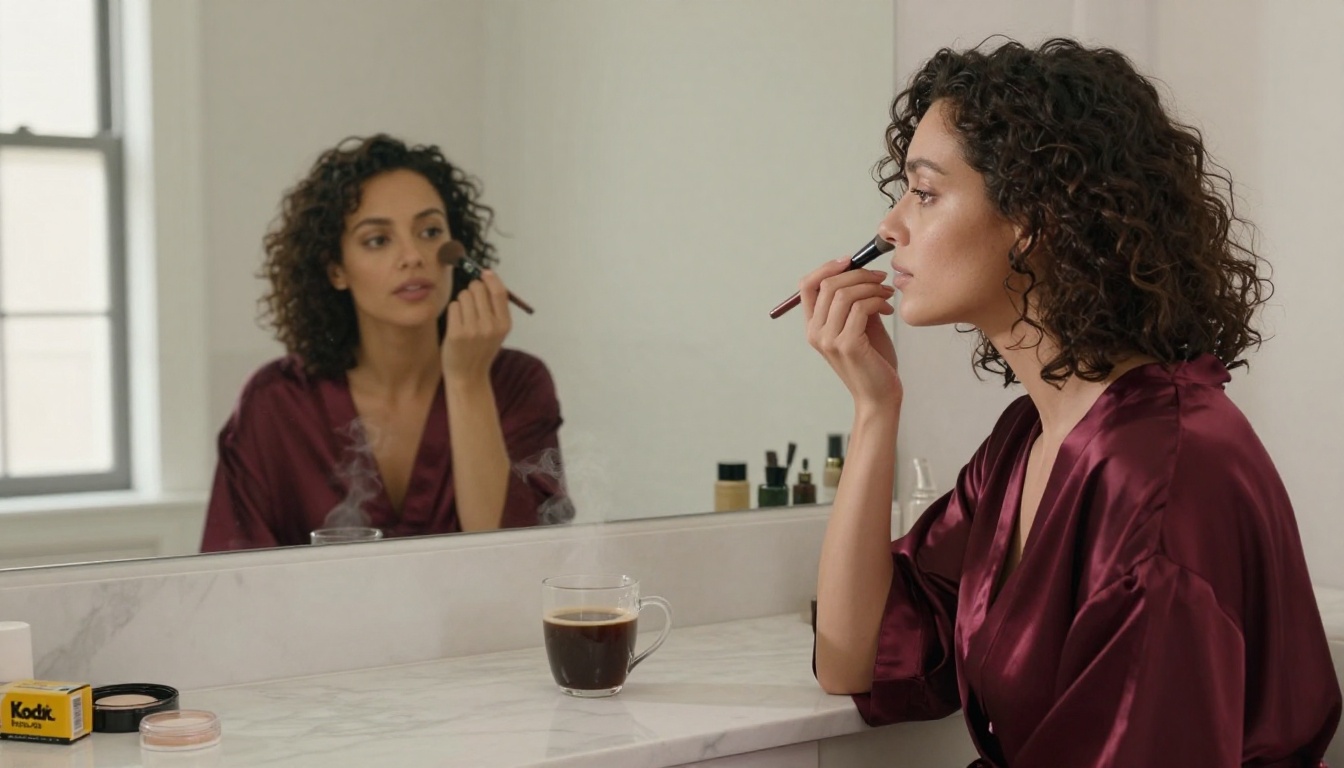
How to Generate Your First Unrestricted Image
Step 1: Choose Your Model
Go to the text-to-image section and select a model based on your specific intent. For photorealistic editorial content, Flux Kontext Dev or Google Imagen 4 Ultra are the strongest starting points. For faster iteration cycles when you're still refining a concept, go with Flux Fast or Flux Kontext Fast.
Step 2: Write a Photographic Prompt
Structure your prompt in deliberate layers:
- Subject: Who or what is in the image, described with precision (age, hair, clothing, body language)
- Environment: Where they are and what surrounds them (specific location, props, set details)
- Lighting: Direction, quality, and source of light (golden hour from the left, overcast diffused, single window source)
- Camera: Lens, aperture, shooting angle (85mm f/1.4, low-angle, aerial, close-up)
- Style: Film stock, atmosphere, mood (Kodak Portra 400, intimate, editorial, raw)
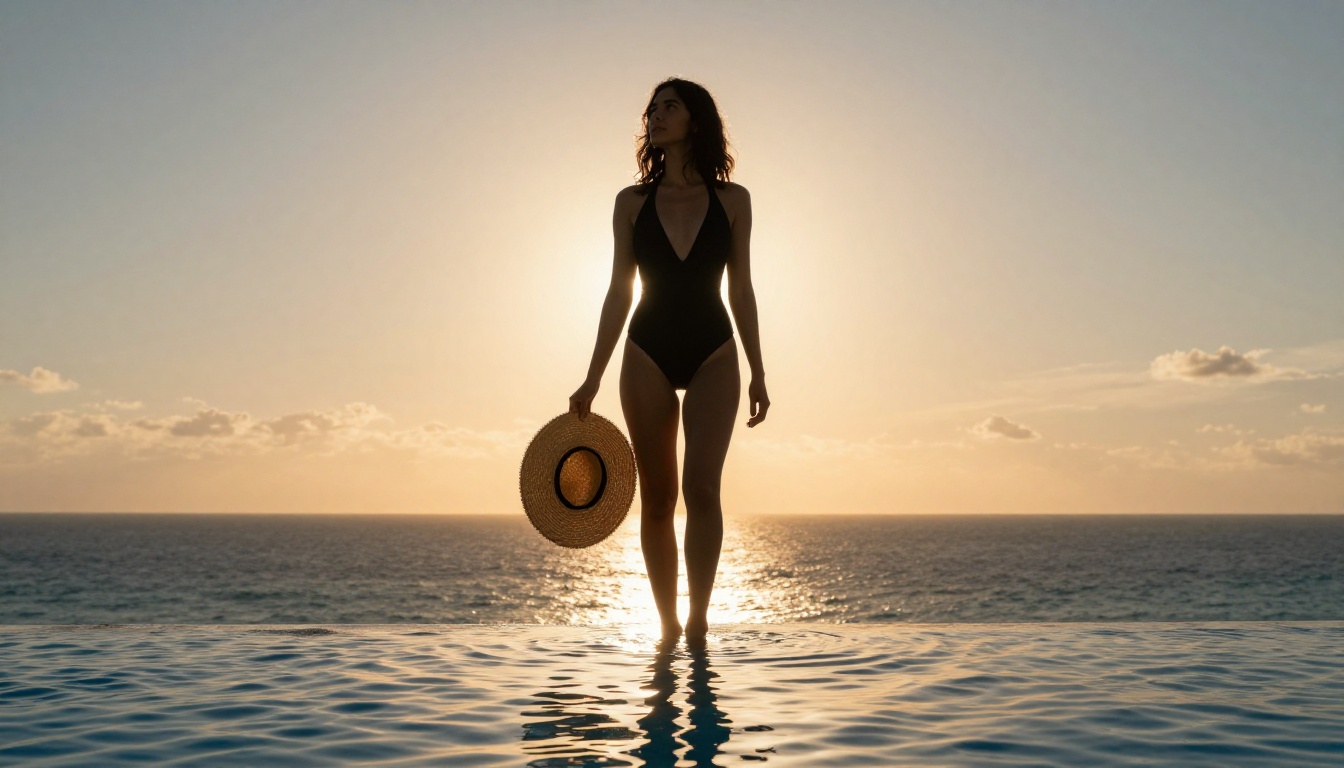
Example: "A woman in her late 20s with dark hair wearing a fitted black one-piece swimsuit, standing at the edge of an infinity pool overlooking the ocean, late afternoon golden backlight creating a warm rim-light on her shoulders, low-angle 24mm wide lens, warm lens flare from setting sun, Fujifilm Velvia 50, saturated warm tones, water caustics visible on pool floor --ar 16:9 --style raw"
Step 3: Iterate Fast
Generate your first image, assess what's working, and refine the prompt. Adjust one or two elements per iteration rather than rewriting everything at once. This approach lets you pinpoint which prompt elements are producing the results you want and which need adjustment.
Step 4: Scale Up Quality
Once you have a strong base image, use upscaling tools available on the platform to push your output toward print-ready resolution. This is particularly valuable for editorial and commercial work where final image quality directly affects usability.
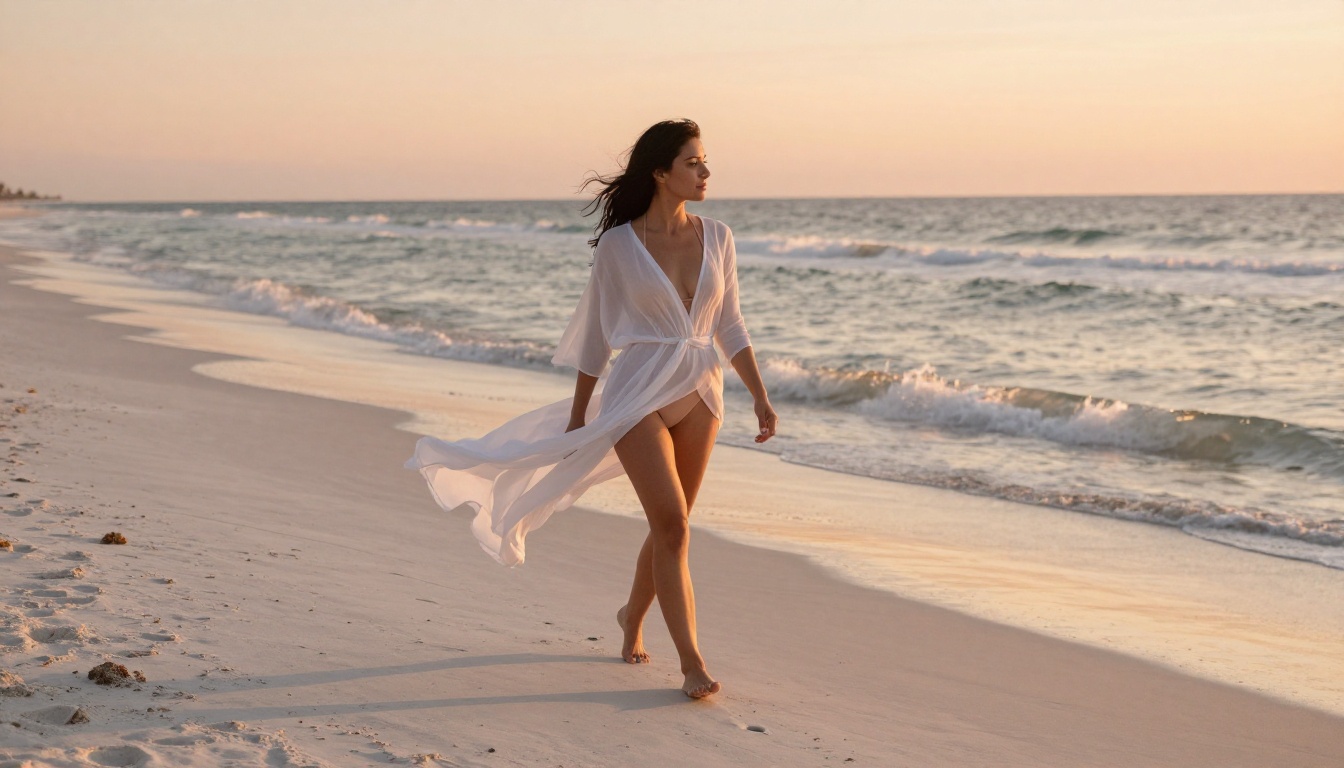
Editing and Refining Your Generated Images
Inpainting for Precision Fixes
Flux Fill Dev is the tool for targeted in-image edits. If an image is 90% right but the background needs replacing, a wardrobe element is off, or a compositional detail isn't working, Flux Fill lets you repaint specific regions without regenerating the entire image from scratch.
This changes how iterative editorial work actually feels. You don't start over. You refine in place. One strong generation becomes the foundation for a series of increasingly precise outputs.
Depth and Structure Control
Flux Depth Pro gives you explicit control over the depth structure of generated images. For portrait and editorial work where background separation and subject depth are critical to the final feel, this model produces results with genuinely photographic depth-field behavior rather than software-simulated blur.
💡 Use Flux Depth Pro when your subject needs to feel physically separated from the environment, not just softened behind it. The difference is visible and significant for print-quality work.
Context-Aware Variation
Flux Redux Dev generates stylistic variations of an existing image while preserving its compositional structure. When you have a winning composition and want to produce a range of outputs without starting from scratch each time, Redux Dev lets you iterate on style and mood while holding the structural elements stable.

What the Model Library Actually Looks Like
The depth of Picasso AI's model library is what separates it from single-model platforms. You're not limited to one flavor of AI generation dressed up as a service. The platform currently includes over 91 text-to-image models spanning a wide range of performance profiles and creative specializations:
Top Tier Photorealism:
Creative Range:
- Flux Schnell LoRA: Customizable rapid generation with fine-tuning support for specific visual styles
- Recraft 2.0B: Design-forward image creation suited to editorial and brand contexts
High-Volume Production:
- Flux Kontext Fast: Batch-friendly generation at reduced latency without significant quality loss
- Flux Redux Dev: Style-guided variation for producing series from a single strong composition
Each of these models has a distinct output profile. The right choice depends on your specific project requirements, timeline, and the level of photorealistic fidelity you need. Having all of them available in one platform without content restrictions means you can match the tool to the job rather than forcing the job to fit the tool.
Pricing That Doesn't Punish Creators
Artlist bundles its AI tools into subscription tiers designed primarily for video and music licensing customers. If you're only there for AI image generation, you're paying a significant subscription fee for a large set of features you don't use and can't use for the content types you actually need.
Picasso AI is built specifically around AI creation. The pricing reflects actual AI model usage rather than a media licensing bundle. For creators who generate at volume, this produces substantially better economics per image without the overhead of an entertainment licensing subscription.
💡 The credit-based structure lets you allocate budget toward the specific models that produce results for your workflow, instead of locking you into a flat subscription regardless of actual usage patterns.
For agencies and studios doing production-volume image generation, the cost difference between a media licensing bundle and a purpose-built AI generation platform compounds significantly over time.
The Creative Case for Switching
Artlist is a solid platform for what it was built to do: music licensing, stock media, and safe-for-work AI generation for corporate and branded content. It's not built for creative professionals who need to operate outside of corporate-friendly content parameters.
Picasso AI is. The difference isn't that Artlist is a bad platform. It's that you need to use the right tool for the right job.
If your work involves fashion editorial with real or AI-generated models, adult wellness or beauty content, romance and sensual creative projects, boudoir photography pre-visualization, glamour and lingerie campaigns, or any NSFW-adjacent creative work of any kind, Picasso AI is the environment that was actually built for your use case.
Start Creating Something Worth Showing
The best way to understand what this platform delivers is to use it. Pick a model from the text-to-image collection, write a prompt with real photographic specificity, and see what comes back.
Flux Kontext Dev is the strongest first choice for photorealistic editorial work. Flux Fast if you want to iterate quickly across multiple concepts before committing. GPT Image 1 if your prompts are complex and layered with multiple elements that need to coexist naturally.
Start with one concept. One prompt. One scene. Write it the way you'd brief a photographer: subject, environment, light, lens, mood. Hit generate.
What you get back from Picasso AI, compared to what Artlist would have produced for the same brief, will make the decision obvious.


