If you've been using Midjourney for AI-generated images, you're getting good at prompting one model with one output type. That's it. Meanwhile, the rest of the AI creative stack, video, audio, advanced editing, face tools, speech synthesis, and over 90 different image architectures, exists entirely outside of what Midjourney can offer. Picasso AI has every model Midjourney doesn't, and that's not a small distinction. It's the difference between a single-purpose tool and a complete AI production platform.
What Midjourney Does (and Stops Doing)
Midjourney is a single proprietary model. You type a prompt, it generates an image in its own recognizable style. That style is genuinely excellent for certain aesthetics, which is why millions of people use it. But that's where its capabilities end, and understanding that ceiling is the first step to knowing what you're actually missing.
One Output, One Style
You can't switch models in Midjourney. You can adjust aspect ratios, style weights, and chaos parameters, but you're always working with the same underlying system. If the Midjourney aesthetic doesn't match your project, or if a client asks for something that leans photorealistic in a way Midjourney doesn't handle well, you're stuck working around its limitations rather than choosing the right tool for the job.
There's no text-to-video. No AI music generation. No background removal. No face swap. No lipsync for talking video. No super resolution upscaling. No ControlNet for pose or structure control. No inpainting or outpainting beyond basic variations. The word "model" in Midjourney's context refers to version numbers of the same proprietary architecture, not to different AI systems doing fundamentally different things.
No Access to the Open AI Ecosystem
The broader AI creative ecosystem has produced dozens of powerful architectures in the past two years alone. Flux models from Black Forest Labs set new benchmarks for photorealistic output and prompt adherence. Stable Diffusion variants and SDXL enabled an entire ecosystem of fine-tuned models for specific aesthetics. ControlNet made structure and pose control possible. Google, OpenAI, ByteDance, and Runway all launched video generation systems that produce cinematic footage from text prompts.
Midjourney gives you access to none of these. Every prompt you send stays inside their proprietary walls.
💡 For creators who need visual flexibility, that's a hard ceiling. For teams who need a full production stack, it's a dealbreaker.
The Model Catalog Difference Is Massive
This is where the comparison gets concrete. Picasso AI operates as a multi-model platform, meaning it hosts and runs dozens of different AI architectures across multiple creative domains. You choose the model that fits your specific task, your output requirements, and your aesthetic goals.
91+ Image Models in One Place
The text-to-image category alone includes over 91 models. That means real choice between architectures, not just parameter tweaks within one system:
- Flux Redux Dev for creating controlled image variations from a reference with structural fidelity
- GPT Image 2 for precise, instruction-following photorealistic outputs that respond accurately to complex prompts
- Qwen Image Edit Plus for AI-powered photo editing and manipulation directly from natural language commands
- ControlNet-based models for depth control, pose matching, and structure preservation
Each of these does something meaningfully different. Some are optimized for photorealism. Some for artistic and stylized output. Some for strict compositional control that keeps a scene's structure intact while changing its content. Midjourney offers none of this choice.
Every Major Architecture, One Interface
The practical difference comes down to this: when a new model drops from Black Forest Labs, Google, OpenAI, or any major AI lab, it gets evaluated and added to the platform. You're not locked into waiting for one proprietary team to improve one system on their timeline. You get the entire field of AI image research as it develops.
| Capability | Midjourney | Picasso AI |
|---|
| Image Models | 1 (proprietary) | 91+ |
| Video Generation | None | 106+ models |
| AI Audio | None | Available |
| Image Editing | Basic variations only | Full pipeline |
| Face and Body Tools | None | Available |
| ControlNet | None | Available |
| Super Resolution | None | 2x to 4x |
| Background Removal | None | Available |
| Lipsync | None | Available |
Video Generation: The Biggest Gap
This is the capability that creates the widest distance between the two platforms. Midjourney has no video generation. Not limited video generation. None at all.
106 Video Models and Counting
Picasso AI's text-to-video category includes over 106 models from the biggest names in AI video production. Not animated GIFs or short blurry clips. Full cinematic video from text prompts, with resolution up to 4K and built-in audio on select models.
Some of the standouts:
- Veo 3 by Google: text-to-video with native audio generation, producing synchronized sound alongside visuals
- Sora 2 by OpenAI: HD video with audio-synced output and strong cinematic consistency
- Kling v2.6 by Kwaivgi: cinematic 1080p output from both text prompts and image inputs
- Seedance 2.0 by ByteDance: text-to-video with built-in audio generation in a single generation pass
- Wan 2.7 T2V: 1080p video from text prompts with strong motion consistency
- LTX 2 Pro: 4K video from text with professional-grade output quality
- Gen 4.5 by Runway: cinematic motion and camera control from text input
- Hailuo 02: sharp 1080p AI video generation
- Ray by Luma AI: fast, high-quality text-to-video with smooth motion
From Static Images to Moving Footage
Beyond text-to-video, you can also animate existing images rather than generating from scratch. Models like Wan 2.7 I2V take a photo and turn it into smooth, natural-looking video motion. Pixverse v5 handles the same task with strong cinematic style and camera movement options.
For content creators, social media teams, marketers, and video producers, this single capability gap makes Midjourney completely irrelevant to a significant portion of their daily work.
Audio AI Midjourney Has Never Touched
No AI music. No voice synthesis. No transcription. Midjourney has never operated in the audio domain, and there's no roadmap suggesting it ever will.
Music from a Text Prompt
Picasso AI's AI music generation category lets you create full audio tracks from written descriptions. Describe a mood, genre, tempo, instrumentation, or energy level, and the model produces original audio output. Practical use cases include:
- YouTube and social content requiring royalty-free background tracks
- Advertising and brand campaigns needing custom audio that fits specific visual pacing
- Game development for prototyping soundscapes before committing to a composer
- Filmmaking for testing scoring ideas against rough cuts
- Podcast and video production where intro and transition music is a constant need
Text-to-Speech and Voice Synthesis
The text-to-speech category covers realistic voice generation for narration, character dialogue, and brand voiceovers. Speech-to-text handles transcription workflows for podcasts, interviews, and video content. If you're producing video, having voiceover generation and audio transcription inside the same platform as your visual production removes a significant tool-switching bottleneck.
💡 The combination of image generation, video creation, music production, and voice synthesis in one platform is what separates a creative suite from a single-purpose image tool.
Midjourney added "vary" and "remix" features over time, but its image editing capabilities remain surface-level adjustments within its own generated outputs. Picasso AI offers a complete AI image editing pipeline that works on any image, generated or uploaded.

Inpainting, Outpainting, Object Replacement
These three capabilities form the foundation of professional AI image editing workflows:
- Inpainting: Select any region of an image and fill it with new AI-generated content that seamlessly matches the surrounding area. Fix errors, swap objects, remove unwanted elements, or add new ones.
- Outpainting: Expand the canvas beyond the original frame in any direction. Add sky above, foreground below, or extend the background to create a wider composition from a tighter original shot.
- Object replacement: Describe what you want in place of an existing element, and AI replaces it while preserving lighting, shadows, and everything else in the scene.
These aren't experimental features. They're production-ready tools used daily by designers, photographers, and marketing teams. Midjourney's closed ecosystem makes none of these available on external images.
Super Resolution and Image Restoration
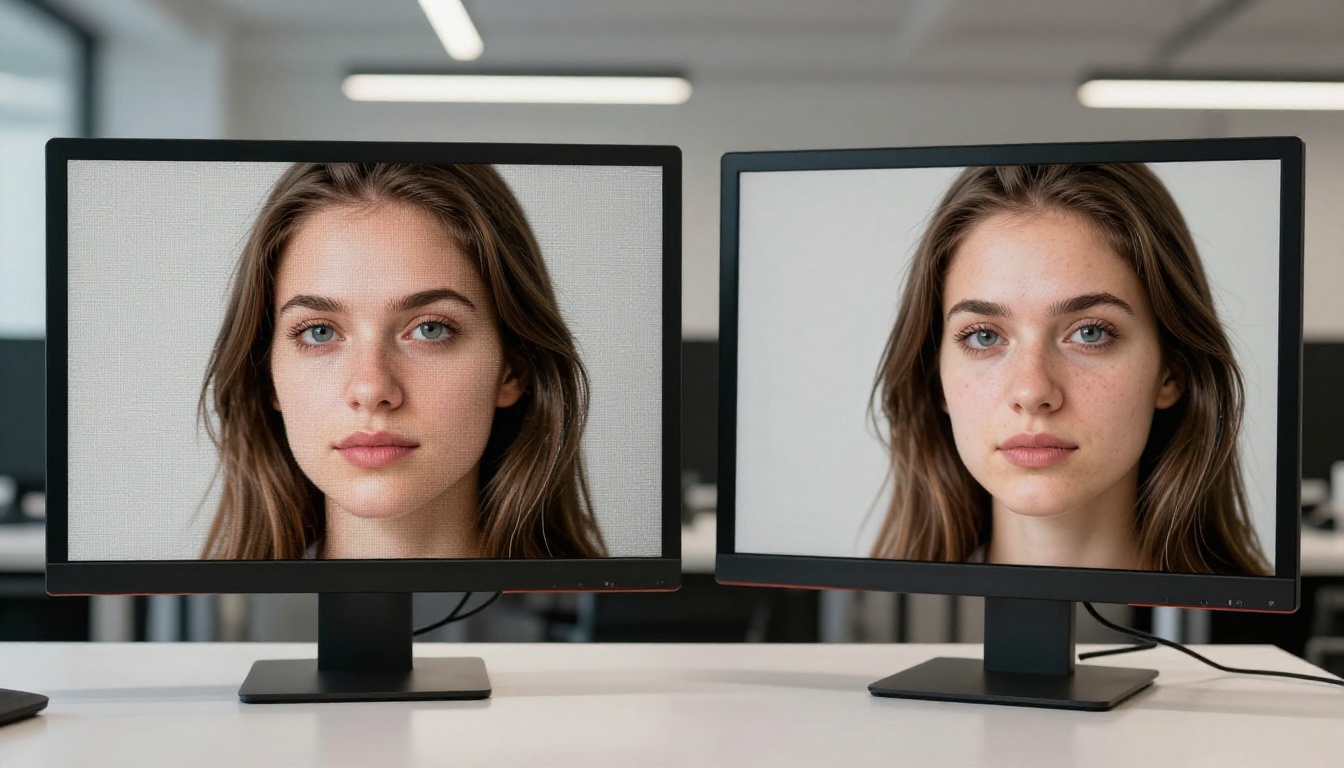
The super-resolution category handles upscaling from 2x to 4x with genuine detail reconstruction rather than simple interpolation. Hair strands, fabric texture, skin pores, and fine architectural detail that blur in low-resolution sources are reconstructed with convincing fidelity. AI image restoration tools address noise, blur, compression artifacts, and physical damage in existing photos.
For photographers working with underexposed or low-resolution source material, e-commerce teams resizing product images across different platforms, and archivists digitizing historical photographs, this is a practical daily workflow. Midjourney offers none of it.
Background Removal in Seconds
The remove-backgrounds category provides instant, clean background separation using AI matting. Upload any product photo, portrait, or scene, and the AI isolates the subject with precision around hair, complex edges, and semi-transparent elements. This is standard workflow for e-commerce listings, marketing assets, and social content production that Midjourney simply doesn't address.
Face and Body AI Models
Midjourney doesn't touch face-specific AI tools. It won't do face swaps, talking avatar generation, or lipsync video. These capabilities require specialized models built for the precision that facial structure demands.
Face Swap Technology
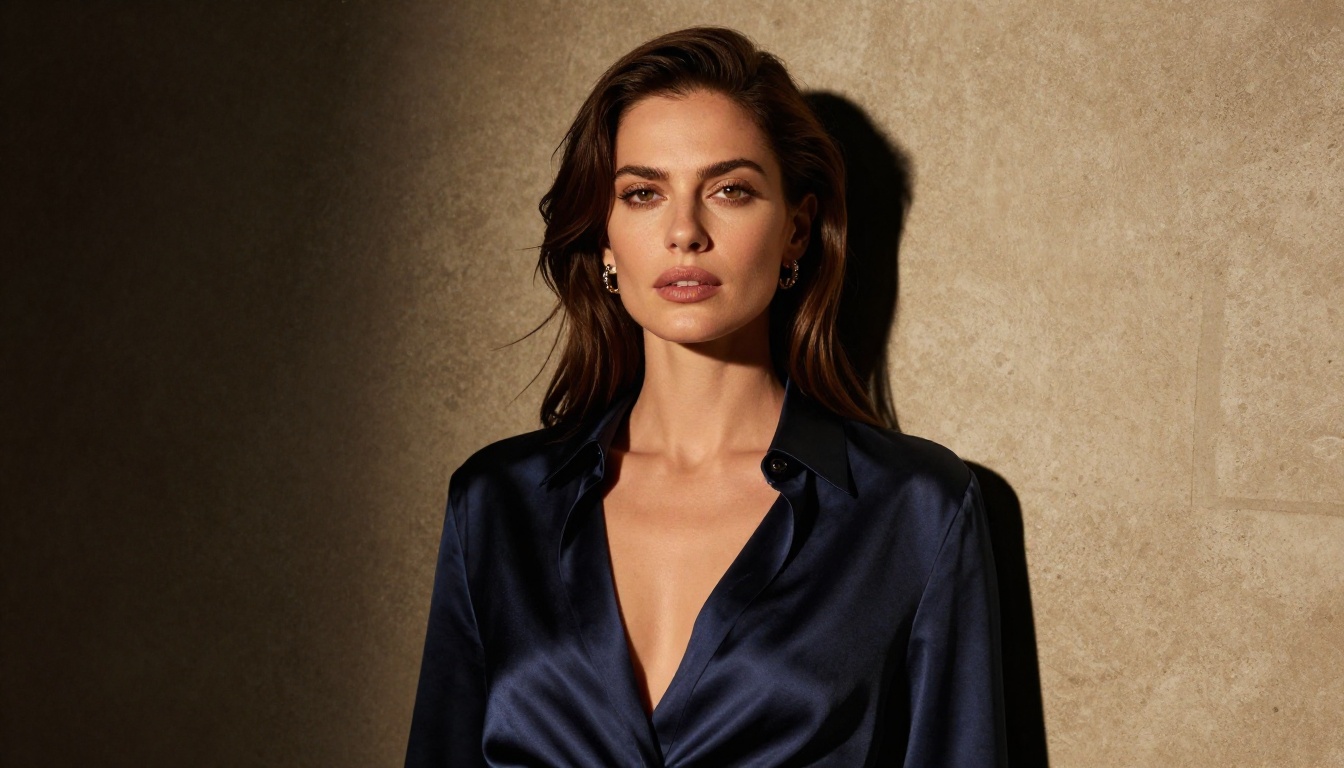
Face Swap AI allows you to replace faces between images with photorealistic results. The model handles lighting conditions, skin tone matching, facial geometry, and edge blending to produce natural-looking composites. Legitimate applications include content creation, film previsualization where talent availability is a constraint, and marketing campaigns that require consistent character representation across visual assets.
Lipsync for Talking Video
The lipsync category synchronizes mouth movement to any audio track or text-to-speech output with realistic facial animation. Combined with video generation and voice synthesis capabilities in the same platform, this creates a complete pipeline for producing talking-head video without on-camera recording. For brand explainers, product demonstrations, multilingual dubbing, and training content production, the workflow implications are immediate.
How to Use Flux Redux Dev on Picasso AI
Picasso AI has Flux Redux Dev available as one of its most versatile image variation tools. This model specializes in generating controlled variations of a reference image while maintaining structural and compositional consistency, making it ideal for product photography iterations, character design rounds, and creative exploration from a single starting point.
Step 1: Open the Model Page
Go to Flux Redux Dev on Picasso AI. No plugins, no Discord server, no waiting for a queue. The interface loads directly in your browser.
Step 2: Upload Your Reference Image
The model takes an existing image as its primary input. Upload any photo you want to create controlled variations of. This could be a product shot, a fashion reference, a generated image from another session, or any visual asset you want to iterate on.
Step 3: Adjust the Parameters
- Image strength: Controls how closely the output follows the reference. Lower values allow more creative deviation in color and composition; higher values keep the output tightly anchored to the original structure.
- Number of outputs: Generate multiple variations in a single run to compare directions and select the strongest result.
- Prompt guidance: Add optional text to steer the variation toward a specific style, lighting condition, or setting.
Step 4: Generate and Review
Results appear within 15 to 30 seconds depending on the model load. Download the variations you want directly from the interface, or use them immediately as inputs for other tools in the platform.
💡 Combine Flux Redux Dev with inpainting to fix specific regions the variation didn't get right, then run the result through super resolution for a final upscaled output ready for production use.
Step 5: Build a Multi-Model Workflow
This is where the platform advantage becomes tangible. Take your Flux Redux Dev output, run it through a 4x super-resolution model, apply background removal if needed for a product shot, and then use the cleaned result as a reference image for Wan 2.7 I2V to generate a video version of the same asset. That entire workflow, from image variation to video output, happens inside a single platform. In Midjourney's ecosystem, it's not possible at any step beyond the first.
The argument for Midjourney rests almost entirely on image quality for its specific aesthetic. That argument holds in some contexts. But it falls apart the moment you ask what happens next, when you need to animate that image, remove its background, upscale it for print, add a voiceover, or turn it into a video with synced audio.
Real creative production involves multiple steps:
- Image generation for concepts, references, and visual assets
- Image editing to refine, fix, and adapt those visuals to specific requirements
- Video production to animate, contextualize, or repurpose still images as motion content
- Audio creation for music, voiceovers, and sound design across all video output
- Face and body tools for character consistency and talking-head video production
- Upscaling and restoration for output quality and working with legacy visual assets
Midjourney handles step one, sometimes well. Picasso AI handles all six, with over 91 image models alone to cover step one with far more architectural variety.
For a solo creator, switching between six different tools, six different subscriptions, and six different interfaces is production friction that consistently slows output. For a team, it multiplies coordination cost and creates version control problems when assets pass through disconnected pipelines. Having 91 image models, 106 video models, and every supporting category in a single platform with a consistent interface changes the economics of AI-powered content production.
The models Midjourney doesn't have aren't obscure or experimental. They're Veo 3 from Google, Sora 2 from OpenAI, Kling v2.6 from Kwaivgi, and Seedance 2.0 from ByteDance. These are the most capable video generation models in existence right now. They're all running on Picasso AI, alongside the full image editing stack, audio tools, and face AI that completes the picture.
Start creating. Pick any model, type a prompt, and see what a full AI creative platform actually produces when you stop being limited to one tool's one output type. The difference becomes clear the first time you need anything beyond a static image.


