Midjourney produces beautiful images. Nobody is going to argue that. But when you try to do something outside its single visual lane, like generate a hyper-realistic portrait with pore-level skin detail, or iterate through 50 style variations in one session without paying per generation, or switch from photorealistic to painterly to anime in the same workflow, you hit a wall fast. The model breadth isn't there. And that gap is exactly where the conversation needs to start.
This isn't about Midjourney being bad. It's about what happens when your project demands more than one tool can offer. When you're building product photography mockups, social media content at scale, editorial portraits, or concept art that has to match a brief precisely, a single closed model with one aesthetic tendency isn't enough. The question isn't "which AI makes prettier pictures?" It's "which platform gives me the right tool for each specific job?" That's where Picasso AI Has Every Model Midjourney Doesn't becomes more than a headline: it's a functional reality with real workflow implications.
What Midjourney Actually Limits You To
Midjourney is a closed model. You get one engine, one aesthetic tendency, and one pricing structure. The platform has improved significantly across versions, but every output carries the same underlying signature: that slightly illustrative, painterly quality that makes a Midjourney image recognizable from a mile away.
That's a feature when you want that look. It's a constraint when you don't.
Here's what Midjourney doesn't give you:
- Multiple base models with fundamentally different training data and output characteristics
- Open-source architectures like Stable Diffusion, which has years of community fine-tuning behind it
- Portrait-specialized models fine-tuned specifically for realistic skin, hair, and facial structure
- Speed-optimized variants that produce usable output in under five seconds per generation
- Scheduler and guidance controls that let you tune the diffusion process at a technical level
- Full img2img workflows where you upload a reference photo and redirect it with a prompt
- Negative prompts that explicitly exclude unwanted elements from the output
- Reproducible seeds with full control over iteration from a locked starting point
When you add those gaps up across a real content production workflow, they stop being minor inconveniences and start representing hours of workarounds, platform-switching, and compromised output quality.
The Model Lineup Nobody Talks About
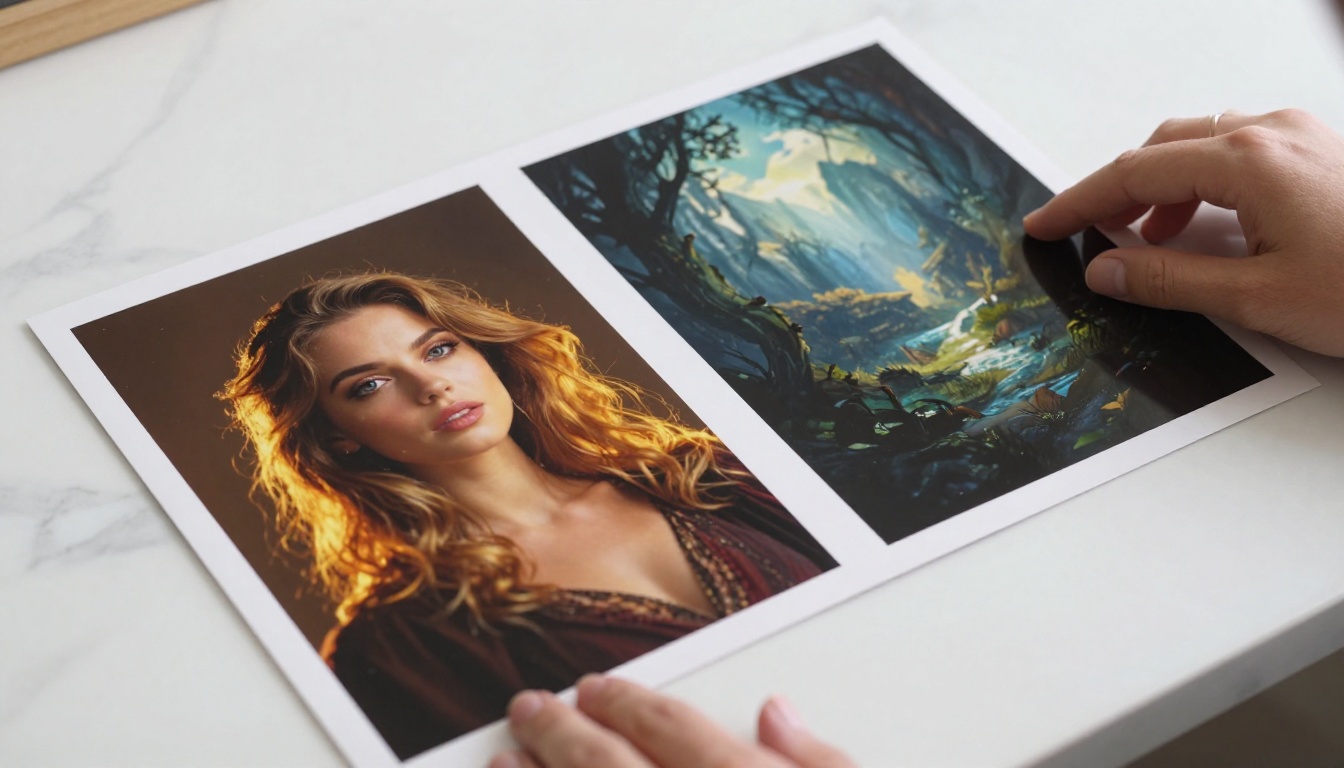
PicassoIA's text-to-image catalog runs over 90 models. Not 90 variations of one model, but distinct architectures with different strengths, different aesthetic tendencies, and different technical controls. The Flux family alone covers three distinct use cases. Beyond that, you get portrait specialists, multi-style engines, and the open-source Stable Diffusion architecture with full technical exposure.
Here's where the gap becomes concrete.
Flux Schnell: Speed at Scale
Flux Schnell generates a full 1-megapixel image in under five seconds using four denoising steps. If you're running 50 prompt variations to find the right visual direction, waiting 30-45 seconds per image on another platform costs you real working time across a session. Flux Schnell doesn't.
The model supports 11 aspect ratios, outputs in webp, jpg, or png with quality adjustable from 0 to 100, and runs on PicassoIA with no generation caps. You can iterate through an entire concept session without watching a credit counter. A seed parameter lets you reproduce any result exactly when you find something worth developing further.
💡 When to use it: Concept drafting, fast iteration, generating batches for client review, and any workflow where getting to the right direction quickly matters more than absolute output quality. Flux Schnell is not the model for final-output detail work. Nothing beats it for speed.
Flux Dev: Precision Without Compromise
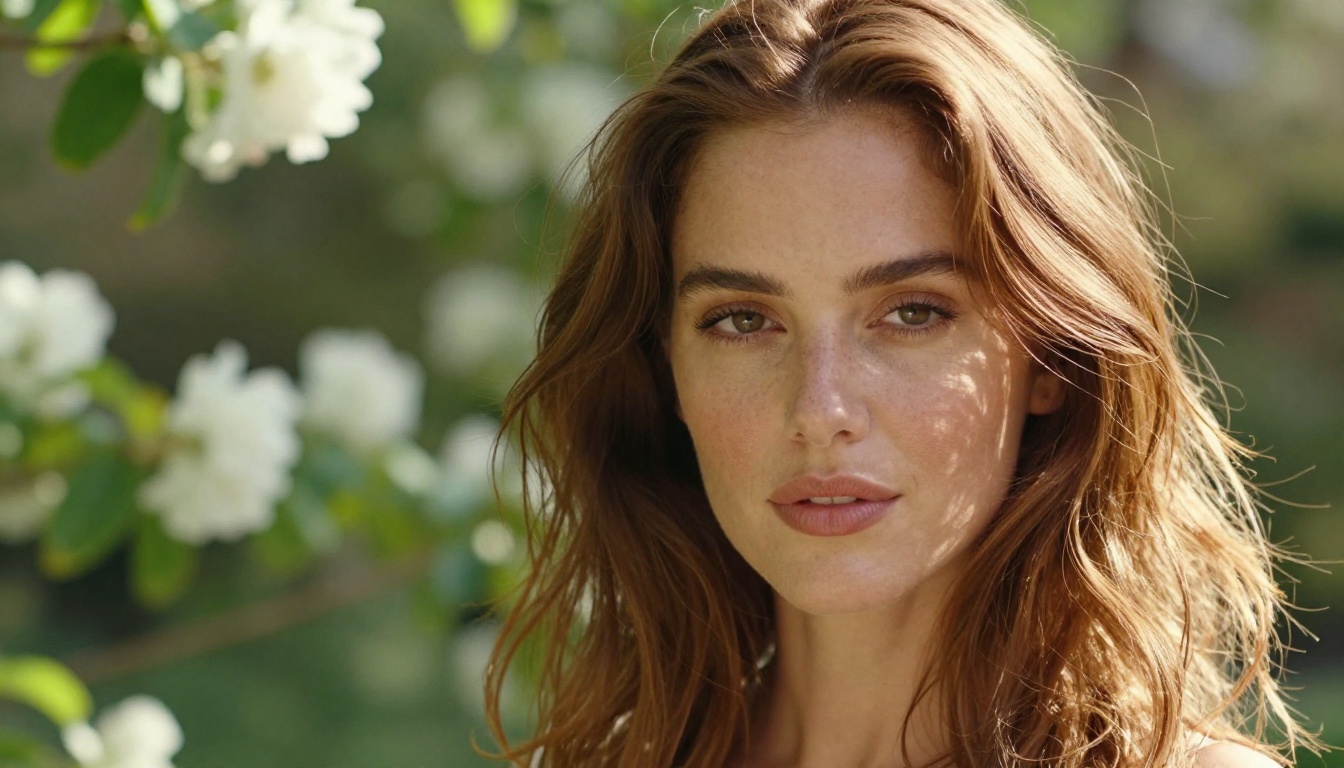
Flux Dev is a 12-billion parameter model built for users who need the prompt to actually show up in the image. Most AI generators interpret your words loosely, softening details or ignoring parts of your description entirely. Flux Dev is tuned to follow prompts with real precision, so when you describe a specific scene, lighting condition, or subject detail, the image reflects those specifics consistently.
It handles both text-to-image generation and img2img editing, supports 11 aspect ratios, and gives you control over inference steps from 28 to 50 to balance quality against generation speed. A guidance parameter controls how strictly the model follows your text versus composing more freely. The seed parameter lets you lock in a result and iterate from there, changing one variable at a time.
💡 Best for: Product mockups, concept art where composition needs to match a brief, editorial imagery, and any workflow where "close enough" genuinely isn't enough.
Flux Pro: When the Brief Has to Stick
Flux Pro adds a guidance control and an interval setting on top of Flux Dev's precision foundation. Guidance determines how closely the output matches your text description. Interval introduces compositional variance across runs, which is useful when you want a spread of options from the same prompt rather than similar results each time.
The model also accepts an image prompt alongside your text, giving you a reference-based steering mechanism that goes beyond what words alone can do. For brand work where both the copy brief and a visual reference image need to inform the output simultaneously, Flux Pro handles both inputs at once. It's the model that earns its place in agency production pipelines.
| Feature | Flux Schnell | Flux Dev | Flux Pro |
|---|
| Generation speed | Under 5 seconds | 15-30 seconds | 20-40 seconds |
| Prompt accuracy | Good | High | Very High |
| img2img support | No | Yes | Yes |
| Image prompt input | No | No | Yes |
| Guidance control | Basic | Yes | Yes plus Interval |
| Best for | Rapid drafts | Precision work | Brief-based production |
Photorealistic Portraits Done Right
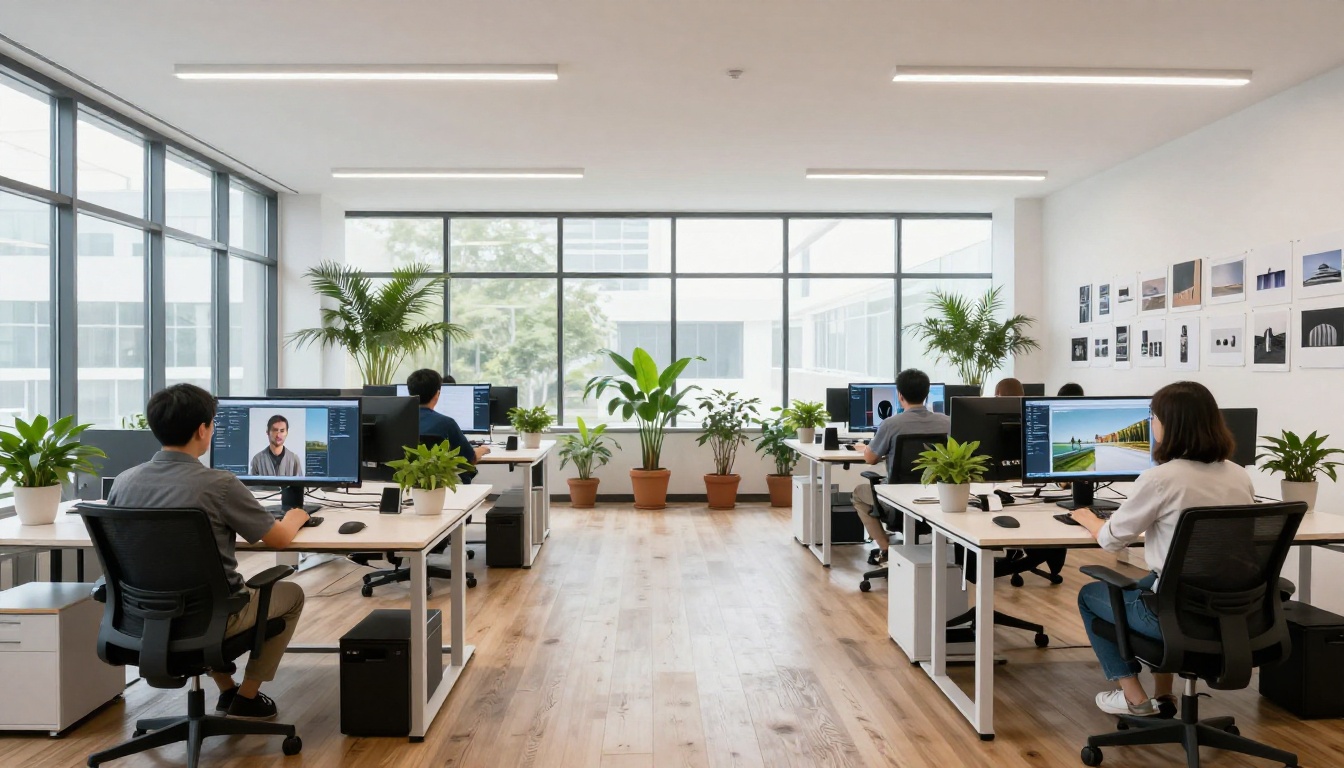
This is where Midjourney's single-model approach shows its most significant practical weakness. Realistic human faces require specialized training. Generic models produce skin that looks too smooth, hands that come out anatomically wrong, and lighting that feels artificial even when the composition is otherwise correct.
Realistic Vision v5.1
Realistic Vision v5.1 was built specifically to address this problem. The model was fine-tuned on photorealistic human portraits with deliberate focus on three recurring failure points in generic generators: skin texture realism, facial structure accuracy, and natural lighting behavior.
What you actually get with this model:
- Pore-level skin detail that holds up under close crop without looking airbrushed or plasticky
- Negative prompt control to exclude the most common portrait artifacts before they appear
- Dual schedulers (EulerA and MultistepDPM-Solver) for different rendering characteristics and edge definition
- Custom resolution up to 1024px on either axis
- VAE integration that produces richer color saturation and finer detail than standard base model outputs
- Guidance scale range of 3.5 to 7 for balancing prompt fidelity against creative variation
The default negative prompt in Realistic Vision already excludes the most common AI portrait artifacts: deformed irises, deformed pupils, extra fingers, mutated hands, bad proportions, long necks, and CGI-style rendering. You extend or modify that negative prompt based on what your specific output needs to avoid.
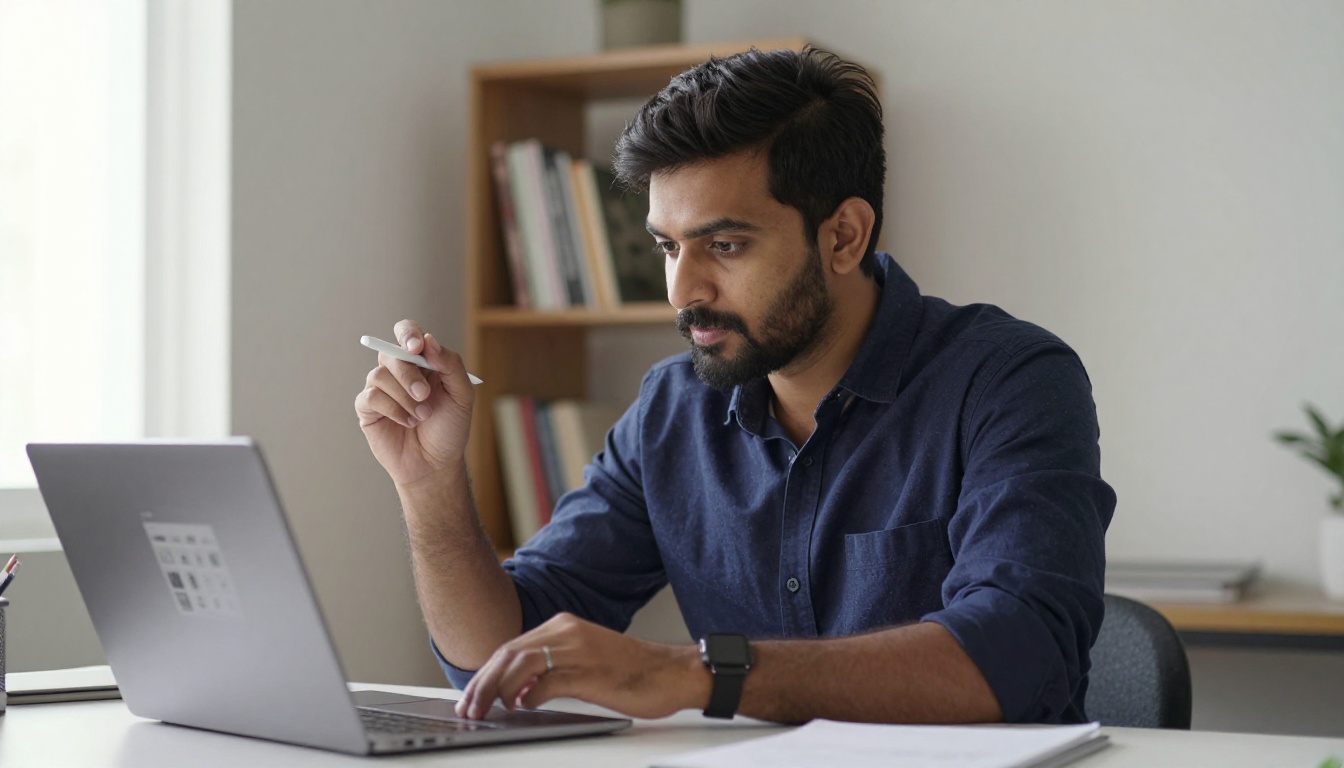
For product photographers, social media creators, or designers who need consistent human-subject imagery on demand, this model produces outputs that read like they came from a skilled portrait photographer. That's a capability Midjourney's general-purpose engine doesn't reliably replicate.
Style Range Beyond One Look
Dreamshaper XL Turbo
Dreamshaper XL Turbo handles the full range of visual styles within a single model: photorealistic portraits, painterly illustrations, anime characters, manga-style panels, and environment concept art. It runs at SDXL native resolution (1024x1024) and produces usable results in as few as six denoising steps, typically under ten seconds.
Seven schedulers give you meaningful control over the rendering aesthetic. DDIM produces different edge characteristics than K_EULER. Swapping schedulers on the same prompt shifts the output from sharp and photographic to soft and painterly without changing a word of the text. This matters when you're working across multiple content formats and styles within the same week.
A social media team that needs a photorealistic product shot on Monday and an anime-style character illustration on Thursday doesn't have to switch platforms, accounts, or workflows. One model, one interface, full style range.
💡 Scheduler tip: Start with K_EULER for most work. Switch to DPMSolverMultistep when you want sharper edge definition. HeunDiscrete gives more painterly, textured results on the same prompt.

Stable Diffusion Classics
Stable Diffusion remains the foundation of the open-source image generation ecosystem. On PicassoIA it runs with six schedulers, resolution control from 64px to 1024px in precise increments, negative prompt support, and an adjustable guidance scale.
Its real value is the technical control it exposes. Six scheduler options produce meaningfully different results: DDIM, K_EULER, DPMSolverMultistep, K_EULER_ANCESTRAL, PNDM, and KLMS each have distinct characteristics. If you understand diffusion models and want the handles to actually steer the output at a technical level, Stable Diffusion gives you that surface area. Midjourney doesn't expose any of it.
How to Use Flux Dev on PicassoIA
Since Flux Dev is one of the most versatile models available, here's exactly how to get the best results:
Step 1: Write a specific prompt
Flux Dev follows prompts with high fidelity, so vague prompts produce vague results. Describe subject, lighting direction, background, mood, and any compositional specifics in clear terms.
Example: "RAW photo, close-up portrait of a woman in her 30s in a sunlit cafe, warm afternoon light from the left, shallow depth of field, natural skin texture, cream-colored wall background, 85mm f/1.8"
Step 2: Set your aspect ratio before generating
Choose the ratio that matches your intended use. 16:9 for web banners, 1:1 for social posts, 9:16 for vertical stories. Changing it after costs you another generation.
Step 3: Set inference steps to 28-35
28 steps gives fast, clean output for most subjects. 35 to 50 adds finer detail at the cost of generation time. For most commercial work, 28 is the right starting point.
Step 4: Lock a seed for iteration
When you get a result worth developing, note the seed number. Adjust one thing in your prompt and run again with the same seed. You'll see exactly what changed instead of getting a completely different composition.
Step 5: Use img2img for reference-based work
Upload a reference photo and set prompt strength to 0.6 to 0.8. Lower values preserve more of the original image structure. Higher values let the prompt override more of the visual composition. Start at 0.7 and adjust from there.

💡 Guidance setting: Start at 3.5 for the first run. Increase to 5 to 7 if the output isn't following your prompt description closely enough. Decrease below 3 if you want more compositional variation across runs.
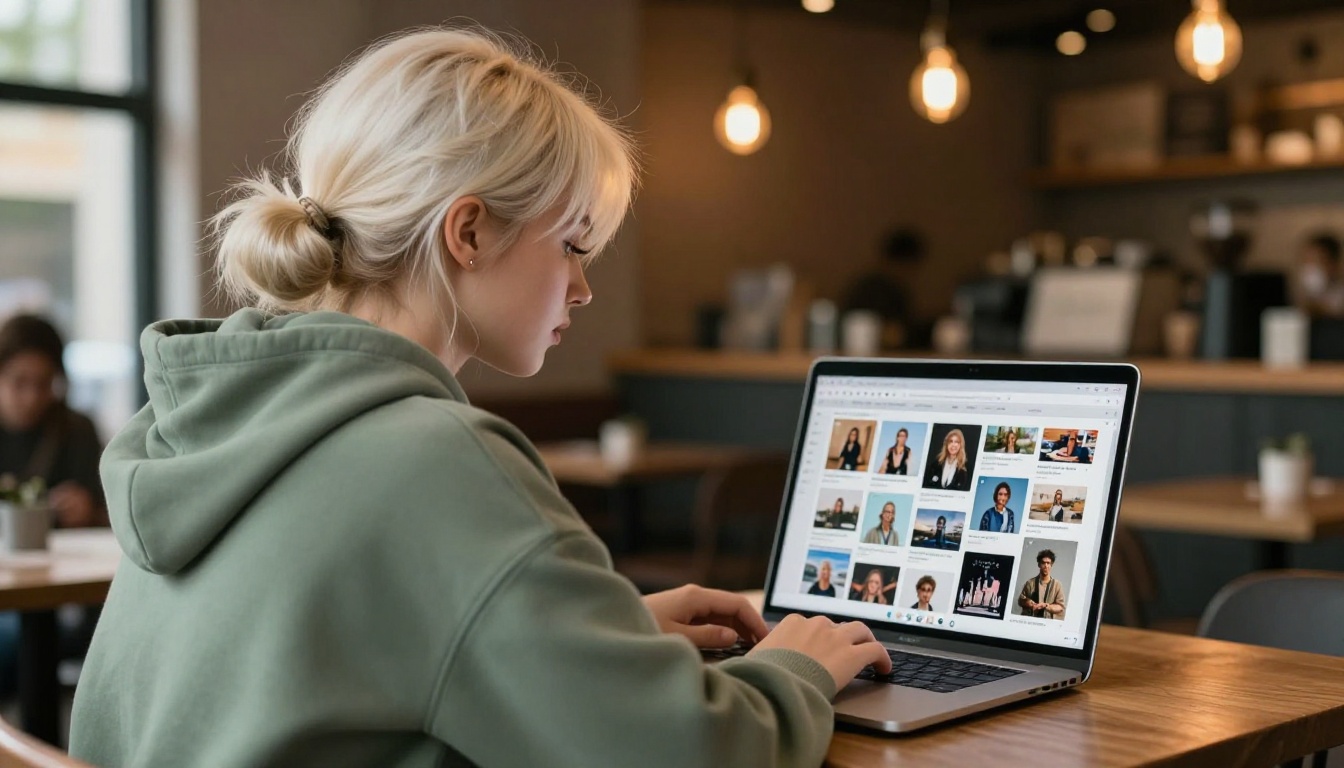
What You Actually Get vs. Midjourney
| Capability | Midjourney | PicassoIA |
|---|
| Total text-to-image models | 1 | 90+ |
| Open-source models | No | Yes (SDXL, SD, Flux) |
| Portrait-specialized models | No | Yes (Realistic Vision v5.1) |
| Speed-optimized models | No | Yes (Flux Schnell) |
| Multi-style single model | No | Yes (Dreamshaper XL Turbo) |
| img2img workflow | Limited | Full (Flux Dev, Flux Pro) |
| Negative prompts | No | Yes |
| Scheduler selection | No | Yes (up to 7 options) |
| Guidance scale control | No | Yes |
| Interval variance control | No | Yes (Flux Pro) |
| Seed control | Partial | Full |
| Generation caps | Yes | No |
| Anime and manga styles | Limited | Yes |
| Super Resolution upscaling | No | Yes |
| Background Removal | No | Yes |
| Text-to-Video | No | Yes (87 models) |
| Face Swap | No | Yes |
| AI Music Generation | No | Yes |
The gap isn't marginal. It's structural. Midjourney built a product around one well-tuned closed model. PicassoIA built a platform around giving you the right model for each specific task.
Who This Actually Changes Things For
Not everyone needs 90 models. If your workflow is "generate images for social media" and Midjourney's aesthetic matches what you're after, there's no friction worth solving. But if any of these describe your situation, the model gap becomes significant:
Content creators producing across multiple visual formats, photorealistic, illustrated, anime-style, need a platform that handles all of them in one place without separate subscriptions, accounts, or tool-switching overhead.
Product teams building mockups and lifestyle imagery need prompt precision and img2img support. Feeding a reference photo plus a text redirect is a real, repeatable workflow. It needs a model built to handle both inputs cleanly.
Portrait photographers and retouchers who want AI-assisted reference imagery need a model trained specifically on faces. A general-purpose engine that occasionally gets faces right isn't the same as one built around that output category.
Developers and power users who understand diffusion models want scheduler selection, guidance controls, and reproducible seeds. They need technical surface area that only open-source-based platforms expose.
Agencies running volume production covering hundreds of assets across different briefs, styles, and clients need unlimited generation without per-image pricing pressure affecting creative decisions.
Pick a Model and Start Now
The models in this article are running on PicassoIA right now, in your browser, with no setup, no credit caps, and no generation limits. Pick the one that fits the actual task in front of you:
- Fast concept drafts: Flux Schnell at under five seconds per image
- Prompt-precise production: Flux Dev with img2img and full seed control
- Brief-based brand work: Flux Pro with image prompt input and interval variance
- Photorealistic portraits: Realistic Vision v5.1 with pore-level skin detail
- Multi-style content: Dreamshaper XL Turbo across photo, anime, and illustration
- Technical control: Stable Diffusion with six schedulers and full resolution control
Write a prompt. Pick a model. See what comes back. The difference between one model and ninety shows up the moment your brief gets specific enough that a general-purpose aesthetic doesn't cut it anymore.


