You've been there. You open Higgsfield, spend time crafting the perfect prompt for a glamour shot or a suggestive beach scene, and the platform either refuses the request entirely or produces something so heavily filtered it looks nothing like what you had in mind. It's a wall you keep hitting, and it kills creative momentum fast.
That wall exists because most mainstream AI platforms built their content policies around the most conservative possible interpretation of "safe." Higgsfield is a polished, well-funded app, but its content filters are baked deep into the model pipeline. The result? Creative projects involving anything remotely adult, suggestive, or sensual get blocked before they ever render.
Picasso AI works differently. Instead of one proprietary model with hard-coded restrictions, it gives you access to dozens of open-source and commercial models, including Flux Dev, RealVisXL v3.0 Turbo, and Stable Diffusion 3.5 Large, each with different levels of creative range. The platform doesn't force a one-size-fits-all safety layer on top of every generation. That's the core difference.
What Higgsfield Actually Blocks
The content wall you keep running into
Higgsfield markets itself as a creative AI platform, and for many use cases it delivers. The video generation is impressive, the interface is clean, and the model quality is solid. But the moment your creative brief involves swimwear, lingerie, suggestive poses, or anything touching on sensuality, you run into a firm "no."
This isn't just about explicit content. Higgsfield's filters regularly flag:
- Swimwear and bikini imagery even in clearly artistic contexts
- Intimate couple scenes that are completely non-explicit
- Fantasy or boudoir-style prompts that professional photographers would consider standard editorial work
- Certain body descriptions that trigger keyword-based filters regardless of creative intent
The frustrating part is the inconsistency. A prompt that works one day gets blocked the next after a model update. There's no feedback on why, no suggestions for how to rephrase, and no appeal process. You just get a refusal and move on.
Why creative professionals need more range
Content creators, adult fiction illustrators, fashion photographers using AI references, and social media creators in the lifestyle niche all have legitimate reasons to generate images that Higgsfield won't produce. These aren't fringe use cases.
💡 The real issue isn't morality. It's that Higgsfield built its product for the widest possible mainstream audience, and that audience comes with the most conservative possible content policy.
For anyone operating outside those narrow defaults, Higgsfield becomes a tool that almost works but never quite delivers.
How Picasso AI Fills That Gap
The multi-model approach
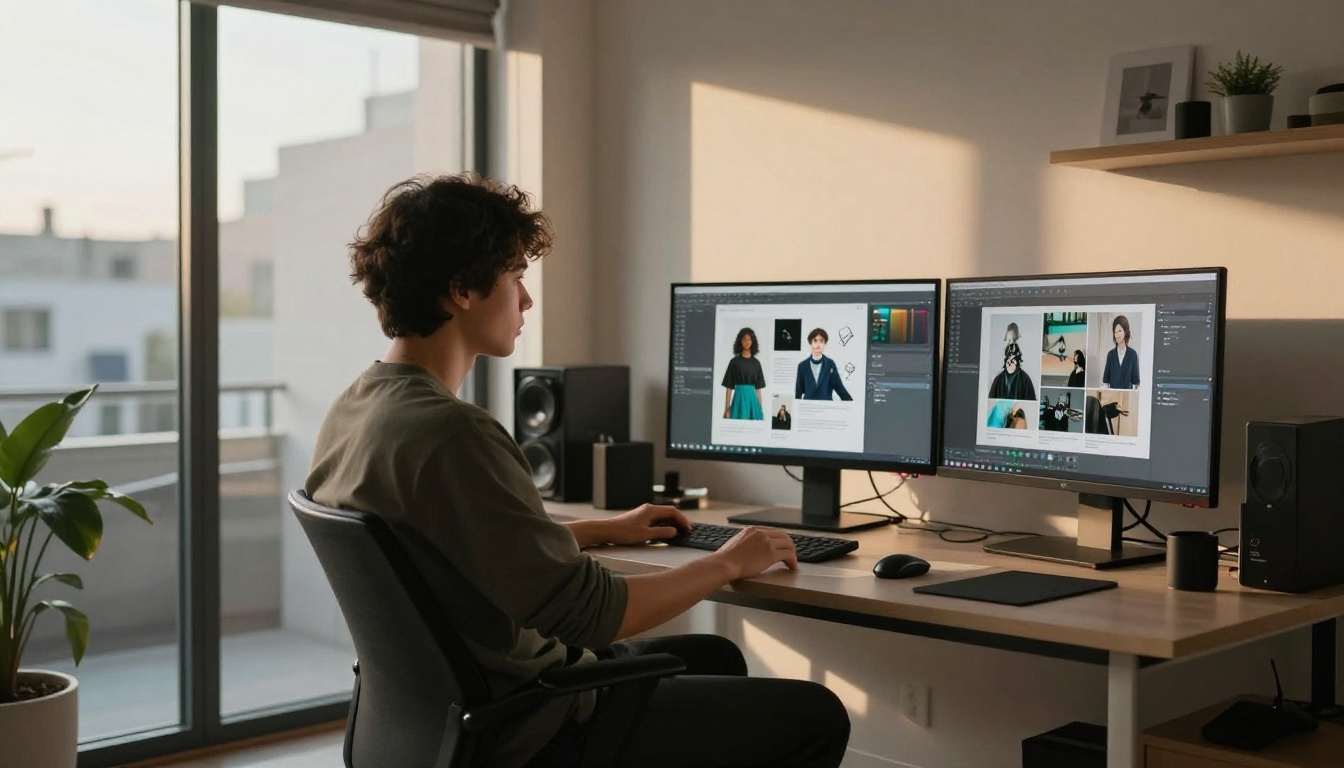
Picasso AI's architecture is fundamentally different from Higgsfield's. Rather than owning one closed model and controlling every aspect of its output policy, Picasso AI acts as a platform that hosts and runs dozens of publicly available and commercial models. Each model has its own characteristics, and the platform applies minimal interference between your prompt and the model's output.
This means when you use Flux Dev on Picasso AI, you're running the actual Flux Dev model with its actual capabilities, not a neutered version wrapped in proprietary filters. The same applies to Stable Diffusion 3.5 Large, Qwen Image 2 Pro, and the rest of the catalog.
No gatekeeping on model access
On Higgsfield, you get the models Higgsfield decides you should have. On Picasso AI, you get access to over 90 text-to-image models spanning everything from ultra-realistic photography to stylized portrait work. The selection includes models specifically known in the AI art community for their range with mature and suggestive content:
5 Models That Actually Deliver
Flux Dev for raw photorealism
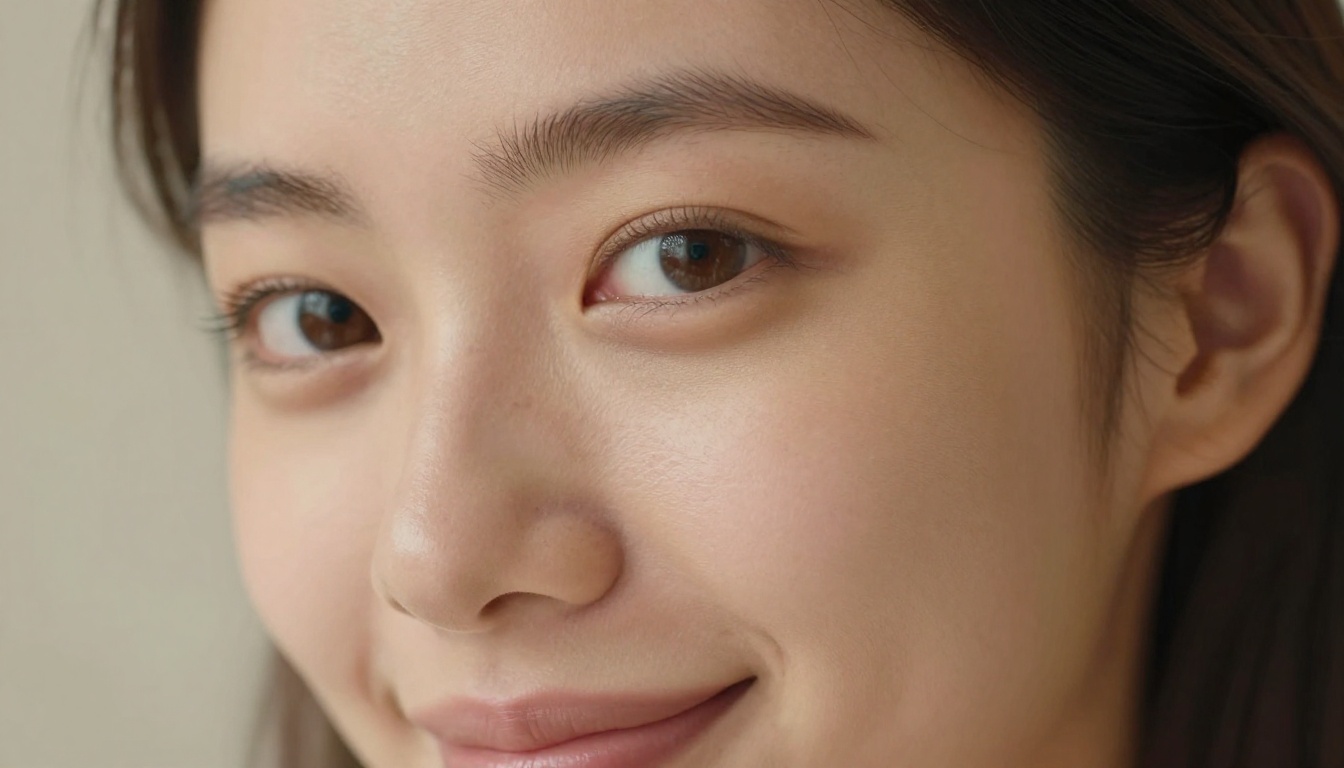
Flux Dev is the model most serious creators reach for when they need images that look like they were shot on a professional camera. The skin texture rendering is genuinely impressive. Pores, subsurface scattering, natural shadow falloff across curves of the body, the way fabric catches light and moves. It handles all of it with a level of authenticity that Higgsfield's pipeline simply doesn't match.
For glamour work, bikini photography, and boudoir-adjacent content, Flux Dev produces results that look editorial rather than artificial.
Best prompt structure for Flux Dev:
- Subject description with specific physical details and expression
- Clothing or attire with fabric type, color, and fit
- Environment with time of day and specific location details
- Lighting: direction (left, right, behind), quality (soft, harsh), source type
- Camera: focal length, aperture, and shooting angle
- Film stock: Kodak Portra 400, Fuji 400H, RAW 8K
RealVisXL for skin-accurate portraits
RealVisXL v3.0 Turbo was designed with one goal: make human subjects look real. The model handles facial anatomy, natural body proportions, and skin detail at a level that puts it in a different category from general-purpose generators.
Where other models produce the telltale "AI smoothness" on skin, RealVisXL renders natural texture, slight asymmetry in facial features, and the way different skin tones catch light differently. For portrait work involving any level of sensuality or intimacy, it's the first model to try.
Stable Diffusion 3.5 Large for range
Stable Diffusion 3.5 Large offers something the others don't: a broad creative vocabulary. Where Flux Dev excels at photorealism and RealVisXL dominates in portrait accuracy, SD 3.5 Large gives you the flexibility to shift between styles, lighting moods, and artistic interpretations while still producing high-resolution, detailed output.
This model is particularly strong when you're working on projects that need variety. A single session can produce fashion editorial work, classically inspired artistic imagery, and contemporary lifestyle photography with consistent quality across all three.
Flux Pro for commercial-grade output
Flux Pro sits above Flux Dev in terms of raw image fidelity. The difference shows most clearly in complex scenes with multiple subjects, detailed backgrounds, and specific lighting requirements. If you're producing content at a commercial level, whether for paid subscriptions, merchandise, or client work, Flux Pro delivers the sharpness and consistency that makes that viable.
Qwen Image 2 Pro for nuanced lighting
Qwen Image 2 Pro handles mixed and complex lighting situations better than most models in this category. Candlelit scenes, sunset backlight with fill, studio three-point lighting on dark skin tones. These are scenarios where most models either blow out highlights or lose shadow detail. Qwen Image 2 Pro navigates them with noticeably better exposure balance.
Picasso AI vs Higgsfield: The Real Differences
| Feature | Higgsfield | Picasso AI |
|---|
| Model variety | Single proprietary model | 90+ text-to-image models |
| Content filters | Aggressive, hard-coded | Per-model, minimal interference |
| Suggestive content | Blocked in most cases | Supported with appropriate models |
| Photorealism quality | Good for video frames | Exceptional for stills |
| Prompt adherence | Moderate | High (model-dependent) |
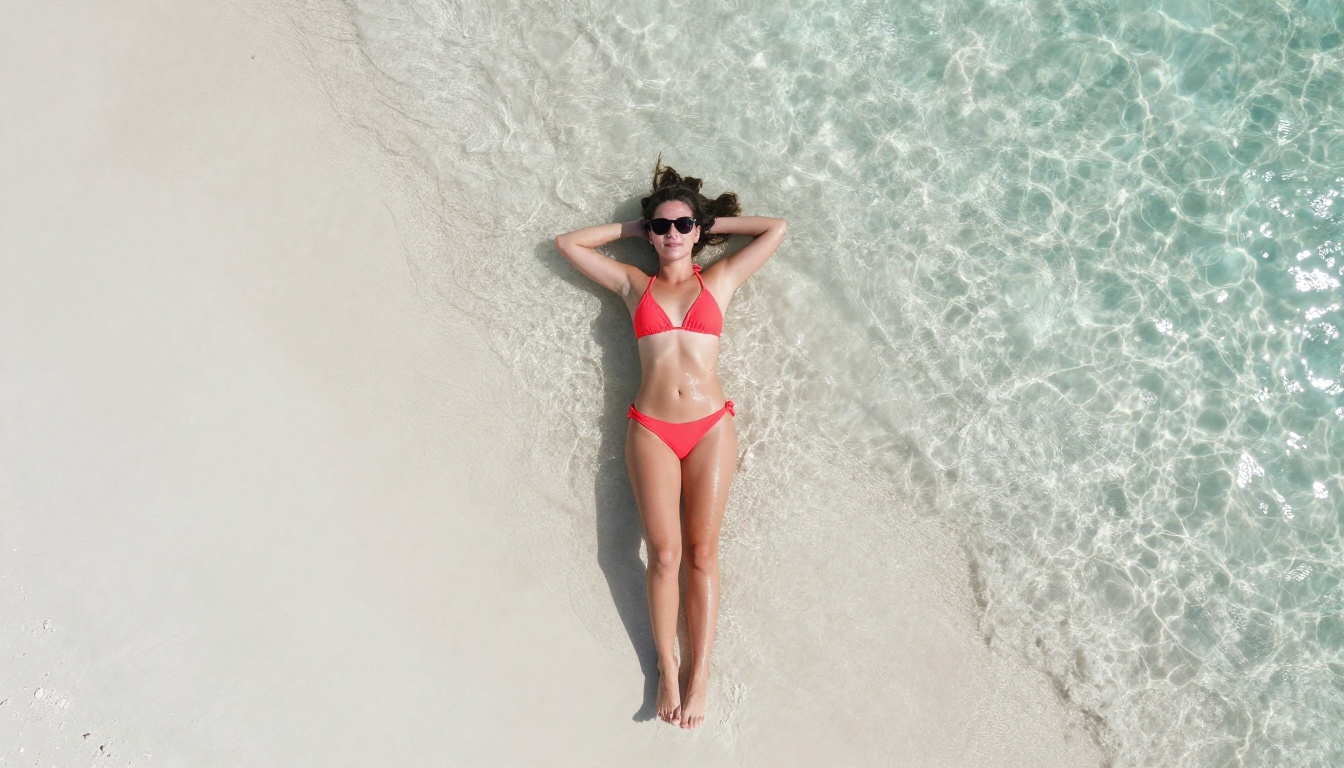
| Swimwear / bikini | Often blocked | Fully supported |
| Artistic nudity | Not supported | Supported via select models |
| Fast iteration | Limited | Yes, via SDXL Lightning and P Image |
| Image resolution | Fixed per plan | Up to 4MP with select models |
The comparison isn't about which platform is "better" in every dimension. Higgsfield has real advantages in video generation and mobile UX. But for anyone whose creative work involves content that sits outside mainstream safety filters, the table above tells the story clearly.
The prompt experience difference
On Higgsfield, writing a prompt feels like navigating around trip wires. You learn through trial and error which words get flagged, which phrasing passes, and which descriptions will produce a refusal regardless of context.
On Picasso AI, prompting works the way it's supposed to. You describe what you want, the model renders it. The platform isn't second-guessing your intent or running your prompt through a sentiment classifier before deciding whether you're allowed to see the result.
💡 Tip: On Picasso AI, the more specific and visual your prompt, the better the result. Describe lighting direction, fabric texture, skin tone, and camera settings explicitly. The models reward precision.
How to Get Strong Results on Picasso AI
Picking the right model
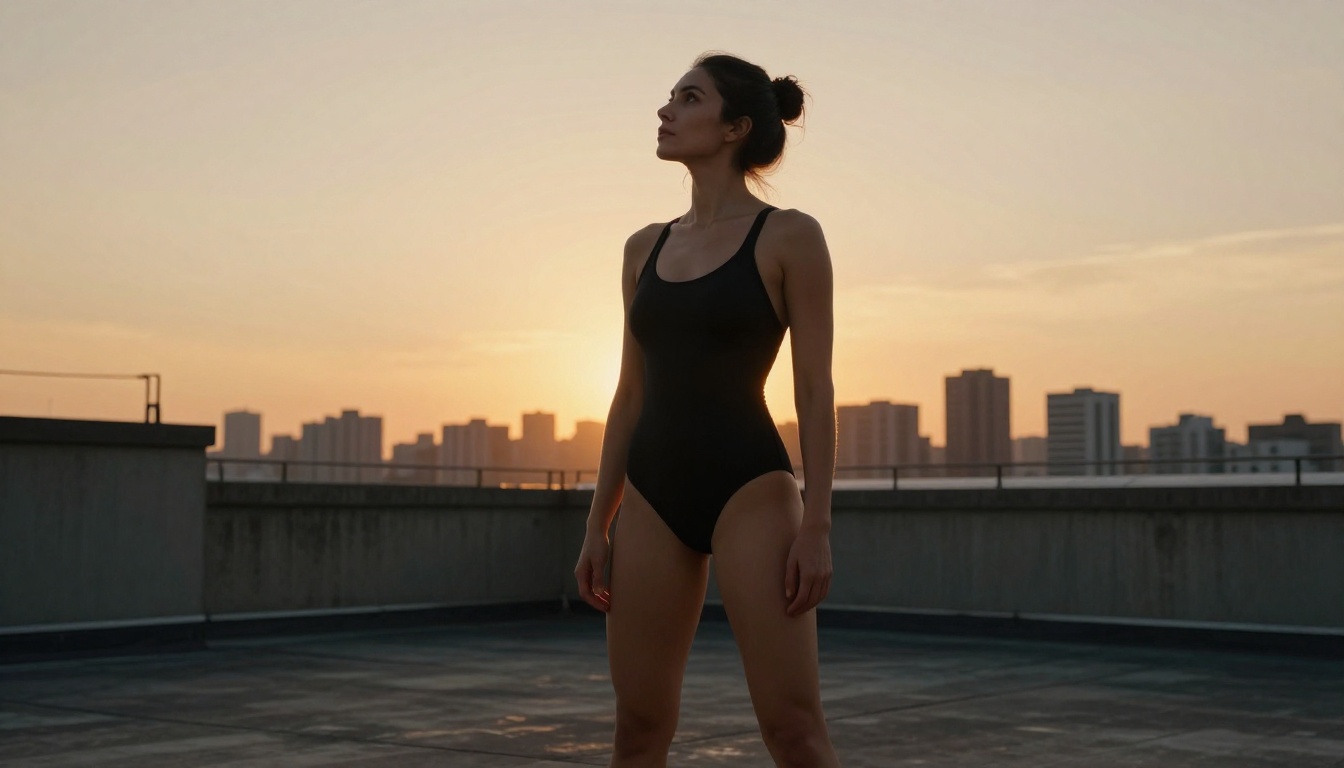
Model selection is the most important decision you'll make before generating. Not all models handle all content types equally well. Here's a quick framework:
Prompts that work every time
The single biggest difference between mediocre and excellent AI image output comes down to prompt specificity. Generic prompts produce generic images. Here's what to include every time:
- Subject: Who or what is in the image? Be specific about age (adult), body type, hair, and expression
- Attire: Describe clothing in detail. Fabric type, color, fit, how it interacts with the body
- Environment: Where is this happening? Indoors, outdoors, time of day, specific location details
- Lighting: Direction (left, right, behind), quality (soft, harsh, diffused), source (natural, artificial, mixed)
- Camera specifics: Lens focal length, aperture, angle (low, aerial, eye-level, close-up)
- Film stock: Kodak Portra 400, Fuji 400H, Ektar 100, RAW 8K, cinematic
Settings that change everything
Beyond the prompt, Picasso AI gives you direct control over:
- Aspect ratio: 16:9 for cinematic, 9:16 for portrait-first content, 1:1 for social media
- Seed values: Lock a seed to reproduce consistent characters across multiple variations
- Guidance scale: Higher values push the model to follow your prompt more strictly
- Inference steps: More steps produce more detail but increase generation time
Who Actually Uses This
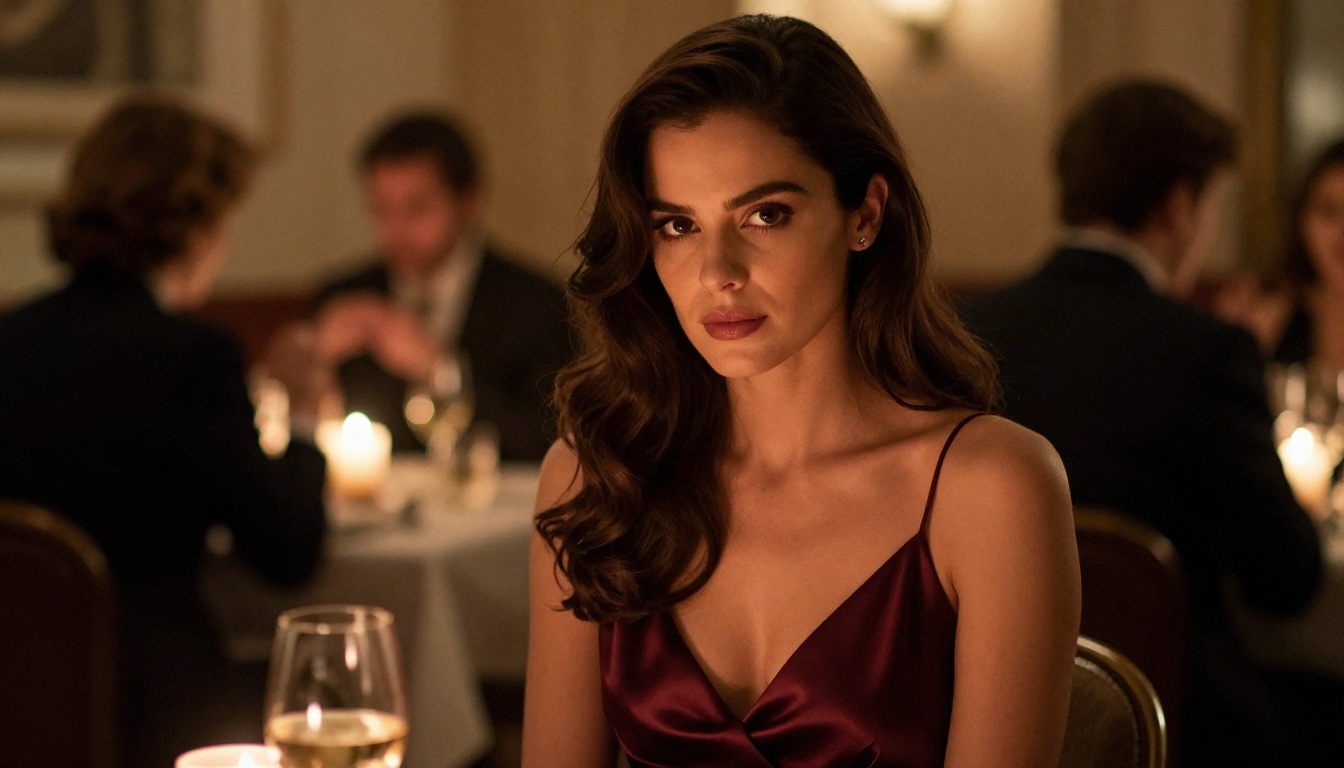
Adult content creators
The most direct use case. Creators producing content for subscription platforms need a tool that doesn't fight them at every step. AI-assisted content creation has become standard in this space, and platforms with hard content restrictions are simply not viable tools for this work.
Picasso AI's model catalog gives these creators access to photorealistic generators that can produce reference imagery, concept art, and supplementary content without the friction that Higgsfield and similar platforms create.
Fashion and lifestyle photographers
Professional photographers increasingly use AI to generate concept shots before a physical shoot. A fashion photographer planning a beach campaign needs to produce mockups of swimwear looks, lighting setups, and composition ideas. That work requires generating images of women in bikinis, and it's completely unremarkable professional activity. Higgsfield will block half of it. Picasso AI won't.
Fiction writers and illustrators
Romance fiction is one of the most commercially successful genres in publishing. Writers and indie publishers creating covers, chapter illustrations, and marketing visuals for romance and erotic fiction need tools that can render intimate scenes tastefully. Stable Diffusion 3.5 Large and Flux Dev both handle this work with strong results.
Game developers and character artists
Character design for mature-rated games, interactive fiction, and visual novels requires generating reference imagery that includes adult characters in various states of dress. This is standard concept work that gets blocked by consumer-facing AI tools operating under general-audience content policies. Picasso AI's open model selection handles it without issue.
Beyond Still Images: The Full Creative Stack
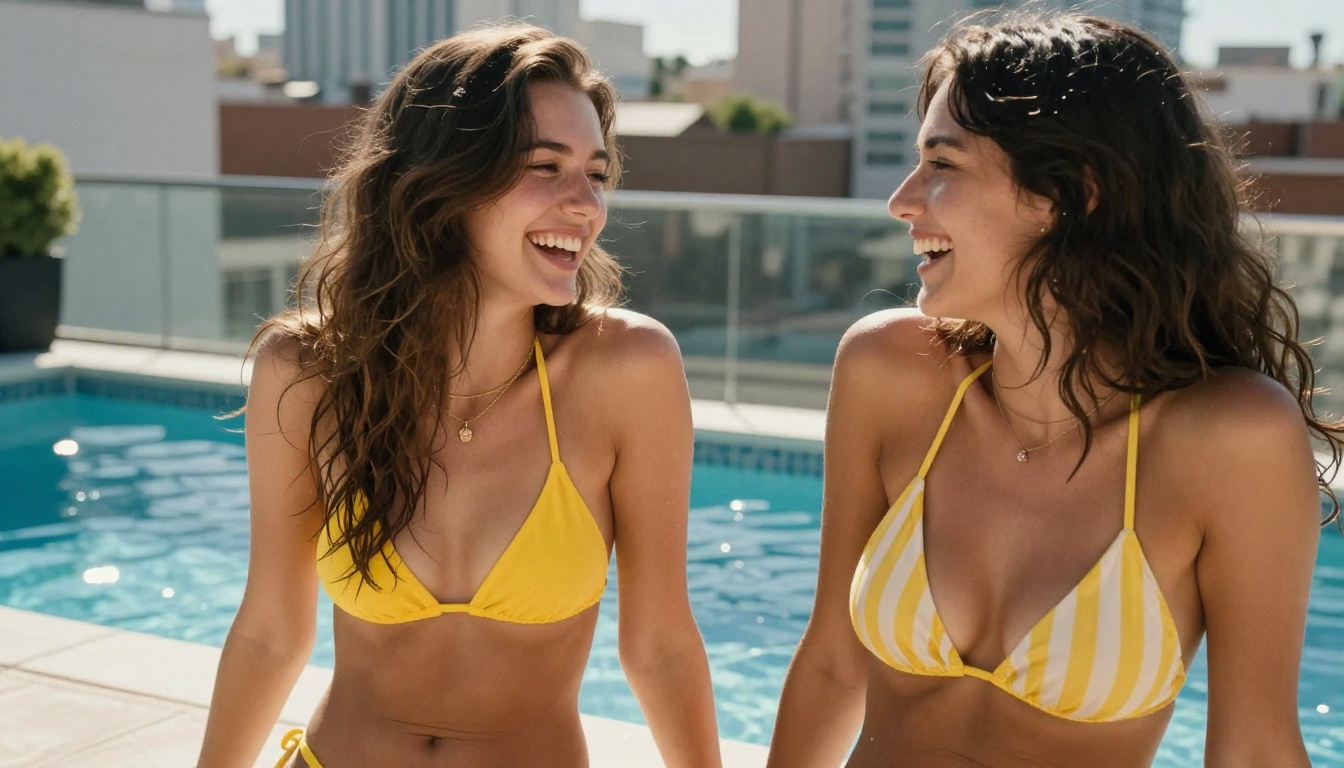
Picasso AI isn't only a Higgsfield alternative for still image generation. The platform covers the full production pipeline that content creators actually need.
Image editing and retouching:
- Qwen Image Edit Plus for in-context editing, retouching, and prompt-based adjustments
- Flux Kontext Dev for restyling and rewriting existing images while preserving structure
- Bria Genfill for adding or replacing specific elements within existing photos
Enhancement and upscaling: Super Resolution tools take a test-resolution generation and bring it to print-ready quality without visible quality loss.
Face and character consistency: Face Swap AI enables consistent character placement across multiple different generated images, which is critical for series-based content.
Video generation: For cases where Higgsfield's video capabilities are genuinely what you need, Picasso AI has a growing text-to-video catalog. The important difference is that you can use outputs from the filter-free image models as starting frames, giving you control over the initial visual that Higgsfield's closed pipeline never allows.
💡 Power move: Generate a photorealistic reference image with Flux Pro, then feed it into a video generation as your starting frame. You control the initial visual in a way Higgsfield simply doesn't permit.
Output Quality: The Honest Look
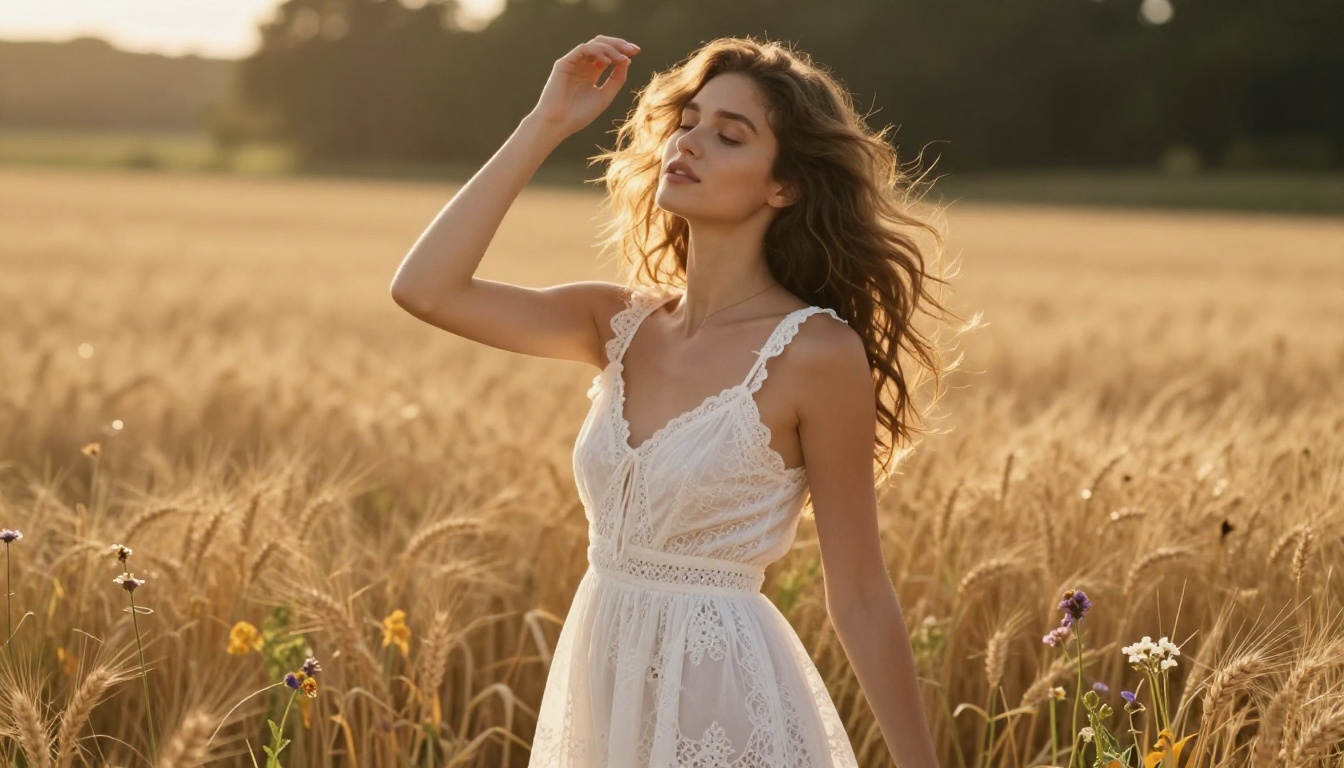
Content policy aside, there's a legitimate question about raw image quality. Higgsfield's proprietary model was designed for cinematic video frames, which means it produces strong results for certain types of still images. But "certain types" is the operative phrase.
For photorealistic portrait work and glamour photography, Picasso AI's top models, particularly Flux Dev, Flux Pro, and RealVisXL v3.0 Turbo, produce output that is objectively more detailed and realistic than what Higgsfield's image generation achieves.
The skin texture difference is visible at full resolution. Higgsfield images often carry a polished, slightly plastic quality to skin that identifies them as AI-generated at a glance. Flux Dev and RealVisXL render natural imperfection, pore detail, and subsurface lighting response that makes images look photographed rather than computed.
For landscape and environment shots without human subjects, Higgsfield is competitive. But for the specific creative need this article addresses, Picasso AI's model selection wins on quality as well as freedom.
Speed and credit economics
Higgsfield operates on a subscription model with generation credits. Picasso AI offers both credit packs and subscription tiers. The key economic advantage for serious creators is per-model pricing variation. Fast models like SDXL Lightning 4Step and P Image use fewer credits per generation, making them ideal for iterating through concept variations quickly before committing credits to a higher-fidelity model like Flux Pro or Imagen 4 Ultra.
Your Creative Vision, No Filters
If you've been using Higgsfield and running into content walls, the path forward is straightforward. Picasso AI gives you access to the same tier of model quality without the restrictions that make Higgsfield frustrating for anyone working in lifestyle, glamour, romance, or adult content creation.
The model library is large enough that you'll spend real time working through what each one does best, and that process pays off quickly. Flux Dev and RealVisXL v3.0 Turbo are the clear starting points for portrait and glamour work. From there, Stable Diffusion 3.5 Large and Flux Pro give you the creative range to take on more ambitious projects.
The creative vision you have has been waiting for a tool that can actually execute it. Open a model, write a precise prompt, and see what happens when the platform stops fighting you. The images you've been trying to make are one session away.


