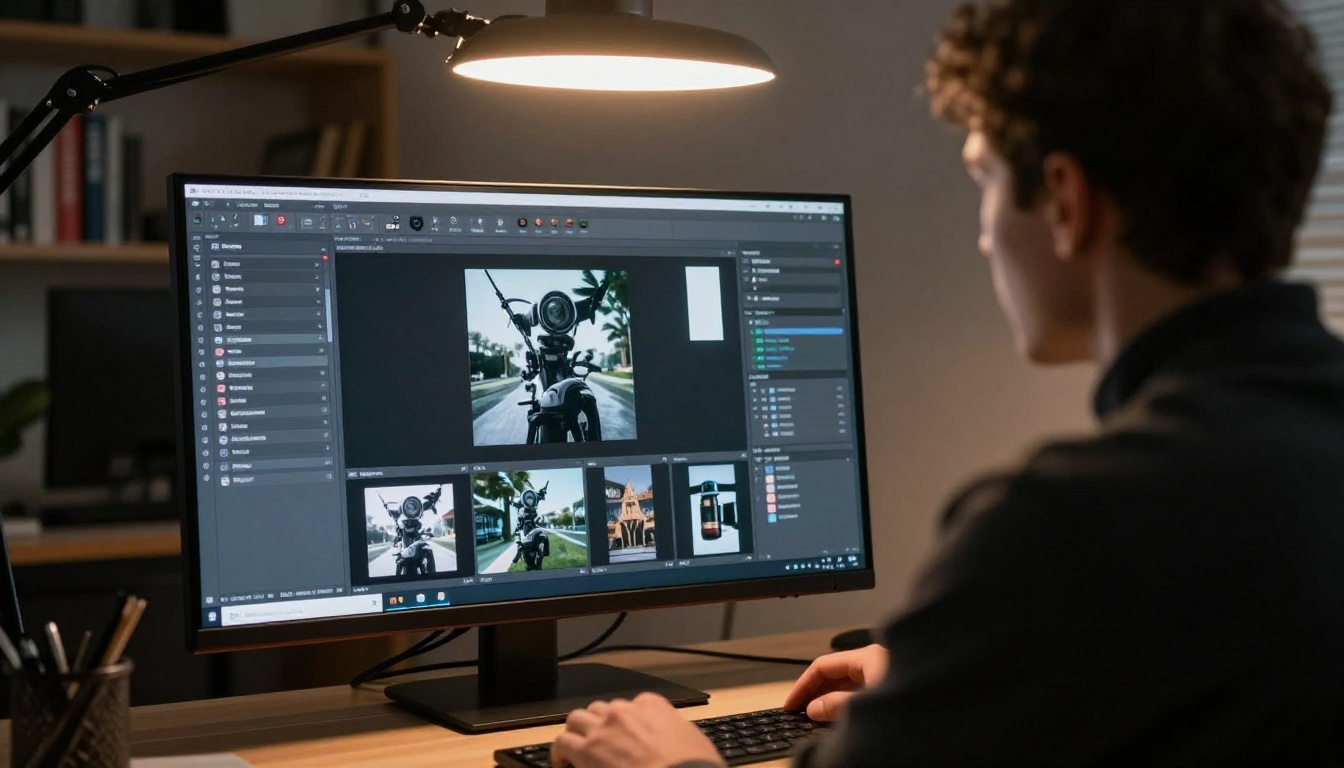
If you have been building content with Kling and hit the same walls over and over, you are not alone. A growing number of creators are switching platforms not because Kling is bad, but because a single model is no longer enough. Picasso IA solves that by putting over 100 text-to-video models, 91 image generation models, and a full suite of audio and editing tools under one roof, all accessible without juggling five different subscriptions.
Why Creators Are Moving Away From Kling
Kling is a solid tool. The video quality is real, and the cinematic output has earned its reputation. But "solid" stops being enough when your production demands change week to week, when a client asks for something the platform simply cannot do, or when you are staring at a pricing tier that doubles your monthly bill for features you only need occasionally.
The platform lock-in is the bigger issue. When you commit to a single-model platform, you are betting everything on that model's update cycle, its pricing decisions, and its capacity constraints. That is a risky bet in a space that is changing as fast as AI video generation is right now.
The Model Lock-In Problem
Every model has strengths and gaps. Kling excels at cinematic motion but struggles with consistency in certain visual styles. The moment you need something outside its comfort zone, you are stuck either forcing the wrong tool or paying for a second subscription elsewhere.
That is the core argument for a multi-model platform. Not that any single model is better, but that having access to 100+ models means you always have the right one for the job.
A platform that forces you into one generation engine is not a creative tool. It is a creative ceiling.
Pricing That Adds Up Fast
Running separate accounts on Kling, Runway, Sora, and Luma is not just inconvenient. It is expensive. Each platform charges a premium for its own credits, its own storage, and its own API limits. By the time you are running a professional content operation, the cost sprawl becomes its own project to manage.
Consolidating onto a single platform that aggregates these models dramatically cuts that overhead and puts the savings back into actual creative output.

The honest answer is breadth. While most platforms are racing to be the best at one thing, Picasso IA has built something different: a single interface that lets you switch between models from ByteDance, Google, OpenAI, Luma, Runway, Lightricks, Minimax, and dozens of others without leaving the dashboard.
That means a prompt you tested with Seedance 2.0 can be run through Veo 3 two minutes later. The comparison is instant. The iteration is fast. The best output wins.
100+ Video Models in One Dashboard
The text-to-video catalog has over 100 entries. These are distinct models with meaningfully different outputs, not variations of the same engine:
💡 Run the same prompt through three different models before committing to a final output. The differences in motion, color grading, and atmosphere are often significant enough to change your creative decision entirely.
Beyond Video: A Full Creative Suite
The video catalog is just one layer. On the same platform you also get:
- 91 text-to-image models for static asset creation across every visual style
- Super Resolution tools to upscale outputs from 1x to 4x without quality loss
- Background Removal with AI precision for product photography and portraits
- Lipsync for realistic audio-video synchronization on existing clips
- Text-to-Speech voice generation across multiple tones and languages
- AI Music Generation from text prompts, from ambient scores to commercial tracks
- Video Enhancement for stabilization, upscaling, and restoration of existing footage
That is an end-to-end production pipeline without opening a second tab.
The Best Video Models Available Right Now
With 100+ options, the question most creators ask is: where do I start? Here are the standout performers worth knowing.
Seedance 2.0 From ByteDance
Seedance 2.0 has quickly become a top choice for creators who need photorealistic motion with built-in synchronized audio. The model handles complex scene transitions better than most alternatives, and the audio-video sync is baked into the generation process rather than added as a post-processing step.
If you need a talking-head video, a product showcase, or a cinematic establishing shot with ambient sound, this one consistently delivers. The earlier Seedance 1.5 Pro is also available for creators who prefer the previous generation's specific motion characteristics.
Google Veo 3 With Native Audio
Veo 3 arrived with native audio generation and immediately became a benchmark for the industry. The model produces 1080p output with spatial audio that matches on-screen action, making it one of the most self-contained text-to-video tools available today.
For creators in advertising, documentary-style content, or brand storytelling, Veo 3 is worth testing on every project. If generation speed is the priority, Veo 3 Fast and Veo 3.1 Fast offer the same quality at reduced wait times.
OpenAI Sora 2 Pro
Sora 2 Pro handles longer clips than most models and maintains subject consistency across extended sequences. If you are producing multi-scene narratives where character or object continuity matters across cuts, Sora 2 Pro has a genuine edge over shorter-format models.
The standard Sora 2 is also available for projects where cost-per-generation matters more than maximum clip length.
Kling Still Works Here Too
The platform includes Kling v3 Video, Kling v2.6, Kling v2.1, Kling v1.5 Pro, and additional variants including Kling Avatar v2 for face animation. So this is not about abandoning Kling. It is about having Kling available alongside everything else. When Kling is the right tool, it is there. When it is not, you have 90+ alternatives without switching platforms.
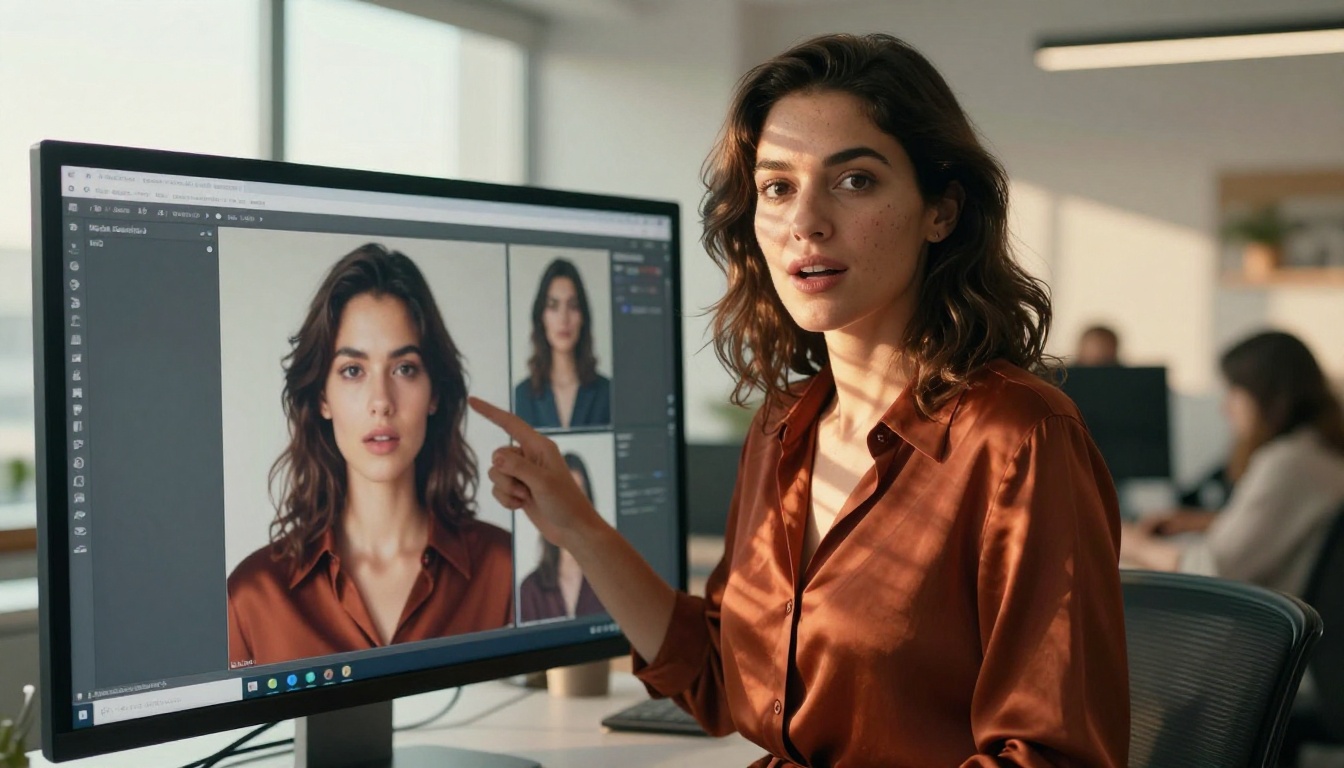
How to Use Kling v3 Video on Picasso IA
Since Kling v3 Video is one of the most requested models on the platform, here is exactly how to use it effectively.
Step 1: Open the model page
Go directly to Kling v3 Video on Picasso IA. No account juggling, no platform switching.
Step 2: Write your prompt
Kling v3 responds best to detailed, scene-driven prompts. Describe the subject, the motion, the environment, the lighting direction, and any camera movement you want. A strong example: "A woman in a red dress walks through a sunlit Venetian alley, camera tracking from behind, warm golden hour light casting long shadows, slow cinematic motion"
The more specific the motion description, the more predictable and usable the output.
Step 3: Set your parameters
- Duration: Choose 5 or 10 seconds depending on the complexity of the motion you need
- Aspect Ratio: 16:9 for landscape video, 9:16 for social content
- Resolution: 1080p is available for professional outputs where quality cannot be compromised
Step 4: Generate and compare
Once you have a result from Kling v3, copy the same prompt and run it through Pixverse v5.6 or Wan 2.7 T2V. The comparison takes two minutes and often reveals a better model for your specific visual style, lighting preference, or motion type.
💡 For precise character animation with reference images, try Kling v3 Motion Control. It adds pose-guided generation on top of Kling v3's base quality.
Step 5: Refine or branch
If the output is close but not there, refine the prompt directly in the same interface. If you want to try a radically different visual treatment, branch to Hailuo 2.3 or Pixverse v4.5 for a different motion aesthetic on the same script.

Image Generation at Scale
The video catalog gets most of the attention, but the image generation side is just as rich. Over 91 text-to-image models cover every visual style and technical requirement a professional creator could need.
91 Models for Every Visual Style
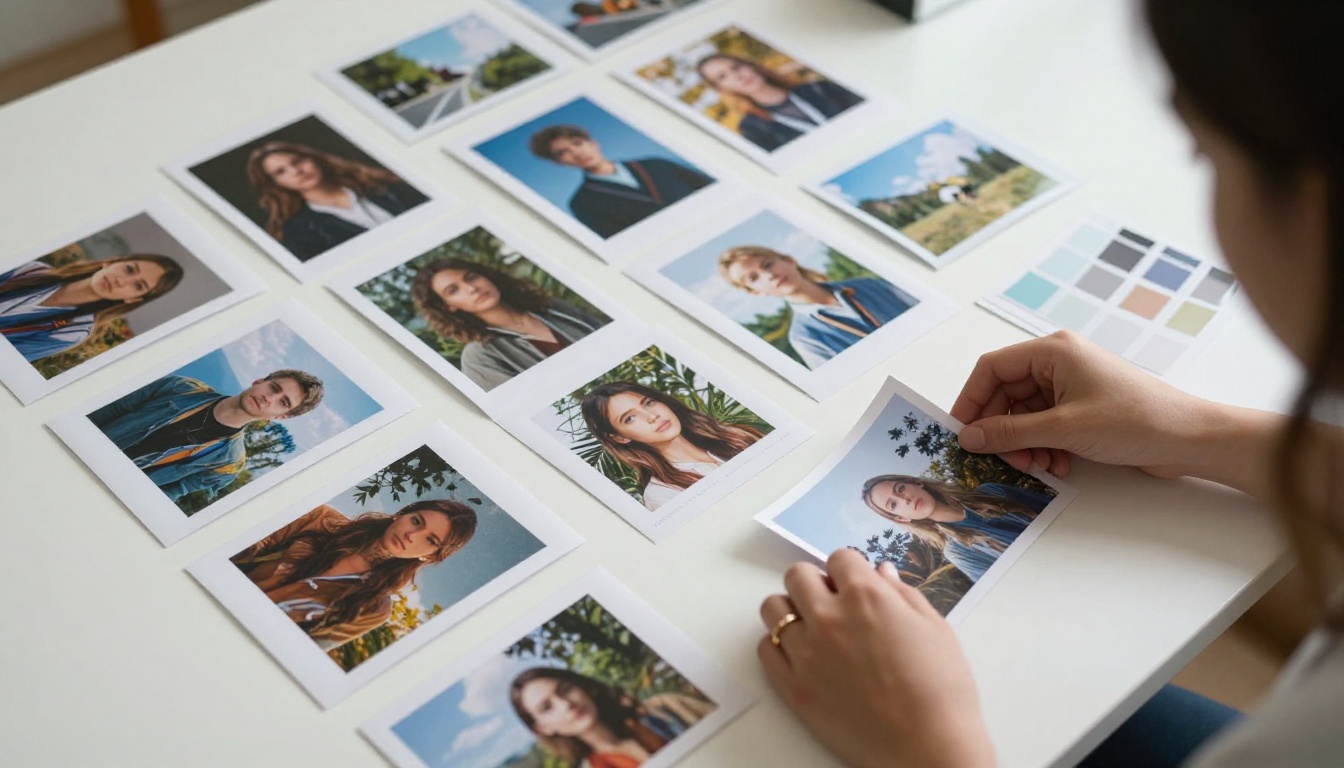
The range covers portrait generation, lifestyle photography, product visuals, architectural imagery, and specialized creative styles. The diversity of underlying architectures means different models produce genuinely different results, not just variations in color temperature.
For creators who need volume, the ability to compare outputs from different generators in a single session saves hours of back-and-forth testing across separate platforms. You write one prompt, run it across multiple models, and pick the winner in the same interface.
From Portraits to Landscapes
The same single-prompt approach that works for video applies to images. Write your prompt once, test it across multiple models, pick the winner. For commercial work, the image models include options optimized for product photography, fashion, architecture, and lifestyle content, each with parameters that let you control style, lighting direction, and compositional emphasis.
The platform also supports image-to-video workflows, where a strong static image generated on the platform can be immediately fed into video models like Wan 2.7 I2V or Kling v2.6 Motion Control to produce animated outputs. The pipeline stays inside one platform from start to finish.

Video Editing, Audio, and More
Creating the initial video or image is only part of the production workflow. The platform covers what comes after too.
Lipsync and Voice Generation
The lipsync tools handle realistic audio-video synchronization on existing clips, making them practical for dubbed content, AI avatars, and branded video production. Pair that with Text-to-Speech for voiceover generation from text alone, without recording a single line.
For music-driven content, AI Music Generation creates original tracks from text prompts. From ambient background scores to uptempo commercial beds, you are not limited to stock music libraries.
Video Enhancement Tools
The video enhancement category includes stabilization, noise reduction, upscaling from 480p to 4K, and restoration for damaged or low-quality footage. For creators working with archive material or user-generated content that needs polish, these tools replace what would otherwise be an expensive post-production step.
Super Resolution models handle upscaling for both images and videos, with options for 2x and 4x enlargement without the softening that comes from standard upscaling methods. An image generated at 512px can become a print-ready asset in seconds.
Effects and Specialized Tools
The effects catalog adds 500+ video effects to the palette, covering color grading, stylization, motion graphics overlays, and visual treatments that would otherwise require dedicated software. The Wan 2.2 S2V model handles audio-synced video specifically, useful for music video production where beat alignment matters.
For teams building avatar-based content, Kling Avatar v2 and the HeyGen Avatar IV model both offer face-animated video generation from a single reference photo.
The Numbers That Matter
Before making any platform decision, the math matters. Here is what consolidating AI creative tools actually looks like in practice:
| Capability | Single-Platform Access | Fragmented Approach |
|---|
| Text-to-Video (100+ models) | One subscription | 3-5 separate platforms |
| Image Generation (91 models) | Included | 2-3 separate tools |
| Video Enhancement | Included | Additional post-production software |
| Lipsync | Included | Separate specialized service |
| Audio Generation | Included | Separate service required |
| Background Removal | Included | Standalone tool required |
| Super Resolution | Included | Separate upscaling software |
The consolidation argument is not just about convenience. It is about reducing the cognitive overhead of managing multiple accounts, billing cycles, credit systems, and interfaces. Every tool you remove from your stack is one less thing to track, one less subscription to renew, and one less platform to maintain proficiency in.
One of the less-discussed costs of model fragmentation is keeping up with updates. When Seedance 2.0 Fast drops, or Veo 3.1 launches, or LTX 2.3 Pro adds 4K support, you should not have to open a new account, re-enter billing information, or learn a new interface just to access it.
A platform that aggregates models means new releases appear in your dashboard automatically. The catalog updates without requiring you to vet a new provider or disrupt your existing workflow.
For teams that rely on AI video as part of a professional content operation, that alone is worth significant time savings over the course of a year.
Always the Right Model for Each Job
Different projects have different requirements. A 30-second social video for Instagram does not need the same model as a cinematic brand film. Short-form reactive content has different generation priorities than long-form documentary narration.
With a full catalog available, the workflow becomes: write the brief, identify the requirements, pick the model that fits. Ray 2 720p for speed. Sora 2 Pro for length. Kling v3 Video for cinematic precision. Pixverse v5 for style diversity. Each one available in the same tab.
💡 The most efficient creative workflow is not the one with the most tools. It is the one where the right tool is always one click away.
Start Creating With What You Already Know
The strongest reason to try Picasso IA is not that it replaces Kling. It is that it includes Kling alongside Kling v2.6, Kling v1.6 Pro, and the newest Kling v3 Omni Video, plus every major competing model in one interface.
The platform does not ask you to abandon your existing creative instincts or relearn a workflow from scratch. It asks you to keep doing what you are already doing, with more options available the moment you need them.
If you have been using text-to-video for content creation, advertising, social media, or personal projects, the move is simple: sign up and run your next prompt through three different models. The difference in output quality across the same prompt is often dramatic enough to change how you think about AI video production.
The breadth of models is not a feature list. It is a production advantage. And in AI content creation, having the right model for the right job is the entire game. Open the platform, pick a model, and see what your prompts can actually produce when they are not limited to one engine.