leonardo alternativensfw aiadult contentpicasso ai
Picasso AI: The Leonardo Alternative for Adult Content That Delivers
If Leonardo AI keeps blocking your prompts or restricting your creative vision, there is a better option. With over 91 text-to-image models, full support for suggestive and glamour content, unlimited generations, and no watermarks, this platform gives adult content creators real control over their work and their artistic vision.
If you've spent any time using Leonardo AI for creative work and keep running into content filters, rejected prompts, and watermarked exports, you're not alone. Thousands of creators, digital artists, and adult content professionals have made the switch to Picasso AI, a platform that actually respects creative intent. Where Leonardo treats suggestive and mature content as a liability, Picasso AI treats it as a legitimate creative use case, one that deserves the same quality tooling as any other genre of visual work.
This breakdown covers exactly why Picasso AI stands as the strongest Leonardo alternative for adult content, which models produce the best photorealistic outputs, how to write prompts that work, and how to take a raw generation to print-ready quality without leaving the platform.
What Makes Leonardo AI Fall Short
The content wall problem
Leonardo AI markets itself as a creative platform, but enforces aggressive content moderation that catches far more than genuinely explicit material. Suggestive poses, revealing clothing, artistic nudity, and vintage-style glamour photography prompts regularly get blocked or returned as degraded, heavily filtered outputs. For creators working in adult wellness, beauty, fashion photography, or artistic portraiture, this is a significant operational problem.
The real issue is opacity. Leonardo doesn't explain why a prompt failed. You get a generic rejection, no specifics, and no actionable path forward. Modify the prompt slightly and try again, and you may hit the same wall from a different angle.
Watermarks and export restrictions
Even when Leonardo generates content successfully, the free tier stamps visible watermarks on outputs and restricts resolution. Paying removes some of that, but content restrictions stay in place regardless of subscription level. You're paying for a service that still tells you what you're allowed to create.
Inconsistent model depth
Leonardo's closed ecosystem means you work with what they've chosen to offer. If a specific photorealistic style or character consistency method isn't in their curated selection, there's no workaround. Compare that to a platform with 91+ models across distinct architectures, and the limitation becomes obvious fast.
How Picasso AI Handles Adult Content Differently
A platform built for creative range
Picasso AI takes a fundamentally different position on content. The platform supports non-explicit NSFW content, meaning suggestive, glamour, and artistically mature imagery is not treated as a problem to suppress, but as a legitimate creative category. Bikini shoots, fashion editorial content, implied nudity in tasteful artistic contexts, and sensual portrait work are all within scope.
This is not an explicit content platform. Picasso AI generates suggestive and mature aesthetic content, not pornographic material. What it does is stop treating adult creative professionals as a threat to be managed. A fashion photographer AI workflow, an adult wellness brand visual pipeline, or an artistic portraiture project can all run here without constant interruption.
No watermarks, no credit anxiety
The platform operates without per-generation credit caps. You run as many variations as you need until the output matches your vision. No token anxiety, no pausing mid-session to top up, and no watermarks stamped over commercial-use content. What you generate is yours, immediately and at full resolution.
91 text-to-image models, all accessible
Picasso AI hosts more than 91 text-to-image models, all accessible from the same interface. This includes distinct architectures like Flux Dev, Flux 1.1 Pro, SDXL, and Stable Diffusion, each with different strengths for photorealism, stylistic range, and prompt adherence. The catalog is real depth, not surface padding.
The Models That Matter for NSFW Work
Flux Dev for photorealistic portraits
Flux Dev is a 12-billion parameter model that delivers the highest-fidelity photorealistic portrait outputs on the platform. For adult content work where skin texture, lighting accuracy, and compositional realism all matter, this is the primary starting point.
It supports img2img editing, meaning you can start from a reference image and redirect it with a prompt. This is particularly useful when you need consistency across a character or aesthetic while changing context, pose, or wardrobe. Eleven aspect ratios give you flexibility from square social media crops to wide cinematic framing, with no manual cropping required after the fact.
Pro tip: Set inference steps between 35 and 50 for portrait work. Lower steps generate faster but lose skin texture detail. For adult content photography specifically, the realism of skin, hair, and fabric depends on not rushing the denoising pass.
Flux 1.1 Pro for speed without sacrificing quality
When iterating through multiple prompt variations, Flux 1.1 Pro earns its place in the workflow. It generates fast without the visible quality drop you'd expect from a speed-optimized model. Prompt adherence is strong, meaning specific details about lighting direction, wardrobe, and pose actually show up in the output rather than being averaged away into something generic.
The safety tolerance parameter (scale of 1 to 6) gives you meaningful control over how the model handles content in gray zones. For suggestive but non-explicit content, setting this to 4 or 5 opens up the output range considerably without pushing into flagged territory.
SDXL for style variety and LoRA control
SDXL brings a different strength: stylistic range. With LoRA weight support, you can apply custom trained styles to shift the aesthetic toward specific visual vocabularies, whether editorial glamour, vintage portraiture, or a particular photographic look. The built-in refiner pipeline sharpens outputs that come out slightly soft on the first pass.
For adult content workflows, SDXL's negative prompt handling is particularly effective. Being specific about what you don't want, plastic skin, flat lighting, cartoonish proportions, keeps outputs grounded in realistic territory and avoids the common AI portrait failure modes.
How to Use Flux Dev on Picasso AI
For creators switching from Leonardo AI, here is exactly how to run Flux Dev for adult content work, step by step.
1. Open the model
Navigate to the Flux Dev model page on Picasso AI. No account is required to generate, though logging in saves your generation history for future reference.
2. Choose your aspect ratio
For portrait work, use 4:5 or 3:4. For editorial-style horizontal shots, 16:9 or 3:2 works best. Choosing this before generating saves significant cropping work later and gives the model the correct canvas constraints during generation.
3. Write a structured prompt
The format that produces the best photorealistic adult content on Flux Dev:
[Subject description] + [Wardrobe and styling] + [Environment and setting] + [Lighting direction] + [Camera angle and lens] + [Atmosphere and mood]
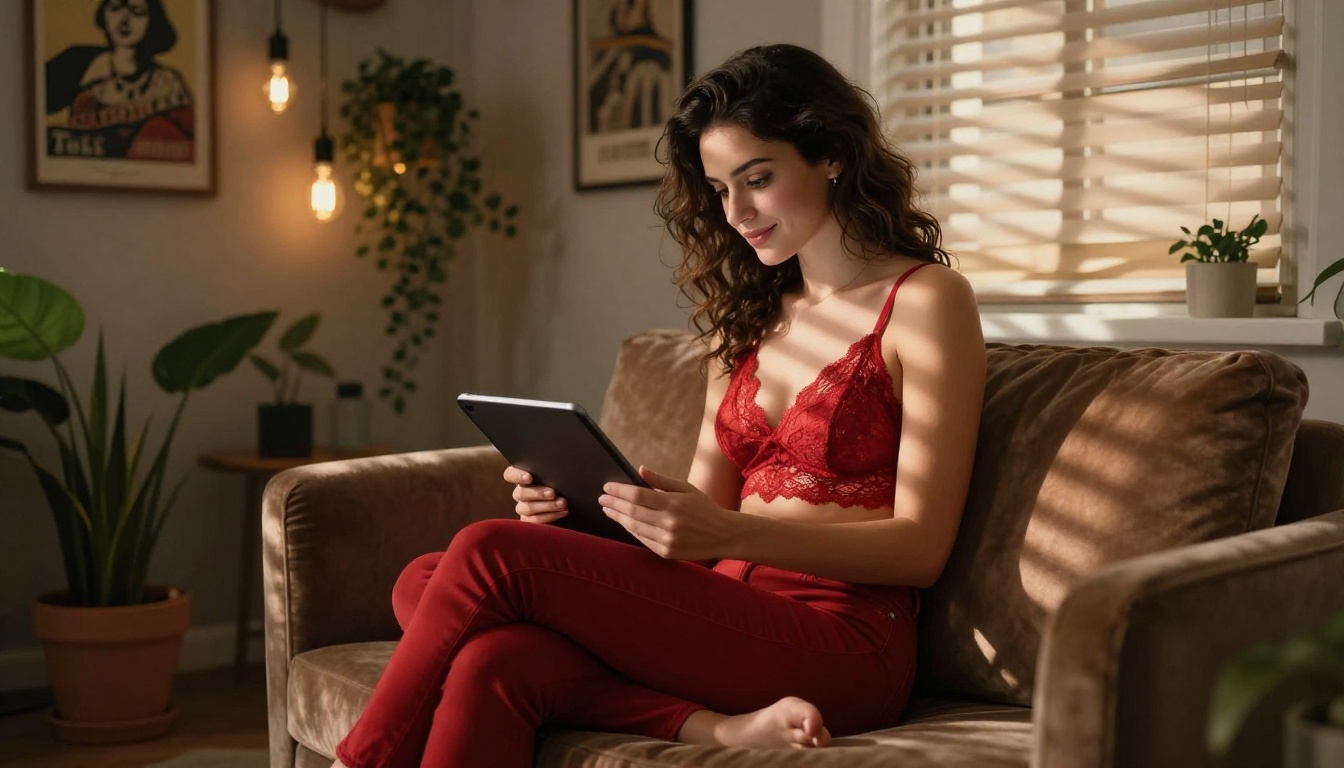
Example prompt: "A woman in her late twenties with dark curly hair, wearing a fitted burgundy slip dress with thin straps, seated in a candlelit hotel suite, soft warm light from the left casting dimensional shadows, medium close-up at 85mm f/1.4, intimate and confident mood, Kodak Portra 400 film grain, photorealistic, RAW 8K"
4. Set your parameters
Inference steps: 35 to 50 for portrait quality
Guidance: 3 to 4 for a natural, less rigid output that doesn't over-interpret the prompt
Fast mode: Off for maximum quality, On for quick iteration rounds
5. Lock the seed and iterate
When a result lands close to what you need, note the seed value. Run subsequent variations with that seed locked and make small prompt adjustments. This preserves the composition and character structure while letting you change specific elements like lighting, wardrobe, or setting.
6. Download and optionally upscale
Download as PNG for maximum quality. For print or large-format digital use, send the output through a super-resolution model afterward to reach commercial-grade resolution.
Important: Flux Dev includes an optional safety checker that is off by default. The model runs without content restriction unless you explicitly enable it in the settings panel.
Getting the Most Out of Your Prompts
Specificity wins over length
Long prompts don't automatically produce better outputs. Precision does. "Soft natural light from the upper left window" outperforms "good lighting" every single time. Describe the lighting angle, the shadow quality (hard vs. soft wrap), and the color temperature. Give the model something specific to work with, and it will.
Anatomy of a high-output NSFW prompt
Element
Low-Quality Version
High-Quality Version
Subject
"attractive woman"
"woman in her late 20s with auburn hair, natural makeup, confident expression"
Wardrobe
"wearing a bikini"
"fitted black string bikini, smooth fabric with natural stretch texture"
Lighting
"good lighting"
"golden hour backlight from the right, warm rim light on shoulders"
Camera
"close-up photo"
"85mm f/1.4 portrait lens, shallow depth of field, tack-sharp eyes"
Style
"realistic"
"Kodak Portra 400 grain, photorealistic skin texture, no retouching"
The difference in output quality between these two columns is dramatic. The high-quality column gives the model actual parameters. The low-quality version gives it almost nothing.
Negative prompts that reduce failures
Include these in your negative prompt field to prevent the most common quality issues:
cartoon, illustration, anime, digital art, 3D render, CGI
extra fingers, distorted anatomy, blurry, low resolution
watermark, text overlay, signature
Stack modifiers in the right order
Quality tags first, then technical specs, then style references. This ordering gives the model the most meaningful context hierarchy and consistently produces sharper, more coherent outputs:
Generation resolution from most text-to-image models tops out around 1 megapixel. For commercial use, running outputs through a super-resolution model is standard practice. Picasso AI offers several strong dedicated options:
Clarity Pro Upscaler: Best for photorealistic portraits. Adds texture detail and sharpens edges without the over-processed look from generic upscalers. The results look like higher-resolution photography, not post-processed AI.
Real ESRGAN: Reliable 4x upscaling with natural noise handling. Ideal for images where preserving film grain character and organic texture matters more than clinical sharpness.
Image Upscale by Topaz: The most aggressive option, capable of 6x upscaling. Built for large-format print, billboard-scale work, and any output that needs to hold detail at very large dimensions.
P Image Upscale: Fast and efficient for standard web and social media sizes when you need quick turnaround without quality compromise.
Fix specific regions without regenerating
If an output is 90% right but has an anatomical inconsistency, a blurred detail, or a wardrobe error in one area, inpainting lets you fix that specific region while leaving the rest of the image completely intact. Select the affected zone, write a corrective prompt, and the model fills it in precisely. This is far more efficient than discarding and regenerating the entire image from scratch.
Workflow tip: Generate at base resolution, use inpainting to correct any issues, then run through Clarity Pro Upscaler for a tight quality loop that gets you to production-ready in three steps.
Picasso AI vs Leonardo: Side by Side
Feature
Picasso AI
Leonardo AI
NSFW content support
Yes, non-explicit
Heavily restricted
Watermarks
None
Yes on free tier
Generation credits
Unlimited
Credit-based
Text-to-image models
91+
Limited selection
Inpainting
Yes
Yes
LoRA support
Yes via SDXL
Limited
Super-resolution
Multiple dedicated models
Basic
Export quality
Full resolution
Restricted on free
Content rejection transparency
Minimal intervention
Opaque rejections
Mature content availability
Supported
Conservative filters
The gap is real across every dimension that matters for adult content work. Not just on the restriction side, but on the depth of the model catalog, the absence of watermark friction, and the operational freedom that comes from not watching a credit counter.
Photorealism that passes inspection
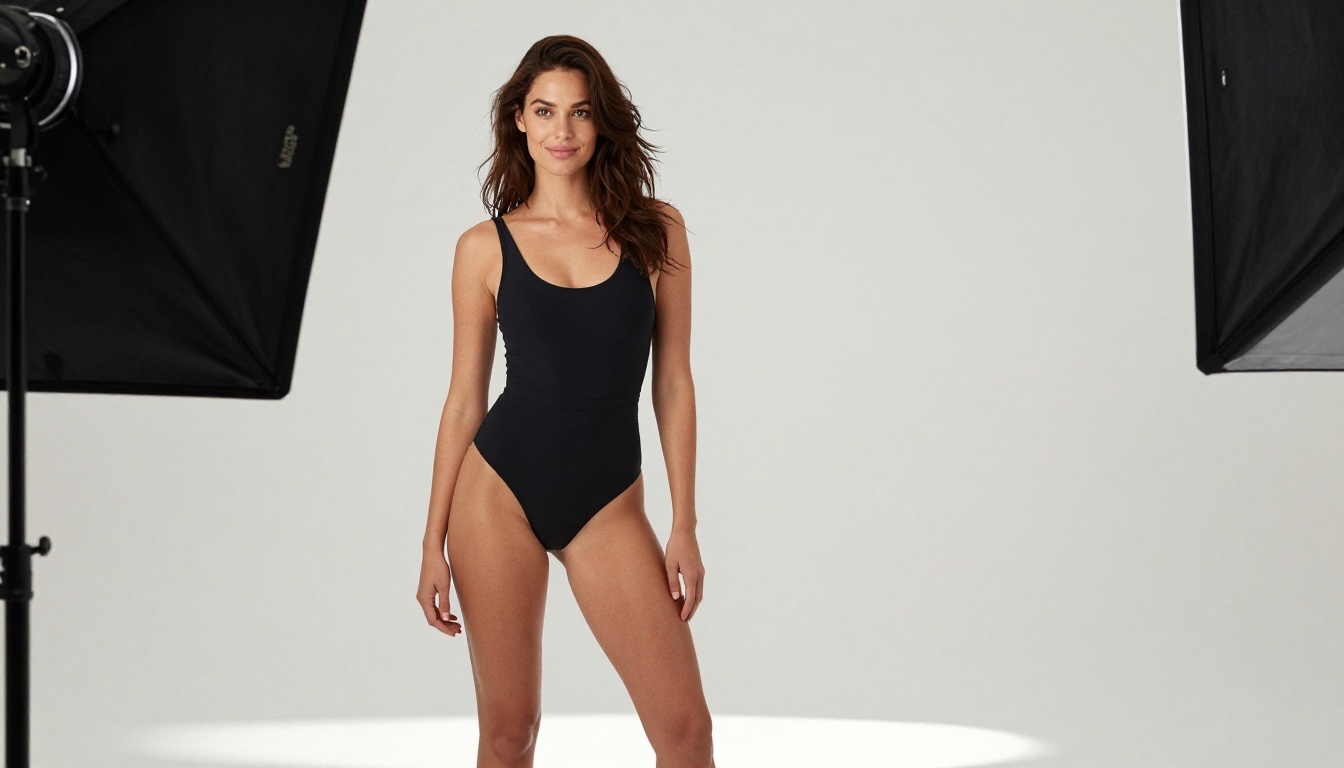
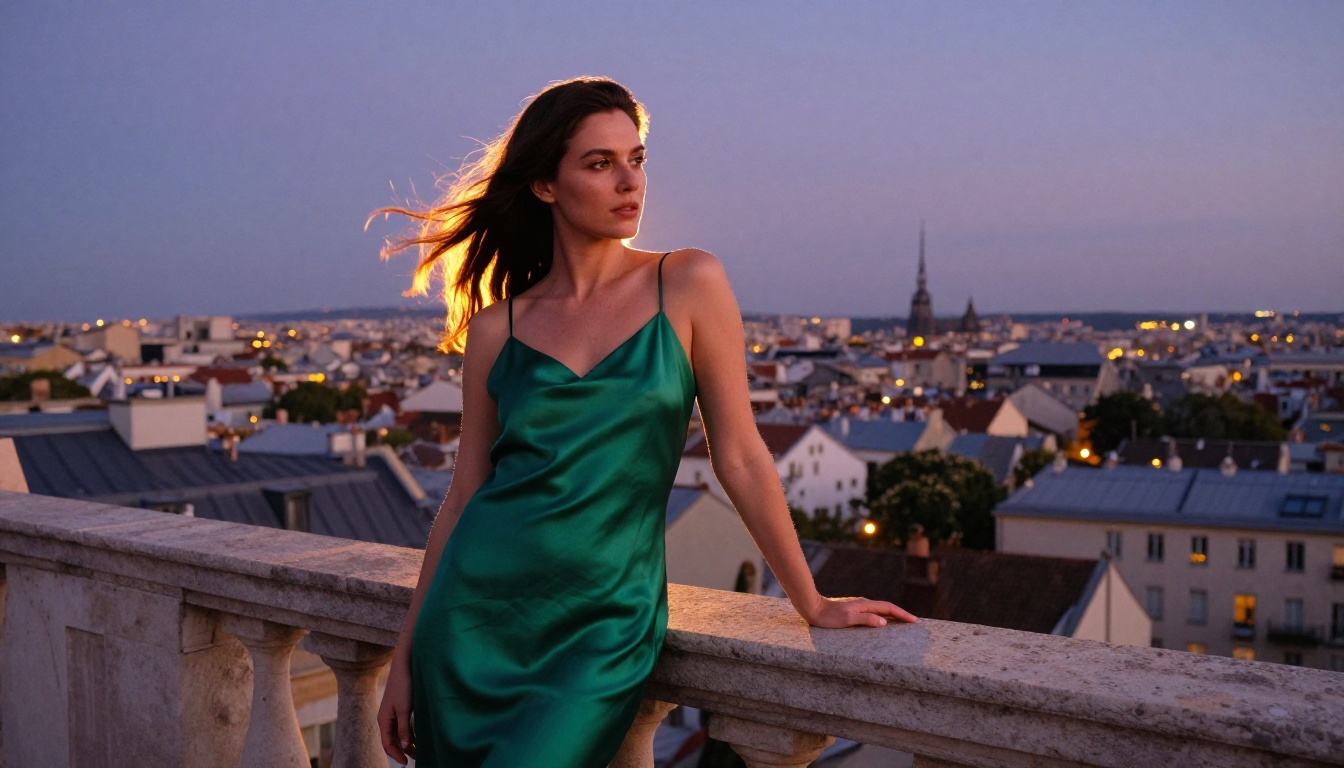
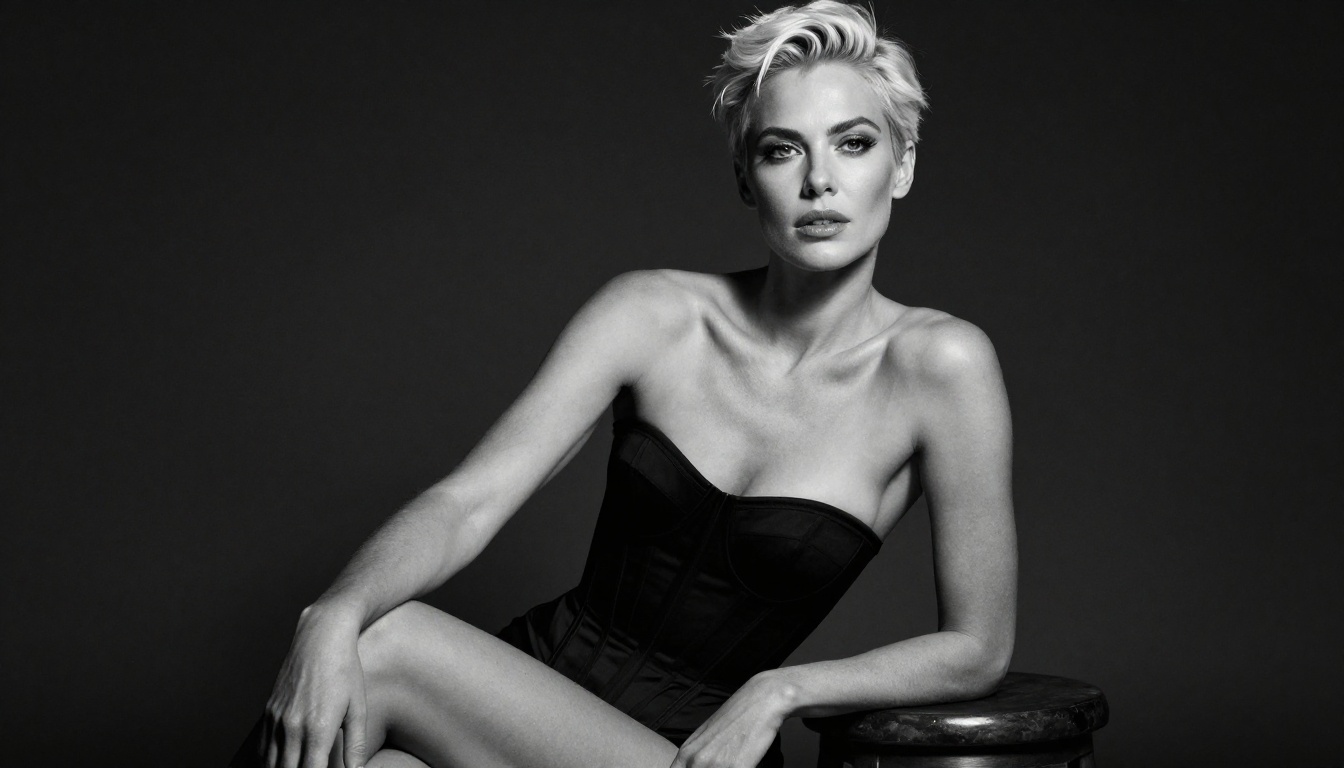
The strongest outputs from Flux Dev and Flux 1.1 Pro on Picasso AI are genuinely difficult to distinguish from professional photography at normal viewing distances. Skin pore texture, natural hair behavior, fabric drape, and directional lighting all resolve in ways that lower-quality model outputs consistently fail to achieve.
This matters specifically for adult content because the gap between photorealistic and obviously AI-generated is more noticeable in portrait and figure work than in landscape or object generation. Human perception is calibrated to catch anatomical inconsistencies, skin that reads as plastic, and lighting that doesn't behave physically. The models available here clear that bar far more consistently than what Leonardo's filtered outputs produce.
Character consistency across a series
Using seed control in Flux Dev and the img2img pipeline in Stable Diffusion, you can build a consistent character across an entire series of images. Change the wardrobe, the setting, or the lighting setup while keeping the subject looking like the same person throughout. This is exactly what professional adult content production requires, and it's something that content-restricted platforms can't deliver reliably.
Start Generating on Picasso AI
The fastest way to see whether this fits your workflow is to run a generation right now. Go to Flux Dev, paste a structured portrait prompt using the format from the tutorial section above, set your aspect ratio to 4:5, and run it at 40 inference steps.
The output will show you immediately what you've been missing on platforms with aggressive content filters. If it doesn't land exactly right the first time, iterate. Adjust the lighting description, change the wardrobe detail, tweak the guidance scale. With no credit timer running down, you can take the time to actually refine until the result is exactly what your project needs.
For full-quality, print-ready output, send the result through Clarity Pro Upscaler and download a version that holds up at any scale. That entire pipeline, from initial prompt to production-ready image, takes under five minutes once you've run it a few times.
The creative freedom is there. The model quality is there. And unlike Leonardo AI, the platform isn't working against the type of content you're trying to create.