If you've spent any time on Midjourney, you know the frustration. A carefully written prompt, 30 seconds of anticipation, and then: a blurred result, a content warning, or an outright refusal. The platform has built an increasingly strict moderation layer over its image engine, and it catches far more than explicit content. Swimwear, artistic nude references, certain fictional scenarios, even some fashion photography prompts get flagged. For a growing number of creators, that's not a minor inconvenience. It's a dealbreaker. Picasso AI: The Midjourney Alternative With No Filters isn't just a tagline. It describes a fundamentally different philosophy about who controls creative output.
What Midjourney Actually Restricts
Midjourney's content policy has expanded significantly since its early days. The free tier is now locked behind Discord-only access, the moderation filters have tightened with each version, and its community guidelines prohibit content that falls into a loosely defined "adult" category. The problem is that "adult" is interpreted broadly, and appeals are opaque and slow.
The invisible content wall
Creators working in fashion photography prompts, pinup aesthetics, romance novel cover art, or even certain medical illustration styles hit the wall constantly. The filter doesn't distinguish between a tasteful editorial image and something actually harmful. It sweeps broadly. Artists who built workflows around Midjourney V5 have found V6 considerably more restrictive, not because the imagery changed, but because the policy did.
💡 The real issue: It's not that Midjourney blocks explicit content. It's that the definition of "explicit" keeps expanding to include things that are legal, artistic, and commercially common in photography and design.
Why thousands of creators are switching
Search volume for "Midjourney alternative no filter" and "uncensored AI image generator" has grown month-over-month throughout 2024 and 2025. Creators aren't looking for something pornographic. They're looking for a platform that treats them like adults and gives them professional-level control. That's what brought them to Picasso AI.
The No-Filter Reality on Picasso AI
Picasso AI doesn't operate with a blanket content policy that treats every suggestive image as a violation. The platform was built around creative freedom, and that philosophy runs through its model library, its interface, and its pricing. When you write a prompt, you get the result. If the model can generate it, it will.
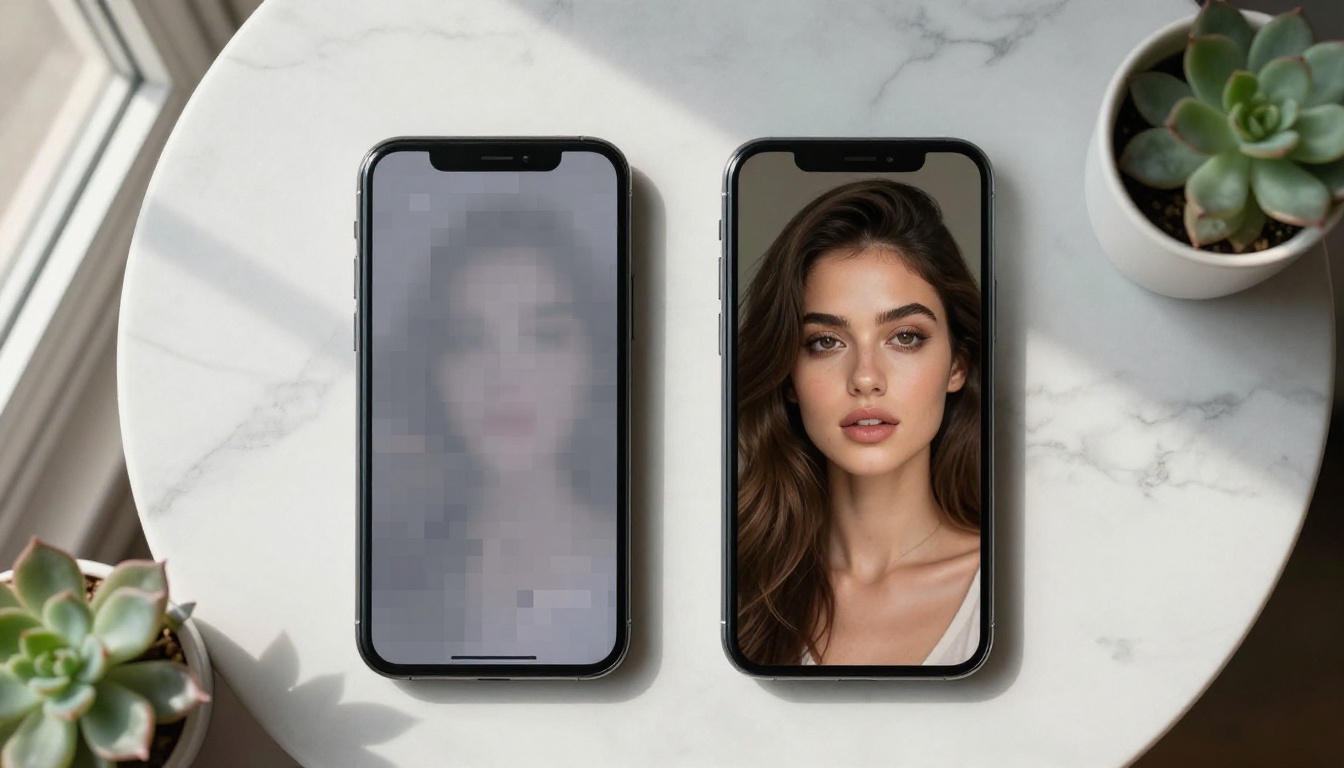
What "no filters" actually means in practice
No moderation overlay on photorealistic portraits. No automatic blur on skin. No content warning interrupting your workflow. On Picasso AI, you can prompt for:
- Glamour and editorial photography aesthetics
- Fashion imagery with sheer or minimal fabrics
- Artistic implied nudity in painterly and photographic styles
- Pin-up and retro boudoir references
- Bikini and beachwear photography
- Mature fantasy character art and concept design
- Romance fiction cover illustrations
The platform draws the line at illegal content, not at taste. That's a meaningful difference from Midjourney's approach, which frequently conflates the two.
90+ models, one platform
Where Midjourney gives you one engine with style parameters, Picasso AI gives you access to over 90 text-to-image models from different developers, each with its own strengths. You're not locked into one aesthetic or one generation approach. You pick the model that fits the output you need, and switch freely between them within the same session.
Midjourney vs Picasso AI: The Real Differences
| Feature | Midjourney | Picasso AI |
|---|
| Content policy | Broad, expanding restrictions | Minimal, focused on illegal content only |
| Model variety | Single engine (V6, Niji) | 90+ text-to-image models |
| Access method | Discord-only (free tier) | Web platform |
| NSFW support | No | Yes |
| Photorealism models | Limited | Flux, Realistic Vision, RealVisXL |
| Pricing | Subscription only | Credits-based, pay-as-you-go available |
| ControlNet support | No | Yes |
| API access | Yes (paid plans) | Yes |
The pricing difference matters too. Midjourney charges per subscription tier with no pay-as-you-go option. Picasso AI uses a credits model, which means you only pay for what you generate.
Top Models for Unrestricted Image Creation
This is where Picasso AI truly separates itself. The model library isn't a list of experimental tools. These are production-grade models that professional photographers, digital artists, and content studios use daily.
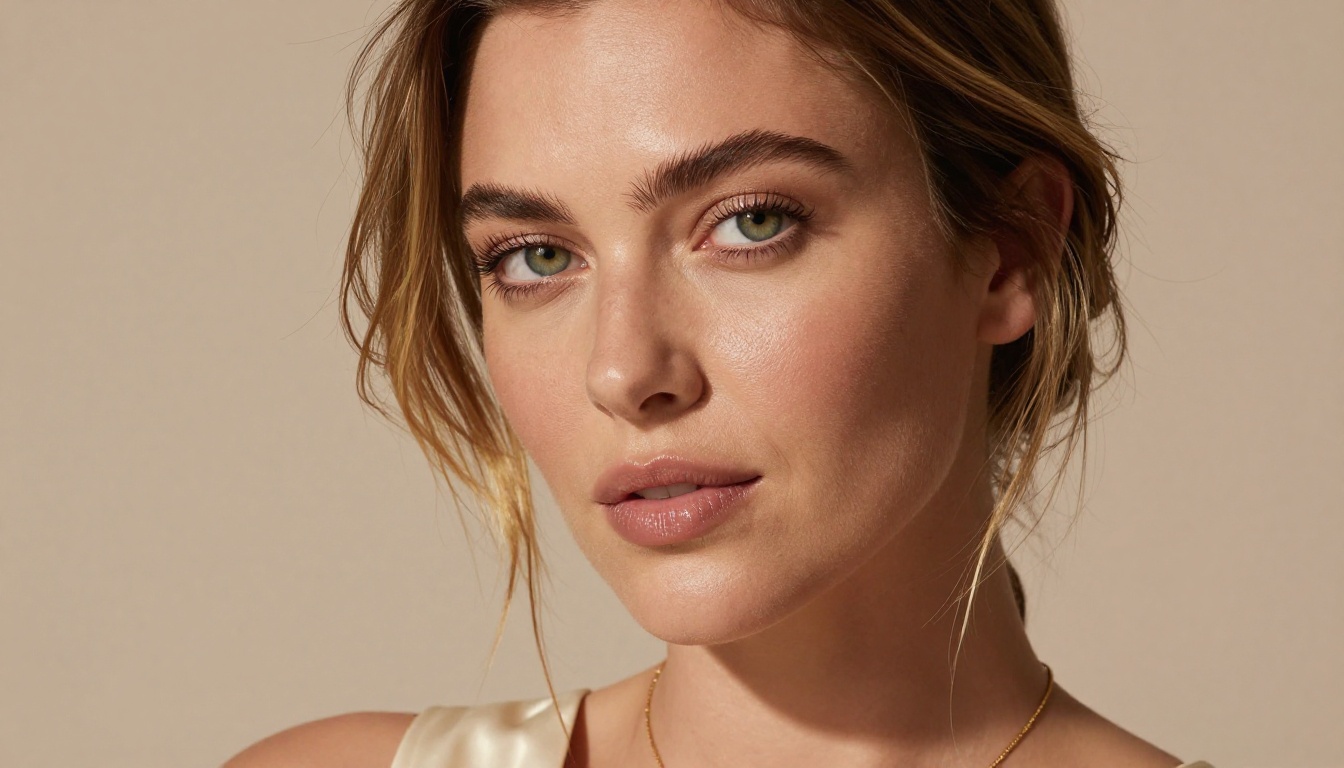
Flux: The highest-quality option
The Flux family from Black Forest Labs represents the current state of the art in photorealistic text-to-image generation. On Picasso AI, you have access to every major Flux variant:
-
Flux Dev: The open-weight model built for detail-rich, high-fidelity generation. Exceptional at portrait photography, fashion images, and realistic lighting scenarios. This is the workhorse for creators who need consistent, professional-quality output.
-
Flux 1.1 Pro Ultra: Generates 4-megapixel images with extraordinary detail. Ideal when you need print-quality output or large-format digital art. Skin texture, fabric weave, and environmental detail are rendered at a level that genuinely competes with stock photography.
-
Flux 1.1 Pro: The fast, commercial-grade version. Balances speed with quality for high-volume workflows. Perfect for content teams running multiple generations per session.
-
Flux Schnell: The speed-optimized variant. Generates results in seconds rather than minutes. When you're iterating on prompts and need rapid feedback, Schnell is the model you use.
-
Flux 2 Pro: The second-generation professional model with improved prompt adherence and stronger handling of complex multi-element scenes.
💡 Which Flux to choose: Start with Flux Dev for most portrait and fashion work. Switch to Flux 1.1 Pro Ultra when you need maximum resolution. Use Flux Schnell for prompt testing and iteration before your final render.
SDXL and Stable Diffusion
For creators who want more stylistic control or prefer a different generation engine:
-
SDXL: Stable Diffusion XL offers a balance of artistic flexibility and photorealism. The 1024x1024 native resolution and broad style range make it versatile for everything from photography to illustration-adjacent work.
-
SDXL Lightning 4Step: A distilled version of SDXL that generates high-quality results in just 4 inference steps. Dramatically faster than standard SDXL with minimal quality loss.
-
Stable Diffusion 3.5 Large: Stability AI's latest flagship model. Improved text rendering, better anatomy in figure generation, and stronger compositional control than previous SD versions.
Realistic portrait specialists
For work specifically focused on human figures and portrait photography:
-
Realistic Vision v5.1: A fine-tuned model built specifically for photorealistic human generation. It handles skin tones, facial geometry, and natural lighting with precision that general-purpose models sometimes miss.
-
RealVisXL v3.0 Turbo: The SDXL-based realism specialist. Produces images that sit right at the boundary between AI generation and actual photography. Strong performance on fashion, glamour, and lifestyle content.
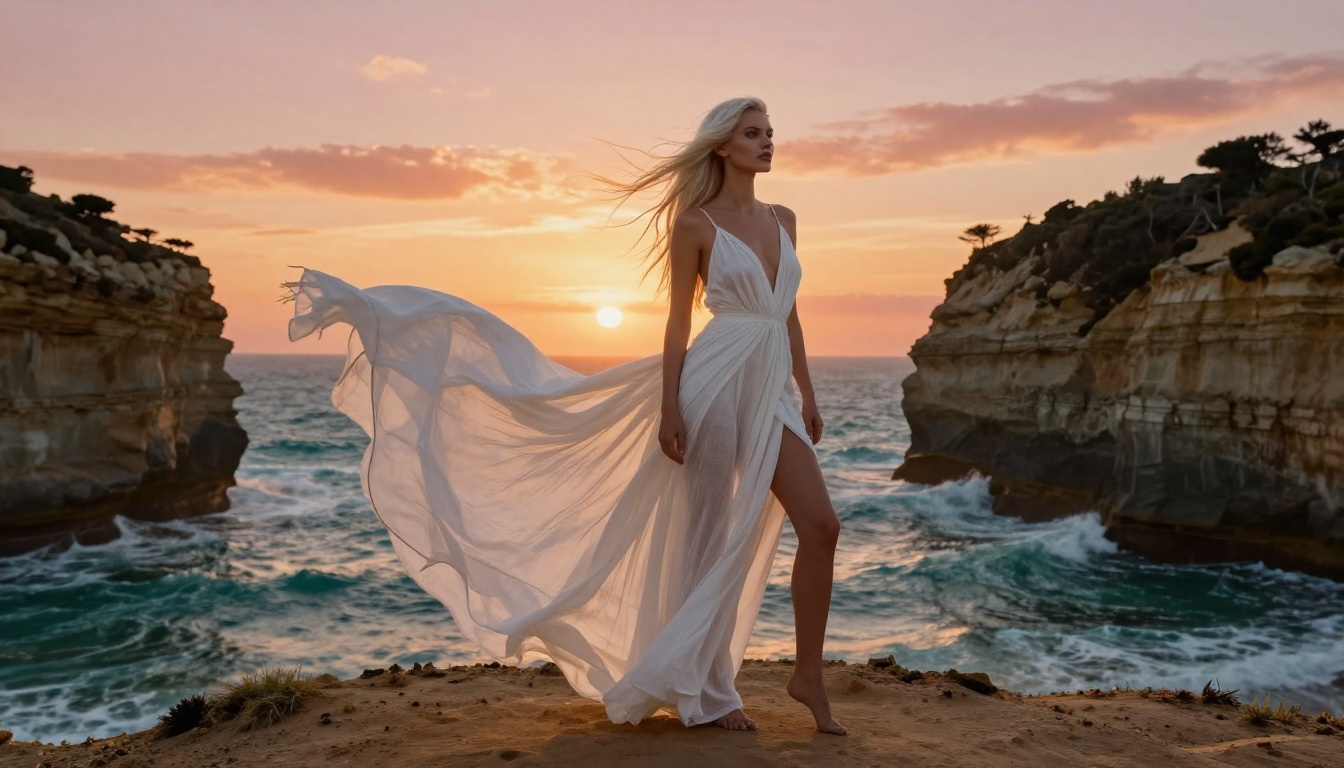
How to Use Flux Dev on PicassoIA
Since Flux Dev is the most popular model on the platform for photorealistic work, here's exactly how to get the best results.
Step 1: Access the model
Go to the Flux Dev page on Picasso AI. You'll see the prompt input, parameter controls, and sample outputs from the model.
Step 2: Write a structured prompt
The prompt structure that works consistently with Flux Dev follows this pattern:
[Subject description] + [Clothing and Styling] + [Environment] + [Lighting] + [Camera and Lens] + [Film and Style]
Example: "Young woman with dark wavy hair, wearing a white linen shirt, seated in a sun-drenched Parisian cafe, soft window light from the left, 85mm f/1.8 lens, Kodak Portra 400 film simulation"
Step 3: Set your parameters
- Aspect ratio: Use 16:9 for widescreen or social media landscape, 9:16 for vertical Stories format, 1:1 for square posts
- Steps: 28 to 35 steps for detailed work, 20 steps for quick tests
- CFG Scale: 3 to 4 for natural, photographic results. Flux works best at lower CFG compared to SDXL-based models
Step 4: Iterate efficiently
Use Flux Schnell for your first 5 to 10 prompt iterations to find the right composition and mood, then switch to Flux Dev or Flux 1.1 Pro Ultra for your final high-quality render.
💡 Critical tip: With Flux models, negative prompts have minimal effect. Focus all your energy on the positive prompt. Describe exactly what you want rather than listing what you don't want.
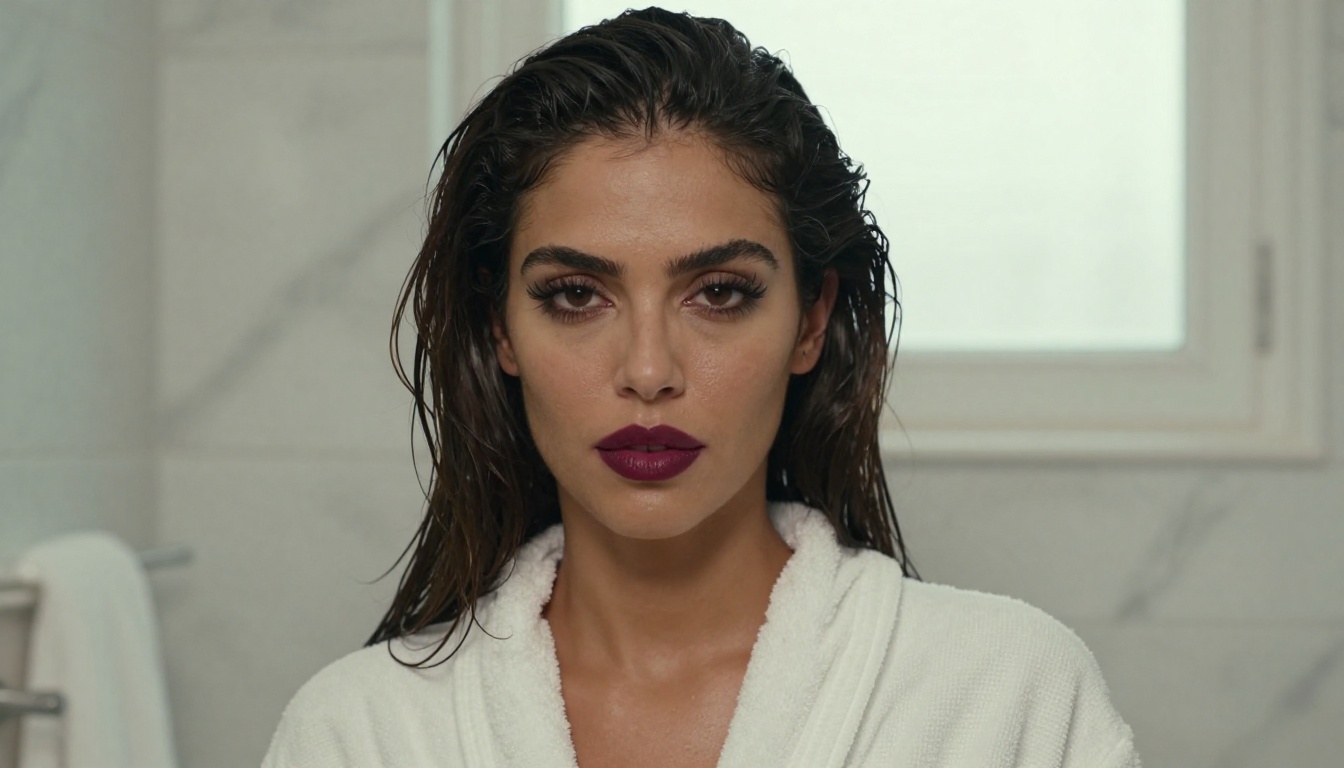
Prompt Writing That Actually Works
Most people write prompts the same way they'd describe a photo to a friend. That's fine for basic results. Professional-grade output requires a different approach.
The anatomy of a high-performance prompt
| Prompt Element | What It Controls | Example |
|---|
| Subject | Who or what is in the image | "25-year-old woman with auburn hair" |
| Styling | Clothing, accessories, makeup | "wearing a cream silk blouse, gold hoop earrings" |
| Environment | Background and setting | "in a sunlit Santorini rooftop terrace" |
| Lighting | Quality, direction, color temperature | "golden hour light from the left, long shadows" |
| Camera | Lens, angle, depth of field | "85mm f/1.4, shallow depth of field, eye level" |
| Film and Style | Overall aesthetic | "Kodak Portra 400, film grain, raw photography" |
Three common mistakes
- Stacking adjectives without specifics: "beautiful stunning gorgeous woman" tells the model nothing. "Woman with high cheekbones, dark almond eyes, full lips" gives it something concrete to work with.
- Conflicting style words: "photorealistic watercolor" sends contradictory signals. Pick one direction and commit to it.
- Skipping lighting: Lighting is the single most impactful element in portrait photography. A prompt without lighting instructions consistently produces flat, generic results.
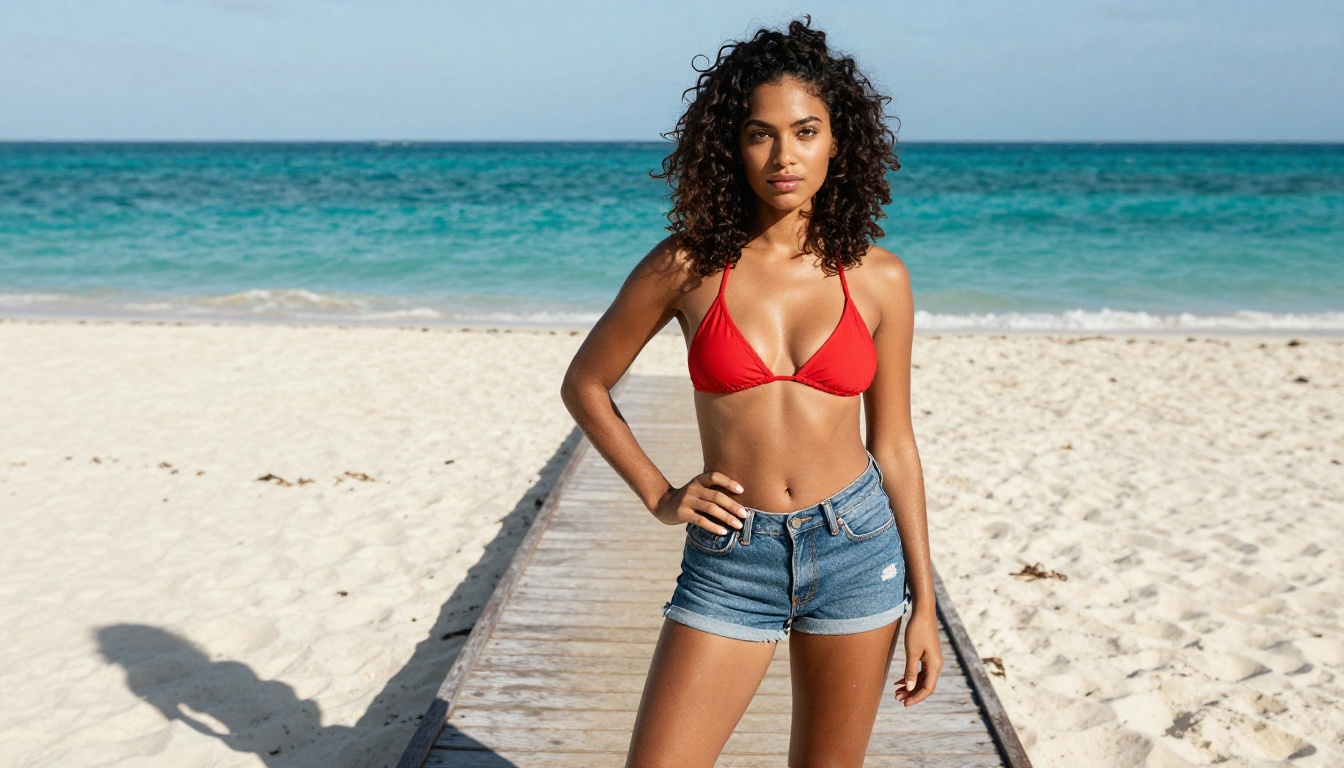
Who Creates With Picasso AI
The platform attracts a wide range of users, but they share one thing: they need creative control that mainstream platforms refuse to give them.
Digital artists and illustrators use it for character concept work, particularly for projects with mature themes that Midjourney would flag. Fantasy fiction, romance novel cover creation, and character sheet generation are common use cases.
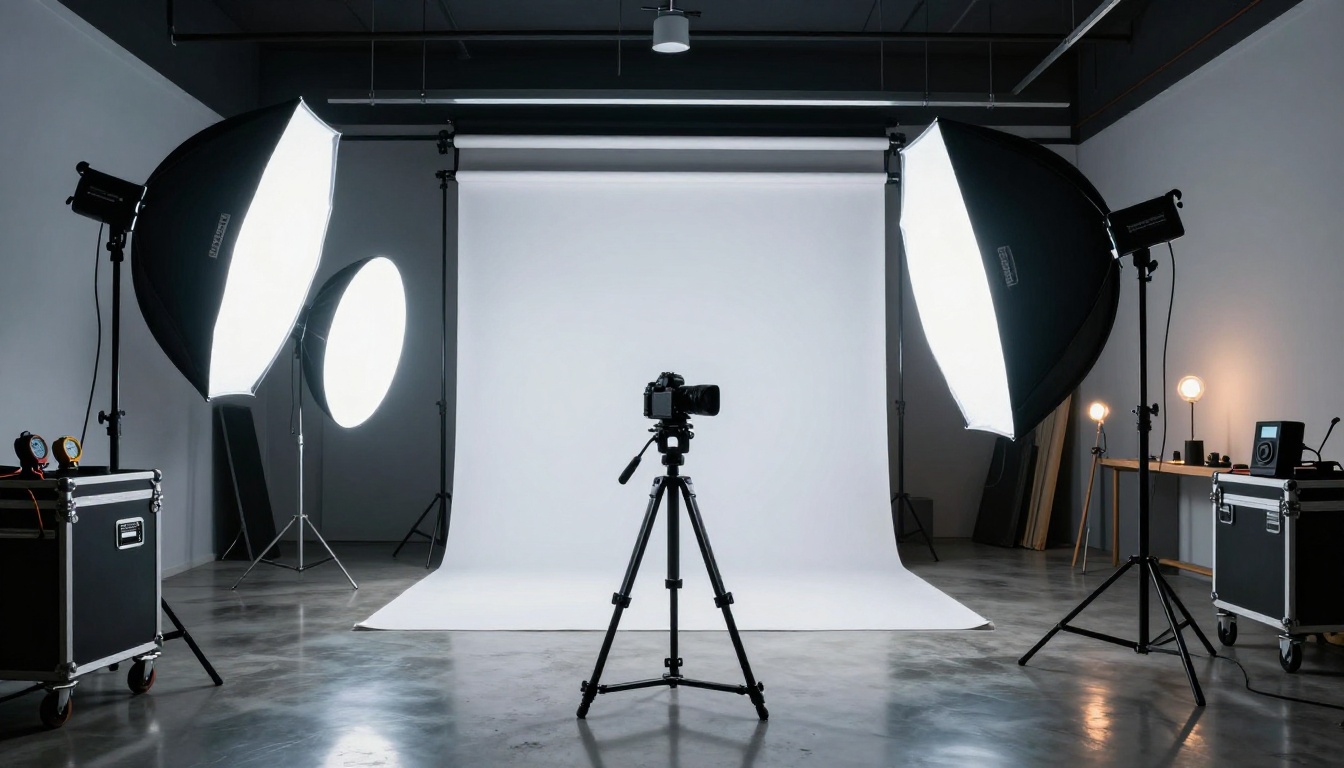
Photographers and retouchers use it for reference generation when scouting shoot concepts. Instead of paying for a model and studio to test a lighting setup, they generate a reference image first and refine from there.
Content creators and influencers use it for lifestyle imagery, particularly fashion and beauty content where the photorealistic output blends naturally with actual photography in feeds.
Adult content platforms, within legal parameters, use it for professional image creation at scale, particularly now that many other AI platforms have closed their NSFW access entirely.
Brand designers use it for campaign mockups, product styling references, and social media content that requires models in specific scenarios that photography budgets can't accommodate.
The Realism Advantage
The gap between Midjourney's aesthetic output and Picasso AI's photorealistic models is significant. Midjourney V6 produces beautiful images, but they carry a distinctive stylistic signature. You can usually identify a Midjourney image by its color saturation, its slightly idealized facial geometry, and its painterly texture handling.
Flux Dev and Realistic Vision v5.1 don't have that problem. The output looks like photography because it's trained to reproduce photography. Skin texture shows individual pores. Hair strands catch light one by one. Fabric has visible weave and natural drape. Shadows fall with physical accuracy.
This matters enormously for commercial applications. Stock photography buyers, brand clients, and editorial outlets increasingly receive AI images alongside real ones. The images that pass scrutiny are the ones that come from photorealistic-first models, which is precisely what Picasso AI specializes in.
The platform also supports Super Resolution for upscaling outputs to print quality, and AI image restoration tools for cleaning up artifacts in generated images. These post-processing capabilities close the gap further between AI output and camera-captured photography.

Pricing: What You Actually Pay
Picasso AI uses a credit system rather than a subscription-only model. This is a meaningful structural difference from Midjourney.
| Plan Type | Midjourney | Picasso AI |
|---|
| Free tier | Very limited, Discord only | Available |
| Pay-as-you-go | Not available | Yes |
| Subscription | From $10/month | Available |
| Enterprise | Yes | Yes |
For occasional users, the pay-as-you-go option means you're not paying a monthly fee for access you don't use every day. For heavy users, subscription tiers offer volume discounts. The credit model also makes it easier to use multiple models without penalty, since you're not locked into a specific number of "generations" per plan level.
What You Can Build Today
The practical applications are broader than most people initially consider. Here are scenarios where Picasso AI's no-filter approach makes a direct commercial difference:
Romance and fiction book covers: A genre where covers routinely feature bare torsos, intimate poses, and suggestive imagery. Midjourney has made this workflow nearly impossible. Picasso AI, with SDXL and Flux Dev, handles it without issue.
Fashion lookbooks: Clients in swimwear, lingerie, and activewear need imagery that would routinely get flagged on Midjourney. The Realistic Vision v5.1 and RealVisXL v3.0 Turbo models produce campaign-quality output at a fraction of a studio shoot's cost.
Social media content at scale: Beauty, fitness, and lifestyle brands need hundreds of images per month. The credit model and model variety make Picasso AI viable for volume content production across multiple campaigns simultaneously.
Character art and game assets: Fantasy and mature game titles need character artwork that mainstream platforms block. Stable Diffusion 3.5 Large and the SDXL variants handle complex character renders with strong anatomical accuracy.
Personal artistic projects: Sometimes you just want to create without asking permission. That's a valid reason to switch platforms.
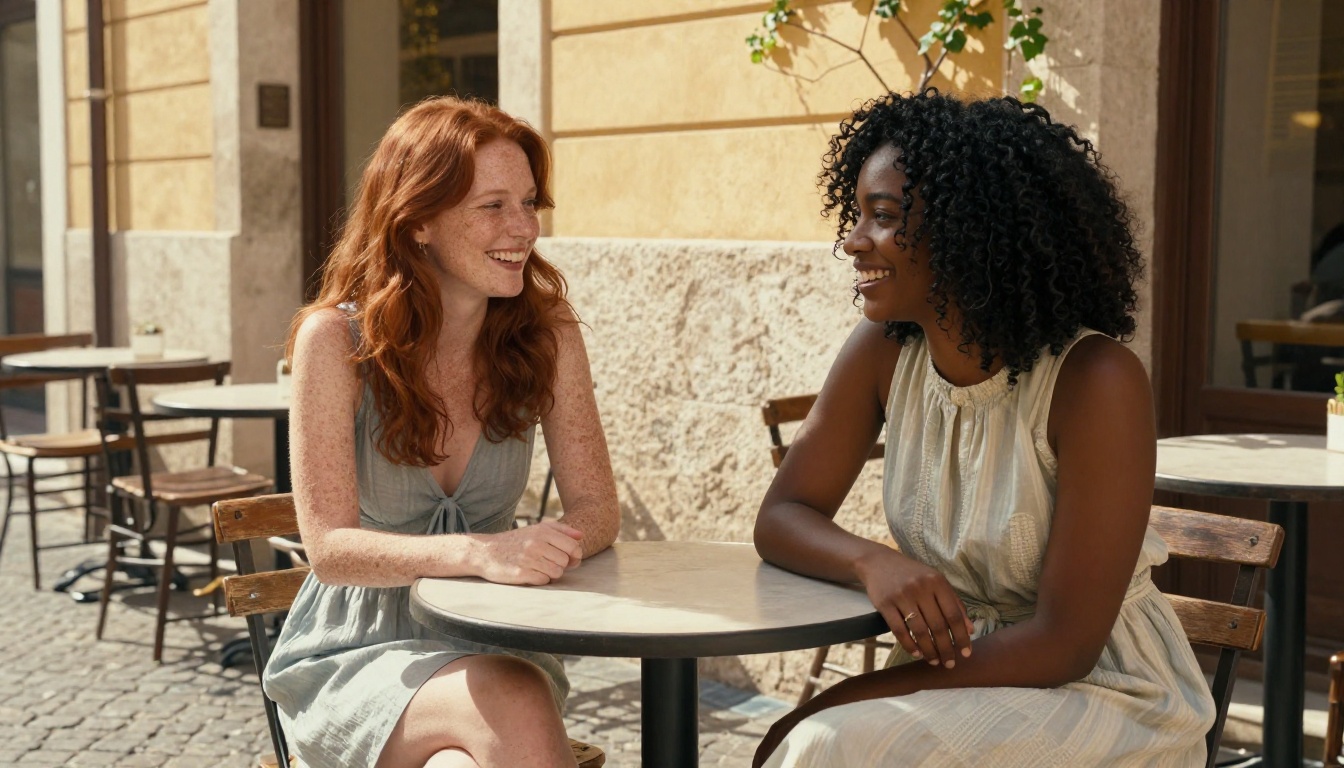
Start Creating Without the Wall
The biggest difference between Picasso AI and Midjourney isn't the models or the pricing. It's the relationship between the platform and the creator. Midjourney treats restrictions as a product feature. Picasso AI treats creative freedom as one.
If your current workflow keeps hitting content walls, or you've been avoiding certain project types because you knew the tool would block you, this is your opening. Flux Dev alone will handle 80% of photorealistic use cases that Midjourney refuses. Add SDXL, Realistic Vision v5.1, and the broader model library, and you have a production environment that genuinely competes with anything the AI image space currently offers.
Pick a model. Write a prompt. See what happens when no one's standing between you and your output.


