If you've hit a wall on OpenArt, you know the frustration. You type a prompt, wait, and get a content restriction notice instead of an image. For artists, photographers, and content creators who work with mature, suggestive, or simply unconventional subject matter, that wall is more than an annoyance — it's a dealbreaker.
Picasso AI was built for exactly those creators. More than 90 text-to-image models, no content walls blocking photorealistic portraits, no automated systems flagging bikini photography as inappropriate, and no apologies for giving artists the tools they actually need.
Here's the full breakdown.
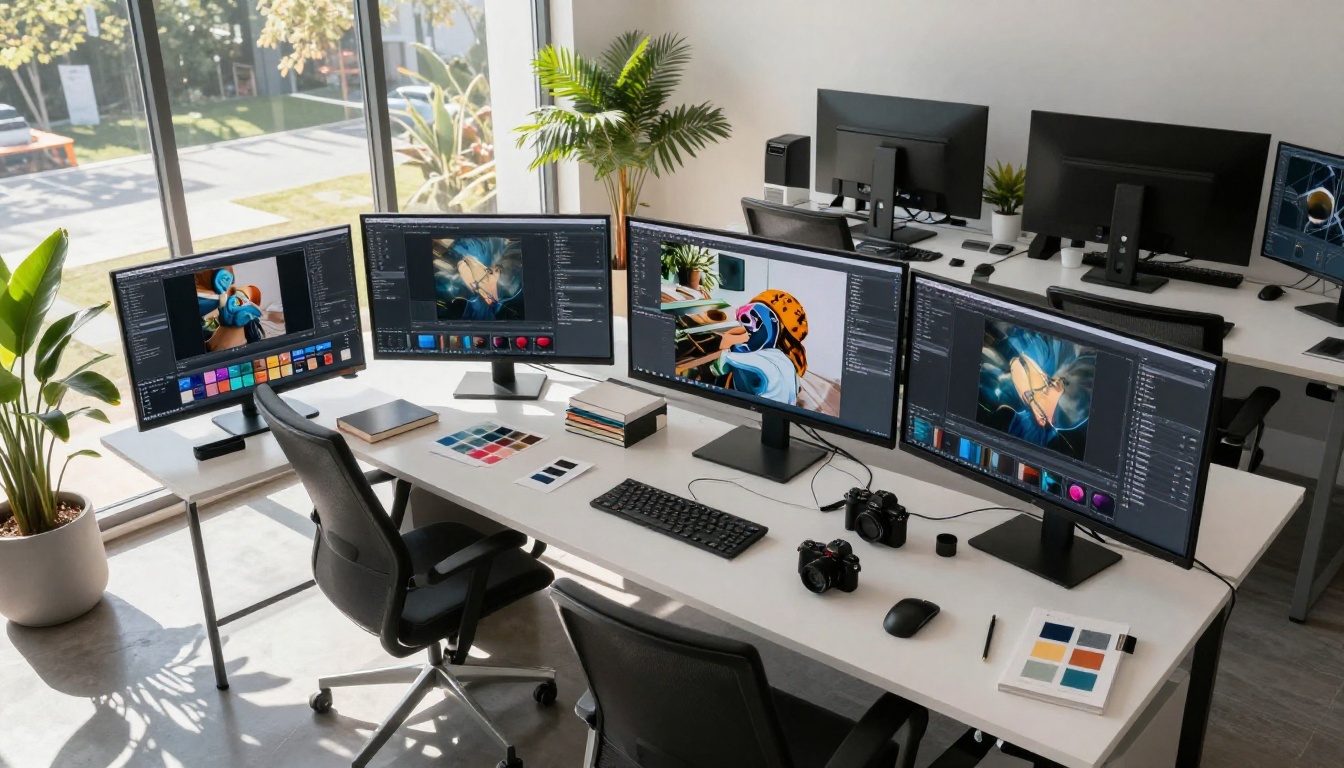
Why Creators Are Leaving OpenArt
OpenArt started as an ambitious platform. A community for sharing AI creations, a generator for experimenting with models, a place that felt like it understood what artists wanted. But as the platform grew, so did its restrictions.
The Filter Problem That Won't Go Away
OpenArt's content moderation system operates on probability, not context. A prompt containing certain words, or an image featuring certain aesthetics, triggers automatic filtering regardless of the artistic intent behind it. Photographers working with fashion, glamour, or fine art nude concepts run into this constantly.
The filters don't care that you're creating editorial photography for a magazine layout. They don't distinguish between pornographic content and a swimsuit shoot. The system flags, blocks, and often bans accounts without meaningful human review.
💡 The core issue: Content moderation systems built for social media platforms do not work for professional creators. They're designed for scale, not nuance.
For creators who depend on consistency — whether that's a freelance designer, a content agency, or an independent artist building a portfolio — the unpredictability of OpenArt's filters makes it professionally unreliable.
What "No Restrictions" Actually Means
When platforms advertise themselves as "unrestricted," that phrase covers a spectrum. Some mean they allow mild suggestiveness. Others mean full explicit content. It's worth being precise about where Picasso AI sits.
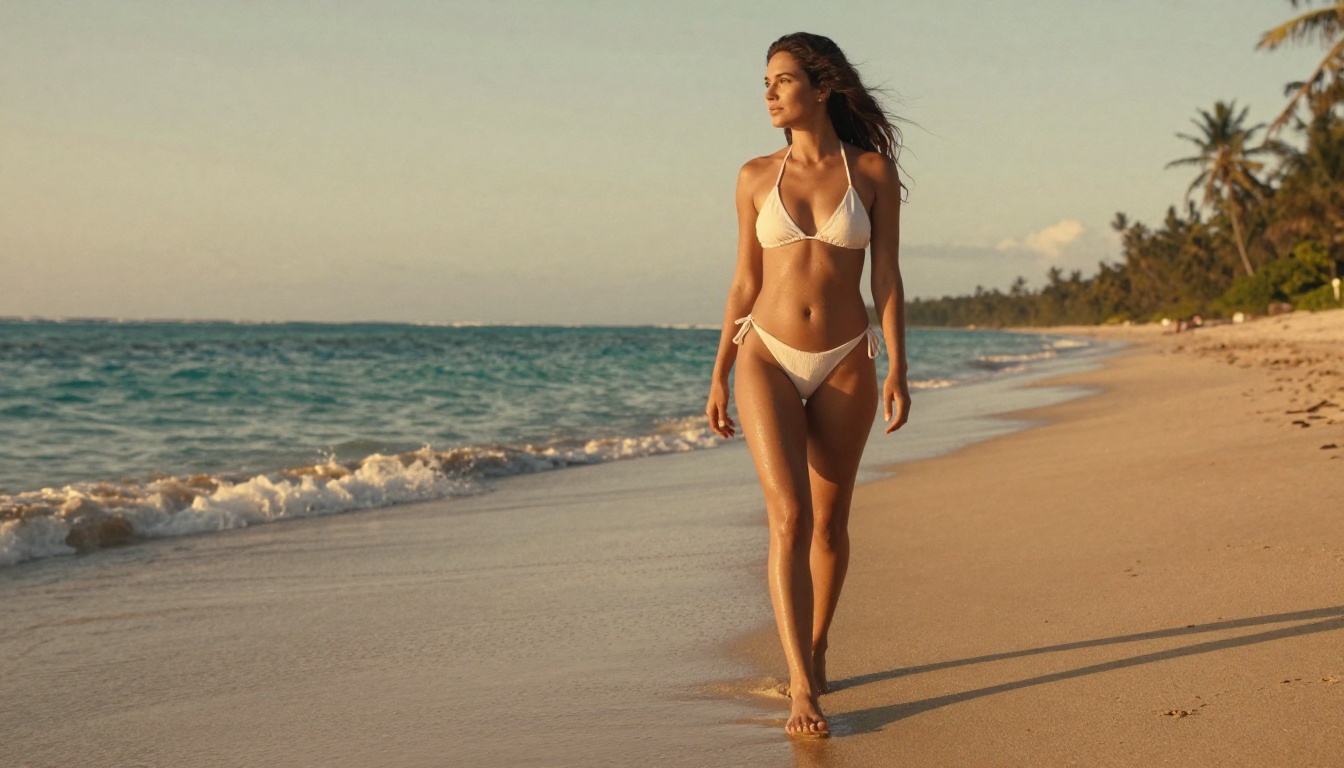
Picasso AI supports non-explicit NSFW content. Suggestive, glamorous, aesthetically beautiful imagery. Fashion photography, artistic portraits, beach and swimwear photography, and boudoir-style work all fall comfortably within what the platform generates without interference.
What it doesn't do: explicit pornographic content. The platform's approach is closer to what you'd find in a high-end fashion magazine or an art photography book. That positioning serves the vast majority of creators who run into OpenArt's filters — the issue is almost never that people need explicit content, it's that OpenArt's filters can't distinguish between a tasteful glamour shot and something genuinely problematic.
What Picasso AI Actually Offers
Beyond the restriction conversation, the platform needs to deliver on actual image quality and model variety. This is where Picasso AI genuinely separates itself.
90+ Models in One Place
Most AI image platforms give you access to one or two models with a shared interface built around them. Picasso AI takes the opposite approach: a model library with over 90 text-to-image options, each with different strengths, aesthetics, and technical capabilities.
That matters because no single model is the best at everything. A model optimized for photorealistic portraits may struggle with creative editorial compositions. A model trained on fashion photography might not handle architectural backgrounds the same way a more general model would.
Having access to GPT Image 2, Flux Redux Dev, Seedream 4.5, and Wan 2.7 Image Pro in a single platform means you can match the model to the project rather than limiting the project to what one model can do.
Image Editing Without Starting Over
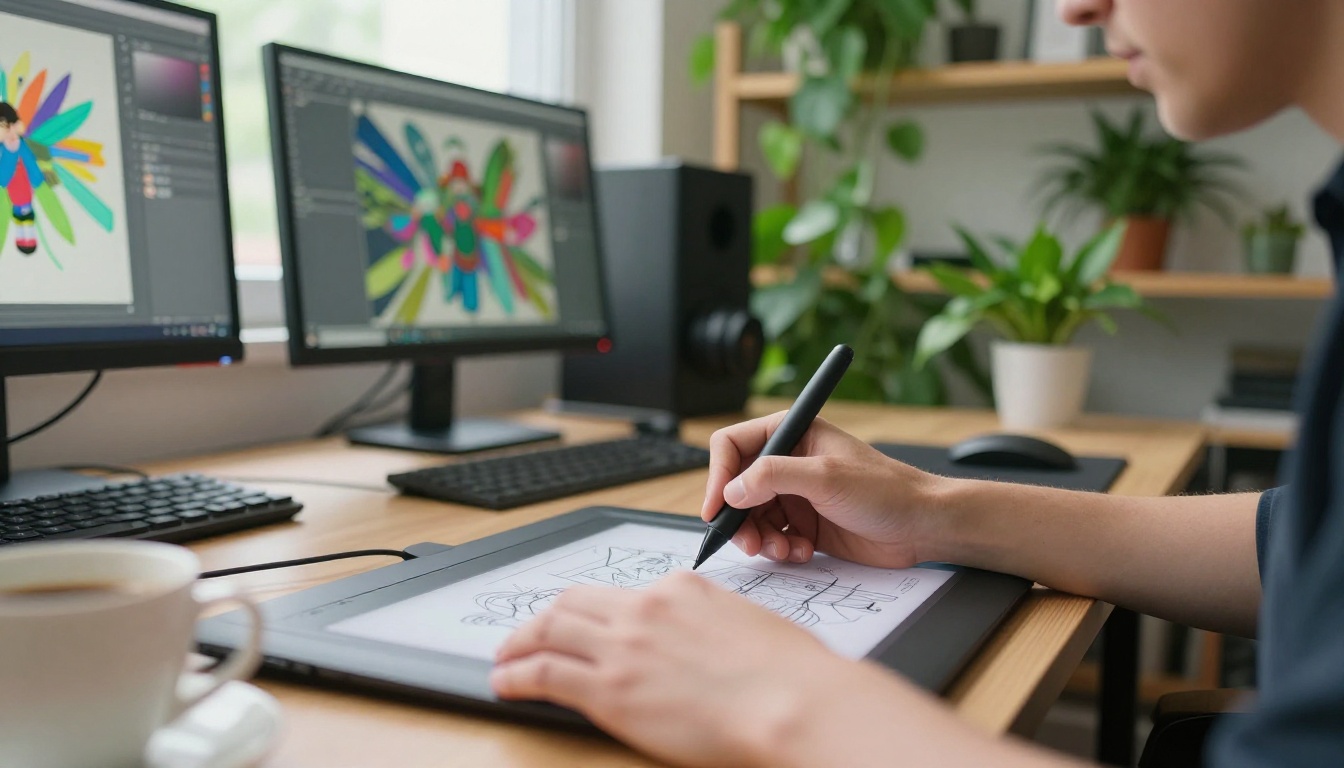
Generation is only part of the workflow. Most creative projects involve iteration: adjusting lighting, changing background elements, fixing specific areas that didn't land right. Picasso AI's editing tools handle this without forcing you back to square one.
Qwen Image Edit Plus lets you modify specific regions of a generated image using text prompts. Change the outfit, alter the background mood, fix the lighting direction — all without regenerating the entire composition. P Image Edit LoRA adds fine-tuned style control on top of that editing capability.
Side-by-Side: Picasso AI vs OpenArt
Concrete comparisons matter more than claims. Here's how the two platforms stack up across the dimensions that matter most for professional creators:
| Feature | Picasso AI | OpenArt |
|---|
| Text-to-image models | 90+ | ~20 |
| Suggestive/glamour content | Supported | Often blocked |
| Fashion/swimwear photography | Supported | Inconsistent |
| Image editing tools | Yes (inpainting, region edit) | Limited |
| Super resolution upscaling | Yes | Limited |
| Background removal | Yes | No |
| Face swap | Yes | No |
| Model variety | Very high | Moderate |
| Content moderation | Nuanced | Aggressive auto-filter |
| Account ban risk for creative work | Low | High |
The numbers tell part of the story. The account ban risk row tells the rest. Creators who've built workflows around OpenArt have lost access without warning when the filter system decided a legitimate creative project crossed a line. That risk alone is enough reason to move your primary workflow elsewhere.
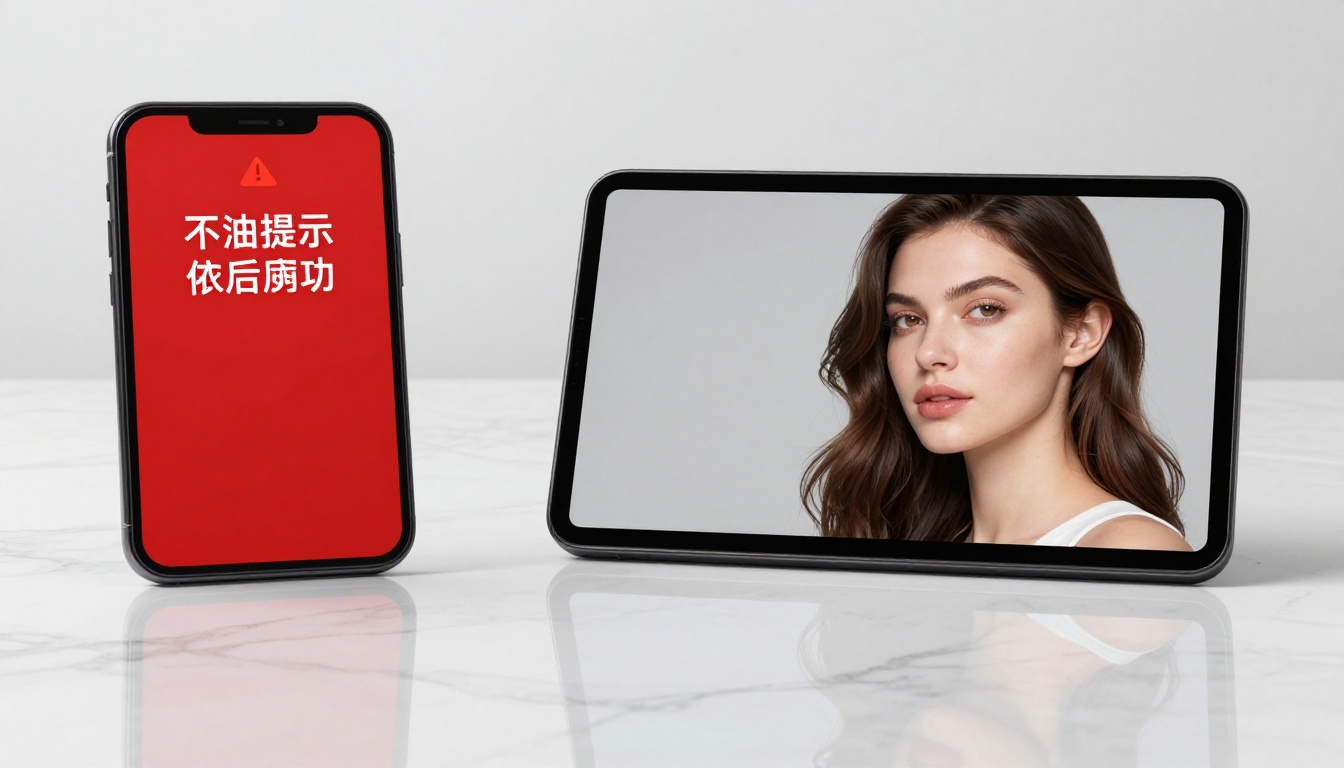
The Models That Actually Matter
Not all 90+ models need your attention. These are the ones that consistently deliver for the use cases where creators most often hit walls on OpenArt.
GPT Image 2: Photorealism at Scale
GPT Image 2 handles complex scene compositions with a level of photorealism that most models can't match. It's particularly strong with human subjects, skin texture, and natural lighting conditions. For portrait photography and fashion work, it's frequently the first model to reach for.
The model responds well to detailed technical photography prompts — specifying lens focal length, aperture, lighting direction, and film emulation produces results that look like they came from a professional shoot rather than a generator.
Flux Redux Dev: Style Consistency
When you need multiple images with consistent aesthetics, Flux Redux Dev is the right tool. It creates variations from an existing image rather than generating entirely from text, which means the core style, color palette, and compositional logic carries over between outputs.
For content creators producing series work — a set of images for a campaign, a collection for a portfolio — this model eliminates the inconsistency problem that makes pure text-to-image generation difficult for professional use.
Seedream 4.5: 4K Detail
Seedream 4.5 generates at 4K resolution natively, which matters for any work that will be printed, displayed large, or used in high-resolution formats. The detail rendering at that scale is exceptional, particularly for fabric textures, skin detail, and environmental backgrounds.
It's slower than some alternatives, but for final deliverable images where quality is the priority over iteration speed, it's one of the strongest options in the library.
Wan 2.7 Image Pro: Outdoor and Lifestyle
Wan 2.7 Image Pro brings particularly strong handling of outdoor scenes and environmental lighting. For location-style photography simulations, lifestyle content, and travel-adjacent creative work, this model handles natural light in a way that feels genuinely photographed rather than generated.
How to Create Unrestricted Images on Picasso AI
The platform is straightforward, but a few workflow details make a significant difference in output quality.
Choosing the Right Model First
Before writing a prompt, decide which model fits the job. For portraits and human-focused imagery, GPT Image 2 is the starting point. For environmental scenes and lifestyle photography, Wan 2.7 Image Pro or Seedream 4.5 deliver better results. For iteration on existing images, Flux Redux Dev and Qwen Image Edit Plus are the editing layer.
Writing Prompts That Get Results
The difference between a mediocre output and a professional-grade one usually comes down to prompt specificity. Generic prompts produce generic results. Technical photography language produces photography-like results.
What works:
- Specify camera and lens (85mm f/1.8, 35mm wide, 50mm standard)
- Name the lighting setup (key light from the left, volumetric morning light, overcast diffuse)
- Include film stock references (Kodak Portra 400, Fujifilm Velvia, Ilford Delta)
- Describe texture explicitly (fine skin pores, velvet chair pile, wet sand)
- Add composition logic (golden ratio, rule of thirds, leading lines)
What to avoid:
- Vague mood descriptors without visual specifics ("beautiful," "stunning," "amazing")
- Conflicting style references (photorealistic and cartoon in the same prompt)
- Overloaded prompts with too many unrelated elements
💡 Prompt tip: Treat your prompt like a photography brief for a human photographer. Include subject, location, lighting, camera, mood, and composition. The more precise you are, the less revision you need.
Iterating with Editing Tools
After generating an initial image, use Qwen Image Edit Plus to refine specific areas. Select the region, describe the change in plain language, and the model adjusts that area while preserving the rest of the composition. This is dramatically faster than prompt iteration for small corrections.
For larger style changes across a generated image, Flux Redux Dev preserves the core composition while allowing broader aesthetic shifts.
Not every creator needs to switch from OpenArt. But for specific use cases, the gap between the platforms is significant.
Independent Artists and Photographers
If your work involves the human form — whether that's fashion, glamour, fine art, or lifestyle photography — you've almost certainly hit OpenArt's filter system. Picasso AI's approach to content moderation respects the artistic intent behind that work instead of treating it as inherently suspicious.
The model variety also matters for artistic work. Having Flux 2 Klein 9B Base LoRA for styled outputs alongside photorealistic models means you can execute different creative directions within a single platform without stitching together multiple tools.
Content Creators and Agencies
For teams producing high volumes of visual content, the combination of unrestricted generation and editing tools matters more than the restriction conversation. The ability to generate a base image, iterate on specific regions, upscale to 4K, and remove backgrounds without switching platforms is a genuine workflow advantage.
The consistency available through Flux Redux Dev's variation capabilities also makes campaign production more practical, where visual consistency across a set of images is a requirement, not a preference.
Creators Who've Been Burned Before
If you've lost an OpenArt account, or had a project disrupted by filter blocks mid-workflow, the platform reliability argument matters as much as any feature comparison. Picasso AI's more contextual approach to content review means legitimate creative work doesn't get caught in automated systems designed for entirely different use cases.
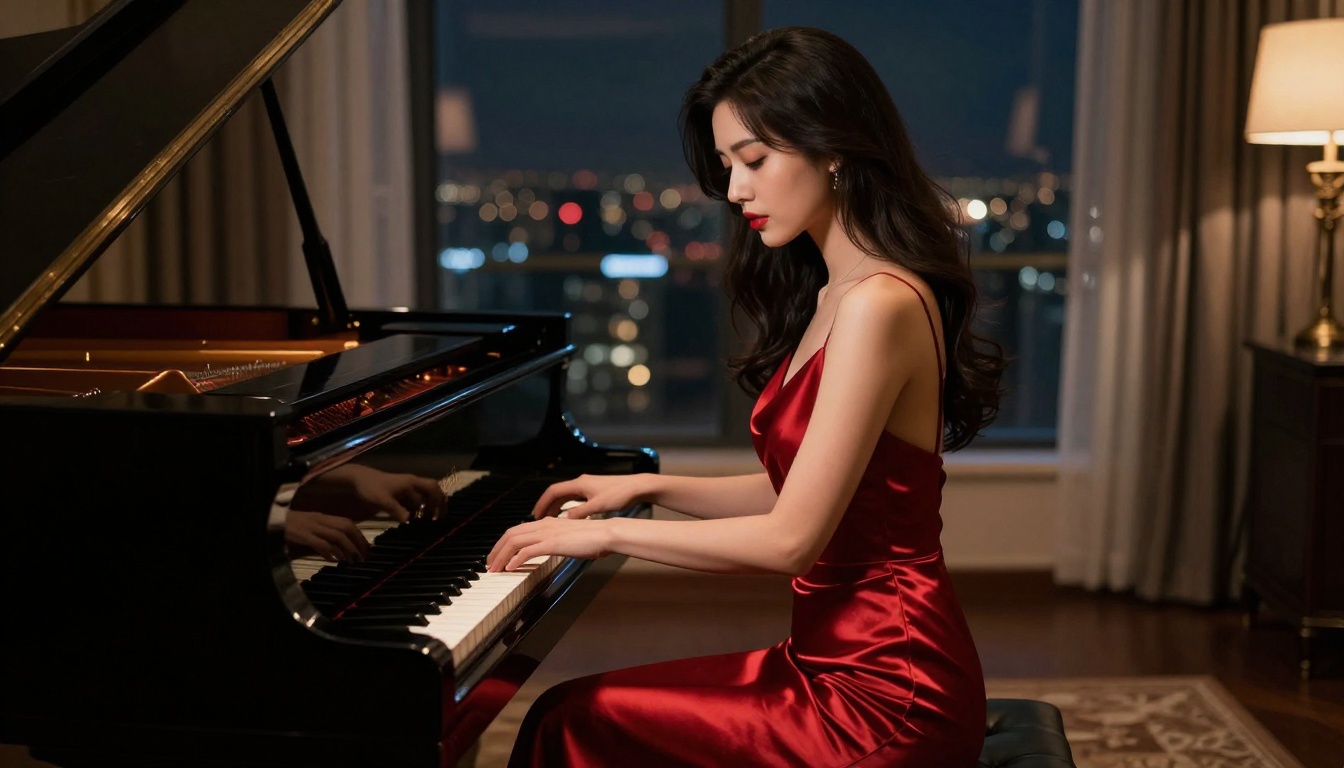
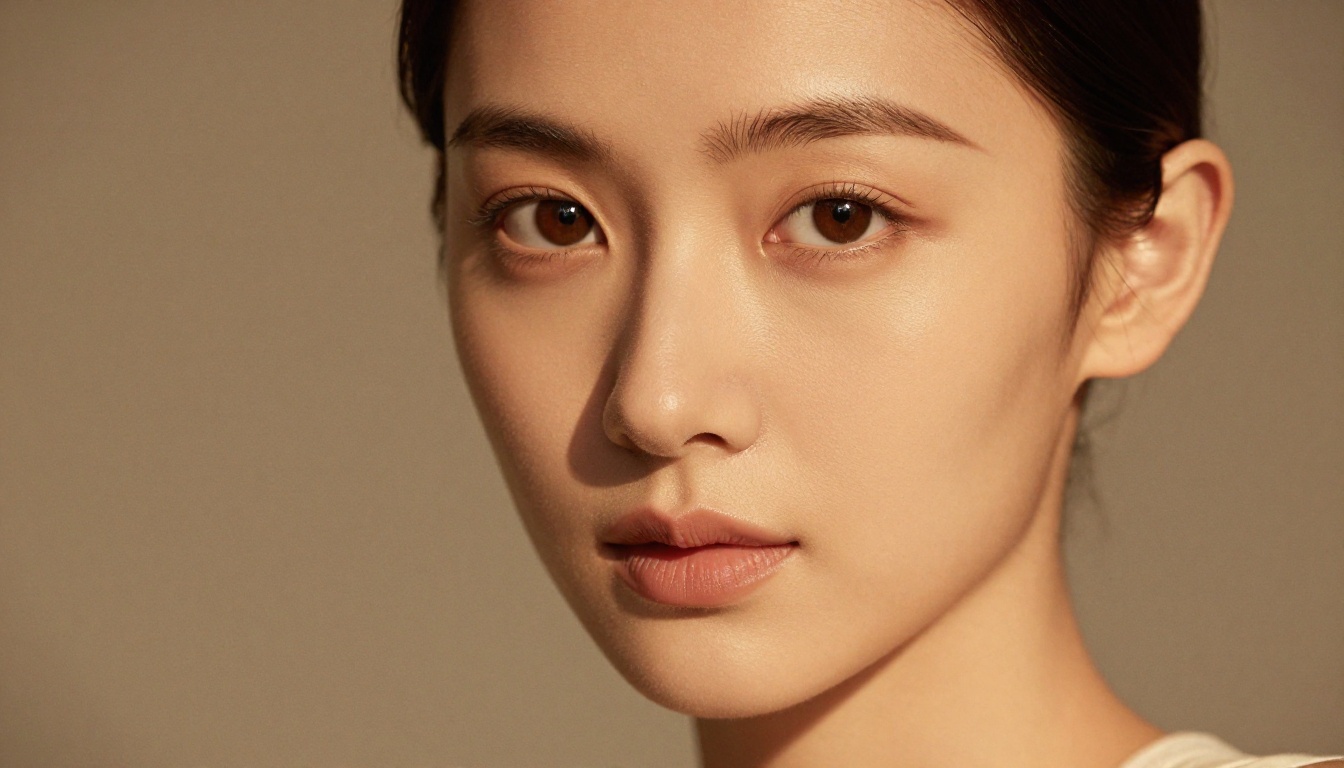
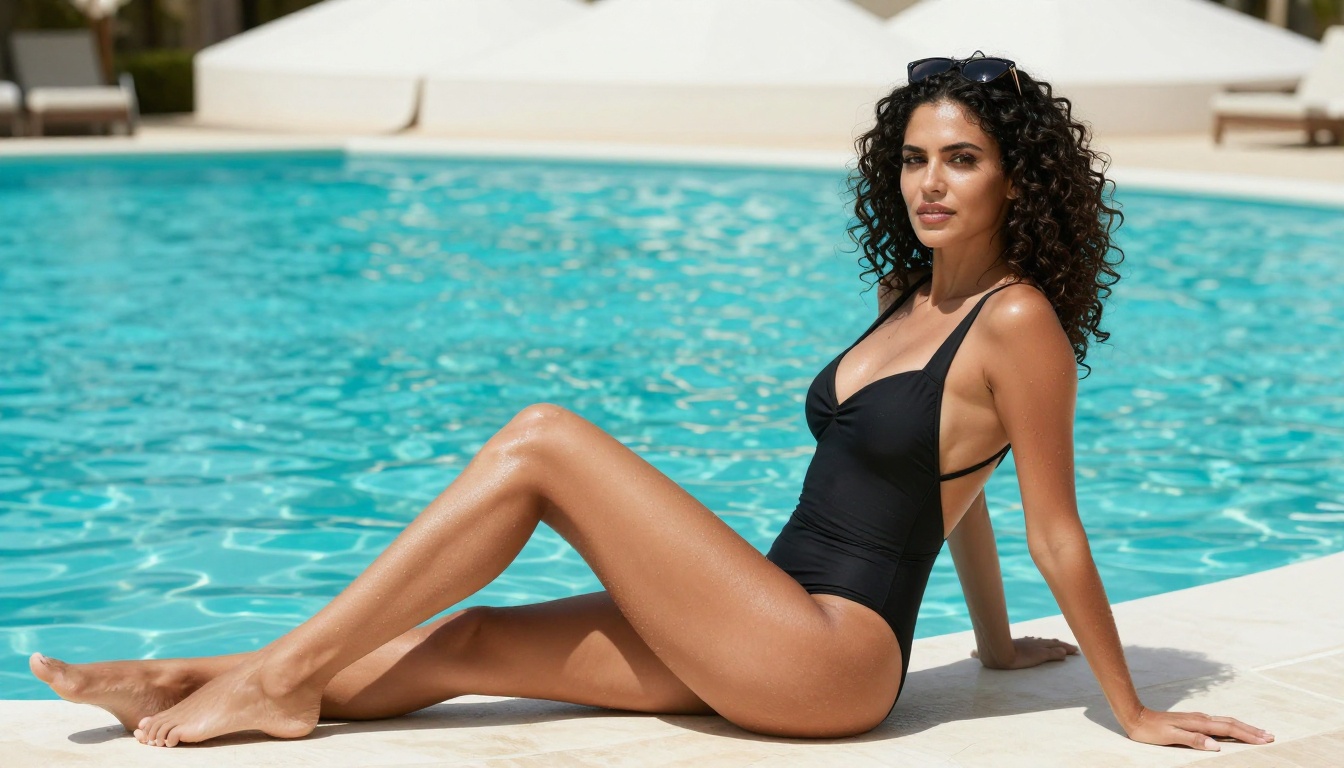
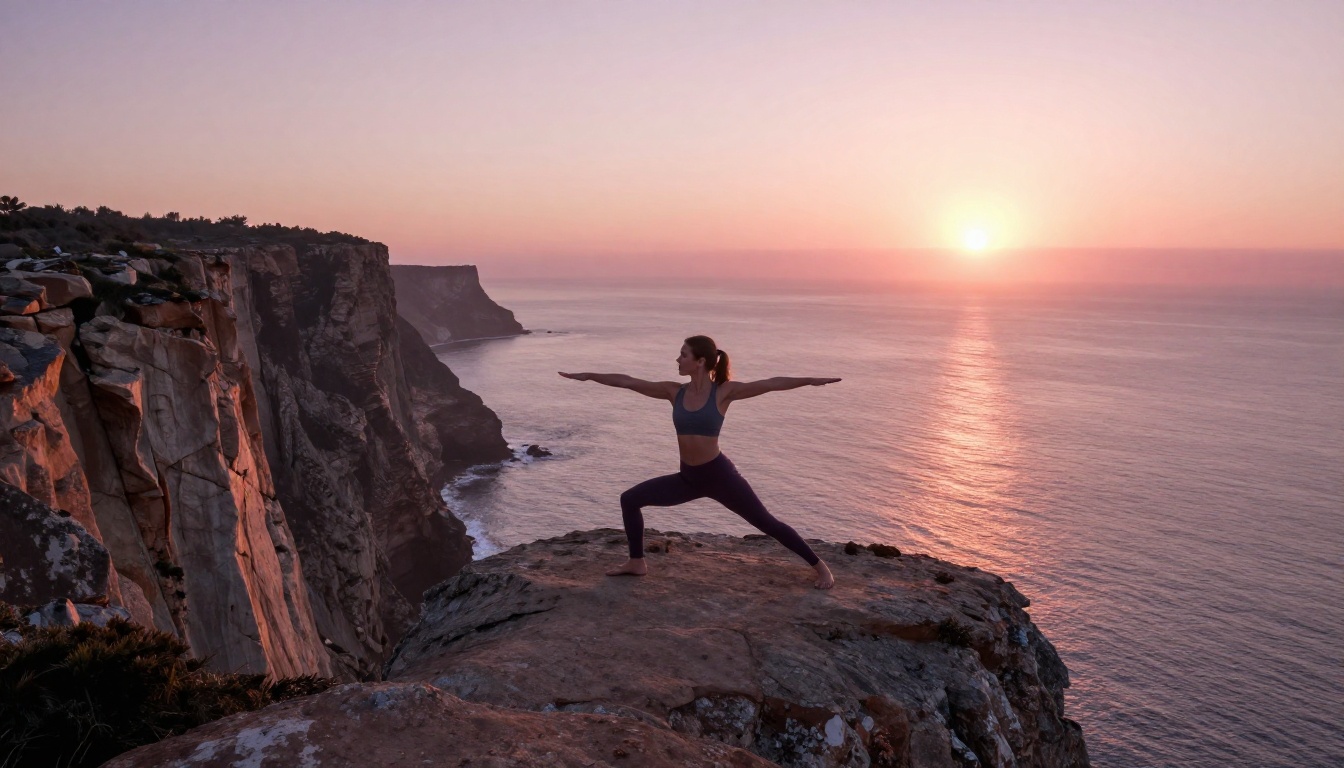
The images throughout this article were generated using Picasso AI's models. No post-processing, no retouching, no stock photography. What you see here is what the platform produces with detailed text prompts and the right model selection.
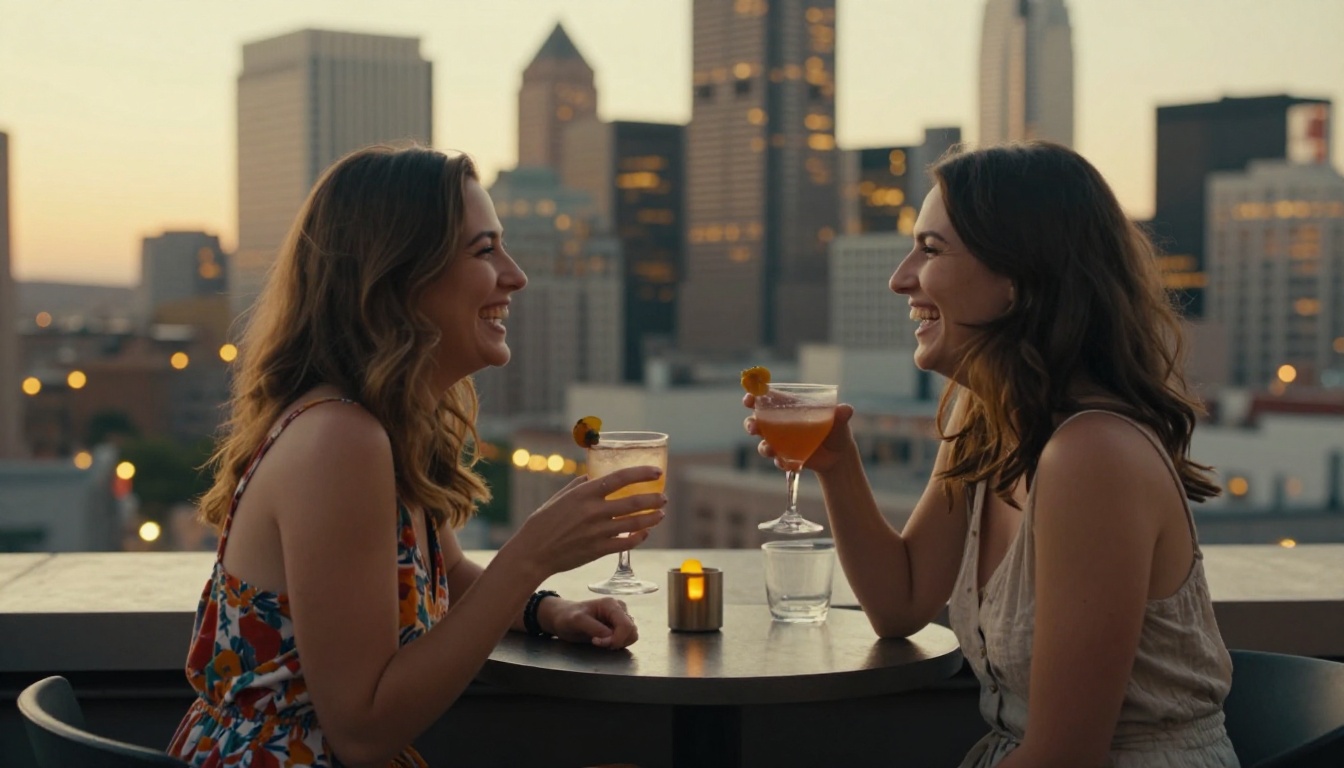
The beach photography, the studio portraits, the poolside lifestyle image, the rooftop scene — all of these represent content categories that regularly trigger OpenArt's filter system. On Picasso AI, they're standard creative territory.
That's not just a restriction argument. It's a quality argument. When a platform's filter system causes creators to sanitize their prompts or second-guess their creative direction, the output quality suffers even when the filters don't trigger. Freedom to work without that internal editor active produces better creative work.
💡 Worth noting: Picasso AI's 91 text-to-image models span everything from photorealistic generation to specific style applications. The breadth means you're not compromising on creative direction to fit what one model does well.
Beyond Image Generation
The restriction conversation tends to center on image generation, but Picasso AI's value extends across the full creative production stack.
Super Resolution upscales generated images 2x to 4x without the quality degradation that standard upscaling produces. For any work heading to print or large-format display, this is essential.
Background Removal works directly on generated images, making it straightforward to take a portrait into compositing workflows without manual masking.
Face Swap AI enables realistic face replacement, useful for creative projects where consistency between reference images and generated subjects matters.
The platform also includes text-to-video with over 87 models, lipsync capabilities, AI music generation, and speech-to-text. For replacing OpenArt specifically, the image generation and editing toolset is the primary comparison point — but the extended capabilities mean there's room to grow within a single platform as production needs expand.
Start Creating Without Limits
The case for switching from OpenArt isn't complicated. If your creative work has ever been blocked, flagged, or deleted on a platform that was supposed to serve you, the answer is to work on a platform that actually respects what you're creating.
Picasso AI's model library, unrestricted content approach, and full editing stack make it a practical replacement for OpenArt — not just for edge cases, but for day-to-day creative production.
The prompts that got blocked on OpenArt work here. The photography styles that triggered moderation systems work here. The professional creative work that an automated filter decided was inappropriate works here.
Start with GPT Image 2 for your first generation. Write your prompt like a photography brief. Be specific about lighting, lens, composition, and subject. Then iterate with Qwen Image Edit Plus until the output matches what you had in mind.
That's the workflow. And there's no filter system standing between you and it.


