If you have spent any time on Runway, you know the feeling: you craft a perfect prompt, hit generate, and instead of an image or video, you get a refusal. Maybe the subject was too suggestive. Maybe a character's pose triggered an automated filter. Maybe the platform simply decided your creative vision did not fit its guidelines. Whatever the reason, Runway's content restrictions have become one of the most talked-about frustrations in the AI creator community. The question is: where do you go when Runway says no?
Picasso AI was built to answer that question directly. It is not just another AI image generator. It is a full creative platform with over 106 text-to-video models and 91 text-to-image models, covering everything from cinematic video generation to glamour photography, operating with a creative freedom that Runway simply does not offer. This article breaks down exactly what makes Picasso AI the real alternative for creators who refuse to be limited.

Why Runway Keeps Blocking Creators
Runway ML has built an impressive product. Its video generation quality is genuinely good, and its interface is clean and professional. But its content moderation system is aggressive, inconsistent, and often frustrating in ways that feel arbitrary to working creators.
The Prompt Gets Flagged
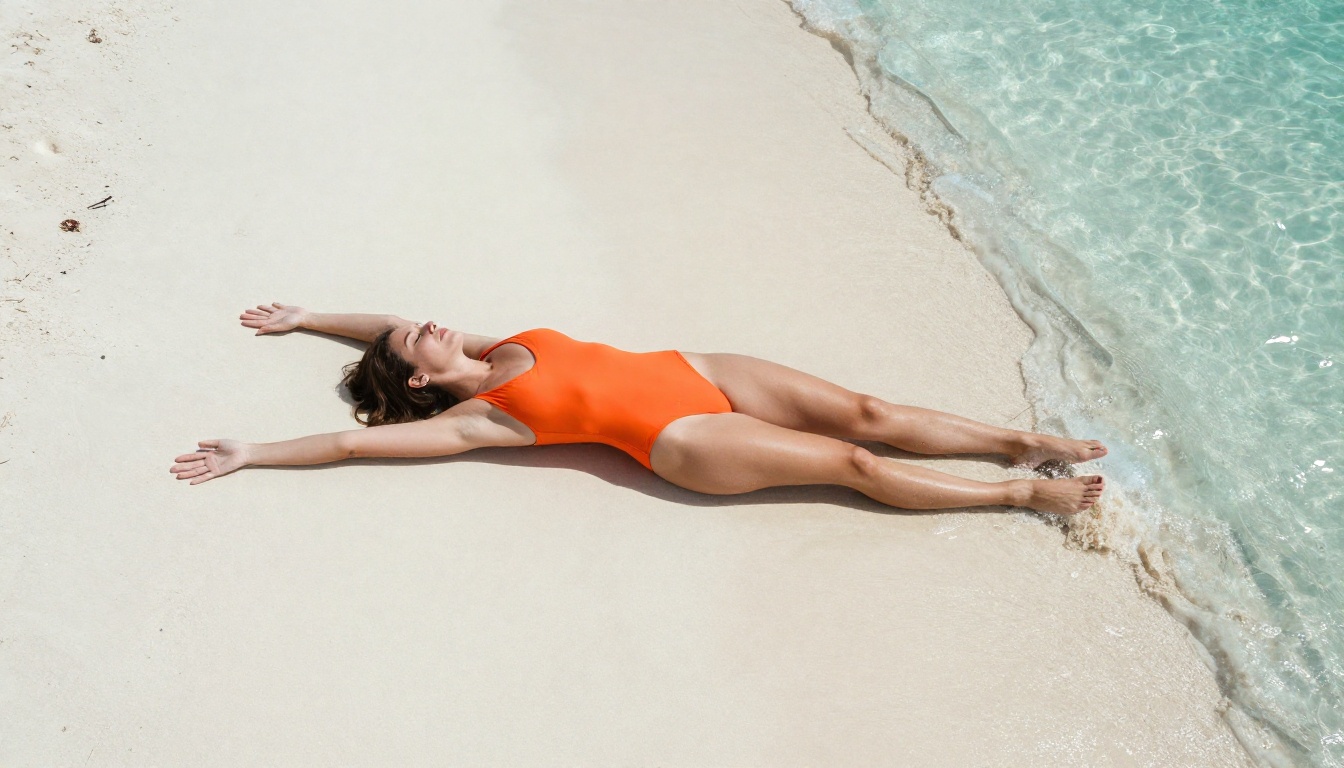
Even completely non-explicit prompts get rejected. A swimwear shoot, a romantic scene between characters, a fitness model in standard gym attire, all of these can trigger Runway's filters. The system does not explain what specifically failed. It just refuses. Creators waste time rewriting prompts, trying synonyms, breaking requests into smaller steps, all to sidestep a system that ends up blocking legitimate creative work.
The No-Context Problem
Runway's moderation has no context awareness. It does not know if you are creating content for a fashion brand, a swimwear line, an adult creative platform, or an art project. It applies the same blanket rules to everyone. A professional photographer using AI to concept a high-end glamour shoot gets the same refusal as someone trying to generate explicit content. The platform cannot tell the difference, so it blocks both.
You Pay for Less
Runway's pricing starts at $15 per month for limited generations and goes significantly higher for production use. You are paying for a platform that actively limits what you can create. That is a straightforward bad deal: premium pricing attached to restricted creative access.
The Numbers Tell the Story
Before getting into specific capabilities, the raw numbers show the scale difference clearly.
| Category | Runway | Picasso AI |
|---|
| Text-to-Video Models | ~5 proprietary | 106 models |
| Text-to-Image Models | Basic tools | 91 models |
| Video Effects | Limited | 500+ effects |
| Content Restrictions | Strict automated filters | Creator-friendly |
| AI Lab Access | Runway only | 30+ labs |
The difference is not marginal. Picasso AI does not just offer more creative freedom. It offers more creative power through sheer model variety. When you have 106 video generation models from ByteDance, Google, OpenAI, Minimax, Luma, Lightricks, and Kling all in one place, you are working with the best the AI industry has built, not just what one company's proprietary model can produce on any given day.
💡 Worth noting: Picasso AI even hosts Runway's own models. You can use Gen4 Turbo and Gen 4.5 directly on PicassoIA, without Runway's content restrictions attached.

Video Models That Go Further
This is where Picasso AI truly separates itself. The platform's text-to-video library covers every quality tier, speed tier, and use case you can throw at it.
The Cinematic Tier
For high-production-quality video output, these models consistently perform at the top of the field:
- Kling v3 Video: Produces 1080p cinematic output with exceptional motion consistency and character fidelity across frames.
- Veo 3.1: Google's flagship model generates video with native audio, bringing scenes fully to life in a single generation step.
- Sora 2: OpenAI's video model delivers HD output with synchronized audio, known for physical realism and strong scene coherence.
- Seedance 2.0: ByteDance's latest model includes built-in audio generation with clean 1080p output and natural motion.
The Speed Tier
When rapid iteration matters more than absolute fidelity:
- Wan 2.7 T2V: Generates 1080p video from text prompts with strong motion accuracy and fast turnaround times.
- Pixverse v5.6: Delivers clean 1080p results in seconds with reliable prompt adherence across different content styles.
- LTX 2.3 Pro: Lightricks' pro tier model outputs 4K video, one of the only models to reach that resolution in text-to-video generation.
The Image-to-Video Tier
For animating still images into motion content, these models handle it without dropping detail:
- Wan 2.7 I2V: Takes any static image and produces fluid, realistic motion that respects the original composition and lighting.
- Kling v2.6: Animates photos with cinematic motion control and high character consistency from frame to frame.
- Hailuo 02: Minimax's model produces 1080p animated video from both text and image inputs with strong prompt following.
💡 Workflow tip: For glamour and fashion content, start with a high-quality still generated in Picasso AI's image section, then animate it using Wan 2.7 I2V for results that Runway simply cannot match in either freedom or quality.
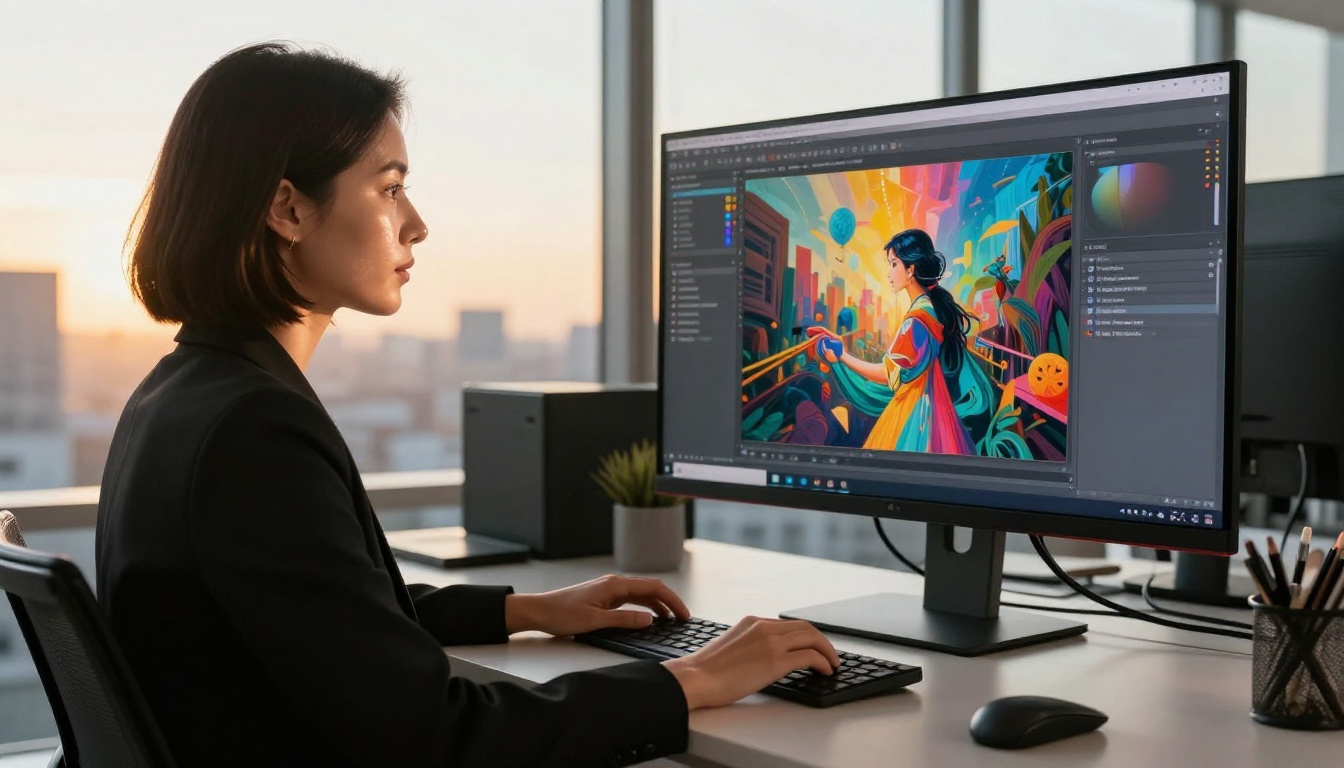
Image Generation: 91 Models, No Apologies
Runway's image capabilities are secondary to its video focus, and the quality reflects that limitation. Picasso AI treats image generation as a first-class capability with 91 models covering photorealistic portraits, fashion photography, glamour content, landscape imagery, and everything between those poles.
What Model Variety Actually Means
When you have 91 models in one interface, you match the right tool to the right job. Some models specialize in portrait realism with natural skin rendering. Others excel at fashion and beauty photography. Still others produce exceptional landscape and environmental imagery. No single model does everything best, and Picasso AI's library ensures you always have the right option for the task at hand, rather than forcing every creative brief through one bottleneck.
Styles Without Limits
This is the critical difference that matters day to day. Picasso AI's image generation does not flag a swimwear model as explicit content. It does not refuse a glamour photography prompt because a pose is suggestive. It does not second-guess a creative fashion concept because the styling is bold or the framing is intimate.
The results are direct: photorealistic portraits with genuine skin texture, fashion imagery with accurate fabric and surface rendering, beauty photography with authentic lighting, all generated without a moderation layer deciding what is and is not appropriate for your specific creative vision.

The Full Production Stack
Picasso AI is not a single-purpose tool. It covers the full creative production workflow that AI creators actually need across a real production schedule.
Face and Body Tools
Face Swap AI allows realistic, instant face replacement across both images and video frames. This is particularly useful for commercial creators who need to place a client's face onto generated imagery without lengthy manual compositing work or expensive reshoots.
Audio Capabilities
The platform includes a complete audio production layer that rivals dedicated audio AI tools:
- Text to Speech: Generate voice narration in multiple styles and languages directly from written scripts.
- AI Music Generation: Create original soundtrack music from text prompts, covering everything from ambient textures to high-energy commercial tracks.
- Speech to Text: Transcribe audio content with high accuracy for subtitling and content documentation workflows.
Quality and Finishing Tools
- Super Resolution: Upscale generated images 2x to 4x without the artificial smoothing that makes outputs look processed or over-softened.
- AI Video Enhancement: Stabilize, restore, and upscale video content from any source for final delivery quality.
- Background Removal: Clean, precise background removal for portrait and product photography without manual masking.

Runway vs. Picasso AI: What Actually Differs
Here is where specific comparison matters most for creators making a real decision.
Content Policy Reality
| Scenario | Runway | Picasso AI |
|---|
| Swimwear and bikini content | Often flagged | Accepted |
| Glamour photography | Frequently blocked | Accepted |
| Suggestive fashion poses | Rejected | Accepted |
| Artistic partial nudity | Blocked | Creator's choice |
| Commercial beauty content | Inconsistent results | Consistent results |
Model Access and Depth
Runway locks you into its own proprietary models. You get Gen4, Gen4 Turbo, and a few variations. That is the entire menu. On Picasso AI, you choose from models built by Google, OpenAI, ByteDance, Kling, Pixverse, Luma, Lightricks, Minimax, and more. Different models produce meaningfully different outputs for different types of content. Having access to all of them in one platform is not a small advantage, it is a fundamental shift in what you can actually produce.
Speed and Iteration Capacity
Ray 2 720p by Luma generates 720p video in seconds, ideal for rapid concept iteration when you need to test ten variations before settling on one direction. Pixverse v5 handles fast 1080p generation with reliable prompt adherence across different subject matter. When you need volume and speed in the same session, Picasso AI's model variety means you can always find a fast model that still hits the quality bar the project requires.

Workflows That Actually Work
Fashion and Glamour Photography
- Write a detailed photorealistic prompt describing your subject, outfit, setting, and lighting direction.
- Generate in Picasso AI's image section using a portrait-optimized model from the 91 available.
- For video output, pass the generated image to Kling v2.6 or Wan 2.7 I2V for realistic animation.
- Apply background removal if you need the subject isolated for compositing into a final layout.
- Deliver.
Runway would have blocked Step 1 in most glamour scenarios. Picasso AI runs all five steps without friction or interruption.
Commercial Video Production
- Generate a concept still using any of the 91 image models to establish the visual direction.
- Animate with Seedance 2.0 for built-in audio, or Veo 3.1 for cinematic 1080p output.
- Run it through AI Video Enhancement for final delivery quality.
- Add AI-generated music from the platform's audio tools to match the visual tone.
- Generate captions with Speech to Text if the deliverable requires them.
This is a full production pipeline inside one platform, with no content restrictions interrupting any step along the way.
Models Worth Bookmarking
Who Actually Benefits Most
The honest answer: any creator whose work regularly touches areas that Runway's filters flag.
If your work involves fashion, glamour, beauty, or content with a suggestive tone, Picasso AI removes a significant source of frustration and workflow interruption. The time saved by not rewriting prompts, not splitting requests to avoid filters, not guessing what the moderation system will accept on any given day, that time adds up fast across a real production schedule.
If model variety matters to your output quality, and it should, the gap between the platforms is not close. Runway gives you Runway models. Picasso AI gives you the entire AI video generation industry in one interface, without a content gatekeeper deciding what you are allowed to create.
If you work across both image and video production, Picasso AI's unified platform removes the tool-switching that fragments creative sessions. Generate the image, animate it, refine quality, add audio, and deliver, all without leaving the platform or hitting a wall at any point in the process.
The only scenario where Runway holds an edge is if you specifically prefer its interface, work exclusively within its proprietary models, and your content falls cleanly within its restrictions. For everyone else, the case is straightforward.
Start Creating on Your Terms
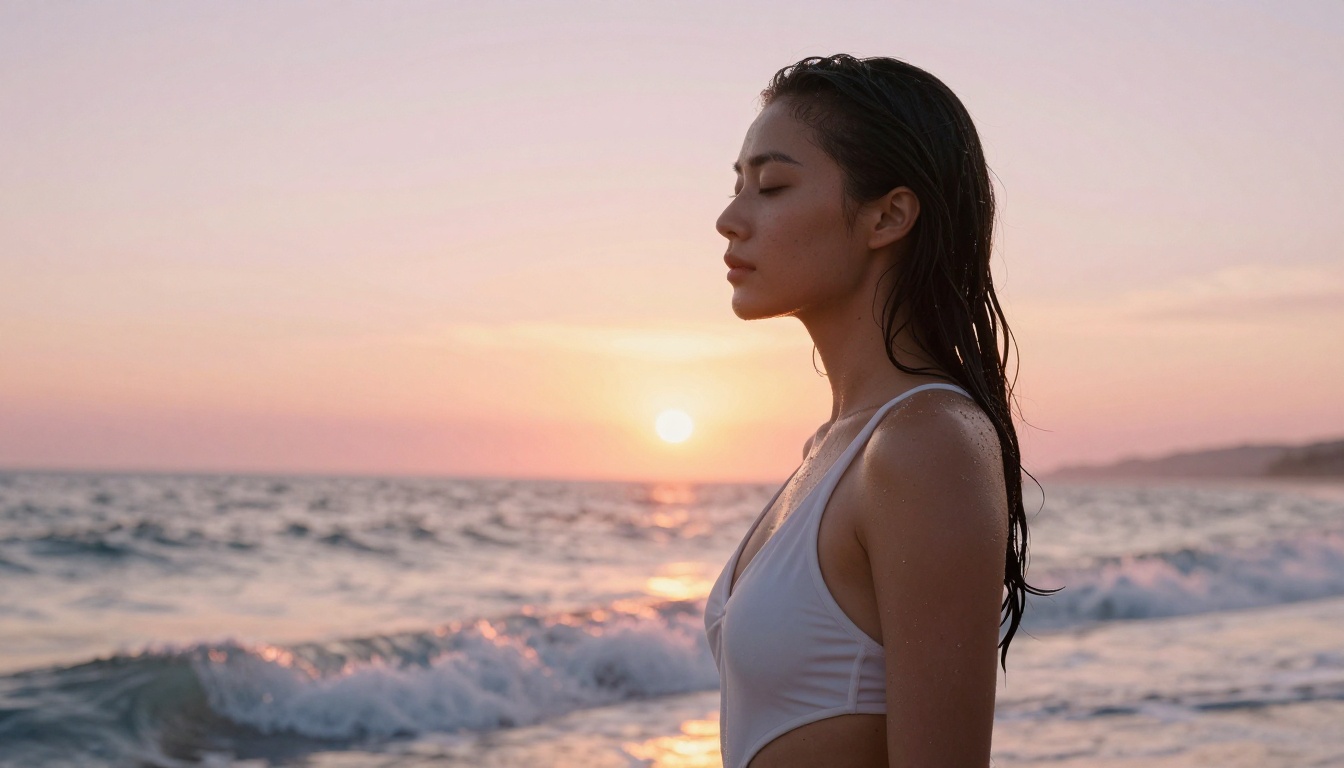
The fastest way to feel the difference is to try a prompt that Runway blocked for you before. Write it exactly as you intended it, without softening the language or breaking it into safe fragments. Run it on Picasso AI with a model like Kling v3 Video for video, or any of the 91 image models for still imagery. See what actually comes back when the platform is not fighting you.
For fashion and glamour creators, try a swimwear concept you abandoned. For video producers, try an atmospheric scene with a tone that Runway rejected. For brand content creators, try the product lifestyle imagery you could never get past Runway's filters consistently.
Picasso AI does not negotiate with your creative vision. It executes it. With 106 video models, 91 image models, audio tools, quality processing capabilities, and a content policy built for actual creators, it is not just an alternative to Runway. It is what a creative AI platform should have been from the start.