Most AI image generators share one frustrating trait: they refuse exactly when creativity matters most. Type a prompt for a glamour portrait, an artistic implied nude, or a suggestive fashion editorial and you get a content policy violation. DALL-E, Midjourney, and Adobe Firefly all operate within tight restrictions that make entire creative categories permanently off-limits.
If you work in fashion photography, adult content creation, fine art, or personal projects that push against mainstream filters, you have hit that wall repeatedly. The question is not whether censorship is a problem in AI art, it is where to go when the default answer is no.
Picasso AI is built as a direct DALL-E alternative with NSFW support. It provides access to state-of-the-art generation models, photorealistic output quality, and the creative freedom that the big platforms actively block. This article covers the specific models that perform best for uncensored content, a step-by-step tutorial on the top-performing model, and a real comparison of what you can create here versus everywhere else.
Why DALL-E Keeps Refusing
DALL-E 3 is powered by OpenAI, a company that operates under significant public scrutiny, enterprise partnerships, and regulatory pressure. Their content moderation is not simply a technical choice. It is a business necessity. Every image generated through DALL-E passes through a multi-layer filtering system that checks prompts before generation and scans outputs before delivery.
The result is a system calibrated for the most conservative possible use case. A medical illustration platform, a children's education tool, and an adult content creator all get the same content policy. There is no distinction between artistic intent and explicit content, between fashion photography and pornography, or between a fine art nude and something genuinely harmful.
The actual restrictions go further than most users expect:
- Suggestive poses in swimwear or lingerie are frequently blocked
- Romantic scenes between two people often trigger violations
- Artistic implied nudity in the classical sense is almost always refused
- Fashion photography that includes visible skin or body confidence is flagged
- Glamour portraits with any degree of sensuality are rejected outright
Midjourney operates with a similar stance. Safe mode is enabled by default, and NSFW mode is restricted to specific server configurations. Even within those configurations, explicit content is prohibited and enforcement is inconsistent. Adobe Firefly, trained on licensed stock imagery, applies the same filters that stock photo agencies use, which are extremely conservative by design.
The pattern repeats across every major platform: the tools capable of photorealistic generation are locked behind content policies that make them useless for a large portion of the creative industry.
The Real Cost of Content Filters
Content restrictions do not just block explicit material. They create a chilling effect on legitimate creative work. Artists producing boudoir photography references, fashion designers creating mood boards, game developers building character concepts, and writers visualizing scenes all get caught in the same blanket policy designed to block genuinely problematic content.
💡 A glamour photographer who needs reference images for a client shoot gets the same refusal as someone attempting to generate harmful content. The system has no nuance, no context, and no appeals process.
This matters because the affected creative categories are not fringe use cases. Boudoir photography is a major segment of the portrait industry. Adult content creation is a multi-billion dollar market. Fashion and lifestyle photography that includes attractive people in minimal clothing is standard commercial work. Blocking all of it to prevent a small percentage of misuse is a blunt instrument that fails the majority of users.
| Platform | NSFW Support | Photorealism | Free Tier |
|---|
| DALL-E 3 | None | High | Limited |
| Midjourney | Limited | High | None |
| Adobe Firefly | None | Medium | Limited |
| Stable Diffusion (local) | Full | Medium | Yes (technical setup) |
| PicassoIA | Full | Very High | Yes |
The table tells the story clearly. If you want both photorealism and creative freedom, there is currently one platform that delivers both without requiring technical setup or paid subscription access.
The Models That Deliver
PicassoIA hosts several text-to-image models that perform at the highest level for photorealistic, NSFW-friendly content generation. Each has distinct strengths depending on what you need to create.
Flux Dev: The Photorealism Standard
Flux Dev is a 12-billion parameter model from Black Forest Labs that sets the current benchmark for photorealistic image generation. Its strength is rendering believable skin texture, natural lighting, and accurate human proportions — exactly the areas where most AI generators fail.
Best for: Portrait photography, glamour shots, lifestyle scenes requiring high skin detail
Key parameters to optimize:
- Set
num_inference_steps to 40-50 for maximum texture detail
- Use
guidance between 3-4 for natural-looking results that avoid the over-processed look
- Enable img2img mode to refine existing reference photos into new compositions
- Disable the optional safety checker for full creative output
For photorealistic human subjects with NSFW-friendly content requirements, Flux Dev is the strongest option on the platform by a significant margin.
Flux Schnell: Built for Speed
Flux Schnell processes prompts in under 5 seconds using just 4 denoising steps. The output quality is slightly below Flux Dev, but the speed difference is dramatic. When testing prompt variations or finding the right composition before committing to a full-detail render, Schnell saves hours of waiting time.
Best for: Testing compositions, rapid prompt iteration, batch concept exploration before final rendering
Flux 1.1 Pro: Precision Output
Flux 1.1 Pro reads prompts with exceptional accuracy. Where other models interpret a detailed prompt loosely, Flux 1.1 Pro reflects the specific elements you describe: composition, lighting direction, clothing texture, facial expression. It also includes a safety_tolerance slider from 1 (most strict) to 6 (most permissive), giving you direct control over the content filter within the model itself.
Best for: Detailed prompt work where precise output matching matters, professional-grade final renders
Realistic Vision v5.1: The Portrait Specialist
Realistic Vision v5.1 was fine-tuned specifically for human portraiture. It handles the areas where generic models fail: natural skin texture, accurate facial structure, realistic hair rendering, and believable lighting on faces. The negative prompt field is particularly powerful here. Use it to exclude common portrait artifacts like distorted hands, uncanny smooth skin, and artificial-looking eyes.
Best for: Close-up portraits, facial detail work, skin texture accuracy, character consistency across multiple images
How to Use Flux Dev on PicassoIA
Since Flux Dev delivers the best photorealistic results for NSFW-friendly content, here is a complete walkthrough of getting high-quality output from it.
Step 1: Open the model
Go to Flux Dev on PicassoIA and click the generator interface. No account is required for basic use and there are no generation credits to manage.
Step 2: Choose your aspect ratio
For portrait photography, use 4:5 or 9:16. For landscape and lifestyle scenes, use 16:9 or 3:2. Square 1:1 works well for centered compositions like headshots and close-up portraits.
Step 3: Write a structured prompt
Output quality scales directly with prompt specificity. Structure your prompts using this pattern:
[Subject description] + [Clothing or state] + [Environment and background] + [Lighting conditions] + [Camera lens and style]
Example:
RAW photo, a woman in her late twenties wearing a black silk slip dress, seated on white marble steps in a sunlit Milan apartment, soft diffused morning light from large south-facing windows, 85mm f/1.8 lens, natural skin texture, Kodak Portra 400 grain, photorealistic, 8K
Step 4: Increase inference steps
Set num_inference_steps to 40-50. The default of 28 is faster but produces noticeably less skin and fabric texture detail. For NSFW-adjacent content where surface realism matters, the extra steps are essential.
Step 5: Disable the safety checker
The toggle is available in the advanced settings panel. Disabling it removes automatic output filtering and gives you the full generation without post-processing censorship.
Step 6: Lock the seed for consistency
Once you get a result you like, note the seed number. Reusing that seed with slight prompt variations produces consistent character and style across multiple images, ideal for building a content series or maintaining character consistency across a shoot.
💡 Workflow tip: Run Flux Schnell first to find the right composition and lighting quickly across 10-15 iterations, then copy the best prompt into Flux Dev for the final high-detail render. This saves significant time without sacrificing output quality.
Prompting for Better Results
The gap between mediocre and excellent AI photography output comes down almost entirely to prompt construction. These patterns produce consistently better results across all models on the platform.
Lighting Is the Most Important Variable
Specify lighting direction, quality, and color temperature in every prompt. "Soft morning light from the left" produces dramatically different results than generic terms like "good lighting" or "well lit." Terms that work consistently across all photorealistic models:
- Volumetric morning light from the east, warm amber tones
- Golden hour backlight creating rim lighting on subject silhouette
- Overcast diffused daylight, no shadows, even skin illumination
- Chiaroscuro: strong key light from upper left, deep shadows on right
Camera Lens Details Change the Output
Models trained on photography data respond accurately to lens specifications. Including focal length and aperture in your prompt steers the output toward the depth of field and perspective you intend:
85mm f/1.8 for portrait compression and subject isolation with background bokeh35mm f/2.8 for environmental portraits that include setting context100mm macro f/2.0 for extreme close-up skin and texture detail work24mm wide angle for full-body environmental shots with expansive backgrounds
Film Stock Keywords Eliminate the AI Look
Specifying Kodak Portra 400, Fujifilm XT3, or RAW photo in your prompt steers models away from the over-processed digital look that makes AI-generated images feel artificial. These keywords are particularly effective with Realistic Vision v5.1, which was fine-tuned on photorealistic portrait photography data.
Negative Prompts Remove Common Failures
For portrait work, always include a negative prompt in models that support it. A strong baseline negative prompt for human subjects:
(cgi, 3d render, cartoon, anime, illustration, digital art), blurry, deformed hands, extra fingers, distorted face, uncanny skin, plastic texture, overexposed, underexposed
What You Can Actually Create
The range of content that falls into the NSFW-friendly but non-explicit category is broader than most people realize. These are the primary use cases where PicassoIA's model selection outperforms every censored platform.
Glamour and Boudoir Photography
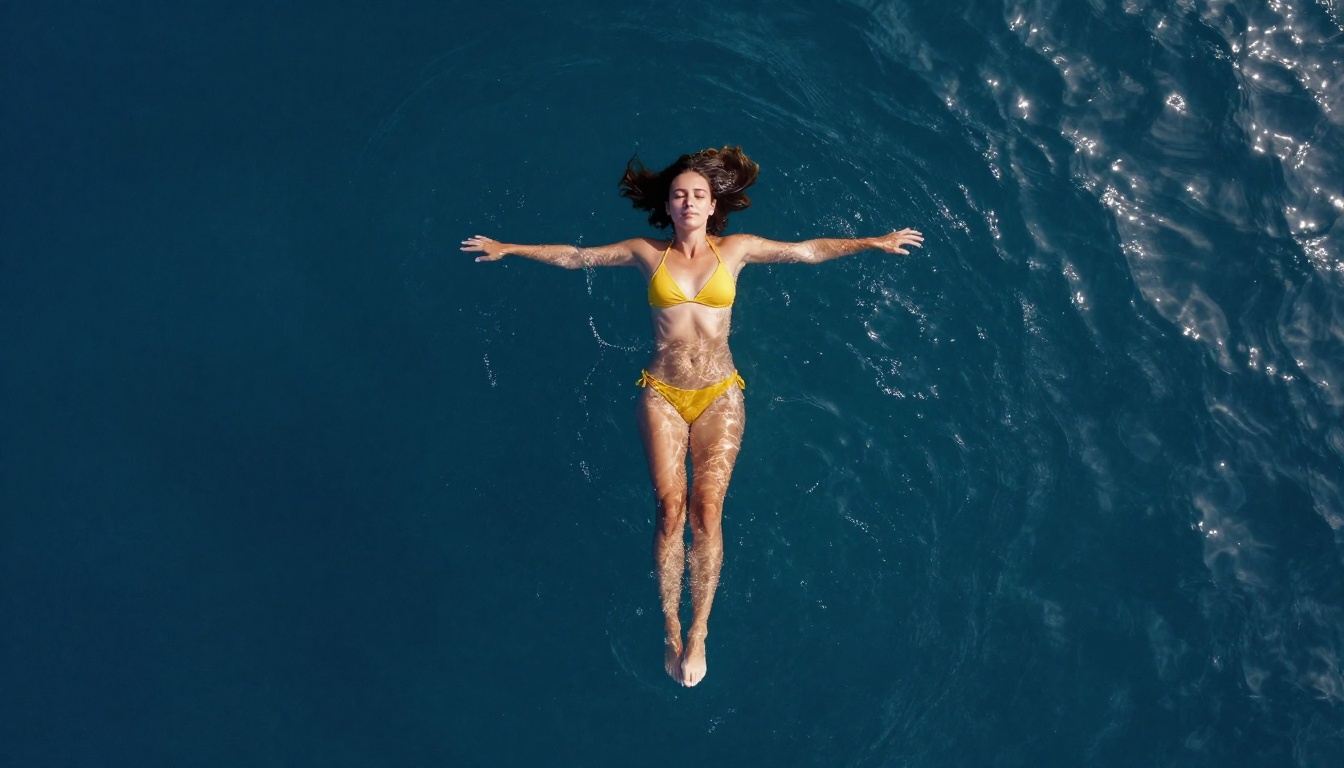
Fashion photographers and boudoir specialists use AI image generation to plan shoots, create client mood boards, and produce reference material for lighting and posing decisions. Platforms like DALL-E make this impossible as a category. Flux Dev handles glamour photography extremely well, rendering believable skin, fabric texture, and natural poses in high detail at 1-megapixel resolution.
Artistic Implied Nudity
Classical fine art has always included the human form. The artistic tradition of implied nudity, tasteful, aesthetically focused, without explicit elements, sits entirely within PicassoIA's supported content range. Realistic Vision v5.1 is particularly suited for this category, producing the kind of skin quality and lighting that makes artistic portraits feel authentic rather than synthetic.
Lifestyle and Swimwear Content
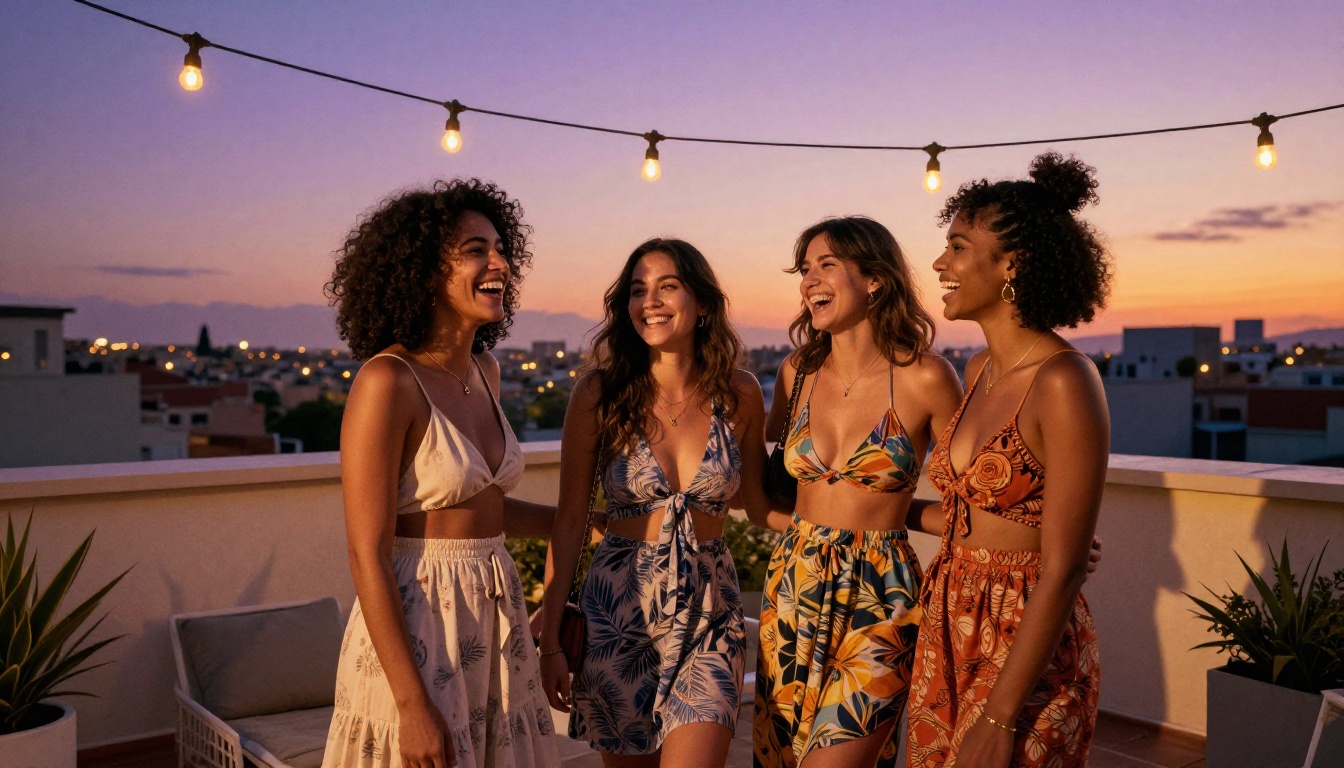
Social media creators, travel content producers, and swimwear brands all need lifestyle imagery featuring attractive people in minimal clothing. This content is blocked by DALL-E on principle and restricted by Midjourney's default configuration. On PicassoIA, it requires nothing more than a well-constructed prompt.
Adult-Adjacent Promotional Content
The adult content industry has a legitimate need for suggestive but non-pornographic imagery: promotional material, platform thumbnails, and mood-setting visuals. Flux 1.1 Pro with safety_tolerance set to 5 or 6 handles this category reliably, producing results that no mainstream platform will generate.
Flux vs Stable Diffusion: Which to Choose
PicassoIA also hosts Stable Diffusion, the original open-source model that made uncensored AI art generation mainstream. Comparing it to the Flux family helps clarify which tool fits which workflow:
| Feature | Stable Diffusion | Flux Dev | Flux 1.1 Pro |
|---|
| Photorealism | Good | Excellent | Excellent |
| Generation speed | Medium | Medium | Fast |
| Skin texture accuracy | Moderate | Excellent | Very Good |
| Prompt adherence | Good | Very Good | Excellent |
| NSFW support | Full | Full | Configurable |
| Best use case | Art styles, stylized work | Portraits, glamour | Precision prompting |
For NSFW-focused photorealistic content, the Flux family has effectively superseded Stable Diffusion for most professional use cases. Stable Diffusion remains strong for stylized output, certain art movements, and workflows where fine-grained scheduler and VAE control is specifically needed. For pure photorealism with human subjects, Flux Dev and Flux 1.1 Pro are the current top performers.
Start Creating Without Restrictions
The creative freedom that DALL-E and Midjourney refuse to give you is available now, free, with access to models that match or exceed their photorealism quality across most categories.
Whether you are a photographer building reference boards for client shoots, a content creator producing lifestyle and swimwear imagery, an artist working in boudoir or classical portraiture, or simply someone who wants to generate images without running into a content policy wall every third prompt, PicassoIA has the right model for the job.
Start with Flux Dev for your first photorealistic portrait. Use Flux Schnell when you need to iterate quickly through compositions. Switch to Realistic Vision v5.1 when facial accuracy and skin texture are the priority. Reach for Flux 1.1 Pro when precise prompt execution and configurable safety tolerance are what the project requires.
No account needed. No credits. No content policy standing between your prompt and the image you want to create. Write the prompt, run the model, download the result.


