If you've typed the same prompt into three different platforms and watched them produce three entirely different results, you already know this comparison matters. The question of Picasso AI vs ChatGPT vs Gemini for AI Art isn't just about aesthetics. It comes down to model variety, photorealism quality, creative control, and whether the platform was actually built for image generation or just added it as a secondary feature.
ChatGPT has DALL-E 3 built into its chat interface. Gemini uses Google's Imagen stack. PicassoIA was built specifically for AI image creation with access to over 90 models from the world's leading AI labs. These are not the same thing, and the gap between them is wider than most articles admit.
Here's the real breakdown, covering everything from output quality to pricing to creative tools, so you can stop guessing and start creating.
What You're Actually Comparing
Before getting into quality and pricing, it helps to understand what each product was designed to do, because none of these platforms started with the same goals.
ChatGPT and Its DALL-E Backbone
ChatGPT is a conversational AI assistant. Image generation was added to it via DALL-E 3 integration, and more recently through access to GPT Image 2. It works reasonably well for quick, casual image requests within a conversation, but it was never built as a dedicated image creation tool. You get one generation model, limited parameter control, and results that often skew toward an illustrated or "AI art" look rather than true photorealism.
The interface is chat-first. Prompting feels natural in conversation but you lose the precision controls, model selection, and batch workflows that dedicated image platforms provide.
Gemini's Visual Tools in 2027
Google's Gemini includes image generation through Imagen 3, Google's own text-to-image model. The quality has improved significantly since launch, particularly for natural scenes and product imagery. However, like ChatGPT, Gemini was built as a general-purpose AI assistant, not an image studio.
Generation happens inside a chat window, outputs are constrained in terms of resolution and batch processing, and you have no access to models beyond Google's own stack. If you want Flux Redux Dev, Seedream 4.5, or Wan 2.7 Image Pro, it simply isn't available.
PicassoIA's Dedicated Approach
PicassoIA is built specifically for AI media generation. It doesn't wrap a chat interface around image generation. It gives you a full platform with individual model pages, detailed parameter controls, and access to the best models from Black Forest Labs, OpenAI, ByteDance, Tencent, Stability AI, and others.
That means you can use GPT Image 2 for prompt-accurate photorealistic outputs, switch to Seedream 4.5 for stunning 4K detail, or tap into Hunyuan Image 2.1 for richly detailed 2K portrait work, all from a single platform.
💡 The core difference: ChatGPT and Gemini offer AI art as a feature. PicassoIA offers it as the entire product.
Image Quality Side by Side
This is where the comparison gets concrete. Across portrait generation, landscapes, and photorealistic scenes, the three platforms perform very differently.
Portrait and Face Accuracy
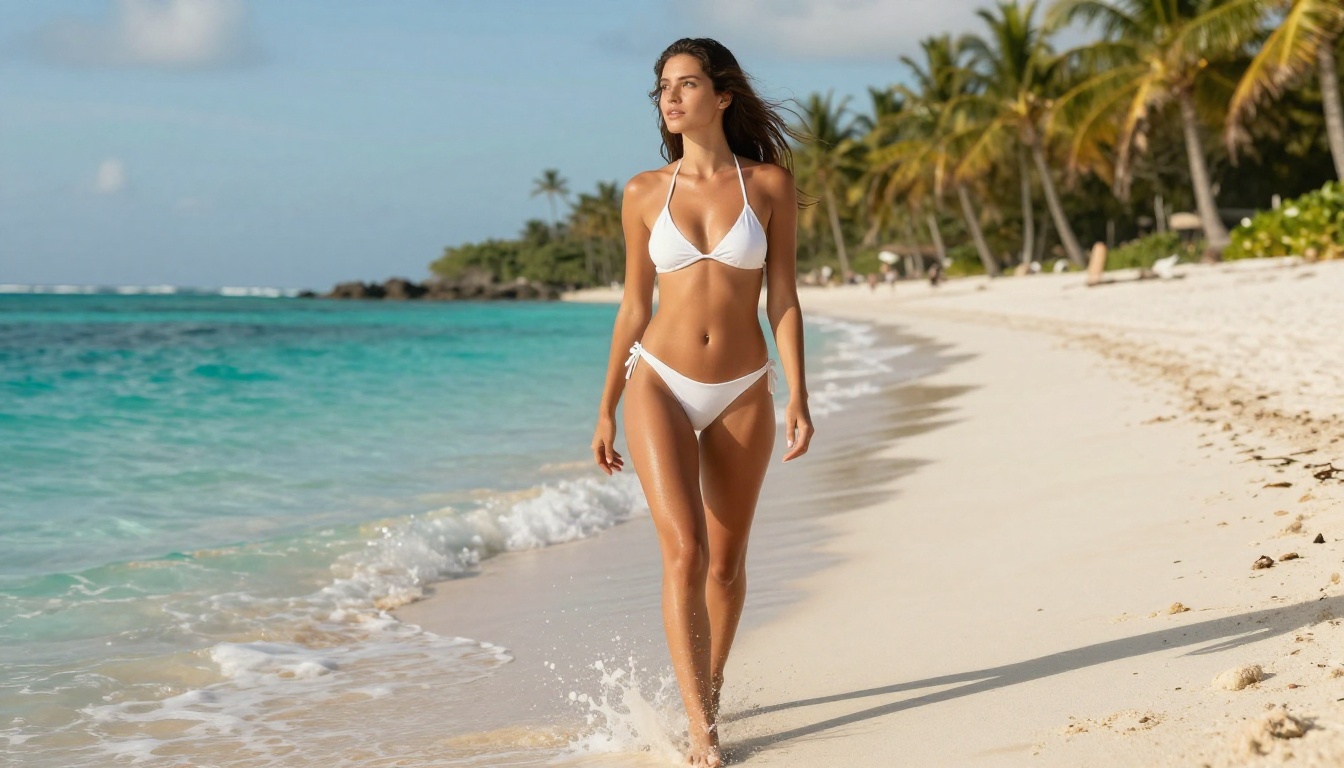
ChatGPT (DALL-E 3) produces portraits with decent proportions but often struggles with photorealism. Faces tend to have a slightly polished or illustrated quality. Hands remain a known weakness, and skin textures rarely hold up under close inspection.
Gemini (Imagen 3) performs better in portrait accuracy than DALL-E for certain styles, particularly natural outdoor portraits. But skin textures lack the micro-detail that makes an image read as actual photography rather than generated content.
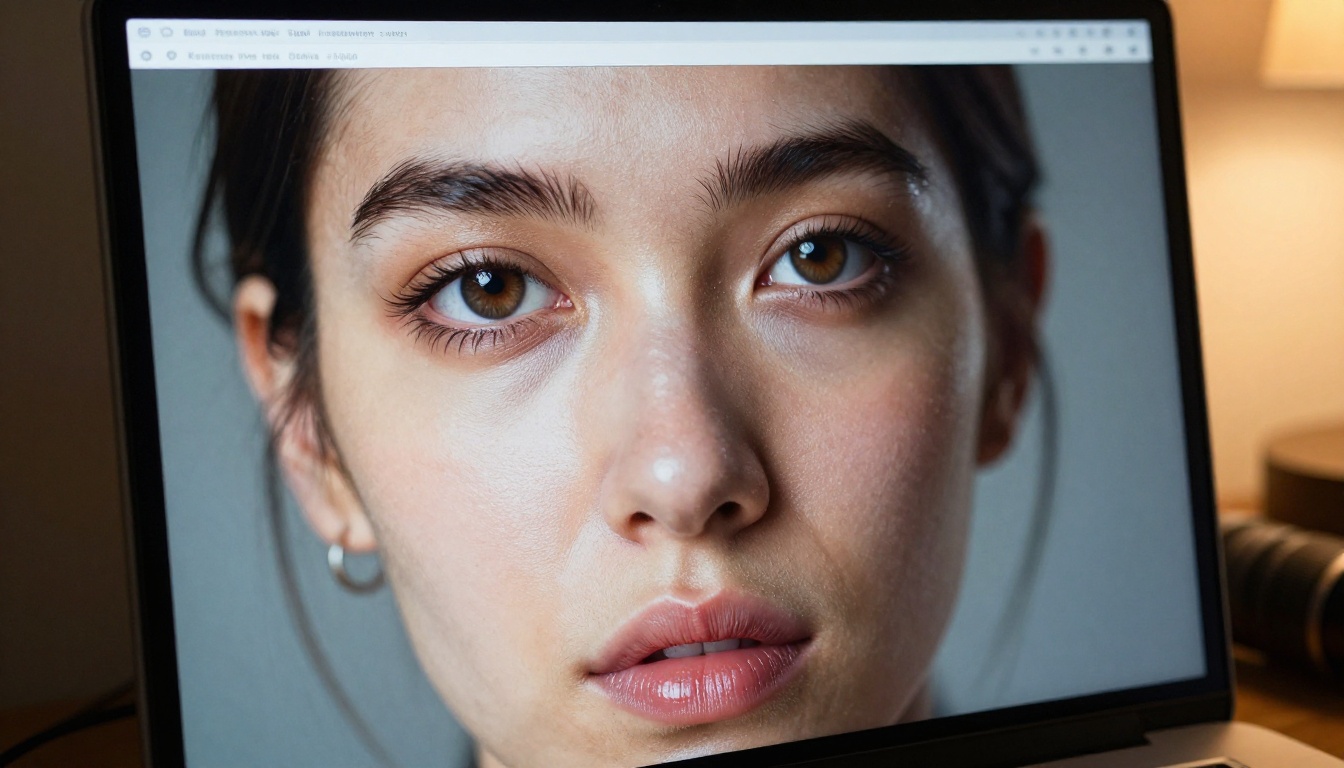
PicassoIA with GPT Image 2 or Hunyuan Image 2.1 produces portraits that are genuinely difficult to distinguish from professional photography. Individual hair strands, catchlights in eyes, natural skin pores, and subtle asymmetry all render at a level that neither DALL-E nor Imagen consistently achieves. For portrait work, the quality difference is significant.
Landscapes and Cinematic Scenes
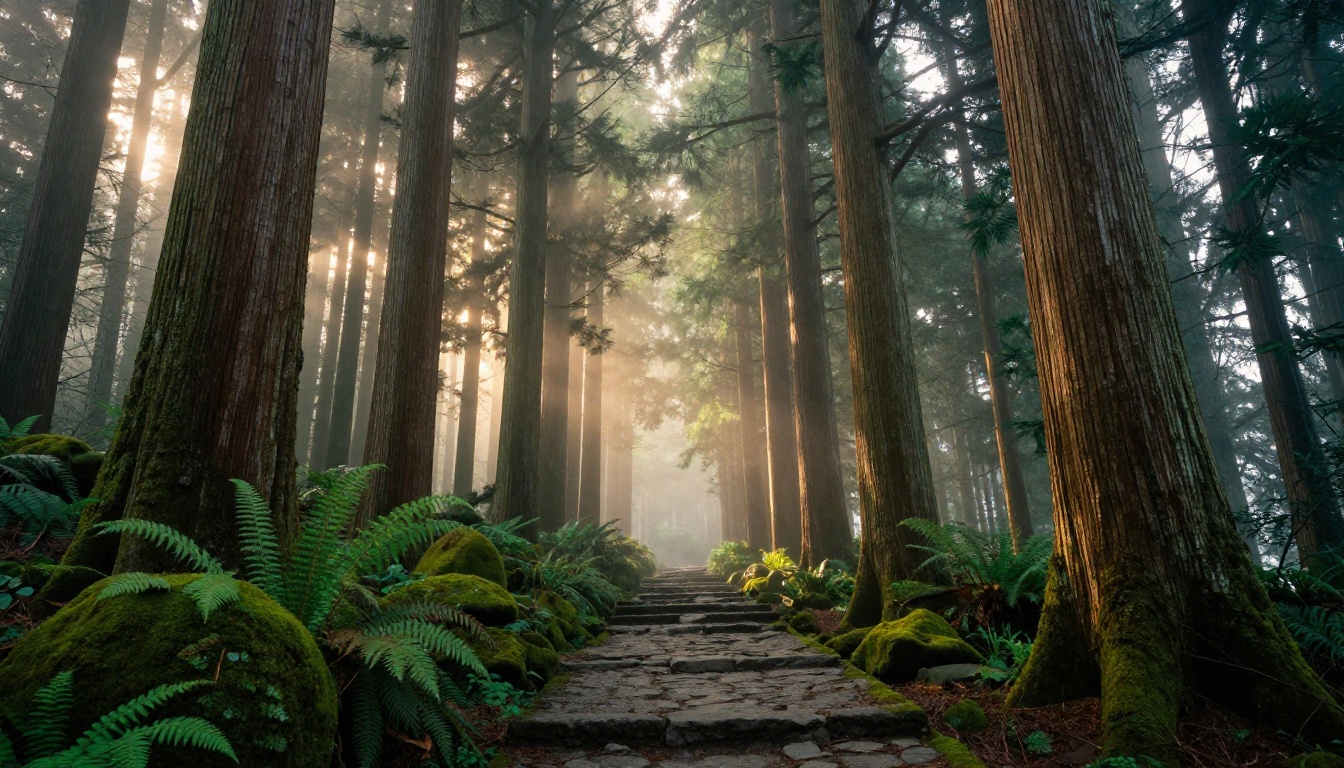
For landscapes, all three platforms can produce impressive results with a strong, detailed prompt. The difference shows up in atmosphere and depth. ChatGPT's outputs often feel slightly flat. Gemini handles natural light well but lacks the moody, cinematic quality that separates a snapshot from an editorial image.
On PicassoIA, models like Wan 2.7 Image Pro and Flux Redux Dev produce landscapes with volumetric lighting, genuine atmospheric haze, and foreground-to-background depth that reads like professional nature photography, not generated content.
Photorealism vs Stylization
| Platform | Photorealism Quality | Style Range | Max Resolution |
|---|
| ChatGPT (DALL-E 3) | Moderate | Broad | Up to 1024px |
| Gemini (Imagen 3) | Good | Moderate | Up to 1024px |
| PicassoIA | Excellent | Very Broad | Up to 4K |
💡 PicassoIA's Seedream 4.5 generates images at native 4K resolution, something neither ChatGPT nor Gemini currently supports for end users.
Model Variety Changes Everything
This is arguably the biggest differentiator in the Picasso AI vs ChatGPT vs Gemini for AI Art comparison, and it's the one most reviews underplay.
ChatGPT Gives You One Option
You get DALL-E 3, or in some paid contexts GPT Image 2. That's it. There is no way to switch models, no access to open-source checkpoints, and no community-trained fine-tunes. If DALL-E's output style doesn't match your project requirements, you're stuck.
Gemini's Limited Generation Stack
Gemini runs on Google's Imagen models exclusively. Like ChatGPT, you cannot select a different generation engine. The output style is consistent but inflexible. There's no way to request a specific aesthetic, switch to a portrait-optimized model, or apply a style fine-tune for brand consistency.
90+ Models on PicassoIA
PicassoIA gives you access to over 90 text-to-image models from the world's top AI labs. This isn't just quantity, it's meaningful variety for different creative needs:
Each model on PicassoIA has its own dedicated page with example outputs, parameter controls, and detailed settings. You're not guessing what you'll get. You're choosing the exact tool for the job.
Pricing Breakdown in 2025
Free Tiers and What They Actually Allow
All three platforms offer free access, but the limits vary significantly in practice.
ChatGPT Free gives limited image generations per day via DALL-E. Quality is capped and batch generation is not available on the free tier.
Gemini Free includes image generation with daily limits and watermarking in some regions. Useful for casual testing, not for production work.
PicassoIA Free provides access to a selection of models with generation credits included. No forced watermarks on supported models, and the free tier lets you genuinely test quality before committing to a paid plan.
Paid Plans Compared
| Feature | ChatGPT Plus | Gemini Advanced | PicassoIA Pro |
|---|
| Price | ~$20/month | ~$19.99/month | Credit-based |
| Models Available | 1 to 2 | 1 | 90+ |
| Max Resolution | 1024px | 1024px | Up to 4K |
| Batch Generation | No | No | Yes |
| LoRA Fine-tuning | No | No | Yes |
| API Access | Yes | Yes | Yes |
| Model Switching | No | No | Yes |
The entry-level pricing is comparable across all three. The value gap becomes enormous when you account for model variety, resolution ceilings, and the customization features that only PicassoIA provides.
Control, Style, and Customization
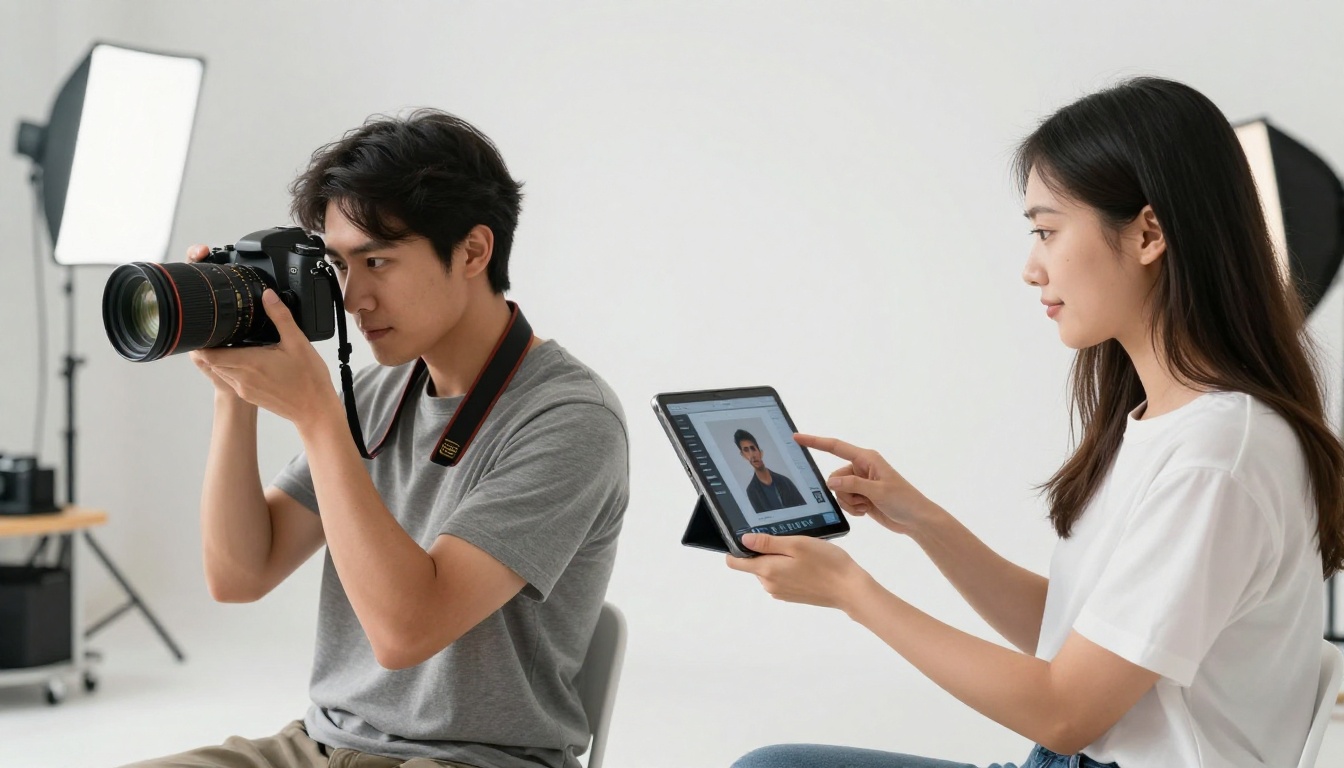
For creators who need more than a single polished output per prompt, customization depth is critical. This is where general-purpose AI assistants fall furthest behind dedicated platforms.
LoRA Fine-tuning Access
ChatGPT and Gemini do not offer LoRA support. You cannot train or apply custom style weights to either platform. The output style is fixed by the underlying model and cannot be adjusted at the user level.
PicassoIA supports LoRA-based fine-tuning through models like Flux Schnell LoRA, Qwen Image Edit Plus, and the P Image Trainer. This means you can train a model on your own brand assets, face likeness, or art style and generate consistent outputs across hundreds of images without regenerating from scratch.
This is the capability that professional photographers, content studios, and brand designers rely on for scalable AI image production.
ControlNet and Structured Generation
ControlNet allows you to control the composition, pose, or structural layout of generated images using a reference image. Neither ChatGPT nor Gemini support this natively.
On PicassoIA, ControlNet-compatible models give you the ability to dictate exact pose, depth, and edge structure. This is critical for product photography, character consistency across a series, and architectural visualization where composition cannot be left to chance.
💡 For brand consistency: LoRA plus ControlNet on PicassoIA is the combination professional studios use for repeatable, controllable AI image workflows. Neither tool exists in ChatGPT or Gemini.
How to Create AI Art on PicassoIA
PicassoIA has models built for exactly the kind of output this article covers: photorealistic, high-resolution, and fully controllable. Here's how to get started.
Step 1: Choose the Right Model
Visit the text-to-image collection and pick a model matched to your goal. For photorealistic portraits, GPT Image 2 is an excellent starting point. For 4K cinematic scenes, try Seedream 4.5 or Wan 2.7 Image Pro.
Step 2: Write a Detailed Prompt
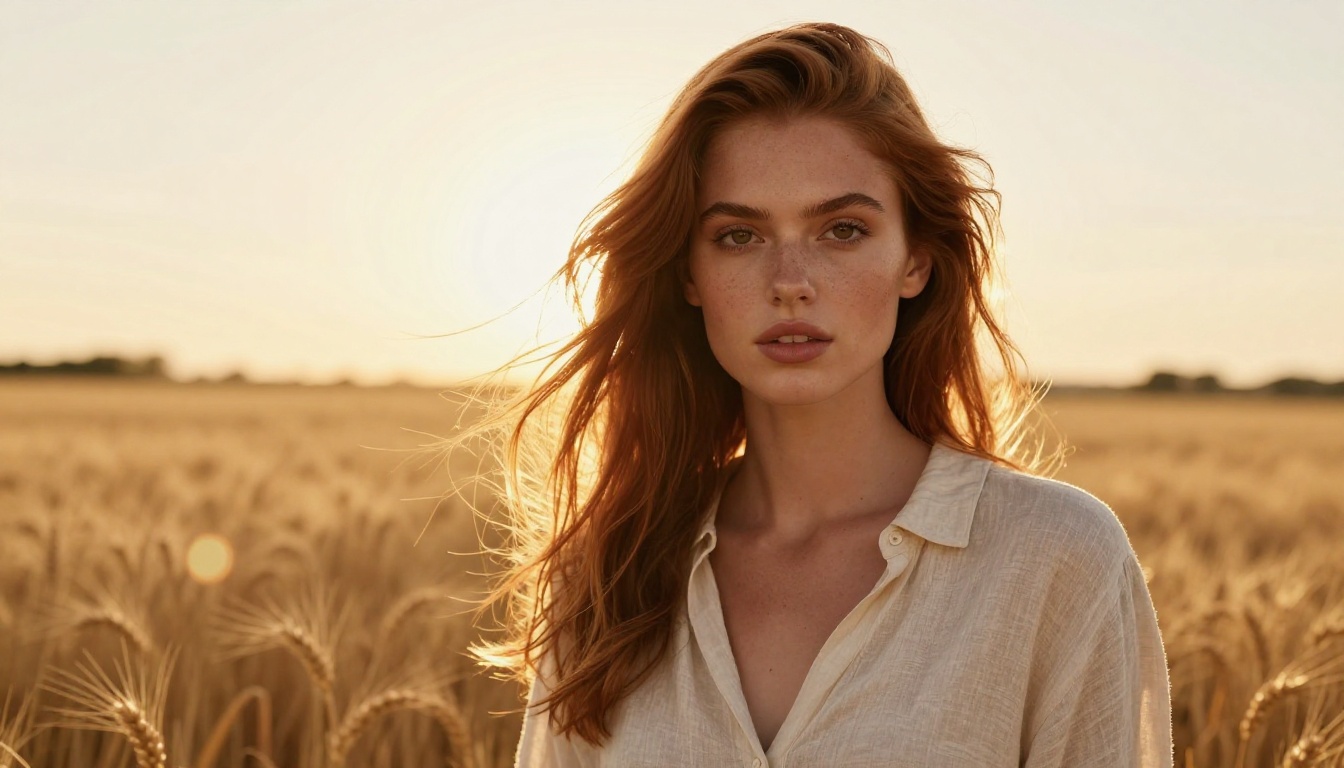
Specificity produces results. Instead of "a woman in a field," write: "photorealistic portrait of a woman with auburn hair standing in a golden wheat field, late afternoon backlight, 85mm f/1.4 lens, Kodak Portra 400 film aesthetic, individual hair strands visible."
Describe lighting direction, lens type, subject detail, and atmosphere. The more precise your prompt, the closer the output gets to your vision.
Step 3: Set Your Parameters
Most PicassoIA models expose controls for aspect ratio, seed value, guidance scale, and output resolution. For 16:9 cinematic outputs, set the aspect ratio accordingly. For repeatable results, save your seed number after a successful generation.
Step 4: Iterate Quickly
Generate three to four variations with the same prompt but different seeds to find your strongest base image. PicassoIA's interface supports fast side-by-side comparison so you're not waiting between attempts.
Step 5: Edit and Refine
Use Qwen Image Edit Plus or Fibo Edit to make targeted changes to your generated image without regenerating from scratch. Adjust a background, relight a scene, or change a single element in seconds using text instructions.
After testing all three across dozens of prompts and styles, here's where each platform fits best.
Quick Social Media Content
For fast, low-stakes social media images where brand consistency isn't critical, ChatGPT handles this well. The conversational interface is intuitive and the results are good enough for general informational content.
Gemini is similarly capable here, particularly for bright, clean, natural-looking imagery where simplicity is the goal.
For social media content that needs to be photorealistic, on-brand, or aesthetically polished at scale, PicassoIA wins significantly. You can select the exact model, set the aspect ratio for your platform, and batch-generate multiple options at once.
Professional and Commercial Work
This category is not close. Neither ChatGPT nor Gemini was designed for commercial image workflows. Low resolution ceilings, no LoRA, no ControlNet, limited parameter control, and no batch generation make them impractical for anything beyond personal or casual use.
PicassoIA with Seedream 4.5 or Wan 2.7 Image Pro gives you 4K outputs, model-specific fine-tuning, and the resolution needed for print, advertising, editorial, and commercial use cases.
Creative Experimentation
All three platforms allow creative exploration at some level. But PicassoIA's breadth of models means you can experiment with wildly different aesthetics by simply switching from Dreamina 3.1 to Recraft 20B to Phoenix 1.0 without leaving the platform.
That kind of rapid model-switching is simply not possible on ChatGPT or Gemini, and it dramatically expands what you can create in a single creative session. Each model has a distinct visual character, and finding the right one for a project is part of the creative process.
💡 The bottom line: If you're creating AI art seriously, whether for personal projects, commercial work, or professional portfolios, the model variety, resolution ceiling, and customization depth on PicassoIA puts it in a category that general-purpose chat assistants cannot match.
Start Creating on PicassoIA Right Now
The comparison of Picasso AI vs ChatGPT vs Gemini for AI Art comes down to one question: do you want AI art as a secondary feature inside a chat tool, or do you want a platform built specifically for creation?
ChatGPT and Gemini are excellent tools for their intended purposes. For image generation, they are chat interfaces with image capabilities attached. PicassoIA was built from the ground up for creators, offering models from the world's leading AI labs, parameter-level control, LoRA fine-tuning, and outputs up to 4K resolution.
Whether you want to generate a photorealistic portrait with GPT Image 2, create cinematic landscapes with Wan 2.7 Image Pro, push the limits of 4K resolution with Seedream 4.5, or train your own custom style using P Image Trainer, the tools are there and the creative ceiling is far higher than what you'll find inside a chat window.
Pick your model. Write your prompt. See what you can build.