If you've spent more than five minutes researching AI image generation, you've already bumped into both names. DALL-E, the generator from OpenAI, became one of the most recognized tools in generative AI almost overnight. Picasso AI, on the other hand, is a platform that aggregates dozens of the most powerful open and proprietary models in one place, giving creators something DALL-E simply cannot: choice. This comparison cuts through the noise and looks at what actually matters when you're generating images: quality, realism, prompt accuracy, editing flexibility, and overall value.
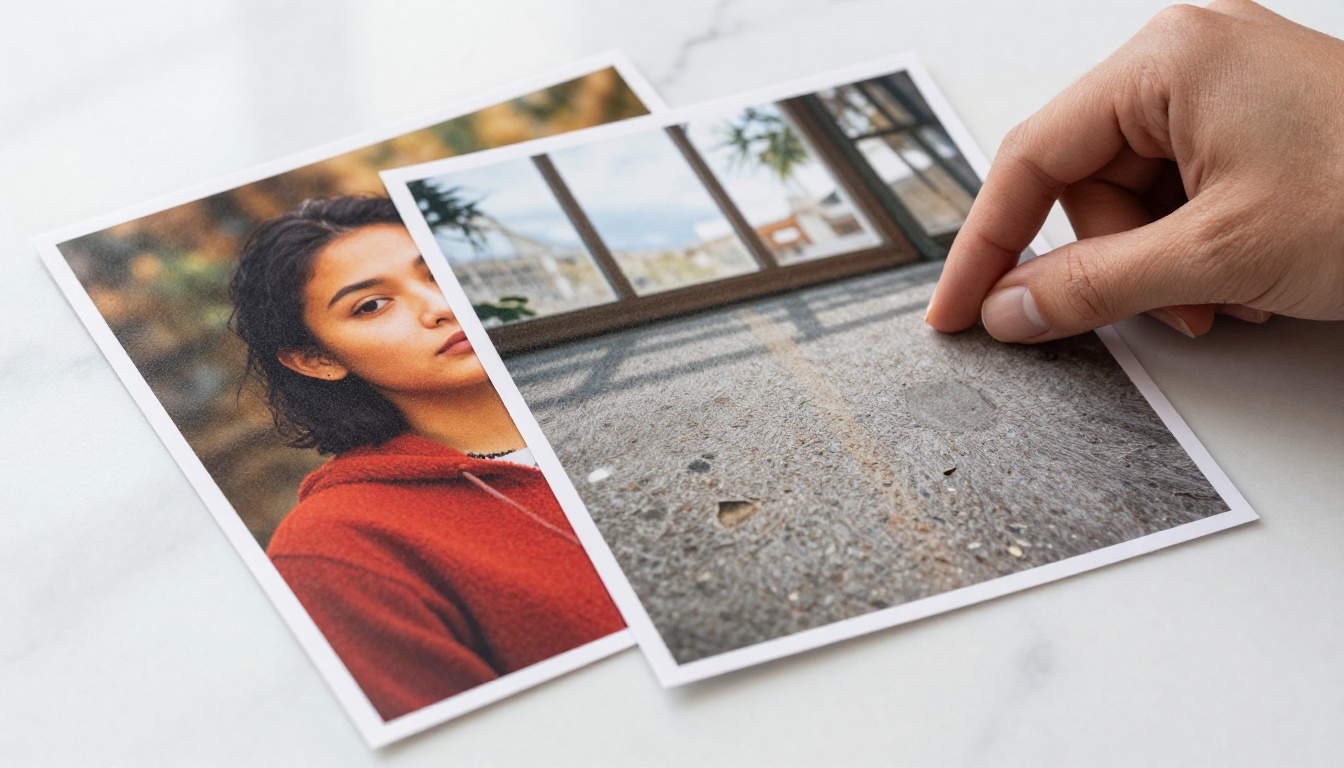
What DALL-E Actually Does
DALL-E is OpenAI's proprietary text-to-image system. It launched to widespread attention with DALL-E 2, and the third iteration brought major improvements in prompt adherence and coherence. It's tightly integrated into ChatGPT, which means millions of people have already used it without thinking of it as a separate tool.
How DALL-E Generates Images
DALL-E uses a diffusion-based architecture trained on massive datasets of image-text pairs. When you type a prompt, the system interprets natural language and maps it to visual content through iterative denoising. The result is an image that usually reflects the intent of your prompt, though with some well-documented limitations around hands, text in images, and consistent anatomy.
The model is designed to work within strict safety filters. Anything suggestive, politically sensitive, or remotely ambiguous tends to get blocked. For content creators who need flexibility in tone, mood, or subject matter, this becomes a friction point quickly.
DALL-E's Strengths and Where It Struggles
DALL-E 3 is genuinely good at following complex compositional prompts. If you ask for "a fox wearing a red scarf sitting on a park bench with autumn leaves falling," it will usually get that right. The color accuracy is strong, and the style is consistent across outputs.
Where it falls short:
- Photorealism: DALL-E images often have a recognizable "AI look." Skin textures, fabric, and surfaces lack the micro-detail that makes an image feel truly photographic.
- Stylistic range: One model, one personality. You can't swap to a different underlying model if the output isn't what you need.
- Content restrictions: The safety filters are aggressive. Any creative work with mature themes, even tasteful ones, often gets rejected.
- No fine-tuning: DALL-E doesn't let you train on your own data or run LoRA adapters for personal style.
What Picasso AI Brings to the Table
Picasso AI operates on a completely different logic. Rather than building and locking users into a single proprietary model, the platform aggregates over 183 text-to-image models from the world's leading AI labs. You're not choosing between Picasso AI and DALL-E as models. You're choosing between Picasso AI as a platform and DALL-E as a single tool.
A Platform, Not a Single Model
This distinction matters enormously. When DALL-E produces an image that doesn't match your vision, your only option is to rewrite the prompt and try again. When a model on Picasso AI underperforms, you simply switch to a different one. The same prompt run through Flux Pro Finetuned versus Stable Diffusion 3 will produce meaningfully different results, and knowing which one to use for which job is itself a creative skill the platform lets you develop.
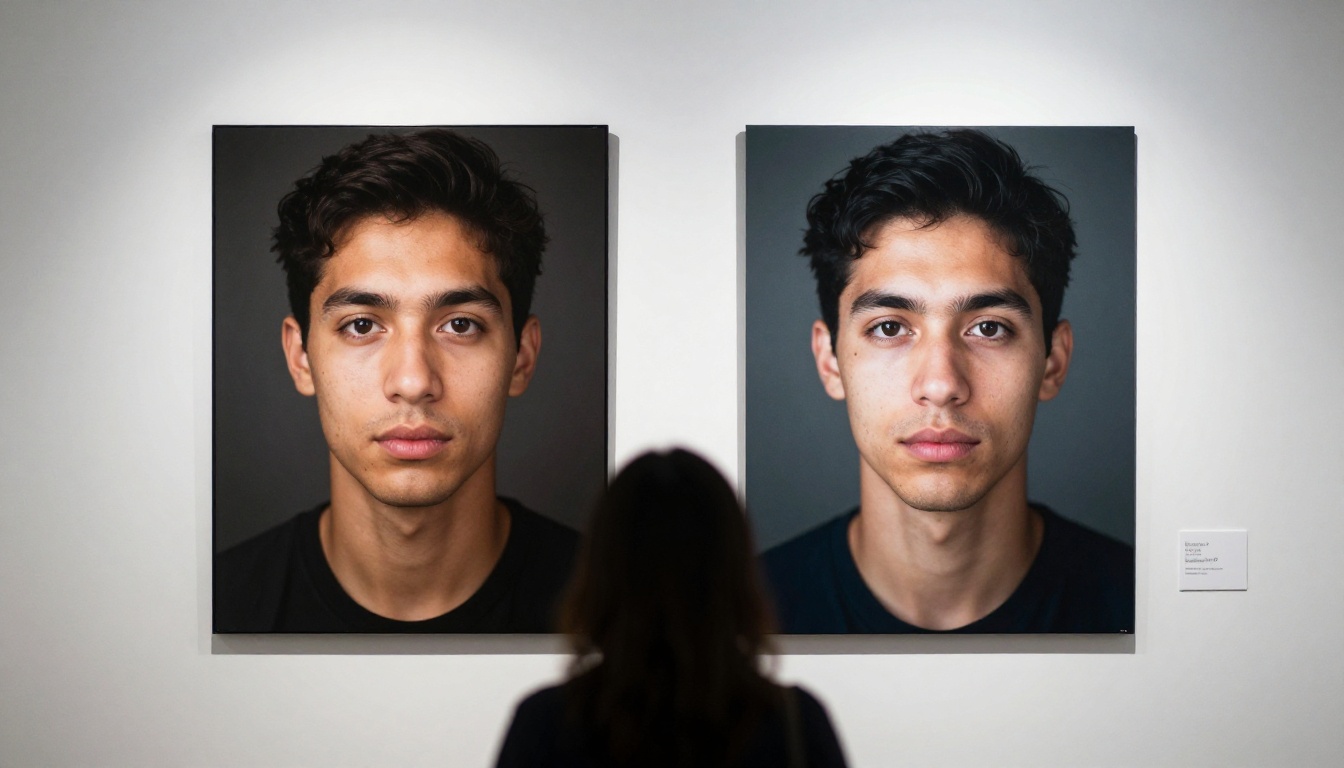
💡 For portrait photography, models like Flux Kontext Fast and Portrait Series produce skin textures and lighting that are nearly indistinguishable from studio photography.
The Model Ecosystem You Actually Get
Here's a partial breakdown of what's available on Picasso AI that DALL-E simply doesn't offer:
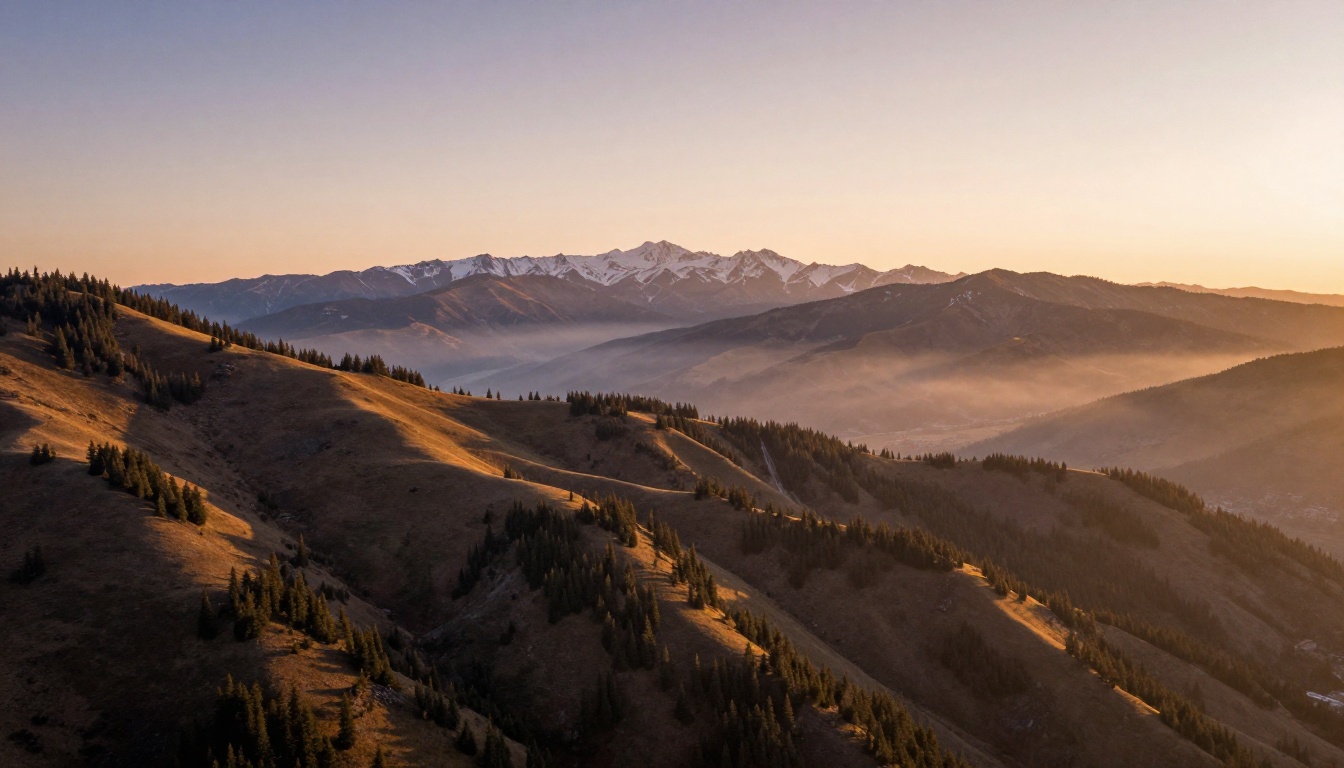
Image Quality Head to Head
This is where the comparison gets concrete. Let's walk through three categories of image generation and see how both approaches perform.
Portrait Realism
Portrait photography is one of the hardest benchmarks for AI image generators. Human faces are processed by our brains with extreme scrutiny. Any distortion in the eyes, skin, or proportions reads as uncanny immediately.
DALL-E 3 has improved significantly on portraits. Faces are mostly coherent, eyes are usually correct, and the overall composition tends to be flattering. But look closely at the skin: it's often too smooth, too lit, too uniform. It reads as AI.
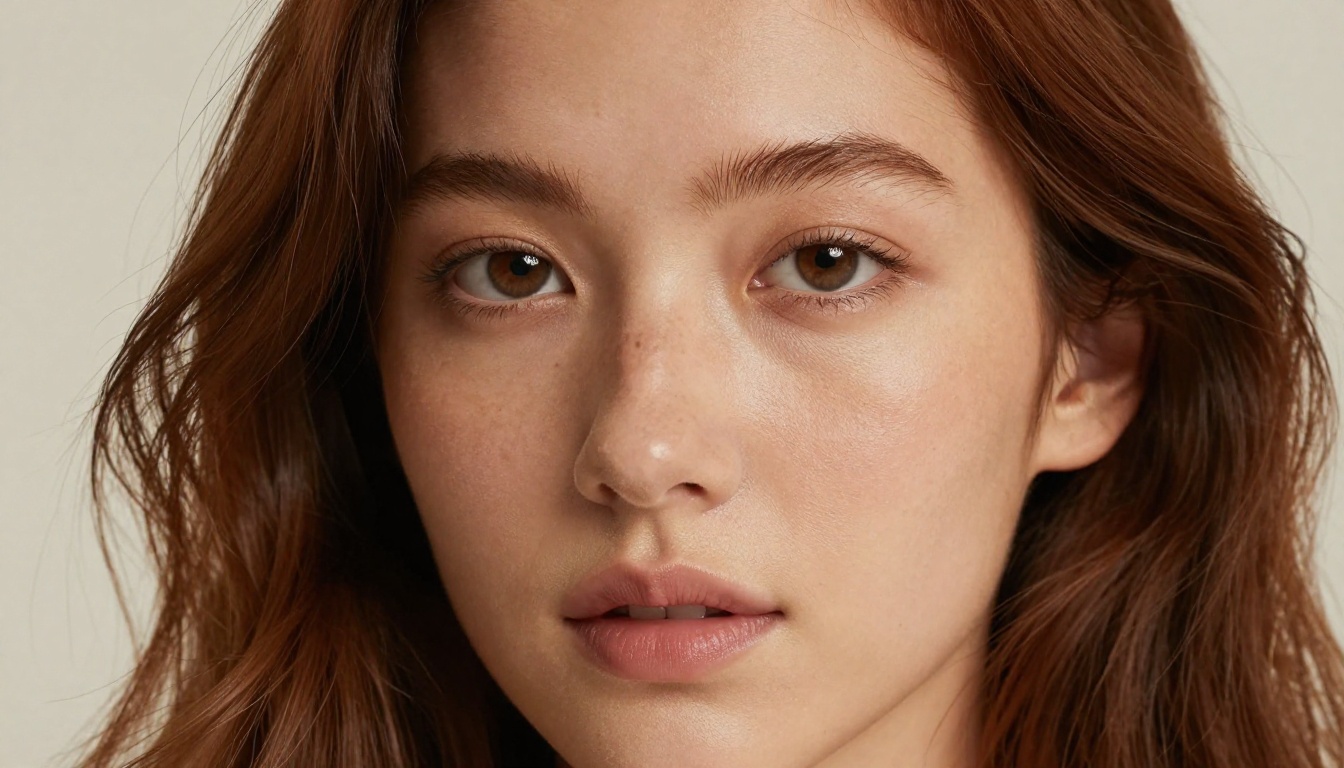
Models available through Picasso AI, particularly those in the Flux family, produce a different class of portrait. Skin has pores. Hair has individual strand variation. Lighting creates natural subsurface scattering. The results are genuinely difficult to distinguish from camera photography.
Landscape and Environment
Landscapes are more forgiving for AI models since there's no uncanny valley effect with trees or water. Both DALL-E and Picasso AI models perform reasonably well here. The difference shows up in atmosphere and lighting.
DALL-E landscapes can feel slightly flat, with light that's well-distributed but lacks the drama of real golden hour photography. On Picasso AI, models trained on vast photographic datasets render volumetric light, atmospheric haze, and the way mist settles in valleys with much more accuracy.
💡 For landscape work, try Phoenix 1.0 for ultra-high-resolution outputs up to 5MP, or Hunyuan Image 3 for cinematic atmosphere.
Creative and Abstract Prompts
Neither platform struggles with abstract creativity. Both will give you surreal scenes, conceptual imagery, and experimental combinations. DALL-E's safety filters occasionally block unusual creative prompts as "potentially harmful" even when the intent is purely artistic, which is frustrating.
Picasso AI's broader model access means some models have fewer restrictions, and you can choose the one most suited to the aesthetic you're after, whether that's raw realism, stylized photography, or painterly illustration.
Prompt Adherence and Control
Getting an AI model to do exactly what you described is harder than it sounds. Most models understand the broad intent of a prompt but miss specific details: the exact position of a hand, the specific shade of a color, a particular emotional expression.
Following Complex Instructions
DALL-E 3 is genuinely strong at compositional adherence. OpenAI specifically trained it to follow instructions more literally, which is why it became popular with people who want predictable outputs. If your prompt describes a scene with five specific elements, DALL-E will usually include all five.
Picasso AI models vary. Some, like GPT Image 1 (which runs OpenAI's model through the platform), match DALL-E's adherence. Others prioritize aesthetic quality over literal instruction-following. Knowing which model to pick for which goal is part of using the platform effectively.
Style Consistency Across Outputs
This is a major weakness for DALL-E. Generate the same character or setting ten times, and you'll get ten variations with no visual consistency. There's no mechanism to lock in a style or maintain character identity across prompts.
Picasso AI addresses this with models like Flux Redux Dev for image variations and Multi Image Kontext Max for combining reference images. If you're building a visual brand, creating a character sheet, or maintaining consistency across a project, these tools are not optional. They're essential.
Editing and Post-Processing
The conversation doesn't end at generation. Real creative work involves iteration, refinement, and fixing.
Inpainting and Outpainting
DALL-E offers basic inpainting through its web interface. You can erase a part of an image and ask the model to fill it in. It's functional but limited in the level of control you have over the result.
Picasso AI runs Flux Fill Pro and Flux Fill Dev for this purpose. These models are specifically trained for inpainting and outpainting tasks, which means they blend seamlessly with existing image content and handle complex fills with realistic lighting and texture. The quality difference is noticeable.
Upscaling and Resolution Enhancement
DALL-E outputs at fixed resolutions with no native upscaling option. What you get is what you get.
Picasso AI connects directly to dedicated upscaling pipelines. Clarity Pro Upscaler adds photorealistic sharpness and micro-detail during the upscaling process. Image Upscale by Topaz Labs can push images up to 6x their original size without introducing artifacts. These aren't just bigger images. They're better images.
The honest answer is that DALL-E and Picasso AI serve different people with different needs.
Casual Creators and Quick Workflows
If you need a quick illustration for a blog post, a rough visual mockup, or you're experimenting with AI for the first time, DALL-E through ChatGPT is fast and frictionless. You don't need to know which model to use. You type, you get an image, you move on.
That frictionlessness comes at a cost: the ceiling is lower. You'll hit its limitations quickly.
Professional Creators and Power Users
If image quality is part of your value proposition, whether you're a photographer, designer, content creator, social media manager, or brand team, the multi-model approach of Picasso AI is not just better. It's in a different category.
Being able to run a prompt through Flux Kontext Dev LoRA for style-transferred portraits, then use Flux Canny Pro to maintain structural integrity, then upscale with Recraft Crisp Upscale is a workflow that produces results no single model can match.
How to Use Picasso AI for Portrait Photography
Since portrait realism is one of the clearest differentiators, here's a practical workflow for generating high-quality portraits on Picasso AI:
Step 1: Choose your model. Navigate to the Portrait Series model or Professional Headshot depending on whether you need a creative or corporate output.
Step 2: Write a detailed prompt. Include subject description, lighting type (natural window light, studio softbox, golden hour), camera angle (eye level, low angle, close-up), and mood. The more specific you are, the more accurate the result.
Step 3: Set your aspect ratio. For portraits, 3:4 or 4:3 tends to work better than 16:9. For editorial-style shots, 16:9 creates a cinematic frame.
Step 4: Iterate. Run the prompt 3-4 times and compare results. AI models have natural variation, and often the third or fourth output will be the one you want.
Step 5: Upscale. Once you have the image you want, run it through Clarity Pro Upscaler to add fine detail, or Image Upscale for maximum resolution output.
💡 Pro tip: If your portrait needs a specific background removed or swapped, use Remove Background after generation for a clean cutout with no fringing.
After testing both thoroughly, the core finding is this. DALL-E is a single, well-executed model. Picasso AI is a platform that gives you access to the best models from Black Forest Labs, OpenAI, Stability AI, Google, Runway, Tencent, Leonardo AI, and more, all from a single interface.
Comparing DALL-E to Picasso AI as if they're equivalent products is a bit like comparing a single camera lens to a camera system. The lens might be excellent. But the system gives you a wide-angle for environments, a portrait lens for close-ups, a macro for detail work, and a telephoto for reaching what the single lens can't. You use the right tool for the right shot.
The summary in practical terms:
- DALL-E wins on: Ease of access, ChatGPT integration, instruction-following for simple prompts.
- Picasso AI wins on: Photorealism, model variety, editing tools, upscaling, consistency workflows, creative freedom, and ceiling for professional work.
If image quality is the question, the answer is Picasso AI. Not because it has one better model, but because it has all the best models.
Start Creating Your Own Images
The fastest way to settle this comparison is to run your own prompts and see the results firsthand. Start with Flux Kontext Fast for speed and realism, then explore Flux Pro Finetuned for detailed stylized work. If you want to test portrait quality directly, the Portrait Series model is one of the most impressive in the collection.
You won't be locked into a single output. You'll have over 183 models at your disposal, editing tools, upscalers, and background removal, all in one place. Run the same prompt across three different models and compare the outputs side by side. That experiment alone will show you the difference between a single-model tool and a proper AI image platform.
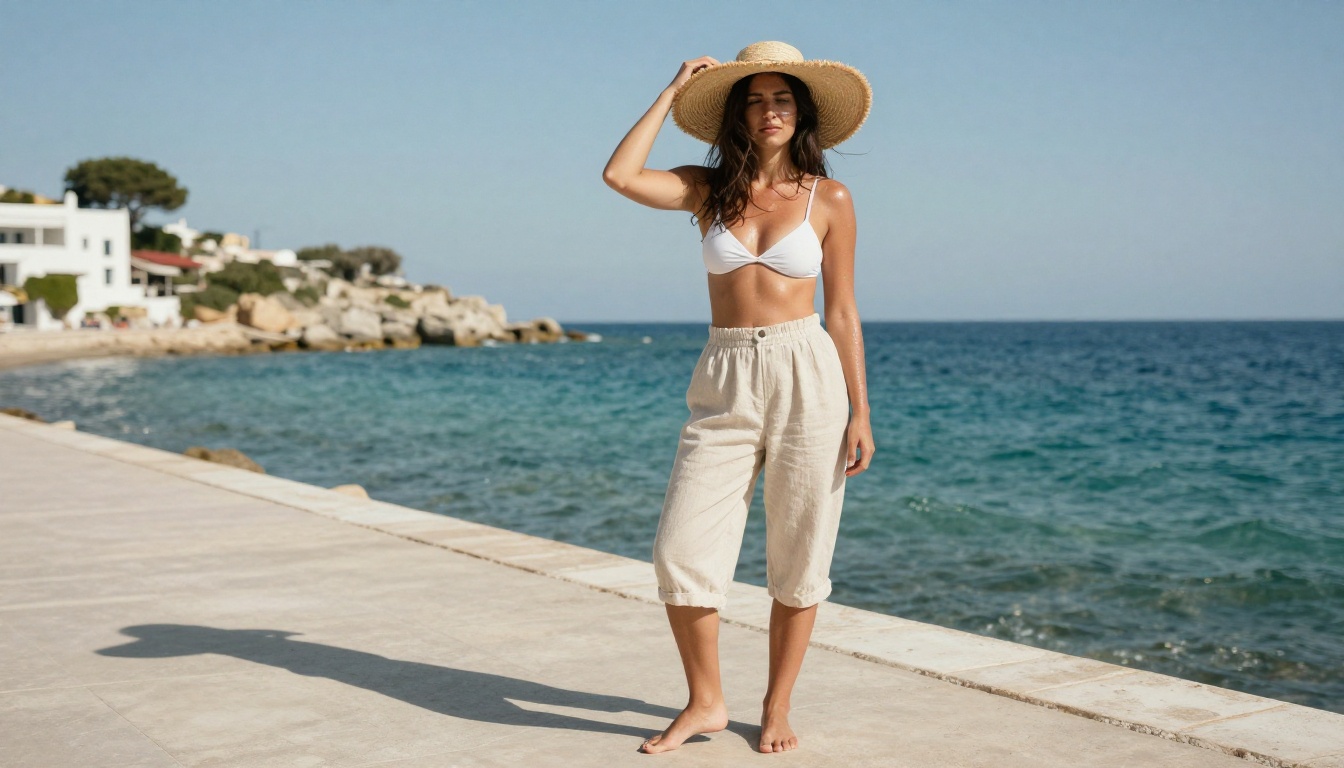
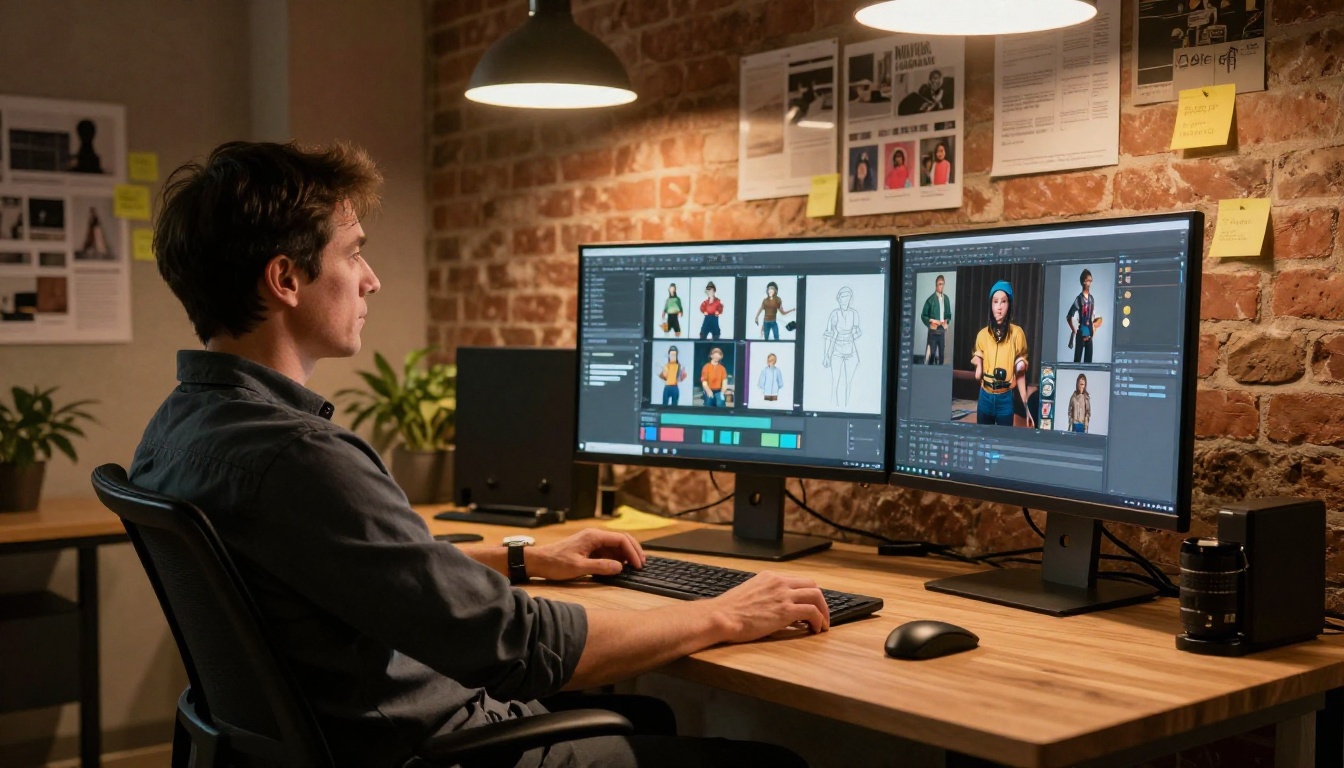
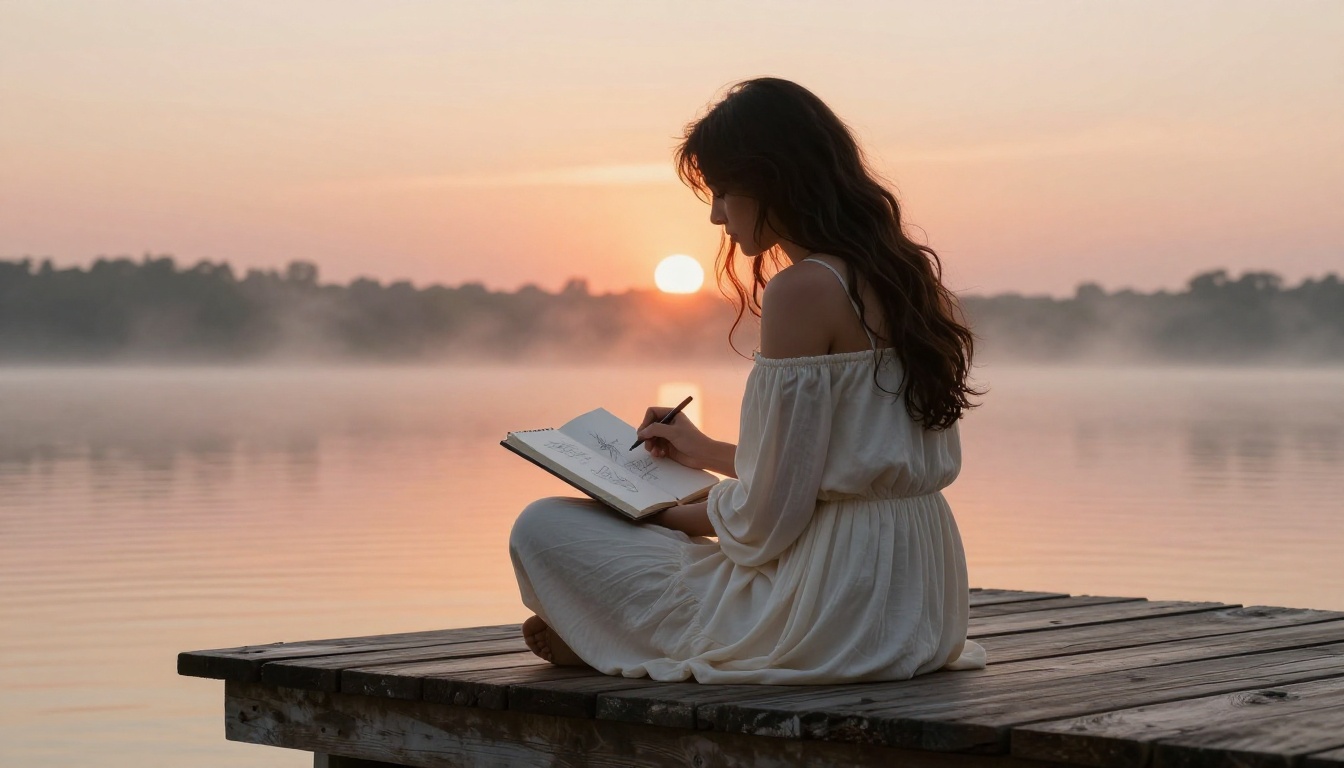
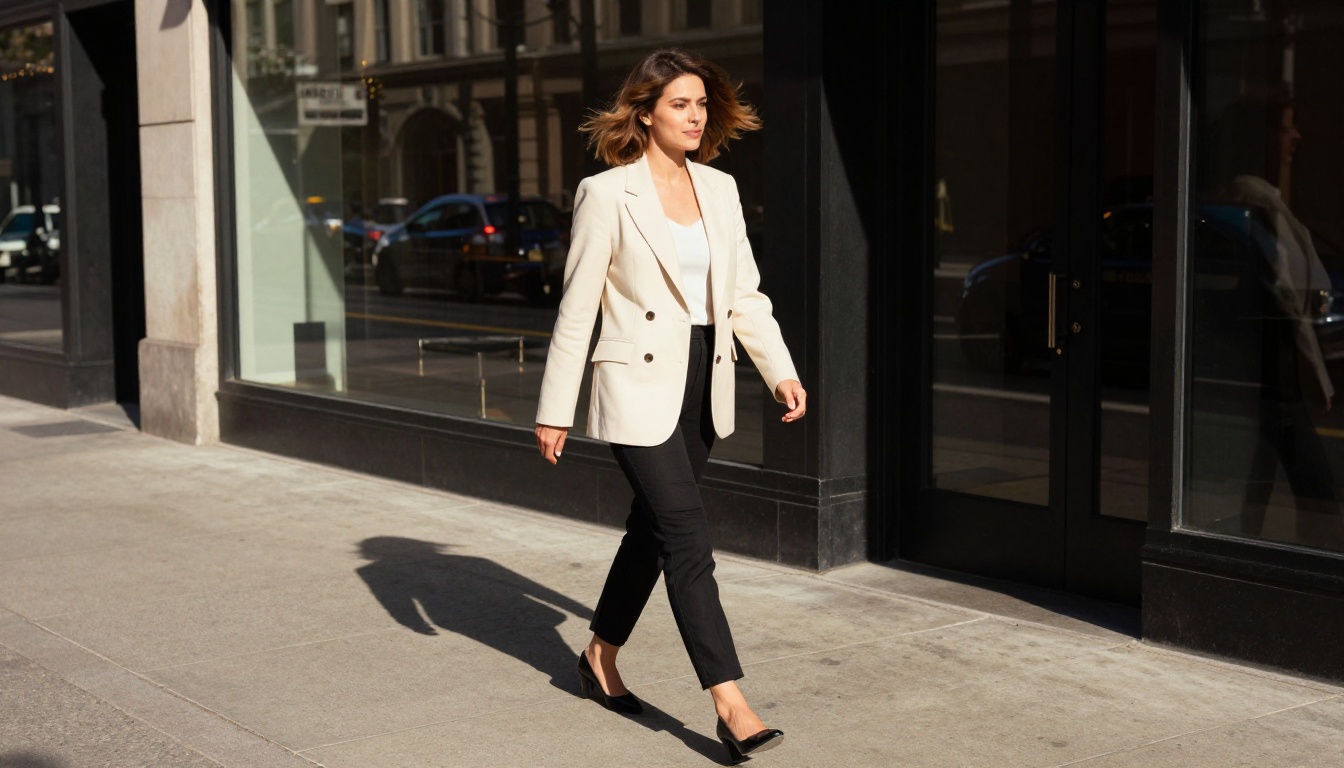
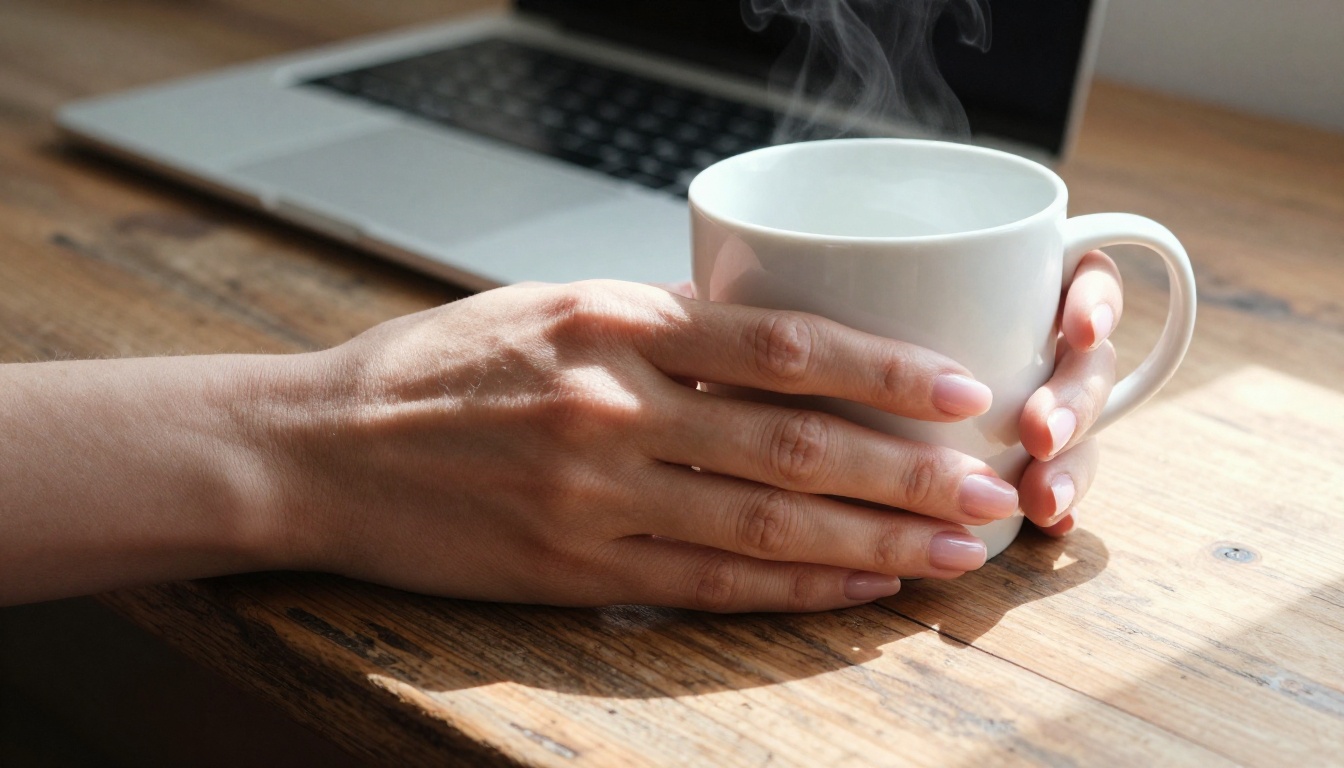
The images you've seen throughout this article were generated to demonstrate what photorealistic AI output looks like when you're working with the right models. That standard is available to you right now on Picasso AI.


