If you've been comparing AI creative tools recently, three platforms keep appearing at the top of every list: Picasso AI, Higgsfield, and Krea. All three promise to make visual content creation faster and more accessible, but they take completely different approaches to the problem. Pick the wrong one and you'll spend hours fighting limitations you didn't expect. This breakdown cuts through the noise.
Before comparing features, it helps to understand the core purpose behind each tool. They're not really competing for the same users, which is exactly why so many people end up confused when they choose.
Higgsfield: Video Storytelling at Scale
Higgsfield was built specifically for cinematic video generation. It focuses on narrative motion, character consistency, and camera control, making it attractive to filmmakers, social media creators, and anyone building long-form visual content. The platform operates on a subscription model with limited free access, and its output quality in short cinematic clips is genuinely impressive.
What it doesn't do well: still image generation, diverse model selection, or supporting workflows where you need more than video.
Krea: Real-Time Image Iteration
Krea's identity is built around real-time generation, meaning you see your image evolve as you type. This instant feedback loop appeals to designers who think iteratively and want to feel their way through a concept rather than commit to a prompt upfront. It also offers AI video features, but image creation remains its strongest proposition.
The limitation is depth. Krea runs primarily on its own set of models with limited external model access, which can feel restrictive once your projects get more specific.
Picasso AI: The Model Library Approach
Picasso AI operates differently from both. Instead of building its own proprietary model and locking you to it, the platform gives you access to over 91 text-to-image models and more than 106 text-to-video models from the world's leading AI labs, all in one place. That includes GPT Image 2 from OpenAI, Flux Redux Dev from Black Forest Labs, Veo 3 from Google, Sora 2 from OpenAI, and Kling v2.6 from KwaiVGI, all accessible without separate subscriptions to each.
Image Generation: A Real Comparison
Image generation is where the three platforms diverge most sharply, and where your use case will determine the winner.
Quality and Style Range
Krea excels at rapid iteration. Its real-time canvas lets you watch the image respond to your text as you edit, which speeds up the early ideation phase significantly. The outputs are clean and consistent within Krea's aesthetic, but they can feel stylistically homogeneous over time.
Higgsfield isn't really competing here. It can generate reference images for video setups, but still image generation isn't its focus and the results show.
Picasso AI's advantage is having the right model for every situation. Need a photorealistic portrait? Reach for GPT Image 2. Need to create stylized variations on an existing image? Flux Redux Dev handles that natively. The breadth means you're never stuck with one aesthetic.
💡 Tip: For photorealistic outputs specifically, models trained on diverse real-world photography datasets consistently outperform single-style models. Picasso AI's access to GPT Image 2 is a significant edge for commercial photography use cases.
Speed and Throughput
| Platform | Avg. Generation Time | Model Options | Batch Processing |
|---|
| Krea | 2-8 seconds (real-time) | Limited | No |
| Higgsfield | N/A (video-focused) | Limited | No |
| Picasso AI | 5-30 seconds | 91+ models | Yes |
The real-time aspect of Krea is genuinely useful for ideation, but for final delivery, throughput matters more. Picasso AI's ability to run multiple generations across a broader range of models makes it the stronger choice for professional output.
Video Generation: Who Actually Delivers
This is where Higgsfield was supposed to win. And for a specific type of user, it does.
Higgsfield's Video Strength
Higgsfield generates short cinematic clips with strong camera movement control. If you're creating social content with a consistent narrative style and high production values, its outputs can be compelling. The platform has a defined visual identity that makes content look "produced" rather than AI-generated, which some brands value.
The constraint is rigidity. You get fewer options for experimenting with different aesthetics or switching models based on the content type.
Picasso AI's Video Depth
Picasso AI's video catalog covers cinematic, realistic, animated, and character-driven content across more than 106 models. For cinematic quality, Veo 3 from Google and Sora 2 from OpenAI deliver professional-grade outputs with native audio generation. For fast iteration, Kling v2.6 and Pixverse v6 produce quality 1080p video quickly. For 4K cinematic content, LTX 2.3 Pro from Lightricks pushes resolution limits.
Want to animate a photo into a smooth video clip? Wan 2.7 I2V handles image-to-video with remarkable motion realism. Need camera control and character movement? Kling v2.1 offers refined motion physics. For audio-synced video content, Seedance 2.0 from ByteDance builds audio directly into the generation process.

Pricing: What You Actually Pay
Krea Pricing
Krea operates on a tiered subscription model. The free plan limits generations significantly, and to access higher-quality outputs or real-time generation at full speed, you need a paid plan starting around $25/month. The core offering is image-focused, so if you need video, you're looking at an additional cost tier.
Higgsfield Pricing
Higgsfield works on a credit-based subscription. Monthly plans start around $10-20 for limited credits, with professional plans running significantly higher. Because it specializes in video, the cost per video generation adds up quickly when you're producing content in volume.
Picasso AI Pricing
Picasso AI's model is notably different: you pay for what you use across all models rather than committing to one stack. This means your budget goes further when you need variety. A single subscription grants access to the full library of 91+ image models and 106+ video models, which otherwise would require separate accounts and payments across multiple platforms.
💡 For teams producing mixed content (images for ads, videos for social, portraits for profiles), the cost-per-asset comparison typically favors Picasso AI significantly over maintaining multiple specialized platform subscriptions.
| Platform | Starting Price | Models Included | Image + Video |
|---|
| Krea | ~$25/month | Limited set | Partial |
| Higgsfield | ~$10/month | Video-focused | Video only |
| Picasso AI | Flexible credit | 200+ total | Yes, both |
Creative Workflows in Practice
How you actually work with each platform matters as much as the output quality.
From Prompt to Finished Asset
Krea's workflow shines for solo designers who want immediate visual feedback during the ideation phase. Type a prompt, watch the image shift in real time, then refine until you're satisfied. The loop is genuinely satisfying for creative work. The trade-off is that this approach favors speed over precision, and final assets sometimes need post-processing.
Higgsfield requires more upfront planning. You're crafting cinematic prompts with specific camera directions, mood descriptions, and character instructions before you generate. This produces better video results when you know exactly what you want, but it creates friction for exploratory work.
Picasso AI's workflow depends on which model you choose. Models like Gen 4.5 from Runway or Ray from Luma handle different types of video prompts with distinct strengths. The upside is that you can match your workflow to the job, not the other way around.
Controls and Customization Depth
All three platforms offer some form of prompt refinement and parameter control, but depth varies significantly.
Krea provides resolution controls, style sliders, and aspect ratio adjustment. For most users, this is sufficient.
Higgsfield offers camera control, motion intensity, and shot type selection, all specifically designed for video production.
Picasso AI gives you access to each model's native parameters, which means the controls available in Kling v2.6 (motion controls, camera trajectories) are fully exposed, and the controls in GPT Image 2 (quality settings, style tokens) are equally accessible. This approach rewards users who want to work with the capabilities of individual models rather than abstracting them away.
These platforms aren't equally useful for every creative workflow. Here's where each one performs best.
Content Creators and Social Media Teams
If your primary output is short social video with consistent production values, Higgsfield delivers reliable quality quickly. But if your content mix includes both imagery and video, or if you need to adapt your visual style across campaigns, Picasso AI's breadth provides far more flexibility.
For teams publishing across Instagram, TikTok, and YouTube, the ability to switch between portrait modes, cinematic video, and still imagery from a single platform is a significant workflow advantage.
Photographers and Visual Artists
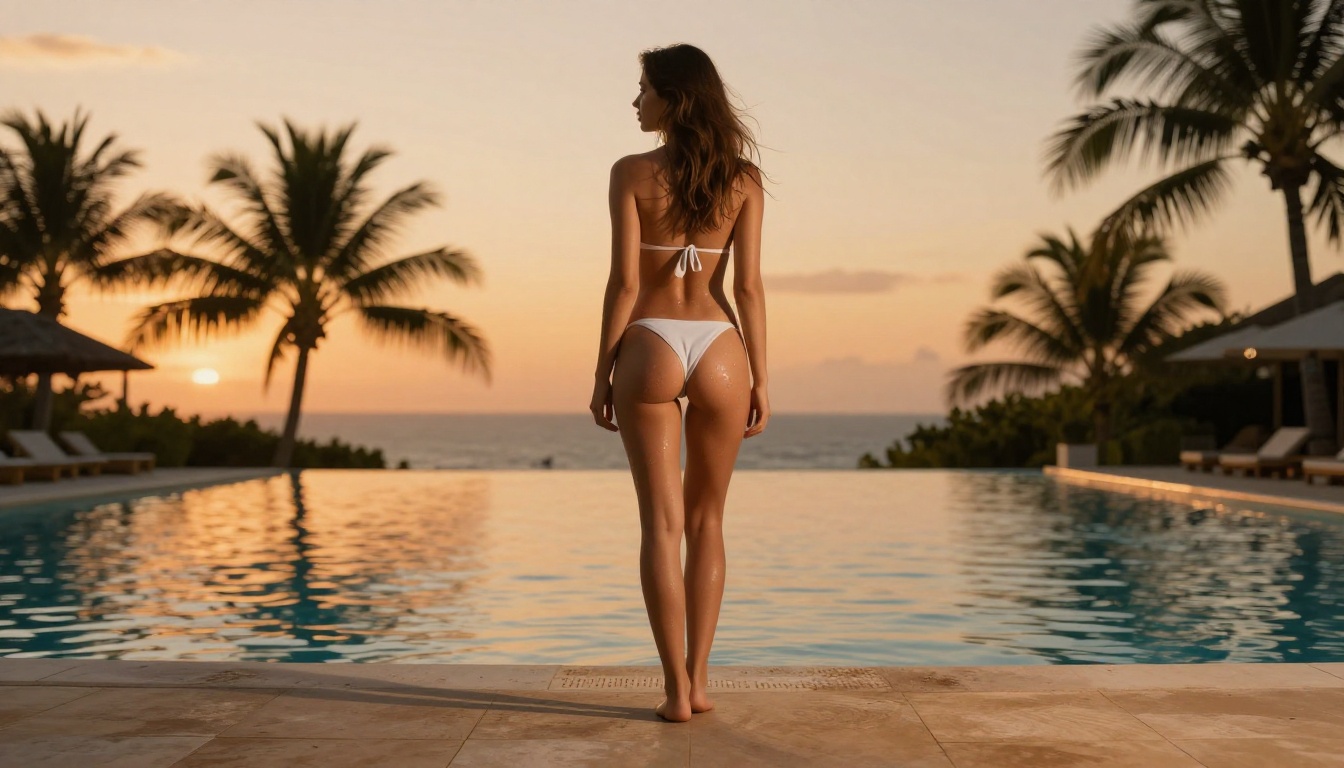
Krea's real-time iteration suits artists who work visually and intuitively. But for photographers incorporating AI into their retouching or creative extension workflows, the model depth in Picasso AI (including super-resolution for 2x-4x upscaling, inpainting, and outpainting) covers substantially more ground.
💡 Glamour and beauty photographers specifically benefit from Picasso AI's realistic portrait generation models, which handle skin tone accuracy, lighting physics, and facial anatomy with significantly higher fidelity than many general-purpose platforms.
Developers and Agencies
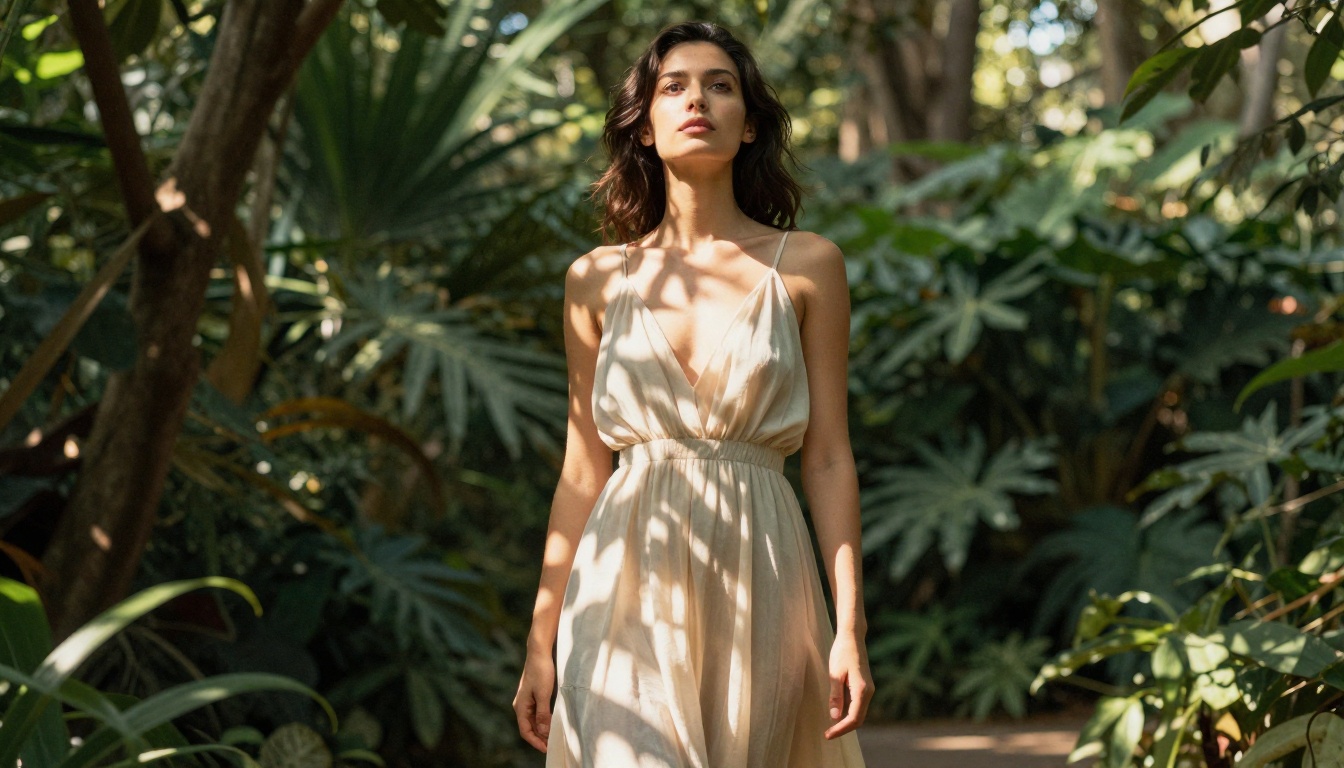
Agencies running content at scale need API access, batch generation, and predictable costs. Picasso AI's structure supports this better than both Higgsfield and Krea, which are primarily consumer-facing products without robust programmatic access.
Audio and Extended Capabilities
Two categories often overlooked in platform comparisons: audio and specialized editing tools.
What Krea and Higgsfield Offer
Neither Krea nor Higgsfield includes native text-to-speech, music generation, or speech transcription in their core platforms. These capabilities require external tools and added subscriptions, which fragments your workflow.
Picasso AI's Broader Toolkit
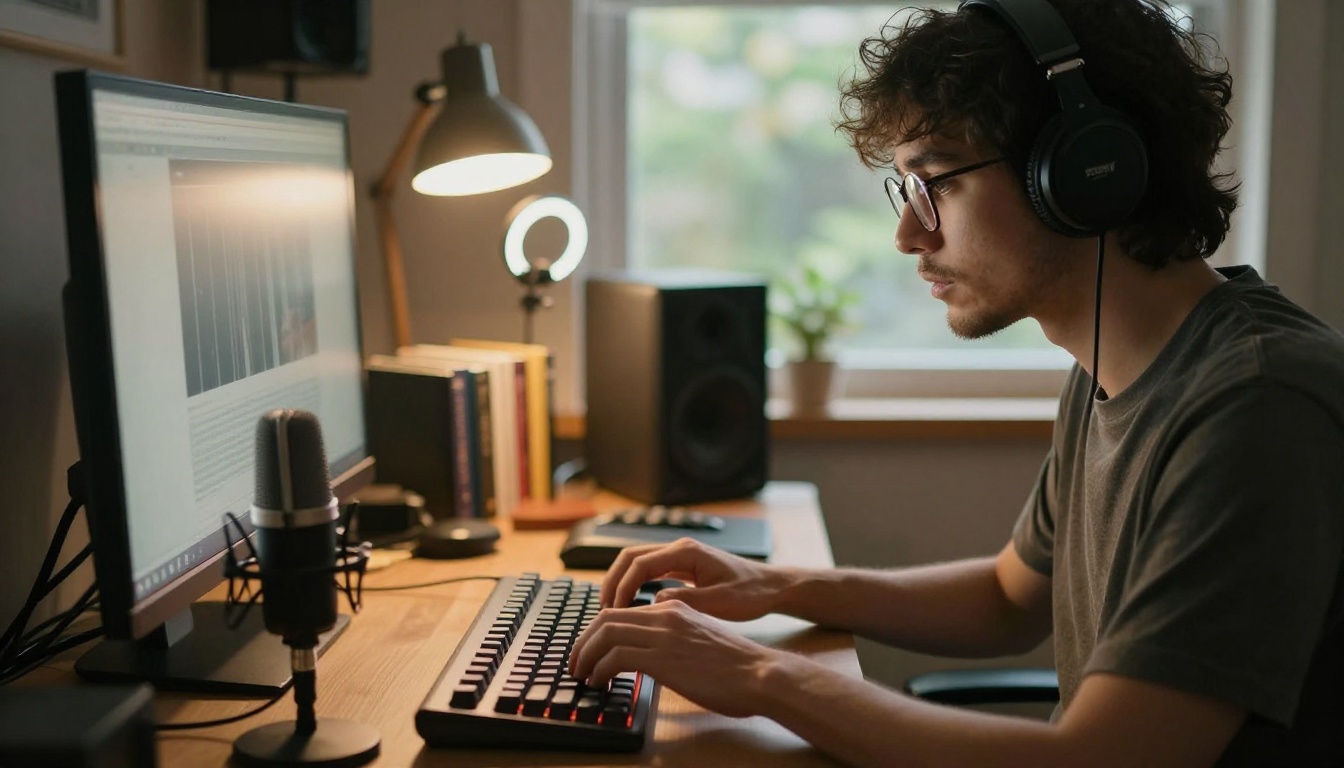
Picasso AI includes text-to-speech, AI music generation, speech-to-text transcription, lipsync, background removal, and large language models alongside its image and video catalog. For a production team building a complete content workflow, this consolidation removes significant overhead.
The lipsync feature alone, which synchronizes lip movement in generated or uploaded video to an audio track, replaces a standalone tool category that otherwise requires a separate service subscription.
Each platform has a genuine use case where it performs best.
Krea is the strongest tool for solo designers who want real-time visual feedback during the ideation phase. Its instant generation loop is genuinely satisfying and speeds up concept work.
Higgsfield delivers consistently polished cinematic video for creators who know exactly the visual style they're targeting and primarily produce social video content.
Picasso AI wins on breadth, model access, and workflow flexibility. Access to Hailuo 02, Seedance 2.0, Wan 2.7 T2V, and over 200 total AI models across image, video, audio, and language from one account represents a fundamentally different value proposition than either competitor.
| Feature | Krea | Higgsfield | Picasso AI |
|---|
| Image models | Limited | Minimal | 91+ |
| Video models | Limited | Focused | 106+ |
| Real-time generation | Yes | No | No |
| Audio tools | No | No | Yes |
| Model variety | Low | Low | High |
| API access | Limited | Limited | Yes |
| Best for | Ideation | Social video | Full production |
Start Creating on Picasso AI
If you've been using Higgsfield for video or Krea for images, you already know what good AI output looks like. The next step is seeing what happens when you stop being limited to a single model's aesthetic.

Picasso AI puts over 200 AI models within reach from a single interface. Generate a photorealistic portrait with GPT Image 2, create a cinematic video from that image using Kling v2.6, add a voiceover with text-to-speech, then upscale the final output, all without switching tabs or paying for multiple subscriptions.
The platform works for photographers who want to push their retouching further, for content teams who need volume without sacrificing quality, and for creators who want to experiment with cutting-edge models the moment they're released. Your first generation takes two minutes. Pick a model, write a prompt, and see what the current generation of AI can produce for your specific creative need.


