If you've spent any time hunting for the best AI image generator, you've probably compared Picasso AI and Leonardo AI at some point. Both platforms promise incredible results, both have loyal user bases, and both run on cutting-edge diffusion models. But the gap between them in 2027 has grown wider than most people realize, especially for creators who need photorealistic output that can pass for real photography.
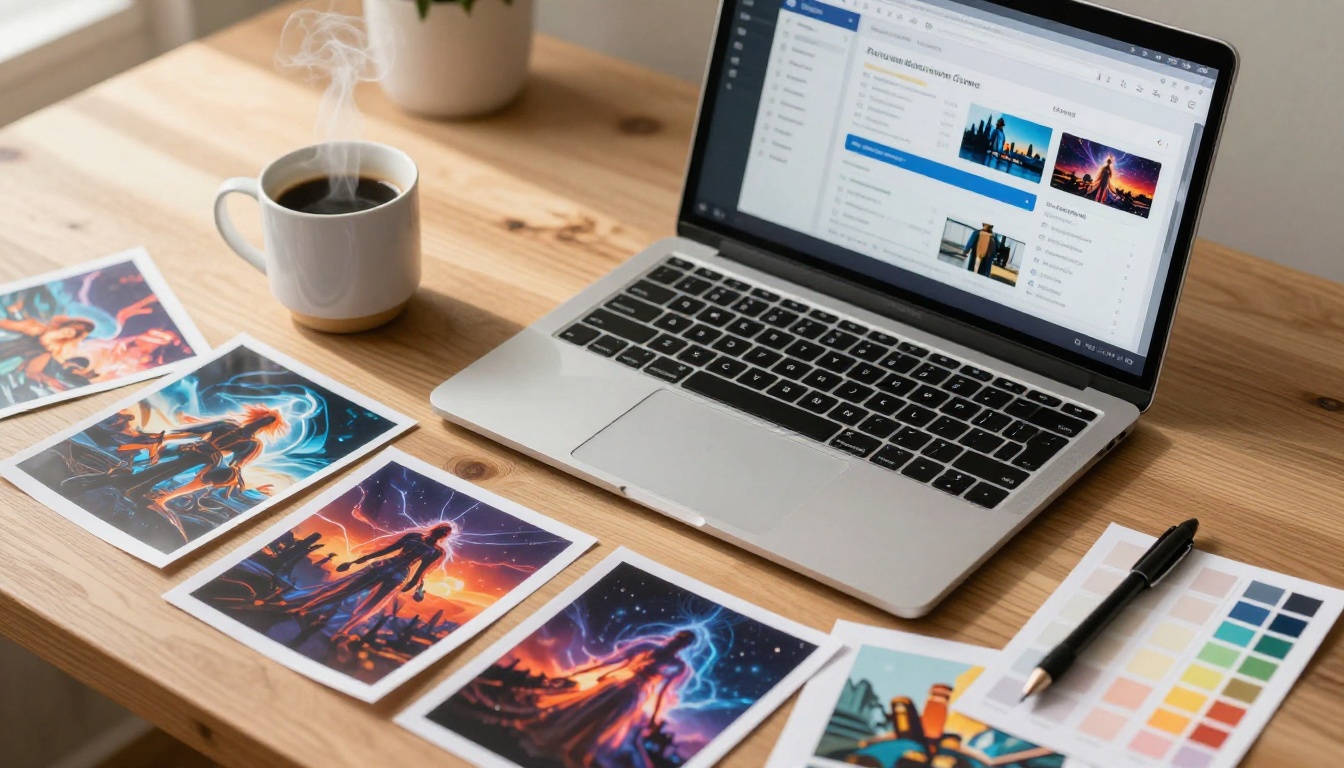
Leonardo AI launched as a creator-focused platform built around a curated library of fine-tuned models and an intuitive canvas editor. It attracted a massive following quickly, largely because of its clean interface and strong emphasis on stylized, fantasy-oriented imagery. The onboarding is smooth, the defaults are impressive, and you can get a great-looking image in under two minutes without reading any documentation.
Picasso AI took a fundamentally different approach. Rather than building a walled garden of proprietary models, it functions as a multi-model hub, pulling in the best open-source and commercial models available: Flux Redux Dev, GPT Image 2, Seedream 4.5, Wan 2.7 Image Pro, Hunyuan Image 2.1, and over 180 other text-to-image models.
That model breadth is the first major differentiator. On Leonardo, you're choosing between Leonardo's own models and a handful of third-party ones. On Picasso AI, you're accessing the entire frontier of what's publicly available.
💡 The real question isn't which platform looks better on a demo page. It's which platform gives you more control over your actual output.
Image Quality: Side-by-Side Results
Run the same prompt through both platforms and you'll notice something right away. Leonardo AI tends toward a polished, slightly stylized output. Colors are vibrant, compositions feel calculated, and there's a distinct aesthetic that makes images recognizable as AI-generated even when they're technically impressive. That's not a criticism; it's the product of deliberate design choices aimed at broad appeal.
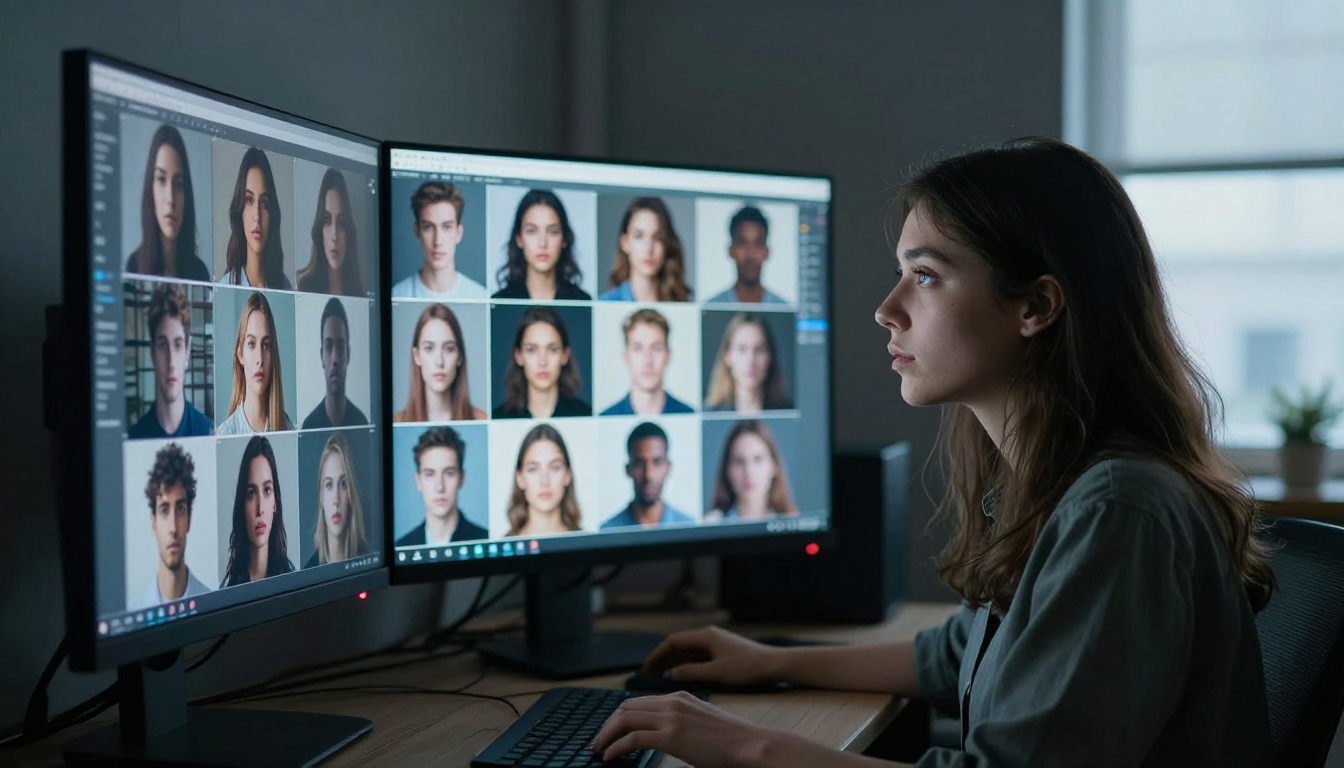
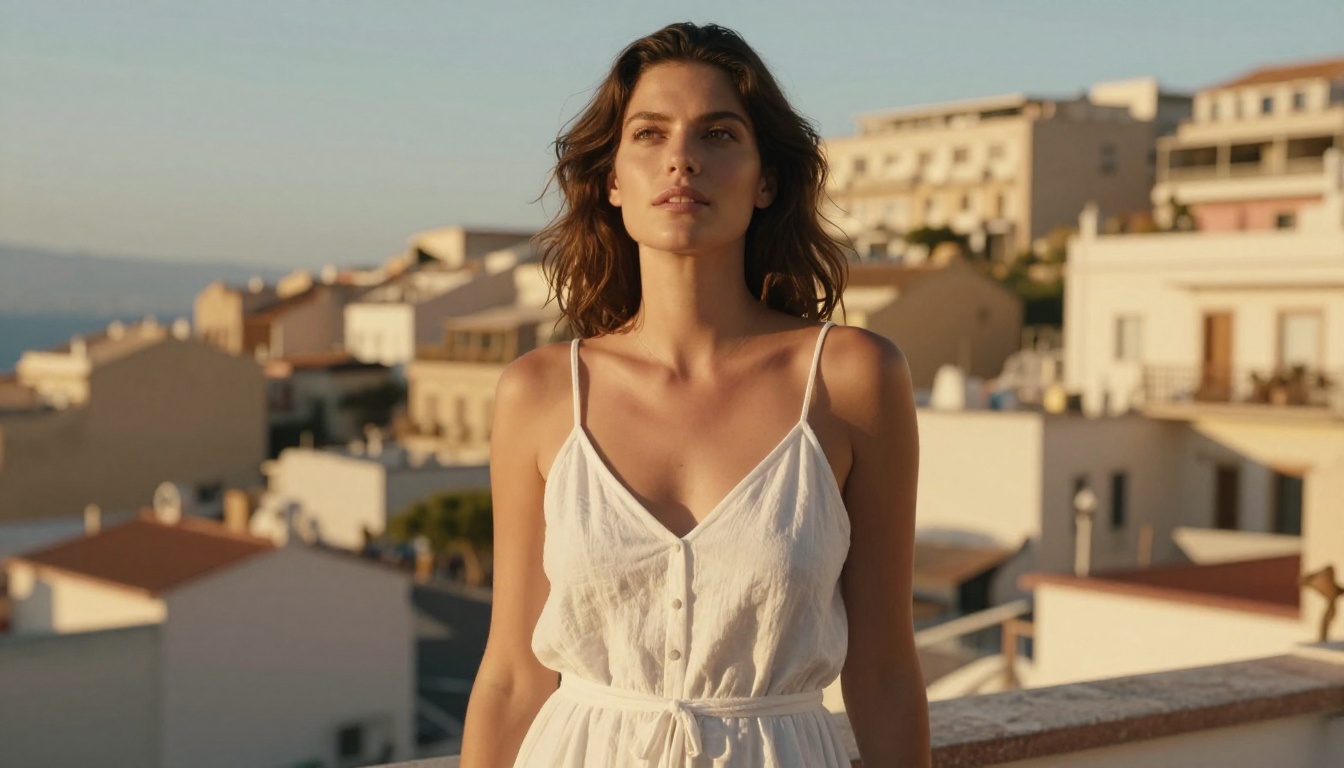
Picasso AI, using models like GPT Image 2 or Wan 2.7 Image Pro, produces results that feel more photographic. Skin textures look real. Light behaves like actual physics. The images don't announce themselves as generated.
For commercial photography, product shoots, and editorial work, that distinction matters enormously. A client reviewing marketing assets doesn't want to think about whether something looks AI-made; they want to think about whether it sells the product.
| Criteria | Picasso AI | Leonardo AI |
|---|
| Photorealism | Excellent | Good |
| Stylized Art | Good | Excellent |
| Text-to-Image Models | 183+ | ~30 models |
| Non-Explicit NSFW | Yes | Limited |
| 4K Output | Yes | Yes |
| Free Tier | Yes | Yes |
| LoRA Training | Multi-model | Single architecture |
Skin and Texture Rendering
This is where the performance gap becomes hard to ignore. Ask both platforms to generate a portrait of a person in natural outdoor light, and Picasso AI's results using Seedream 4.5 will show pore-level skin detail, natural hair flyaways, and realistic fabric drape. Leonardo's output looks great on a thumbnail but loses fidelity on close inspection.
Architectural and Product Photography
For product shots and architectural renders, both platforms perform well. Picasso AI's Wan 2.7 Image Pro handles reflections and material surfaces in ways that are difficult to distinguish from real photography, particularly for glass, chrome, and water surfaces where physics-based rendering accuracy is visible.
Model Variety and Creative Control
Leonardo AI's model library is curated and polished, but it's constrained by design. You get Leonardo's house models (Phoenix, Kino, Albedo) and a selection of community fine-tunes. The platform is built to make every output look good by default, which means it sometimes smooths over the creative edge cases you actually want to push.
Picasso AI gives you access to:
- Flux Redux Dev for creating image variations and consistent style transfers
- GPT Image 2 for instruction-following and prompt-accurate photorealism
- Hunyuan Image 2.1 for 2K portrait and landscape work with strong lighting accuracy
- Seedream 4.5 for 4K images with exceptional color fidelity and skin tone accuracy
- P Image Edit LoRA for AI photo editing with fine-tuned regional control
The difference is philosophy. Leonardo wants every image to look impressive by default. Picasso AI trusts that you know what you want and gives you the tools to get there precisely.
LoRA Training and Custom Styles
Leonardo AI has a LoRA training pipeline that's genuinely easy to use. You upload reference images, wait for training to complete, and get a fine-tuned model you can apply to future generations. It's well-executed and produces strong results within its architecture.
Picasso AI offers LoRA training through models like P Image Trainer and Qwen Image LoRA Trainer Legacy. The critical advantage is that you can apply your custom LoRA across multiple base models, not just one proprietary architecture. Train a style on one model, run it through several others, and compare which base produces the best result for that specific prompt type.

How to Use Flux Redux Dev on Picasso AI
Flux Redux Dev is one of the most powerful models on the platform for anyone who wants to create variations of existing images or apply consistent visual styles across multiple outputs. Here's how to use it effectively:
Step 1: Open the model page
Navigate to the Flux Redux Dev page on Picasso AI. You'll see the input panel on the left and a live preview area on the right.
Step 2: Upload your reference image
Flux Redux Dev is an image-to-image model. Upload a reference photo, artwork, or any visual you want to use as a style or composition anchor. The model reads both structure and color information from the reference.
Step 3: Write your text prompt
Describe the variation you want in specific terms: lighting direction, mood, composition, subject details. For photorealistic portraits, try something like: "Portrait of a woman in warm afternoon sunlight, natural skin texture, volumetric side lighting, 85mm lens bokeh, Kodak Portra 400 film grain."
Step 4: Adjust the similarity parameter
The Redux Dev model includes a reference strength slider that controls how closely the output follows the input image. Lower values give more creative freedom while preserving the overall feel; higher values preserve composition and color scheme more strictly.
Step 5: Generate multiple seeds before changing parameters
Run four to six images at the same settings before adjusting anything. This gives you a meaningful sample of what the model produces at those inputs, rather than chasing a lucky single result. Evaluate the cluster, not the individual.
💡 Pro tip: Combining Flux Redux Dev with P Image Edit LoRA lets you apply style edits to specific regions of the output after generation, giving you surgical control over the final image without regenerating from scratch.
Photorealistic Output: Who Does It Better
This is the core question for photographers, marketers, and content creators who need images that can pass for real photography in professional contexts.
Leonardo AI produces technically strong images, but there's a ceiling. Its models are optimized for broad appeal, which means they consistently hit a high middle ground without reaching the photographic ceiling that frontier models can achieve. The outputs look great; they just don't look real in the way that matters for certain professional applications.
Picasso AI, with access to models like GPT Image 2 and Wan 2.7 Image Pro, can produce images that are genuinely difficult to distinguish from real photography when prompted correctly. The tradeoff is that hitting that ceiling requires knowing how to write a strong prompt and selecting the right model for the specific task at hand.
Portrait Photography
For portraits, Seedream 4.5 and Hunyuan Image 2.1 consistently outperform Leonardo's best models. The skin tones are natural across all ethnic backgrounds, the eyes have genuine catchlights that follow light source logic, and hair maintains individual strand separation at the edges rather than blending into a uniform mass.
Glamour and Fashion Photography
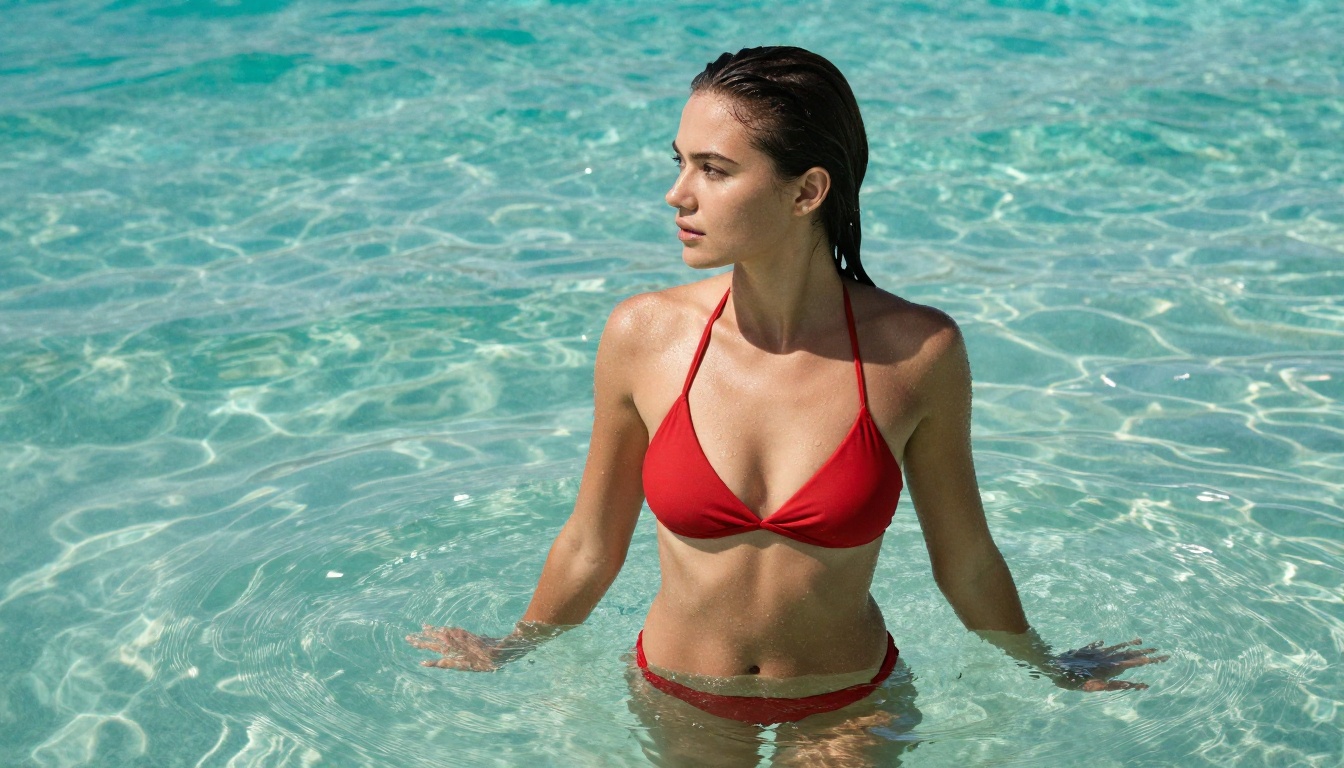
For glamour photography and fashion editorial work, Picasso AI's flexibility is unmatched. You can dial in exactly the look you want: the level of stylization, the color grading, the composition style. Images featuring models in swimwear, lingerie, or artistic contexts come out with the kind of natural, non-clinical feel that Leonardo's output often lacks in these categories.
Leonardo's approach to this content type tends to be conservative and softened. Picasso AI handles it as photography: with natural anatomy, realistic skin, and light that behaves correctly on curved surfaces and fabric.
Landscape and Natural Environment
Both platforms handle natural environments reasonably well. Picasso AI edges ahead for hyper-realistic natural scenes where accurate atmospheric perspective, realistic water surfaces, and believable foliage density are important. For dramatic, saturated fantasy landscapes with heavily stylized color grades, Leonardo still has a creative edge because its models are specifically tuned for that output type.
Pricing and Free Credits
Both platforms offer free tiers, but the economics differ in ways that matter at scale.
Leonardo AI's free plan gives you a daily token allowance that resets every 24 hours. Standard model generations cost 1 to 4 tokens per image; high-resolution or video features cost considerably more. The free tier is generous for casual exploration but runs out quickly during active creative sessions when you're iterating on a specific look.
Picasso AI's pricing is structured by model, with different rates for different capabilities. Several models are completely free to use with no credit requirement. Others require credits proportional to their computational cost. The platform shows you the cost before you run each generation, which makes budget management straightforward and eliminates surprise charges.
| Feature | Picasso AI | Leonardo AI |
|---|
| Free Tier | Yes, multiple free models | Yes, daily token allowance |
| Paid Structure | Per-model, transparent pricing | Subscription tiers |
| Commercial License | Included | Included |
| API Access | Available | Available |
| Model Selection | 183+ text-to-image | ~30 models |
| NSFW-adjacent Content | Supported | Restricted |
💡 For high-volume creators: Picasso AI's per-model pricing tends to be more economical at scale because you pay for exactly what you generate rather than subscribing to a token pool you may not fully use each cycle.
Speed, Interface, and Workflow

Leonardo AI's interface is genuinely well-designed. The canvas editor, the model selector, and the prompt interface all feel intentional and coherent. Generation speeds are fast, and the overall workflow from prompt to output is smooth enough that it rarely interrupts your creative flow.
Picasso AI's interface is model-centric. You navigate to a specific model, set parameters, and generate. There's no centralized canvas editor in the same way Leonardo offers one. This is either a limitation or a feature depending entirely on how you work.
If you're a workflow-oriented creator who knows which model you want for a given task, Picasso AI's direct model access is faster and more efficient. You're not navigating through a canvas or adjusting a creative suite; you're directly interfacing with the model itself. If you prefer a more visual, exploratory approach where you drag elements around and experiment visually, Leonardo's canvas suits that style better.
Batch Generation and Iteration Speed
Both platforms support batch generation, letting you produce multiple images from a single prompt run. Picasso AI's batch capabilities scale better when you're running different models in sequence, because the architecture is built around model-level access rather than a single centralized pipeline.
Prompt Interpretation Accuracy
This is an area where model choice matters more than platform brand. On Picasso AI, GPT Image 2 has exceptional instruction-following accuracy, handling complex multi-clause prompts with spatial reasoning that most open-source models still struggle with. On Leonardo, the Phoenix model performs similarly on standard portrait and scene prompts. Both are strong; GPT Image 2 has an edge on unusual or complex compositional requests.

The answer depends on what you're actually making day to day, not on which platform has better marketing.
Choose Leonardo AI if:
- You want a polished, guided experience with minimal learning curve
- Your work is primarily stylized art, fantasy illustration, or concept visualization
- You prefer a curated model selection over open-ended model choice
- You want a strong canvas-based editing interface with visual drag-and-drop tools
Choose Picasso AI if:
- You need photorealistic output that holds up at professional print resolution
- You want access to the widest possible range of frontier models from multiple providers
- You're doing fashion, portrait, glamour, or commercial photography work
- You want LoRA training that works across multiple base model architectures
- You need non-explicit NSFW-adjacent content handled with photographic naturalism
- You're processing high volumes and need transparent per-generation pricing
The reality is that for most professional use cases in 2027, Picasso AI's model breadth and photorealistic output ceiling make it the stronger platform for commercial work. Leonardo AI remains excellent for stylized creative work and has a more approachable interface for beginners, but it cannot match the photorealistic ceiling or the sheer variety of what Picasso AI offers through its multi-model architecture.
If you've been using Leonardo as your primary tool and haven't tested the newer frontier models available on Picasso AI, particularly GPT Image 2 and Seedream 4.5, the gap in portrait quality and prompt accuracy will catch you off guard in the best possible way.
Start Generating Your Own Images Now
The best way to settle this comparison is to run your own prompts on Picasso AI and see the results firsthand. Start with Flux Redux Dev for variation work, try GPT Image 2 for instruction-following accuracy, and push Seedream 4.5 for 4K portrait work where skin detail and color fidelity are critical.
With 183 text-to-image models available and a free tier that lets you test multiple options without commitment, there's almost certainly a model on the platform optimized for your exact creative workflow. Whether you're producing product photography, fashion editorial content, glamour images, or marketing assets, the combination of model breadth and photorealistic quality makes Picasso AI the more capable platform for professional output in 2027.
Pick your use case, open the model page, and start experimenting. The results tend to speak for themselves within the first few generations.


