Three platforms. One decision. If you've spent any time generating AI images professionally, you've probably questioned whether you're using the right tool. Midjourney, Leonardo AI, and Picasso AI all claim to produce stunning visuals, but when you put them side by side with real prompts, real use cases, and honest pricing math, the differences become impossible to ignore.
This is a direct comparison of Picasso AI vs Midjourney vs Leonardo covering image quality, generation speed, pricing structure, model selection, and creative control. By the end, you'll know exactly which platform fits your workflow.
It Depends on What You're Creating
Not all AI image generators serve the same creative goal. A social media manager needs fast, consistent results at volume. A concept artist wants maximum stylistic control. A photographer or product studio needs photorealism above all else. Before picking a platform, define what you're actually optimizing for:
- Output quality: photorealism, sharpness, micro-detail in skin and fabric
- Speed: how quickly each image generates under real load
- Model flexibility: how many models and styles are available at any time
- Pricing: true cost-per-image across different usage tiers
- Editing tools: inpainting, outpainting, upscaling, and structural control
Why This Comparison Matters Right Now
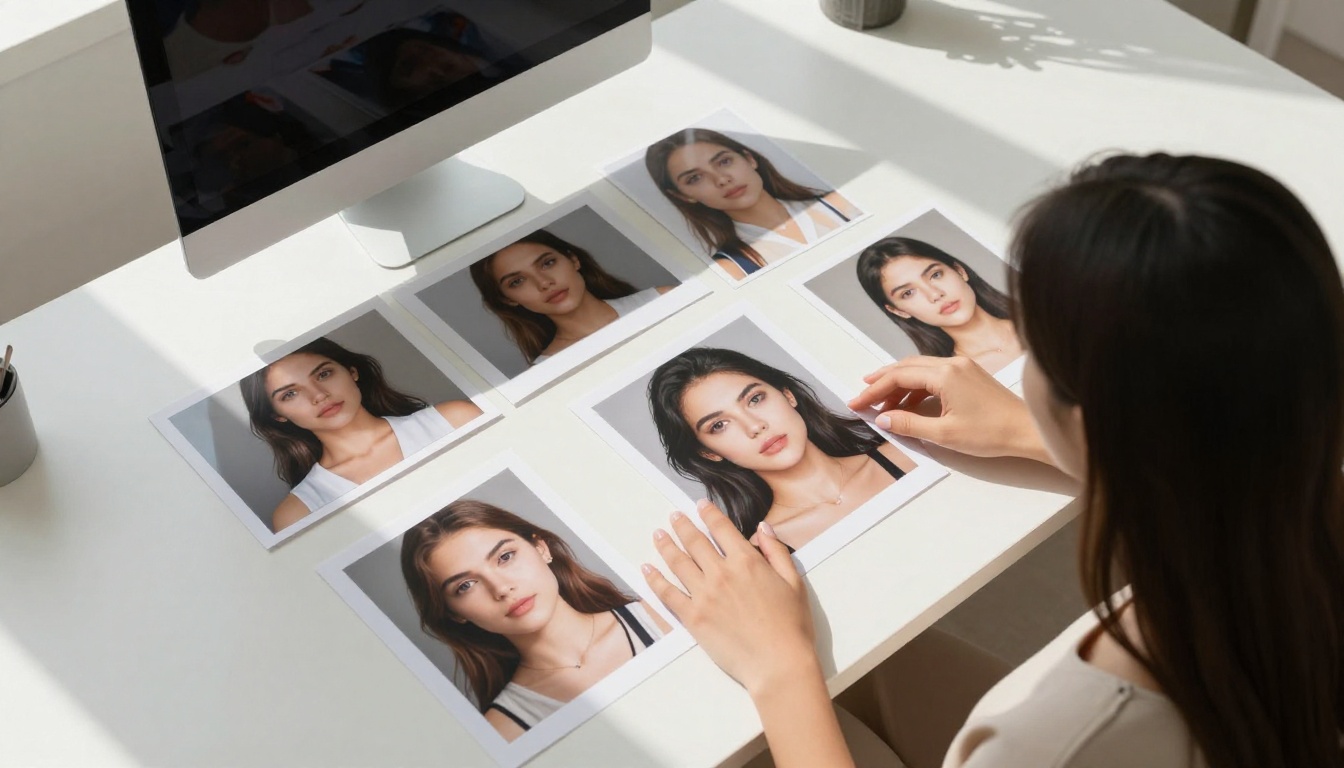
The AI image landscape has shifted dramatically. What Midjourney dominated in 2022 is a very different conversation in 2025. Picasso AI now hosts over 183 text-to-image models, including Flux Redux Dev, GPT Image 2, and Seedream 4.5. Leonardo AI has doubled down on proprietary model development. Midjourney keeps refining its signature aesthetic with periodic version updates. The question is no longer which tool is "best" in the abstract but which delivers the most value for your specific creative work.
The reality is that if you've been using the same platform for two years without revisiting your options, you're likely leaving significant quality and efficiency gains on the table. The gap between a single-model platform and a multi-model platform has never been wider.
Image Quality: The Real Test
Photorealism and Micro-Detail
This is where the three platforms diverge most visibly. Midjourney's output has a polished, slightly over-processed quality. Beautiful in many contexts, but recognizably "AI-made" to any trained eye. The skin tones are smooth in a way that human skin is not. The lighting is dramatic in a way that feels composed rather than captured.
Leonardo's photorealistic models produce strong results, particularly with newer versions. Consistency remains a challenge, and the difference in quality between a good generation and a mediocre one can be frustratingly large.
Picasso AI's access to Flux Krea Dev and Wan 2.7 Image Pro gives it a substantial edge in photographic naturalism. These models were built specifically to avoid the "AI look," producing images that function as genuine photography in commercial contexts.
💡 For photorealistic content, models like Flux Krea Dev on Picasso AI consistently outperform Midjourney's standard output in naturalness, skin texture fidelity, and believable lighting.
Portrait Quality and Human Anatomy
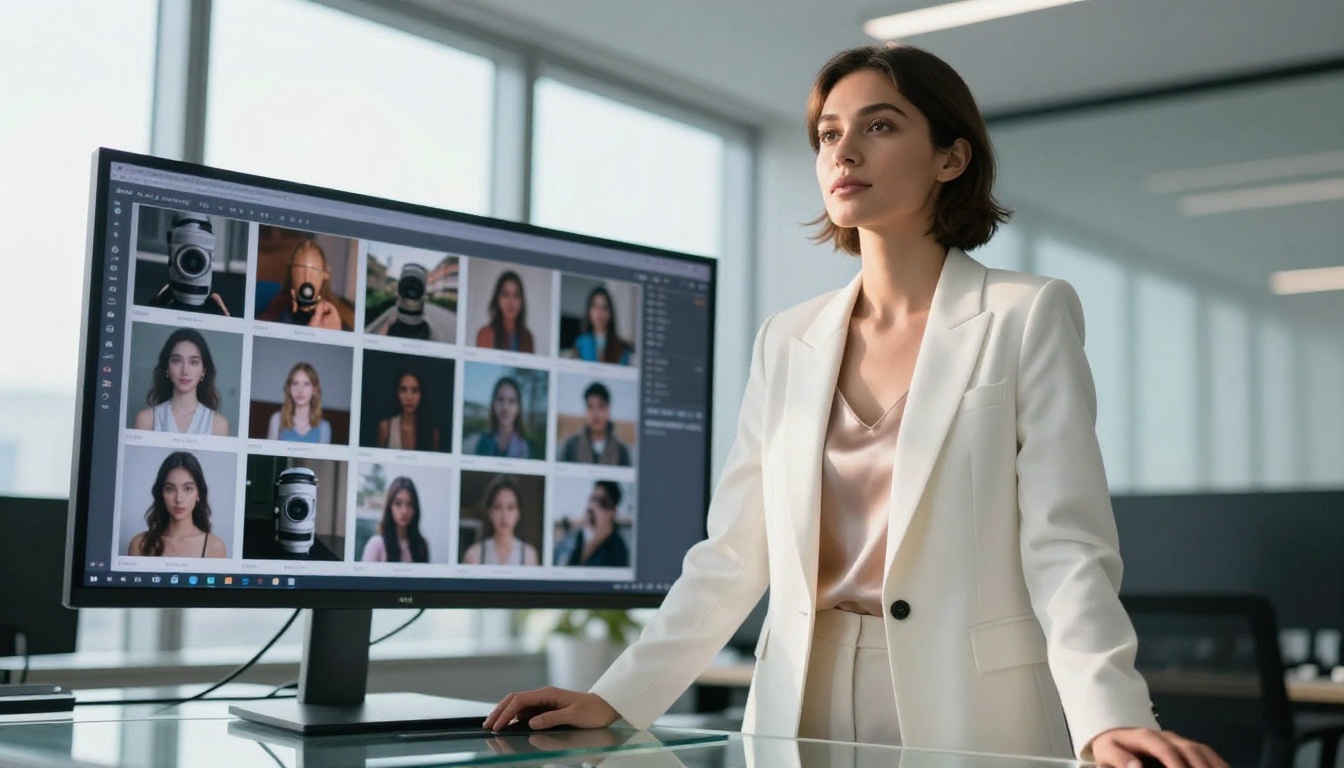
Human faces are the most punishing test for any image model. Midjourney handles faces competently at higher quality settings but produces an uncanny symmetry that signals AI origin. The eyes are almost too even. The skin almost too smooth. Leonardo's face quality has improved with recent model versions but still struggles with edge-case angles, unusual expressions, and hands with natural finger proportions.
On Picasso AI, Dreamina 3.1 and Hunyuan Image 2.1 are purpose-built for cinematic portrait quality. The skin texture, micro-detail in iris structure, the natural crinkle at the corner of an eye, the way hair catches light at different depths. These details elevate the output into territory that Midjourney and Leonardo rarely reach.
Style Range and Versatility
| Platform | Photorealism | Fashion | Architecture | Product |
|---|
| Midjourney | Good | Great | Good | Average |
| Leonardo AI | Good | Good | Average | Good |
| Picasso AI | Excellent | Excellent | Excellent | Excellent |
The table tells the clearest story: Picasso AI's access to specialized models means it does not have to compromise across categories. A photorealism model and a fashion model are genuinely different tools. Having both in one platform, purpose-built for each context, removes the quality ceiling that single-model platforms impose.
Speed and Workflow
Generation Time Comparison
Speed determines how many iterations you can run in a working session. More iterations means better final output and faster project timelines. Here is how the three platforms compare under normal operating conditions:
- Midjourney: 20 to 60 seconds depending on quality tier and queue load
- Leonardo AI: 10 to 40 seconds at standard settings
- Picasso AI with Flux Schnell LoRA: Under 10 seconds for rapid iteration
- Picasso AI with Flux Kontext Fast: 5 to 8 seconds per image in most scenarios
When you're generating 50 or more images for a campaign, the speed differential is not just a convenience. It is a productivity multiplier. At 8 seconds per image versus 45 seconds, you are running 5 times more iterations in the same window. Prompt quality compounds over iterations.
Interface and Usability
Midjourney's Discord-based interface is a historical artifact more than a deliberate design choice. It is functional but creates real friction for professional production work. Prompts scroll off the screen. Accessing previous generations requires effort. Batch management is minimal.
Leonardo AI's web interface is genuinely well-designed. The organization is clean, model switching is intuitive, and the canvas editor works reliably. For creators coming from a design tool background, it feels familiar.
Picasso AI's interface organizes models by category, from portrait generation to inpainting to upscaling, making it straightforward to build multi-step workflows. The ability to move from GPT Image 2 for initial generation to Flux Fill Pro for inpainting to super resolution for final output, all within one platform, eliminates the context-switching tax of a multi-tool pipeline.
Batch and Iteration Workflow
For high-volume generation, Picasso AI has no real competition in this comparison. Running the same prompt through Gemini 2.5 Flash Image, GPT Image 2, and Recraft 20B back to back in the same interface is a workflow Midjourney and Leonardo simply cannot offer. This cross-model comparison capability is one of the most underused advantages on the platform.
Pricing Breakdown
What Each Platform Actually Costs
Pricing structures across these tools are often designed to obscure real cost-per-image. Here is an honest breakdown of what you are actually paying:
Midjourney pricing:
- Basic plan: $10 per month (approximately 200 generations)
- Standard plan: $30 per month (15 GPU hours)
- Pro plan: $60 per month (30 GPU hours)
- Mega plan: $120 per month (60 GPU hours)
- Free trial: essentially removed as of 2024
Leonardo AI pricing:
- Free tier: 150 tokens per day (enough for testing, not production)
- Apprentice: $12 per month
- Artisan: $30 per month
- Maestro: $60 per month
Picasso AI:
- Access to 183+ models including Flux Redux Dev, Stable Diffusion 3, and GPT Image 1
- Competitive per-generation pricing without locking you into a single model ecosystem
- No forced upgrade path to access newer models when they are added to the library
💡 The real cost question: If you are paying for Midjourney Pro but only ever using one model, you are leaving enormous value on the table compared to a platform where GPT Image 2, Flux Fill Pro, and Hunyuan Image 2.1 are all within the same subscription tier.

Free Tiers and Accessibility
Leonardo offers the most accessible free tier for testing, giving new users enough daily tokens to evaluate the platform meaningfully before committing money. Midjourney's free trial has been effectively discontinued. Picasso AI's model access structure lets you test individual models before integrating them into your workflow, which matters enormously when you're evaluating 183 different options rather than a single proprietary system.
Real Cost Per Image
At volume, the math becomes very different from the headline subscription price. Midjourney's GPU-hour pricing model penalizes high-resolution and upscaled outputs disproportionately. Leonardo's token system can deplete quickly in a production session with complex prompts. Picasso AI's model-specific pricing means fast models like Flux Schnell LoRA cost significantly less per generation than premium quality models, letting you allocate budget based on the actual quality requirement of each asset.
Model Variety and Flexibility
One Model vs. a Model Library
This is the most consequential difference between these platforms and the one most creators underestimate when choosing. Midjourney runs a single model with periodic version updates. You have no access to alternative architectures, no ability to switch to a model that handles your specific use case better, and no way to compare outputs across model families.
Leonardo runs a handful of proprietary and fine-tuned models alongside some open-source options. The selection has grown but remains limited relative to the broader ecosystem.
Picasso AI operates as a model aggregator, giving you access to the entire frontier of open and commercial AI image models. When Black Forest Labs releases a new Flux variant, when ByteDance ships Seedream 4.5, when Google publishes Gemini Image, it appears in Picasso AI's library. You are not waiting for a single company's R&D cycle.

Editing, Inpainting, and Post-Processing
For modifying, extending, or correcting images after initial generation, Picasso AI wins decisively. Flux Fill Pro and Flux Fill Dev handle inpainting with precision that matches professional retouching workflows. Flux Depth Pro lets you re-style an image while preserving its three-dimensional spatial structure, a capability that neither Midjourney nor Leonardo offers in any comparable form.
Flux Canny Pro adds ControlNet-style structural guidance, letting you direct composition through edge maps. This level of technical control is only available through complex local pipeline setups on other platforms. On Picasso AI, it is a single model selection in the interface.
LoRA Training and Custom Styles
Custom LoRA fine-tuning has become essential for maintaining brand consistency, character consistency across a content series, and replicating a specific photographic style reliably.
- Midjourney: No LoRA support. Relies entirely on prompt engineering and style references
- Leonardo AI: Limited LoRA training through their proprietary system
- Picasso AI: Full LoRA support via Flux Kontext Dev LoRA and Flux Schnell LoRA, with access to trained LoRAs from the community
How to Use Flux Kontext Fast on Picasso AI
Flux Kontext Fast is one of the most practical models in the entire Picasso AI library for creators who want production-quality images at iteration speed. Here is how to use it effectively.
Step 1: Select the Model
Navigate to Picasso AI's text-to-image collection and select Flux Kontext Fast. This model specializes in contextual image editing, accepting natural language descriptions of changes to an existing image.
Step 2: Craft a Photographic Prompt
Unlike Midjourney, which responds well to stylistic shorthand and aesthetic references, Flux Kontext Fast performs best with descriptive, photographic language. A strong prompt structure includes:
- Subject and pose: Describe the person or object with specific physical detail
- Environment and background: Where the scene takes place, time of day, architectural context
- Lighting conditions: Direction, quality, and color temperature of the light source
- Camera specifics: Focal length, aperture, and distance that defines the perspective
Example: "A young woman with dark wavy hair, sitting at a marble café table, morning diffused light from a north-facing window, 50mm f/2.0 lens, Kodak Portra 400 film texture, photorealistic RAW photography"
Step 3: Iterate at Speed
With generation times under 10 seconds, Flux Kontext Fast is built for the kind of rapid iteration that refines prompts into truly strong outputs. Run 8 to 10 variations of a prompt in the time a single Midjourney generation takes. Then build your final prompt from the strongest elements of each result.
Step 4: Refine with Specialized Models
Once you have a base image that works, Picasso AI lets you take it further with purpose-built editing models. Use Flux Fill Pro to clean up or replace specific areas. Use Flux Canny Pro to re-generate the style while locking the structural composition. This multi-model pipeline is what separates professional AI image production from casual generation.

Social Media Creators and Content Teams
Best choice: Picasso AI
Speed, variety, and low-friction iteration make Picasso AI the stronger daily driver. Dreamina 3.1 and Seedream 4.5 produce high-impact 4K visuals that perform well across formats, from Instagram square crops to YouTube thumbnails to Pinterest verticals.
Concept Artists and Game Designers
Best choice: Midjourney for stylized work, Picasso AI for controlled output
Midjourney produces the most aesthetically distinctive results for fantasy, sci-fi, and stylized concept art. The singular aesthetic is a feature in this context. But for structural control over compositions, consistent character designs across a series, or reference-guided generation, Picasso AI's Flux Canny Pro and Flux Depth Pro are indispensable.
Photographers and Product Studios
Best choice: Picasso AI
Photorealism is non-negotiable for commercial photography replacement. Wan 2.7 Image Pro and Hunyuan Image 2.1 produce output that meets commercial photography standards for product, portrait, and lifestyle categories. The background removal, shadow generation, and super resolution tools available in the same platform create a complete product photography workflow without additional software.
Marketers and Brand Teams
Best choice: Picasso AI
Brand consistency requires repeatable output and the ability to fine-tune for specific visual identities. Flux Kontext Dev LoRA handles custom style training effectively. The combination of LoRA support with access to the full Flux family for production-quality output gives brand teams a level of consistency and control that neither Midjourney nor Leonardo can currently match.
| Use Case | Midjourney | Leonardo AI | Picasso AI |
|---|
| Social Media | Good | Good | Best |
| Photorealism | Average | Good | Best |
| Concept Art | Best | Good | Good |
| Product Photography | Average | Good | Best |
| Brand Consistency | Average | Good | Best |
| Generation Speed | Average | Good | Best |
| Model Variety | Poor | Average | Best |

Start Creating on Picasso AI Today
The honest summary: Midjourney made AI image generation famous, but the ecosystem has moved far beyond what a single-model platform can offer. Leonardo AI is a capable platform with solid proprietary models and a clean interface. Picasso AI operates in a different category, functioning as a full creative operating system rather than a single tool.
With over 183 text-to-image models spanning photorealism, editing, LoRA training, and structural control, plus seamless access to the entire Flux model family including Flux Fill Pro, Flux Redux Dev, and Flux Kontext Fast, the platform delivers capabilities that no single-model tool can replicate.
The models worth starting with:
- Flux Krea Dev for photorealistic images that look nothing like AI output
- Seedream 4.5 for 4K, detail-rich scene generation at speed
- GPT Image 2 for instruction-following prompts with consistent, high-quality output
- Dreamina 3.1 for cinematic portrait-quality photography with 4MP resolution
If you've been using the same AI image platform for the past year without questioning whether better options exist, now is a good time to run a direct comparison. Take the prompt you use most often, run it on your current tool, then run the same prompt through Flux Krea Dev or Wan 2.7 Image Pro on Picasso AI. The difference in photorealism and naturalness will be immediately visible.
The tools are better than they have ever been. The only question is whether the platform you're on today can access all of them.


