Every dollar you spend on AI image generation tools matters. Midjourney has built a reputation as the gold standard for AI art, but it comes at a price that adds up fast. Picasso AI offers a credit-based model with access to over 91 text-to-image models that might actually cost you significantly less, depending on how you create. Here's the real breakdown, without the marketing fluff.
Before comparing value, you need to understand how each platform charges you. They use completely different pricing models, and that difference alone determines who wins on cost for your specific use case.
What Midjourney's Plans Cost You Monthly
Midjourney runs on subscriptions. No credits, no flexibility, just flat monthly fees regardless of how much or how little you create:
| Plan | Monthly Price | Annual Price/Month | Fast GPU Hours |
|---|
| Basic | $10/month | $8/month | 3.3 hours |
| Standard | $30/month | $24/month | 15 hours |
| Pro | $60/month | $48/month | 30 hours |
| Mega | $120/month | $96/month | 60 hours |
Here's what most reviews skip: Midjourney measures usage in GPU hours, not image counts. A single high-quality image at --quality 1 takes roughly 1 minute of GPU time. That means the Basic plan at $10/month gives you around 200 images per month under ideal conditions. But upscaling, variations, and re-rolls all eat into that quota faster than most users expect.
When you run out of fast hours, you drop into relax mode, where your images queue behind other users. Wait times stretch from several minutes to over an hour during peak periods. There's no free tier, no trial. You pay before you know if the results serve your needs.
How Picasso AI Credits Work
Picasso AI takes a fundamentally different approach. You purchase credits, which you spend per generation. This structure changes the economics entirely:
- You don't pay for time you don't use
- Different models cost varying amounts of credits
- Credits roll over rather than expiring at month-end
- You can switch between models based on what each project demands

The credit system means a casual creator who makes 30 images in a slow week and 120 in a busy one pays proportionally for that variation. With a Midjourney subscription, you pay the same $30 whether you generated 900 images or 9. For anyone whose creative output isn't perfectly consistent month-to-month, that flexibility has real monetary value.
Side-by-Side Price Breakdown
Putting real numbers side by side makes the contrast clear. This table shows what you actually receive for your money across both platforms:
| Metric | Midjourney Basic | Midjourney Standard | Picasso AI |
|---|
| Monthly Cost | $10 flat | $30 flat | Pay-per-use credits |
| Approx. Image Limit | ~200 fast | ~900 fast | Credit-dependent |
| Models Available | 1 proprietary | 1 proprietary | 91+ text-to-image |
| Free Tier | None | None | Yes, included |
| Private Generation | Not included | Included | Included |
| API Access | $60+/month only | $60+/month only | Available at lower tiers |
| Commercial License | Standard+ only | Included | Included |
The model count gap deserves attention. Midjourney offers exactly one model: their own. Picasso AI gives you access to over 91 text-to-image models, including Flux Dev and Flux Schnell, which consistently rank among the strongest open-source image generators available. That variety isn't just a number. It means you can choose the right tool for each job rather than forcing every creative brief through a single model's aesthetic.
💡 Credit systems reward irregular usage. If you go two weeks without creating anything, you haven't wasted money. With Midjourney's subscription, those two weeks cost the same as your most productive month.
What You Can Create at Each Price Point
Ten dollars on each platform doesn't look the same. Here's what that budget actually produces in practice.
Midjourney at $10 Per Month
For $10, you get roughly 200 images per month, all generated by the same Midjourney V6 or V6.1 model. The quality is genuinely impressive for fantasy illustration, concept art, and stylized portraits. Midjourney has a distinctive aesthetic that works brilliantly for mood boards, editorial content, and creative direction.
But that distinctive look is also a constraint. Every image carries the "Midjourney signature." Photorealistic outputs have improved substantially over recent versions, but they still carry stylistic tells that make them identifiable as AI-generated. The platform excels at artistic and conceptual work. It struggles more when clients need images that pass as genuine photography.

Picasso AI Per Credit
With P-Image, Picasso AI's proprietary fast generator, you produce photorealistic images at a cost per generation that scales with your actual usage. The platform's core strength is model variety. Swap between Flux Dev for detailed, high-fidelity outputs and Flux Schnell for rapid iteration without burning through your credit balance.
The tradeoff is a learning curve. Midjourney is plug-and-play: type a prompt, get an image, refine from there. Picasso AI rewards users who spend time understanding what each model does best. That 20-minute investment upfront pays dividends in output quality and lower credit costs over time.
Hidden Costs Nobody Talks About
Both platforms carry costs that don't appear in the headline pricing.
Midjourney's Discord Dependency
Midjourney still operates primarily through Discord. That structural choice has practical consequences:
- No native desktop or mobile app (the web interface is functional but limited)
- Public galleries by default on the Basic plan, your prompts and outputs visible to other users
- Stealth mode (private generation) requires the Pro tier at $60/month
- Prompt exposure means commercial concepts and unreleased campaign work are visible to the community

For commercial users and agencies working on client briefs with confidentiality requirements, public prompt visibility is a genuine liability. Private generation on Midjourney costs $60/month minimum. Picasso AI operates as a standalone web platform where private generation is included regardless of how many credits you purchase.
The Overage Problem With Subscriptions
Midjourney's subscription model creates a hard ceiling. When you exhaust your fast GPU hours, you face two options:
- Wait in relax mode, with queue times that can exceed an hour during peak usage
- Purchase top-up hours at $4 per hour of GPU time
That top-up rate is expensive relative to the base plan. At approximately 1 GPU minute per image, $4 buys you roughly 60 additional images. Users who regularly hit their fast hour limit effectively pay substantially more per image than the plan price suggests.
Credit systems avoid this problem. When you need more capacity, you purchase credits at the standard rate. No queue penalties, no premium overage pricing.
💡 For agencies: Calculate your team's actual monthly image volume before committing. If you exceed 200 images monthly on the Basic plan, the Standard plan at $30 is more cost-effective than constant top-up purchases.
What the Model Range Actually Means
The 91+ text-to-image models on Picasso AI aren't a marketing stat. Each serves a specific creative purpose:

For photorealism: Flux Dev produces detailed, realistic outputs that rival mid-budget stock photography. The model renders skin texture, fabric folds, and environmental lighting with accuracy that Midjourney approaches but doesn't consistently match.
For speed and iteration: Flux Schnell generates images in under 10 seconds. When you're testing 15 different prompt variations to find the right direction, that speed matters more than marginal quality differences.
For proprietary workflows: P-Image is Picasso AI's optimized generator. It balances speed and output quality while offering specific control parameters that generalist models don't prioritize.
Beyond generation, Picasso AI includes professional upscaling tools. Real ESRGAN enhances images up to 4x resolution, while Clarity Pro Upscaler specifically targets photorealistic outputs for print-ready results. Midjourney includes built-in upscaling, but you can't route generated images through specialist enhancement models without exporting and using separate tools.
Who Wins on Value
There's no universal winner. The cheaper platform depends entirely on how frequently and consistently you create.
For Casual Creators
If you generate 50 to 150 images per month with irregular timing, Picasso AI's credit system almost certainly costs less. You pay for what you use. The free tier lets you test multiple models before committing any money, which Midjourney doesn't offer.
Midjourney's $10 Basic plan makes sense if your creative output is consistent throughout the month and you specifically want that Midjourney aesthetic. The subscription becomes wasteful the moment your usage drops below 60% of your fast hour allocation.
For Professionals and Commercial Use
Professionals need reliability, privacy, and output quality that matches client briefs. Picasso AI has structural advantages here:
- Model flexibility means matching the tool to each specific job rather than adapting every brief to one model's output style
- Private generation without paying premium subscription pricing
- API access at lower price points, enabling workflow automation and integration with design tools
- No Discord in a client-facing professional workflow
Midjourney's Pro tier at $60/month does include stealth mode and 30 fast GPU hours, which is meaningful for heavy personal users. But for commercial work requiring consistent photorealism across varying subjects, the model variety on Picasso AI frequently produces better output per credit spent.
For Teams
Midjourney charges per seat. A five-person creative team at the Pro level pays $300/month. Picasso AI's credit model allows teams to draw from a shared credit pool, paying only for what the team collectively generates rather than locking in per-seat pricing regardless of each member's actual usage.
💡 Team math: A five-person team generating 800 images per month doesn't need five Midjourney Standard seats at $150/month total. A shared credit pool on Picasso AI covering the same volume typically costs less while offering more model variety.
How to Use Flux Dev on Picasso AI
Flux Dev is one of the strongest models for photorealistic outputs on the platform. Here's the workflow that consistently produces professional results:
Step 1: Open the model
Navigate to Flux Dev on Picasso AI directly. The model page shows sample outputs and parameter controls.
Step 2: Write a specific prompt
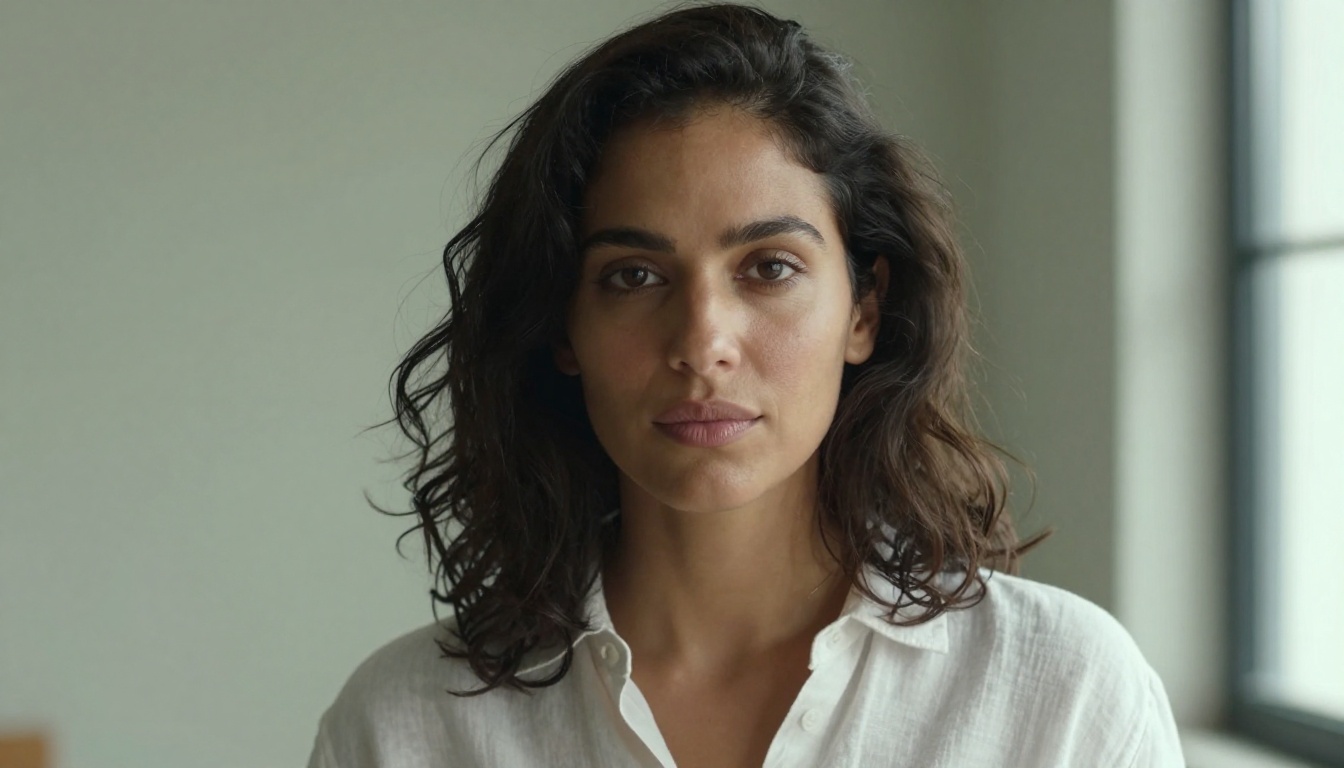
Flux Dev rewards prompt specificity. Instead of "woman at beach," write: "professional photograph of a woman in her thirties, standing at a rocky Mediterranean coastline, golden hour light, natural expression, 85mm lens, shallow depth of field, photorealistic." The more environmental and technical detail you include, the more controlled your output.
Step 3: Set your parameters
- Aspect ratio: 16:9 for landscape compositions, 9:16 for portrait-oriented content, 1:1 for social media
- Steps: 30 to 50 steps for detailed final outputs, lower for draft iterations
- Guidance scale: 3.5 to 4.5 produces naturalistic photorealistic results; higher values push toward more literal prompt interpretation
Step 4: Iterate using Flux Schnell first
Before spending credits on Flux Dev final renders, test your prompt variations with Flux Schnell. It generates results in under 10 seconds, letting you refine composition and subject before switching to the higher-quality model. This approach cuts your effective credit spend substantially.
Step 5: Upscale for print or large-format use
Run your final selected image through Real ESRGAN or Clarity Pro Upscaler for 4x resolution enhancement. The output at that scale qualifies for billboard, print, and large-format commercial use without visible quality degradation.
The Math Is Clear
Midjourney charges you for time whether you use it or not. A $30/month subscription running 12 months costs $360 annually. If you take two weeks off during the holidays, another week when a project wraps early, and occasionally miss a few days throughout the year, you're likely paying for 20 to 25% of subscription time during which you generate nothing.
Picasso AI's credit model means your entire budget goes toward actual creation. No idle payments, no wasted monthly cycles. The comparison over 12 months typically looks like this for a mid-volume user:
| Usage Pattern | Midjourney Cost | Picasso AI Cost |
|---|
| 100 images/month consistently | $360/year | ~$180-240/year |
| 50-200 images/month variable | $360/year | ~$120-200/year |
| Team of 5, pooled usage | $1,080-1,800/year | ~$400-700/year |
| Professional, API-dependent | $720+/year | Significantly lower |
The exception is the power user who generates 800 to 1,000 images every single month without variation. At that volume, subscription pricing delivers more predictable economics. But that usage pattern describes a small percentage of creators.
Start Creating Without the Subscription Lock-In
The cheapest option is always starting free. Picasso AI offers a free tier that lets you test Flux Dev, Flux Schnell, P-Image, and other models before spending a single credit. Run the same prompt across three different models. Compare the results. That experiment takes 10 minutes and tells you more about which platform serves your work than any pricing comparison article can.
Midjourney requires payment before you see a single result. You commit $10 on the hope that the output matches your needs.
The credit model changes that power dynamic in your favor. Test first, pay only for what you actually use, and scale when the results prove their value. That's not just cheaper in most scenarios. It's a smarter way to buy creative tools.


