If you've tried OpenArt and feel like you're paying too much for too little, you're not imagining it. Pricing structures in AI art platforms are often designed to obscure the real cost per image, and the quality gap between competing tools is wider than most surface-level comparisons admit. This article puts Picasso AI vs OpenArt: Better Models, Lower Price to the test with real numbers, actual model counts, and output quality analysis across the categories that matter most to creators.
What OpenArt Actually Costs
OpenArt markets itself as a flexible platform, but the pricing structure rewards high-volume users and penalizes anyone who wants to use premium models on a budget.
The Credit System Breakdown
OpenArt runs on a credit-based system where every generation costs a different amount depending on which model you use. A Flux Pro image might burn 4x more credits than a standard SDXL output. On the free tier, you start with 50 credits per day, which sounds reasonable until you realize a high-quality Flux generation uses that up in roughly 10 to 15 images.
- Free tier: 50 credits/day, downloads include watermarks
- Starter plan: approximately $8.99/month, 100 credits/day
- Pro plan: approximately $18/month, "unlimited" with fair use restrictions
- Enterprise: custom pricing for teams
The watermark on free tier downloads is a real blocker for anyone building a portfolio, commercial content library, or testing outputs for client work.
Where Costs Add Up Fast
The sting comes when you start reaching for premium models. Flux Pro, custom LoRA variants, and higher-resolution outputs typically require being on the upper subscription tiers. NSFW content access sits behind an additional unlock on top of your base plan. Add those costs together and the monthly bill climbs quickly for users who want both quality and flexibility.
💡 Worth calculating: Before committing to any AI image platform, estimate your real monthly generation volume. Serious creative work typically requires 200 to 400 images per month across ideation, iteration, and final output stages.
The Community Tradeoff
OpenArt's community gallery is its strongest differentiator. You can browse thousands of public generations, copy prompts that work, and remix community workflows. For beginners still learning how to write effective prompts, this social layer is genuinely valuable. The tradeoff is that the platform optimizes for discoverability over raw model depth.
What Picasso AI Brings Instead
The proposition for Picasso AI is direct: more models, more access, and pricing that does not require tracking credits across different generation tiers.
The Free Tier Reality
Picasso AI's free access gives you real generation capability without the aggressive watermarking that makes OpenArt's free tier feel limited for actual work. You can test models properly, evaluate output quality across different styles, and decide whether the platform matches your workflow before spending anything.
Pricing That Stays Consistent
Subscription tiers on Picasso AI give you consistent access regardless of which model you choose. You are not penalized for using a high-quality model like Flux Redux Dev over a faster, cheaper option. That consistency makes monthly budget planning significantly more predictable, especially for creators who regularly switch between model types for different project requirements.
Model Selection: The Numbers
This is where the gap between the two platforms becomes hard to ignore.
Flux Models Available
OpenArt offers Flux Dev and Flux Pro, which covers the basics well. Picasso AI hosts multiple distinct Flux variants, each tuned for different use cases:
- Flux Redux Dev: Creates natural image variations from a source image while preserving subject identity
- Flux Krea Dev: Produces outputs that pass the "is this a real photo?" test at normal viewing distances
- Flux Fill Pro: Inpainting and outpainting with precise edge handling
- Flux Depth Pro: Depth-aware editing that preserves scene structure during modifications
- Flux Canny Pro: Edge-controlled generation for consistent compositions across iterations
- Flux Schnell LoRA: Fast generation with custom style adaptation for rapid prototyping
Having the full Flux family in one place changes what you can accomplish in a single session. Start with a text prompt in Flux Schnell LoRA, refine the scene composition with Flux Depth Pro, and finalize details with Flux Fill Pro. That end-to-end workflow runs on one platform without switching tools or accounts.
Seedream and Beyond
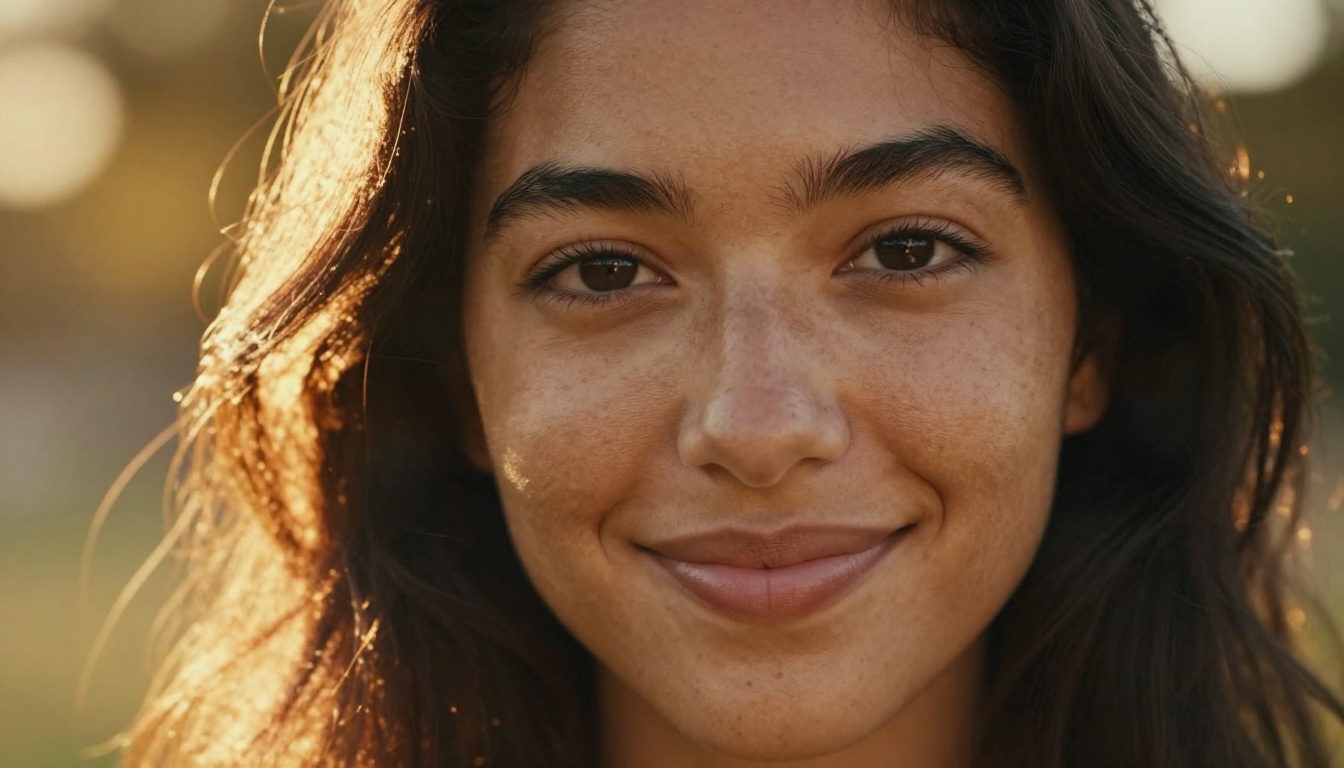
Beyond the Flux family, Picasso AI gives you access to Seedream 4.5 from ByteDance, a model that produces genuinely sharp 4K outputs with strong prompt adherence. Stable Diffusion 3 is also available for users who prefer the classic SD aesthetic or need compatibility with existing prompts and workflows.
The total text-to-image model count on Picasso AI reaches 91 models. OpenArt's curated library is smaller, which some users prefer for its focus, but it means fewer options when you need to match a very specific visual style or output characteristic.
Output Quality: Real Results
Model count means nothing if the outputs are not competitive. The honest picture is that both platforms produce strong results when you pair the right model to the right task.
Photorealism in Practice
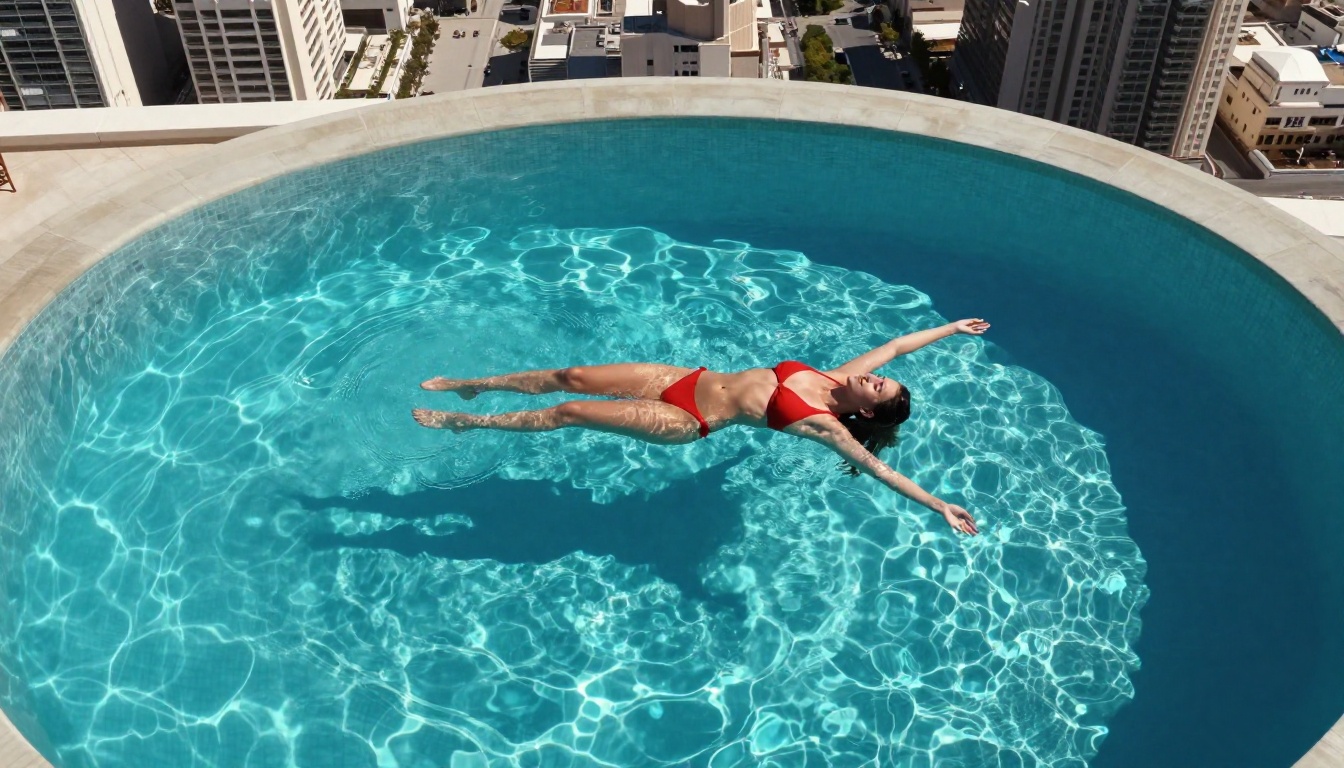
For portrait and lifestyle imagery, the quality difference between platforms comes down to which Flux variant you have access to. Flux Krea Dev consistently produces outputs that look less artificially generated than what standard SDXL-based models deliver. Skin texture, hair detail, and natural lighting interaction all come through in ways that older diffusion model architectures struggle to replicate.
OpenArt's Flux access is solid, but the platform's interface encourages using style presets and community templates. That works well for beginners but creates a ceiling for users who want precise control over individual parameters.
Portrait and Glamour Quality
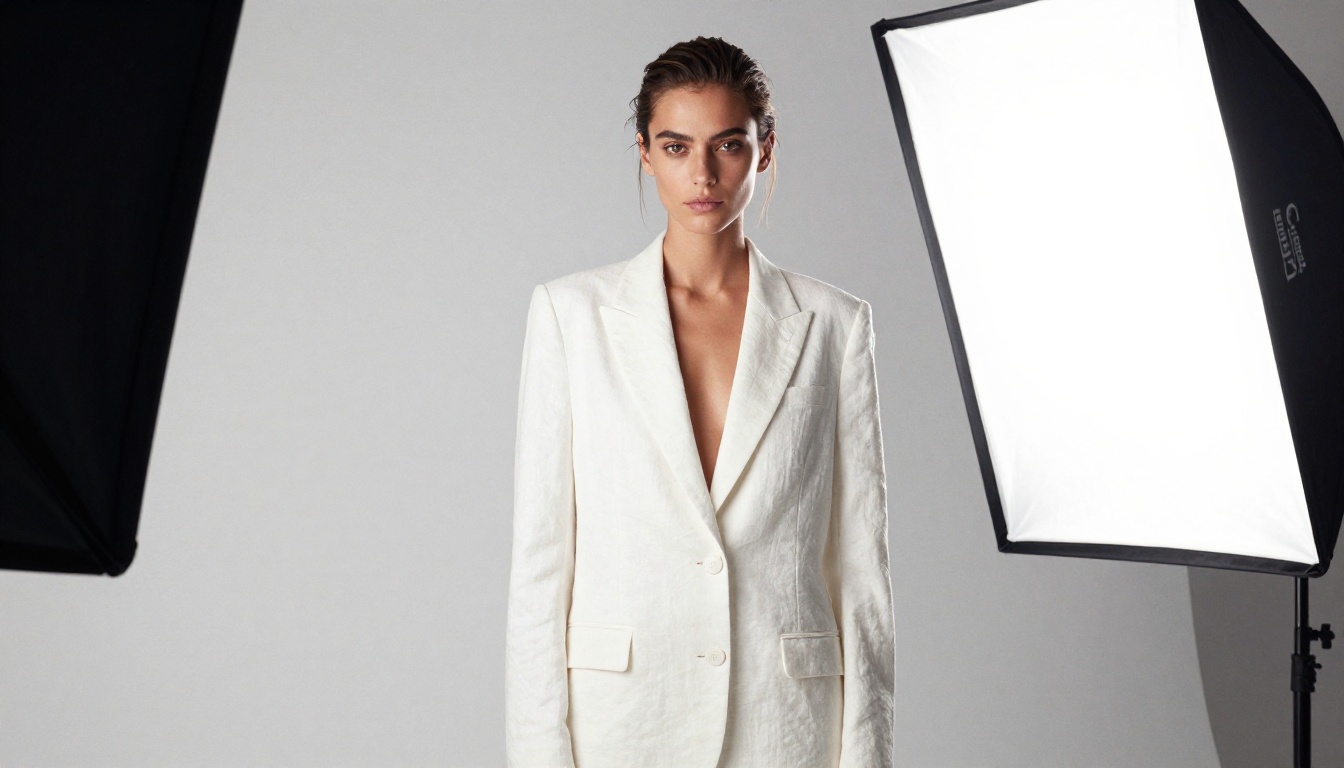
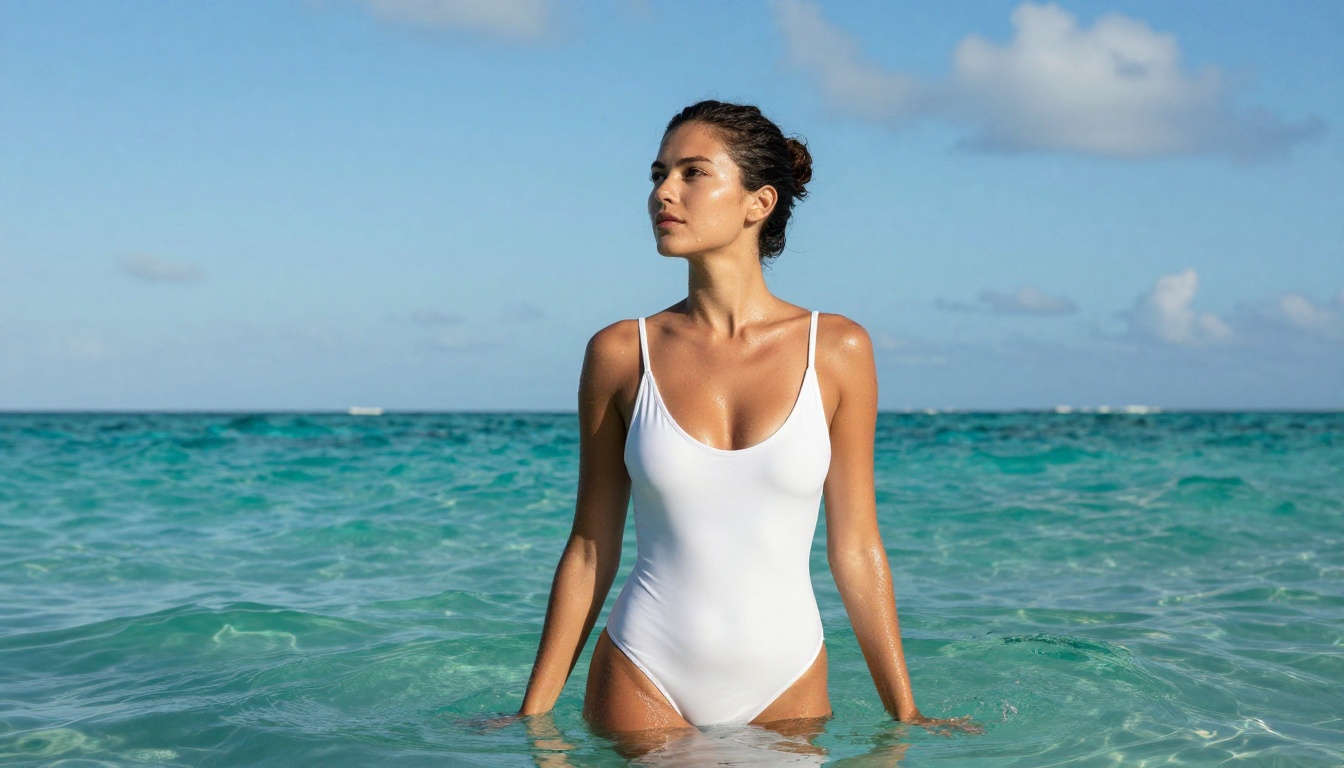
For fashion and glamour content, the photorealistic ceiling is high on both platforms when you use Flux-based models. The advantage with Picasso AI's broader model selection is that you can find the exact aesthetic you need, from the sharp-edged clarity of Seedream 4.5 to the film-grain character of Flux Krea Dev, without leaving the platform or switching accounts.
💡 Prompt technique: For portrait work, add specific lighting direction and camera parameters to your prompts. "Soft north light from left, 85mm f/1.4, Kodak Portra 400" produces dramatically better results than generic quality boosters like "highly detailed" or "masterpiece." Flux models respond to photographic language.
NSFW and Adult Content Tools
Adult content is a real segment of the AI image generation market, and both platforms address it. The experience differs meaningfully.
OpenArt's Adult Approach
OpenArt gates NSFW content behind paid tiers and requires explicit account-level opt-in. The available models for adult content are functional but limited compared to the broader library. You're generally working with SDXL-based options or specific community-trained models rather than the latest Flux variants.
The community aspect does help in this category. Browsing what others have generated, finding prompts that work within the platform's limits, and building on community workflows gives beginners a faster ramp-up for this type of content.
How Picasso AI Handles It
Picasso AI makes the transition between SFW and non-explicit content happen at the prompt level rather than requiring a separate account state, plan upgrade, or platform switch. The best-performing models, including Flux variants, remain available for glamour and adult-adjacent content without artificial restrictions layered on top of the generation interface.
The quality difference matters most in this category. Flux's superior understanding of anatomy, natural lighting, and surface texture means that suggestive and glamour content looks significantly more convincing than outputs from older SDXL-based alternatives. Skin rendering, light interaction across different fabric and skin types, and realistic composition all benefit from the architecture improvements in Flux models.
| Feature | OpenArt | Picasso AI |
|---|
| Text-to-image models | ~40-60 | 91+ |
| Flux variants available | 2-3 | 6+ |
| Free tier downloads | Watermarked | No watermark |
| NSFW access | Premium tier only | Available |
| Inpainting and outpainting | Yes | Yes (Flux Fill Pro) |
| Super resolution | Yes | Yes |
| Video generation models | Yes | 87+ models |
| Face swap | No | Yes |
| Background removal | Yes | Yes |
| AI music generation | No | Yes |
| Text to speech | No | Yes |
| Community gallery | Yes | No |
| API access | Yes (paid tiers) | Yes |
The feature comparison reveals that these platforms are not competing on identical ground. OpenArt is a community-first platform with social features at its core. Picasso AI is a model-first platform that prioritizes having the most current and capable generation options available across the widest range of creative tasks.

How to Use Flux Dev on Picasso AI
Since Flux Redux Dev is one of the standout models available, here is exactly how to get strong results from it.
Step One: Pick Your Model
Navigate to the Flux Redux Dev model page on Picasso AI. This model is specifically built to create variations from an existing image while preserving the core subject and composition. If you are starting from a text prompt with no source image, Flux Schnell LoRA is the faster option for rapid iteration before committing to a final generation.
Step Two: Write Your Prompt
Flux models respond to specificity. Instead of writing "beautiful woman at the beach," try:
"A woman in her late twenties in a white linen sundress, standing at the edge of a turquoise Caribbean sea, late afternoon sun from the left creating long soft shadows across the wet sand, photographed with an 85mm f/1.8 lens, Kodak Portra 400 color rendering, fine grain"
The camera lens specification and film stock references dramatically improve photorealistic output. Flux has been trained on extensive photographic data and these cues activate that knowledge in a way generic quality descriptors do not.
Step Three: Set Your Parameters
For portrait and lifestyle content, these starting parameters work well:
- Guidance scale: 3.0 to 4.0 for photorealistic results, lower values for more creative deviation from the prompt
- Steps: 25 to 30 for final quality output, 15 to 20 when iterating fast
- Aspect ratio: 16:9 for landscape and environmental compositions, 9:16 for portrait-oriented content
💡 Refinement workflow: If the output is close but has a specific area that needs fixing, use Flux Fill Pro for targeted inpainting rather than regenerating the entire image. This saves credits and preserves the parts of the image that are already working.
Start Creating on Picasso AI
The comparison between these two platforms is not about declaring one universally better. It is about matching the right tool to the way you actually work.
If you are a casual user who values browsing a community gallery, building on public prompts, and working within a curated model selection, OpenArt is a reasonable choice. The social layer is well-built and the interface is approachable for beginners.
If you care about having access to the most current models, including every major Flux variant, Seedream 4.5, and tools that cover the full creation pipeline from image generation to upscaling to video production, Picasso AI delivers more value at comparable or lower cost.
The pricing difference becomes clearest when you factor in what each tier actually unlocks. With Picasso AI, a single subscription gives you access to the full model library without hitting paywalled features every time you want to try something slightly different. No credit math, no surprise tier limits, no separate unlocks for specific content categories.
The best way to settle this comparison for your specific workflow is to use both free tiers. Run the same prompt with equivalent models and evaluate the outputs side by side. Pay attention to skin texture in portrait outputs, edge quality in complex scenes, and how each platform handles specific lighting directions in your prompts.
Most users who make the switch find that having Flux Depth Pro, Flux Canny Pro, and Seedream 4.5 all available in one place, without tier-jumping or credit rationing, changes how they approach creative projects entirely.
The fastest way to see the difference is to start. Open Flux Redux Dev, write one detailed prompt, and let the output make the case for you.


