Three AI video tools are fighting for the same throne in 2027, and the gap between them is surprisingly narrow in some areas, brutally wide in others. Sora 2, Veo 3.1, and the catalog available through Picasso AI each promise to turn text prompts into professional-grade footage, but the way they actually deliver, especially on motion quality, audio coherence, and real-world usability, tells a very different story depending on what you need.
This is a hands-on breakdown. Not a spec sheet comparison. We ran the same prompts through each platform, tested edge cases, pushed audio generation to its limits, and stress-tested temporal consistency across complex scenes. Here is what the actual outputs revealed.
What Each One Actually Does
Sora 2 is OpenAI's flagship text-to-video model, built on a diffusion transformer architecture that processes video as a sequence of spatiotemporal patches. It generates up to 1080p video clips with synchronized audio, and its most impressive trait is its grasp of physics. Water flows realistically. Cloth moves with weight. Crowds behave like actual crowds, not pixel soups.
Veo 3.1 from Google DeepMind sits at the top of Google's video generation stack. It natively generates video and audio together, including ambient sound, dialogue, and music, directly from a single text description. The Veo 3.1 Fast variant trades a small amount of quality for significantly faster generation, while Veo 3.1 Lite serves lighter production use cases.
Picasso AI is not a single model. It is a platform that gives you access to over 87 text-to-video models through one interface. You can run Sora 2, Veo 3.1, Seedance 2.0, Kling v3, and dozens more, all without juggling separate API credentials or platform accounts.
Who Built Them and Why It Matters
The origin of each tool shapes what it prioritizes. OpenAI built Sora to push the boundary of physical realism and long-form temporal coherence. Google built Veo to own the cinematic storytelling and native audio space. Picasso AI was built for creators who need access, variety, and speed without the friction of managing individual platform subscriptions.
That difference matters when you are choosing a tool. It is not just about which output looks best on a single test prompt. It is about control, cost, and how the tool fits into your actual creative workflow.
The Output Quality Test
Motion and Physics Realism
This is where Sora 2 genuinely leads. Its training on massive real-world video datasets gives it an almost eerie understanding of how things move. We tested prompts involving water, fire, fabric in wind, and crowd movement. Sora 2 produced the most believable results across all four. Hair moves with individual strand behavior. Flames respond to implied wind direction. Fabric billows with actual weight and drag.
Veo 3.1 is not far behind. Its motion realism is excellent, particularly for camera movement. Crane shots, dolly pushes, and aerial tracking movements are where Veo 3.1 frequently outperforms. The model feels tuned for cinematography as much as for physics.
On Picasso AI, Seedance 2.0 from ByteDance handles motion exceptionally well, with a particular strength in human body movement and natural gesture. Kling v3 produces cinematic-grade motion in complex multi-character scenes. The advantage on the platform is that you pick the model that fits the specific shot you are generating.
Prompt Accuracy Under Pressure
We tested complex multi-element prompts across all platforms. One test prompt: "A woman in a red coat walks across a rain-soaked Parisian bridge at night, fog drifting over the river below, handheld camera slightly shaky, sound of rain and distant traffic."
Sora 2 interpreted this with remarkable fidelity. The coat color was accurate, the camera movement felt handheld, the fog moved. One failure: bridge railing geometry was slightly inconsistent across frames.
Veo 3.1 nailed the cinematic framing immediately. Ambient rain sound and distant traffic appeared in the audio track without being separately prompted. The fog was atmospheric and layered. Where it fell short: subtle character face drift appeared in longer clips.
Via Picasso AI, Wan 2.7 T2V produced a compelling result with strong prompt adherence. Pixverse v6 added its signature cinematic color grade automatically, which is either a helpful feature or an intrusive constraint depending on your production needs.
Temporal Consistency

Temporal consistency, whether elements remain visually stable across the full duration of a clip, is one of the hardest unsolved problems in AI video. In 5-second clips, all three platforms perform well. Push to 10-15 seconds and the differences become visible.
Sora 2 maintains character and object consistency better than most competitors at longer durations. Veo 3.1 handles scene-level consistency superbly but exhibits subtle character drift in clips beyond 10 seconds. Across Picasso AI's catalog, Hailuo 02 and LTX 2 Pro stand out for maintaining visual coherence in longer outputs.
Audio: Who Gets It Right

Sora 2 Audio Sync
Sora 2 and Sora 2 Pro generate synchronized audio that matches visual events in the clip. A door slamming produces a slam sound at the right frame. Footsteps sync to walking rhythm. Quality is convincing enough for social content and production draft materials.
Where Sora 2 audio falls short is in musical and dialogue-heavy scenarios. Ambient and event-triggered sound is strong. Precise spoken word is inconsistent, often producing phonetically plausible but semantically garbled speech at the syllable level.
Veo 3.1 Native Audio
This is Veo 3.1's most significant differentiator. The audio is not added after the video. It is generated alongside it from the same model, and the result feels organic to the scene in a way that post-added audio rarely achieves. We tested a thunderstorm over a mountain valley: the thunder arrived in spatial relationship to the lightning position in the frame. Rain volume shifted with implied wind gusts. It is genuinely impressive.
Veo 3 introduced this native audio capability, and Veo 3.1 refines it significantly. When dialogue is prompted, the model produces intelligible speech with reasonable lip movement matching, though not at the standard of dedicated lipsync models.
Picasso AI's Audio Options
Picasso AI offers multiple paths to audio in video. Seedance 2.0 generates built-in audio natively alongside the video output. Wan 2.2 S2V creates audio-synced video from sound input. For precise lipsync, the dedicated lipsync model category on the platform outperforms what any generalist video model can produce.
Tip: For the cleanest audio results, generate video and audio as separate passes, then combine. Use a text-to-video model for the visuals and a dedicated lipsync or text-to-speech model for voice work. Separating the two tasks consistently produces better final quality than asking one model to handle both.
Resolution and Speed Side by Side
The Numbers
| Feature | Sora 2 | Veo 3.1 | Picasso AI (top models) |
|---|
| Max Resolution | 1080p | 1080p | Up to 4K (LTX 2 Pro) |
| Typical Clip Length | 5-20s | 5-15s | 5-30s (varies) |
| Generation Speed | 2-4 min | 1.5-3 min | 30s to 5 min |
| Native Audio | Yes | Yes | Varies by model |
| Prompt Adherence | Excellent | Excellent | Excellent (model-dependent) |
| Physics Realism | Outstanding | Very Good | Outstanding (Seedance 2.0) |
| Camera Control | Good | Excellent | Excellent (Kling v3) |
| Model Variety | Single | Single | 87+ models |
Resolution is not the whole story. LTX 2 Pro reaches 4K output, which neither Sora 2 nor Veo 3.1 currently match. For content destined for large screens or production pipelines with aggressive upscaling requirements, that gap matters. For most social media outputs, 1080p is entirely sufficient.
Speed on Picasso AI ranges dramatically by model. Veo 3.1 Fast is among the fastest high-quality options available. LTX 2 Fast trades resolution for near-instant generation, ideal for rapid concept validation before committing to a longer, higher-quality generation run.
Real Use Cases for Each

Short-Form Social Content
For content destined for Instagram Reels, TikTok, or YouTube Shorts, the differences between platforms compress at the resolutions and durations these platforms display. All three produce more than acceptable quality for under 10 seconds at 1080p. What differentiates them here is iteration speed.
Picasso AI wins on creative iteration. Switch between Pixverse v6, Kling v3, and Seedance 1 Pro in seconds, testing the same prompt across different model aesthetics without leaving the platform. When you are producing volume, that creative flexibility saves significant time.
Cinematic and Storytelling
For cinematic storytelling and narrative video production, Veo 3.1 is the strongest single-model choice. Its camera movement vocabulary is exceptional. A prompt like "low dolly push through an empty train station at dawn, dust motes in shafts of early light, ambient station acoustics" produces exactly that. Sora 2 runs close for physics-heavy sequences involving natural elements.
The Ray model from Luma AI, accessible through Picasso AI, produces beautiful cinematic output with a slightly dreamlike quality that works well for introspective or artistic content where a painterly aesthetic serves the story.
Commercial and Product Video
For e-commerce product demos and marketing content, accuracy matters more than artistry. Sora 2 handles product-adjacent scenes well when given specific object descriptions. Veo 3.1 excels at lifestyle context, placing a product in a believable real-world environment with matching ambient audio.
On Picasso AI, combining text-to-video generation with super-resolution and AI upscaling tools creates a complete production pipeline. Generate the clip, upscale it, stabilize it, add a lipsync track if you need a spokesperson. All within one platform and without separate subscriptions for each step.
How to Use Veo 3.1 on Picasso AI
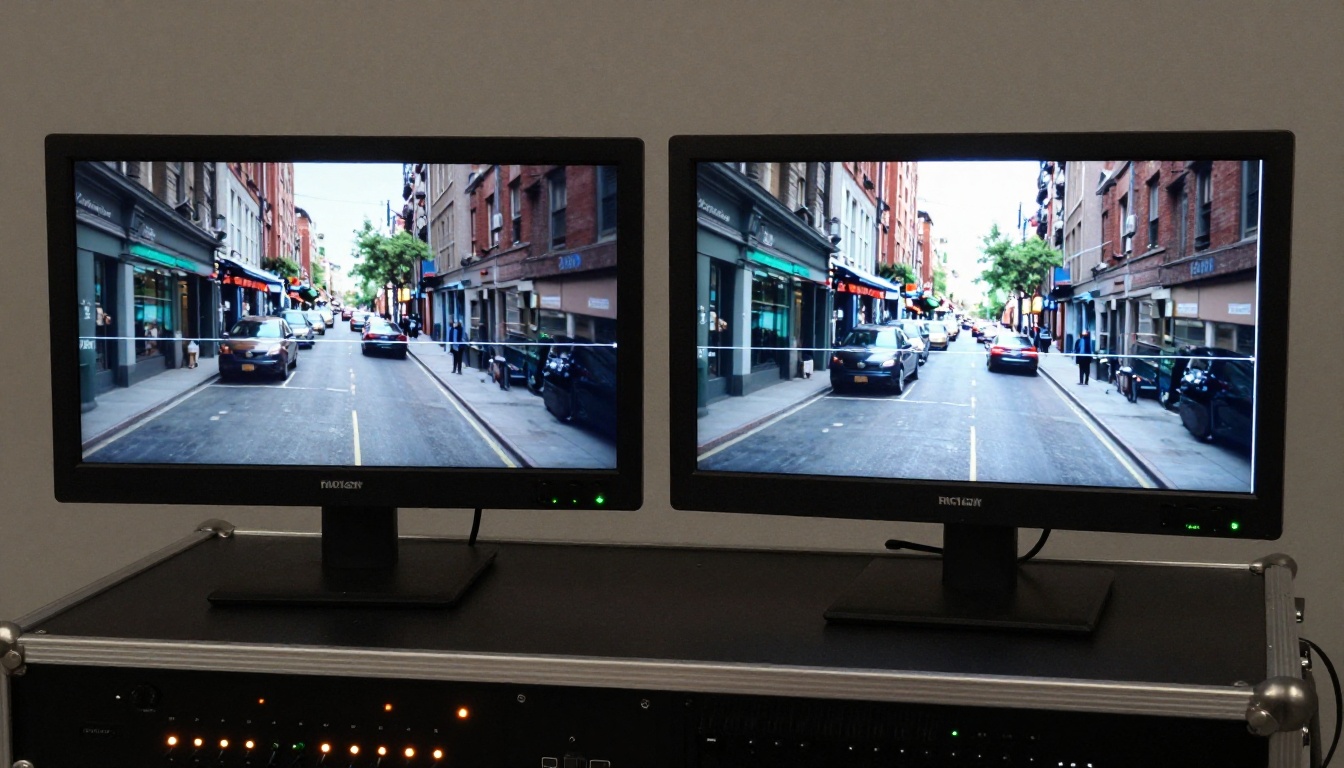
Veo 3.1 is available directly on Picasso AI without a separate Google account or setup overhead. Here is how to get the best results from it.
Step-by-Step Workflow
Step 1. Open Veo 3.1 on Picasso AI.
Step 2. Write your prompt using this structure: [Subject + Action] + [Environment] + [Camera Style] + [Audio Description]. Example: "A chef plates a dish in a Michelin-star kitchen, close-up on hands moving with precision, warm overhead light, ambient sound of sizzling and restaurant chatter in the background."
Step 3. Select your clip duration. Start with 5 seconds for prompt testing, then extend to 10-15 seconds once the prompt is producing the right visual language.
Step 4. For faster turnaround, switch to Veo 3.1 Fast. For rapid prototyping before a longer generation run, try Veo 3.1 Lite.
Step 5. Download the output and run it through Picasso AI's upscaling or stabilization tools as needed for your delivery requirements.
Tips for Better Results
- Use cinematographic language. "Slow dolly left" produces a different output than "camera pans." Veo 3.1 responds to director vocabulary far better than casual descriptions.
- Include audio cues explicitly. "Sound of rain on glass, muffled city noise below" will appear in the output audio track. The model does not reliably infer ambient sound without specific prompting.
- Add emotional tone descriptors. Words like "melancholy," "euphoric," and "tense" influence both the color palette and the audio mood generated in the output.
- Compare Veo versions side by side. Run the same prompt through Veo 3, Veo 3 Fast, and Veo 3.1 to find the quality-speed balance your deadline actually requires.
Tip: Use negative language in your prompts to constrain unwanted behaviors. "No text overlays, no abrupt cuts, no camera shake" consistently produces cleaner output than relying on default model behavior to align with your expectations.
The Full Model Scorecard
| Criterion | Sora 2 | Veo 3.1 | Best on Picasso AI |
|---|
| Physics Realism | 9.5/10 | 8.5/10 | 9.0/10 (Seedance 2.0) |
| Camera Control | 8.0/10 | 9.5/10 | 9.0/10 (Kling v3) |
| Native Audio Quality | 8.0/10 | 9.5/10 | 9.5/10 (Veo 3.1 via platform) |
| Prompt Adherence | 9.0/10 | 9.0/10 | 8.5/10 (model-dependent) |
| Temporal Consistency | 9.0/10 | 8.5/10 | 8.5/10 (Hailuo 02) |
| Max Resolution | 1080p | 1080p | 4K (LTX 2 Pro) |
| Iteration Speed | Moderate | Fast | Fastest (LTX 2 Fast) |
| Model Variety | Single model | Single model | 87+ models |
Which One Should You Pick
The honest answer is that it depends on the shot, not the brand.
For maximum physics realism in complex natural scenes, run Sora 2 or Sora 2 Pro. OpenAI has built something that genuinely understands how the physical world behaves, and it shows in every generation involving natural forces, crowds, or complex material interactions.
For cinematic audio baked directly into the output, Veo 3.1 is the clearest choice. No other model currently generates audio as coherently as Veo 3.1 does, and that native audio generation sets it apart for any project where sound matters from the first frame.
For creative flexibility, access to dozens of models, and a complete production pipeline in one place, Picasso AI is where you work. You get Sora 2 and Veo 3.1 within the same interface alongside Seedance 2.0, Kling v3, Pixverse v6, Hailuo 02, Wan 2.7 T2V, and many more, all without managing separate accounts.
The professionals who produce the best AI video do not commit to one model. They run multiple models on the same prompt and select the strongest output. That is exactly the workflow Picasso AI is built for.
Start Creating Right Now

Reading about AI video generation is one thing. Running a prompt and watching the output appear is something else entirely. Every model discussed in this comparison is accessible on Picasso AI right now, without separate accounts, API credentials, or configuration overhead.
Start with a scene you actually want to produce. Run it through Veo 3.1 for the audio-rich version. Run the same prompt through Sora 2 for physics-heavy shots. Try Seedance 2.0 for human movement sequences. Compare the three outputs side by side and let the results speak.
That ten-minute experiment will tell you more than any comparison article can. The tools are there. The only thing left is the prompt.


