Three open-source AI image models have pulled ahead of the pack. Stable Diffusion, Flux Dev, and Flux Schnell each take a fundamentally different approach to text-to-image generation, and the gap between them is wider than most people realize. If you have spent any time switching between models and wondering why the same prompt produces wildly different results, this breakdown is for you. We are covering speed, quality, prompt adherence, real use cases, and the specific scenarios where each model earns its keep.
What These Three Models Actually Are
Before comparing outputs, it helps to understand what each model brings to the table architecturally. These are not minor iterations of the same codebase. They represent distinct generations of thinking about how diffusion works, and that shapes everything from generation speed to the kind of prompts each model handles well.
Stable Diffusion's Legacy
Stable Diffusion arrived in 2022 as one of the first truly open-source text-to-image models available to the public without restrictions. Built on a latent diffusion architecture, it compresses images into a lower-dimensional latent space, runs the diffusion process there, and then decodes back to pixels. This made it far more computationally efficient than earlier pixel-space diffusion models and created the foundation for the massive ecosystem of fine-tunes, LoRAs, and extensions that followed.
The model processes images at resolutions up to 1024x1024 pixels and supports six different schedulers, each with different tradeoffs between generation speed and output sharpness. The DDIM scheduler is faster but produces slightly looser results than DPMSolverMultistep. You get direct control over guidance scale, which determines how closely the model follows your prompt versus generating more freely, as well as a negative prompt parameter to explicitly exclude unwanted elements from the output.
💡 Tip: Setting the guidance scale too high (above 12) in Stable Diffusion often causes oversaturation and burned-out highlights. The sweet spot for photorealistic results is usually between 7 and 9.5.
Flux's New Architecture
Flux Dev and Flux Schnell represent a generational leap from Black Forest Labs. Flux uses a flow matching approach rather than traditional DDPM-style denoising, which fundamentally changes how the model samples during inference. Instead of gradually removing noise over many steps, flow matching traces a more direct path from noise to image, which translates to both better quality at fewer steps and sharper prompt adherence throughout.
The 12-billion parameter architecture in Flux Dev gives it substantially more capacity than most base Stable Diffusion variants. More parameters means more nuance in how the model interprets complex, multi-clause prompts, and that shows directly in the outputs when you start pushing beyond simple single-subject descriptions.
How Picasso AI Fits In
Picasso AI runs all three models in your browser without any local GPU setup or environment configuration. Whether you want the deep parameter control of Stable Diffusion, the quality ceiling of Flux Dev, or the raw iteration speed of Flux Schnell, you access them all from the same interface with no credit counters, no queue waiting, and no hardware requirements beyond a browser.
Speed vs Quality: The Real Numbers
This is where the three models diverge most sharply in day-to-day use. Generation speed and output quality are in constant tension, and each model lands at a very different point on that spectrum.
Flux Schnell at 4 Steps
Flux Schnell is built around one priority: speed. It uses just 4 denoising steps to produce a finished image, compared to the 28-50 steps required by most other models. In practical terms, this means you can iterate through dozens of prompt variations in the time it takes a competing model to finish a single generation.
The output quality holds up remarkably well for the speed. Fine skin texture and hair detail suffer compared to Flux Dev at full steps, but for concept exploration, rapid social media prototyping, and any workflow where iteration pace matters more than maximum fidelity, Schnell is difficult to match. Running 50 variations of a concept in a single session is genuinely possible without hitting any limit.
| Model | Inference Steps | Approximate Speed | Best For |
|---|
| Flux Schnell | 4 | Under 5 seconds | Fast iteration, concept drafts |
| Flux Dev | 28-50 | 15-30 seconds | High-quality final outputs |
| Stable Diffusion | 50 | 20-40 seconds | Controlled, fine-tuned results |
Stable Diffusion at 50 Steps
Stable Diffusion defaults to 50 inference steps, which takes longer but allows the model to progressively build up fine detail at each pass. The tradeoff makes more sense for workflows where you are running a small number of carefully crafted final generations rather than hundreds of exploratory variations.
The scheduler choice adds another layer of control. With DPMSolverMultistep, you can often match the quality of a 50-step DDIM run in just 20-25 steps, cutting generation time without losing meaningful detail. This kind of parameter-level optimization is something neither Flux model exposes to the same degree, and it is one area where Stable Diffusion gives experienced users a real edge.
Flux Dev at 28 to 50 Steps
Flux Dev sits between Schnell and Stable Diffusion in generation time but produces the highest quality ceiling of the three. At 28 steps it already delivers output that surpasses both competitors in most categories, and extending to 50 steps adds subtle but real improvements in fine texture and edge definition that matter in print or large-format use cases.
The img2img capability in Flux Dev also sets it apart from the other two. You upload an existing photograph, describe how you want it modified, and the model redirects the image while preserving structural elements you want to keep. The prompt strength slider at 0.8 default gives enough room for significant changes without completely abandoning the source material.

Prompt Responsiveness: Who Actually Listens
One of the most common frustrations with AI image generators is prompt drift, where the model ignores specific instructions and falls back on statistical averages from training data. The three models handle this very differently, and understanding where each one struggles saves a lot of wasted generations.
Text Adherence Differences
Flux Dev and Flux Schnell are significantly more literal in following prompts than Stable Diffusion. The flow matching architecture, combined with the 12B parameter scale in Flux Dev, gives the model far more capacity to hold complex instructions throughout the generation process without losing track of specific details midway through.
For simple, single-subject prompts, this difference is barely noticeable. For anything involving specific clothing items, precise spatial compositions, named objects, or directional relationships between subjects, Flux wins clearly. The trade-off is that Stable Diffusion's guidance scale gives you a mechanical lever for how strictly the model follows your text, while Flux handles adherence internally without that direct control.
💡 Tip: When using Stable Diffusion, front-load your most critical prompt elements. The model weighs earlier tokens more heavily. With Flux models, prompt position matters far less and you can write more naturally structured descriptions.
Handling Multiple Subjects
Multi-subject scenes reveal the gap most clearly. Ask any of these models to generate two people interacting while holding specific objects with described lighting from a particular angle, and the outputs will look very different. Flux Dev handles multi-subject compositions with fewer anatomical errors and attribute merging than Stable Diffusion, which tends to blend characteristics between subjects in complex scenes.
This is a function of architecture and scale rather than a fundamental flaw. Stable Diffusion community fine-tunes have improved dramatically at specific domains like portrait pairs and group shots, but for out-of-the-box prompt following on complex scenes, Flux has the lead.
What You Can Actually Build
The theoretical differences matter less than how each model performs on the things people actually make. Here is a realistic breakdown across the most common real-world use cases.
Portrait Photography
For photorealistic human portraits, Flux Dev is the clear frontrunner. The 12B parameter model renders skin texture, hair strand definition, and eye catchlights at a fidelity that Stable Diffusion requires heavy prompt engineering and specialized fine-tunes to approach. Depth of field, sub-surface skin scattering, and fine fabric texture all show the parameter advantage.
Flux Schnell delivers competent portrait results for concept work and social media references, though fine detail in hair and skin falls behind Flux Dev. For rapid variation testing before committing to a final generation, the speed advantage makes Schnell the smarter starting point.

Product Photography and Mockups
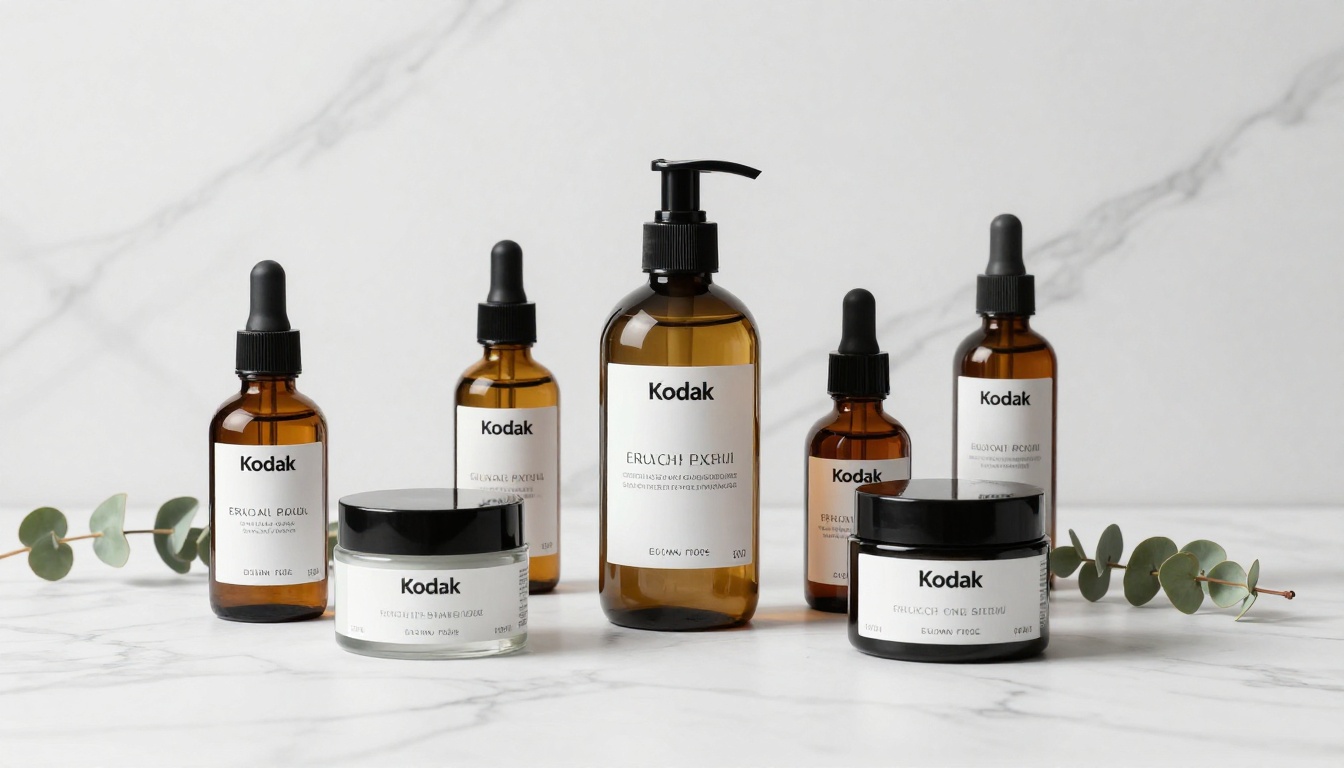
Stable Diffusion has an edge in controlled product photography, particularly when you need the negative prompt parameter to exclude unwanted background elements, reflections, or lighting artifacts. The guidance scale dial also gives precise control over how literally the model interprets material descriptions, which matters for accurate rendering of glass, metal, and fabric.
Both Flux models are competitive in straightforward product shots against clean backgrounds, and Flux Dev outperforms on complex reflective surfaces and multi-object scenes where positional accuracy matters.
Creative and Stylized Outputs
For stylized concept art where outputs do not need to match a specific real-world reference, the three models compete more evenly. Stable Diffusion benefits here from the enormous library of community fine-tunes spanning anime, oil painting, architectural rendering, and hundreds of other specific styles. No base Flux model replicates the output of a purpose-built Stable Diffusion fine-tune for a particular aesthetic.
The Flux community is building specialized fine-tunes at a rapid pace, and that gap is narrowing. But if you need a very specific trained style today, Stable Diffusion's ecosystem depth is still a real advantage.
Running Models Without Installing Anything
This is where Picasso AI changes the equation. Running Flux Dev locally requires at least 16GB of VRAM and a modern GPU. Stable Diffusion runs on lower-end hardware but still demands Python environment setup, model weight downloads that can exceed 5GB, and interface configuration before you generate a single image.
How to Use Flux Dev on Picasso AI
Getting your first result from Flux Dev takes under two minutes:
- Open Flux Dev on Picasso AI in your browser
- Write your prompt describing subject, lighting, camera angle, and mood in detail
- Select your aspect ratio from 11 options: 16:9 for landscape, 9:16 for vertical, 1:1 for square
- Toggle Go Fast on for quick iterations, off for maximum fidelity
- Adjust inference steps between 28 and 50 to balance quality against speed
- Set a seed number if you want reproducible results you can iterate on
- Click generate and download as WebP, JPG, or PNG at any quality level
💡 Tip: Start with Go Fast on and 28 steps for concept exploration. Once you find a prompt direction that works, disable Go Fast and raise steps to 50 for the final high-fidelity output. This workflow saves time without sacrificing final quality.
How to Use Stable Diffusion on Picasso AI
Stable Diffusion on Picasso AI exposes the full parameter set experienced users expect:
- Open Stable Diffusion on Picasso AI in your browser
- Write your positive prompt with the most important visual elements listed first
- Add a negative prompt to exclude common artifacts:
blurry, low quality, extra limbs, distorted faces
- Set width and height in 64px increments up to 1024x1024 for your target resolution
- Choose your scheduler. DPMSolverMultistep gives the best quality-to-speed ratio
- Set guidance scale between 7 and 9.5 for photorealistic outputs
- Adjust inference steps between 30 and 50 depending on the detail level you need
- Set a seed to lock in results and iterate from a stable starting point
The negative prompt parameter alone makes Stable Diffusion the better choice for certain precision workflows. Neither Flux model exposes this control natively, meaning unwanted elements require prompt-side workarounds rather than a direct exclusion list.

Which One Fits Your Workflow
The right model depends entirely on your use case. No single model dominates across every scenario, and the smartest approach is to know when to switch.
Decision Table
| Use Case | Best Model | Why |
|---|
| Final quality portraits | Flux Dev | 12B parameters, highest fidelity skin and hair |
| Rapid concept exploration | Flux Schnell | 4 steps, under 5 seconds per image |
| Negative prompt control | Stable Diffusion | Direct negative prompt parameter |
| Product photography | Stable Diffusion | Guidance scale precision, fine-tune library |
| Complex multi-subject scenes | Flux Dev | Superior prompt adherence at scale |
| Social media asset variation testing | Flux Schnell | Speed allows 50+ runs in one session |
| Specific trained artistic styles | Stable Diffusion | Vast community fine-tune ecosystem |
| Img2img editing from existing photos | Flux Dev | Best base-model img2img quality available |
The Workflow That Works
Use Flux Schnell to explore prompt directions quickly. Run 20 or 30 variations, find what works, then bring that refined prompt to Flux Dev for the final high-resolution output. When you need negative prompt control or a specific trained style, pull in Stable Diffusion. Using all three strategically is more powerful than picking one and sticking with it.
💡 Tip: Copy your best Flux Schnell prompt and the seed that produced it directly into Flux Dev. The seed will not produce identical results across models, but it gives Flux Dev a directionally similar starting composition to refine from.
See the Difference for Yourself
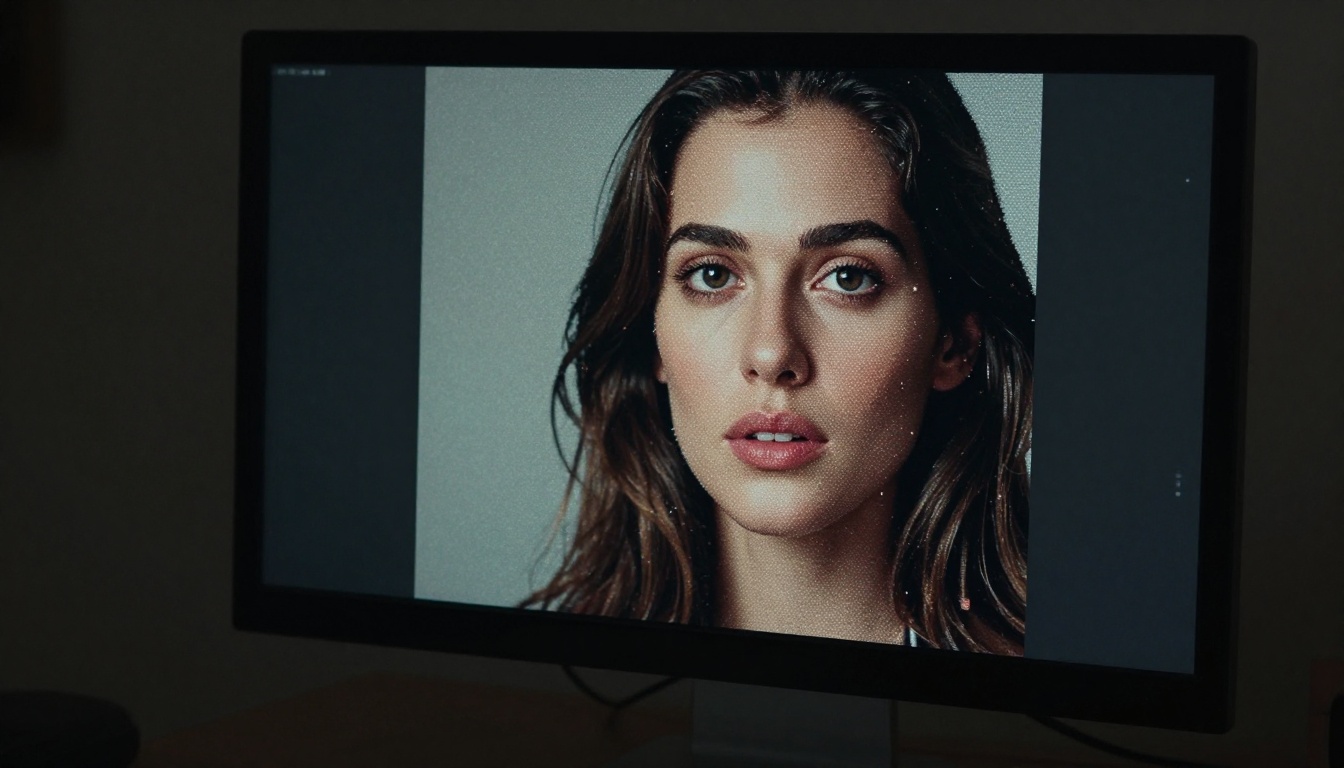
The best way to form an opinion about these three models is to run the same prompt through all of them and look at the outputs side by side. Reading about inference steps and parameter architecture only goes so far. The difference between a 4-step Flux Schnell output and a 50-step Flux Dev output on a detailed portrait prompt is immediately obvious once you see it.
Picasso AI gives you access to Stable Diffusion, Flux Dev, and Flux Schnell in one place, with no downloads, no GPU, no credit caps, and no setup. Start with Flux Schnell to explore quickly, take your best prompt to Flux Dev for the final shot, and bring Stable Diffusion in when you need negative prompts or a specialized community fine-tune. All three are waiting for your first prompt right now.


