The word on AI image generation just changed. PicassoIA adds Nano Banana Pro with native 4K output to its growing model lineup, and that addition shifts what creators can realistically expect from a browser-based AI image platform. No stitching, no upscaling patches, no resolution artifacts after the fact. Just clean, full 4K images directly from the model itself, ready for print, high-DPI screens, and professional workflows without any post-processing.
For photographers replacing stock assets, designers building large-format print campaigns, and content creators who need images that hold up at 100% zoom on a Retina display, this is a meaningful development. The platform has long offered a wide range of text-to-image models, upscalers, and editing tools, but native 4K generation sits in a different category. It removes the trade-off that has shaped AI image quality from the beginning: accessibility versus resolution. Nano Banana Pro is built to remove that trade-off entirely.
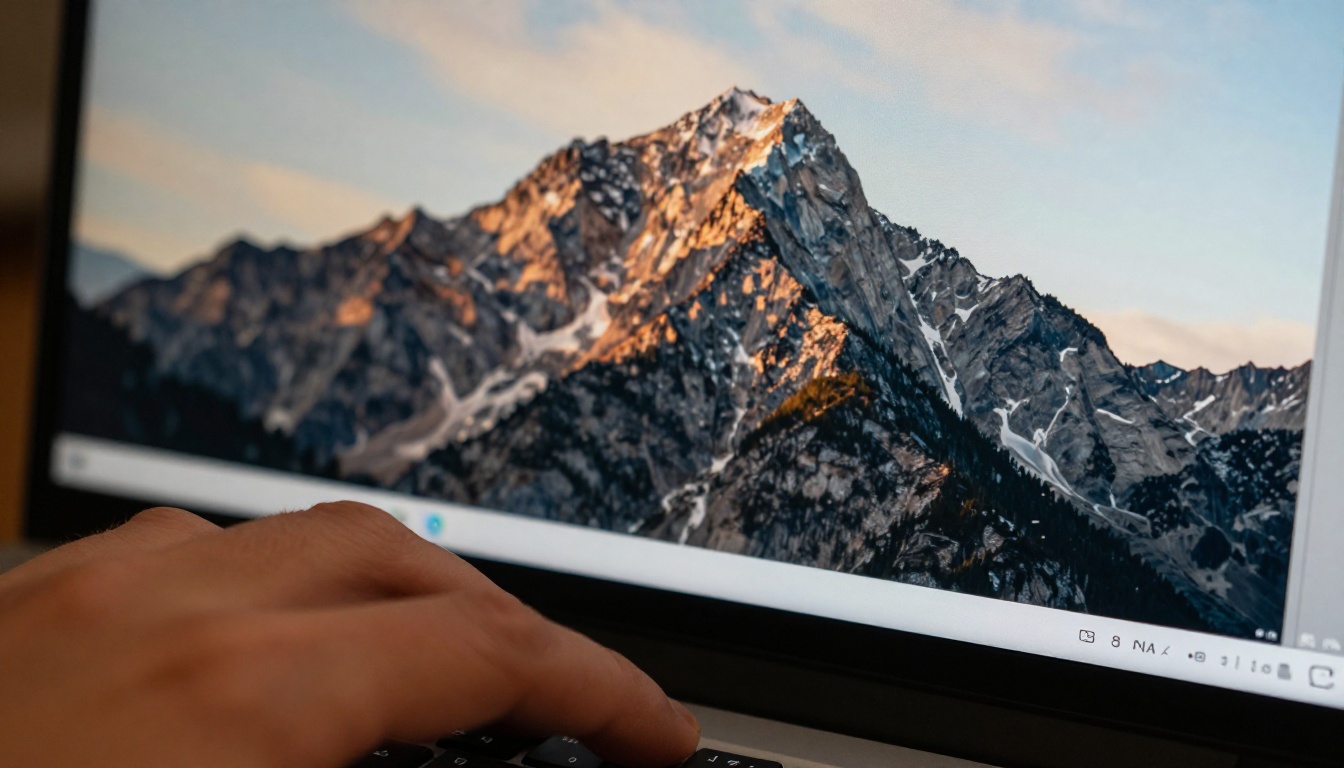
What Nano Banana Pro Actually Does
Nano Banana Pro is not a standard text-to-image model with a higher output setting. Its architecture was designed from the ground up to produce native 4K resolution output rather than generating at a lower base resolution and scaling up afterward. That distinction matters more than it sounds, and it is the central reason this model addition is significant.
Most AI image models operate at 512x512, 768x768, or 1024x1024 pixels internally. When those outputs need to reach 4K (3840x2160), the pipeline either upscales them with a separate super-resolution model or stretches the image and accepts the resulting softness. Nano Banana Pro skips that entirely.
Native 4K Without the Quality Tax
The term native 4K means the model's internal representation processes at full 4K pixel density before the final decode step. The result: fine textures, individual strands of hair, fabric weave patterns, and micro-surface details are all generated directly rather than inferred after the fact by a secondary upscaling algorithm.
💡 What this means for you: Images from Nano Banana Pro are ready for large-format printing, high-DPI displays, and commercial workflows from the moment generation completes.
No Compromise on Speed
One concern with high-resolution AI generation is time. Higher resolution typically means longer inference, more GPU memory, and slower delivery. Nano Banana Pro's architecture addresses this with a compact internal attention mechanism, hence the "Nano" in the name, that processes the 4K space efficiently without the full memory overhead of traditional upsampling pipelines. Generation times remain competitive with standard 1080p models on the platform.
For creators who run dozens of generations in a single session, this efficiency matters. 4K output at 1080p speed changes the math on what is practical in a working day.
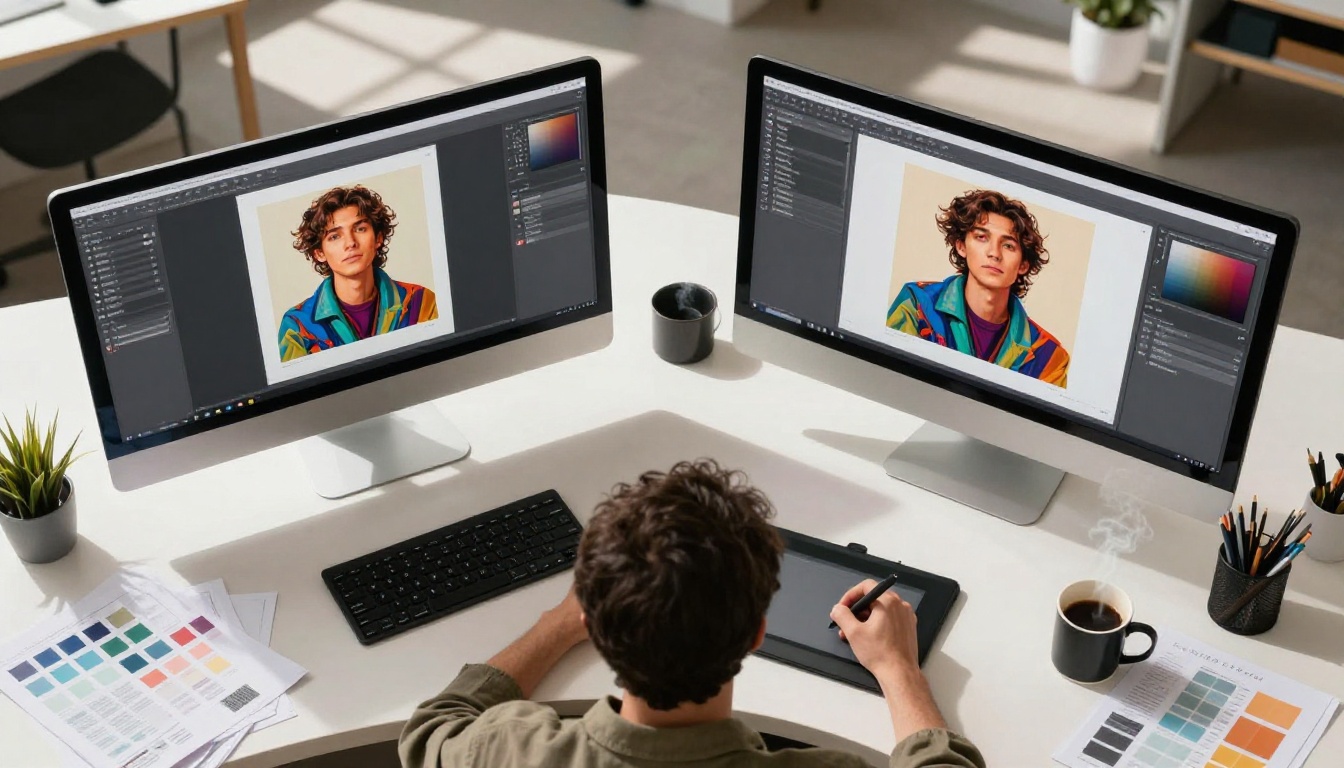
How It Compares to Standard AI Output
The difference between native 4K and upscaled 4K is not subtle when examined closely. It is the difference between a photograph shot on a medium-format camera and a photograph enlarged on a photocopier: technically similar dimensions, completely different character.
The Upscaling Problem
When you take a 1024x1024 AI image and push it to 4K, one of a few things happens:
- Bilinear or bicubic upscaling: The image blurs. Details spread and soften. Edges lose definition.
- AI super-resolution upscaling: Better, but the upscaler is making educated guesses about detail that was never there. Sometimes those guesses are correct. Sometimes they produce hallucinated textures or facial artifacts.
- Tile-based generation: The image is generated in segments and stitched. Tiling artifacts and inconsistent lighting across tile boundaries are a persistent failure mode.
None of these issues exist with Nano Banana Pro because the image was never small to begin with.
Why Native Beats Upscaled
| Feature | Standard AI + Upscaling | Nano Banana Pro Native 4K |
|---|
| Pixel detail quality | Interpolated or guessed | Directly generated |
| Generation steps | 2 (generate then upscale) | 1 |
| Artifact risk | Medium to high | Minimal |
| Processing time | Doubled with two model runs | Single pass |
| Consistency across outputs | Variable | Stable |
| Print readiness | Requires inspection | Print-ready by default |
Two steps versus one. And in this case, the one-step output wins on every quality metric.
The Models You Should Pair It With
PicassoIA's library gives you strong options after generating with Nano Banana Pro. Depending on your workflow, certain model combinations produce excellent results for specific content types.
For Portraits and People
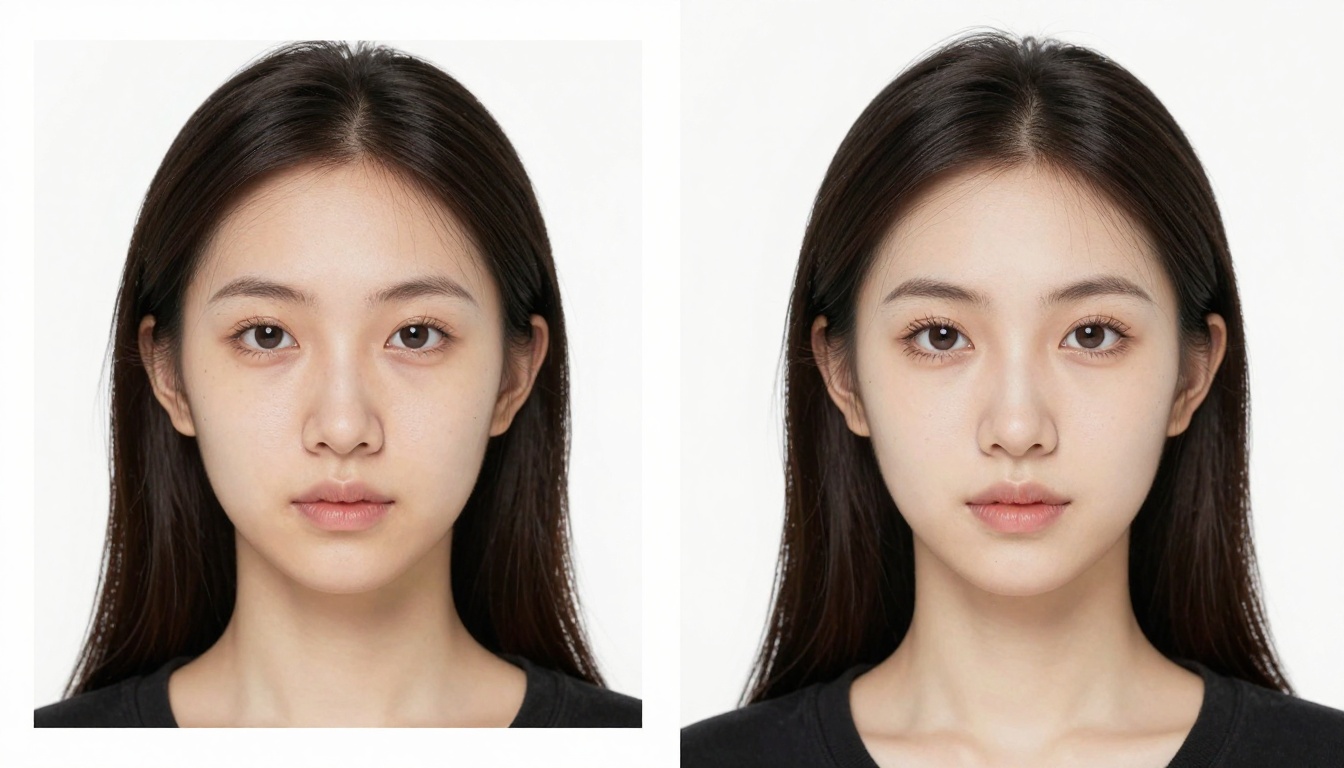
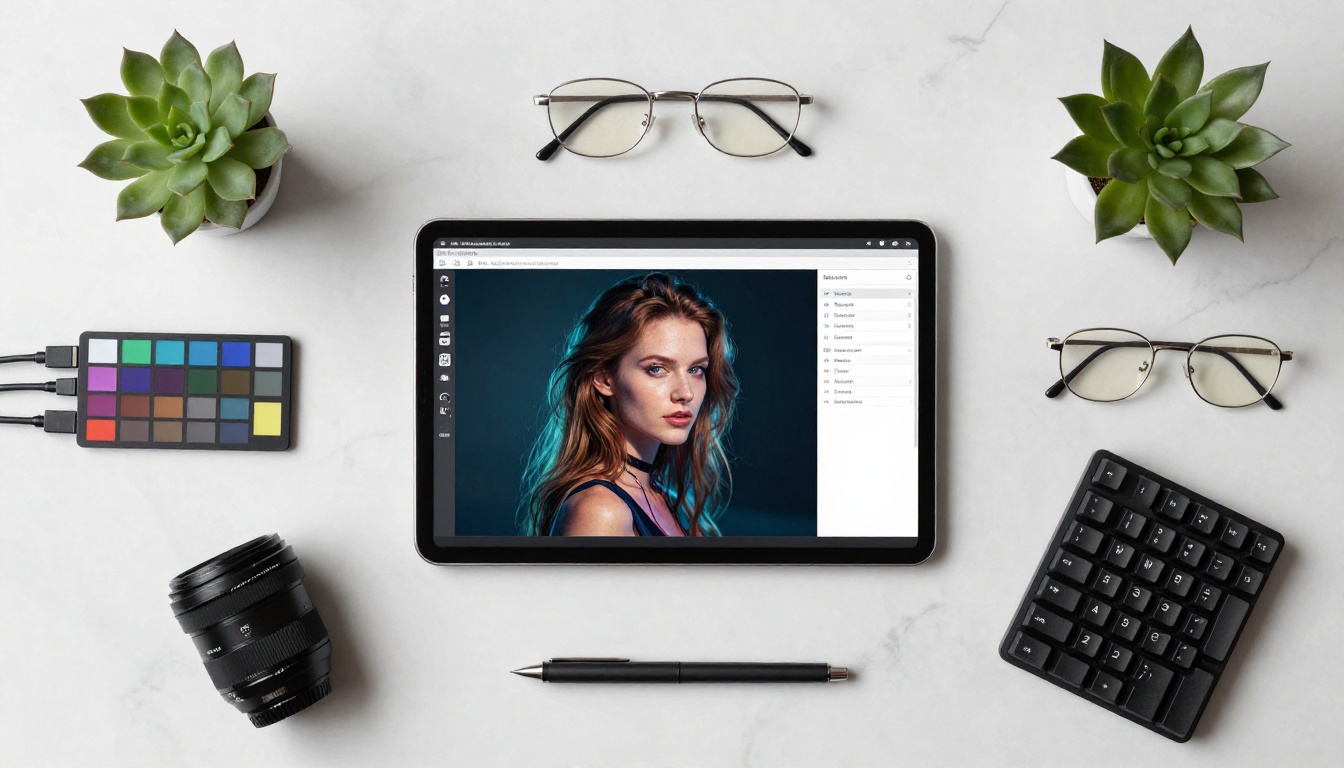
Portraits demand precision in skin texture, eye detail, and hair fidelity. Nano Banana Pro handles the base generation at 4K. If you want to push resolution further or add texture depth to a specific area, Clarity Pro Upscaler adds photorealistic texture enhancement on top of an already-sharp 4K base, producing results that rival studio photography at a professional level.
For portraits where the face is the primary subject, Crystal Upscaler is optimized specifically for skin and facial features, making it an ideal companion for close-up and medium portrait work.
For Landscapes and Architecture
Architecture and landscape images contain repeating textures: brick, foliage, water, stone. AI upscalers sometimes smooth these out or repeat pattern elements incorrectly. Topaz Labs Image Upscale supports up to 6x enlargement and preserves edge sharpness in architectural detail exceptionally well, making it the strongest pairing for outdoor and built-environment images generated with Nano Banana Pro.
For a fast, free option that still delivers clean results, Real ESRGAN handles 4x upscaling from a 4K base, pushing outputs into territory previously only accessible to professional rendering software.
4K in Practice: Real Use Cases
Knowing a model outputs at 4K is useful. Knowing what to do with that 4K output is more useful.
Print and Large Format
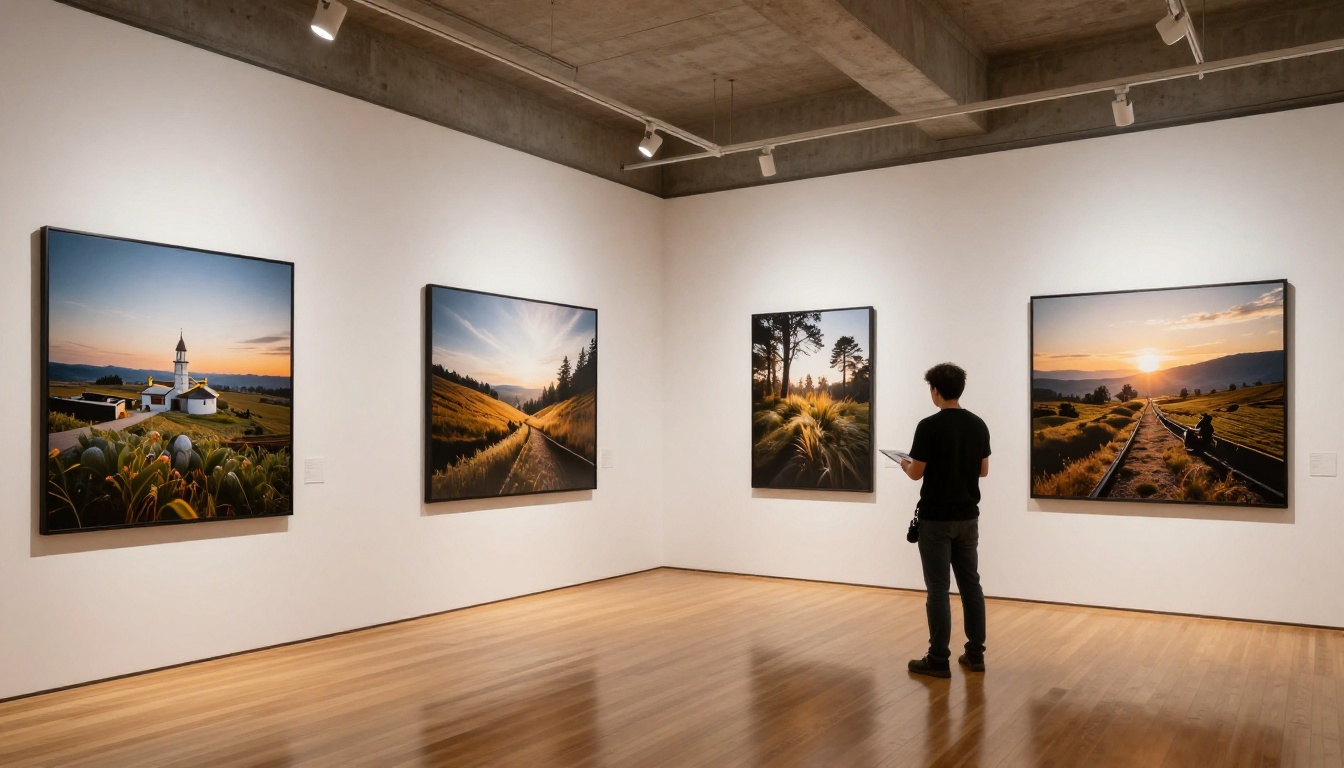
The standard for high-quality print is 300 DPI at the final print size. A 4K image (3840x2160 pixels) at 300 DPI prints cleanly at approximately 32x18 centimeters for premium fine art output, or at 150 DPI for large-format exhibition printing at roughly 65x36 centimeters. These dimensions cover:
- A3 and A2 art prints: Gallery-quality output without a photographer or stock license.
- Billboard and signage design: When combined with additional upscaling via Google Upscaler, suitable for large-format advertising applications.
- Photo books and editorial layouts: Magazine-quality spreads produced directly from a text prompt.
Social Media and High-DPI Screens
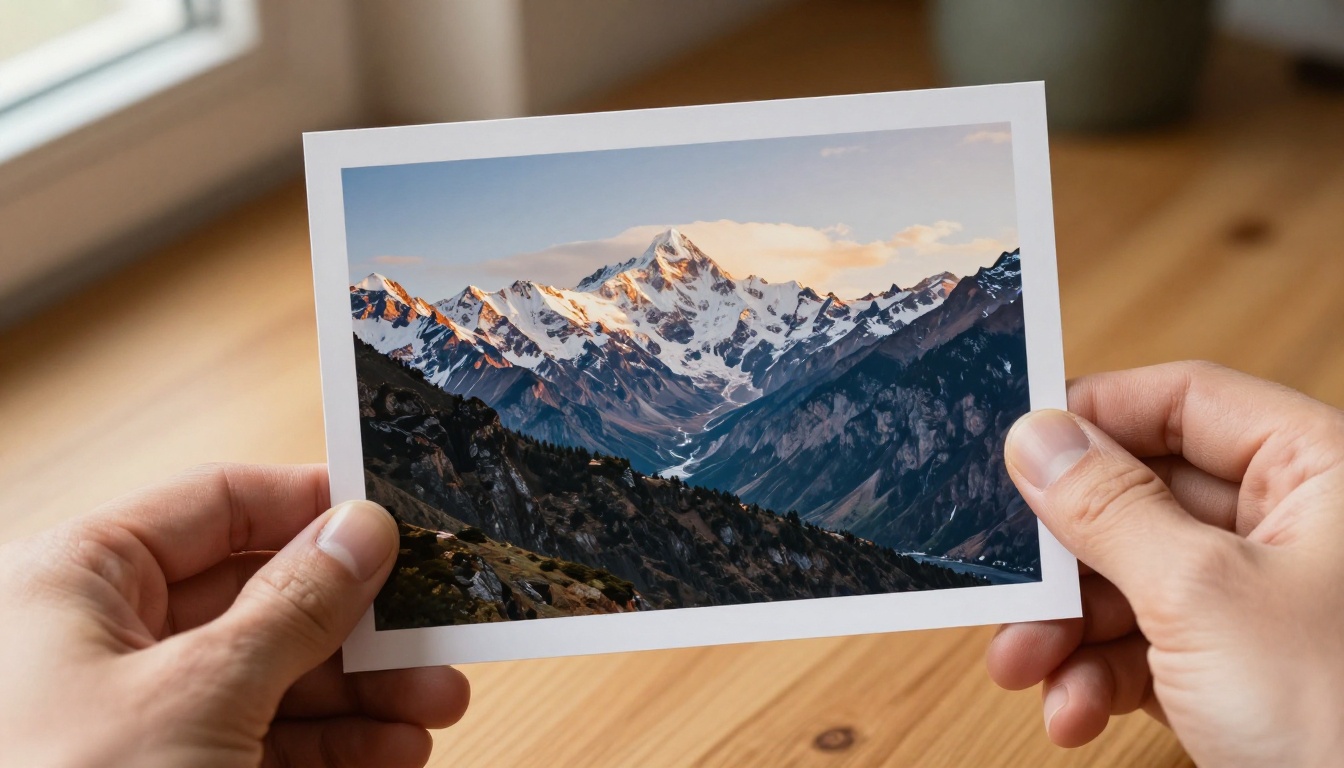
Modern displays, particularly OLED and Retina-class screens, reward high-resolution source assets. A 4K image downscaled for a 1920x1080 social post retains more sharpness and color information than an image originally generated at 1080p. The difference is visible on any modern smartphone screen, particularly in textured areas and areas with fine detail.
💡 Pro tip: Generate at 4K with Nano Banana Pro, then export a downscaled version for web use. A 4K original consistently produces a sharper 1080p export than a natively 1080p generation.
Commercial Product Photography
Product shots for e-commerce benefit from 4K generation in a specific way. Zoom views on product pages reveal texture and material details that blur in standard-resolution AI images. Nano Banana Pro's direct 4K output means product details like fabric weave, packaging surfaces, and material finishes render with the clarity that buyers expect from actual photography, without the cost of a studio shoot.
Archival and Documentation Work
Organizations and institutions that document physical objects, artworks, or environments use high-resolution photography for archival purposes. AI-generated illustrations or conceptual reconstructions at 4K resolution meet the same archival standards as traditional photography when used for design mockups, historical reconstructions, or reference libraries.

How to Use Nano Banana Pro on PicassoIA
The workflow is direct. No configuration gymnastics, no multi-step pipeline setup required.
Step 1: Find the Model
Navigate to picassoia.com and browse the text-to-image collection. Nano Banana Pro appears there with its 4K output capability noted on the model card. If you want to compare it directly against other high-resolution models, the full model catalog shows all available options with output types and resolutions listed.
Step 2: Write a Detailed Prompt
Nano Banana Pro responds particularly well to prompts that include specific detail language. Because it generates at full 4K, it can actually process instructions about micro-textures and surface details that lower-resolution models would simply ignore, since they lack the pixel budget to render them meaningfully.
Effective prompt elements for 4K generation:
- Texture descriptors: "visible fabric weave", "individual pores visible", "concrete aggregate texture", "leather grain detail"
- Lighting specifics: "volumetric morning light from upper left", "soft diffused overcast lighting", "hard shadow from direct noon sun"
- Lens and distance: "shot with 85mm lens at f/1.8", "extreme close-up macro", "wide establishing shot at 21mm"
- Film stock references: "Kodak Portra 400" for warm skin tones, "Fujifilm Velvia 50" for saturated landscapes with punchy greens
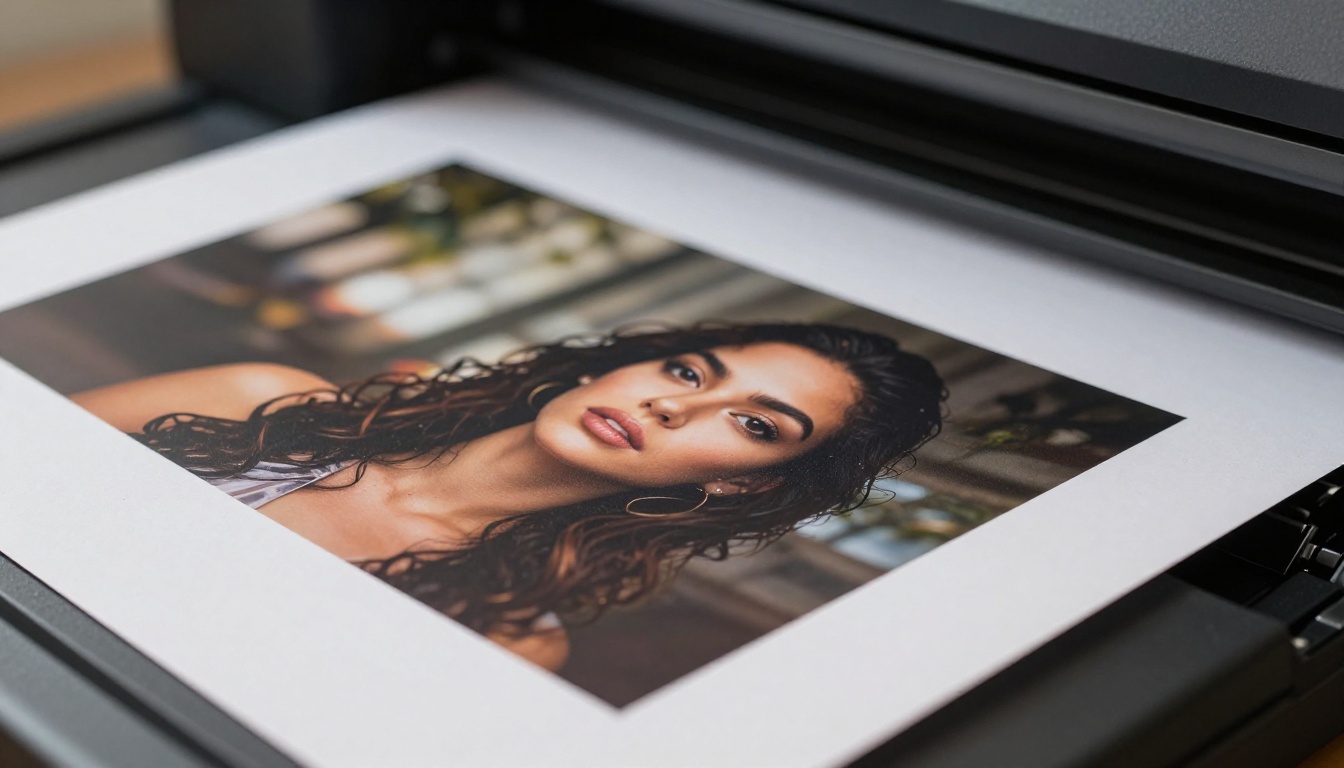
Step 3: Check the Output at 100% Zoom
Once generated, zoom to 100% before saving or using the image. This is where the native 4K advantage is most visible. Look at edges, fine textures, and shadow transitions. These should appear clean and precise without the painted or smeared quality that appears in post-upscaled images. If a specific area looks soft, regenerate with more targeted prompt language directed at that area.
Upscaling: When You Still Need It
Even with native 4K generation, there are cases where post-generation upscaling adds meaningful value. Knowing when to use it is the real skill.
Situations That Call for Extra Resolution
- Extreme large-format printing: Posters over 1 meter wide still benefit from additional upscaling beyond 4K base resolution.
- Cropped compositions: If you generate a wide shot and crop to a tight detail, the crop loses resolution quickly. Upscaling the crop restores usable pixel density.
- Creative texture enhancement: Some upscalers, particularly Recraft Creative Upscale, add genuine texture depth rather than just enlarging, which can improve certain images aesthetically rather than just dimensionally.
Post-Generation Upscaling Options on PicassoIA
What Makes 4K Output Different
Resolution is just one variable. What actually changes the character of an image at 4K goes deeper than pixel count.
Pixel Density and Fine Detail
At 4K, a model has roughly 8 million pixels to work with compared to 1 million at 1024x1024. That is eight times the information budget. Fine details that were impossible to represent at lower resolutions, such as individual textile threads, wood grain rings, water surface ripple patterns, or leaf vein structures, become representable and photorealistic.
Nano Banana Pro allocates this budget intelligently. Its attention layers prioritize detail where the eye looks first: faces, hands, focal objects, and textured surfaces. Background areas receive proportionally less detail, mirroring the way a camera lens and human vision naturally work.
Color Depth and Tonal Range
Higher pixel density allows for smoother tonal gradients. Banding, the visible stepping between tones in gradients such as sky, skin, and smooth surfaces, is partly a resolution artifact. At 4K, the gradient steps are small enough that banding becomes invisible to the human eye under normal viewing conditions. This makes Nano Banana Pro outputs particularly strong for:
- Skin tones in portrait photography
- Sky gradients in landscape and architectural scenes
- Metallic and glass surface reflections
- Fabric fold shadows and highlights in product photography
3 Common Mistakes with 4K Generation
New users coming from lower-resolution AI tools tend to carry habits that limit 4K output quality. These are the three that appear most often.
1. Vague prompts expecting the resolution to compensate
4K gives you more pixels, not more creative direction. Vague prompts like "a beautiful landscape" still produce generic output at 4K. The extra resolution means you get a crisper version of a generic scene, not a better one. Write specific, detailed prompts that take full advantage of the resolution budget the model has to work with.
2. Not viewing at 100% zoom before saving
The most common oversight. A 4K image that looks great at 25% zoom may have problems in specific areas that only appear at full size: soft faces in wide shots, repeated texture patterns in backgrounds, or edge artifacts at high-contrast borders. Always inspect at 100% before committing to an image for production use.
3. Upscaling 4K output with low-quality methods
If you need to go beyond 4K, use a dedicated AI upscaler from the platform's super-resolution collection. Browser-based or application-based bicubic upscaling on a 4K AI image wastes the quality the model built in. The upscaling models on the platform are specifically calibrated for AI-generated image content and produce meaningfully better results than generic resize algorithms.
Start Creating at 4K Today
Nano Banana Pro is available now on PicassoIA. If you have been settling for standard-resolution AI output and spending time in post-processing to push it toward print or screen quality, this model removes that extra step entirely.
Write a detailed prompt. Set your composition. Let the model generate at native 4K. Then decide whether the result goes straight to production use or benefits from one of the platform's super-resolution models for additional refinement. The workflow is shorter, the quality ceiling is higher, and the output is production-ready from the first generation.
The full catalog of image models, upscalers, and creative tools is at picassoia.com/en/all-models. Everything you need to build a professional 4K image workflow, from first prompt to final export, is available in one place. Start with Nano Banana Pro and see what native 4K actually looks like in practice.


