Clothing is the first thing anyone notices. Before your AI-generated companion says a word, before the background resolves, the outfit carries the full weight of the image. Pick wrong, and even a perfectly lit, beautifully composed shot falls apart. Pick right, and you get something that stops the scroll, something that looks like it came from a real photographer's portfolio.
This is about making those clothing choices deliberately, with the specific language that AI models actually respond to.
Why Clothing Shapes Everything
Your AI image generator reads prompts literally. When you write "a woman in a dress," it pulls from a massive training distribution and makes its best guess. Sometimes that guess is serviceable. More often it is generic, softly wrong in the way that makes AI images look like AI images instead of photographs. The solution is specificity, and clothing is one of the highest-leverage places to apply it.
The Fabric Problem in AI Art
Most AI-generated outfits fail for one reason: the prompt treats fabric like a color swatch rather than a physical material with weight, drape, texture, and light response.
Silk catches light differently from linen. Denim behaves differently from leather. Satin reflects; matte crepe absorbs. Wool has nap. Chiffon is semi-transparent. When you name the fabric and describe how light interacts with it, the model has actual physical information to work from, not a guess.
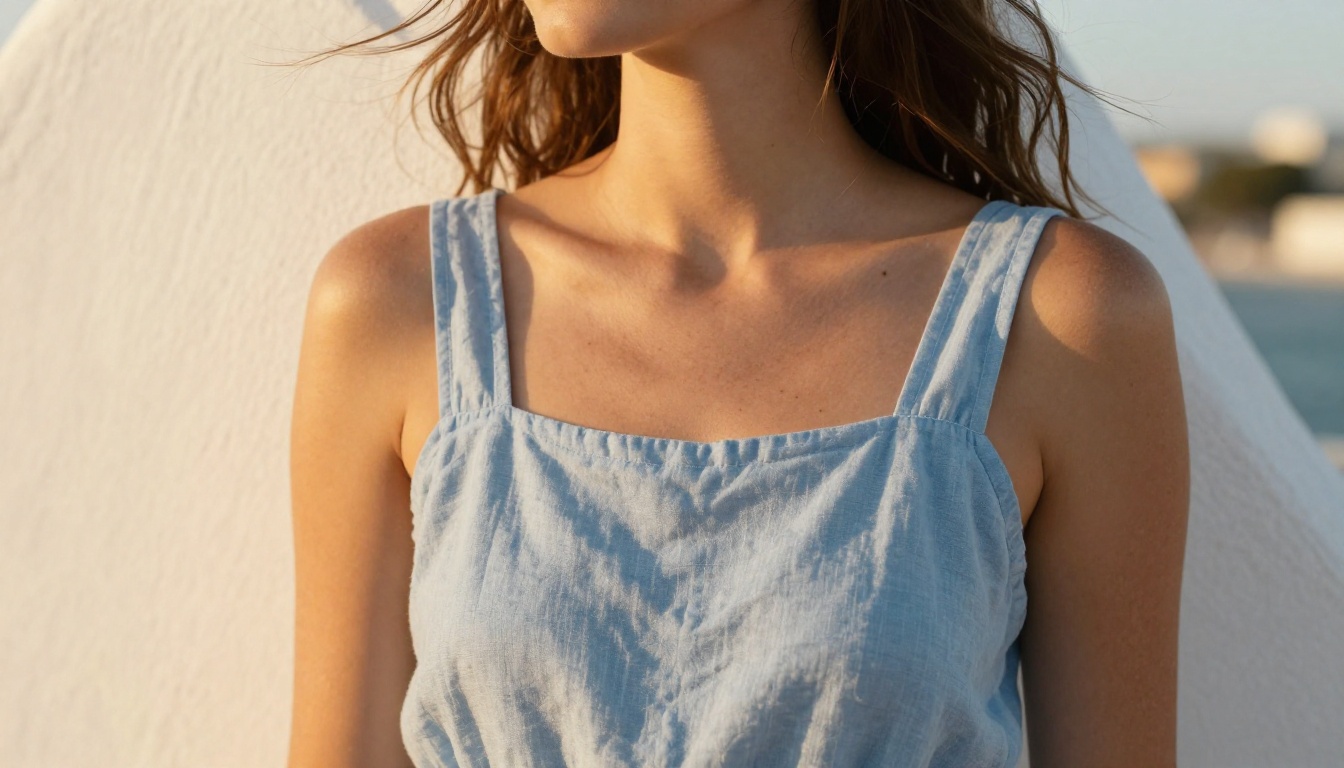
Here is what that looks like in practice:
- Weak:
white dress
- Better:
fitted white linen dress with natural wrinkles, fabric catching warm afternoon light
- Best:
fitted white linen sundress, fabric crinkled naturally at elbows and waist, warm volumetric afternoon sunlight from left highlighting weave texture, 85mm f/1.8 portrait lens, Kodak Portra 400
The third prompt produces a photograph. The first produces a placeholder.
Color and Light Work Together
Solid dark colors absorb light and lose detail in AI generation. Solid bright colors blow out under strong sun. The most photorealistic outfit colors are mid-tone with variation: dusty rose rather than hot pink, charcoal rather than pure black, natural cream rather than stark white.
💡 Pro tip: Add the lighting direction to every outfit prompt. "Warm volumetric light from the left" creates shadows that define shape and fabric volume. Without it, clothes look painted on rather than worn.
| Color Type | Photorealism | Best Light |
|---|
| Pure black | Low | Soft studio softbox |
| Pure white | Low | Overcast or shade |
| Mid-tone solid | High | Any directional source |
| Pattern or print | Medium | Diffused, even light |
| Metallic or sheen | High | Single directional source |
| Pastel | High | Soft morning or overcast |
The 5 Outfit Categories Worth Knowing
Casual and Everyday Looks
Casual outfits are deceptively hard to describe in a way that produces genuinely lived-in results. The problem is that "casual" in AI defaults to a kind of bland editorial neutrality, not actual clothing that has been worn, washed, and worn again.
What works: denim jeans described with specific fade patterns and weave detail, ribbed cotton tops with visible texture, linen shirts with natural wrinkle patterns, sneakers described by sole thickness and material. The more you treat the casual outfit as something with history, the more real it reads.
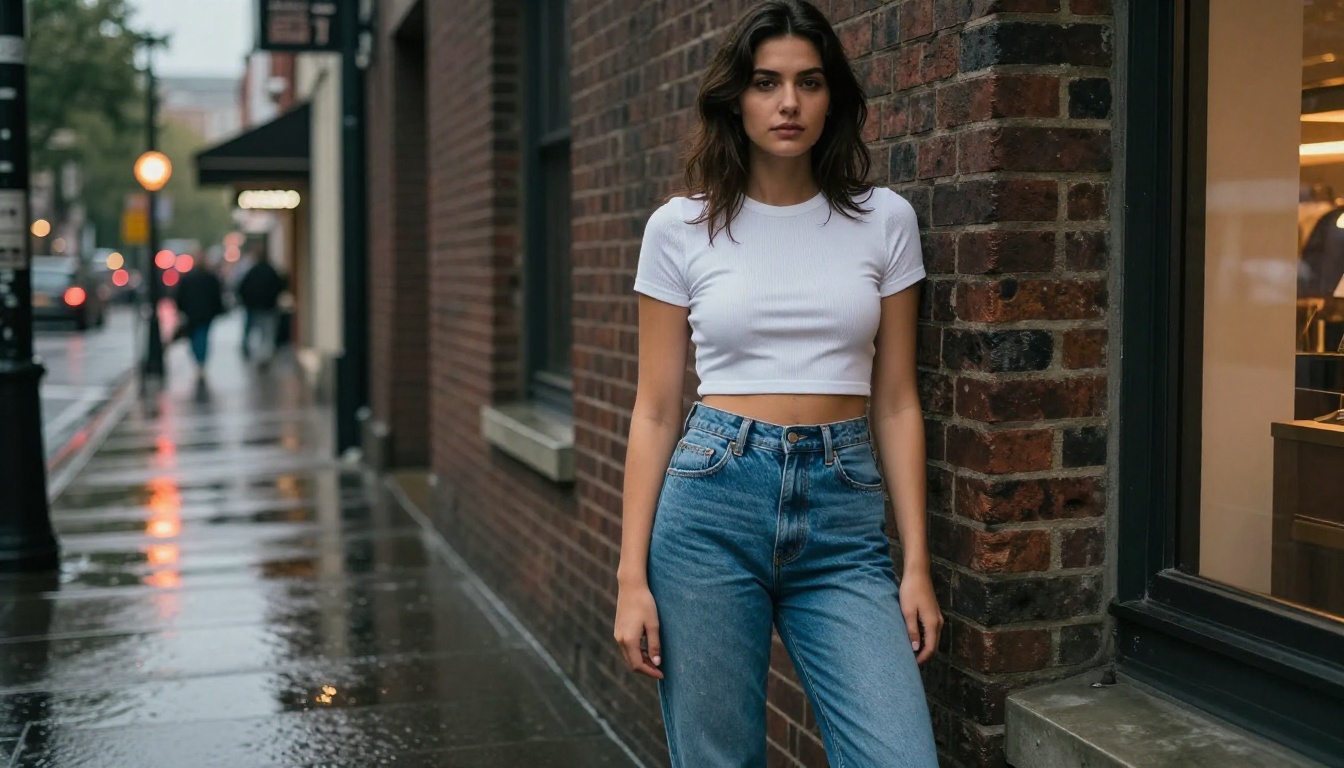
When creating your AI companion's casual wardrobe on PicassoIA, pair your clothing description with an environment that belongs to it. Urban street with brick walls, park benches in filtered tree light, coffee shop windows with warm interior glow. Context makes clothing look real because real clothing exists in context.
Business and Power Dressing
Business attire is one of the strongest categories for photorealism because the fabrics involved, wool, silk, structured cotton, are well-documented in training data, and tailoring detail sells the shot immediately.
Prompts that produce sharp results:
perfectly tailored charcoal wool blazer with visible lapel stitchingcrisp white silk blouse, one collar button open, subtle sheen on fabricmatching wide-leg trousers with center crease, clean drape
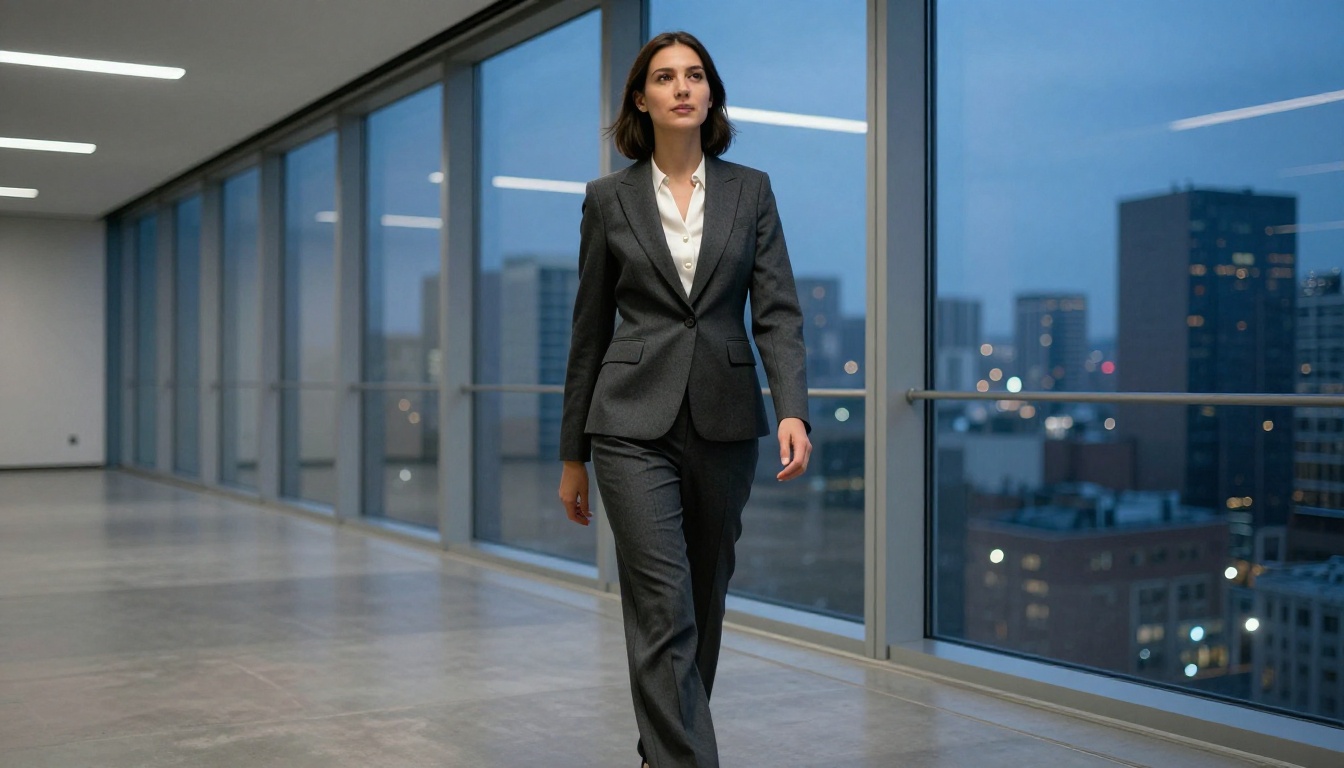
Specify the fit explicitly: "slim-fit," "oversized," "relaxed tailored." An AI model interprets these very differently. An ill-defined prompt produces an ill-fitting jacket that undermines the entire image.
For environment, pair business attire with diffused overhead office lighting or cool blue ambient city glow from floor-to-ceiling windows. Avoid golden hour in business contexts; it reads as wrong to the eye.
Bikini and Swimwear Styles
Swimwear produces some of the most visually striking AI images because of the interplay between skin, fabric, light, and environment. The approach that works is treating the swimwear as a structured garment rather than just an accessory: describe the cut (high-waist, bandeau, triangle, halter), the material (stretch lycra, matte neoprene, shiny lamé), and the color in context with the light source.
A coral red bikini under tropical noon sun behaves entirely differently from the same garment in warm golden-hour side light. Both are beautiful; both require different prompts.
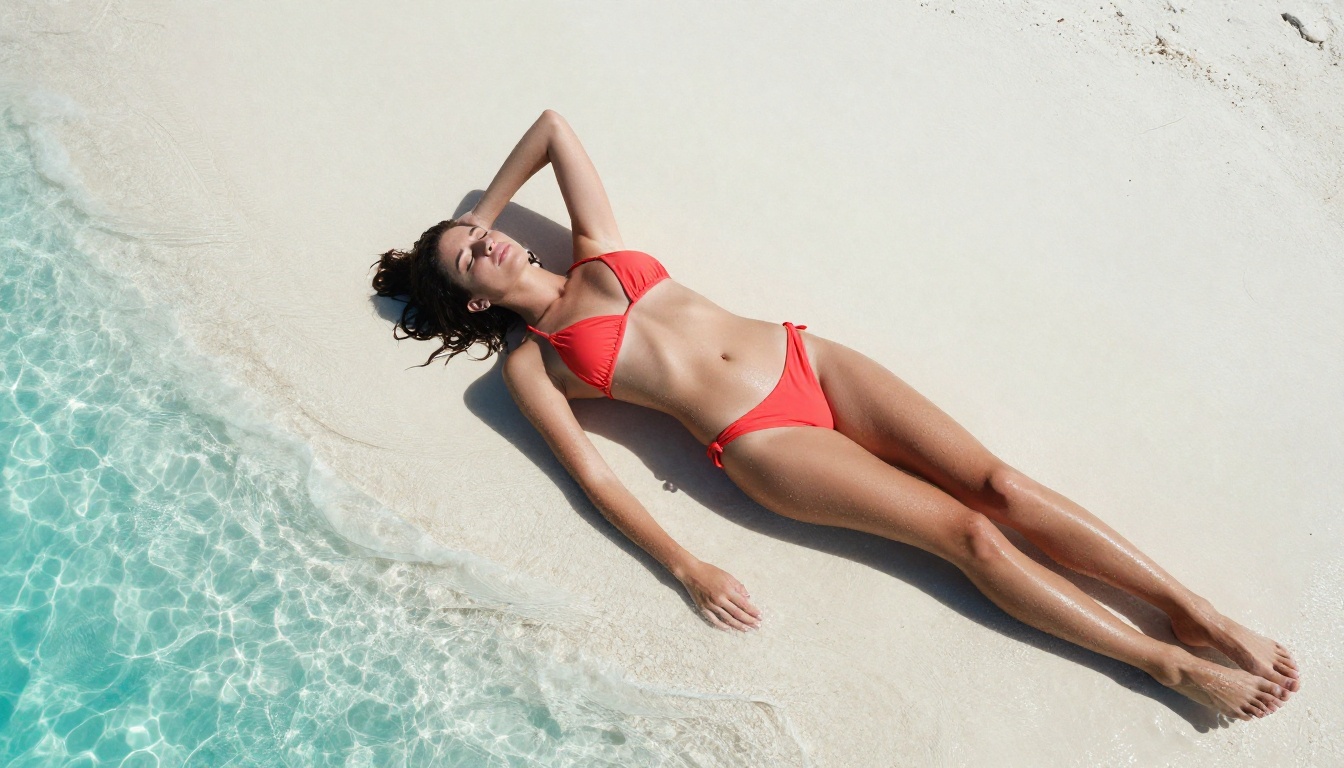
Add environmental cues to make the image feel lived-in: wet sand nearby, water droplets on skin catching noon light, elastic fabric slightly stretched at the hip. These details push the image from illustration toward photography.
Intimate and Satin Looks
Satin slip dresses, soft robes, and similar intimate looks are among the most requested styles for AI companion images. They work well because satin's reflective properties are highly specific and AI models handle sheen and highlight gradients accurately when given clear direction.
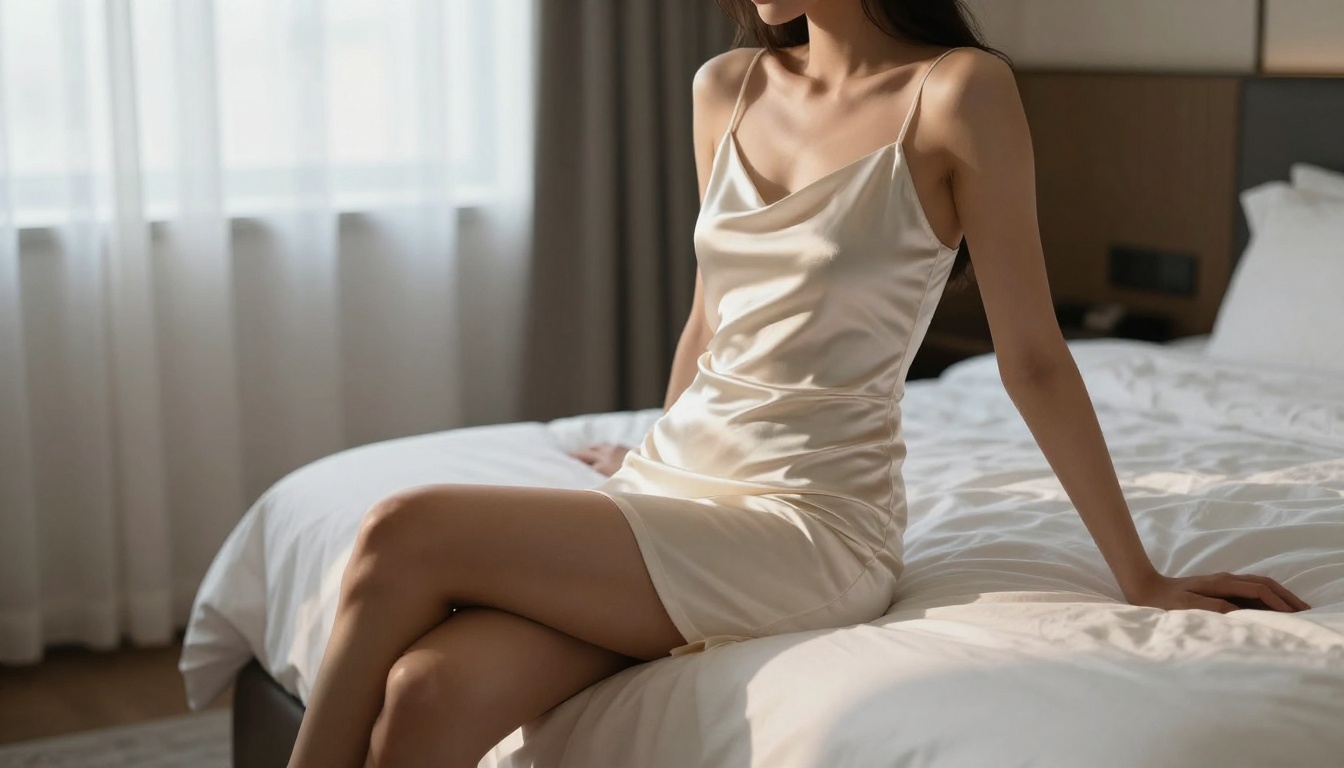
Describe the cut and how the garment interacts with body position: "a satin slip dress falling off one shoulder as she sits on the bed edge" gives the model movement and weight to work with. Lighting direction is critical in this category: soft diffused morning light coming through sheer curtains produces elegance; harsh direct flash undermines the mood entirely.
💡 Film stock tip: Add "Fujifilm 400H color grading, warm whites" to satin and intimate looks. This film stock contributes the creamy warmth that makes these images feel editorial rather than clinical.
Formal Evening Wear
Formal gowns and cocktail dresses are visually complex, with structured bodices, multiple fabric zones, and sometimes embellishments. But they photograph exceptionally well in AI generation because the drama of the outfit fills the frame and the model has strong reference material.
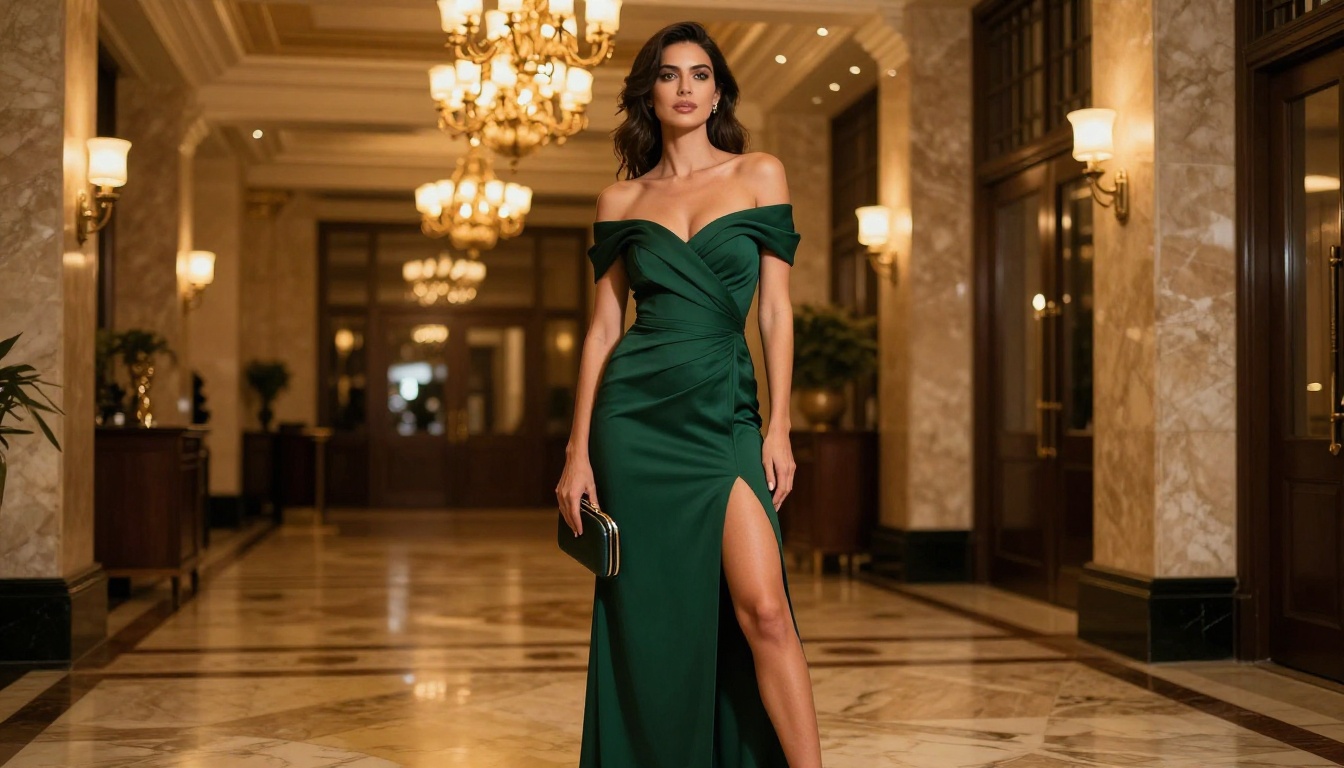
For evening wear, always describe:
- The neckline (off-shoulder, sweetheart, V-neck, strapless)
- The silhouette (A-line, column, fit-and-flare, mermaid)
- The fabric (crepe, velvet, chiffon, sequined mesh)
- The setting (hotel lobby chandeliers, rooftop at blue hour, garden at dusk)
The setting defines the light source, which defines how the fabric renders. A grand hotel lobby gives you warm incandescent chandeliers reflecting off crepe. A rooftop at blue hour gives you cool ambient city light with warm highlights from nearby structures. Both are beautiful in entirely different ways.
Prompt Writing That Actually Captures Clothes
Describing Fabric Texture in Words
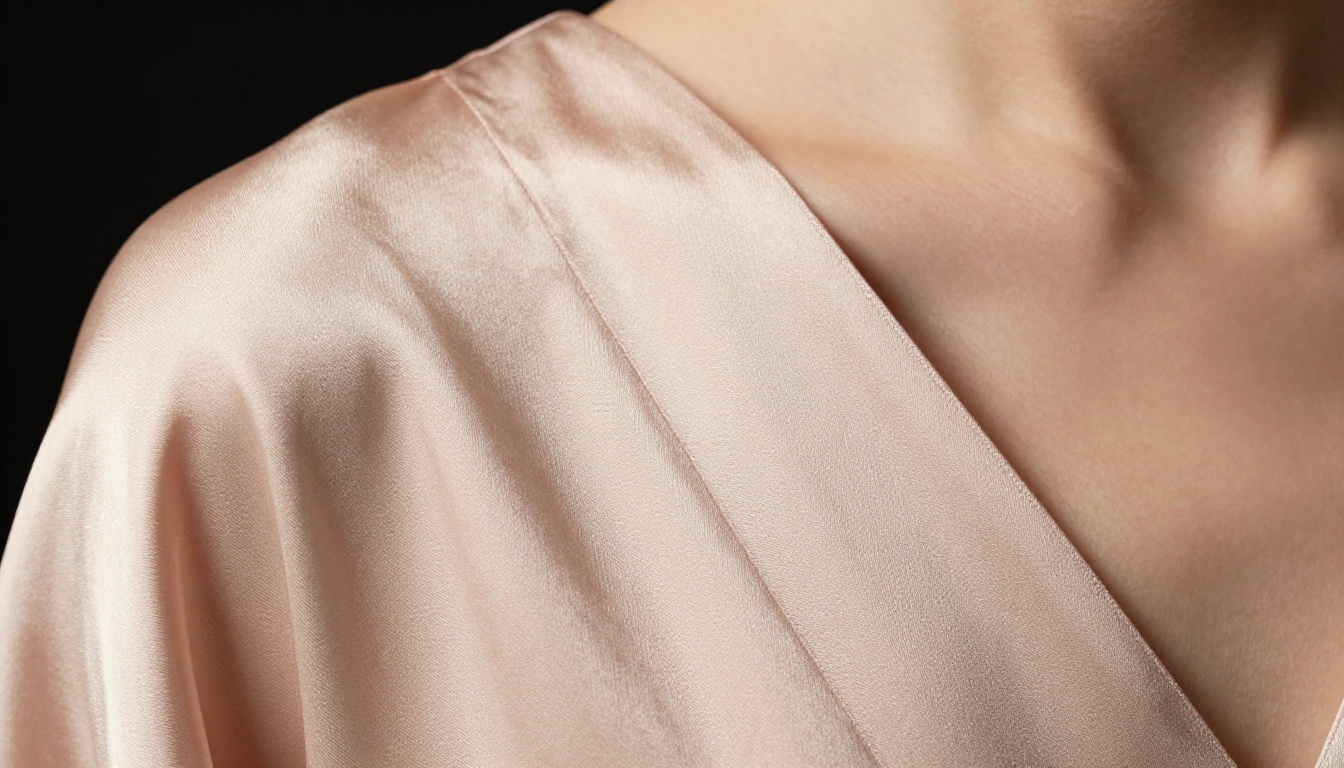
Fabric has three properties that matter for AI generation: texture, weight, and light response. Every outfit prompt should address all three.
| Fabric | Texture | Weight | Light Response |
|---|
| Silk | smooth, fluid | weightless, flowing | high sheen, sharp highlight |
| Denim | weave, selvedge, fade | stiff, structured | matte, slight texture shadow |
| Linen | natural crinkle, airy | light, breathable | matte, warm absorption |
| Satin | liquid, glossy surface | draped, pooling | mirror-like specular sheen |
| Wool | nap, soft grain | substantial, shaped | soft matte, minimal sheen |
| Leather | pebble grain, surface grain | structured, weighty | moderate sheen at creases |
| Chiffon | sheer, layered | barely-there | semi-transparent, light scatter |
Each fabric description word adds realism. "A silk blouse" is adequate. "A fluid silk blouse, smooth surface with sharp specular highlight from left" is a photograph.
Lighting Direction Changes Everything
Outfit photography is light photography. The direction you name determines whether the garment exists in three-dimensional space or lies flat against the subject.
- Volumetric morning light from left: long gentle shadows define fabric folds and give volume
- Hard noon sun overhead: short crisp shadows, strong on swimwear and casual outdoor looks
- Soft diffused overcast: even, shadow-free, best for business attire and color accuracy
- Warm golden hour from right: rim lighting and drama, excellent for gowns and formal looks
- Single studio softbox at 45 degrees: controlled, clean, editorial
Always state the light direction. Without it, the model makes a choice that may not match the outfit's intended mood.
Camera Angle and Distance for Clothing
Camera position shapes how much of the outfit is visible and how it reads compositionally.
| Shot Type | Lens | Best For |
|---|
| Full body | 35mm, f/4 | Gowns, swimwear, full outfits |
| Three-quarter | 50mm, f/2.8 | Business, casual, cocktail |
| Waist up | 85mm, f/2.0 | Fabric detail, intimate looks |
| Macro close-up | 100mm, f/4 | Texture study, material detail |
| Aerial overhead | 24mm, f/8 | Swimwear, flat lays, lifestyle |
| Low angle | 35mm, f/2.8 | Power poses, formal elegance |
Using PicassoIA to Create Your Companion's Wardrobe
Text-to-Image Models for Fashion
PicassoIA hosts over 91 text-to-image models, each with different rendering strengths. For photorealistic fashion photography, models that prioritize detail, natural skin rendering, and accurate fabric simulation are the right starting point. The full model collection lets you compare outputs across styles.
When selecting a model for wardrobe shoots, look for:
- Photorealistic base: trained on photography reference, not illustration
- High natural detail: fabric weave should be visible at standard output resolution
- Accurate skin rendering: skin tones should complement the clothing without competing with it
Swapping Outfits with Inpainting
One of the most useful workflows for AI companion wardrobe building is inpainting: generate a base character image, then paint over just the clothing region and prompt a different outfit into that space. The face, pose, background, and lighting stay consistent. Only the outfit changes.
This is where the Remove Background tool becomes useful. Extract your companion from the scene, work on the outfit in isolation, then recompose them into the background. The result is cleaner editing and more consistent looks across an entire series of images.
After the Shoot: Upscaling and Refining
Getting More Detail from Your Images
Once you have a strong outfit image, upscaling adds the fine detail that standard generation leaves out: individual fabric threads become legible, skin pores resolve naturally, the scene gains the sharpness of a real photograph.
PicassoIA offers several dedicated upscalers suited to different needs:
For outfit photography specifically, Clarity Pro Upscaler tends to produce the most editorial results because it adds local contrast that defines fabric texture without over-sharpening skin.
Removing Distracting Backgrounds
Sometimes the background pulls attention away from the clothing. A busy urban scene competes with a detailed outfit. In these cases, the Remove Background tool creates clean cutouts that can be placed against any environment you choose.
For AI companion content, background isolation also enables visual consistency across multiple shots: same character, different environments, with the outfit always reading naturally in its new context.
Keeping Looks Consistent Across Shots
Style Consistency Tips
Building a wardrobe across multiple generation sessions means managing consistency without being able to copy-paste a person. The factors that hold the companion's identity stable across runs are the ones worth locking down.
Keep these constant across all prompts:
- Hair color, length, and texture (exact descriptive language, repeated verbatim)
- Skin tone referenced via film stock: "Fujifilm 400H warm skin tones" produces consistent warmth
- Eye color described specifically: "pale hazel with warm undertone" not just "green"
- Camera lens and f-stop: same lens produces same spatial relationship to the subject
- Primary light direction: same light direction creates the same shadows across shots
- Film stock or color grade: this is what makes images from different sessions feel cohesive
Change only these between shots:
- Outfit description and fabric details
- Setting, background, and environment
- Time of day and light temperature
When the anchored elements stay consistent, images generated days apart still read as the same person with a deliberate wardrobe.
Building a Visual Identity for Your Companion
A visual identity is a set of recurring style signals that appear across different contexts. The way your companion presents in formal situations, the casualness of her everyday looks, the specific color palette that threads through different outfits, these are design decisions, not accidents.
Build them deliberately. Choose a signature color palette (say, warm ivory, dusty rose, and terracotta) and let it appear somewhere in every session. It might be the primary outfit in casual shots and only an accent detail in formal ones. This creates visual coherence that makes the companion feel like a person with consistent taste rather than a series of unrelated images.
Variety by design matters too. Plan across categories: editorial fashion, street, glamour, athletic, intimate evening. Each category calls for different camera angles, different fabric choices, and different lighting setups. Bringing that intentionality to the planning stage produces a wardrobe that holds up across different formats and contexts, whether that is a single portrait, a story series, or a gallery layout.
Start Creating Your Own Companion's Looks
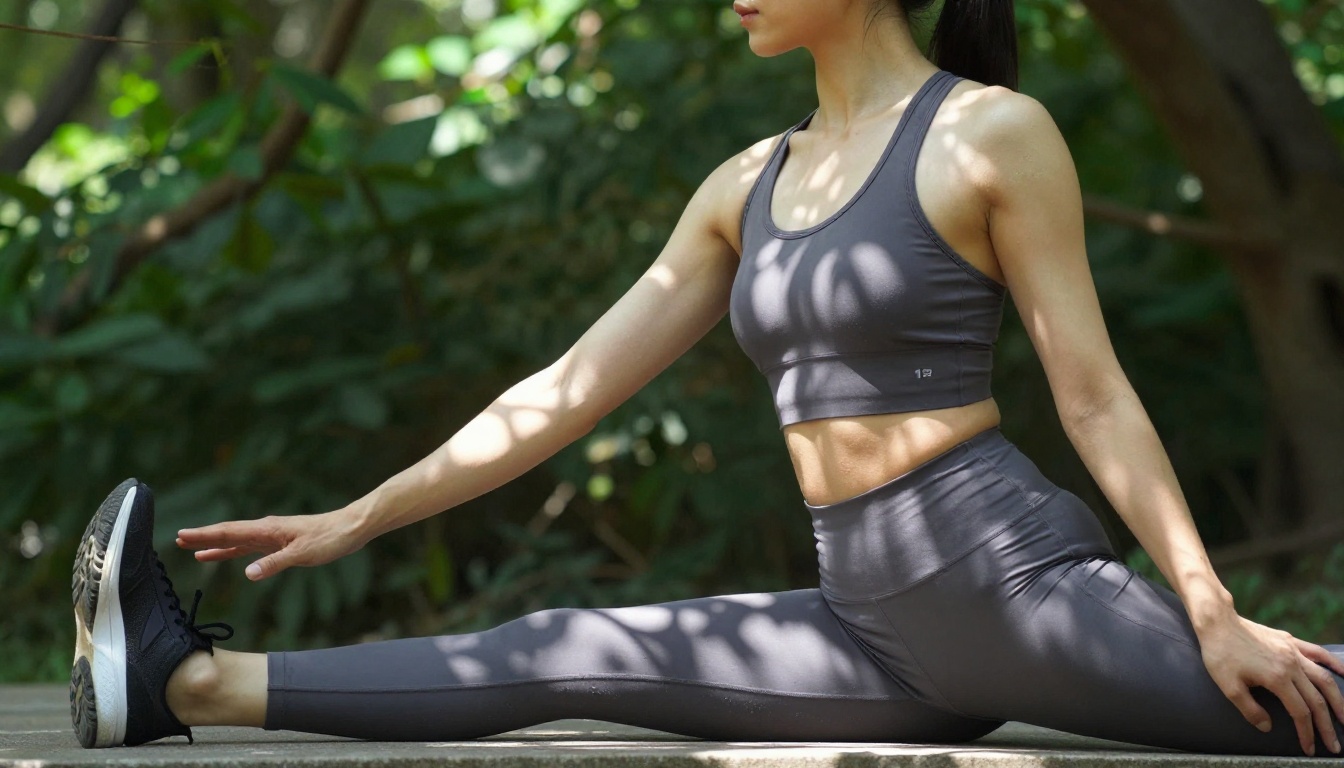
Every image in this article came from detailed prompts, specific fabric descriptions, named lighting conditions, and deliberate camera choices. No post-processing software. No photography studio. Just precise language, applied consistently.
PicassoIA brings all of these tools into one place. Browse the full model collection to find the text-to-image model that fits your visual goals, use the upscalers to add the fabric detail that makes clothing look real, and use background removal to place your companion into any setting you choose.
The wardrobe is unlimited. The only limit is how precisely you describe it.


