If you've tried generating adult content on mainstream AI platforms, you already know the frustration. A single suggestive keyword and your generation fails. An artistic nude reference and the system flags your account. You spend more time rephrasing prompts to avoid filters than actually creating. That cycle wastes hours, kills creative momentum, and produces a fraction of what you actually need.
Picking the right NSFW AI tool is not just a preference decision. For creators producing adult content at volume, it's the difference between a profitable workflow and a constant battle with platform restrictions. This article breaks down which models actually work, what they cost at scale, and how to set up a pipeline that runs without friction.
The Filter Wall
Every major AI image platform runs a safety classifier that sits between your prompt and the model. It's not the model itself that refuses, it's the filter layer on top. Midjourney, DALL-E 3, Adobe Firefly, and Stable Diffusion's hosted services all apply these filters aggressively. Even ambiguous keywords like "lingerie," "nude," or "sensual" trigger refusals, and repeated attempts flag your account.
The problem isn't that these platforms can't generate the content. The models underneath them are perfectly capable. The problem is that these companies have decided content moderation is a higher priority than creative freedom. For general audiences, that's fine. For professional adult content creators, it's a hard ceiling with no way around it.
What You Lose When Filters Win
When you constantly work around filters, three things happen. First, your prompts get vague, and vague prompts produce average results. Second, you spend creative energy on evasion instead of execution. Third, you can't build repeatable workflows because what passed yesterday gets blocked tomorrow as platforms update their classifiers.
Professional creators need consistency. A model that works reliably, accepts adult prompts without negotiation, and returns results fast is worth far more than a technically superior model hidden behind an unpredictable filter.
💡 What actually matters: It's not which model generates the best images in a lab setting. It's which model you can actually use, at scale, without fighting a filter every third prompt.
Speed Is a Real Creative Variable
Sub-1-Second vs. 3-Second Tools
When you're generating at volume, generation speed compounds dramatically. If you need 200 images for a project, the difference between 1-second and 10-second generation times is the difference between a 3-minute task and a 33-minute task. Multiply that across a week of work and you're looking at hours of extra waiting.
The fastest NSFW-capable models on PicassoIA generate results in under 1 second. P-Image is one of them. PicassoIA Image Editor Pro is another, consistently delivering img2img transformations in under a second. For text-to-image work, Seedream 4.5 hits the sweet spot between speed and quality at around 3 seconds per output.
When Speed Shapes Your Output
If your content pipeline involves batch generation, rapid iteration, or A/B testing across dozens of variations, you want the sub-1-second category. If you're crafting fewer, higher-quality images where each output gets significant attention, 3 seconds is perfectly workable.
💡 Practical rule: For final hero images, use Seedream 4.5. For bulk variation runs, use P-Image or PicassoIA Image Editor Pro.
The Best NSFW AI Models Right Now
Seedream 4.5: Still the Top Pick
Seedream 4.5 from ByteDance is the model that consistently outperforms the field for NSFW content. It accepts adult prompts directly, no special syntax or workarounds required. It generates photorealistic outputs in under 3 seconds with a level of skin texture detail, lighting accuracy, and anatomical realism that other models still struggle to match.
It also supports image editing, meaning you can use it as both a text-to-image generator and an img2img tool. Start from a reference and push it in any direction you need, all still within the 3-second ceiling.
One critical note: Seedream 5 Lite (bytedance-seedream-5-lite), the newer variant, does not support NSFW content. Stick with 4.5 for adult content workflows.
PicassoIA Image Editor Pro: Volume Without Limits
PicassoIA Image Editor Pro is the tool you reach for when volume is the primary concern. On Elite and Infinite plans, it offers unlimited generations with no per-image cost. That changes the math entirely for high-output creators.
To make the comparison concrete: generating 1,000 images with a model like Nano Banana 2 would cost approximately $100 in credits. With PicassoIA Image Editor Pro on an unlimited plan, those same 1,000 images cost nothing extra beyond your subscription. For creators producing at scale, this is the most cost-effective model available anywhere.
It returns results in under 1 second, accepts NSFW content without restriction, and offers a 3-generation free trial with no credit card required.
Other Models Worth Your Attention
Beyond the top two, PicassoIA's catalog offers several models suited to different creator needs:
| Model | Type | Speed | NSFW | Strength |
|---|
| Qwen Image 2 | Text-to-Image + Edit | Fast | Yes | Detailed realism, open-source |
| Grok Imagine Image | Image-to-Image | Fast | Yes | Swimwear and clothing conversions |
| Recraft V4 | Text-to-Image | Fast | Yes | Highly realistic outputs |
| P-Image | Text-to-Image | Under 1s | Yes | High-volume batch runs |
| Wan 2.2 Image | Text-to-Image | Fast | Yes | No content filters |
Qwen Image 2 stands out because it's open-source, which translates to broader latitude with prompts and very detailed realism for both creative and editing tasks.
Grok Imagine Image is specifically well-suited for image-to-image work. Upload a reference photo and it will realistically convert it to different clothing styles, including swimwear and lingerie, with strong anatomical consistency.
Image Editing vs. Text-to-Image
Starting from a Reference Photo
If you already have a base image you want to modify, img2img tools are significantly more efficient than starting from scratch. You control the starting point: body proportions, facial features, and environment are already established. You're only instructing the model on what to change.
PicassoIA Image Editor Pro, Grok Imagine Image, and Qwen Image 2 all handle img2img workflows well. For swimwear or clothing-style conversions from a reference photo, Grok is often the fastest path to a consistent, realistic result.
Seedream 4.5 supports editing too, with the added advantage of its quality ceiling being higher when you need the final output to look exceptional.
Building from a Text Prompt
When you don't have a reference and you're generating from description alone, the quality of your prompt becomes the entire variable. Models like Seedream 4.5, Recraft V4, and Wan 2.2 Image handle detailed text prompts well.
For NSFW text-to-image work, specificity matters more than with general content. Describe lighting direction, skin tone, clothing details, body position, environment, and camera angle explicitly. Vague prompts produce vague results regardless of how capable the underlying model is.
💡 Prompt tip: Include photographic parameters such as "85mm f/1.8, natural light from the left, Kodak Portra 400" to bias the model toward realistic, film-like output rather than an artificial-looking render.
What 1,000 Images Actually Costs
Per-Generation Pricing
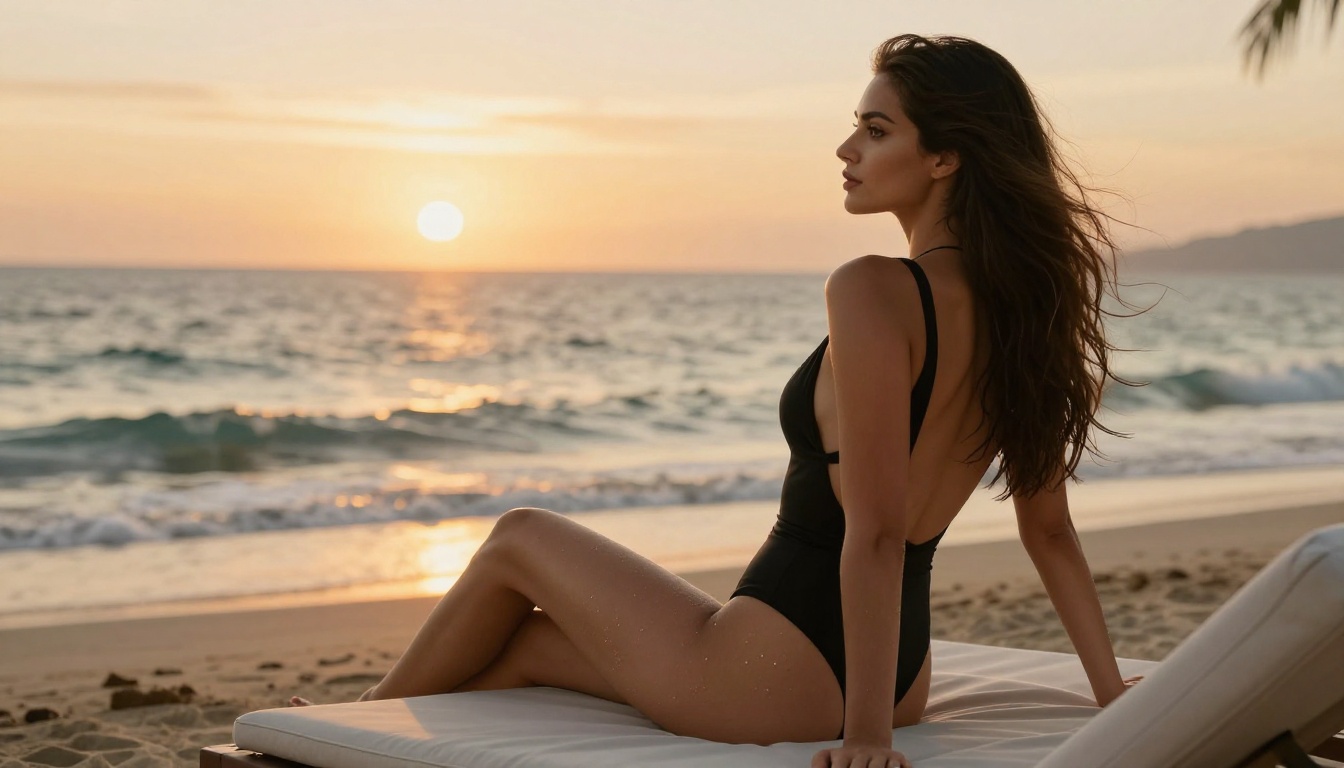
Most AI platforms charge per generation, and the costs add up faster than creators typically expect. At $0.10 per image, 1,000 images cost $100. At $0.05, it's still $50. For creators running weekly batches at that volume, the annual cost becomes a significant operational line item.
That math doesn't account for rejected generations (filters blocking your prompt and forcing a retry), failed outputs requiring regeneration, or iterative refinement, which often means running the same concept 10 times to find the best version. In practice, you often generate 2-5 images to get 1 usable one. That multiplies the real cost considerably.
Subscription Math for High-Volume Creators
PicassoIA Image Editor Pro on an Elite or Infinite subscription changes this calculation entirely. With unlimited generations included, the cost per image approaches zero once you're past the break-even volume for your subscription tier. For any creator producing more than a few hundred images per month, the subscription model is almost always cheaper than per-generation pricing.
The break-even calculation is straightforward: if the monthly subscription costs less than what you'd spend on per-generation credits at your volume, you're saving money from the first image.
| Monthly Volume | Per-Generation Cost (at $0.08/img) | With Unlimited Plan |
|---|
| 100 images | $8 | Flat subscription rate |
| 500 images | $40 | Flat subscription rate |
| 1,000 images | $80 | Flat subscription rate |
| 5,000 images | $400 | Flat subscription rate |
At 1,000 images per month, per-generation pricing runs to $80 or more. If the subscription covers that volume for less, the decision makes itself.
How to Use Seedream 4.5 on PicassoIA
PicassoIA has Seedream 4.5 available directly in its model catalog. The setup takes under two minutes.
Step 1: Open the Model Page
Go directly to picassoia.com/en/collection/text-to-image/bytedance-seedream-45. The prompt input field is immediately visible. No API setup, no complex configuration. If you're using it for the first time, PicassoIA offers a free trial with a limited number of generations and no credit card required.
Step 2: Write a Detailed Prompt
Seedream 4.5 responds well to specificity. For NSFW content, include these components in your prompt:
- Subject description: Body type, features, expression, pose
- Clothing details: Be direct about what's worn and how
- Environment: Setting, surface, background elements
- Lighting: Direction, quality, and color temperature
- Camera angle and focal length: Creates compositional intent
- Style reference: "photorealistic," "85mm f/1.4," "Kodak Portra 400"
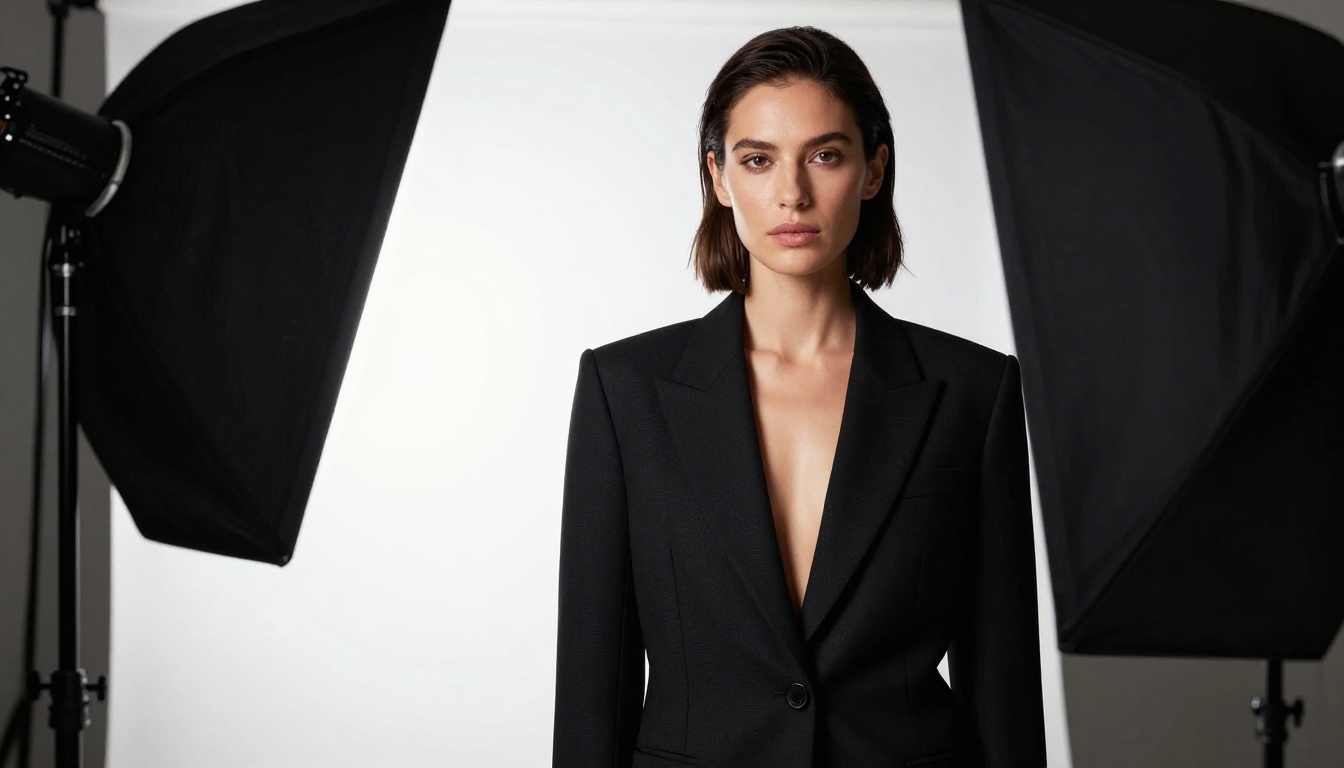
A detailed prompt like "a woman in a sheer silk slip dress sitting on a white linen bed, morning light from the left window, 85mm f/1.8, Kodak Portra 400, photorealistic, visible fabric texture, natural skin" will consistently outperform a vague prompt like "beautiful woman in bed." The model can only work with what you give it.
Step 3: Edit and Refine Results
Once you have a strong base output, use Seedream 4.5's image editing mode to refine it. Adjust clothing, lighting, or background without regenerating the whole image from scratch. The 3-second generation speed makes iteration cycles fast enough to refine to exactly what you need without losing momentum.
For volume variations of the same base concept, switch to PicassoIA Image Editor Pro once your base is established. That combination covers both quality and volume in one pipeline.
NSFW Video: When Static Isn't Enough
Models Built for Motion
For creators working with video content, PicassoIA's catalog extends well beyond image generation.
PicassoIA Video offers unlimited text-to-video generation at up to 720p, 5 seconds per clip. Like the Image Editor Pro, it's included in Elite and Infinite plans with no per-video charge. For creators who need a steady output of short clips, this is the most cost-efficient path available.
P-Video handles text, image, and audio inputs and generates up to 1080p at 24 or 48fps. Its safety filter is disabled by default, so adult content prompts process without intervention. Draft mode delivers an instant low-resolution preview before the full render, letting you verify direction before committing to the full generation cost.
Grok Imagine Video generates clips up to 15 seconds with no watermarks. It accepts text, reference images, or existing video clips as input. The image-to-video mode auto-matches your source image proportions, making it straightforward to animate content already generated with Grok Imagine Image.
LTX 2.3 Pro is the quality ceiling option, exporting up to 4K at 50fps with retake and extend editing for precise control over specific segments. It's the right choice for client-ready work where quality is non-negotiable.
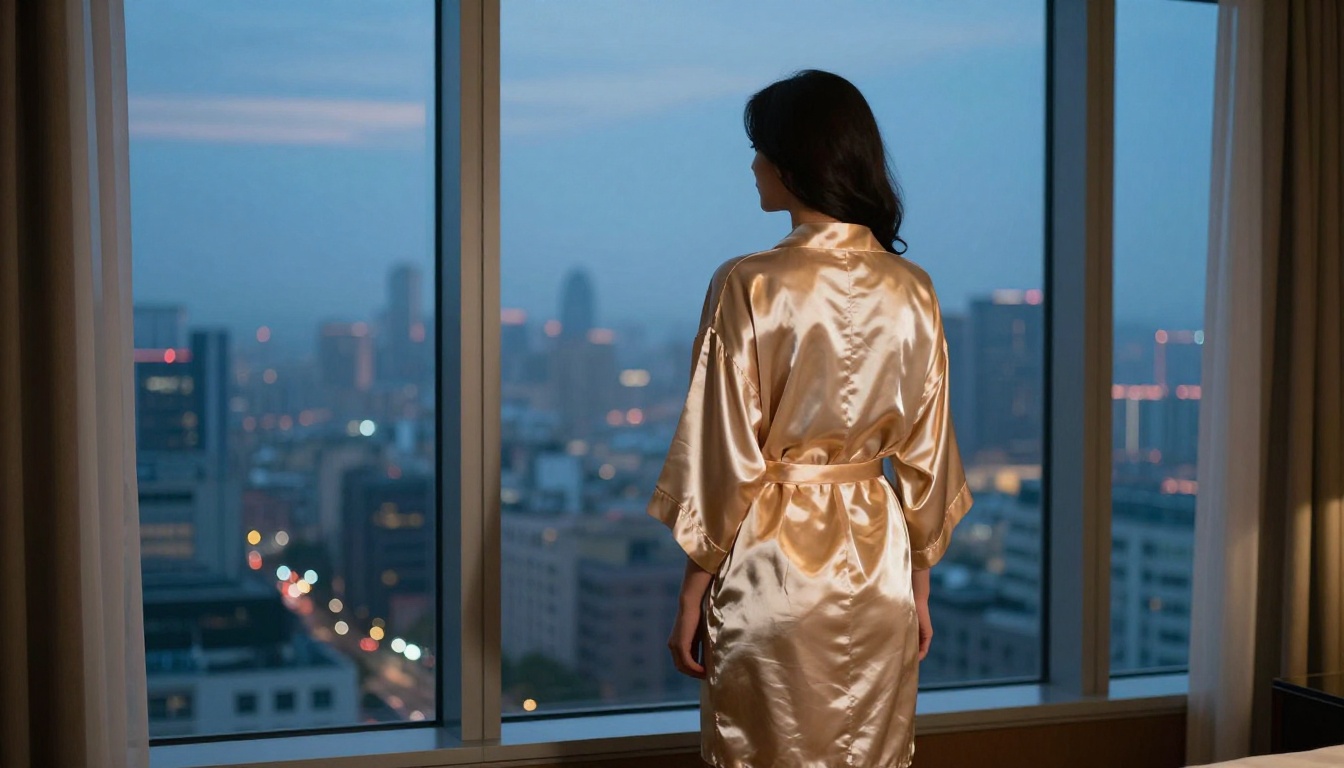
💡 Workflow pairing: Generate a strong base image with Seedream 4.5, then pass that image to Grok Imagine Video or P-Video to animate it. You control the starting frame quality and let the video model handle the motion.
Start Creating Without Restrictions
The single biggest change most creators report after switching to an unrestricted platform is how much faster their ideas move from concept to finished output. When every prompt processes without second-guessing whether it will pass a filter, your workflow becomes what it should be: a direct line from what you imagine to what you see on screen.
PicassoIA's catalog gives you that. Seedream 4.5 handles quality-first text-to-image work and editing. PicassoIA Image Editor Pro handles volume without a per-image cost ceiling. Video models like PicassoIA Video, P-Video, and Grok Imagine Video extend that freedom into motion.
If you haven't tested any of these yet, start with the Seedream 4.5 free trial: 3 generations, no credit card required. You'll see immediately why it's the top recommendation for adult content creation.
The full catalog, including all the image and video models discussed here, is at picassoia.com/en/all-models. Browse the options, check the generation samples, and pick the tool that fits where your work needs to go.
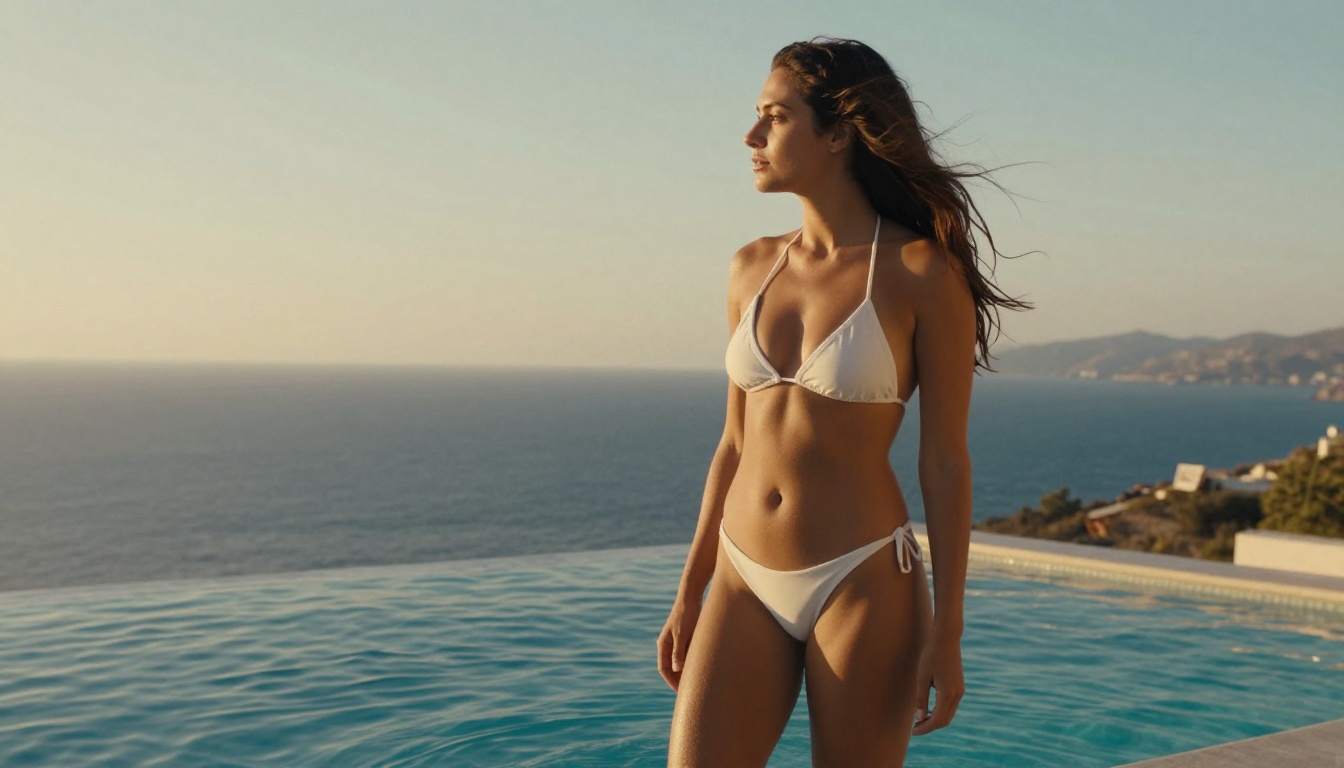
Ready to start? Pick your model, write a detailed prompt, and generate your first image at picassoia.com/en/all-models. With PicassoIA Image Editor Pro, your first 3 are free.


