The announcement landed without much warning: Pika 2.0 now ships with a library of free, uncensored video templates that any registered user can access without a subscription. For a platform that previously kept its more expressive content presets behind a paywall, this represents a real shift in how they are positioning themselves. Content creators, social media managers, and independent filmmakers have been talking about it across forums and creator communities. So let's break down what actually changed, what the fine print says, and whether this update holds up against the AI video generation platforms that have been operating without creative restrictions for much longer.

What Pika 2.0 Actually Changed
The Template System, Explained
Pika 2.0 introduced a template-based generation system that separates it from purely prompt-driven tools. Rather than starting from a blank text box, users can select a visual template that pre-defines motion style, scene composition, and tonal character. The update that made headlines is that a portion of these templates, specifically those categorized for mature audiences, are now available on the free tier.
Previously, accessing these templates required a paid plan. The free-tier gate removed some of that friction. Templates in this category tend to favor dramatic lighting, stylized body movement, and settings that would previously have required prompt engineering workarounds to achieve.
💡 Worth knowing: Pika templates are more about motion style than content generation. They define how scenes move, not what appears in them. The actual content still depends heavily on your input prompt.
What "Uncensored" Means Here
The term "uncensored" is doing a lot of marketing work in this announcement. In practice, Pika 2.0's templates operate within the same moderation framework as the rest of the platform. What changed is that certain stylistic presets with mature themes are available without a paid subscription. Explicit content still triggers filters. The templates allow suggestive, glamour-style, and dramatically lit scenarios without requiring the user to pay to access them.
For creators who primarily needed these templates for fashion content, music video aesthetics, or editorial-style clips, this is genuinely useful. For anyone expecting full creative freedom with no guardrails, the reality is more measured.

Why Free Templates Matter
The Cost Barrier Was Real
Before this update, accessing Pika's more expressive presets required a paid subscription. For hobbyists and independent creators, that monthly cost was a meaningful friction point. The shift to free access for the mature template library removes that barrier for a significant use case.
This pricing move also reflects what has been happening across the broader AI video space. Platforms are realizing that locking creative tools behind hard paywalls, when free or lower-cost alternatives exist, pushes users toward competitors who made a different bet on openness from the start.
3 Ways Templates Speed Up Your Workflow
Working with pre-defined templates rather than building everything from a prompt alone offers tangible time savings:
-
Consistency across clips: Templates enforce a visual signature across multiple generations. If you are producing a series of short-form videos, matching the motion and lighting style without re-prompting manually saves significant iteration time.
-
Faster prototyping: For clients or collaborators, showing a template-based rough cut is faster than building a detailed prompt from scratch. You can swap templates quickly to demonstrate tonal options.
-
Reduced trial and error: Prompt-only generation often requires multiple passes to nail a specific mood. Templates compress that process into a single selection.
💡 Pro tip: Even with free templates available, the quality of your input prompt still determines the output quality. Templates shape motion and style; your prompt defines the subject and environment.

The Catch Nobody Talks About
Content Restrictions Still Apply
The word "uncensored" in this context is relative. Pika 2.0 does not operate as an open platform. Its content policy still prohibits explicit adult content, and moderation systems actively filter prompts and outputs. What changed is that certain stylistic templates that previously sat behind a paywall are now accessible for free. The underlying content limitations of the platform remain in place.
For creators who need an AI video tool without content restrictions, Pika 2.0 does not fundamentally change the equation. The free templates expand stylistic access, not content freedom.
Watermarks and Export Limits
Free tier accounts on Pika still face watermarked exports and resolution limits. If you are generating content for professional use, you will hit this wall quickly. The free template access is genuine, but the output usability for professional workflows is constrained unless you upgrade.
This is worth factoring in if you are comparing total cost of ownership across AI video platforms. Free templates do not necessarily mean free production-ready output.
| Feature | Pika 2.0 Free | Pika 2.0 Paid |
|---|
| Uncensored templates | Yes | Yes |
| Watermark-free export | No | Yes |
| Resolution options | Limited | Full |
| Generation credits | Capped | Higher |
| Commercial license | No | Yes |
Better Options for Creative Video Without Walls
Platforms Without a Content Wall
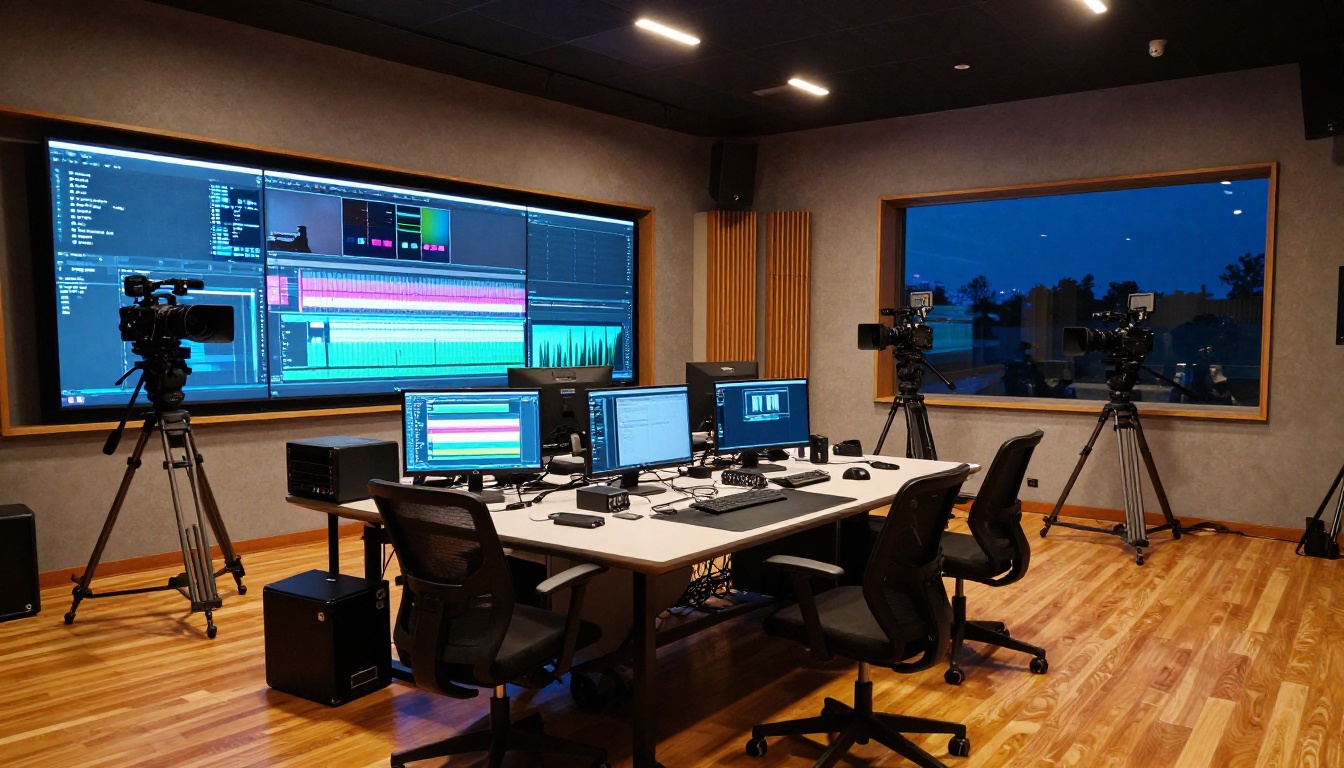
If your frustration with Pika 2.0's limitations goes beyond templates, there are AI video platforms that approach content generation with substantially fewer restrictions. PicassoIA has built its model library specifically to give creators access to both the generation tools and the creative latitude to use them properly.
The difference is not just about NSFW content. It is about the full creative stack: more models, more resolution options, no watermarks on generated content, and a model selection that spans everything from cinematic realism to experimental motion.
Here are models worth knowing across the library:
- Kling v3 Video: Cinematic output with strong motion coherence. Excellent for narrative-style clips with complex subject movement.
- Veo 3: Native audio synced to video output. One of the few models that generates ambient sound automatically alongside visuals.
- Wan 3: High temporal consistency with strong scene transitions and detail retention across frames.
- Pixverse v6: Fast cinematic generation with AI audio support. Strong for quick turnaround on social content.
- LTX 2.3 Fast: 4K video from text prompts at speed. Strong for high-resolution output needs without long wait times.
- Ray 3.2: HDR cinematic output. Handles dramatic lighting scenarios better than most alternatives.
- Hailuo 02: Reliable 1080p output with good detail retention on human subjects and natural skin rendering.
Seedance 2.5 vs Pika 2.0 Templates
Seedance 2.5 is one of the most capable text-to-video models currently available on PicassoIA. Where Pika 2.0's template system is prescriptive, Seedance 2.5 gives you direct prompt control over motion, atmosphere, and subject matter without requiring you to select from a pre-made grid.
The quality ceiling is also higher. Seedance 2.5 generates up to 30 seconds of video per clip, compared to the shorter clips typical of Pika's template outputs. For creators building longer-form content or needing more than a five-second cinematic moment, that capacity matters considerably.
💡 Comparison note: Pika 2.0 templates excel at consistency within their preset styles. Seedance 2.5 excels at custom creative control with no stylistic ceiling imposed by a template library.

How to Use PicassoIA for Unrestricted Video
Your First Clip in 5 Steps
Getting started on PicassoIA does not require any technical background. The platform is structured around model pages, where each model has its own input fields for prompt, style, resolution, and duration.
- Go to picassoia.com/en/all-models and browse the text-to-video category
- Select a model based on your desired output style. For beginners, Seedance 2.5 Lite is free and unlimited with no daily cap
- Write a prompt describing your scene, including subject, environment, lighting, and motion
- Set resolution and duration based on your needs
- Click generate and wait for the clip to render
The whole process takes under two minutes for the first generation. From there, iteration is fast.
Picking the Right Model
Not all video models produce the same type of output. The choice depends on what you are making:
| Use Case | Recommended Model | Link |
|---|
| Cinematic narrative | Kling v3 Video | Open |
| Fast social content | LTX 2.3 Fast | Open |
| Music video aesthetics | Ray 3.2 | Open |
| Long-form video | Seedance 2.5 | Open |
| Free unlimited use | Seedance 2.5 Lite | Open |
| Human subjects | Hailuo 02 | Open |
| Native audio sync | Veo 3 | Open |
Prompts That Actually Work
Writing effective prompts for AI video generation is different from writing prompts for images. Motion matters here.
- Lead with the subject and their action: "A woman walking along a foggy shoreline at dawn" gives the model more to work with than "foggy beach."
- Specify camera movement: Adding "slow dolly-in" or "gentle pan right" produces more cinematic results than omitting it.
- State the lighting explicitly: Models respond well to specific lighting notes like "volumetric morning light from the left" rather than generic terms like "well lit."
- Keep prompts tight: Descriptions under 80 words tend to outperform longer ones. Concise specificity beats exhaustive description.
- Use P Video for image-to-video workflows: If you have a strong source image, animating it often beats generating from text alone for human subjects.
Visual Effects and Post-Production
Video Editing After Generation
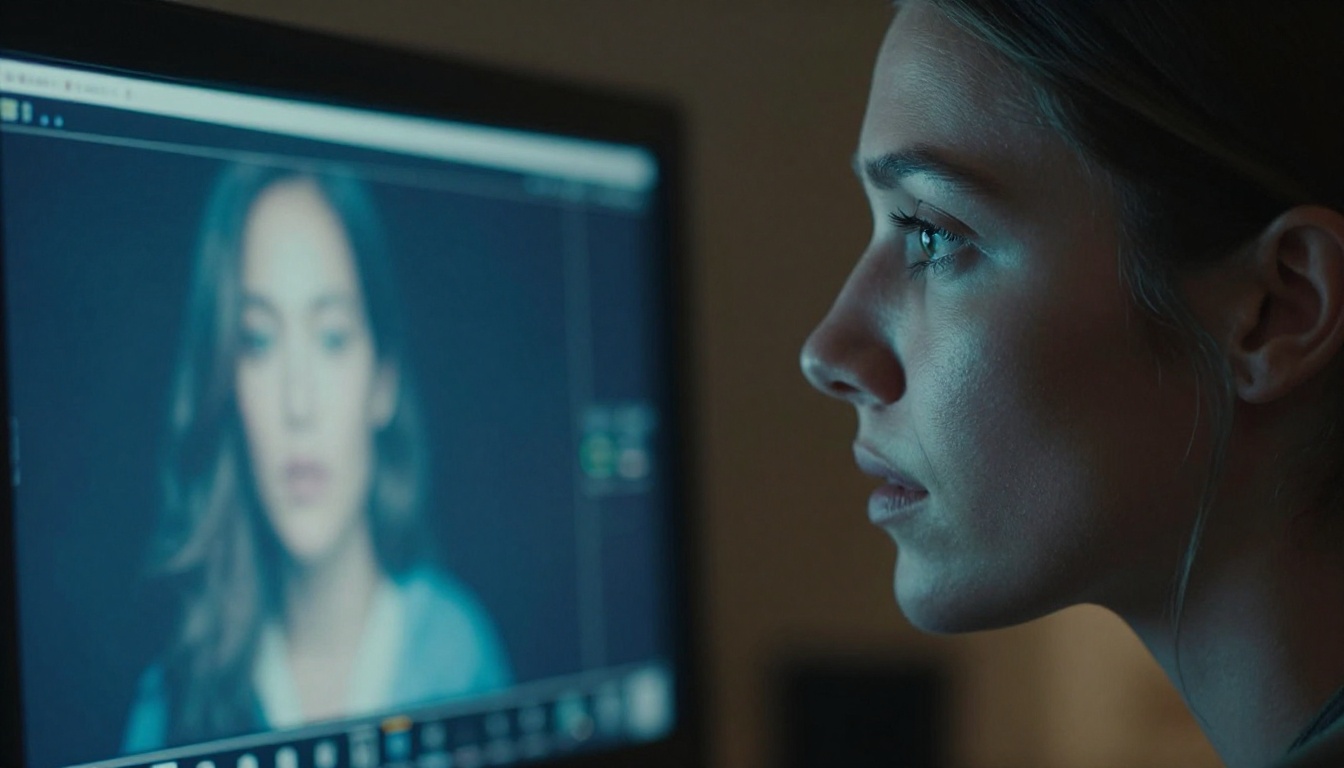
Generating a clip is step one. Most professional workflows require editing, adjustment, or style changes after the initial generation. PicassoIA's video-editing category covers this with dedicated tools.
P Video Edit accepts a text prompt alongside an existing video and applies changes directly. Need to change the season, adjust lighting style, or swap a background element? This model handles it without requiring a full re-generation from scratch.
Kling o1 allows you to rewrite any video with a text instruction. This is useful for restyling footage you already have or adjusting elements that did not match your original intent.
LTX 2 Retake lets you select a specific section of a generated video and re-run just that segment. Surgical editing without touching what already works well.
💡 Workflow tip: Generate your base clip first, then use P Video Edit for refinements. This two-step approach produces more consistent results than trying to get everything right in the first generation pass.
Upscaling and Resolution Treatment
Generated video often needs resolution treatment before it is ready for final use. PicassoIA's tools handle this without leaving the platform.
Real ESRGAN Video upscales footage up to 4K. For clips initially generated at lower resolutions for speed, this is the standard post-processing step before export.
Video Increase Resolution pushes output further, with support up to 8K. Useful for display contexts where pixel density matters, such as large-format screens or broadcast use.
If your generated clip has unwanted elements, Video Erase Object removes specific objects from footage frame by frame. This saves you from having to re-generate an entire clip because of a single compositional issue.

Who Should Use What
For Casual Creators
If you are creating content for social media, personal projects, or building a portfolio, the combination of Seedance 2.5 Lite for generation and P Video Edit for adjustments covers most use cases at zero cost. The unlimited generation cap on Seedance 2.5 Lite means you can iterate without watching a credit counter.
For one-off cinematic moments or specific aesthetic goals, Pixverse v6 and Kling v2.1 Master both produce strong results with minimal prompt complexity. Neither requires technical expertise to use effectively.
For Professional Production
Professional workflows have different requirements. Resolution, commercial licensing, consistency across a project, and post-production flexibility all matter in ways that free casual tools do not address.
For high-resolution primary generation, LTX 2 Pro and Wan 3 are the models to start with. Both support 4K output and have strong temporal coherence across longer clips.
For shoots requiring specific motion choreography, Kling v3 Video offers camera movement specification that holds up to professional editing standards.
A full production stack might look like this:
- Primary generation: Seedance 2.5 or LTX 2 Pro
- Scene adjustments: P Video Edit or Kling o1
- Section retakes: LTX 2 Retake
- Upscaling: Real ESRGAN Video or Video Increase Resolution
Output Quality: What the Numbers Miss
The Real Difference Between Template and Prompt
Pika 2.0's free uncensored templates are a real improvement for users who were previously locked out of those presets. The platform has made a meaningful move to reduce friction for casual users. But the conversation around "uncensored" templates tends to overshadow a more important question: what is the actual quality of the output?
Template-based generation has inherent limits. The template defines a motion pattern; your creative intent still needs to be mapped onto that pattern through a prompt. When the match is good, the results are strong. When it is not, you are locked into someone else's visual framework.
Prompt-first generation, as offered by most models on PicassoIA, gives you the reverse tradeoff: more iteration required upfront, but no ceiling on what you can say once you have found your prompt approach.
Detail Retention on Human Subjects
At equivalent resolution settings, models like Wan 3 and Seedance 2.5 consistently retain more detail in human subjects, particularly facial expressions and natural movement. This is where template-based systems often fall short: the visual template smooths out idiosyncratic details in favor of preset motion patterns.
For creators who need their generated humans to look and move like real people rather than idealized digital approximations, the difference is visible even at 1080p.

Try It Yourself
Pika 2.0's free template update is a positive sign for the direction of the AI video industry. More access, lower barriers, cleaner onboarding. But if you have hit the creative ceiling on what template-based generation can do, the model library at PicassoIA is worth checking out directly.
Start with Seedance 2.5 Lite for your first few generations. It is free, unlimited, and produces results that compare favorably with paid-tier outputs on platforms with tighter restrictions. When you are ready to push further, models like Kling v3 Video, Ray 3.2, and Veo 3 give you cinematic output without requiring a template to tell you what your video should look like.
The tools are there. The creative decisions are yours.


