Two of the most talked-about AI video platforms right now are Pika Labs and Luma AI, and their latest releases stand out from the growing crowd of text-to-video tools. Pika 2.2 and Luma Ray 3 both offer free-tier access that puts short-form AI video creation in reach of anyone with a browser. Both can turn a text prompt or a still image into a short video clip. Both are free to try. But "free" means different things on each platform, and the quality gap between them is significant depending on what you are making. This side-by-side comparison tests everything from motion realism and prompt accuracy to credit limits, generation speed, and watermarks, so you can pick the right tool for your specific content projects.
Both Pika 2.2 and Luma Ray 3 sit in the text-to-video category: you type a description, optionally upload a reference image, and the AI produces a short clip. The underlying technology, design philosophy, and target audience are quite different, though.
Pika 2.2 at a Glance
Pika 2.2 is built by Pika Labs and sits firmly in the social-media-first camp. It generates short clips, typically 3 to 5 seconds by default, and puts heavy emphasis on expressive motion, stylistic variety, and fast iteration. Version 2.2 introduced sharper output frames, improved handling of human faces, and better object permanence across frames compared to earlier releases. The interface is approachable for beginners: type a prompt, pick a style, press generate.
What makes Pika 2.2 distinctive is its scene effects engine. You can apply preset effects like zoom-in, explosion, crush, or melt to any generated clip without writing detailed motion prompts. This lowers the skill barrier significantly for non-technical creators who want dramatic results without learning prompt engineering. There are currently over 20 effects in the library, all accessible at the free tier.
Pika 2.2 also introduced better character consistency within a single clip, meaning a person's face and clothing are more likely to remain coherent through the full duration rather than morphing mid-clip, a common failure point in earlier AI video tools.
Luma Ray 3 in Practice
Luma Ray 3, the Ray 3 generation of Luma AI's Dream Machine, takes a completely different approach. Luma targets photorealism and cinematic camera motion rather than stylistic effects. Ray 3 outputs feel more like a film camera moving through real space rather than an AI interpolating between frames. The motion is smoother, lighting stays more consistent across frames, and secondary object behavior such as hair movement, fabric drape, and water ripples holds up significantly better than Pika 2.2.
The resolution detail is also higher at equivalent settings. Skin texture, architectural surfaces, and natural environments all render with more convincing fidelity in Ray 3. This comes at a cost: Ray 3 rewards detailed, well-structured prompts. A vague two-word input will produce mediocre results. A precisely described scene with explicit camera direction, lighting notes, and subject behavior will produce something that is genuinely hard to distinguish from real footage at first glance.
💡 Pro tip: For Luma Ray 3, describe the camera movement explicitly: "slow dolly-in from medium shot to close-up" or "static wide shot with subject walking left to right and a gentle breeze effect." Vague prompts waste your free credits.
Free Tier Breakdown
The free tier is where most users start, and the differences here are stark enough to influence which tool you should prioritize.
Pika 2.2 Free Limits
Pika's free plan gives new users a set of daily credits that regenerate every 24 hours. As of 2025, free accounts get approximately 250 credits per day, with standard 3-second video generations costing between 30 and 50 credits each. That works out to roughly 5 to 8 standard videos per day before hitting the limit.
Free users can access 720p output, most of the standard effect presets, and both text-to-video and image-to-video modes. Features behind the paid tier include 1080p output, clip durations beyond 3 seconds, the newest stylized preset library, and priority queue access during peak hours.
| Feature | Pika 2.2 Free | Pika 2.2 Paid |
|---|
| Daily credits | ~250 | Unlimited |
| Max resolution | 720p | 1080p |
| Clip length | Up to 3s | Up to 10s |
| Watermark | Yes | No |
| Scene effects | Most presets | All presets |
| Priority queue | No | Yes |
Luma Ray 3 Free Credits
Luma Dream Machine's free tier is more generous at initial sign-up but resets weekly rather than daily. New accounts receive 150 free generations, and after those are used, a modest weekly top-up of 10 to 30 credits applies depending on current promotions. This structure makes Luma better suited for occasional high-quality use rather than daily bulk generation.
The free tier includes access to Ray 3 and Ray 3.2, 720p output, and both text-to-video and image-to-video modes. Longer generations beyond 5 seconds and 4K resolution require paid credits, sold per-bundle or through a subscription plan.
| Feature | Luma Ray 3 Free | Luma Ray 3 Paid |
|---|
| Starting credits | 150 | Per-bundle or subscription |
| Weekly top-up | 10 to 30 | N/A |
| Max resolution | 720p | 4K |
| Clip length | 5s | Up to 10s |
| Watermark | Yes | No |
| Camera controls | Basic | Full camera path |
The Watermark Problem
Both tools stamp free-tier videos with a visible watermark in the corner. Pika's is subtle but consistent across all outputs; Luma's is more prominent on shorter clips. For personal experimentation or internal mockups this is usually acceptable. For published social content or client-facing work it is a real problem.
Watermark removal on both platforms requires a paid subscription starting at $8 to $12 per month. If budget is a constraint, the section below on PicassoIA covers alternatives that offer watermark-free video generation without subscription fees.
Video Quality Side by Side
Raw quality is the real battleground between these two tools, and the winner depends heavily on what type of content you are creating.
Motion and Physics
Pika 2.2 improved physics simulation noticeably from version 2.0. Rigid objects move more predictably, and the scene effects system adds reliable, controllable motion types with consistent results. However, complex physics scenarios like pouring liquid, multiple interacting objects, or crowd scenes still struggle. Hair and fabric motion can look stiff or jittery during subtle movements, particularly in close-up shots where the detail is most visible.
Luma Ray 3 handles motion physics at a noticeably higher level. Fluid motion, secondary hair and fabric behavior, and realistic human locomotion all hold up convincingly in 5-second clips. Luma infers natural motion from the prompt description rather than relying on presets, which means the output feels organic rather than templated.
Motion verdict: Luma Ray 3 wins for realism and physics accuracy. Pika 2.2 wins for controlled, expressive, preset-driven motion effects.
Prompt Accuracy
Both tools follow prompts well on simple, single-subject scenarios. Differences emerge quickly with more specific instructions:
- Color fidelity: Luma Ray 3 maintains color accuracy across frames much better. A red jacket stays red; Pika occasionally drifts mid-clip.
- Composition control: Luma responds to camera angle and framing instructions more reliably across model versions.
- Style consistency: Pika 2.2 handles stylized outputs like cinematic grain, vintage look, or high-contrast black and white more reliably because it has explicit style controls baked in.
- Multi-subject scenes: Pika handles scenes with two or more subjects more consistently than Luma at equivalent free-tier settings.
Resolution and Sharpness
At 720p, the free tier for both, the pixel counts are identical. The perceptual difference is significant. Luma Ray 3 produces cleaner frames with natural film-like grain and smooth tonal transitions, while Pika 2.2 outputs can appear slightly over-sharpened or show compression artifacts in areas with fine texture detail such as hair, foliage, or fabric weaves.
For social media at standard display sizes, both are more than usable. For content going on large screens or being incorporated into professional video productions, the sharpness and color accuracy difference in Luma's favor becomes increasingly relevant.
Speed and Workflow

Generation Time
Speed is where Pika 2.2 holds a clear practical advantage. A standard 3 to 5 second clip typically generates in 30 to 60 seconds for free-tier Pika users outside peak hours. Luma Ray 3 free-tier users routinely wait 2 to 5 minutes per generation, and during high-traffic periods the queue can extend to 10 minutes or more.
If you are iterating through multiple prompt variations to find the right clip for a project, Pika's speed advantage saves substantial time per session. Luma's slower queue is a genuine bottleneck when you are working against a deadline or need to test several creative directions quickly.
Interface Usability
Pika 2.2 has a polished, consumer-friendly interface with the prompt box front and center, visual thumbnails for all effect presets, and an easy-to-browse output gallery for downloading and sharing clips. The mobile app handles on-the-go generation reliably. The onboarding flow is among the best of any AI video tool currently available.
Luma Dream Machine has a cleaner, more minimal interface that prioritizes the prompt above everything else. There are fewer visual aids and preset shortcuts, which suits experienced creators but can feel sparse for newcomers. The download and generation history workflows are both straightforward and fast once you know them.
Both interfaces offer camera motion controls, with Luma's being more sophisticated at the paid tier. On free tiers, the scope of manual control is comparable between the two platforms.
💡 Workflow tip: Use Pika 2.2 to rapidly iterate through 10 to 15 prompt variations and confirm a concept works. Use Luma Ray 3 to produce the final high-quality version once you know exactly what you want. This approach costs fewer Luma credits and saves significant time.
Luma Ray Models on PicassoIA

If you want access to Luma's Ray models alongside dozens of other state-of-the-art text-to-video tools in a single platform, PicassoIA consolidates the entire ecosystem. This is particularly useful when you want to compare results across different AI video models without maintaining separate accounts on each platform and tracking multiple credit systems.
PicassoIA currently carries the full Luma Ray family:
- Ray 3.2: The latest Luma model with HDR output and cinematic camera motion, directly accessible without a separate Luma account.
- Ray Flash 2 720p: Luma's faster variant optimized for 720p output with lower latency, ideal for rapid prompt iteration.
- Ray Flash 2 540p: The fastest free option in the Ray Flash line, best for testing prompt concepts before committing credits to a full-quality render.
Beyond the Luma lineup, PicassoIA provides access to competing video models that frequently outperform or complement both Pika and Luma for specific content types:
- Seedance 2.5: ByteDance's flagship model producing 30-second clips with native audio at up to 1080p. The free Seedance 2.5 Lite version offers unlimited generations with no daily credit wall.
- Kling v3 Video: Cinematic 1080p output with strong motion consistency, particularly effective for landscape and action content.
- Veo 3: Google's flagship video model with native synchronized audio and some of the strongest realism scores available.
- Wan 3: Alibaba's cinematic video generator with excellent scene consistency across longer-style compositions.
- LTX 2.5 Fast: 4K output in seconds, currently one of the fastest high-resolution text-to-video generators on the market.
- Pixverse v5.6: Excellent for stylized and social-media-format clips with strong creative flexibility.
- Hailuo 02: 1080p AI video from MiniMax with some of the best human-subject motion realism in the current model lineup.
Free Video Generation Without Limits
The credit limits and watermarks on Pika 2.2 and Luma Ray 3's free tiers become frustrating fast for any kind of production work. PicassoIA's free unlimited video generator removes both barriers for standard generations, making it a practical alternative for creators who need consistent volume without paying a monthly subscription fee.
Additionally, Seedance 2.5 Lite on PicassoIA offers free, unlimited access to ByteDance's capable video model. At 720p, the output quality is competitive with both Pika 2.2 and Luma Ray 3 free tiers, and there are no daily credit resets. For creators building content libraries, social media clip banks, or testing AI video workflows at scale, this is a significantly better starting point than either competing free tier.
Real-World Use Cases
Social Media and Short Content
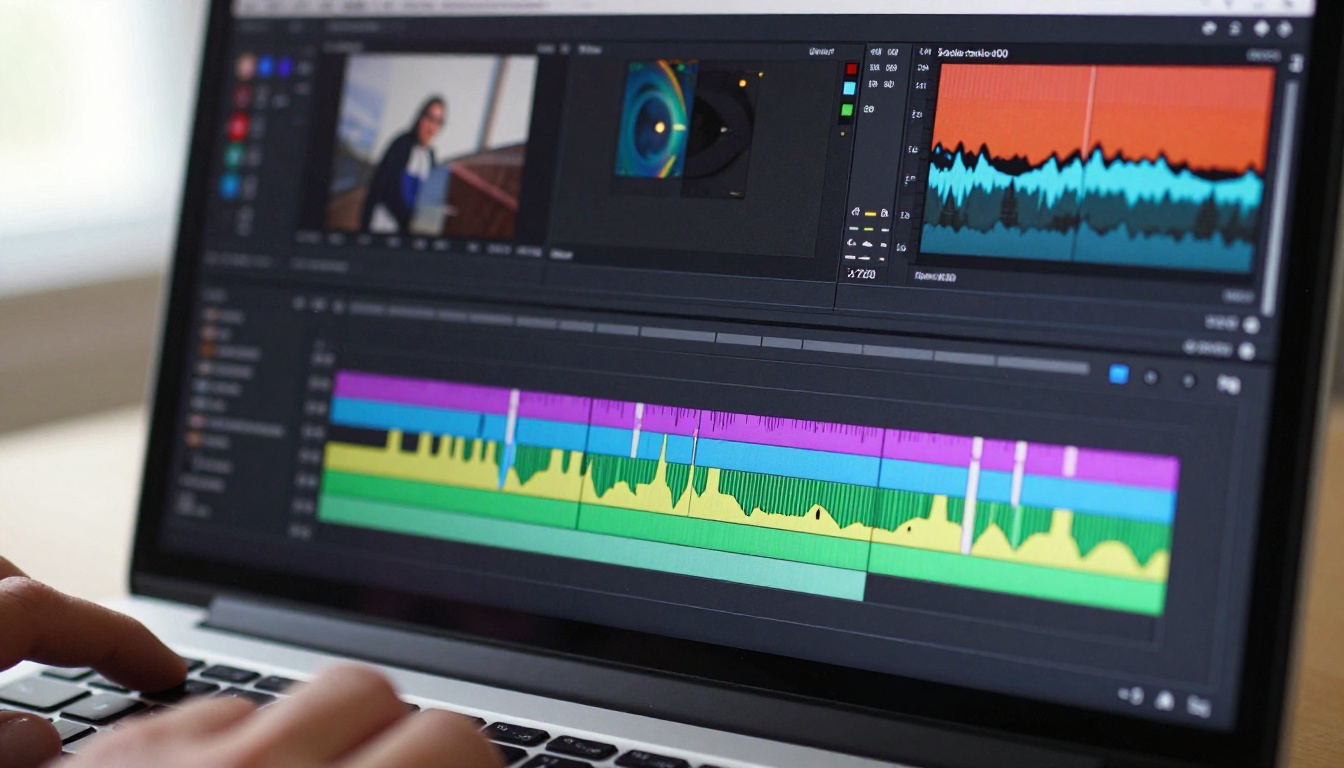
For Instagram Reels, TikTok clips, and YouTube Shorts, Pika 2.2 has a meaningful edge:
- Daily credit reset: Getting 5 to 8 new clips per day fits a regular social posting schedule without paying.
- Effect presets: The built-in motion effects were designed specifically for short, punchy social-media content.
- Vertical format: Pika natively supports 9:16 output reliably, which Luma is slower to deliver well.
- Iteration speed: Sub-60-second generation times allow for multiple rounds of prompt refinement within a single working session.
For brands managing daily social content calendars, Pika 2.2's free tier is genuinely usable as a standalone production tool without an immediate need to upgrade.
Creative and Cinematic Projects
For short films, product promos, portfolio reels, or any context where visual quality matters more than quantity, Luma Ray 3 is the stronger choice:
- Photorealism: Ray 3's lighting and texture consistency produces footage that holds up in professional presentations and on large displays.
- Camera motion: The smooth, film-like camera behavior gives outputs a polished quality that Pika rarely matches on realistic subjects.
- Subject fidelity: Hero shots of people, architectural environments, or detailed objects maintain more consistent and stable subject representation throughout the full clip duration.
- Sequence assembly: At 5 seconds per generation, Ray 3 clips can be edited together into longer sequences without jarring quality drops between segments.
💡 Use both together: Many professional creators test prompt variations in Pika 2.2 to confirm a concept works quickly, then produce the final hero clip in Luma Ray 3 once the creative direction is set. This workflow costs fewer Luma credits and saves significant time per project.
This comparison does not produce a single overall winner. It produces two specialized tools that serve different needs, and the right choice depends entirely on what you are making and how you work.
When Pika 2.2 Makes Sense
Choose Pika 2.2 when:
- Volume matters more than perfection: A daily social media schedule demands multiple short clips without waiting for long queues.
- Speed is critical: You cannot afford 5-minute generation wait times when iterating on creative concepts or testing directions.
- Effects are part of the aesthetic: The explosion, zoom, melt, and other presets are features that actively add value to your content style rather than limitations to work around.
- You are new to text-to-video: The visual interface and preset-driven workflow reduce the barrier to entry considerably.
- Mobile generation is part of your workflow: Pika's mobile app is noticeably more polished than Luma's for on-the-go use.
When Luma Ray 3 Makes Sense
Choose Luma Ray 3 when:
- Quality cannot be compromised: You need footage that reads as cinematic, not just technically adequate for the size.
- Motion realism is central to the content: Human subjects, natural environments, and physics-heavy scenes consistently look better in Ray 3.
- You write detailed prompts: Luma rewards prompt precision in ways Pika simply does not match at any tier.
- Output will be shown on large screens or in professional settings: The perceptual sharpness and lighting accuracy hold up better at higher display sizes and in professional review contexts.
- You generate infrequently but want the highest quality result: The weekly credit reset suits deliberate, high-stakes production sessions rather than daily batch output.
Where Both Fall Short
Both tools share the same core free-tier constraint: credits run out, watermarks appear on published content, and queues slow down during peak usage periods. For creators who need daily, watermark-free, high-quality video generation without monthly subscription costs, PicassoIA's library of over 120 video models provides a genuine alternative that scales with any production volume.
Between Ray 3.2, Seedance 2.5, Kling v3 Video, and the unlimited free PicassoIA Video model, every quality tier is covered in one place, from quick social media drafts to polished cinematic sequences, without juggling separate accounts or running into daily credit resets.

Start generating on PicassoIA today and compare the results against your Pika and Luma outputs directly. With over 120 video models available at picassoia.com/en/all-models, the difference in quality, speed, and creative scope becomes immediately visible. Try PicassoIA Video for unlimited free clips, or jump straight to Ray 3.2 for Luma's best within a single consolidated platform.


