Pika Labs is one of the most recognized AI video generators on the market, but its strict content moderation system has become a dealbreaker for creators working with suggestive, glamorous, or adult-adjacent visuals. If you have ever tried to generate a tasteful bikini shot, an artistic boudoir-style video, or anything slightly mature, you already know the frustration of hitting that content policy wall. The good news is that several powerful Pika Labs alternatives exist that allow NSFW content, and they produce results that genuinely rival, or exceed, what Pika offers in terms of video quality, motion realism, and creative freedom.
This breakdown details the best platforms and models for uncensored AI video and image generation, with real comparisons, a hands-on tutorial using one of the top tools available today, and tips to get the most out of your prompts.
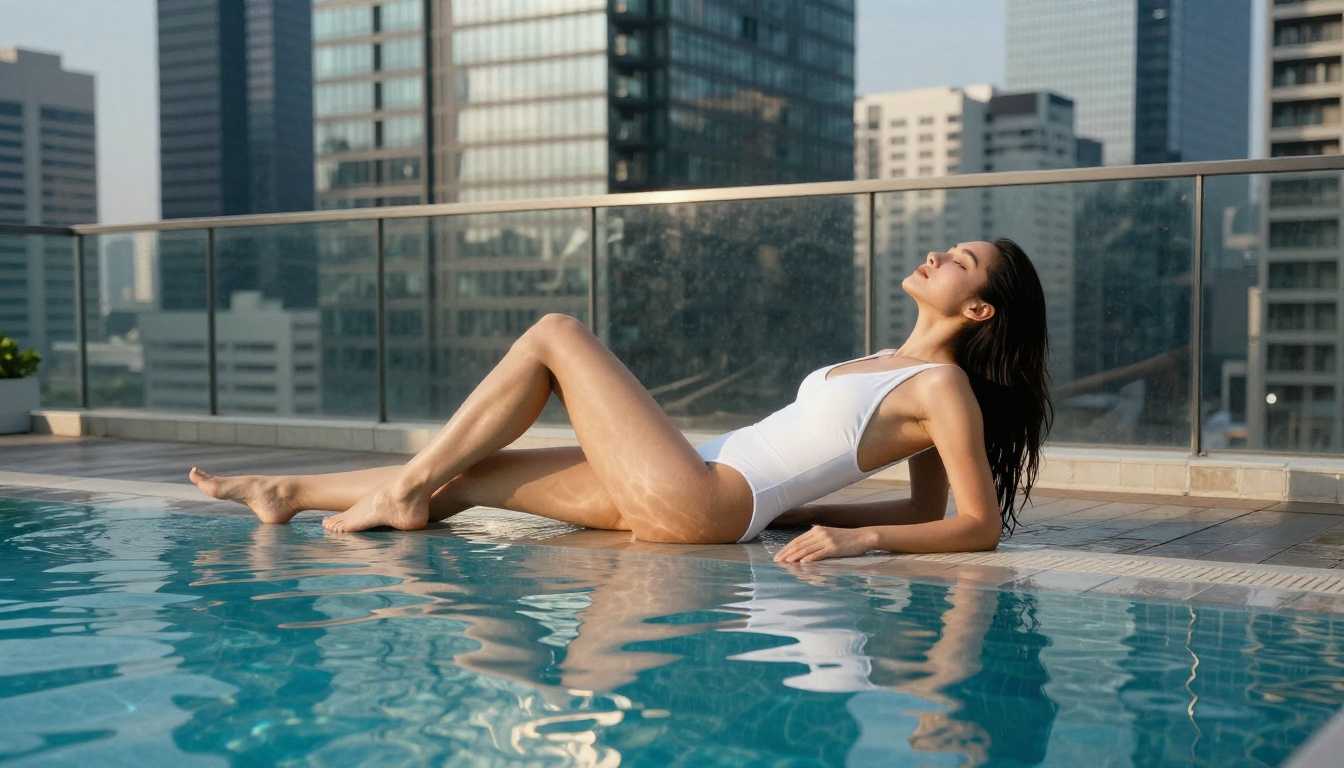
Why Pika Labs Falls Short for Adult Content
The Content Policy Wall
Pika Labs operates under strict Terms of Service that prohibit the generation of sexually suggestive, explicit, or adult content. This was not always as aggressively enforced, but as the platform grew and sought mainstream adoption, its moderation tightened significantly. Today, even relatively mild prompts, such as a woman in a bikini at the beach or a romantic close-up scene, regularly get flagged or blocked.
For photographers, adult content platforms, OnlyFans creators, lingerie brands, or anyone working in the mature content space, this makes Pika essentially unusable for their core use cases.
What Creators Actually Want
The demand for NSFW AI video generation is enormous and growing. Creators need tools that can handle:
- Swimwear and lingerie shoots that would appear in mainstream fashion magazines
- Artistic glamour photography in the style of classic editorial work
- Suggestive but non-explicit video sequences for adult content platforms
- Boudoir-style imagery for personal branding and content monetization
- Mature storytelling in short film or animation contexts
The platforms that have figured out how to serve this market, while maintaining artistic standards rather than producing explicitly pornographic content, are the ones worth your attention.
What Makes a Real NSFW Alternative
Content Flexibility Matters
Not all "NSFW-friendly" platforms are equal. Some will let you generate swimwear content but block anything more suggestive. Others have zero filtering but produce visuals so low in quality they are unusable. The sweet spot is a platform with thoughtful content policies that allow mature, artistic content without requiring you to fight the system on every prompt.
The best alternatives operate on a tiered or opt-in model: default settings are safe for general use, but creators can access less restricted modes with appropriate account verification or subscription tiers.
Output Quality Is Non-Negotiable
Content freedom means nothing if the video quality is terrible. The platforms in this article all produce genuinely high-quality output. Look for:
| Feature | Why It Matters |
|---|
| Resolution | 720p minimum, 1080p ideal for professional use |
| Motion fluency | Smooth, natural movement without warping or artifacts |
| Prompt adherence | The model follows your description accurately |
| Generation speed | Faster iteration means more creative experimentation |
| Style consistency | Characters and scenes stay coherent across frames |
💡 Pro Tip: When testing a new platform for NSFW content, always start with a simple, mildly suggestive prompt before investing in a subscription. This tells you exactly where the content ceiling is before you commit.
Top Pika Labs Alternatives for NSFW Video
Kling v3 Video
Kling v3 Video from Kwaivgi is arguably the strongest competitor to Pika Labs for creators who need more creative freedom. It generates cinematic 1080p video with excellent motion physics and remarkable character consistency. The model handles skin, fabric, water, and hair movement with a realism that most competitors cannot match.
For NSFW-adjacent content, Kling v3 handles swimwear, lingerie-style scenes, and suggestive poses with notably fewer restrictions than Pika, making it the go-to choice for creators who need reliable results on mature-leaning prompts.
Strengths:
- Cinematic motion with natural body physics
- Strong facial and body consistency across frames
- 1080p output suitable for professional publishing
- Handles swimwear and glamour scenes reliably
Kling v2.6
Kling v2.6 is slightly more accessible in terms of cost per generation while still delivering excellent results. If v3 is out of your budget range for high-volume creation, v2.6 gives you 90% of the quality at a noticeably lower price point. The content tolerance is nearly identical, making it a solid everyday workhorse for adult content creators.
Pixverse v5.6
Pixverse v5.6 brings a different strength to the table: speed. If you are iterating through many creative concepts quickly, Pixverse generates usable 1080p video significantly faster than most competitors. The platform has a more lenient content policy for artistic and glamour-adjacent content, and its motion rendering on human subjects is particularly smooth.
It pairs well with the broader PicassoIA model ecosystem, letting you generate a still image first and then animate it. The standard Pixverse v5 is also available as a slightly more cost-effective option with comparable content flexibility.
Wan 2.7 T2V
Wan 2.7 T2V from Wan Video is the open-weight powerhouse on this list. Because it is built on an openly available architecture, the content restrictions are significantly lighter than closed commercial platforms. It generates up to 1080p video directly from text prompts and handles mature, suggestive content without the aggressive filtering you see on Pika Labs.
The tradeoff is that raw prompt quality matters more here. You need more precise, detailed prompts to get polished results, but the creative ceiling is substantially higher. Pair it with Wan 2.7 I2V to animate still images into video with the same lenient content approach.
Seedance 2.0
Seedance 2.0 by ByteDance combines text-to-video generation with built-in audio synthesis. For creators building content for adult platforms where sound matters as much as visuals, this is a significant advantage. The model generates realistic ambient audio, music beds, and voice-adjacent sound that matches the on-screen action naturally.
Content policy is more permissive than Pika, particularly for glamour and lifestyle content. The Seedance 1 Pro is also available as a proven option with strong 1080p results.
Hailuo 02
Hailuo 02 from MiniMax produces exceptional 1080p video with one of the strongest human body rendering capabilities on the market. Skin texture, hair, and fabric draping all look genuinely photorealistic in generated video, which matters enormously for NSFW-adjacent content where visual authenticity is the whole point.
💡 Quick Comparison: If you need the most creative freedom, go with Wan 2.7. If you need the best quality, go with Kling v3. If you need speed, go with Pixverse v5.6.

AI Image Generation Without Restrictions
Beyond video, image generation is where NSFW-friendly platforms really shine. Static images are faster to generate, cheaper, and often more controllable than video. Building a strong image workflow first, then animating your best results, is a smart production strategy.
Flux for Character Variations
The Flux family from Black Forest Labs has become the standard for high-quality, less-restricted image generation. Available through PicassoIA, Flux Redux Dev lets you create variations of existing images with precise style and content control. It is especially useful for maintaining character consistency across multiple scenes, which is critical for ongoing content creation.
Seedream 4.5
Seedream 4.5 by ByteDance generates true 4K resolution images from text prompts. For NSFW content where image detail matters, such as skin texture, fabric detail, or water effects, 4K output is a genuine differentiator. The model handles lighting and shadow with impressive realism and responds well to specific photography-style descriptions.
Wan 2.7 Image Pro
Wan 2.7 Image Pro generates 4K images from text with the same lenient content approach as the video model. It is one of the strongest options for generating photorealistic human subjects in mature but non-explicit contexts. Prompts that describe specific lighting setups, lens choices, and film stocks produce particularly impressive results.
Hunyuan Image 2.1
Hunyuan Image 2.1 from Tencent produces 2K images with excellent skin and fabric rendering. The model is particularly strong at realistic body proportions and natural-looking poses, which is harder to achieve than it sounds in AI image generation.
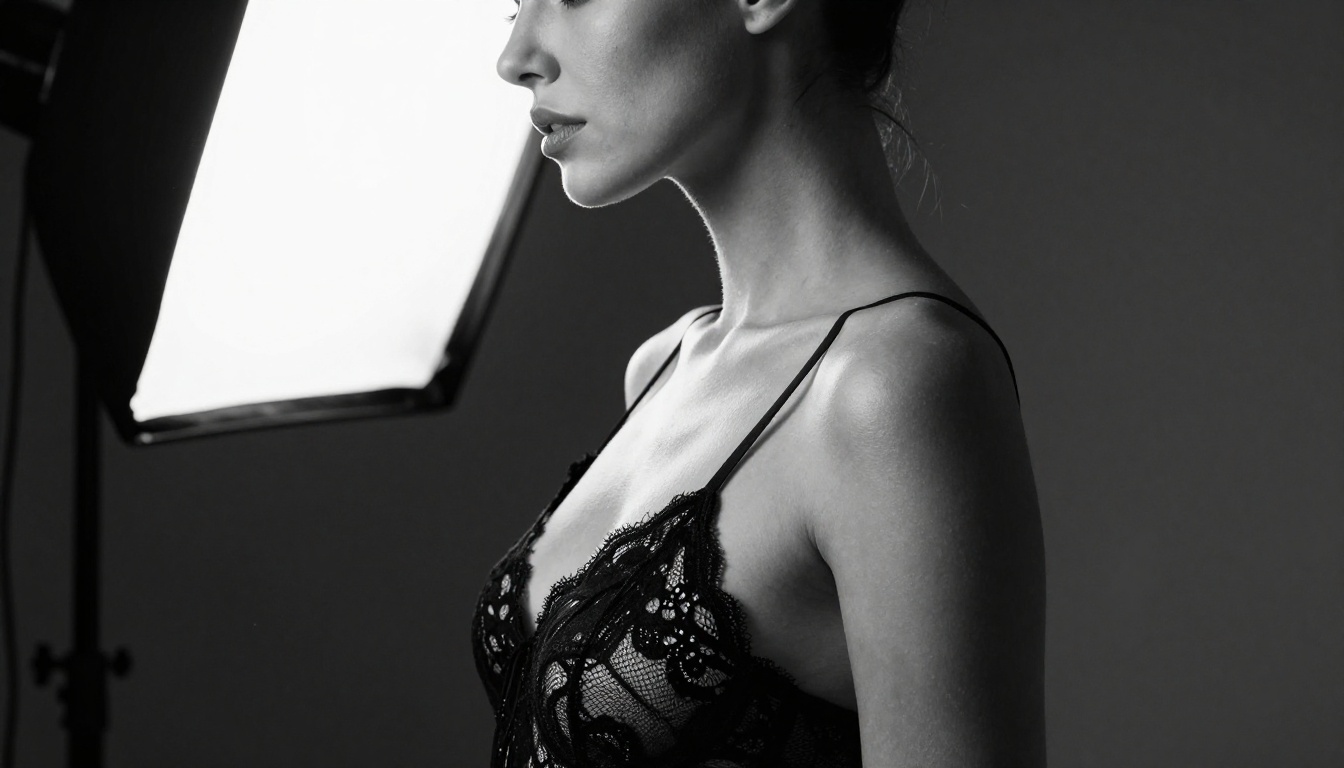
How to Use Kling v3 on PicassoIA
PicassoIA gives you direct access to Kling v3 Video through its model collection. Here is how to use it to generate NSFW-adjacent content that actually works.
Step 1: Structure Your Prompt
Kling v3 responds best to structured prompts that specify subject, setting, lighting, and motion in that order. For glamour or suggestive content:
Subject: Describe the person in detail. Include hair color, clothing (or lack of it), pose, and expression. Be specific but not explicit.
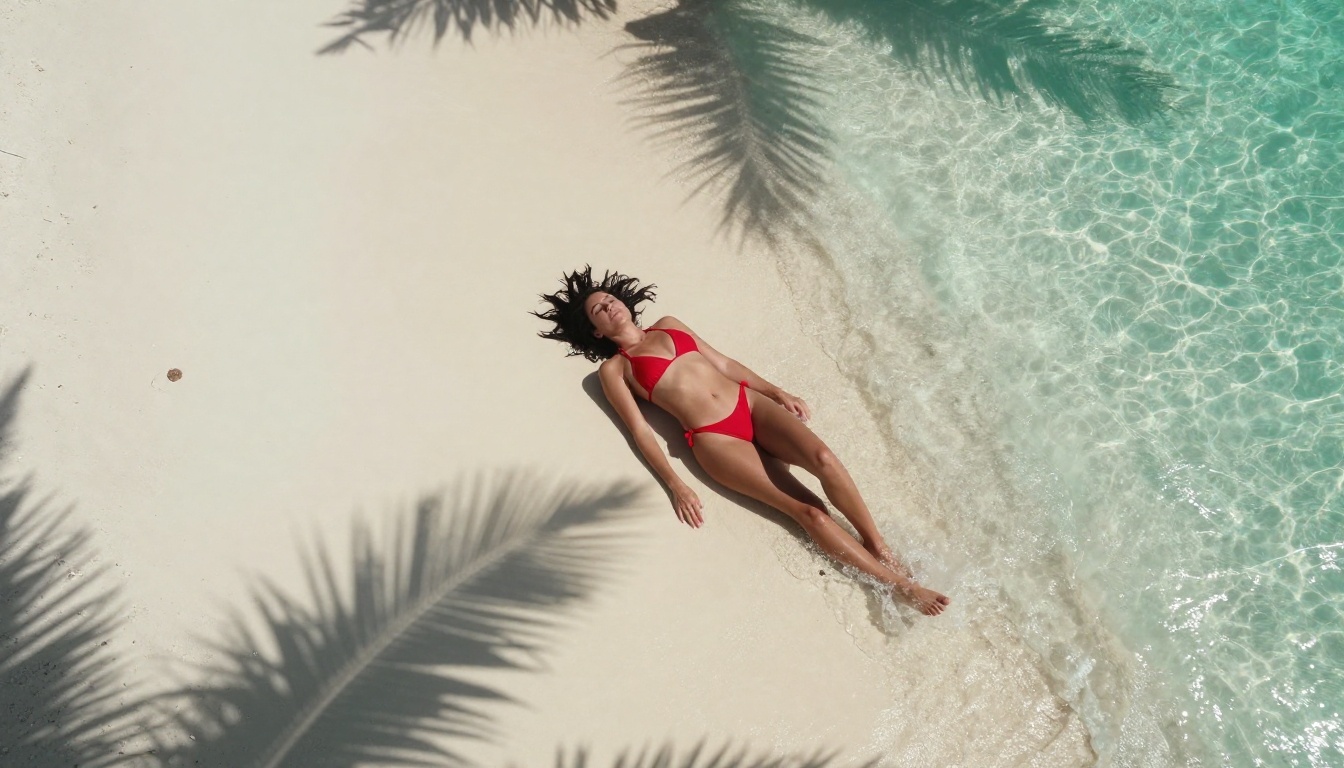
Example: "A woman with long dark hair in a red string bikini, standing at the edge of a rooftop infinity pool, facing camera, slight smile"
Setting: The environment matters for physics. Water, fabric, and hair all behave differently depending on wind, humidity, and light conditions described in the prompt.
Motion: Tell the model what should move and how. "Hair caught in a light breeze" or "water rippling gently around her waist" gives the motion engine specific physics goals to work toward.
Step 2: Configure Generation Parameters
On PicassoIA, the Kling v3 interface gives you:
- Duration: 5 seconds or 10 seconds. For glamour content, 10 seconds gives you more usable footage per generation.
- Resolution: Select 1080p for professional output.
- Creativity: Lower creativity settings produce more prompt-faithful results. For NSFW content where you need specific visual outcomes, keep creativity between 30 and 50.
Step 3: Iterate and Refine
First generation is rarely the final result. Kling v3 has excellent seed-based regeneration. If the first result is close but not quite right:
- Note what worked and what did not
- Adjust the motion description specifically
- Regenerate with the same seed to see variation on the same composition
💡 Expert Tip: Generate a still image first using Wan 2.7 Image Pro or Seedream 4.5, then use Kling's image-to-video mode to animate it. This gives you far more control over the final character appearance than text-to-video alone.
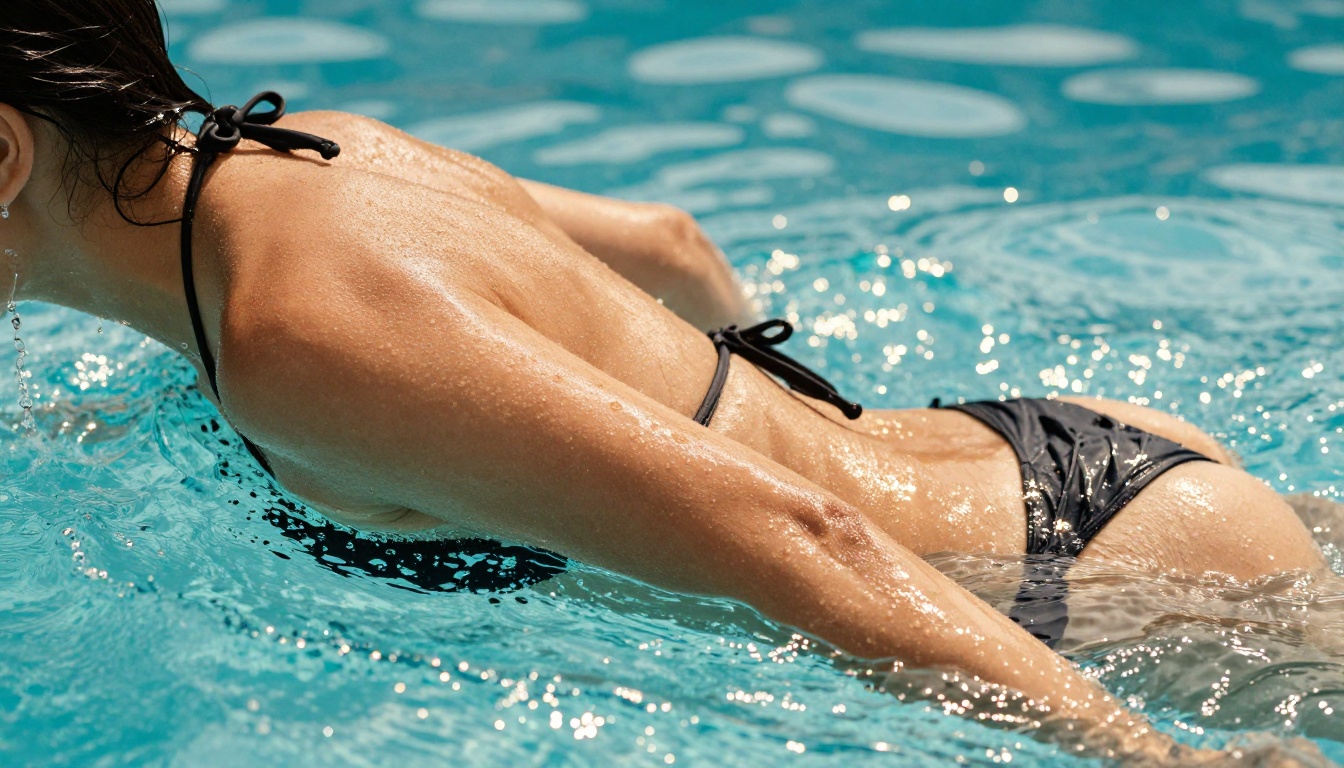
Pika Labs vs. The Alternatives
| Platform | NSFW Tolerance | Max Resolution | Speed | Best For |
|---|
| Pika Labs | Very Low | 1080p | Fast | General safe content |
| Kling v3 Video | Moderate-High | 1080p | Medium | Quality glamour content |
| Pixverse v5.6 | Moderate | 1080p | Very Fast | Rapid iteration |
| Wan 2.7 T2V | High | 1080p | Medium | Open creative freedom |
| Seedance 2.0 | Moderate | 1080p + Audio | Medium | Audio-visual content |
| Hailuo 02 | Moderate-High | 1080p | Medium | Realistic body rendering |
The pattern is clear. Pika Labs prioritizes brand safety over creator flexibility. Every alternative on this list gives you meaningfully more room to work with suggestive, glamorous, and mature content.
3 Mistakes That Kill NSFW AI Results
Vague Prompts Produce Vague Results
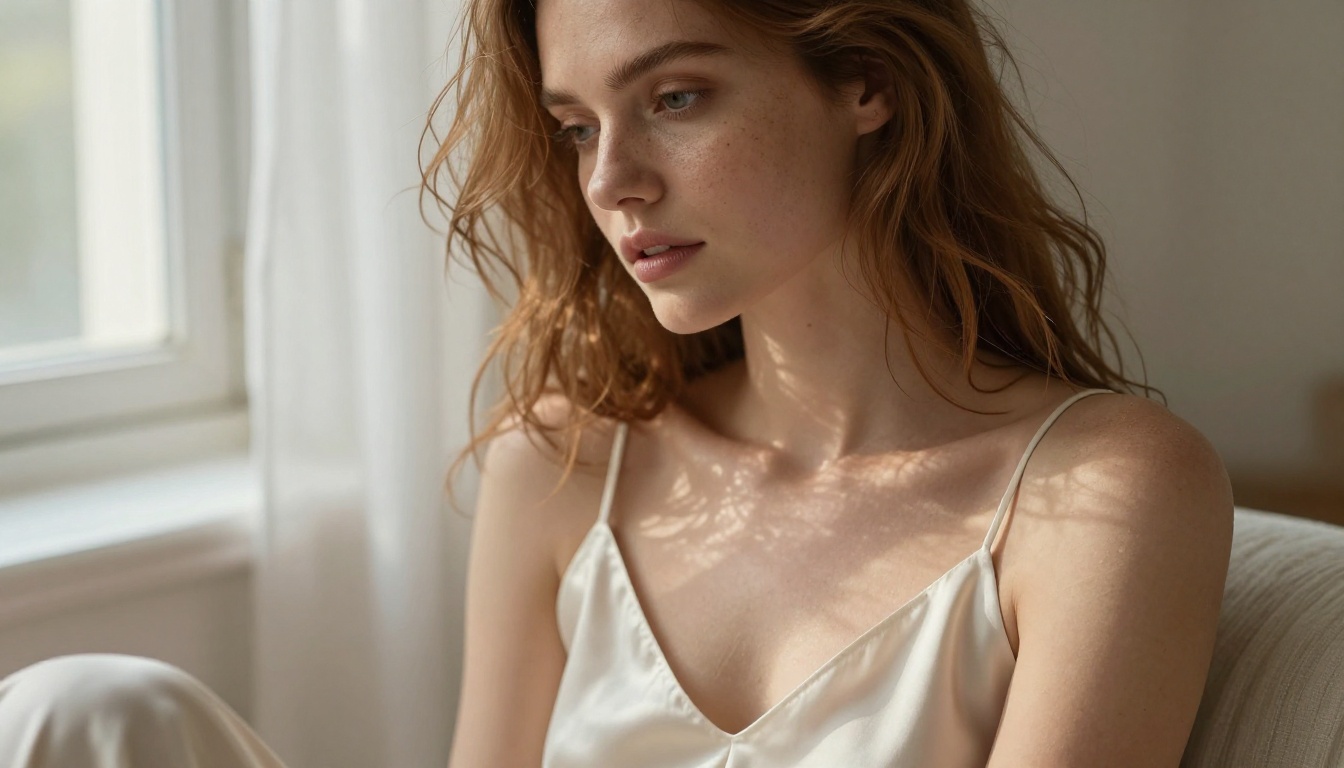
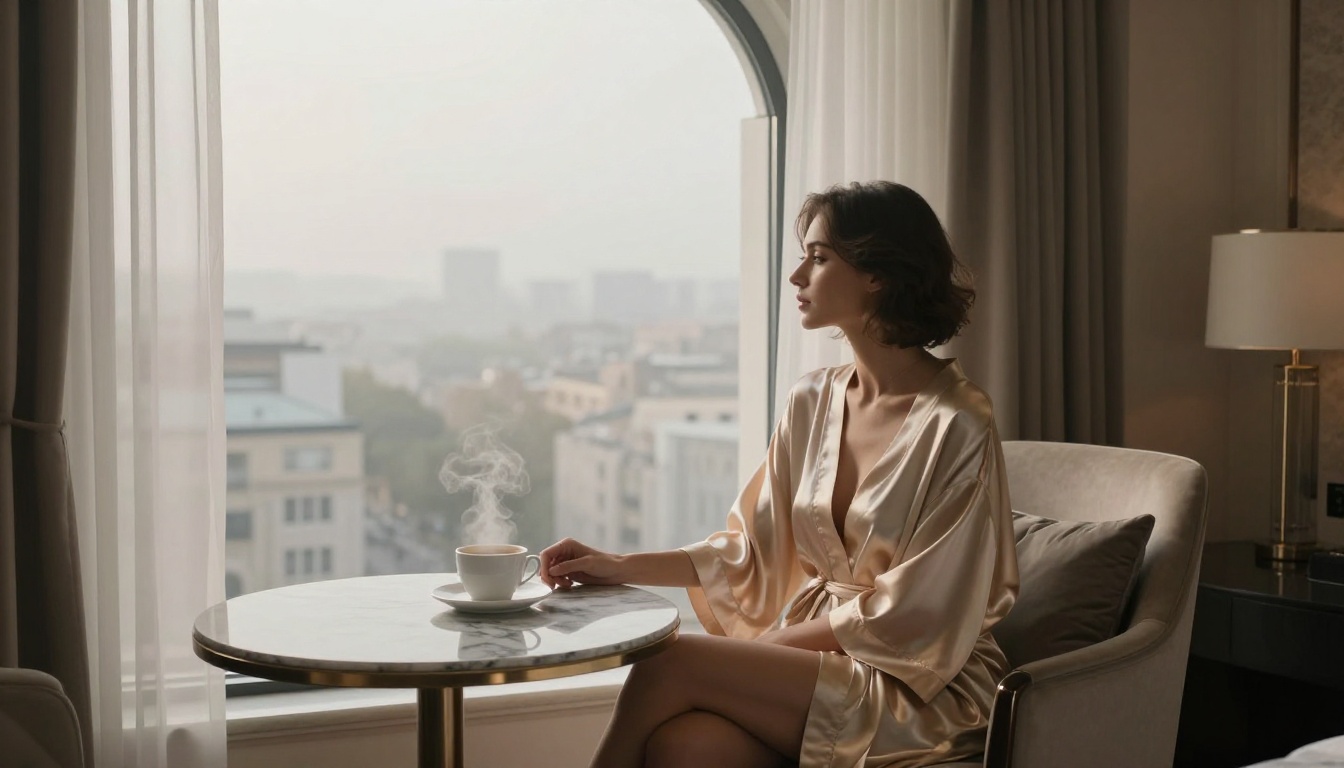
The number one reason AI-generated NSFW content fails is under-specified prompts. "A beautiful woman" tells the model almost nothing. "A woman with wavy auburn hair in a champagne silk slip dress, seated by a tall arched window in a luxury hotel, morning light from the right" gives the model a total compositional brief that it can actually execute.
Specificity is everything.
Wrong Model for the Content Type
Using a video model when you should start with an image model wastes time and budget. If you need a specific character look, face, or costume, build it in a still image using Seedream 4.5 or Flux Redux Dev, then animate with Kling v3. The stacked approach produces dramatically better results.
Ignoring Lighting in the Prompt
Lighting is arguably more important than any other descriptive element for NSFW content. "Warm golden hour light from the left" versus no lighting description produces dramatically different results. The models trained on photographic datasets respond to lighting terms the same way photographers think about them.
Always include: light direction, light quality (soft, harsh, diffused), and time of day or light source type.
The Full Creative Stack for Adult Content
PicassoIA offers a full production pipeline for adult-adjacent content creators that goes well beyond simple image and video generation. When you combine multiple capabilities, the results improve significantly.
The recommended workflow for NSFW content creation:
- Generate the base image using Wan 2.7 Image Pro or Seedream 4.5 to establish your character and composition
- Upscale and refine using Super Resolution tools available in the platform (2x-4x upscaling) to bring the image to true 4K quality
- Animate the image using Kling v3 or Wan 2.7 I2V to convert your still into motion
- Edit and style using the video editing tools to add transitions, color grade, or stylize the final output
- Remove backgrounds if you need to composite characters into new environments
This stacked approach gives you far more control than trying to generate a perfect video in a single text-to-video pass.
💡 Workflow Tip: The image-to-video pipeline is especially powerful for NSFW content because you can perfect every visual detail in the still image before committing to the more expensive video generation step.
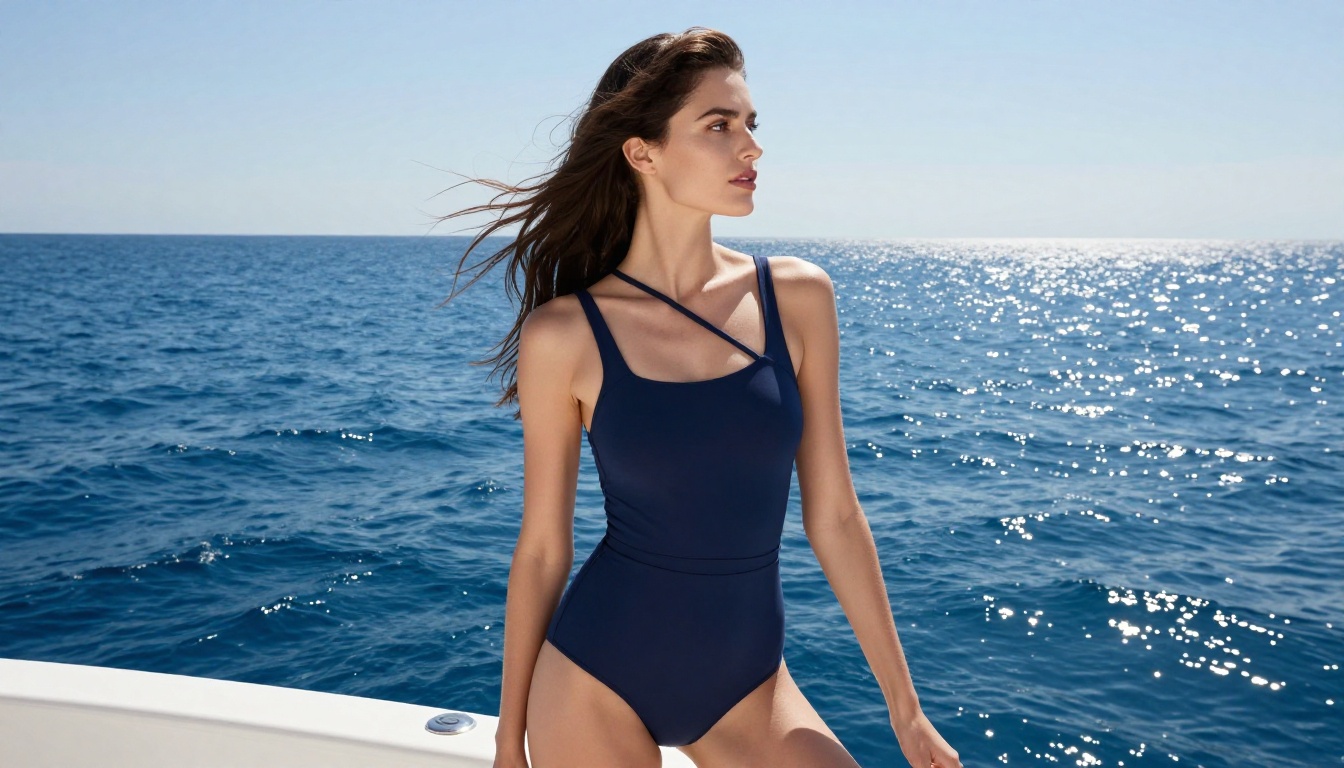
Why PicassoIA Works for This Use Case
There are dozens of AI image and video platforms available today, but most either have restrictive content policies that block mature content entirely, or they are single-model tools that lack the flexibility to build a full production workflow. PicassoIA stands out because it aggregates over 90 text-to-image models and over 100 text-to-video models in a single interface.
For NSFW-adjacent creators, that breadth matters. Different models have different content thresholds. If one model blocks a particular prompt, you can immediately try the same prompt on a different model without switching platforms, managing separate accounts, or re-uploading assets.
The platform also includes professional editing capabilities: inpainting to fix specific areas of an image, outpainting to expand the canvas, face refinement tools, and AI-powered filter tools. These capabilities transform raw generated output into polished, publishable content.
All models from this article, available in one place:
Start Generating Today
If Pika Labs has been blocking your creative vision, the tools in this article represent a genuine upgrade, not just in content tolerance but in raw output quality. The Kling v3 and Wan 2.7 T2V models in particular produce video that compares favorably with professional production footage at a fraction of the cost.
The most effective approach is to start experimenting with still images on Seedream 4.5 or Wan 2.7 Image Pro today. Get your visual style and character appearance dialed in with images, then move to video generation once you know exactly what you are going for. PicassoIA puts every one of these models in one place, so you are never more than a click away from a model that can handle your creative brief without the restrictions that have been holding you back.


