Pika's Pikaformance feature arrived with the kind of demo video that makes people stop mid-scroll. A face, any audio, and lips that move in real sync. The tech looked effortless. The results, on clean footage at least, were striking enough to spread. But Pikaformance did not appear out of nowhere, and it is not working alone in this space.
AI lip sync has been building for years across research labs, production studios, and a growing stack of dedicated tools. What Pika did was make it accessible to people without a software background. That accessibility sparked a real conversation about what this technology is, how it actually works, and whether there are better options depending on what you are trying to produce.
This article answers those questions directly. No filler, no overstatement. Just how audio-driven facial animation works under the hood, which models are worth your time, and how to start producing real results today.
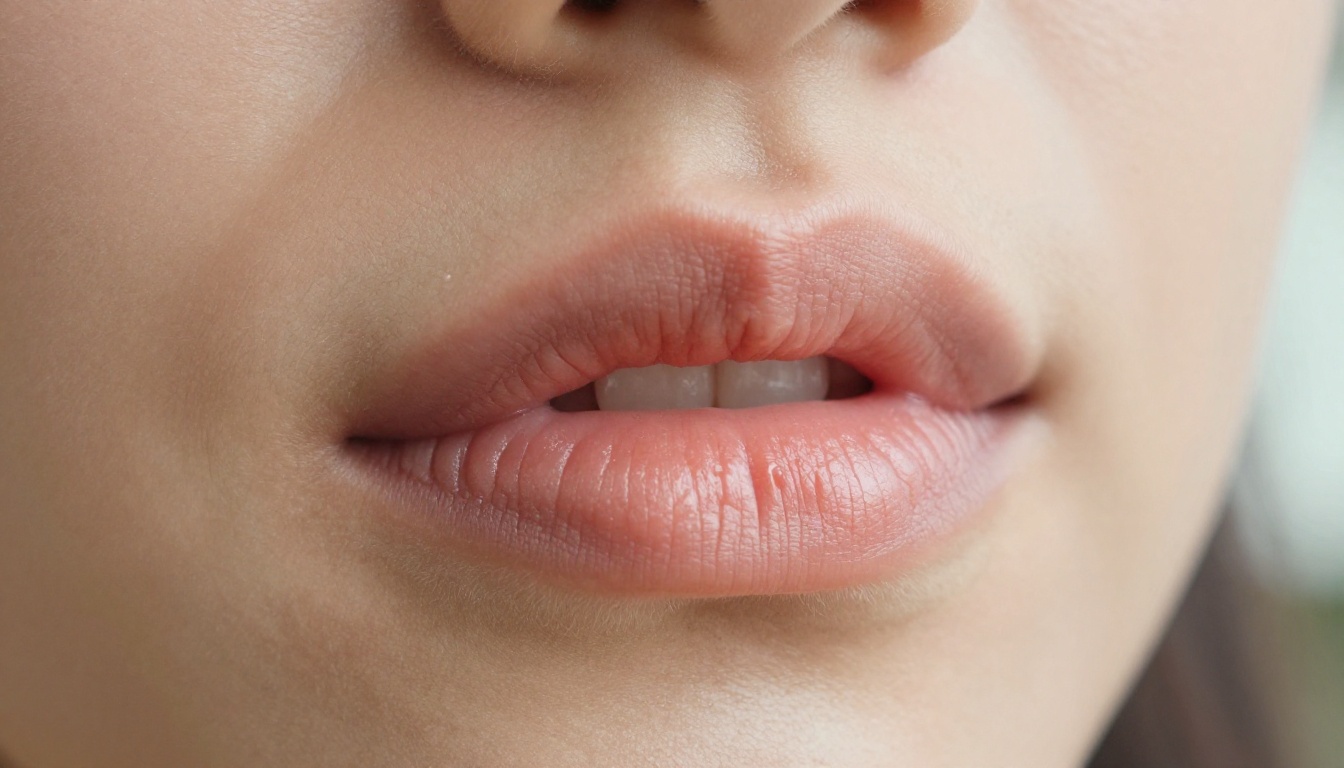
Pikaformance is Pika's branded name for audio-driven lip sync. At its core, the feature takes a video clip containing a face and an audio file, then redraws the lip region of the face frame by frame to match the sounds in the audio. The rest of the frame stays untouched. The background, hair, clothing, and expression remain, while only the mouth region is regenerated to match each phoneme in the audio track.
The Core Mechanic
The model works by converting audio into a phoneme sequence, a timeline of discrete speech sounds. Each phoneme has a corresponding mouth shape, technically called a viseme. The model trains on thousands of hours of real human speech footage, building an internal mapping of what every mouth shape should look like for every possible sound.
What separates modern systems like Pikaformance from older lip sync methods is geometry. Older tools would composite a flat mouth region onto the face, which created visible edges and looked artificial under close inspection. Current models work with the actual 3D structure of the face, accounting for jaw movement, cheek tension, tooth visibility, and the shadow beneath the tongue. The result is a synthesis that holds up even in close-up footage.
Why It Caught Attention
Pikaformance gained traction because it removed friction. Most competing tools at launch required API access, subscription tiers, or technical setup. Pika presented a clean interface where anyone could upload a clip and an audio file and get back a synced video quickly. The demo content that circulated showed clean sync on well-lit, frontal footage, and that was enough to generate real curiosity.
The reaction also revealed market demand. A large number of people want to dub their own content, create talking avatars, translate videos for different language audiences, or add polished voiceovers without re-filming. Pikaformance gave that desire a name and a face.
How AI Lip Sync Works
Knowing the mechanics behind this technology changes how you use it. The three-stage pipeline is consistent across every major lip sync tool, including Pikaformance, HeyGen, Sync.so, and ByteDance's models.
Reading the Audio
The process starts entirely with audio. The system processes the waveform and produces a phoneme timeline: a sequence of speech sounds mapped to millisecond-level timestamps. This timeline is the foundation everything else is built on.
Accuracy at this stage determines everything downstream. If the phoneme timeline is off by 30 to 50 milliseconds, the resulting lip sync will look wrong to human viewers even when the synthesis itself is technically perfect. This is why recording quality matters so much. Noisy audio, strong reverb, overlapping speech, or heavy compression all introduce errors into the phoneme map, and those errors propagate directly into the visual output.
Face Mesh Mapping
Once the phoneme timeline exists, the model locates the face in each video frame and builds a 3D face mesh. This wireframe captures the geometric structure of the face using anywhere from 68 to 478 tracked landmark points, depending on the model's sophistication.
The mesh is what allows the system to account for secondary motion. When a mouth opens, the jaw drops, the chin shifts downward, and the cheeks move slightly. A model that only modifies the lip pixels will look flat. A model that accounts for the full facial geometry will look natural, even from different angles. This is one of the clearest performance differences between basic tools and professional-grade systems.
Frame-by-Frame Rendering
The final stage is synthesis. For each video frame, the model generates a new lip region matching the target phoneme and composites it into the existing frame. This is the most computationally intensive part of the pipeline.
Early approaches used texture swapping, pasting pre-rendered mouth shapes onto the face. The seams were often visible. Current diffusion-based methods regenerate the lip and perioral region from scratch, using the original face as a reference for skin tone, texture, and lighting. The blending is near-seamless when the source footage is clean.
Pika did not build lip sync technology in isolation. The academic foundations go back to 2017, and companies like Sync.so and HeyGen have been running production-grade lip sync systems for years. The honest comparison shows where Pikaformance fits.
Accuracy Side by Side
| Tool | Best Use Case | Side Profile | Long-Form Video |
|---|
| Pikaformance | Short clips, easy access | Limited | Not ideal |
| HeyGen Lipsync Precision | Professional dubbing | Good | Yes |
| Sync Lipsync 2 Pro | Studio accuracy | Strong | Yes |
| ByteDance Omni Human 1.5 | Photo-to-video | Moderate | Improving |
| Kling Lip Sync | Fast general use | Good | Yes |
Pikaformance performs at its best on short clips with a face that is well-lit, facing the camera, and relatively still. It handles the most common use case well. Dedicated tools have spent more engineering time on edge cases: profiles, occlusions, rapid head movement, and long-form video.
Speed and Output Quality
For quick 15-second clips on standard footage, Pikaformance is fast. For professional content, especially anything that will appear in ads, presentations, or published brand video, tools like Lipsync 2 Pro and HeyGen Lipsync Precision produce more consistent output. The difference is most visible on non-native accents, fast speech, and footage where the audio was recorded in a different acoustic environment than the original.
Who's Actually Using Lip Sync AI
Solo Creators Reaching New Audiences
The largest user group for AI lip sync right now is individual content creators who film in one language but want reach across several. A creator producing in English who wants a Spanish, French, or Portuguese version of their content no longer needs to re-record every video. They run the translated audio through a lip sync tool and get back a video where the lips match the new language.
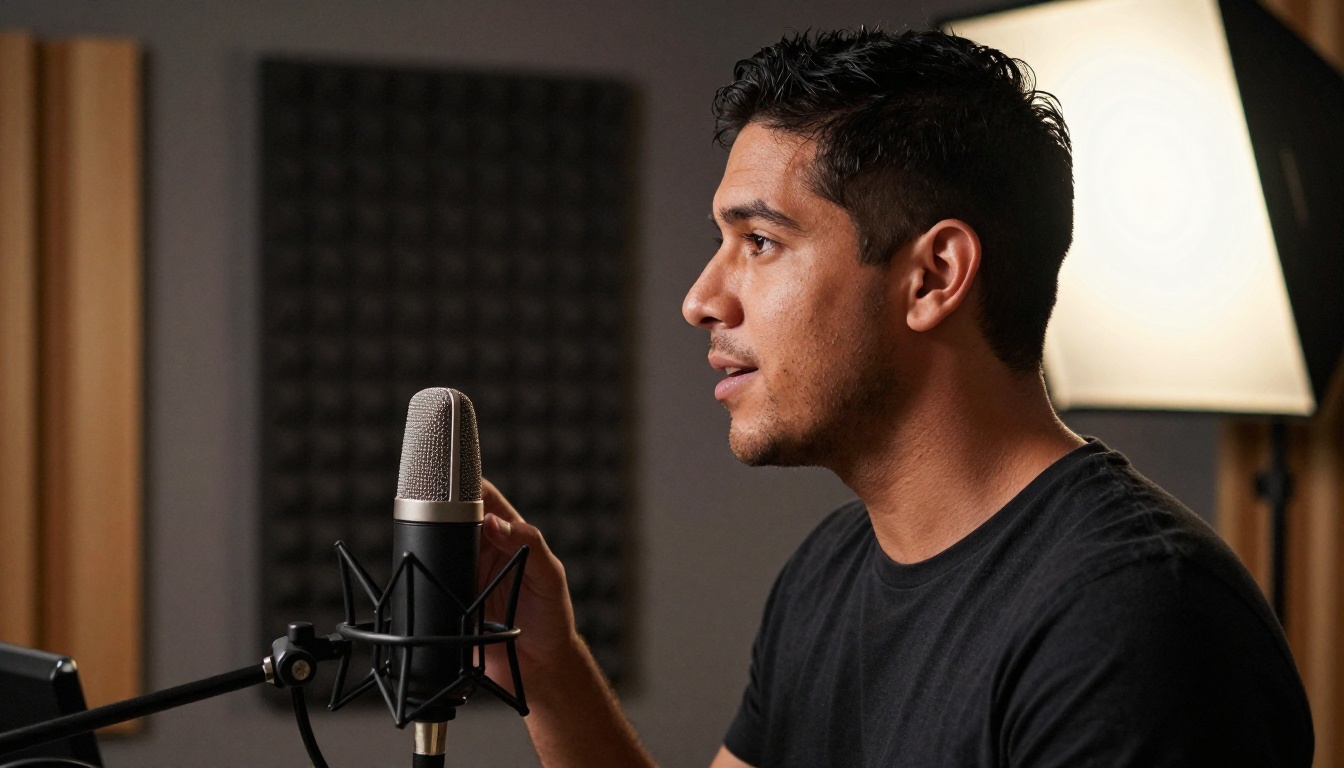
This workflow is also useful for creators who record raw voiceovers in a treated room and want those voiceovers to appear in sync with footage recorded live. The result is more polished than a talking-head video with mismatched audio.
Brands Scaling Multilingual Content
Marketing teams have integrated lip sync into their production pipelines faster than most people expected. A brand that films a single spokesperson video can now produce language-localized versions for 10 or 15 markets without booking additional shoots. The spokesperson's appearance stays consistent. Only the audio changes, and the lip sync keeps the video feeling native rather than dubbed.
HeyGen Video Translate is built specifically for this workflow, combining automatic translation with lip sync in one pipeline and covering more than 150 languages.
The Best Lipsync Models Available Now
PicassoIA gives direct access to a full category of lipsync models. Here is how the main ones compare in practice.
HeyGen Precision vs Speed
HeyGen offers two distinct modes that serve different priorities. Lipsync Precision is built for accuracy above all else, making it the right choice for professional content where sync quality will be closely scrutinized. Lipsync Speed processes faster with a small accuracy trade-off, which makes it the better option for high-volume production where turnaround time matters more than marginal quality gains.
For most individual creators, Lipsync Speed is more than sufficient. For brand content or anything entering a formal approval process, Lipsync Precision is worth the extra processing time.
Sync.so: Lipsync 2 and 2 Pro
Sync.so has two core models on PicassoIA. Lipsync 2 is among the most accurate general-purpose options available and handles a wide range of footage conditions well. Lipsync 2 Pro extends this with improved jaw geometry modeling and significantly better handling of side-profile footage, which is the hardest technical case in this category.
React 1 from the same team goes further, adding emotional expression adjustment alongside the lip sync. The model reads the emotional tone of the audio and adjusts the overall facial expression to match, not just the mouth position.
ByteDance Omni Human 1.5
Omni Human 1.5 is designed for a different starting point. Instead of requiring a video, it can take a still photograph and generate a fully animated talking video from that image. This is the photo-to-video workflow that most other tools do not support natively.
The original Omni Human model remains available and works well for short clips. The 1.5 version improves body motion coherence and handles longer audio tracks without the drift artifacts that appeared in earlier versions.
Kling, PixVerse, and Others
Kling Lip Sync from Kwai produces high-quality output on standard talking-head footage with fast processing. It is a strong default choice for general use. PixVerse Lipsync handles more dynamic camera movement better than most competitors, making it useful for footage that was not filmed in a controlled studio setting.
Fabric 1.0 from VEED integrates with VEED's broader editing tools, which adds value if you are already working in that ecosystem. P Video Avatar from PrunaAI is built specifically for talking avatar creation, ideal for generating consistent presenter videos without needing a camera or a live shoot.
How to Use Lipsync on PicassoIA
PicassoIA gives access to all of the models above from a single interface, with no separate accounts or API keys required. The workflow is consistent across models.
Step 1: Pick the Right Model
The model choice depends on your footage and your goal. For professional dubbing into another language, start with HeyGen Lipsync Precision. For fast volume work, use Kling Lip Sync or HeyGen Lipsync Speed. If you are starting from a photograph rather than a video, Omni Human 1.5 is the right choice. For the highest accuracy on frontal footage, Lipsync 2 Pro is worth trying.
Step 2: Upload Video and Audio
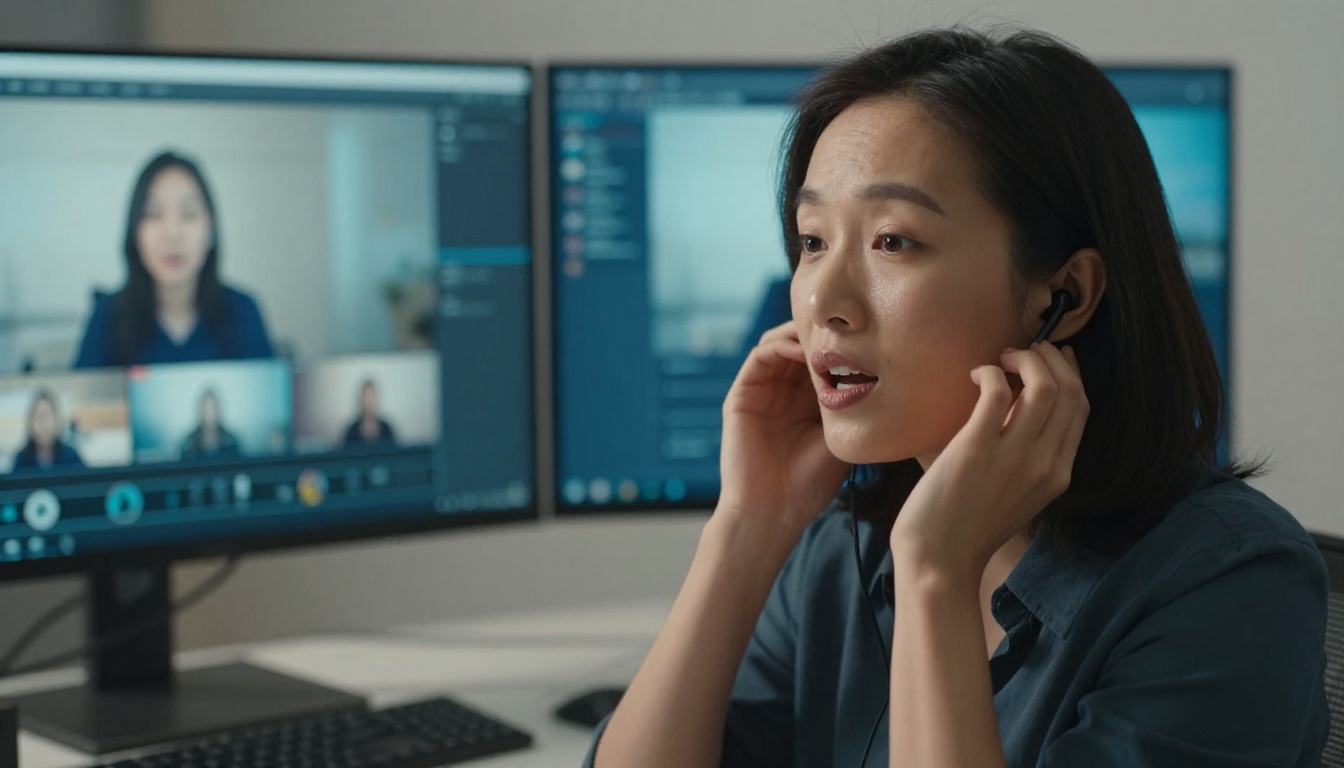
Upload your source video and your replacement audio. The video should have a well-lit face occupying a significant portion of the frame. The audio should be clean, with no background noise or music layered over speech. A mismatch between the acoustic character of the original video and the replacement audio is one of the most common reasons a sync feels artificial even when the lip movement is technically correct.
Tip: Record your replacement audio in a treated space or run it through a noise reduction step before uploading. The acoustic signature of the audio matters as much as the phoneme accuracy.
Step 3: Set Parameters and Run
Most models expose a sync strength parameter. A range of 80 to 90 percent gives accurate sync with natural-looking blending. Pushing to 100 percent can produce over-synthesis artifacts where the lip region looks processed. Match the resolution settings to your source video to avoid upscaling artifacts.
Step 4: Review and Export
Processing time for clips under 30 seconds typically falls between two and five minutes, depending on the model and server load. Review the output before downloading. Pay particular attention to transitions where the speaker pauses or changes pace. These moments are where sync errors most commonly appear.

Limitations Worth Knowing
Audio Quality Is the Real Constraint
Every lip sync model, including Pikaformance and every alternative, produces worse output on poor audio. Noise, reverb, compression, and overlapping voices all corrupt the phoneme mapping stage. Before running any sync job, clean your audio. A single pass through a noise reduction tool takes less than a minute and is the single highest-leverage action you can take to improve sync quality.
When the Sync Fails
Certain conditions reliably cause problems across all tools in this category:
- Extreme side profiles: Models struggle significantly when the face is rotated more than 45 degrees from a frontal view
- Mouth occlusion: Hands, microphones, or objects covering the mouth break the face mesh tracking entirely
- Fast head movement: Rapid motion between frames compounds synthesis errors and creates ghosting artifacts
- Low source resolution: Models need sufficient pixel data in the lip region to regenerate it accurately
Knowing these failure modes changes how you approach filming. A controlled setup with good lighting, a frontal angle, and a clean audio recording eliminates the majority of edge cases before any AI is involved.
Start Creating with Lipsync AI
Pikaformance put a spotlight on audio-driven lip sync, but the tools available today go substantially further than that initial demo. PicassoIA gives you direct access to twelve dedicated lipsync models, from the photo-to-video workflow of Omni Human 1.5 to the studio-grade accuracy of Lipsync 2 Pro, with no waitlist and no API configuration required.
The fastest way to see what these models actually do is to run one on your own footage. Pick a clip. Record clean audio. Upload both to the model that fits your use case. The output will show you more than any description here can convey.
AI lip sync has moved from a research novelty into a real production tool. The question is no longer whether it works. The question is which model fits your footage, your audio, and your deadline. PicassoIA puts all of them in one place. Start there.