Pika dropped something that most AI video tools still haven't matched: the ability to define both where a video starts and where it ends, then let AI handle everything in between. That's Pikaframes, and it's reshaping how creators think about AI video production. Instead of prompting and hoping, you're giving the model two visual anchors and watching it solve the challenge of getting from one defined frame to the next with natural, cinematic motion.
This isn't just a feature update. It's a different philosophy for AI video, one that puts the human eye back in control of narrative structure and pacing.
What Pikaframes Actually Does
Most AI video tools work from a single input: a text prompt, or one reference image. You describe what you want, and the model interprets it. The problem? That interpretation is unpredictable. You might get close to what you envisioned, or you might spend 20 generations chasing a specific visual outcome that was clear in your head but hard to communicate through text alone.
Pikaframes flips that workflow. You upload two images: one that represents the opening moment of your video, and one that represents the closing moment. The AI then generates the frames in between, creating a smooth, contextually aware transition that connects both endpoints.
The result is a clip that starts and ends exactly where you want. Not approximately. Exactly.
The Two-Frame Promise
The core mechanic is deceptively simple:
- First Frame: The image that defines the opening shot of your video.
- Last Frame: The image that defines where the video resolves.
- AI Interpolation: The model fills in all the motion, lighting changes, and spatial transitions between both frames.
This approach gives creators something genuinely valuable: predictable endpoints with creative flexibility in the middle. The AI still has room to interpret motion and atmosphere, but it's bounded by your visual intent on both sides.
Why This Changes Video Creation
Traditional image-to-video only gives you one anchor, the starting frame, and then you're at the mercy of the model's interpretation for where it goes. That's fine for spontaneous, experimental content. But for storytelling, brand content, or anything requiring narrative precision, one anchor isn't enough.
Pikaframes gives you a beginning and an ending. The story structure is yours. The AI just animates it.
💡 Think of it like scriptwriting: You write the first scene and the final scene. Pikaframes writes the second act for you.
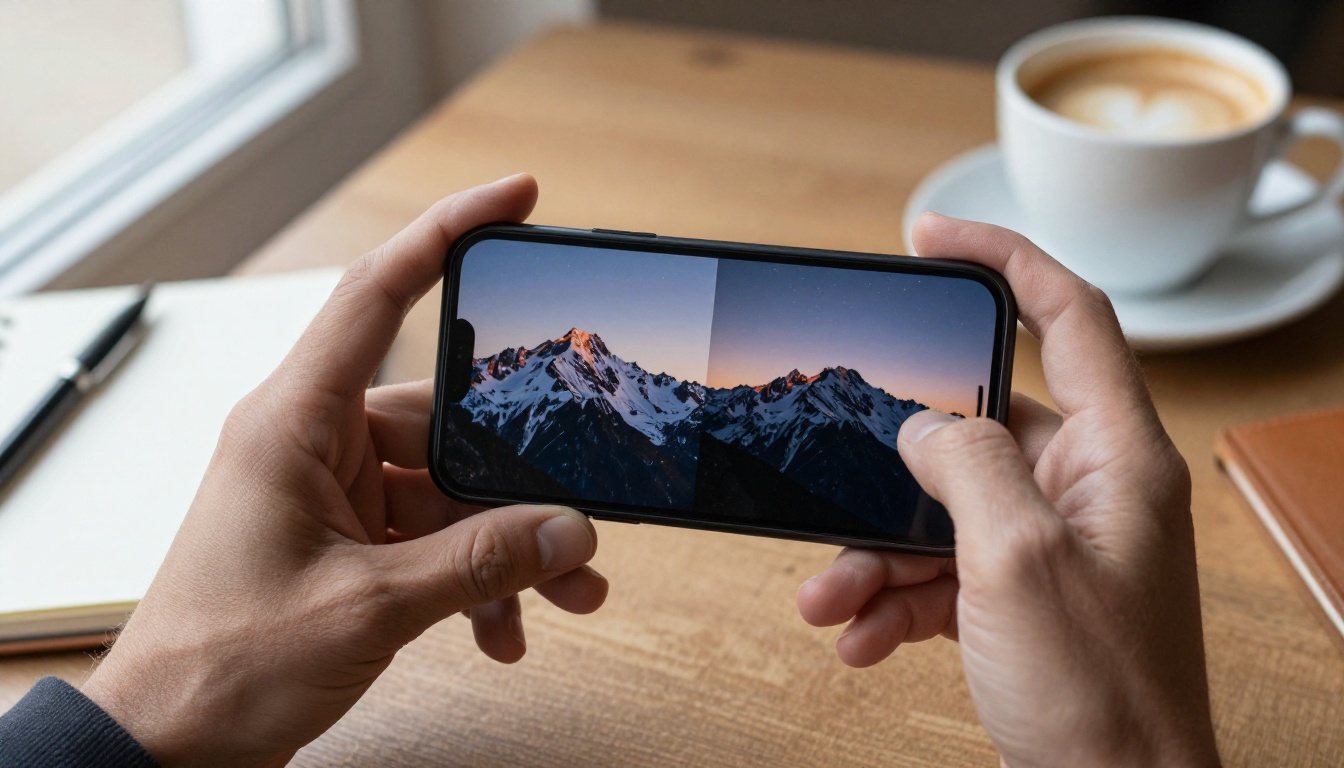
First Frame vs. Last Frame: Breaking It Down
Breaking down how each frame functions in the pipeline helps you get better results. They're not interchangeable inputs, each plays a different role in what the AI generates.
Setting Your Opening Shot
The first frame is your establishing image. It sets the spatial context, the lighting environment, and the character or subject position that the AI will work from. A strong first frame should:
- Have clear focal depth so the AI knows what's in foreground vs. background
- Establish lighting direction (the AI will try to maintain or evolve this)
- Position the subject where you want the video to begin
The more intentional your first frame, the more control you have over the motion arc the AI creates.
Controlling the Final Frame
The last frame is where Pikaframes gets interesting. This is the image the AI is working toward. It generates motion with that endpoint in mind, which means the model has to reason about how to get there physically and aesthetically.
This is most powerful when the two frames have a clear narrative relationship:
- Same subject, different position (person walking from A to B)
- Same environment, different time of day (dawn to dusk)
- Same composition, different emotional state (calm to excited)
- Before-and-after scenes with subtle environmental shifts
When both frames share visual context, the AI produces smoother, more believable transitions. When they're too dissimilar, the model has to overwork and results can become incoherent.

Who Is Pikaframes For?
Not everyone needs this level of frame control. Standard text-to-video works well for spontaneous, exploratory content. Pikaframes is built for a different creator profile.
Content Creators and Social Media
For creators who build consistent visual brands, Pikaframes is particularly valuable. You can shoot two reference photos in a controlled environment, then use AI to generate polished video transitions between them. That's a significant production shortcut.
Where it shines for social content:
- Instagram Reels with dramatic before/after transformations
- TikTok videos where the setting or outfit changes mid-clip
- YouTube intros that move from a still frame to an action shot
- Product reveals where an item transitions from packaged to unboxed
Filmmakers and Storytellers
Narrative filmmakers get a different kind of value from this feature. It allows pre-visualization without a full shoot. Set your story beats visually, let the AI generate the motion between them, and use that as a reference or mood board for your actual production.
It's also useful for creating B-roll content when the original footage doesn't include a specific transition shot you need in post.
Brand and Commercial Content
Brands working with tight deadlines can use Pikaframes to iterate quickly on visual concepts. Instead of committing to a full production workflow, you can test multiple visual journeys between two brand images and choose the most effective one before spending production budget.

Pikaframes vs. Standard Image-to-Video
The AI video tool market is crowded right now. It helps to know exactly where Pikaframes sits relative to other approaches.
The Control Gap
| Feature | Standard Text-to-Video | Standard Image-to-Video | Pikaframes |
|---|
| Starting Frame Control | No | Yes | Yes |
| Ending Frame Control | No | No | Yes |
| Prompt Dependency | High | Medium | Low |
| Output Predictability | Low | Medium | High |
| Ideal For | Exploration | Animation | Storytelling |
The control gap is real. If you care about where your video ends up, Pikaframes is structurally superior to single-anchor approaches.
Prompt Dependency vs. Frame Precision
With text-to-video, your output quality depends heavily on how well you write the prompt. Small wording changes produce dramatically different videos. That's powerful for iteration but frustrating for consistency.
Pikaframes reduces that dependence significantly. The visual information in both frames does most of the heavy lifting. The text prompt, if used, becomes a supporting instruction rather than the primary directive.
💡 This makes Pikaframes more accessible for visual thinkers who work better from images than from descriptive text.
5 Things You Can Create with First and Last Frame AI
The best way to grasp Pikaframes is through specific use cases. Here are five that show its range:
1. Before-and-After Sequences
The most intuitive use. First frame shows the "before" state, last frame shows the "after." The AI generates the transformation. Works for room renovations, makeup and beauty content, fitness progress visualizations, and fashion styling changes.
2. Cinematic Location Transitions
Set your first frame at dawn in a specific location, set your last frame at dusk in the same spot. The AI generates the passage of time with shifting light and atmosphere. Particularly compelling for travel content and environmental storytelling.
3. Character Emotional Arcs
Start with a neutral or calm expression, end with joy, surprise, or intensity. Pikaframes generates the emotional journey in between. For portrait-style content, this produces remarkably human-feeling results that feel natural rather than procedurally generated.
4. Product Transformations
First frame: the product sealed. Last frame: the product open and styled. The AI creates the unwrapping or reveal moment. This works for e-commerce content, unboxing videos, and product launch campaigns without requiring a physical shoot.
5. Environmental Storytelling
First frame: an empty outdoor scene. Last frame: the same scene with a subject present or with environmental changes such as more foliage, shifting weather mood, or different time of day. Pikaframes generates the transition as if time and environment shifted naturally.
How to Replicate Pikaframes on PicassoIA
Pika's Pikaframes feature is platform-specific, but the core concept of defining visual anchors and letting AI generate the motion between them can be approximated with the right image-to-video tools. PicassoIA offers several powerful models that handle this type of workflow effectively.
Using Kling v3 Video
Kling v3 Video is one of the strongest image-to-video models on the platform. It produces cinematic, high-motion output from a single reference image with exceptional prompt adherence.
Workflow for approximating Pikaframes:
- Generate or photograph your first frame image
- Upload it to Kling v3 Video as the reference image
- Write a detailed prompt describing the motion and the final state you want the video to reach
- Use the generated clip's last frame as a new reference image if you need further extension
For precise ending states, describe the final frame composition explicitly in your prompt: subject position, camera angle, lighting changes, and environmental shift.
Wan 2.7 I2V for Scene Bridging
Wan 2.7 I2V excels at animating images into video with strong spatial consistency. It's particularly effective when the transition involves subtle movement rather than dramatic change.
Best for:
- Slow camera movements (pan, pull back, push in)
- Character idle animation from a still photo
- Environmental motion (wind in hair, water ripples, light shifts across a room)
Choosing the Right Model
| Model | Strength | Best Use Case |
|---|
| Kling v3 Video | Cinematic motion, high quality | Dramatic scenes, character motion |
| Wan 2.7 I2V | Scene consistency, smooth motion | Environmental transitions, slow pan |
| Kling v2.6 | Fast generation, reliable output | Quick iteration, social content |
| LTX 2 Pro | 4K output quality | High-res commercial content |
| Seedance 2.0 | Built-in audio, narrative flow | Story content with synchronized sound |
| Pixverse v5.6 | Visual effects, stylization | Creative transitions and effects |
The choice depends on your specific visual goal:
- Need high resolution? LTX 2.3 Pro generates 4K output.
- Want audio included? Seedance 2.0 adds synchronized sound automatically.
- Need speed for iteration? Kling v2.6 is fast and reliable for testing multiple variations.
- Shooting for cinematic quality? Kling v3 Video or Veo 3 push the quality ceiling significantly higher.
The Broader Landscape of Frame-Controlled AI Video
Pikaframes is part of a larger shift in AI video toward greater creator control. The early era of AI video was defined by generative freedom: you typed something and watched what happened. The current era is about precision, defining constraints and working within them intentionally.
Several other tools and models are moving in this direction:
- Runway Gen 4.5 offers strong image reference controls for guided video generation with cinematic motion
- Hailuo 02 produces 1080p videos with high temporal consistency across frames
- Ray 2 720p from Luma is reliable for short, motion-consistent clips from image inputs
- Veo 3 from Google includes native audio and high fidelity output from text descriptions
The trend is clear: precision is winning. Creators don't just want AI to generate video. They want AI to generate their video, on their terms, with their visual anchors in place.
💡 The sweet spot is combining strong reference images with detailed motion prompts. The image handles composition and lighting, the prompt handles movement and narrative direction.
What Makes a Strong Frame Reference
Not all images work equally well as first or last frames. Based on how image-to-video models process inputs, here's what produces the best results:
Strong first/last frame characteristics:
- Single dominant subject with clear separation from background
- Natural, diffused lighting rather than harsh artificial light
- Clean composition with intentional framing and depth
- Realistic photography rather than illustrations or renders (photorealistic images produce more realistic motion output)
- Consistent color grading between first and last frames to help the AI match environments accurately
What to avoid:
- Heavy text overlays (they distort during animation and break visual coherence)
- Complex multi-subject scenes with overlapping figures
- Extremely dark or overexposed images (the AI struggles with detail recovery at extremes)
- Drastically different aspect ratios between your reference images
Working with AI Video Frame Chains
One of the most powerful extensions of the Pikaframes concept is sequential chaining, where the last frame of one generated clip becomes the first frame of the next. This lets you build longer, more complex video sequences while maintaining visual consistency throughout.
How to chain clips effectively:
- Generate your first clip using your opening image as the reference
- Screenshot or extract the final frame of that clip
- Use it as the reference image for the next generation
- Repeat until your sequence reaches the desired length
This workflow turns a 5-second AI clip into a 20-30 second narrative sequence with coherent motion and consistent visual identity. It works particularly well with Wan 2.7 I2V and Kling v3 Video, both of which maintain strong visual consistency from one generation to the next.
Frame rate and duration tips:
- Most AI video models generate clips at 24fps for natural cinematic motion
- Shorter clips (4-6 seconds) tend to have more coherent transitions between reference frames
- High-motion transitions require stronger models to stay spatially coherent
- For final delivery, use super resolution tools to upscale after generation if you need higher output quality
Start Creating First-Last Frame Videos
The concept behind Pikaframes is now accessible regardless of which platform you use. The key is working with strong, intentional reference images and choosing the right model for the motion complexity you need.
PicassoIA's collection of image-to-video models gives you everything from fast, affordable iteration tools to cinematic-quality engines. Whether you're building a brand campaign, social content, or narrative video, the workflow is consistent: define your endpoints visually, let the AI fill in the motion, and refine until the transition tells the story you intended.
Start with Kling v3 Video for your first test. Upload a strong reference image, describe the final state you want the video to reach in your prompt, and see how close the AI gets on the first generation. From there, iterate on your reference image or your prompt to close the gap between what the model produces and what you had in mind.
The more precise your two anchors, the more precise your output. That's the Pikaframes philosophy, and it works on any platform that supports image-to-video generation. Give it a try and see how much control you actually have when you stop leaving the ending up to chance.


