Paying for an AI creative tool and hitting a credit wall mid-project is one of the most frustrating experiences in modern creative work. Pika built its name on accessible AI video and image generation, and for a while it was genuinely one of the better options available. The interface is clean, the output is consistent, and the brand recognition is strong enough that many creators default to it without questioning whether something better exists at a lower price. The answer is that it does. The comparison is worth making in detail, because the differences are not just about cost. They are about access, model variety, and what you actually get for your money.
Pika has approximately one generation model behind its consumer interface. The platform you are about to compare it against has 183 image models and 106 video models. That disparity shapes everything downstream: what you can create, how much it costs to iterate, and how far your monthly budget actually stretches.
What Pika Actually Costs You

Pika operates on a credit-based system wrapped inside a monthly subscription. You pay each month and receive a set number of credits, which deplete with every generation you complete. When the credits run out, you either wait for the next billing cycle to reset or buy additional credits on top of your subscription fee. For casual users who generate a handful of images per week, this is manageable. For anyone working at professional volume, the model breaks fast.
The Free Tier Problem
The free tier gives you enough generations to evaluate the tool, not enough to use it for real work. For any serious creative workflow, whether you are a social media manager, a solo designer, or a content studio handling multiple brand accounts, you will exhaust the free limit within a day or two of an actual project. That is deliberate: free tiers in this category exist to convert subscribers, not to provide functional creative access. The moment you hit the limit mid-project, the pressure to upgrade is immediate and the opportunity to evaluate alternatives is minimal.
The Credit Wall
Each generation costs credits. Higher-resolution outputs cost more credits. Longer video clips cost more. If your project requires iteration, and every genuinely good creative project does, the credit math stops working in your favor fast. A sequence of prompt tests to find the right composition, three or four drafts before you land the version worth delivering, a small revision based on client feedback: these interactions compound into significant credit consumption within a single project. Professionals generating content daily are effectively renting access to one model rather than owning a repeatable workflow.
Where Costs Spike
The subscription tiers that provide enough credits for real production volume sit at the higher end of the pricing range. The outputs with the highest quality sit behind those higher tiers. This creates a pricing escalator: entry-level subscribers pay for limited output from limited settings, and professional users pay premium rates for volume access to the same underlying model. There is no way to break out of this structure without switching platforms entirely.
183 Models vs One App
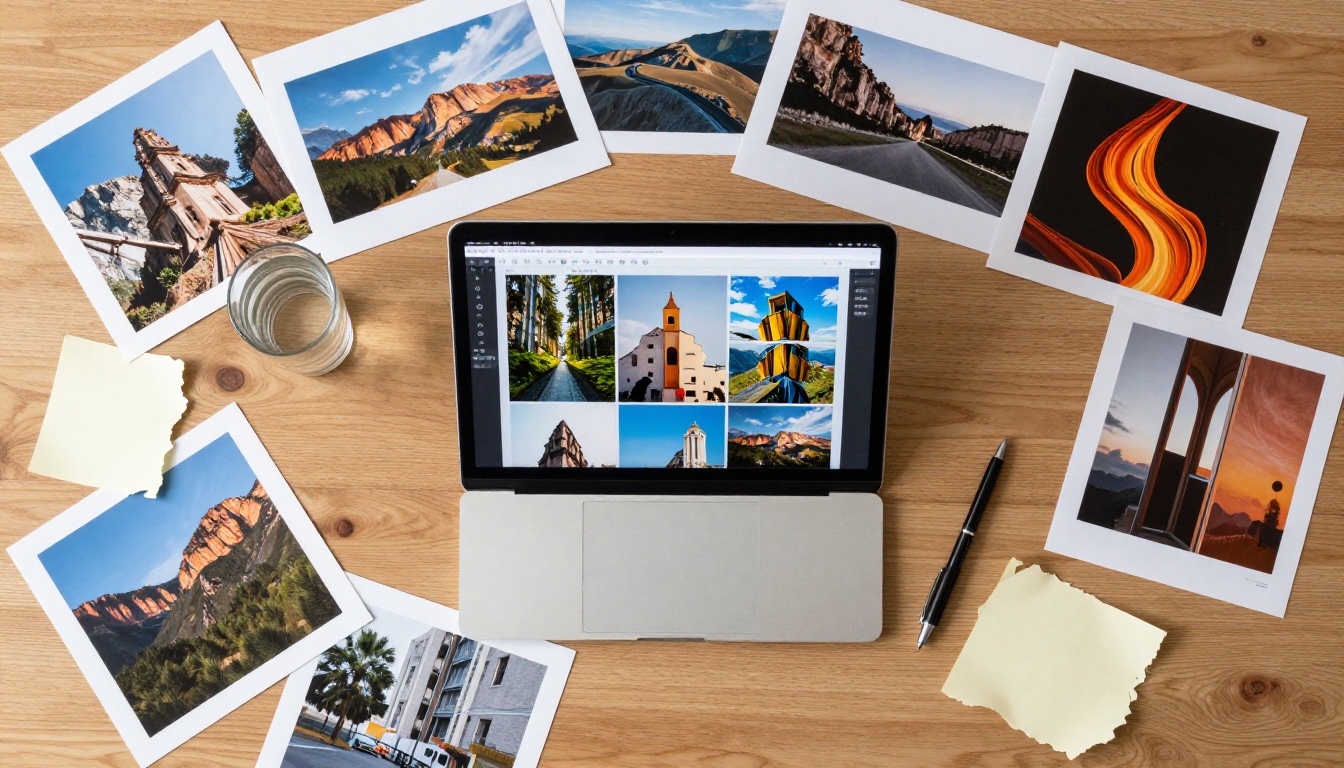
Pika focuses on being one polished product. That is a legitimate strategy and it creates a clean experience for users who want simplicity. It also means you are locked into their model, their aesthetic decisions, and their development roadmap. You cannot pick and choose based on what performs best for a specific visual style or prompt type. The model is the model, and if it does not suit your project, you have no recourse.
The alternative here operates at a different structural level. Instead of one model, you get access to 183 image generation models and 106 video generation models inside a single platform. That range is not just a catalog size. It represents different architectures, different training data, different visual aesthetics, and genuinely different capabilities.
The Image Catalog
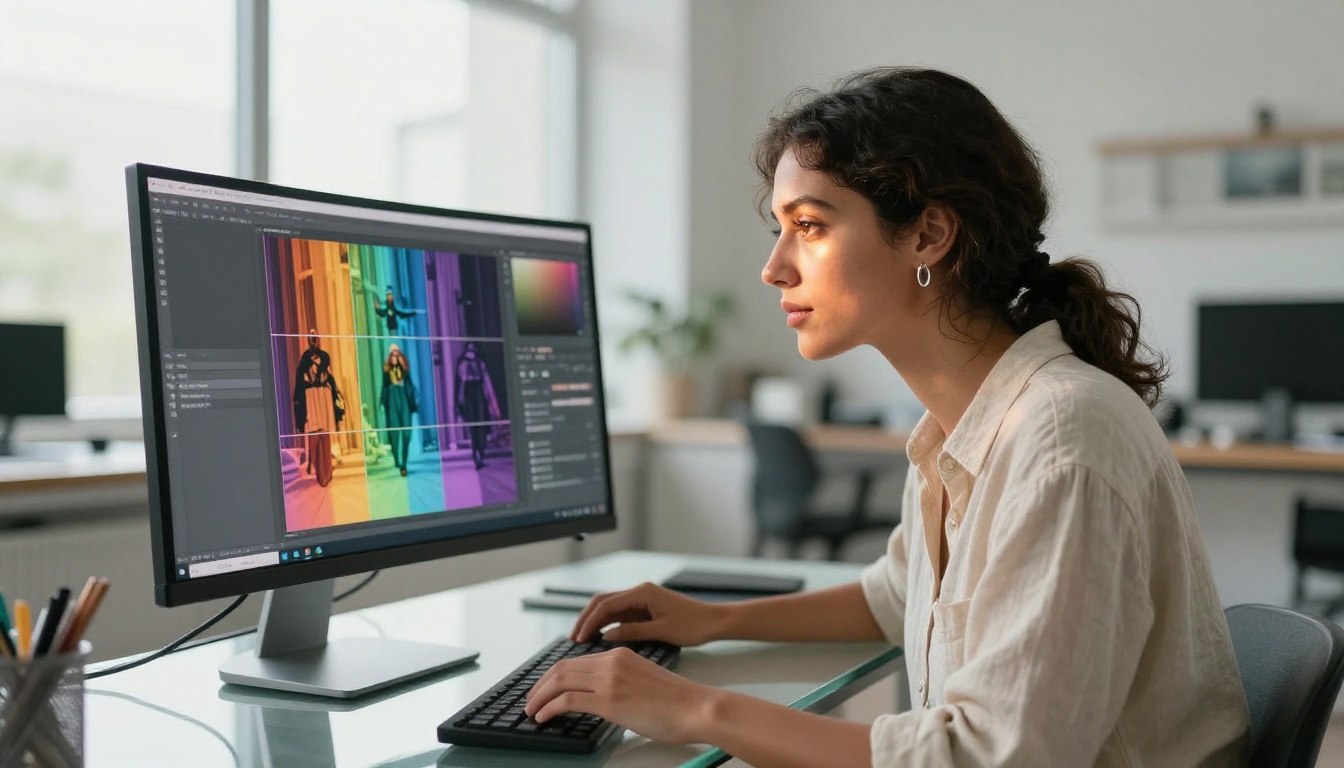
For image generation, the models span OpenAI, Google, ByteDance, Tencent, Stability AI, Black Forest Labs, and dozens of specialized AI labs. GPT Image 2 delivers OpenAI's current flagship visual generation. Flux Kontext Fast provides rapid photo editing from natural language instructions. Seedream 4.5 from ByteDance generates at 4K resolution with cinematic quality in each frame. Hunyuan Image 3 from Tencent produces sharp, detail-rich results suited for product photography and architectural content. Gemini 2.5 Flash Image from Google handles high-speed generation with strong prompt adherence across varied subject types. Each model has a distinct visual character. The ability to select the right one for a specific prompt type is worth more than having no choice at all.
The Video Catalog
On the video side, the depth is equally significant. Kling v3 delivers cinematic motion quality with precise prompt-to-movement translation. Veo 3 from Google adds native audio generation synchronized with the video content. Seedance 2.0 combines text-to-video generation with built-in audio creation in a single step. LTX 2 Pro reaches 4K video resolution. Wan 2.7 T2V converts text prompts to 1080p video in seconds. These are frontier models with capabilities that Pika's single-model approach cannot replicate.
Editing Tools
Beyond generation, the platform covers the full editing stack. Inpainting and canvas expansion through Flux Fill Pro. Structural-preserving style edits through Flux Canny Pro. Depth-aware contextual editing through Flux Depth Pro. Photo editing with LoRA style application through P Image Edit LoRA. The complete creative workflow from generation through final edit is inside one subscription.
The Quality Gap That Is Not What You Expect
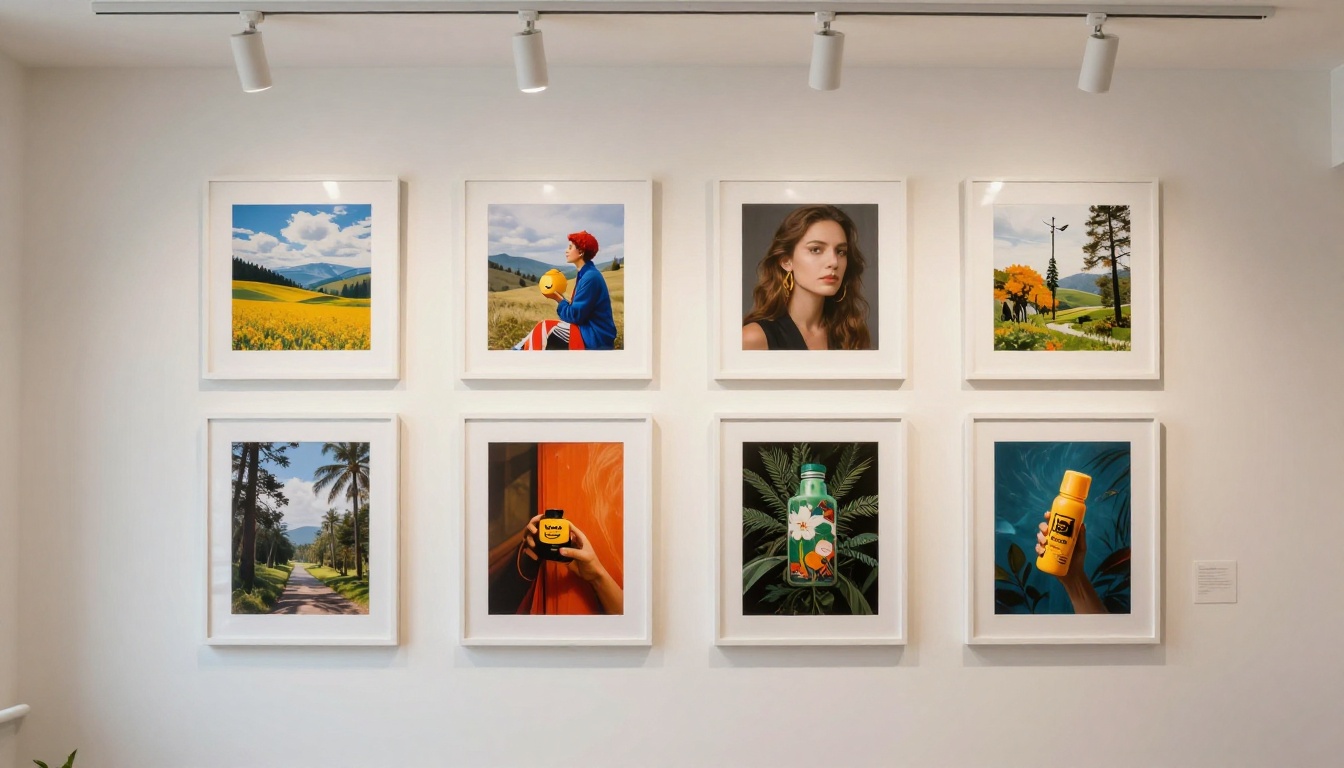
Most users who have not done a direct comparison assume that a well-known platform equals superior quality. This assumption is common and not well-founded. Quality in AI generation depends on the model architecture and training data, not the interface or the marketing. Pika runs one model. A platform with 183 models includes models that outperform Pika's output on almost every objective metric, depending on the task.
Image Output Quality
Stable Diffusion 3 from Stability AI delivers detailed results with controlled composition and precise prompt adherence. Wan 2.7 Image Pro generates at 4K resolution with fine detail reproduction throughout the frame. Flux Pro Finetuned allows custom LoRA training to maintain brand-consistent visual style across large production runs. Recraft 20B produces industry-grade output across multiple visual styles. Dreamina 3.1 generates cinematic 4-megapixel photographs with strong editorial quality. None of these are lesser alternatives. They are the models powering professional creative production in 2027.
💡 For photorealistic portrait photography, try adding "shot on 85mm f/1.8, Kodak Portra 400, natural window light, shallow depth of field" to any prompt in GPT Image 1. The difference in output quality from a basic prompt is immediate and dramatic.
Video Output Quality
Pika delivers competent video output for short social clips and quick visual concepts. It does not match the resolution ceiling of LTX 2 Pro or the audio synchronization quality of Veo 3. For video projects requiring native audio generation, Seedance 2.0 produces results that Pika cannot currently match at any subscription tier.
Price Breakdown: What You Actually Pay

The honest comparison is not monthly subscription cost in isolation. It is cost per useful output, accounting for what you actually produce versus what you pay to access the tools.
| Feature | Pika | Picasso IA |
|---|
| Image models | 1 | 183 |
| Video models | 1 | 106 |
| Max image resolution | Tier-dependent | Up to 4K |
| Max video resolution | Standard HD | Up to 4K |
| Native audio in video | No | Yes (multiple models) |
| Custom LoRA fine-tuning | No | Yes |
| Inpainting and outpainting | Limited | Full stack |
| Depth and canny editing | No | Yes |
| Pay-per-use without subscription | No | Yes |
💡 Monthly subscriptions charge you whether you generate 10 images or 10,000. If your creative output varies month to month, pay-per-use pricing saves significant money across a full year compared to fixed subscription tiers.
The credit system creates a hidden cost that does not appear on the pricing page: cognitive overhead. Once you are credit-aware, you optimize prompts for credit efficiency rather than creative quality. You run fewer experiments. You accept "good enough" more readily than you should. That is not a creative failure. It is a direct consequence of Pika's pricing structure.
How to Generate Images Without Pika
Switching platforms sounds more complicated than it is. The actual workflow takes under two minutes once you have done it once, and the prompting skills you already have transfer directly.
Pick a Model
The model selection is the most important step and the most empowering one. For photorealistic lifestyle and portrait content, GPT Image 2 covers the broadest range of prompts reliably. For editorial or product images in 4K, Seedream 4.5 is hard to beat at any price point. For image variations from an existing reference, Flux Redux Dev generates style-consistent alternatives. For rapid photo editing from a text instruction, Flux Kontext Fast applies changes in seconds. For custom brand style training, Flux Schnell LoRA applies trained LoRA styles instantly at generation time. Each model page includes sample outputs so you evaluate quality before committing a generation.
Write Your Prompt
The same prompting approach that works in Pika works here: subject, environment, lighting, camera style, mood. Longer prompts with specific lighting and camera details outperform short generic descriptions in every model. For video, add motion description: what moves, in which direction, at what speed. The specificity translates directly into better output.
Download Your Result
Output is available immediately after generation. No tiered download quality based on subscription level. No watermarks. Files are yours in full resolution from the first generation.
Best Models to Replace Pika's Features

Every primary Pika use case maps directly to one or more models available here, usually with higher output quality and more configuration options.
For Image Generation
For Video Creation
For Image Editing
When to Switch and When to Stay
The honest answer is not always "switch immediately." The right choice depends on your actual creative volume and workflow.
Worth Switching
If you generate more than 30 images per month, the economics almost always favor a multi-model platform. If you need specific capabilities such as 4K images, audio-synced video, or precision editing tools, the single-model constraint creates a ceiling you will hit. If you are building a content operation at any scale, having 183 image models and 106 video models means you never encounter a capability wall you cannot work around.
Creators who iterate heavily benefit most from the switch. Pika's credit model penalizes iteration by design: every experimental generation costs credits, which creates pressure to skip the tests and commit to a final output earlier than you should. A flat-rate or pay-per-use structure rewards the experimentation that produces genuinely good creative work.
When Pika Makes Sense
If you generate fewer than 10 images per month and primarily value Pika's specific visual output character, switching creates more friction than it saves in cost. Loyalty to a particular model's aesthetic is a real and legitimate consideration. If you are building a product integrated with Pika's API, migration involves technical overhead that may not be justified at your current stage. These are real cases where staying put is the rational choice.
Start Creating at Better Rates

The comparison between Pika and a multi-model platform is not primarily a pricing argument. It is an argument about what access to the right tools actually costs, and what it enables.
183 image models. 106 video models. 4K resolution outputs. Native audio in video. Inpainting. Canvas expansion. Depth editing. LoRA fine-tuning. Custom style training. All available now, at pricing that scales with actual usage rather than artificial credit limits designed to push you into higher subscription tiers.
The models powering professional creative work in 2027 are available today: Flux Redux Dev for image variations, Wan 2.7 Image Pro for 4K stills, Kling v3 for cinematic video, Gemini 2.5 Flash Image for fast high-accuracy outputs. The cost to iterate is low enough that you can actually iterate. That is the creative environment serious work requires, available without the credit anxiety that comes with Pika's subscription structure.
Pick a model. Write a prompt. Generate something. The barrier from idea to image is seconds.


