Free AI video generation has changed dramatically in 2027. Two tools sit at the top of nearly every recommendation list right now: PixVerse and Hailuo. Both are free to use. Both produce surprisingly good results. But they are not the same tool, and picking the wrong one for your workflow costs you time, creative energy, and sometimes results that simply do not match what you had in mind.
This breakdown puts both platforms through the same tests, covering video quality, render speed, prompt accuracy, resolution output, and the actual limits of their free tiers. No vague impressions. Real distinctions you can act on.

PixVerse and Hailuo at a Glance
Before comparing specifics, it helps to understand where each platform comes from and what it was built to do. Both tools have free tiers, both output decent resolution, and both have seen significant model updates in 2027. But the philosophy behind their outputs is fundamentally different.
What PixVerse Actually Is
PixVerse is a dedicated AI video generation platform with a strong focus on cinematic output. Its latest model, Pixverse v6, pushes the resolution ceiling to 1080p and introduces built-in audio generation alongside the video, making it one of the more fully-featured free options available in 2027. Earlier versions like Pixverse v5.6 and Pixverse v5 remain popular for their balance between speed and quality.
PixVerse has built its reputation on stylized, visually polished output. It handles motion well, produces smooth transitions, and tends to excel at creative, abstract, or character-driven prompts. Its interface is clean and approachable, which makes it a solid starting point for creators who are new to AI video generation.
What Hailuo Actually Is
Hailuo is the video generation product from MiniMax, a Chinese AI research lab with serious engineering resources behind it. The flagship free-tier model, Hailuo 02, generates 1080p video with impressive physical realism. For faster results at 512p, Hailuo 02 Fast processes prompts significantly quicker without sacrificing the core motion quality.
Hailuo's edge is realism. It renders human subjects with better facial consistency than most free tools, and its understanding of physics and natural movement sets it apart from competitors at the same price point. The Hailuo 2.3 model extends this further with more reliable prompt following and richer environmental detail.
Who Is Each Tool For?
The short version: PixVerse is for creators who want stylized, cinematic results with expressive motion. Hailuo is for creators who need photorealistic output with consistent human faces and physically plausible movement. Neither is universally better. Each fills a specific gap in the free AI video landscape.
💡 Neither tool requires a credit card to start. Both have free tiers with daily generation limits. If you are not sure where to begin, run the same prompt through both and compare the outputs directly.
Video Quality: The Real Test

Quality is the number one factor in choosing a free AI video tool. Here is what each platform actually delivers.
PixVerse Output Quality
PixVerse produces videos that feel intentionally cinematic. Colors are rich, contrast is punchy, and motion tends toward the dramatic. This works beautifully for music video aesthetics, fantasy scenes, action sequences, and creative brand content.
Where PixVerse sometimes struggles is in hyper-realistic scenarios. Faces can drift slightly across longer clips. Background consistency in complex environments can waver. But for creative, stylized work, the output quality is genuinely impressive for a free tool.
The Pixverse v4.5 and Pixverse v4 models remain relevant for creators who prefer a slightly softer rendering style, though the newer v5 and v6 series have largely overtaken them for most use cases.
Hailuo Output Quality
Hailuo leans hard into photorealism. Human subjects look like real people. Skin texture, hair movement, and eye detail hold up over the clip duration in ways that many competing tools simply cannot match at zero cost.
Environmental fidelity is also strong. Water behaves like water. Fabric folds and moves naturally. Lighting shifts coherently as subjects move through a scene. For product videos, portrait content, or any work where realism is non-negotiable, Hailuo consistently pulls ahead.
The Hailuo 2.3 version adds measurably better color grading and improved motion tracking compared to its predecessors. If you are using Hailuo in 2027, this is the version worth defaulting to.
Side-by-Side Resolution Comparison
| Feature | PixVerse v6 | Hailuo 02 |
|---|
| Max Resolution | 1080p | 1080p |
| Free Tier Output | 720p-1080p | 512p-1080p |
| Clip Duration | 5-8 seconds | 6-10 seconds |
| Motion Style | Stylized/Cinematic | Realistic/Physical |
| Human Consistency | Good | Excellent |
| Background Stability | Good | Very Good |
| Audio Generation | Yes | Limited |
Speed and Render Times

Speed matters more than most people admit. A tool that takes 8 minutes to render a 6-second clip breaks creative momentum in real workflows.
How Fast Is PixVerse?
PixVerse render times vary by model and server load, but typical generation on the free tier runs between 60 and 150 seconds for a standard 5-second clip at 720p. The Pixverse v3.5 model is historically the fastest in the PixVerse lineup, trading some quality for significantly reduced wait times.
At 1080p with the newer v6 model, expect times closer to 2 to 4 minutes. This is within an acceptable range for most creators who are not operating under tight production deadlines.
How Fast Is Hailuo?
Hailuo 02 Full at 1080p runs between 90 seconds and 3 minutes on average. For creators who need faster iteration, Hailuo 02 Fast cuts that time significantly by outputting at 512p with processing time that often stays under 60 seconds.
The Hailuo 2.3 Fast variant balances the quality improvements of the 2.3 model with faster inference, making it the best option when you need Hailuo's realism without the longer wait.
💡 Use fast model variants during ideation when you are testing prompts. Switch to the full model for final renders once you know the prompt works.
Free Tier: What You Actually Get

Free never means unlimited. Both platforms apply daily limits that shape how and when you can generate.
PixVerse Free Plan Breakdown
PixVerse offers a credit-based free tier that resets daily. On the standard free plan, creators typically get enough credits for 5 to 10 generations per day depending on resolution and duration. The platform does not require a credit card to access these credits.
What's included:
- Daily credit refresh with no payment required
- Access to multiple model versions including newer releases
- Standard queue priority (slower than paid plans)
- Watermark on exported videos
Hailuo Free Plan Breakdown
Hailuo operates on a similar daily credit system. Free users typically access 3 to 8 generations per day at standard quality. The platform has historically been generous with its free tier during promotional periods, and 2027 has seen several extended free credit events.
What's included:
- No signup payment required
- Access to primary models including Hailuo 02
- Standard processing queue
- Watermark applied to outputs
The Hidden Limits
Both platforms throttle free users in ways that are not immediately obvious. Queue priority drops significantly during peak usage hours, meaning a 2-minute render during off-peak hours can stretch to 6 or 8 minutes mid-afternoon. If you are generating regularly, plan your sessions for early morning or late evening to avoid slowdowns.
💡 Running both platforms simultaneously means double the free generations per day. Alternate between them during queue waits to maximize output without spending anything.
Prompt Accuracy and Control

Getting AI video to do exactly what you want depends heavily on how well the model interprets your prompt.
PixVerse Prompt Behavior
PixVerse is responsive to creative and abstract prompts. Describe a mood or aesthetic and it will run with it confidently. Where it shows limitations is in specific technical instructions. Asking for a precise camera movement, an exact number of subjects, or a specific sequence of actions can produce inconsistent results.
For stylized content and concept-first creation, this is rarely a problem. For highly directed, script-based video work, it requires more prompt engineering to get reliable results.
Hailuo Prompt Behavior
Hailuo follows detailed prompts more literally. It parses camera language, subject positioning, lighting descriptions, and environmental details with better consistency than PixVerse. This makes it better suited for creators who write structured, production-style prompts.
The trade-off is that it can sometimes be too literal, missing the creative interpretation that makes a prompt come alive. Vague or open-ended prompts sometimes produce flatter results compared to PixVerse.
| Prompt Type | Better Tool |
|---|
| Abstract / Mood-Driven | PixVerse |
| Realistic Scene Description | Hailuo |
| Character Close-Up | Hailuo |
| Fantasy / Creative | PixVerse |
| Physical Action | Hailuo |
| Stylized Visual | PixVerse |
| Product Showcase | Hailuo |
| Music Video Content | PixVerse |
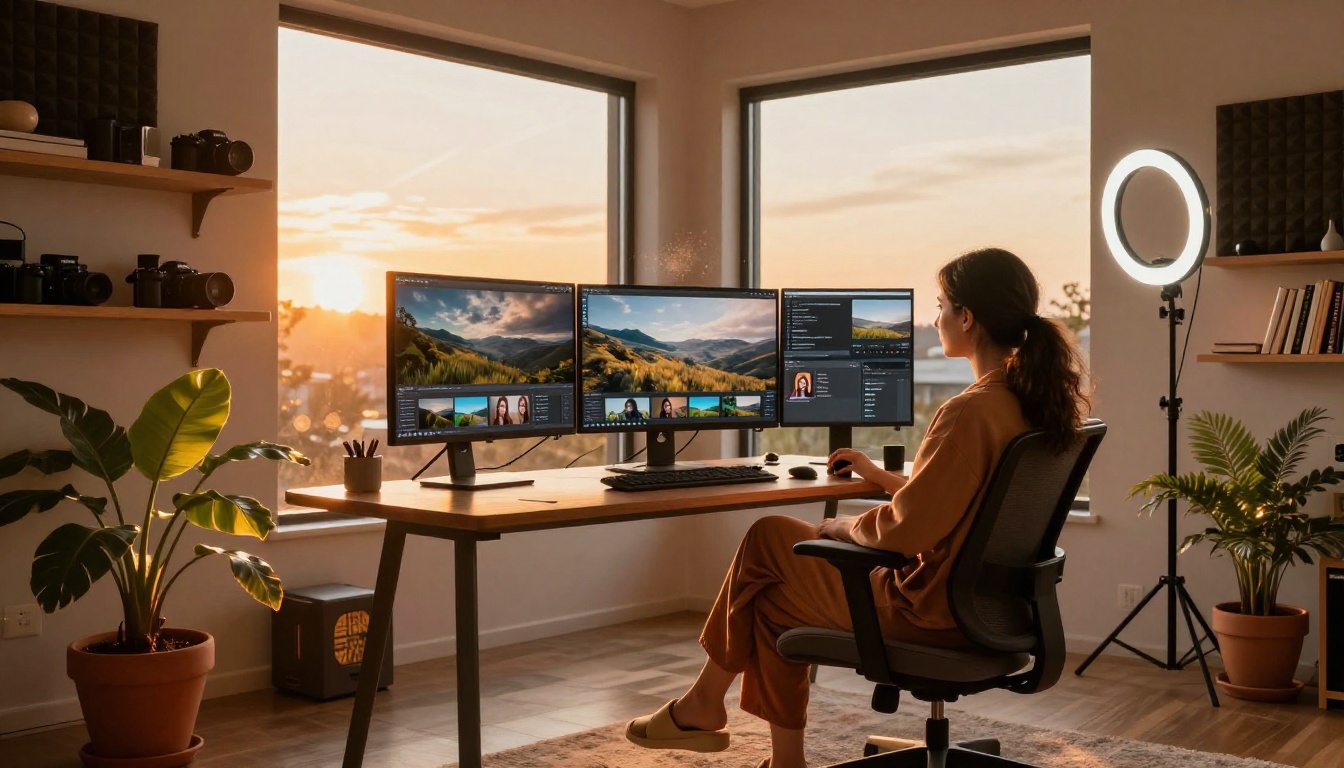
Knowing when to reach for which tool saves you a lot of failed generations and frustration.
When PixVerse Wins
- Social media content with bold visual impact that stops scrolling
- Music video clips that need expressive motion and stylized aesthetics
- Fantasy or abstract storytelling where creative interpretation matters
- Brand content where visual identity is more important than strict realism
- Quick concept prototyping with loose, mood-based prompts
Creators building for TikTok, Instagram Reels, or YouTube Shorts often prefer PixVerse for its visual punch and the way its output holds attention in a high-velocity scroll environment.
When Hailuo Wins
- Realistic portrait videos with consistent human subjects across the full clip
- Product presentations needing photographic fidelity and natural lighting
- Nature or environment scenes requiring physical accuracy in movement
- Narrative content where scene consistency across multiple cuts matters
- Professional demonstrations where realism builds audience trust and credibility
The Hailuo 2.3 model in particular shines in any context where a human subject needs to look and move convincingly throughout the entire clip duration.
How to Use PixVerse on PicassoIA

Both PixVerse and Hailuo models are available directly on PicassoIA, letting you access them alongside dozens of other AI video tools without switching between platforms or managing separate accounts.
Generating with Pixverse v6
Pixverse v6 is the latest and most capable PixVerse model on PicassoIA. Here is how to get the best results:
- Open the model page on PicassoIA and select Pixverse v6
- Write your prompt starting with the subject and action, then add environment, lighting, and style details. For example: "A woman in a white linen dress walking through a lavender field at golden hour, slow motion, cinematic wide angle"
- Set the aspect ratio to 16:9 for landscape content or 9:16 for vertical social media output
- Select clip duration based on your needs. Shorter clips generate faster and often have tighter quality control
- Run the generation and review the output. If the motion or composition is off, refine the prompt and re-run
For the best PixVerse results, front-load your prompts with visual style and camera approach. PixVerse responds strongly to cinematic language like "low angle," "golden hour," or "slow motion push-in."
Generating with Hailuo 02 on PicassoIA

Hailuo 02 is available on PicassoIA with the same free-tier access. The generation workflow:
- Navigate to the Hailuo 02 model page on PicassoIA
- Write a structured, detailed prompt describing subject appearance, position, action, environment, and lighting in sequence. Hailuo rewards specificity above everything else
- Choose your resolution tier. For fast testing, use Hailuo 02 Fast at 512p. For final output, run the full 1080p model
- Review the result focusing on subject consistency. If a face or limb drifts, add explicit anchoring details to the prompt such as "maintains consistent facial features throughout"
- Download and use the output directly in your project
💡 PicassoIA gives you access to both PixVerse and Hailuo in one place. Use Pixverse v5.6 or Hailuo 2.3 Fast when you need faster turnaround during testing, and switch to the full models for final production output.
Which One Should You Pick?
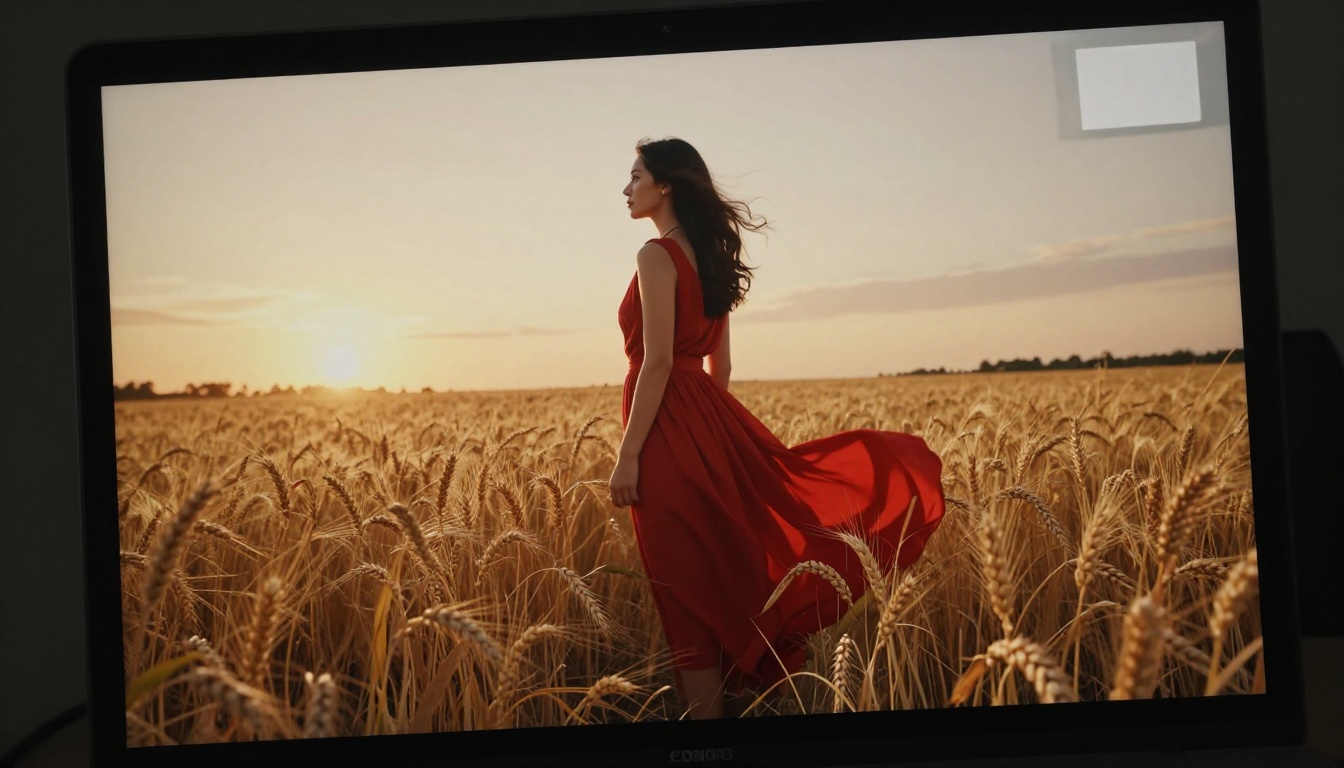
The honest answer is that neither tool is objectively better. They are built for different things, and the right one depends entirely on what you are making.
Pick PixVerse if your work is stylized, fast-moving, and built for social platforms where visual energy matters more than photographic fidelity. Pixverse v6 is where the platform is at its strongest right now, and its built-in audio generation gives it a practical edge for anyone making content that needs synchronized sound without extra tools.
Pick Hailuo if your work involves real people, realistic environments, or any scenario where the viewer should not be able to tell the video was AI-generated. Hailuo 02 and Hailuo 2.3 are the most capable free realistic video generators available right now.
The smartest move in 2027 is to use both. Run your concept through Pixverse v5 for quick stylized iterations. Switch to Hailuo 2.3 when you need a polished, realistic final clip. Together, they cover more creative territory than either one does alone.
Create AI Videos Right Now

You do not need to spend anything to start making impressive AI-generated video in 2026. Both PixVerse and Hailuo are accessible, free, and significantly better than they were even 12 months ago.
On PicassoIA, you can access Pixverse v6, Hailuo 02, Hailuo 2.3, and over 80 additional text-to-video models from a single platform. That means you can compare outputs, test different approaches, and find the style that fits your work, all without switching between sites or managing multiple accounts.
The free tier on PicassoIA gives you daily generations with no credit card required. Whether you are experimenting with Pixverse v5.6 for vibrant social content or pushing the realism of Hailuo 2.3 Fast for professional-grade clips, the tools are ready when you are.
Write a prompt. Hit generate. See what comes back. The results in 2027 will surprise you.


