Playground v3 arrived with a specific promise: give artists and creators a web-based AI image generator that doesn't sacrifice quality for speed. Whether you're a designer testing concept variations, a marketer generating visual assets, or a hobbyist experimenting with AI art styles, Playground v3 sits in a genuinely interesting spot in the current AI image landscape. It's not trying to be everything. It does fewer things and does them well.
This article breaks down exactly how Playground v3 works, what its core features actually do, where it excels, and where other tools might serve you better.
What Playground v3 Actually Does
Playground v3 is a browser-based AI image generation platform developed by Playground AI. Its core function is converting text prompts into high-resolution images using a diffusion model trained specifically for aesthetic quality. Unlike some general-purpose image generators, Playground v3 was built with a heavy bias toward visual appeal, sharpness, and stylistic coherence.
The platform operates entirely in the browser. No local GPU required, no software installation, no complex setup process. You type a prompt, adjust a few parameters, and receive generated images within seconds.
The Core Generation Engine
At its foundation, Playground v3 uses a proprietary diffusion model distinct from open-source alternatives. The model was trained on a curated dataset emphasizing aesthetic quality, which means outputs tend toward visually polished results even with relatively simple prompts.
Core generation parameters include:
- Model variants: Playground v3 offers internal model options optimized for different output styles
- Image dimensions: Multiple aspect ratios and resolution options from square to widescreen
- Guidance scale: Controls how closely the model follows your prompt versus exercising creative latitude
- Seed: Allows reproducible generations when you find a result worth iterating
- Number of images: Generate 1 to 4 images per prompt in a single run
Mixed Image Editing Features
One of Playground v3's defining characteristics is its canvas-based editing environment. Beyond pure text-to-image generation, the platform includes:
- Image-to-Image: Upload a reference image and use it as a structural or stylistic starting point
- Inpainting: Select specific regions of a generated image and regenerate only that area
- Outpainting: Extend the canvas beyond the original image boundaries
- Edit with Text: Describe changes to specific parts of an image in plain language
This combination positions Playground v3 somewhere between a pure generator and a lightweight AI image editor, which is useful for iterative workflows where you want to refine rather than regenerate from scratch.
The Aesthetic Score System
One of the most distinctive features in Playground v3 is its aesthetic filter system. Rather than generating whatever the model produces regardless of visual quality, Playground v3 applies an aesthetic scoring model that ranks generated outputs and can filter results below a quality threshold.

How Filtering Works
The aesthetic score runs as a secondary model pass after initial generation. Images receive a numeric quality score based on factors like:
- Compositional balance and visual hierarchy
- Color harmony and saturation levels
- Sharpness and rendered detail
- Absence of visual artifacts or distortions
Higher-scored images are surfaced first in the output grid. Lower-quality outputs that may contain distortions, muddy colors, or awkward compositions are deprioritized or hidden entirely depending on your filter settings.
Setting Quality Thresholds
Users can adjust the aesthetic filter threshold to control how strictly outputs are filtered. Setting it high means you'll see fewer results but with a consistent quality floor. Setting it low opens the output to more variation, which is sometimes exactly what you want when working in experimental territory.
Tip: Lower the aesthetic threshold when generating abstract or conceptual styles. The filtered-out images sometimes contain the most interesting and unexpected visual ideas.
Prompt Control and Style Settings
Playground v3 gives you meaningful control over how prompts translate to images. This is where the tool rewards users who invest time in learning how it interprets language.
Guidance Scale and Seed Control
The guidance scale (sometimes called CFG scale) is one of the most impactful parameters in text-to-image generation:
| Guidance Scale | Effect |
|---|
| Low (1-4) | Creative, loose interpretation, more artistic variation |
| Medium (5-9) | Balanced, follows prompt with reasonable creative latitude |
| High (10-20) | Very literal prompt following, higher risk of artifacts |
For Playground v3 specifically, the sweet spot for photorealistic outputs tends to land between 5 and 8. Push beyond 12 and you often get oversaturated, over-sharpened results that feel artificial.
The seed parameter is your reproducibility tool. Copy a seed from a generation you liked and use it again with a slightly modified prompt. This lets you iterate systematically without losing the visual character that made the first result work.
Styles, Presets, and Filters
Playground v3 includes a built-in style preset library. These presets modify the model's output aesthetic without requiring lengthy style descriptions in every prompt. Available preset categories include:
- Photography styles: Cinematic, editorial, documentary
- Artistic styles: Watercolor, oil painting, charcoal sketch
- Aesthetic filters: Dark moody, pastel soft, vintage film, high contrast
Each preset functions as a soft prompt modifier that influences color grading, texture rendering, and composition bias. Combining presets with manual prompt details gives you significant stylistic control without expertise in prompt engineering.
Playground v3 occupies a specific niche. Understanding where it sits relative to other tools helps you decide when to use it and when to reach for something else.

Compared to Flux and Stable Diffusion
Flux models have become the benchmark for open-source photorealistic image generation. Flux Redux Dev on PicassoIA produces image variations with exceptional fidelity to structure and composition, making it the preferred choice for workflows that require consistency across multiple outputs.
Flux Schnell LoRA emphasizes speed, generating custom-style AI images at a fraction of the compute cost of heavier models. This matters for high-volume creative workflows where time per generation is a real constraint.
Stable Diffusion 3 from Stability AI takes a different approach, offering fine-grained control over the diffusion process with a more open architecture that allows deeper customization through LoRA and ControlNet adaptations.
Compared to these alternatives, Playground v3 sits here:
| Feature | Playground v3 | Flux | Stable Diffusion 3 |
|---|
| Setup Required | None (browser) | Platform dependent | Platform dependent |
| Aesthetic Filtering | Built-in | Manual | Manual |
| Canvas Editing | Yes | Limited | Limited |
| Custom LoRA Support | No | Yes | Yes |
| Output Consistency | Medium | High | High |
| Speed | Fast | Very Fast | Moderate |
Where Playground Stands Out
The primary advantage of Playground v3 is its zero-setup workflow combined with its aesthetic filter system. For users who want high-quality results without deep technical knowledge, no other widely available tool combines browser-based simplicity with built-in quality filtering as effectively.
It also performs particularly well with:
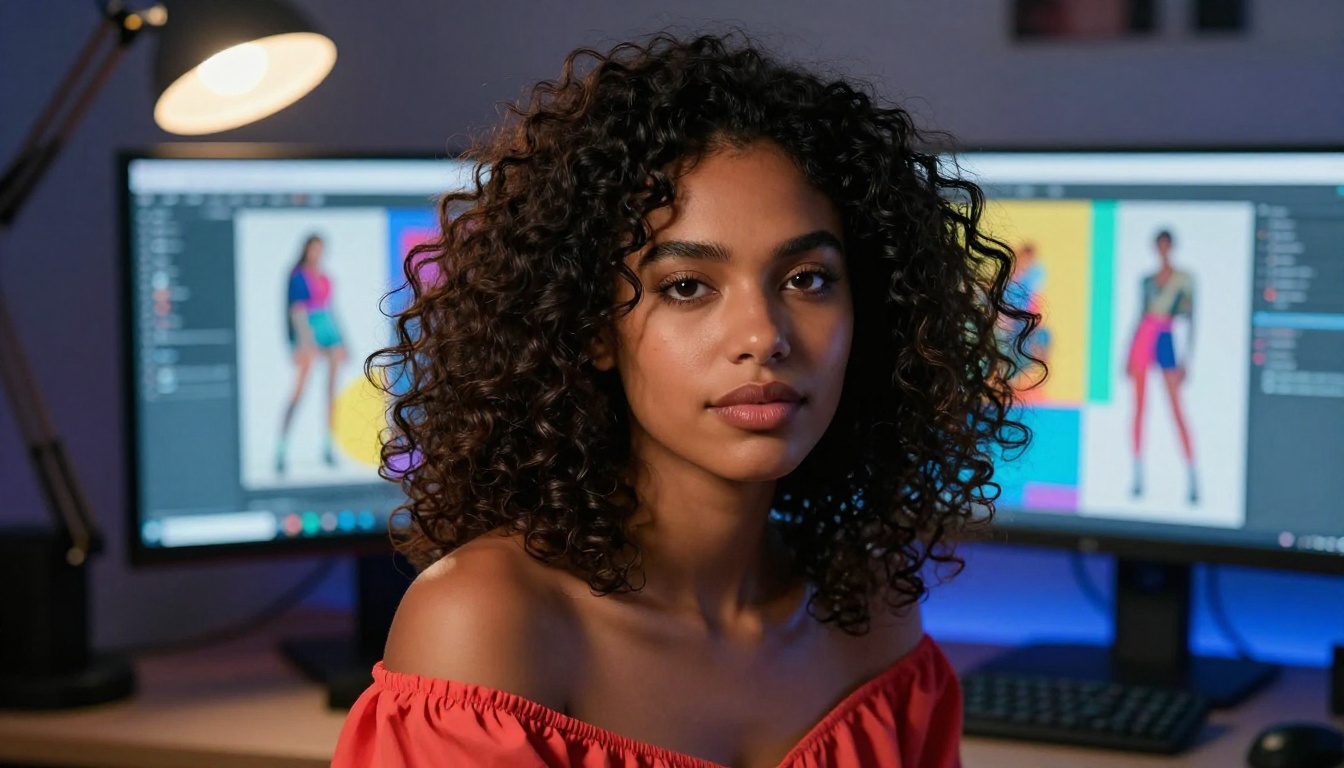
- Portrait photography styles and fashion imagery
- Lifestyle and editorial content concepts
- Stylized illustration references
- Prompt-based concept iteration for early design stages
Where it struggles: highly technical control like ControlNet pose manipulation, fine-tuned character consistency across a series, or deeply customized model behavior fall outside its current design scope.
Who Should Use Playground v3
Designers and Content Creators
For professional designers, Playground v3 works well as a rapid concept generation tool. Rather than building moodboards from stock photography or manual mockups, designers can generate style references, color explorations, and composition sketches directly from text descriptions.
Content creators benefit most from the platform's preset system and canvas editing. The ability to generate an initial image and then refine specific regions through inpainting removes a significant amount of post-production work that would otherwise require manual editing tools.
Casual Creators vs Power Users
Playground v3 was designed with a broad user base in mind. The interface is accessible enough for non-technical users while still offering enough parameter depth to satisfy more experienced AI art practitioners.
That said, power users will hit its ceilings:
- No support for custom model training or fine-tuning
- Limited LoRA integration compared to open-source alternatives
- Output consistency across long character or style series remains a challenge
- API access is constrained compared to self-hosted alternatives
For casual creators generating one-off images, social content, or quick concept visuals, Playground v3 is often the most efficient tool available. For power users requiring precise control over every generation parameter or building automated pipelines, open-source alternatives on dedicated platforms offer substantially more flexibility.
Practical Tips for Better Results
Writing Prompts That Work
Playground v3 responds well to structured prompts. The model benefits from specificity, particularly around:
- Subject: Who or what is in the image and what they're doing
- Environment: Where the scene takes place, time of day, weather, season
- Style: Photographic style, medium, artistic era or reference
- Technical: Camera type, lens choice, lighting setup, film stock
A weak prompt: "A woman in a city"
A strong prompt: "A woman in her 30s with red hair, wearing a camel trench coat, walking through a rain-wet cobblestone street in Paris at dusk, Leica M10, 35mm lens, street photography, Kodak Tri-X grain, soft ambient lamplight"
The quality difference between these two prompts in Playground v3 is substantial. The model uses every detail you provide, so more specific language consistently produces more controlled results.
Using Negative Prompts Right
Negative prompts tell the model what to exclude. In Playground v3, they're effective for removing common artifacts:
blurry, out of focus, low resolution removes soft or unclear outputstext, watermark, logo removes unwanted overlaid text elementsextra limbs, distorted hands, anatomically incorrect reduces body distortion in figure imagesoverexposed, blown highlights improves tonal control in bright scene compositions
Tip: Don't overstuff negative prompts. More than 8 to 10 negative terms can confuse the model and actually reduce output quality. Prioritize the 3 to 4 issues that matter most for your specific generation.
Alternatives Worth Knowing on PicassoIA
While Playground v3 is a strong standalone tool, the broader AI image generation ecosystem offers capabilities that go well beyond what a single platform provides. PicassoIA brings together over 90 text-to-image models, giving creators access to the full spectrum of current AI image generation in one place.
Flux Models for Precision
Flux 2 Klein 9B Base LoRA gives you styled AI image generation with LoRA fine-tuning built in, producing outputs with a level of character consistency and stylistic control that sits above what Playground v3 currently offers for specialized creative workflows.
The Flux family of models also supports image variation workflows through Flux Redux Dev, which generates structurally consistent variations from a reference image. This is particularly valuable for brand work, product visualization, and fashion photography where maintaining visual consistency across a series is non-negotiable.
Stable Diffusion for Versatility
Stable Diffusion 3 offers the deepest customization of any widely available text-to-image model. Its architecture supports ControlNet integration for pose and structure control, making it the standard choice for workflows requiring precise spatial control over generated content.
For creators who need to control where objects appear in the frame, replicate specific poses, or maintain consistent character proportions across a series, Stable Diffusion 3 provides tools that Playground v3 simply doesn't offer.
Generate Images on PicassoIA Right Now

Playground v3 is a genuinely useful tool for anyone who wants fast, high-quality AI image generation without technical setup. Its aesthetic filter, canvas editing, and style presets make it accessible without being shallow, and it produces strong results for portrait, fashion, and lifestyle content with minimal effort.
But the broader AI image generation space has significantly expanded what's possible. PicassoIA gives you access to over 90 text-to-image models, from the precision of Flux to the versatility of Stable Diffusion 3, with additional tools for image editing, super-resolution upscaling, background removal, face enhancement, and more, all in one platform.
If you've been working with Playground v3 and want to see what current frontier models can do with the same prompt, the results often reveal striking differences in texture, color rendering, and prompt fidelity. The best way to understand what's possible is to run the same prompt through several models and compare the outputs directly. Pick a prompt you've already used, try it across two or three different models on PicassoIA, and let the outputs speak for themselves.


