Large Language ModelsGenerate imagesGenerate videos
Pollinations AI API: Free Image Generator API and Alternatives
Pollinations AI turns a plain URL into an image, with no signup needed for basic use. This article walks through the endpoint, the parameters, the rate limits and the quality you can expect, then compares free image generator APIs and shows what to use when a project outgrows them.
Paste a sentence into a web address, press Enter, and a picture comes back. That is the whole pitch of the Pollinations AI API, and it explains why developers keep recommending it as the quickest free image generator API for prototypes, hackathons, and weekend projects. No SDK to install, no billing page, no approval queue. But "free" always arrives with fine print, and that fine print decides whether the tool saves you an afternoon or quietly costs you one.
This article shows what Pollinations really gives you, how the endpoint behaves, which limits you will hit, and how it compares with other free options. You will also see where a platform like PicassoIA fits once a prototype becomes something customers actually look at. Services like this change their tiers and model lists often, so read every number below as an October 2026 snapshot and check the official docs before you ship.
Who is this for? Three groups tend to search for this topic: developers who need placeholder or hero images inside an app, bloggers who want a free source of illustrations without opening a design tool, and small teams comparing providers before they commit a budget. The sections below flag which advice applies to which group, so jump to the one that matches your situation.
What Pollinations Actually Offers
Pollinations is an open-source generative AI project that exposes image, text, and audio models through plain HTTP. Its biggest draw is how little ceremony it asks for. Basic use works without an account, and the endpoints are built to be called from an image tag, a terminal command, or a few lines of code.
Typical uses look like this:
Placeholder art for a layout while the real photography is still being shot.
Blog and newsletter illustrations generated on demand from a headline.
Chatbot and Discord extras, where a command turns a prompt into an image reply.
Teaching material, since a one-line request makes a clear first lesson in how HTTP APIs behave.
One URL, One Image
The image endpoint is a simple GET request. You put the prompt in the path, and the response body is the picture itself. That means you can drop the address into an <img> tag and it renders, with nothing in between.
One line shows the whole design: prompt in the path, options in the query string. Because the result is repeatable when you fix the seed, the address also works as a lightweight identifier for caching.
Text and Other Endpoints
Pollinations also runs a text service. A plain GET with a prompt returns a reply, and a POST route follows the OpenAI chat format, so many existing clients work after you swap the base address. If you are weighing language models for a project, PicassoIA lists 75 of them in one place, including GPT 5.6 Luna, Gemini 3.5 Flash, and Claude Sonnet 5.
How the Image API Works
The mechanics are short enough to hold in your head. That is the appeal, and also the reason people underestimate what happens when traffic grows.
Building the Request URL
Every request has three parts:
The host, which serves images.
The prompt, placed in the path and percent-encoded so spaces become %20.
The query string, where size, seed, and model go.
Keep prompts to a few hundred characters. Very long paths can hit URL length limits in proxies and CDNs, and the failure looks like a random 414 or a blank image rather than a clear message. If your prompt needs a paragraph, a POST-based service is a better fit.
Watch the characters that carry meaning inside a URL. A question mark, a hash sign, or a slash in the middle of a prompt will cut the path short or start a fragment, so the model receives half your sentence. Always run the prompt through your language's URL encoder instead of pasting it raw, and test the helper with a prompt that contains a comma, a slash, and an apostrophe before you trust it.
Parameters Worth Knowing
Parameter
What it does
Practical tip
model
Picks the underlying model, such as flux or turbo
Ask the models endpoint for the live list before hard-coding a name
width and height
Output size in pixels, 1024 by 1024 by default
Request the exact ratio you need so you never crop afterward
seed
An integer that makes a result repeatable
Fix it while you tune wording, then change only the prompt
nologo
Asks for output without the watermark
Treat it as an account feature on the current free tier
private
Keeps the image out of public feeds
Switch it on for anything client related
💡 Seed discipline saves hours. Lock the seed, then change one word at a time. When you alter the seed and the prompt together, you can never tell which change produced the improvement.
Calling It From Code
Here is a minimal Python version. It encodes the prompt, sets a fixed seed, and writes the response to disk.
import requests
from urllib.parse import quote

prompt = "studio photo of a ceramic mug on a linen cloth, soft window light"
url = f"https://image.pollinations.ai/prompt/{quote(prompt)}"
params = {"width": 1280, "height": 720, "seed": 7, "model": "flux"}

resp = requests.get(url, params=params, timeout=120)
resp.raise_for_status()

with open("mug.jpg", "wb") as f:
    f.write(resp.content)
The same call in JavaScript is a single fetch followed by response.blob(). In both languages, wrap the call in a retry that waits longer after every 429 response. Without it, the first burst of traffic turns into a pile of broken images.
A sturdy wrapper does four things:
Waits between calls so you stay under the anonymous limit.
Retries with growing delays after a 429 or a 5xx response.
Saves every success to disk under a name built from the prompt and seed.
Checks the content type before using the file, since a failed request can return a small error response instead of an image.
Limits You Will Hit
Free infrastructure has a ceiling, and Pollinations is open about it. Knowing where the ceiling sits is the difference between a smooth demo and an embarrassing one.
Rate Limits and Queues
Anonymous traffic is throttled per IP address. The figures in current write-ups range from roughly one image every 5 seconds to one every 15 seconds, and the number has moved over time. In practice that means a gallery page firing twelve requests at once will see failures. Queue your calls one after another, show a placeholder, and cache every result you receive.
Watermarks and Accounts
Since March 2025, images from the free tier may carry a watermark. Registering an account removes it and raises the limits. Newer accounts also run on a credit system the project calls Pollen: a daily free allowance that depends on your tier, plus secret tokens for heavy use that draw from a paid balance. Check the dashboard for what your account gets today, because this part changes more than any other.
Uptime and Consistency
This is a community-run service, and there is no service agreement. Models get updated, queues grow at peak hours, and the same seed can return a slightly different image after a model change. A prototype can live with that. A checkout page cannot.
💡 Never hot-link in production. Generate once, download the file, and serve it from your own storage. Your page then stops depending on someone else's uptime.
Is the Quality Good Enough?
For a free endpoint, quite good. The output depends on the model you select, and the default comes from the Flux family.
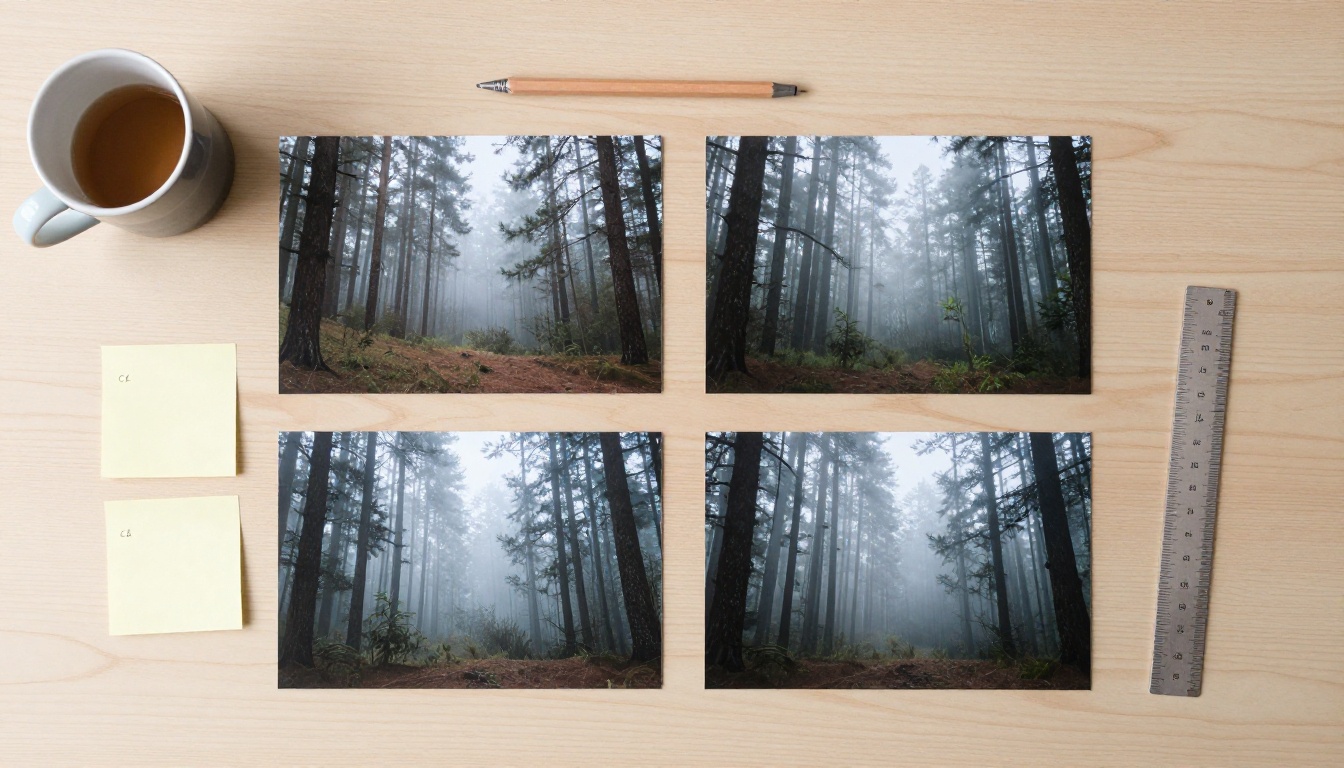
Do not trust anyone's sample gallery, including the ones in this article. Run a five-prompt test on your own use case: a portrait, a product on a table, a wide landscape, a scene with one short word of text, and a pair of hands holding an object. Score each result from one to five for realism, prompt match, and edge detail. Ten minutes of testing gives you a better answer than an hour of reading reviews.
Where the Default Model Shines
The Flux family comes from Black Forest Labs, and PicassoIA offers it as FLUX Schnell for fast drafts, FLUX Dev for more detail, and FLUX 2 Pro for polished final work. Strengths worth noting:
Prompt adherence. Multi-part scenes usually land the way you wrote them.
Clean composition. Subjects sit well in frame without much coaxing.
Believable materials. Fabric, wood, glass, and skin read as real when you describe the light.
Short text. One or two words inside an image often come out readable.
Where It Falls Short
Hands and crowds still produce the occasional extra finger or melted face.
Character consistency across a series is weak, because each request starts fresh.
No editing tools. There is no inpainting, outpainting, or background removal on the URL endpoint.
Variable speed. A request can return in seconds or sit in a queue, and you cannot choose which.
Free Image Generator API Alternatives
Pollinations is not the only way to get images from code without opening your wallet. Here is how the main routes compare, with the usual warning that terms shift quickly.
Side by Side
Option
Access model
Strong point
Weak point
Pollinations
Anonymous URL, optional account
Zero setup, works in an image tag
Tight anonymous limits, changing terms
Hugging Face inference
Account token, small free monthly allowance
Huge catalog of open models
Cold starts, allowance runs out fast
Cloudflare Workers AI
Account, daily free allocation
Runs at the edge beside your app
Short model list, more setup
Replicate
Pay per run
Wide catalog, stable API
Free only for light testing
PicassoIA
Browser tools plus a developer API
Over 90 image models, plus video, audio, and language models
API plan and limits are listed on the pricing page
Picking by Project Type
Weekend prototype or classroom demo: Pollinations. Setup time is close to zero.
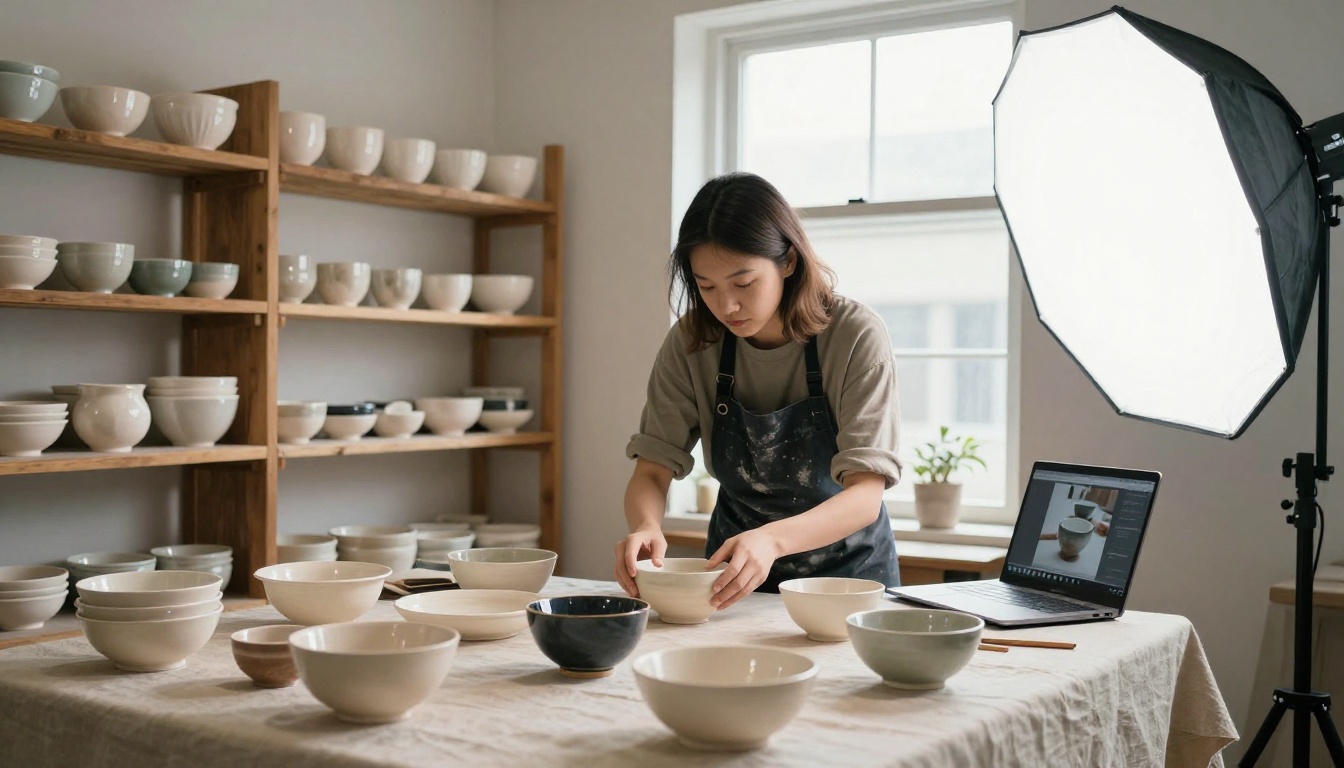
A site that needs a handful of hero images: generate them once in a browser tool, download, and host them yourself. You never touch a rate limit.
An app with paying users: choose a service with documented limits and a plan you can budget for. Predictable beats free.
A creator who just wants pictures: skip the API entirely and use a visual interface, where you can compare models side by side.
Four questions settle most decisions. How many images do you need per day? Who sees them? What happens when the service is down for an hour? Do you need editing or video, or only stills? If your answers are "a few, only me, nothing, stills", a free URL is enough. Any other answer points toward a platform with limits you can plan around.
How to Use FLUX Schnell on PicassoIA
Many people like Pollinations because its default model comes from the Flux family. The closest match on PicassoIA is FLUX Schnell, built for quick few-step drafts. Here is the routine:
Open the model page and sign in to your PicassoIA account.
Write the prompt with four parts: subject, setting, light, and lens. "Barista pouring milk, narrow cafe, window light from the left, 50mm lens" beats "nice coffee photo".
Pick the aspect ratio. Use 16:9 for blog headers and 1:1 for thumbnails.
Generate a small batch and compare. Keep the best one rather than rerunning forever.
Download the file or send it onward for upscaling and editing.
Parameter Tips That Help
Schnell is distilled for few steps, so raising the step count will not buy much quality. When you want more detail, switch to FLUX Dev instead.
For text inside the image, put the words in quotes and keep them to one or two.
For realism, name the camera, the lens, and the direction of the light.
If you need programmatic access, PicassoIA has a developer API at https://api.picassoia.com/v1 with a Replicate-style flow: create a prediction, poll for status, then fetch the result. It allows five concurrent predictions per account. The models exposed through it include PicassoIA Image, Image Editor Pro, PicassoIA Video, and Seedance 2.5 Lite. See the PicassoIA API page for request formats and current plan requirements.
When to Move Past Free APIs
A free endpoint is a loan, not a gift. You pay back in engineering hours spent on retries, caches, and fallbacks. These signs say the loan is due:
Your logs fill up with 429 errors during normal traffic.
A watermark shows up on a page a customer sees.
A teammate asks which image came from which prompt, and nobody can say.
Your brand needs the same look across fifty images, not fifty lucky ones.
Commercial Use and Licensing
Read the service terms and the license for the specific model before output goes on a product page, an ad, or a packaging mockup. Free experimental tiers often come without written commercial terms, which is fine for a demo and risky for a launch. If you sell something, treat a clear license as part of the price.
When Stills Need Motion
Product pages and social posts increasingly want a short clip, not only a still. PicassoIA's video models, PicassoIA Video and Seedance 2.5 Lite can turn a prompt or a finished still into video, so the same workflow that produced your images can produce your motion.
Try It on PicassoIA
Here is a ten-minute experiment. Take one prompt you already run on Pollinations, paste it into FLUX Schnell, then run the identical text on Seedream 4.5. Put the two results next to each other and ask which one you would actually publish.
That comparison tells you more than any table can. If your project also needs narration, captions, or short clips, the same account reaches text to speech, speech to text, and video models, so you can keep one workflow instead of stitching together four free tiers.
When you are ready to test more models, browse the full catalog at picassoia.com/en/all-models, pick a favorite, and make your first image today.