Generate imagesVisual EffectsLarge Language Models
Print on Demand AI Design Generator: Tools, Prompts and Automation
See how a print on demand AI design generator fits a real shop: the models for art, vectors and upscaling, prompts that print cleanly, file rules by product, and an automation flow that still keeps a human approving every design.
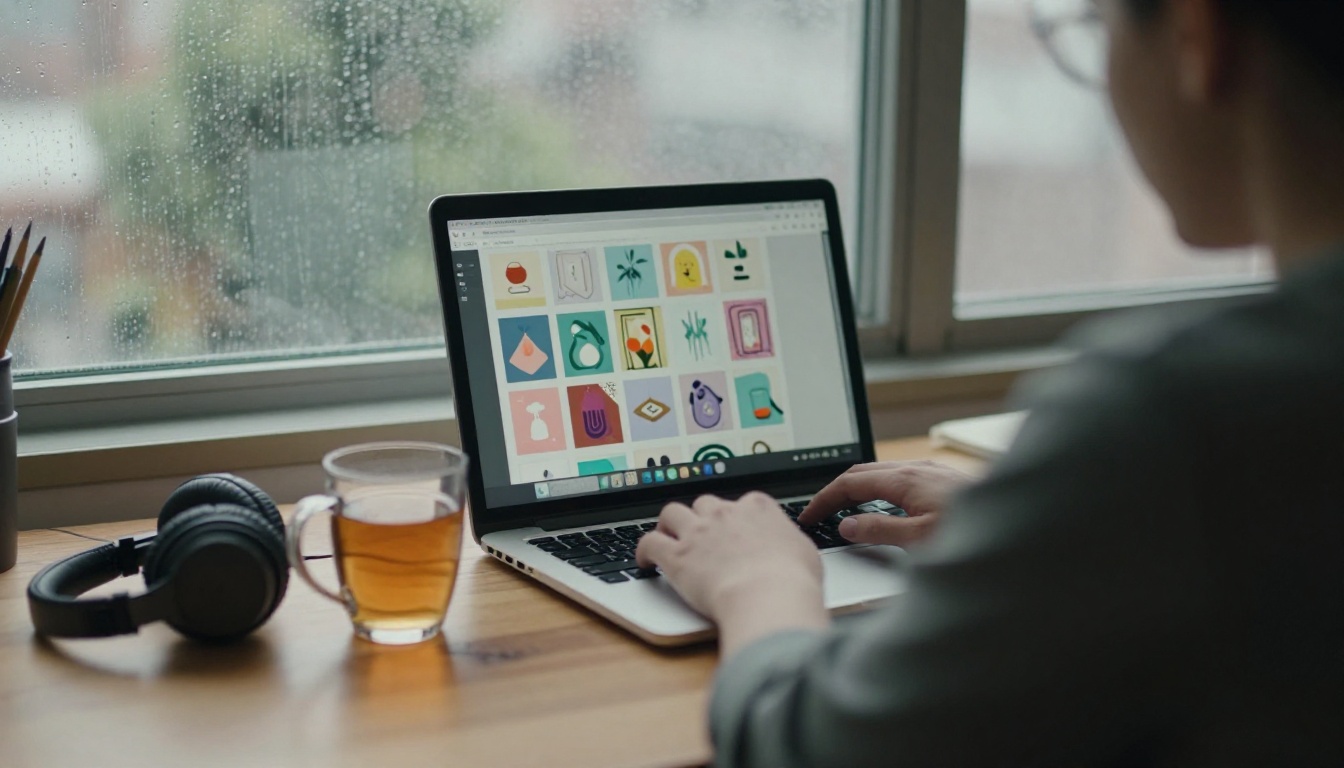
A shirt design used to eat a freelancer's afternoon and a new seller's whole test budget. Today one prompt returns a dozen artwork options before your coffee cools, and that shifts the economics of print on demand more than any new printer ever did. The bottleneck has moved. Making art is cheap and fast. Making art that prints cleanly, sells, and survives marketplace rules is where shops win or lose.
This article follows a working print on demand AI design generator pipeline from the first idea to the shipped parcel: which tools handle which job, the prompts that produce printable art instead of pretty screenshots, the file rules your provider enforces, and how to automate the repetitive steps without flooding your store with near duplicates.
💡 Short version: generate with an image model, convert to vector or upscale to print size, remove the background, order one proof, then batch the rest. Skip any step and the printer will tell you which one on the first return.
How AI Fits Print on Demand
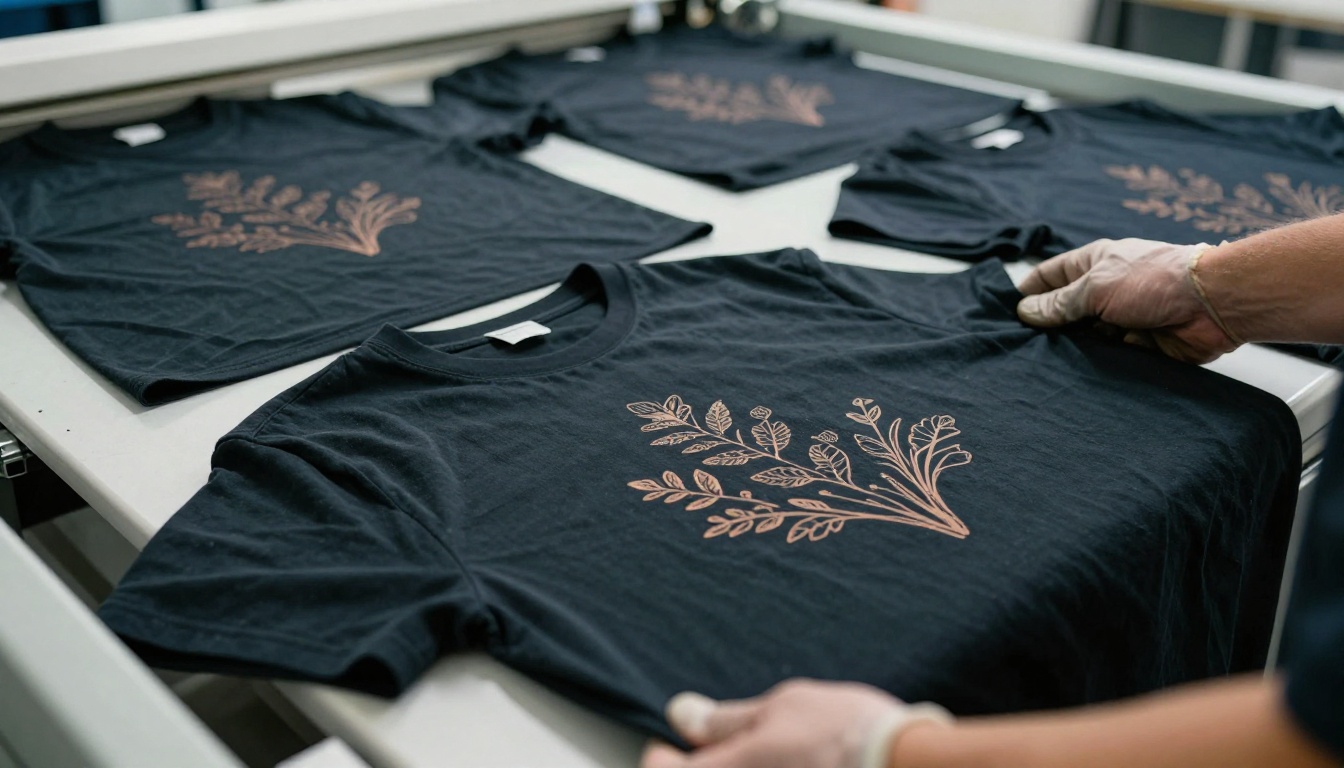
Print on demand means a supplier prints and ships each order after the customer pays. You hold no stock. Providers such as Printful, Printify and Gelato run the machines, while you run the designs, listings and customer messages. That split makes your design file the only real product you own.
Where the Design Step Breaks
Most new sellers stall at the same three points:
Ideas run dry after the first ten designs in a niche.
Commissioned art costs more than the first month of sales brings in.
Edits take days when a trend shifts or a customer asks for another color.
An AI design generator attacks all three, because iteration costs seconds instead of invoices. Twenty variations of one concept become a lunch break, not a project.
What AI Actually Replaces
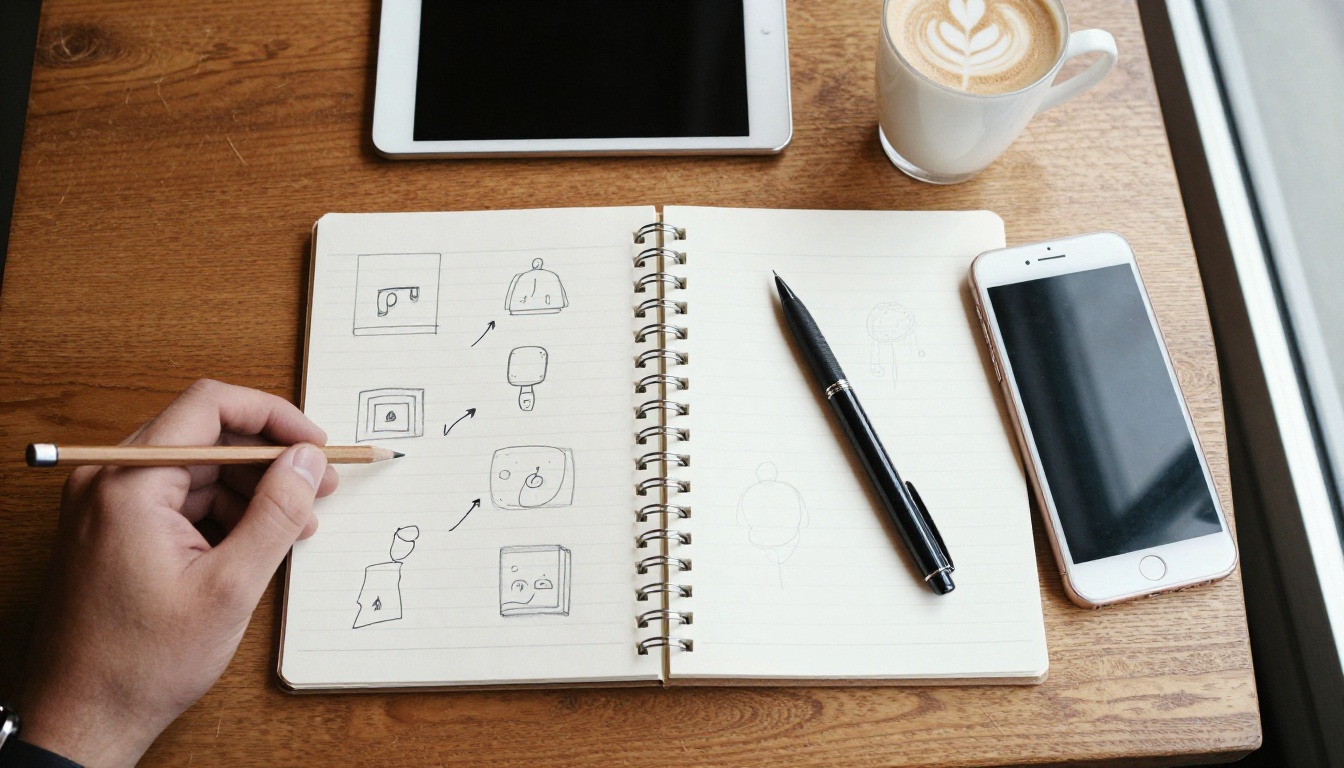
It replaces the blank page and the rough drafts. It does not replace taste, niche knowledge or quality control. A shop that publishes raw output at volume looks like every other shop. A shop that generates twenty options, picks two, edits them and tests them looks like a brand.
Task
AI handles it
You still handle it
Concept sketches
Dozens of options in minutes
Choosing the one your audience wants
Final artwork
Clean first draft or vector file
Fixing stray shapes and odd details
Listing text
Titles, tags, descriptions
Checking claims and keeping a real voice
Mockups
Lifestyle scenes and flat lays
Showing the product honestly
Compliance
Nothing
Trademarks, platform rules, AI disclosure
Tools That Earn Their Place
You do not need forty tools. You need one per job, and the habit of replacing any tool that slows you down. This table maps each job to a model you can run on PicassoIA.
Fast text you can paste straight into a spreadsheet
Image Generators for Apparel Art
Recraft V4.1 reads long prompts, up to 10,000 characters, and supports 14 aspect ratios. One design brief can become a square for a tote, a 4:5 for a tee and a 2:3 for a poster. It also places readable words inside the image, which is exactly where many generators scramble letters.
For slogan designs where the lettering is the product, run the same prompt through Ideogram V4 Quality and keep the better result. Photo style artwork prints differently from flat graphics, so test both looks on a proof before you commit to a whole collection.
Vector and Upscaling Models
Vector art suits stickers, single color prints and anything that gets cut or scaled. Recraft V4.1 SVG outputs real SVG files, so a design drawn at thumbnail size still prints crisply on a banner. If a raster design of yours already sells, Recraft Vectorize converts it into paths.
Raster art for direct to garment printing needs enough pixels. Real-ESRGAN is a dependable upscaler for clean illustrations, and Clarity Pro Upscaler is worth a test when you want added detail on textured art. Finish with Bria Remove Background to get a transparent PNG.
Language Models for Ideas
Image models need good briefs. Ask Claude Sonnet 5 or Gemini 3.5 Flash for fifty niche angles, such as "night shift nurses who garden" or "retired surfers who bake", and have the answer returned as a table with columns for subject, style, palette and product. Each row then becomes an image prompt. The same models draft titles, tags and descriptions, so a human only edits.
Prompts That Produce Printable Art
Print art has different needs from gallery art. It needs a centered subject, bold shapes, limited colors and a background you can remove. A prompt that describes a moody scene produces a beautiful image that makes a poor shirt.
The Five Part Prompt Formula
Subject: one clear thing, such as "a sleeping fox curled in a coffee mug".
Style: the rendering approach, such as "flat vector illustration, thick clean outlines".
Palette: three to five named colors, such as "burnt orange, cream, deep teal".
Composition: placement and framing, such as "centered, symmetrical, generous empty margin".
Print constraints: background and finish, such as "solid plain background, no gradients, no shadows".
Order matters less than including all five parts. Skip one part and the model fills the gap with its own taste, which usually means a busy background you then have to cut away.
Copy Ready Prompts
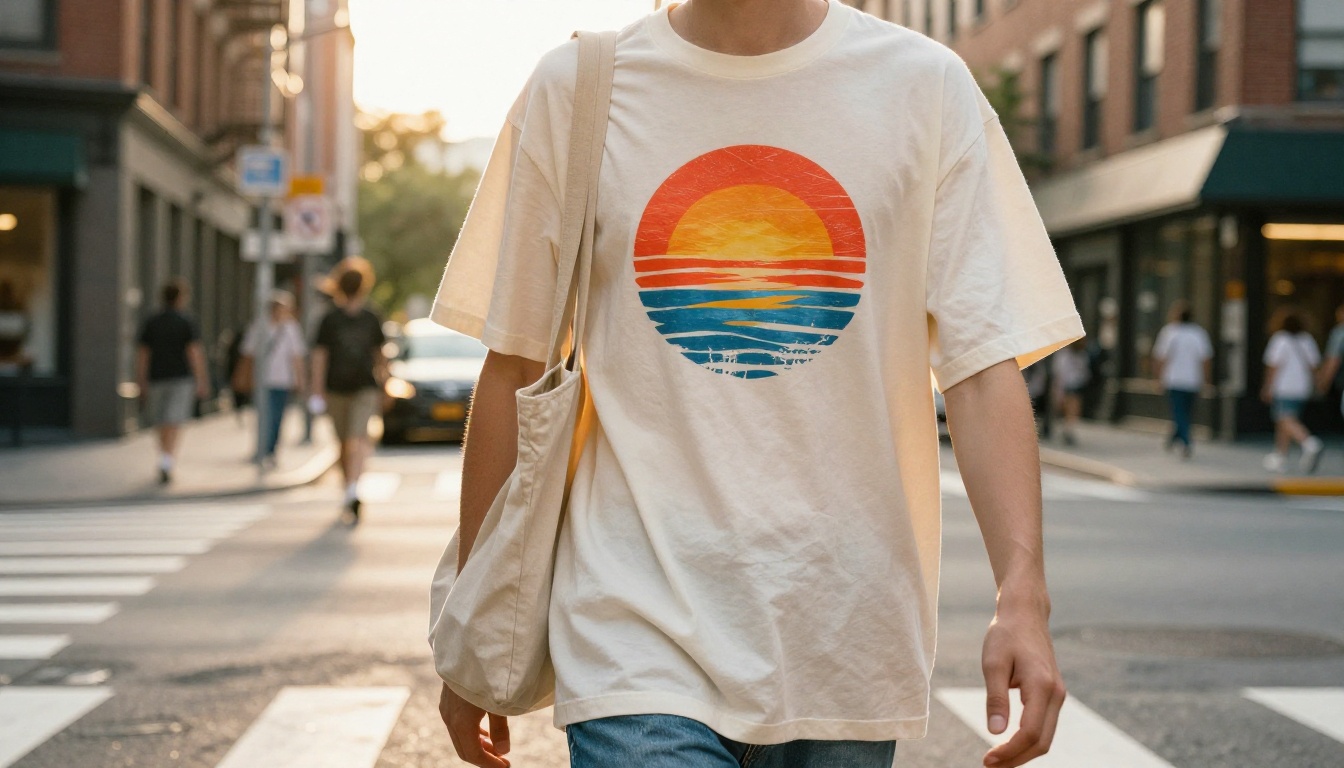
Tee graphic: retro sunset built from five concentric half circles, flat vector illustration, thick clean edges, palette of burnt orange, cream and deep teal, centered composition with wide margin, solid plain background, flat colors only

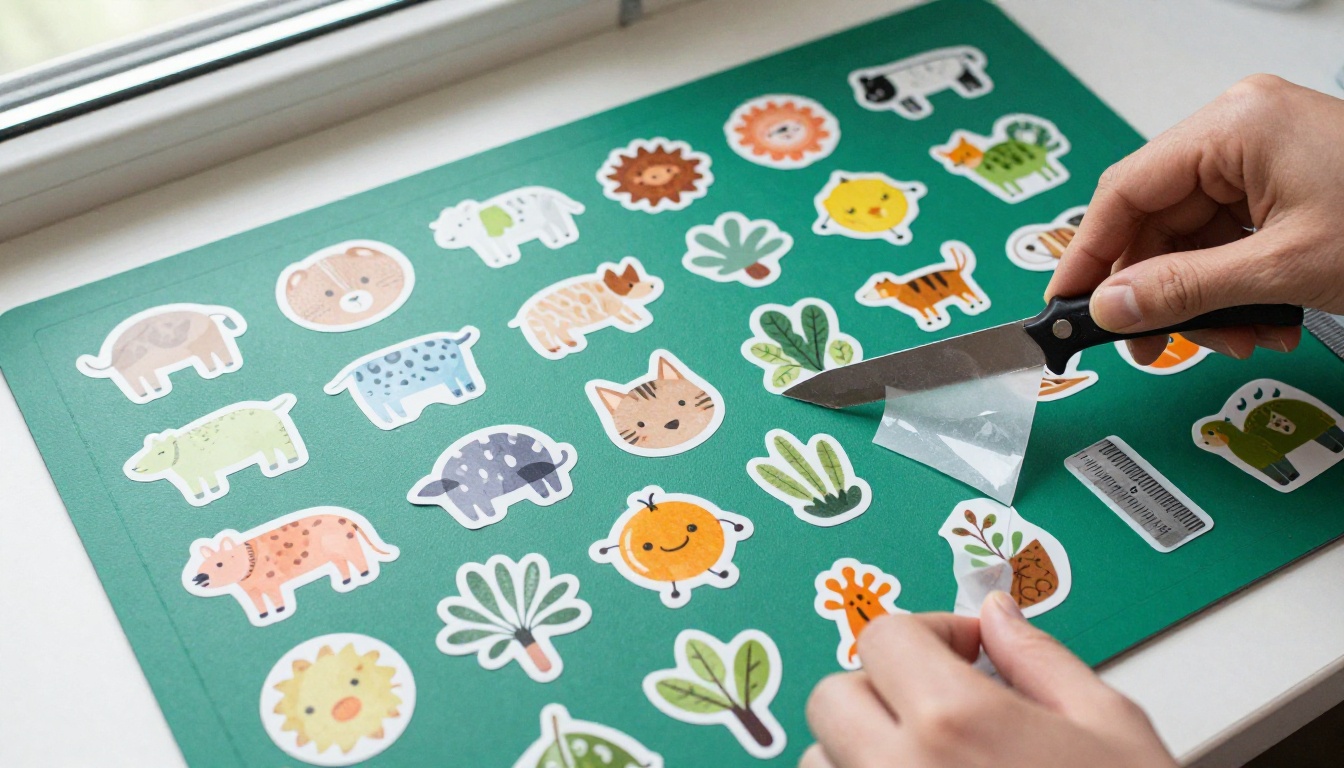
Sticker: sleepy fox curled inside a coffee mug, die cut sticker style, thick white outline border, flat colors, rust orange and soft gray, centered, plain white background

Slogan shirt: the words "SLOW MORNING" in chunky hand lettered capitals, cream on dark green, small sun icon above the text, centered, flat colors, no texture

Mug wrap pattern: repeating pattern of small ferns and berries, hand drawn line art, sage green and cream, even spacing, designed to tile, flat colors
💡 Some models handle negatives poorly. If "no gradients" gets ignored, say what you want instead: "flat solid colors".
Three mistakes show up again and again. Prompts that name a famous brand or character create legal trouble. Prompts with five competing subjects produce clutter that cannot be read on a chest. And prompts that never mention the background leave you with a scene instead of a graphic.
Posters and Wall Art
Wall art sells on mood and framing, so choose the aspect ratio before you generate. Standard frame sizes map to common ratios: 18 by 24 inches is 3:4, 24 by 36 is 2:3, and 16 by 20 is 4:5. Recraft V4.1 offers all three, so you create the right shape instead of cropping later.
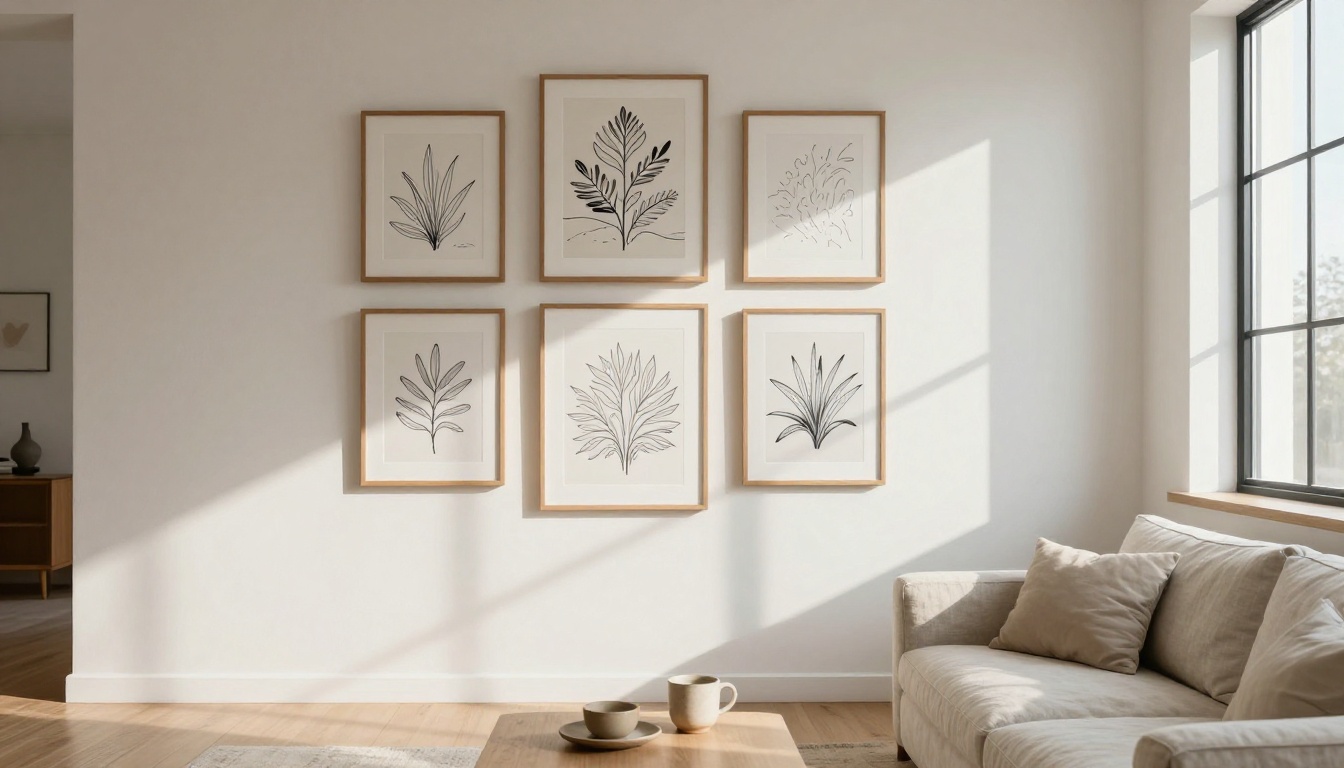
Line drawings of plants, maps and landscapes in two or three colors reproduce well and look good in gallery grids. Upscale before ordering a large print, because a 1024 pixel render looks soft at poster scale.
Print File Rules That Matter
Printers reject or quietly degrade files that break their specs, and the customer notices before you do. Two rules cause most of the trouble.
Resolution and DPI Math
Pixels equal inches times DPI, and 300 DPI is the usual target. A 12 by 16 inch chest print needs 3,600 by 4,800 pixels. A standard generation at 1024 by 1024 pixels, upscaled 4x, becomes 4,096 by 4,096, which prints about 13.6 inches square at 300 DPI.
Product
Example print area
Pixels at 300 DPI
T-shirt front
12 x 16 in
3600 x 4800
Tote bag
12 x 12 in
3600 x 3600
Poster
18 x 24 in
5400 x 7200
Die cut sticker
4 x 4 in
1200 x 1200
Mug wrap
about 9 x 3.5 in
2700 x 1050
💡 Treat these sizes as examples. Download the template your provider publishes for the exact product, because print areas differ by brand and garment size.
Transparent Backgrounds and Color
Export garment art as a PNG with a transparent background. A white box around the design prints as a white box on a black shirt. Check the artwork against the garment color too: dark ink vanishes on a navy hoodie, and lines thinner than about a millimeter fill in or disappear. Thicken fine details and keep type large.
The print method changes the rules:
Direct to garment handles detailed, multi color art on cotton.
Screen printing wants a handful of flat colors, which suits vector files.
Embroidery needs simplified shapes and no fine gradients.
Vinyl and stickers need a clean outline for the cut path.
Recraft V4.1 SVG is the fastest route from idea to a scalable file. It produces true SVG output with structured paths, so nothing needs tracing afterwards.
Open the model page in the text-to-image collection on PicassoIA and sign in.
Paste a prompt built with the five part formula. The field accepts up to 10,000 characters, so include palette and print constraints.
Pick an aspect ratio for the product: 1:1 for stickers and totes, 4:5 or 3:4 for tees and posters, 2:1 for mug wraps. The size field defaults to 1024 by 1024 and is ignored once an aspect ratio is set.
Generate, then download the SVG.
Open the file in any vector editor, delete stray shapes, recolor to your palette and group the artwork.
Export a transparent PNG at the pixel dimensions from your provider's template. Because the source is vector, you can export at any size without softness.
Parameter tips:
Generate three or four variations and compare the silhouettes at thumbnail size. A design that reads at 100 pixels wide reads on a shelf.
Keep the palette to five colors or fewer, which makes recoloring for light and dark garments painless.
Reuse the winning prompt with a new subject line to build a consistent collection.
For raster art with lettering, use Recraft V4.1 the same way, then upscale the result.
Automating the Pipeline
Automation should remove clicking, not judgment. Four stages are safe to automate and one is not:
Idea sheet: a language model fills a spreadsheet with niche angles.
Prompt batch: a template turns each row into a prompt and queues it.
Cleanup: upscale, vectorize and remove backgrounds in a repeatable order.
Upload: push finished files to your provider through its API or a CSV import.
Approval: a human reviews every design before it goes live. Do not automate this step.
Batch Prompts From a Spreadsheet
Keep one row per design, with columns for niche, subject, style, palette, product and aspect ratio. A prompt template stitches the cells together, so fifty rows produce fifty consistent briefs.
Niche
Subject
Style
Palette
Product
Ratio
Garden hobbyists
Snail in rain boots
Flat vector, thick outlines
Moss, cream, yellow
T-shirt
4:5
Coffee lovers
Moon pouring espresso
Linocut texture
Navy, cream
Mug
2:1
Trail runners
Fox on a ridge line
Fine line art
Rust, sand
Poster
3:4
PicassoIA's developer API is asynchronous: you create a prediction, poll its status and fetch the result, with concurrency capped at five jobs per account. Queue the batch with a small worker pool instead of firing every row at once, and check the current docs for the models it exposes.
Add two guardrails to the batch. First, cap the number of new designs per niche each week, because a store with two hundred near identical shirts earns fewer clicks than one with twenty distinct ones. Second, log every prompt next to its output file name, so when a design sells you can reproduce its style and when one gets flagged you can trace where it came from.
Mockups and Listings
Once the files are ready, generate lifestyle scenes with GPT Image 2 for the extra listing photos, but keep your provider's real mockup as the first image so buyers see the actual product. Then draft titles, tags and descriptions with Claude Sonnet 5 and edit each one into a human voice.
Buyers search with plain phrases such as "funny gardening shirt for mom", so write titles that sound like those searches and leave out the buzzword stacking. A listing that reads like a person wrote it converts better than one that reads like a tag dump.
Quality Checks Before You Publish
Volume is easy now, so reputation is what separates shops. Two checks protect it.
Rights and Platform Rules
Keep brand names, characters, celebrity names and "in the style of" living artists out of prompts and listings.
In the US, the Copyright Office has said purely machine generated work lacks protection, so add real human edits and keep your prompt and revision history. This is general information, not legal advice.
Marketplaces such as Etsy ask sellers to disclose AI use in listings, and policies change, so read the current rules for every channel you sell on.
Run a reverse image search on your finalists to catch accidental lookalikes.
Proof Orders Save Money
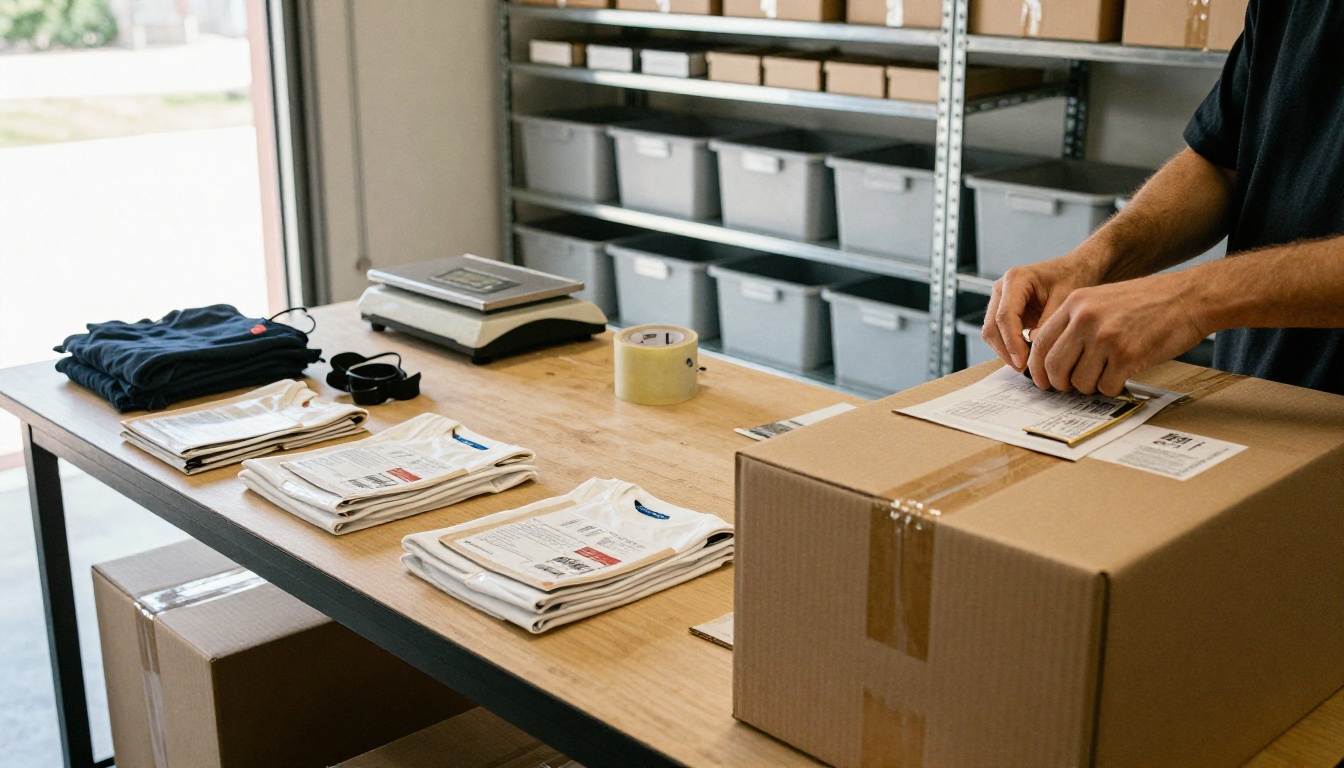
Order one physical sample of every new product type before you list it. Check print placement, edge sharpness, color against your screen and how the print survives a wash. A proof costs less than the refund and the lost review it prevents, and it tells you whether your upscaled files really hold up at full size.
Before any listing goes live, run one last pass:
Is the subject still readable when the design is 200 pixels wide?
Does the transparent PNG have clean edges on both a dark and a light background?
Does the title match what the product actually shows?
Is the AI disclosure filled in wherever the channel asks for it?
The first batch will not be perfect, and that is the point. Every round teaches you which prompts print well and which only look good on a screen. Open PicassoIA, paste the first prompt from this article, and see how fast an idea becomes a file you can sell.