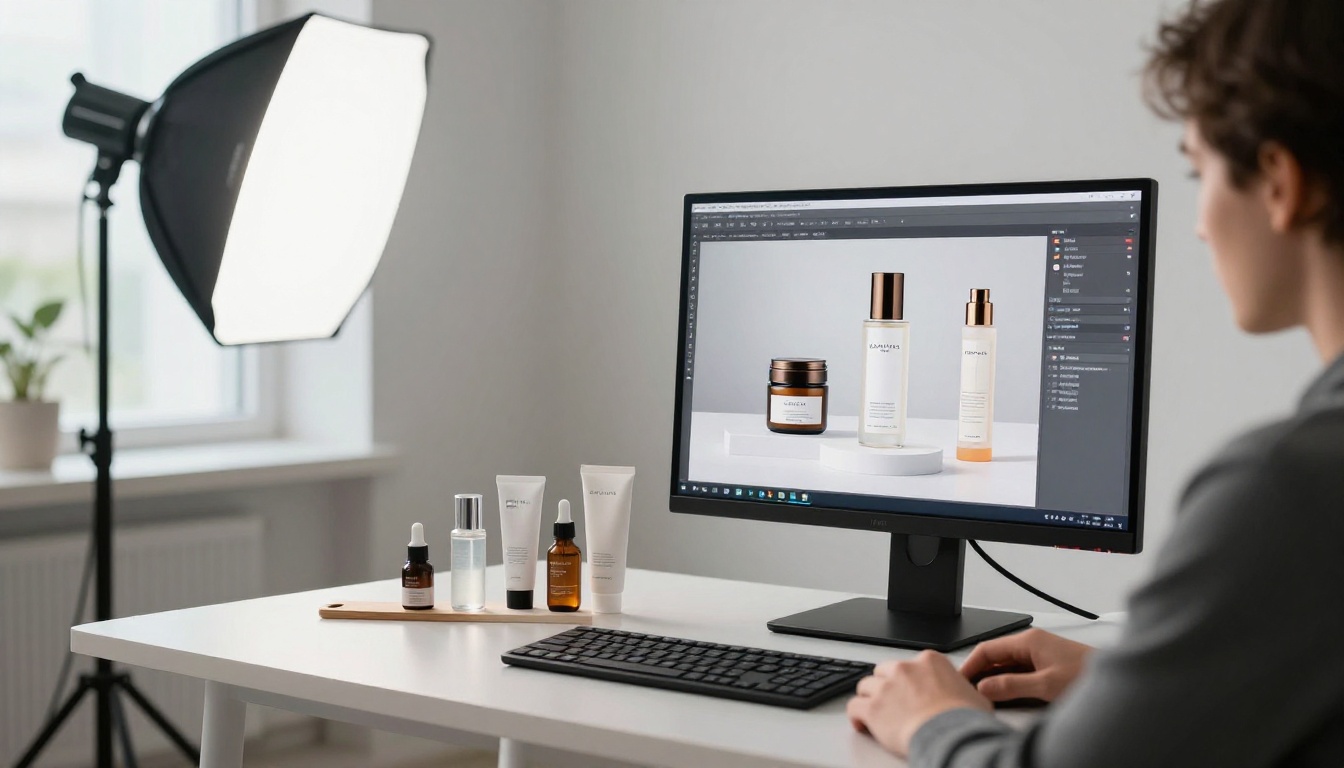
Product photography used to be a studio game. You needed controlled lighting, a professional DSLR, expensive lenses, and hours of post-processing before a single image was commercially ready. That era is not over, but it has a serious competitor. Nano Banana Pro on PicassoIA generates product-level sharpness from a text prompt alone, and the results are close enough to studio-quality that brands are already using them in live campaigns.
This is not a claim about AI "looking realistic." It is about the specific model architecture that Nano Banana Pro uses to render surface micro-detail, handle light diffusion, and preserve texture depth across different material types. Product photography looks sharper with Nano Banana Pro because of how the model processes spatial frequency data during image synthesis, not because of any post-processing filter applied after the fact.
What Nano Banana Pro Does Differently
It Processes Texture Before Anything Else
Most image generators work from high-level scene composition down to fine detail. Nano Banana Pro inverts part of this approach. Before it builds the composition, it maps surface texture frequencies across the image plane. That means every surface in the output, whether it is brushed aluminum, polished glass, or raw leather, has a texture layer that was actively computed rather than approximated.
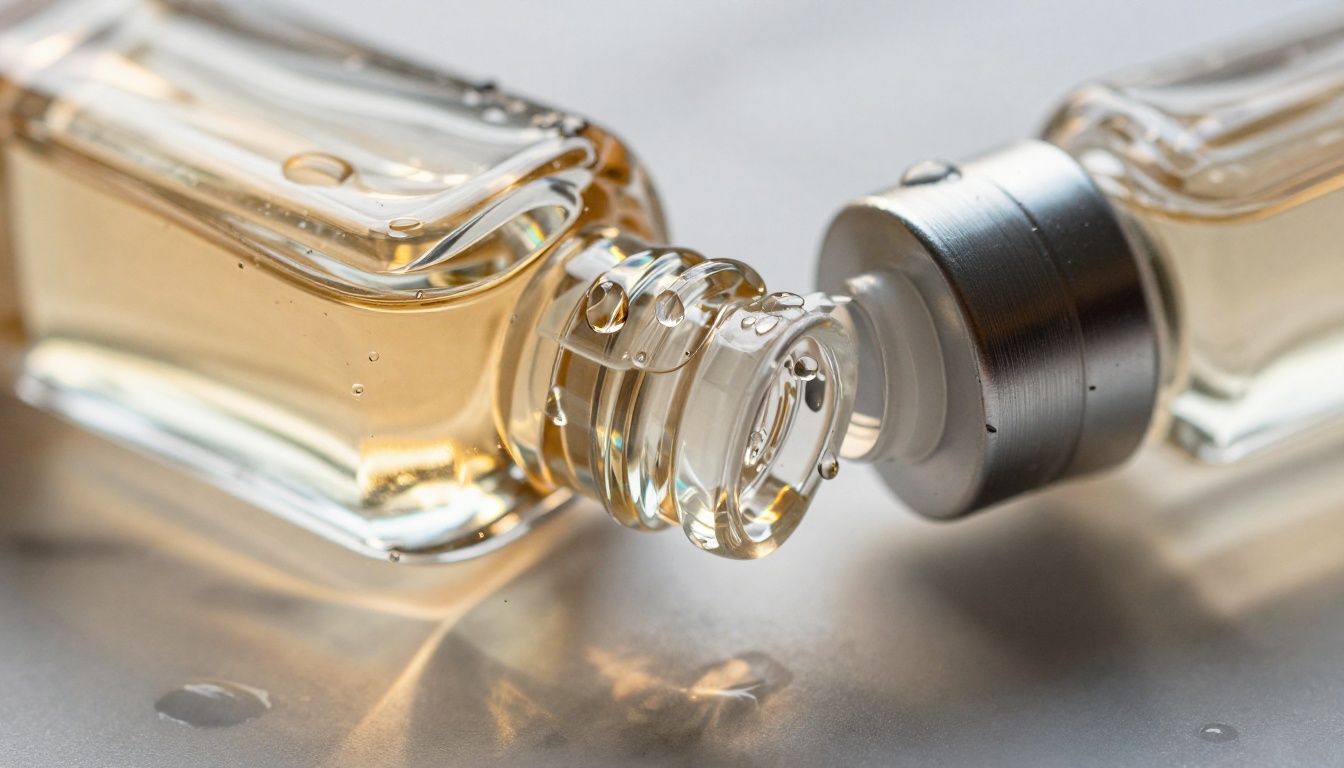
The difference shows up immediately in product photography. When you generate a glass perfume bottle, the refraction patterns inside the glass are internally consistent. They respond to the light sources in the scene rather than being painted on top. That is the kind of physical accuracy that separates commercial-grade product photography from AI imagery that looks generated.
Resolution Is Not the Only Sharpness Factor
Sharpness in photography is not just resolution. It includes micro-contrast (the tonal difference between adjacent edges), edge transition smoothness, and the preservation of fine surface detail without artificial sharpening halos. Nano Banana Pro scores well across all three dimensions.
Standard generators at 1024x1024 often apply implicit softening to avoid compression artifacts. Nano Banana Pro outputs images with hard edges preserved at the pixel level, which is exactly what product photography requires. A label edge needs to be sharp. A watch bezel needs a clean specular boundary. A leather edge needs to show grain, not blur.
Why Sharpness Matters in Product Photography
The Cost of a Blurry Product Photo
A single blurry product image on an e-commerce listing costs conversions. Research from major platforms consistently shows that image quality is the number-one factor in purchase decisions for products the buyer cannot physically handle. Soft product shots signal low quality before the buyer reads a single word of your product description.
This is especially punishing in categories like skincare, jewelry, electronics, and luxury goods, where the visual presentation is the product promise. If a moisturizer bottle looks slightly out of focus, it reads as cheap, regardless of the actual formula inside.
What Buyers Actually See First
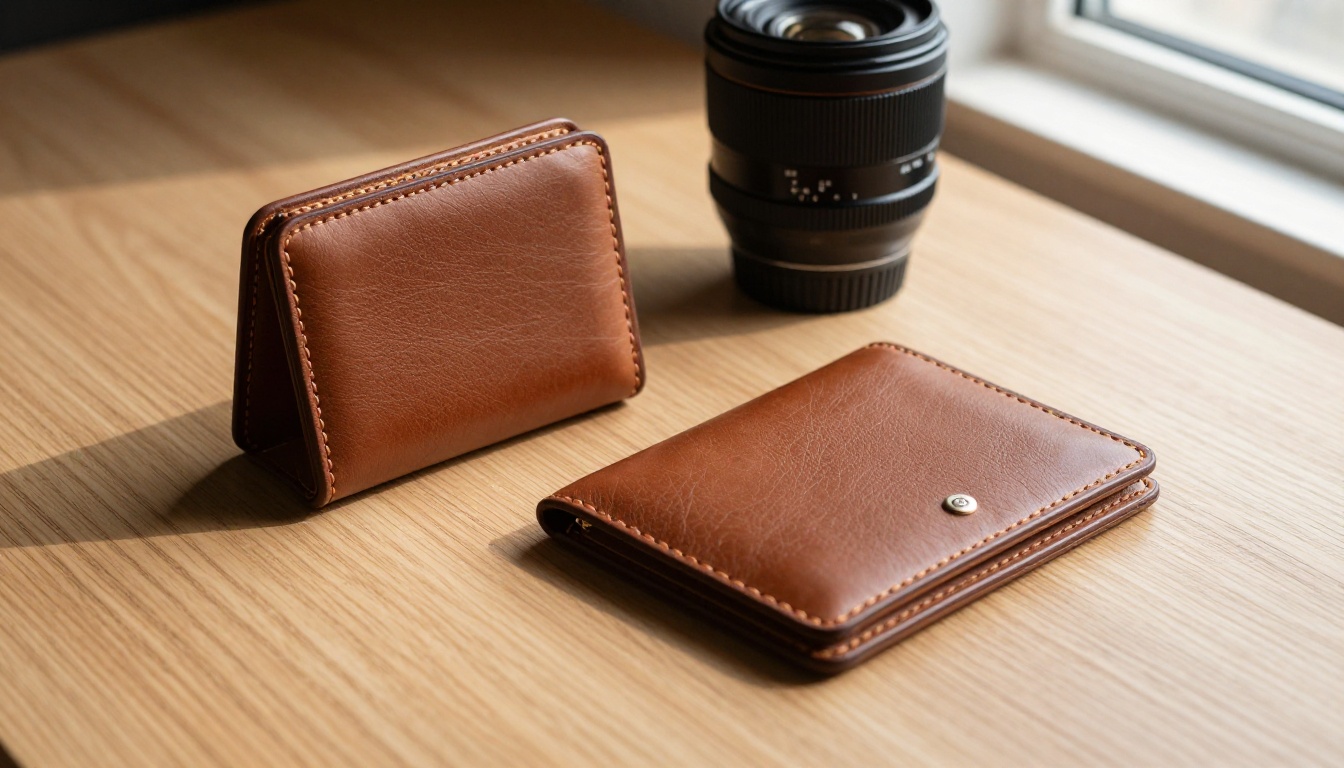
Eye-tracking studies on product pages show that attention lands on the hero product image within 200 milliseconds of page load. In that window, the buyer's visual system is doing one thing: assessing quality signals. Sharpness, surface texture, and lighting realism are the three primary quality signals your image transmits before the conscious mind engages.
Nano Banana Pro hits all three. The texture rendering creates perceived quality depth. The lighting response creates dimensional realism. The sharpness creates professional credibility. Combined, they produce images that read as "premium" in under a second.
3 Industries Where It Hits Hardest
| Industry | Key Sharpness Requirement | Nano Banana Pro Strength |
|---|
| Skincare | Label legibility, glass clarity | Specular glass rendering, crisp typography |
| Jewelry | Metal facets, gemstone fire | Micro-reflectance on polished surfaces |
| Electronics | Edge precision, screen details | Hard edge preservation, material distinction |
How Nano Banana Pro Handles Lighting
Directional Light and Shadow Precision
Product photography lives or dies on lighting. A product shot from a flat overhead light looks like an inventory photo. A product shot with directional sidelight and precise shadow placement looks like a campaign image.
Nano Banana Pro responds to lighting direction in prompts with unusual precision. When you specify "morning sidelight from the left at 30 degrees," the model places shadows accordingly, including secondary fill shadows from surface reflection. This is not just a heuristic approximation. The model generates physically plausible shadow gradients that match the stated light source position.
You can use this directly in your product photography workflow. Describe your intended lighting setup in the prompt the same way you would brief a studio photographer. "Strobe at 45 degrees upper left, medium softbox, no fill on the right side" translates into a product image with exactly that quality of directional drama.
💡 Prompt tip: Use specific degrees and positions in your lighting descriptions. "Sidelight from the left" is good. "45-degree volumetric sidelight from upper left with no fill and a dark-tone background" is better. Nano Banana Pro responds to lighting specificity more accurately than most text-to-image models.
Specular Highlights on Glass and Metal
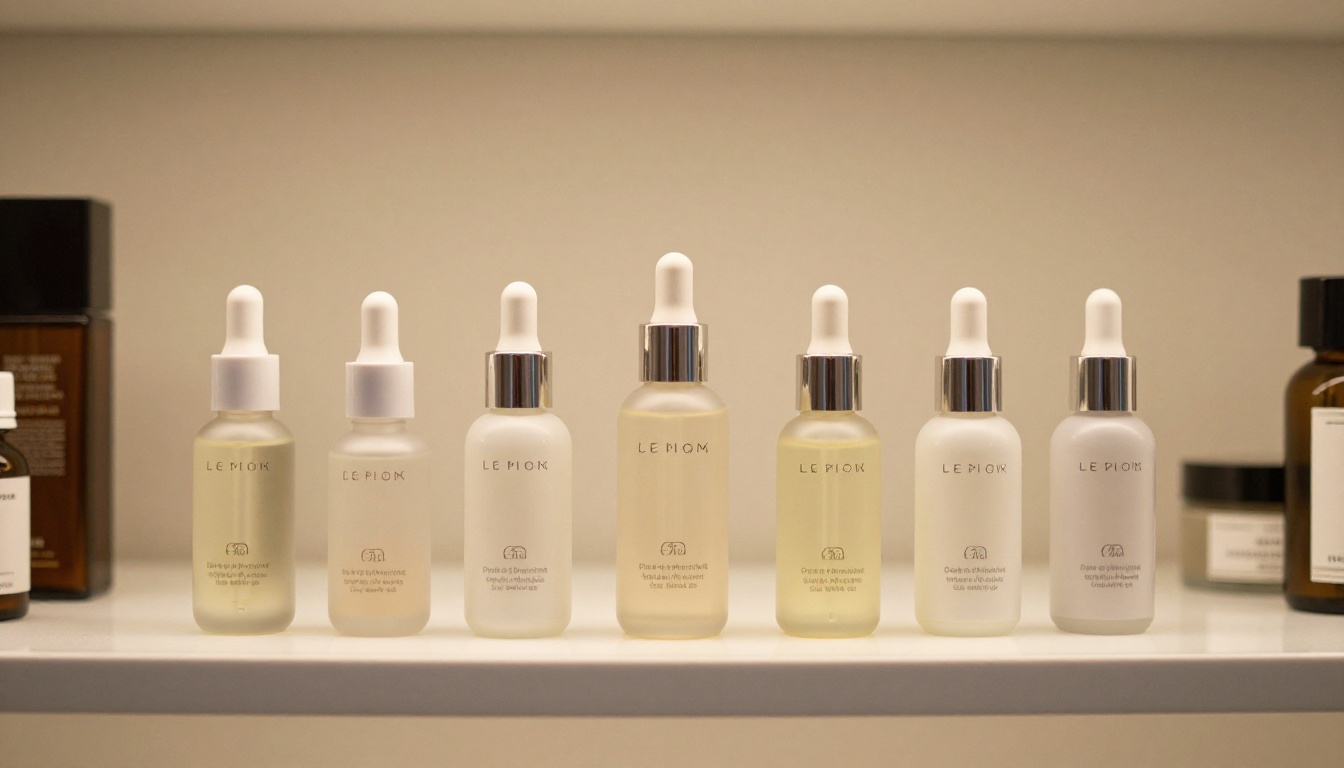
The hardest surfaces to render in product photography are glass and polished metal. Both require physically consistent reflections of the surrounding environment, highlight placement that follows real optics, and transparency rendering that shows depth within the material.
On glass, Nano Banana Pro generates refraction gradients that are internally consistent rather than randomly decorative. On polished metal, the specular highlight has a defined shape and intensity that matches the light source rather than being a generic white spot placed by default.
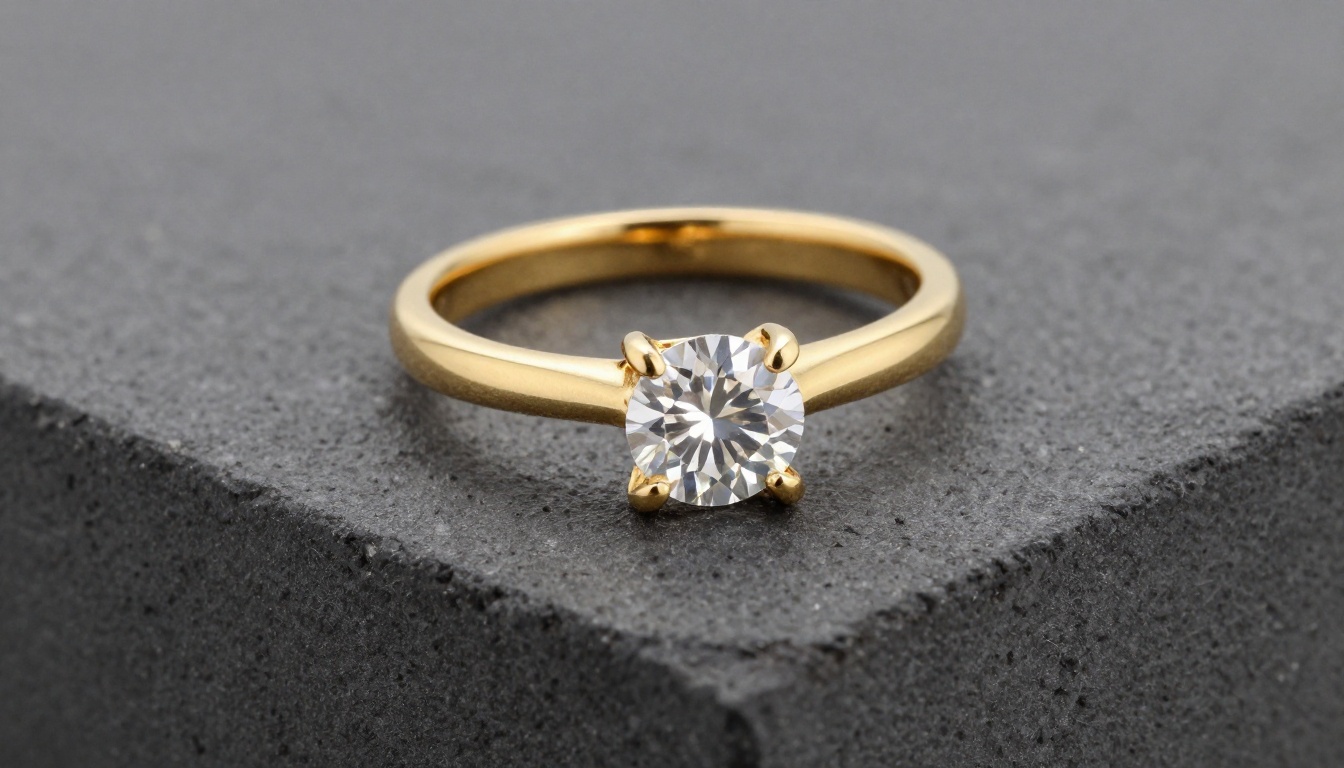
Jewelry photography benefits enormously from this. A gold ring shot with Nano Banana Pro shows the metal's own reflective quality, including color temperature variations in the reflection, which is something that standard generators consistently flatten.
Using Nano Banana Pro on PicassoIA
Step-by-Step: Your First Product Shot
PicassoIA provides direct access to Nano Banana Pro through its model collection. The process is straightforward.
- Go to Nano Banana Pro on PicassoIA
- Write your product description as a detailed scene prompt
- Include surface, lighting, angle, and lens specifications
- Set the aspect ratio to 16:9 for e-commerce banners or 1:1 for product tiles
- Generate and review the output for sharpness on edges and textures
If you want to compare speed and style, Nano Banana 2 Lite is the faster-generation sibling in the same model family, better suited for rapid iteration and concept exploration before a final high-quality render.
The Right Prompts for Product Photography
Product photography prompts for Nano Banana Pro follow a reliable structure:
[Product] + [Surface/Background] + [Lighting setup] + [Camera angle and lens] + [Texture notes] + [Style qualifier]
A working example for a skincare serum:
"Glass serum bottle with gold dropper cap on white marble surface, morning sidelight from upper left casting a long shadow to the right, 85mm f/1.8 lens with shallow depth of field, product in sharp foreground focus with soft marble bokeh background, glass surface showing internal liquid color, label typography crisp and legible, Kodak Portra 400 film grain, RAW 8K photorealistic commercial photography"
This structure ensures Nano Banana Pro has enough spatial, material, and lighting information to generate sharp results consistently. Vague prompts produce vague outputs. The model rewards specificity.
💡 Model tip: Nano Banana Pro performs especially well when you include the camera lens specification (85mm, 100mm macro) and f-stop. The model uses this information to calibrate depth of field rendering and perspective compression in ways that closely match real optical physics.
After Generation: Upscaling for Print
When 1024px Is Not Enough
Even the sharpest AI-generated product photo at base resolution may need upscaling for print, large-format display, or high-DPI screens. The default output from Nano Banana Pro is optimized for web use. For billboard, packaging, or catalog applications, you need a clean upscale that preserves the micro-texture rendered by the base model.
The wrong upscale method introduces compression artifacts, loses the fine surface texture, and creates visible sharpening halos around product edges. These are the exact problems you were trying to avoid with sharp generation in the first place.
The Best Upscaling Models for Product Photos
PicassoIA offers several upscaling options specifically suited to product photography outputs.
Clarity Pro Upscaler is the first choice for photorealistic product images. It was built for commercial photography output and excels at preserving micro-texture while enlarging. It adds fine detail intelligently without inventing new content, which is what you want for product shots where label text and product geometry need to stay accurate.
P Image Upscale delivers speed and quality in a single-second operation. For workflows where you are generating and reviewing many product shots, this is the practical upscaler. It handles both glass and fabric textures cleanly, which makes it versatile across product categories.
Recraft Crisp Upscale targets maximum edge definition. When your product photography includes fine typography, precise geometry, or jewelry details, Recraft Crisp Upscale preserves these with higher fidelity than general-purpose upscalers.
Topaz Image Upscale is the industry standard for maximum enlargement without quality loss. It supports up to 6x upscaling while preserving texture integrity, making it the right tool when you need print-ready dimensions from an AI-generated product image.
Real ESRGAN remains a strong choice for batch upscaling across large product catalogs. It is consistent, fast, and handles a wide variety of material types without tuning.
Best Categories to Shoot With This Model
Skincare and Beauty
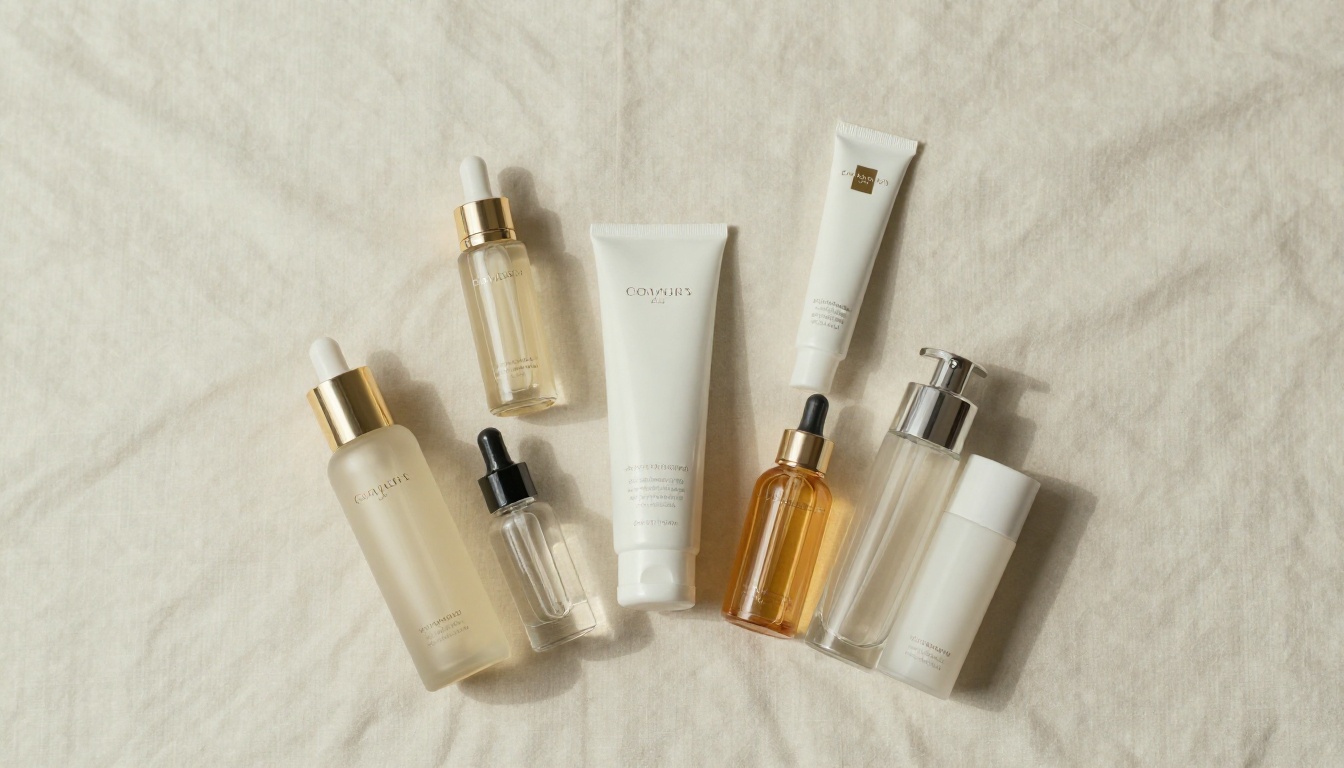
The skincare category is where Nano Banana Pro demonstrates its most consistent advantage. Glass bottle rendering, liquid transparency, metallic cap texture, and label legibility are all requirements that Nano Banana Pro meets reliably. The model handles the reflective complexity of skincare packaging, from frosted glass to clear serum bottles with colored liquid, with accurate optical behavior.
The flat lay format works exceptionally well here. Overhead lighting, cream linen textures, and neutral color palettes all translate cleanly from prompt to output. This makes skincare the category where Nano Banana Pro delivers consistent commercial-quality results with the least iteration.
Jewelry and Accessories
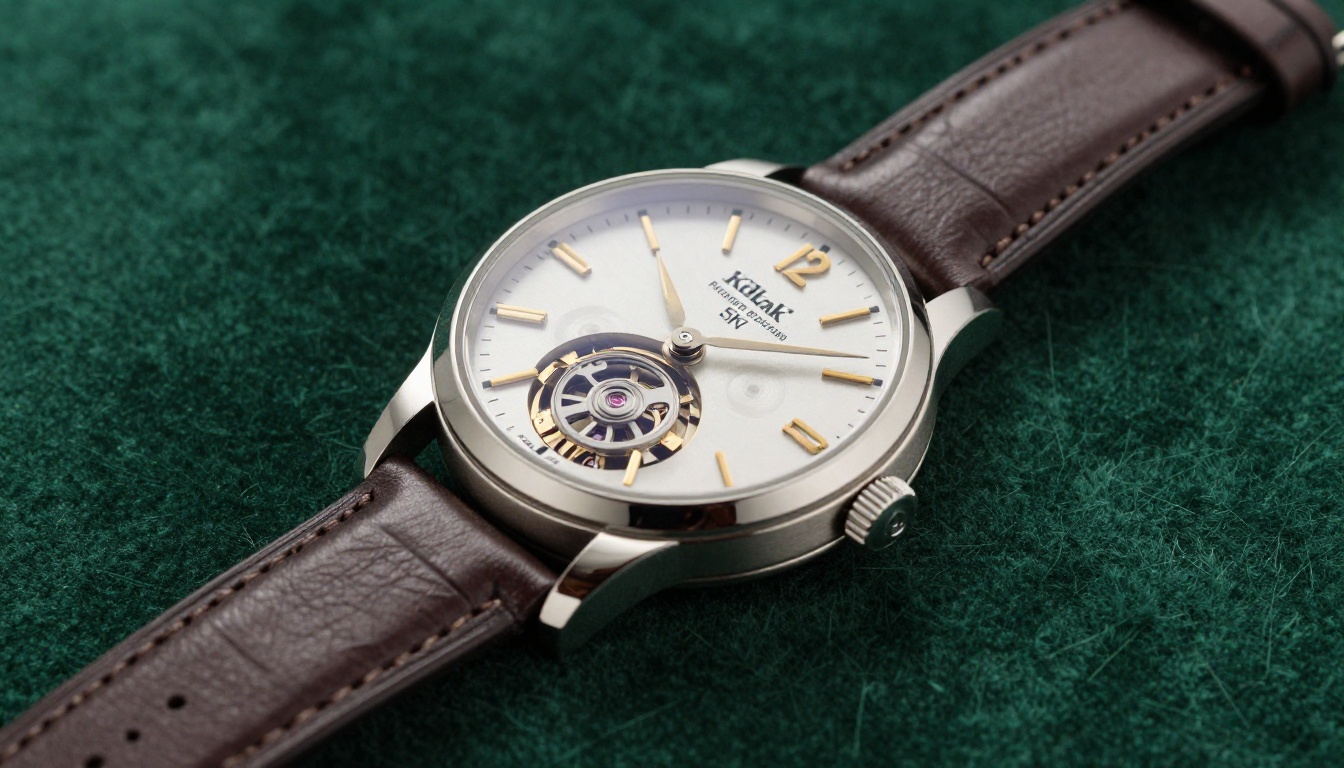
Jewelry product photography is the stress test for any AI image model. The requirements are extreme: metal facets must have correct specular behavior, gemstones must show light dispersion (fire), and surface finishes from matte to mirror-polish must all render distinctly.
Nano Banana Pro handles this category better than most alternatives. Gold and silver render with the correct color temperature variations in their reflections. Diamonds show light dispersion patterns that are physically plausible. Settings and prong details stay sharp at the macro scale.
For jewelry photography specifically, pair Nano Banana Pro with the Crystal Upscaler for portrait-scale enlargement while preserving the fine detail of metal grain and stone facets.
Food and Beverage
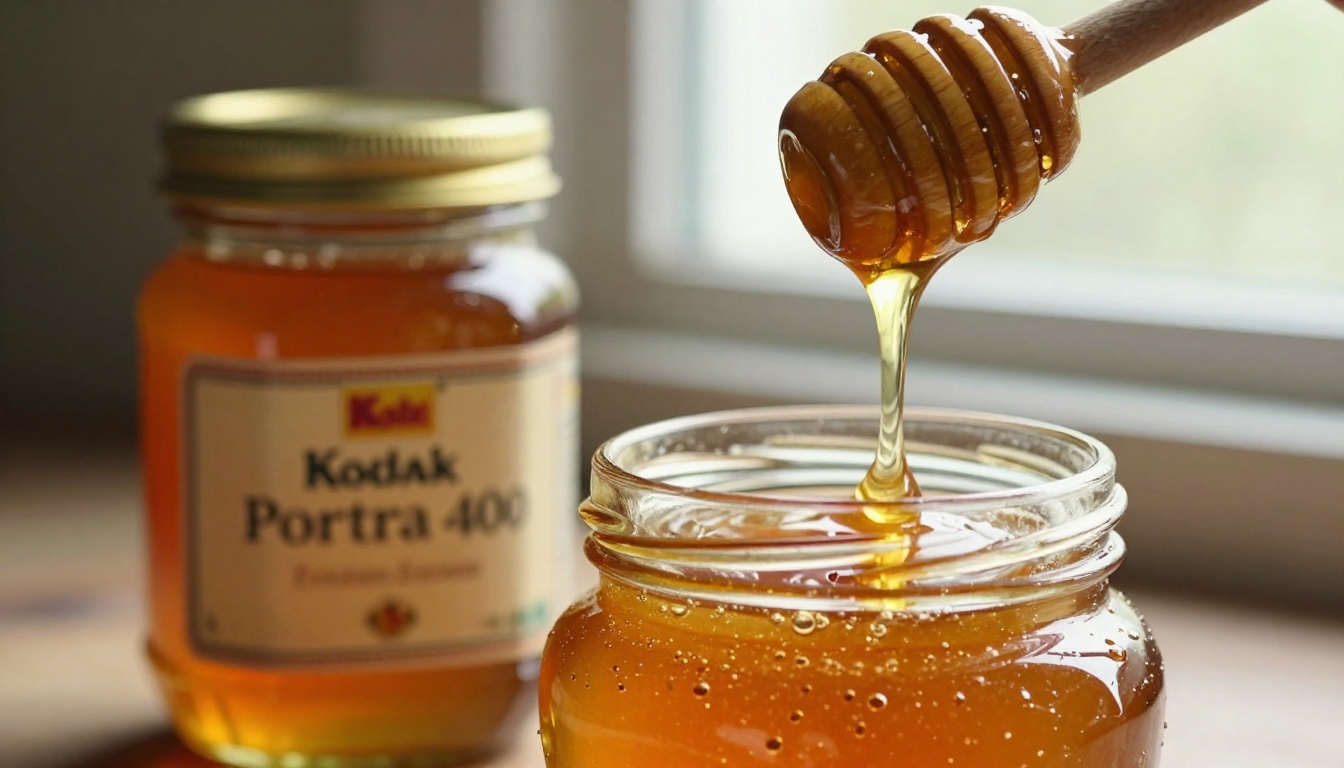
Food photography with AI has historically struggled with liquid rendering and organic texture. Nano Banana Pro handles both with more accuracy than its predecessors. Honey viscosity, coffee crema texture, and wet fruit surfaces all respond to prompt descriptions with physical plausibility.
The model renders the translucency of honey, the surface tension of liquid drops, and the fibrous texture of cut citrus consistently. This is commercially useful for brands in the food and beverage space that need product content at scale without studio overhead.
Tech and Electronics
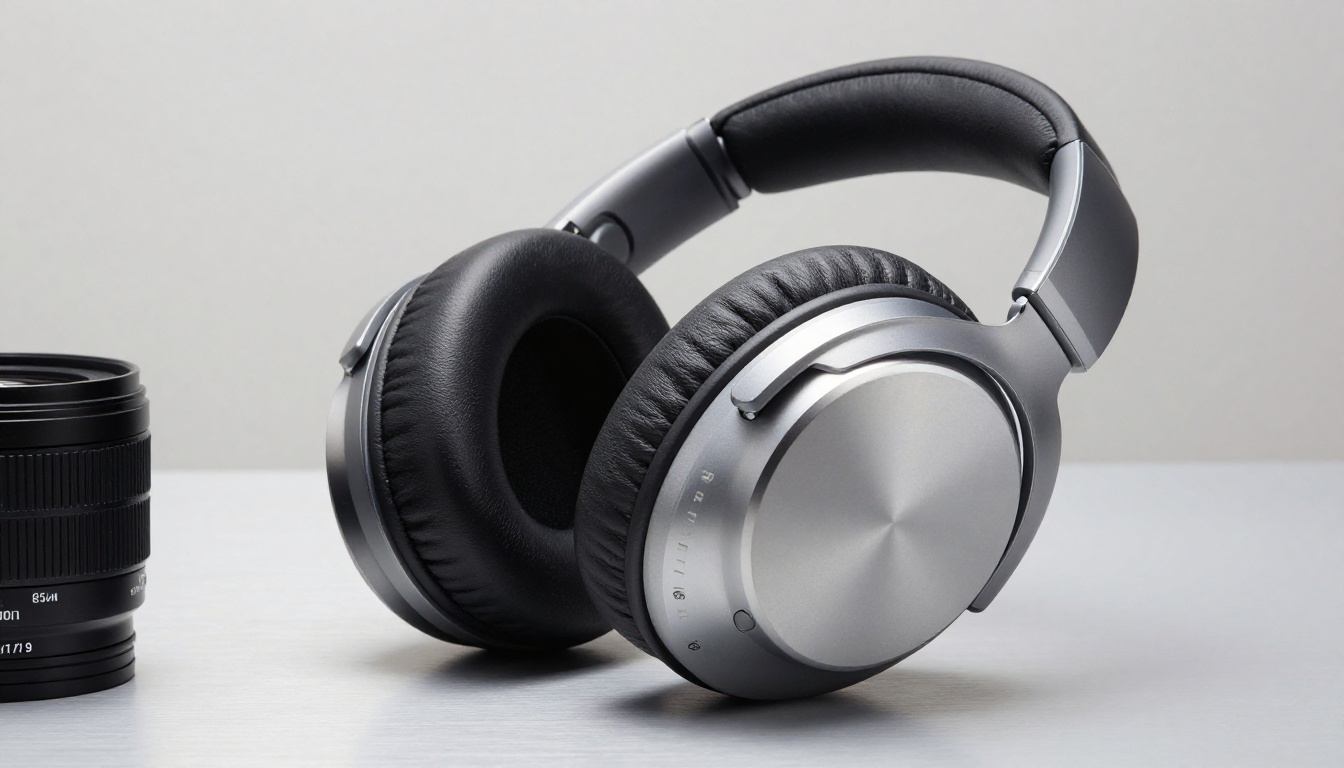
Electronics require precise edge rendering, screen detail (where applicable), and clear material differentiation between plastic, metal, fabric, and glass. Nano Banana Pro maintains material distinction across all of these, which is the primary challenge in tech product photography.
Headphone ear cushion fabric textures render with visible fiber structure. Aluminum housings show the directional grain of brushed finishing. Screen bezels maintain pixel-sharp edge definition. For consumer electronics brands working at scale, this translates to consistent catalog-ready imagery.
💡 Workflow tip: For electronics with complex surface detail, include the specific material finish in your prompt. "Anodized aluminum with directional brushed grain" produces a different and more accurate result than simply "metal surface." Nano Banana Pro responds to finish specifications, not just material categories.
Start Shooting on PicassoIA Now
Product photography at commercial grade used to require a full studio day per product. With Nano Banana Pro on PicassoIA, you can generate a complete product photography set in minutes, including multiple angles, surface variations, and lighting setups, without touching a camera.
The images in this article were generated directly through PicassoIA. The glass, leather, jewelry, and food shots all came from text prompts describing the exact same scene a studio photographer would set up. The difference is iteration speed and cost.
If your product is physical, digital, or anywhere in between, PicassoIA has the model to photograph it. Nano Banana Pro is the right starting point for sharpness-critical commercial work. When you need to push the resolution further for print or large-format, Clarity Pro Upscaler, Topaz Image Upscale, and P Image Upscale are all available in the same platform.
Head to picassoia.com/en/all-models to see the full model catalog, including 91 text-to-image models and 9 dedicated super-resolution tools. Your next product photo is a prompt away.