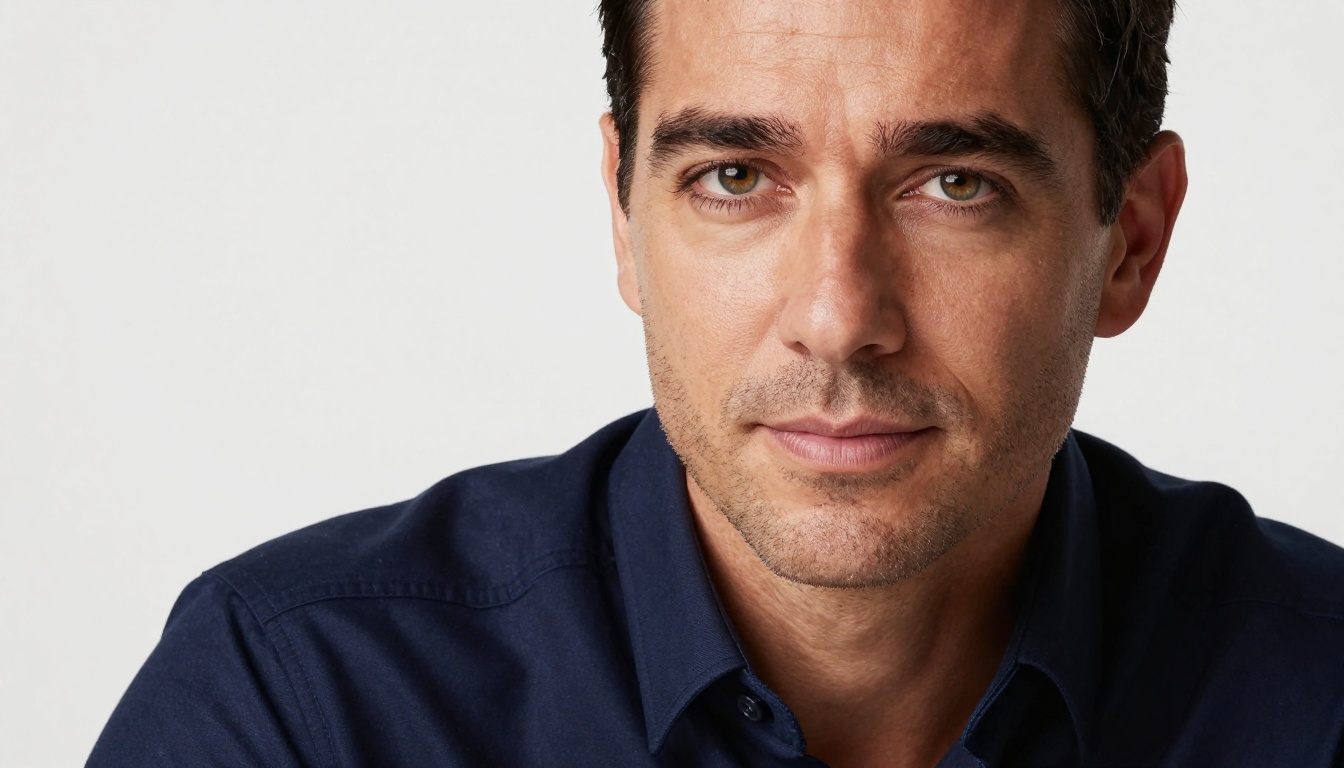
The days of booking a $500 studio session to get one decent professional headshot are over. Nano Banana Pro has entered the AI image generation conversation and it is doing something most models still cannot: producing genuinely photorealistic portraits at 4K resolution, with the kind of skin texture, eye clarity, and lighting fidelity that used to require a seasoned photographer, a calibrated softbox rig, and a skilled retoucher.
This is not a "good for AI" result. This is a result that stands entirely on its own merits.
What Nano Banana Pro Does Differently
There is no shortage of AI models that can generate a face. What separates Nano Banana Pro from that crowded field is not the face itself. It is everything around the face: the precise weave of a blazer lapel, the individual hair follicles at the temple, the micro-shadows that a real softbox creates under the lower eyelid.
The 4K Resolution Difference
Most AI-generated images top out at 1024x1024 or 1024x576 before any upscaling is applied. That is functional for social media thumbnails. It is not functional for a LinkedIn banner, a speaker bio printed in a conference booklet, or a press kit that an editor will open at 100% on a 27-inch calibrated monitor.
4K in a portrait context means at minimum 3840 x 2160 pixels, and ideally higher for print. At that scale, you can see things you cannot hide: soft focus in the eyes, plastic-looking skin tones, artificially smooth gradients that make a face look like a rendering. Nano Banana Pro generates at a native resolution that survives this level of scrutiny, which is why headshots produced with it hold up at any print size.
How the Model Reads Facial Geometry
The reason Nano Banana Pro produces such coherent portraits is its attention to facial anatomy. Traditional AI portrait generation often falls apart at the edges: the transition where jaw meets neck, where hair meets forehead, where shirt collar meets skin. These seams are where most models reveal themselves. Nano Banana Pro treats the face as a geometric system, not just a texture map, which means the geometry holds at every resolution without seams or artifacts creeping in.
Why Headshot Resolution Actually Matters
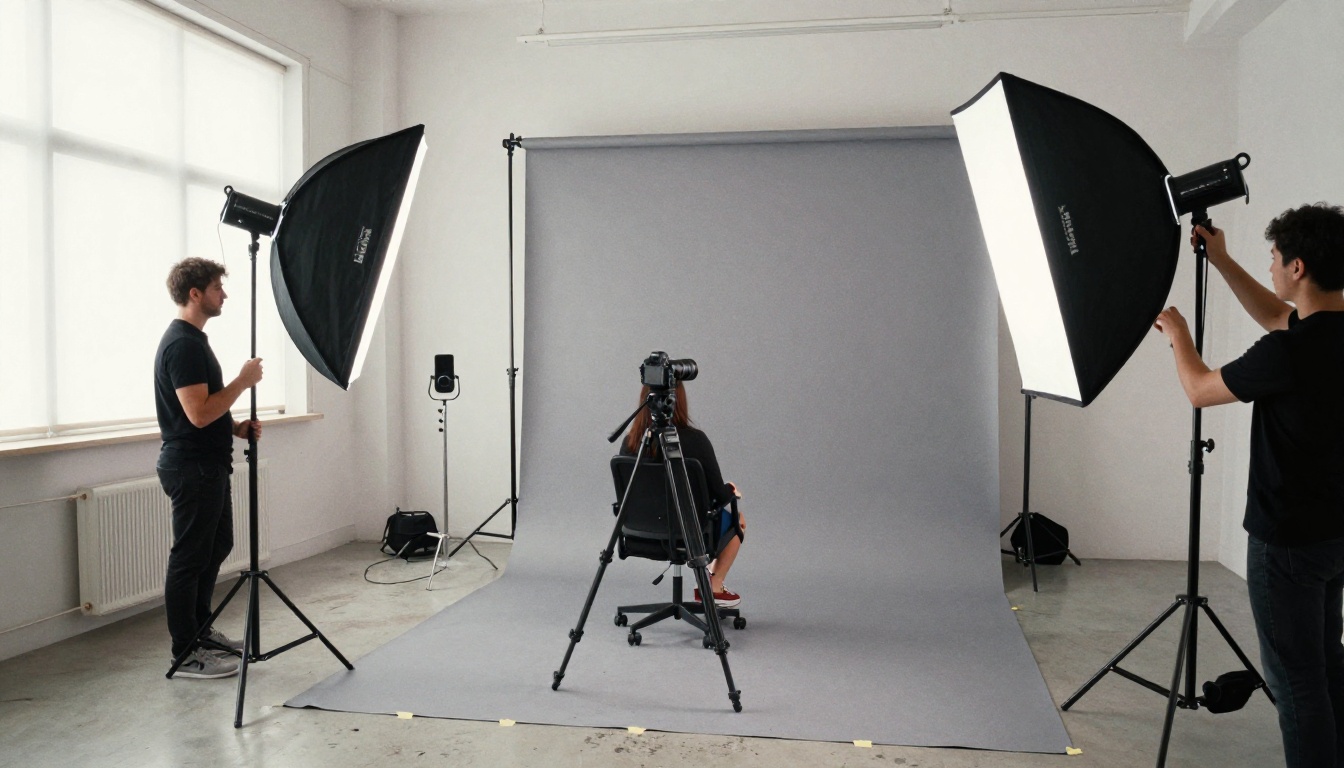
This is the part most people skip, and they pay for it later. Resolution is not a vanity metric. It is a professional signal that communicates how seriously you take your own image, and by extension, your work.
The LinkedIn First Impression Window
Research in professional networking consistently shows that profile photos are processed in under 100 milliseconds. In that fraction of a second, the human brain makes inferences about competence, warmth, and trustworthiness. A blurry or pixelated headshot signals carelessness. A sharp, well-lit, 4K portrait communicates the opposite.
Consider the practical difference: LinkedIn displays profile photos at 400x400 pixels in the feed, but stores and displays them at up to 800x800 when someone clicks through to your profile. A headshot generated at true 4K resolution survives both display contexts with full fidelity. A headshot generated at 512x512 and force-stretched does not.
What Recruiters and Editors Actually See
Recruiters do not linger on blurry headshots. Editors selecting speaker photos for a publication do not crop from low-resolution sources. These are practical workflow constraints that have nothing to do with aesthetics. If your headshot cannot be cropped to a 200x200 avatar AND scaled up for a conference banner without losing quality, it is functionally unusable for professional purposes.
4K professional headshots solve this permanently. One generation, properly prompted, produces an asset that works at every size and context.
Prompt Architecture for Photorealistic Headshots
Getting a photorealistic 4K headshot from Nano Banana Pro is not about luck. It is about prompt architecture. The model responds to specificity. Vague prompts produce vague results. Precise photographic language produces precise photographs.
💡 Critical insight: Think like a photographer, not like a writer. Your prompt should describe lens choice, lighting direction, film stock, and skin texture, not just "a professional person in a suit."
Lighting Descriptors That Separate Good from Great
Lighting is the single largest variable in portrait quality. Here are the descriptors that consistently produce the strongest results with Nano Banana Pro:
| Lighting Setup | Prompt Language | Best For |
|---|
| Rembrandt | "Rembrandt lighting pattern, triangle of light on cheek" | Dramatic executive shots |
| Butterfly | "Butterfly lighting, symmetric soft-box above face" | Polished corporate headshots |
| Split | "Split lighting, source from upper-left, fill from lower-right" | Bold, assertive portraits |
| Natural window | "Diffuse window light from the left, soft ambient fill" | Approachable, warm profiles |
| Golden hour rim | "Warm rim light from behind at 5pm, ambient cool fill" | Creative speaker bios |
Camera Lens Specifications in Prompts
The lens specification in your prompt is not decoration. It changes the geometry of the final image in ways that are immediately visible to anyone with a trained eye.
- 85mm f/1.4: The gold standard for headshots. Natural perspective, creamy background separation.
- 105mm f/2.8: Slight telephoto compression. Flatters facial structure by reducing nose prominence.
- 35mm f/1.4: Wider angle, creates dynamic presence. Better for environmental portraits with context.
- 200mm telephoto: Maximum background compression. Subject pops from background with maximum separation.
Always include aperture in your prompt. "Shot with an 85mm f/1.4 lens" produces meaningfully different output than just "shot with an 85mm lens."
The 5 Parameters That Define Every Headshot
Every successful Nano Banana Pro headshot prompt includes these five elements in some form:
- Subject specifics: Age range, wardrobe description, skin tone, hair style
- Lighting direction: From which angle, quality (hard or soft), color temperature in Kelvin
- Camera and lens: Body brand, focal length, aperture value
- Background: Specific texture, color, and distance from subject
- Film stock or grain: Kodak Portra 400, Fujifilm Pro 400H, Ilford Delta, etc.
Miss one of these and the model fills in the gap with a generic choice. Include all five and you control the output completely.
The Best Upscaling Models for Portrait Work
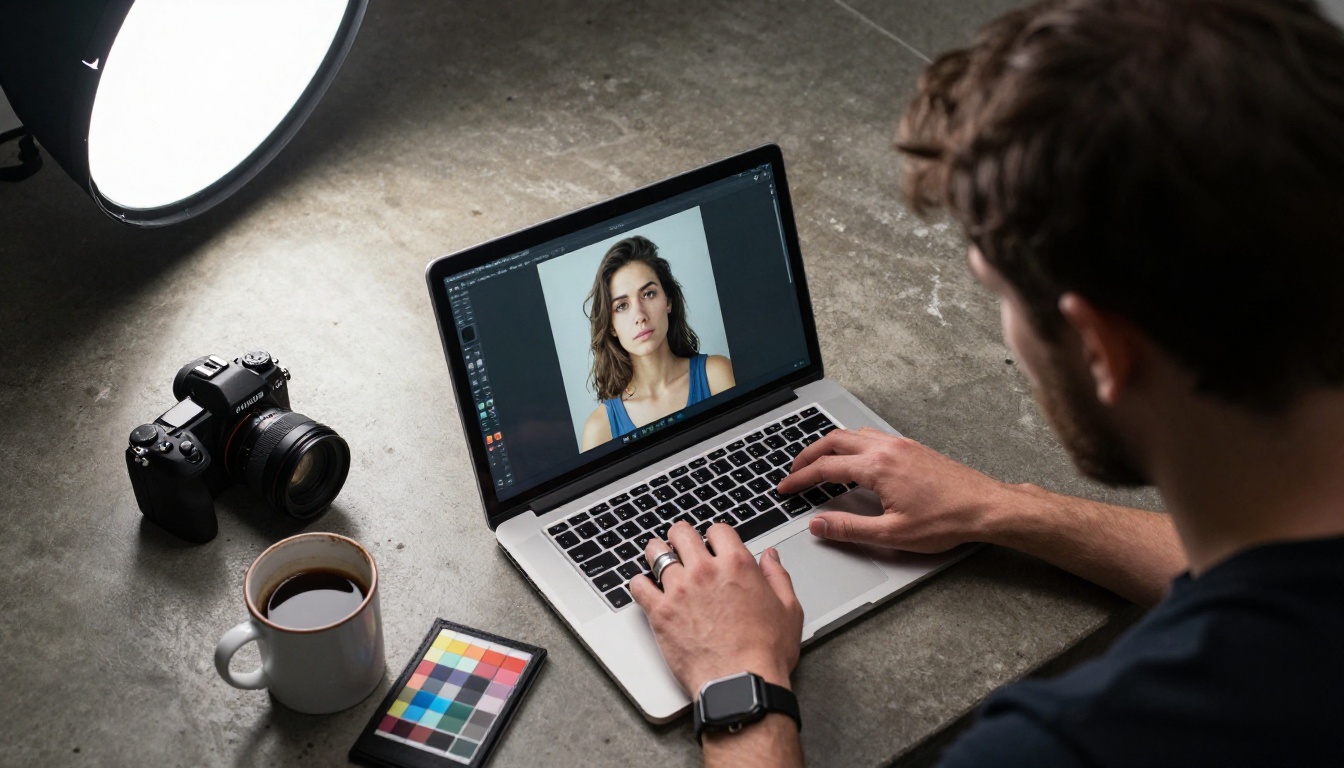
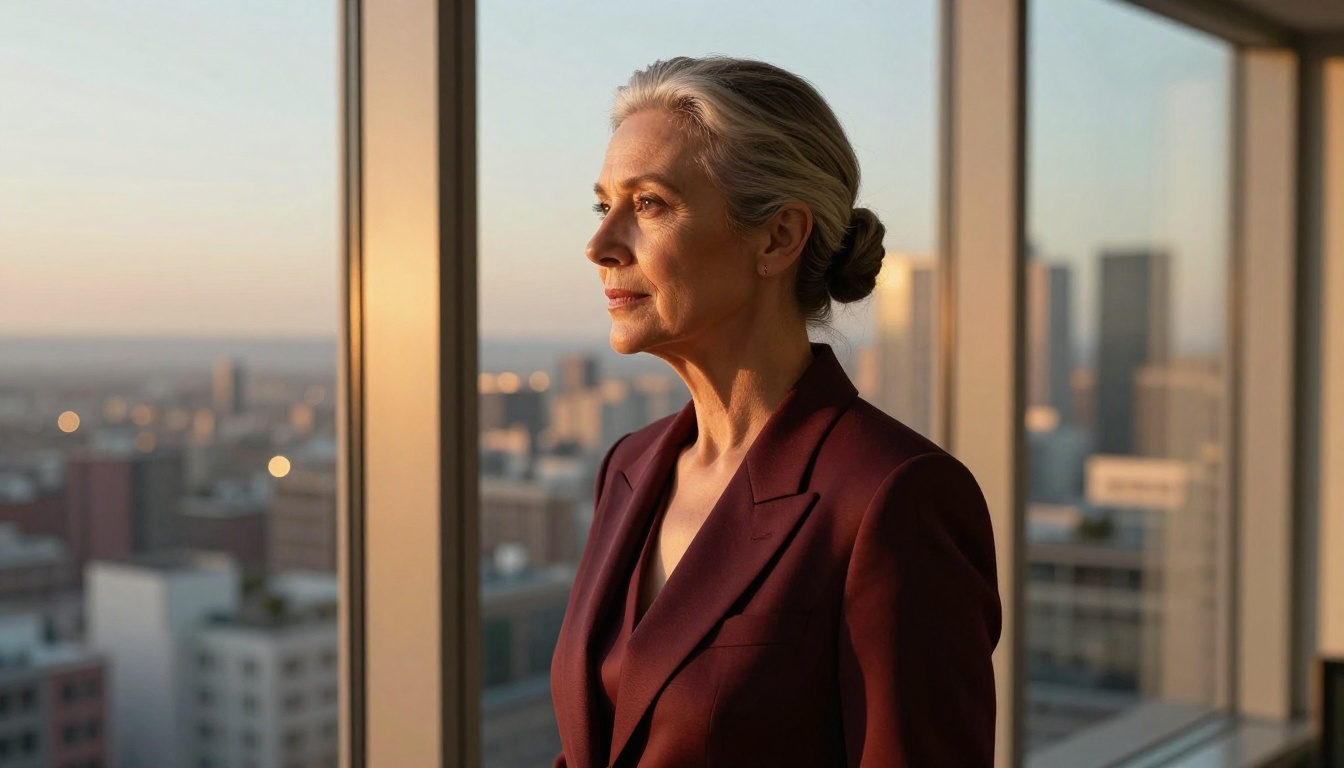
Nano Banana Pro produces excellent native resolution. Pair it with one of PicassoIA's super-resolution models and you take that output to a different level entirely: print-ready, pixel-perfect, suitable for any professional application at any size.
Crystal Upscaler for Faces
Crystal Upscaler is purpose-built for portrait upscaling. It preserves facial geometry while sharpening fine details: pores, eyelashes, individual hair strands. It does not over-sharpen or introduce halos around high-contrast edges, which is the failure mode that makes most upscalers look artificial on human faces. For executive headshots that will appear in print, this is the default choice.
Clarity Pro for Skin Texture
Clarity Pro Upscaler excels at maintaining the natural organic quality of skin. Where some upscalers make skin look plastic or over-processed, Clarity Pro preserves micro-texture: the slight variation in tone, the fine lines that make a face look real rather than rendered. This is the model to reach for when photorealism is the non-negotiable requirement and you cannot afford the output to read as AI-generated.
Topaz Image Upscale for Print Dimensions
Image Upscale by Topaz Labs supports up to 6x magnification without quality loss, which takes a strong Nano Banana Pro output and scales it to large-format print dimensions. If your headshot needs to appear on a conference backdrop, a physical banner, or any output larger than A4, this is the model that handles it without artifacts.
Additional Upscaling Options on PicassoIA
The platform offers more choices worth knowing for different use cases:
- Real ESRGAN: Free 4x upscaling, strong on general imagery, solid entry-level choice for quick results
- Google Upscaler: Consistent 4x without artifacts, reliable for batch processing of multiple headshots
- P Image Upscale: Fast 1-second processing, ideal for rapid iteration workflows
- Increase Resolution by Bria: Strong on maintaining original color fidelity during upscaling
- Recraft Crisp Upscale: Free, clean output with minimal processing time and no registration required
- Recraft Creative Upscale: Adds interpretive depth and detail during upscaling, best for artistic portrait styles
💡 Workflow tip: Generate with Nano Banana Pro, then run the output through Crystal Upscaler or Clarity Pro for the maximum quality combination. Two steps, one result that no studio session can easily beat on cost.
Common Headshot Failures and How to Fix Them
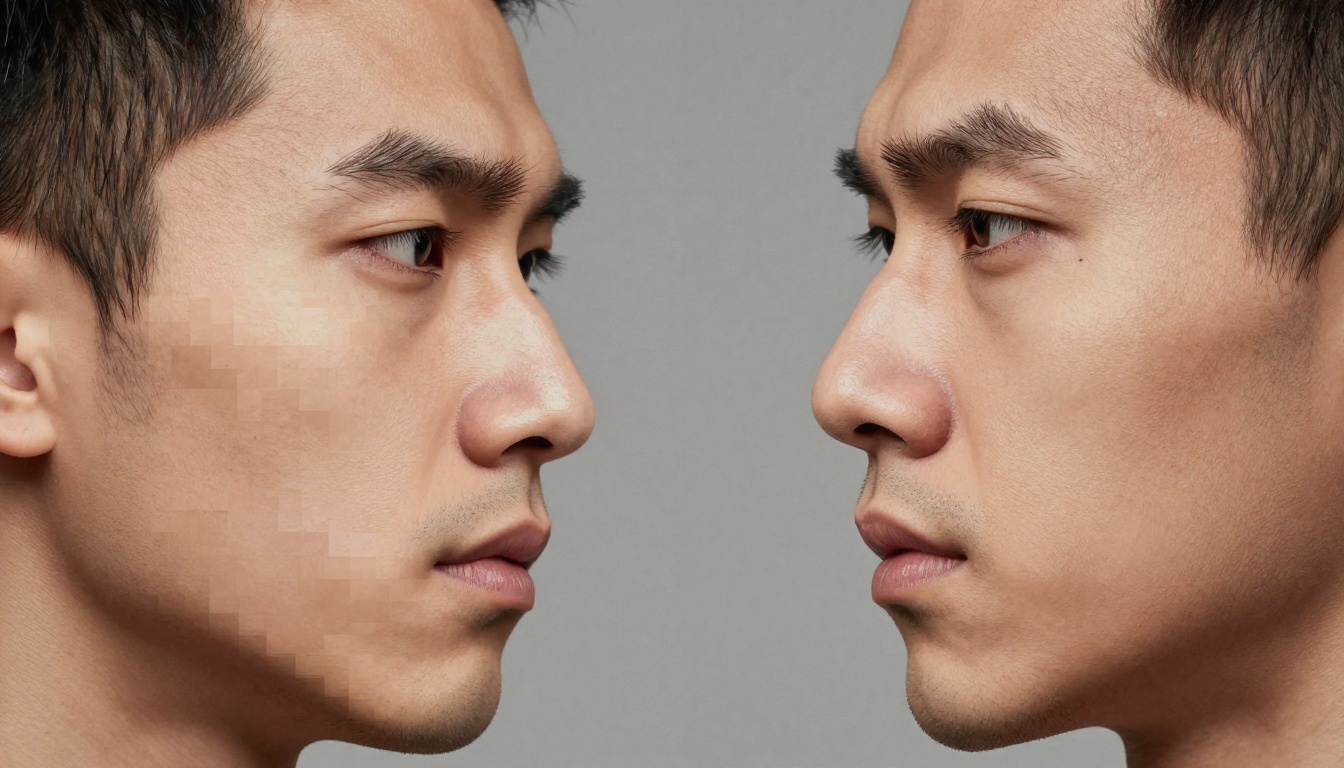
Even with Nano Banana Pro, certain prompt patterns produce consistently weaker results. These are fixable, but only if you know what you are looking for before you finalize.
Blurry Eyes in AI Portraits
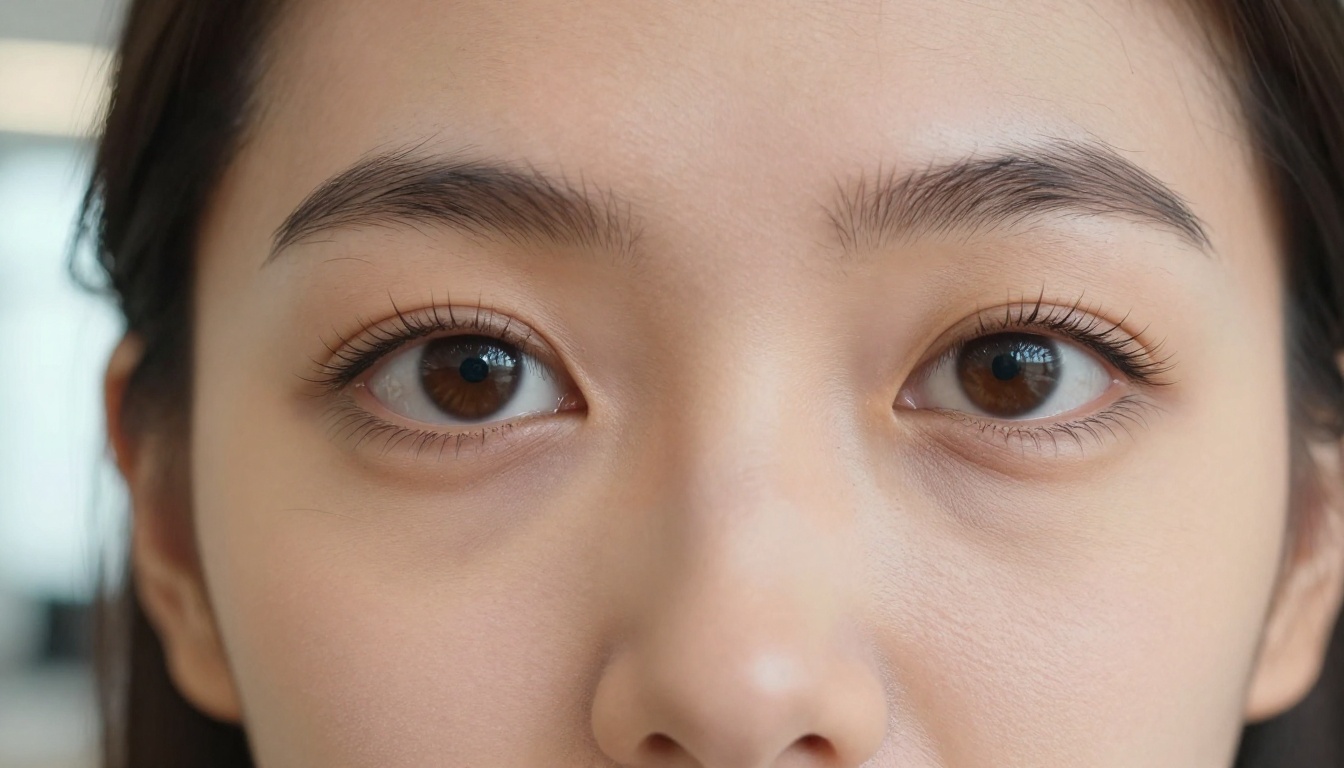
Eye sharpness is what a viewer's attention locks onto first. If the eyes are soft, the entire portrait reads as low-quality even if everything else is sharp. The fix: include explicit eye-sharpness language in your prompt. "Tack-sharp eyes, iris texture visible, lashes in focus" gives the model a specific instruction it can follow. Pair this with a narrow depth-of-field specification to ensure the focal plane sits on the eye plane, not the tip of the nose.
Unnatural Skin Texture
The two failure modes for AI skin are opposite ends of the same problem: too smooth (plastic, unreal) and too textured (pore-obsessed, medical-looking). The solution is to reference a specific film stock in your prompt. Kodak Portra 400, Fujifilm Pro 400H, and Ilford Delta are all understood by Nano Banana Pro as references that naturally calibrate skin tone toward photographic authenticity, falling between both extremes.
Background Distractions
A strong headshot has a background that supports the subject without competing for attention. The most common AI mistake is generating busy or inconsistent backgrounds. The fix is specificity: name the exact backdrop you want ("seamless ivory paper backdrop," "out-of-focus office window at 5m distance," "warm amber bokeh from window at 5pm") rather than leaving it to the model's interpretation. A described background is always more controlled than a generated one.
Clothing Artifacts at Collar and Lapel Zones
Shirt collars, jacket lapels, and tie knots are areas where AI models historically produce seams and inconsistencies. Nano Banana Pro handles these better than most models, but still benefits from specific clothing descriptions: "tailored charcoal blazer with peak lapels," "white Oxford shirt with basket-weave texture," "silk tie with micro-dot pattern." Specificity in the garment zone reduces hallucination in that area.
Real-World Uses for 4K AI Headshots
Corporate and Executive Photography
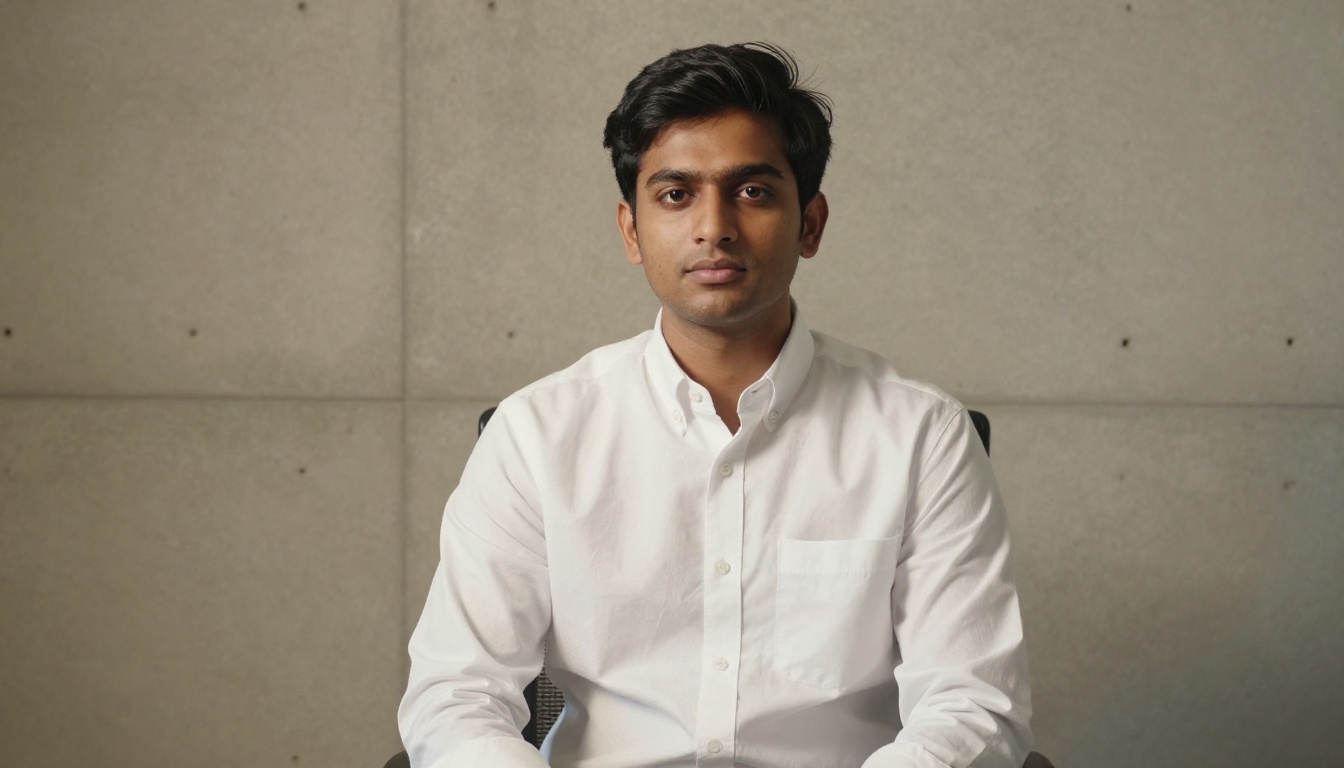
Companies that need consistent headshots across a large team can use Nano Banana Pro to generate a cohesive set with matching lighting, background style, and color grading. The visual consistency of a corporate photo grid signals organizational professionalism in a way that a collection of mismatched smartphone photos never will. When every executive headshot is lit the same way and cropped to the same ratio, the effect is more polished than most physical studio sessions deliver.
Speaker Bios and Conference Materials
Conference organizers request high-resolution speaker photos months in advance. For speakers who do not have a strong professional headshot on file, Nano Banana Pro closes that gap in minutes. A properly prompted output, run through Crystal Upscaler, produces a file that satisfies print requirements at conference booklet dimensions without any additional retouching.
Personal Branding and Social Presence
The volume of professional social media content has risen faster than the average person's access to professional photography. LinkedIn, X, Substack, and professional newsletters all benefit from a strong, clear, correctly-lit headshot. Generating your own with Nano Banana Pro costs a fraction of a studio session and can be regenerated whenever your visual brand needs a refresh, without scheduling, travel, or retouching fees.
Press Kits and Media Coverage
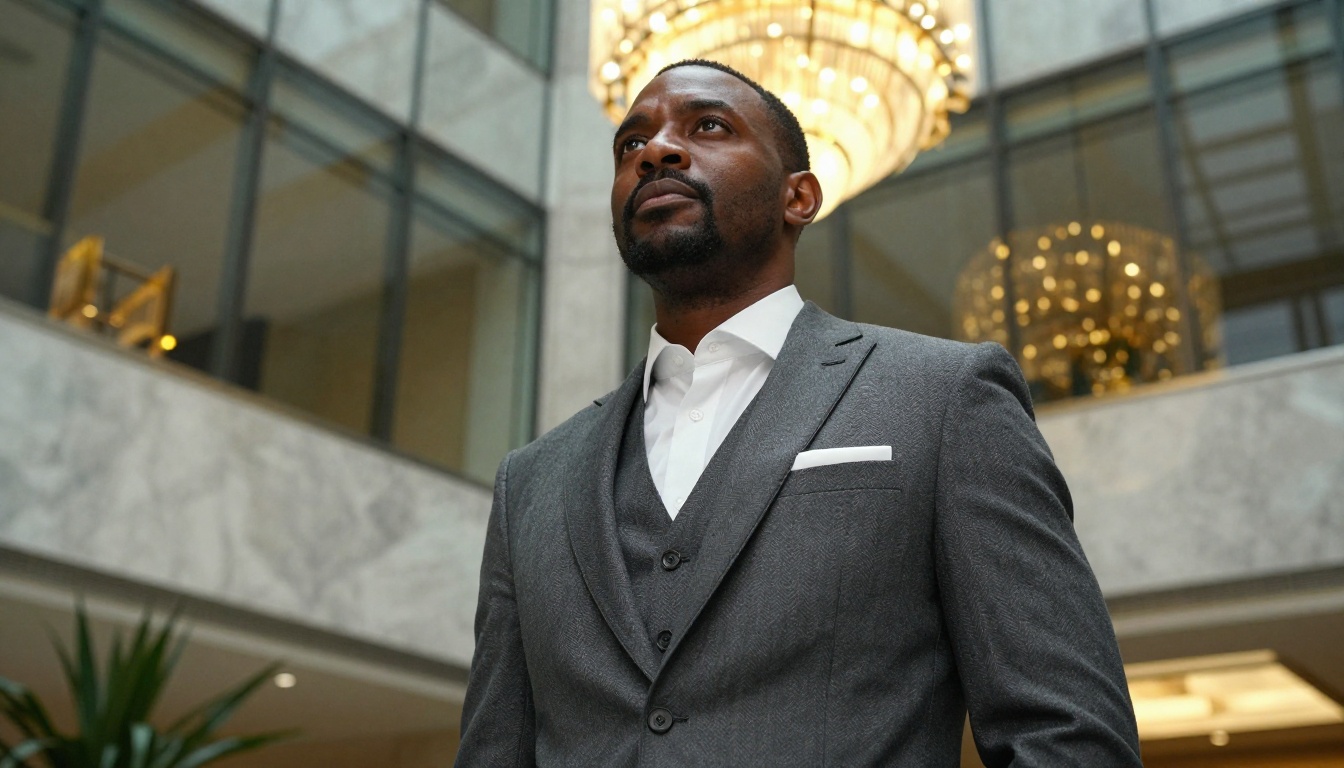
Journalists and editors who cover companies, founders, or public figures need publication-ready photos at short notice. AI-generated 4K headshots fill this need in a way that 2021-era AI absolutely could not. The standard for "publication-ready" is 300 DPI at the intended print size, which a 4K output paired with Topaz Image Upscale consistently achieves without any additional photography session.
A Practical Workflow From Prompt to Final Asset
The process for getting a print-ready 4K headshot from PicassoIA is straightforward:
Step 1: Write a structured prompt. Use the five-parameter framework above. Include subject, lighting, lens, background, and film stock. Aim for 50 to 75 words of specific, photographic language.
Step 2: Generate with your base model. Submit the prompt and review the result at 100% zoom. Check eyes first, then skin texture, then clothing seams. If any of these three fail, adjust the prompt and regenerate before moving to upscaling.
Step 3: Upscale with a portrait-specific model. Run the approved output through Crystal Upscaler or Clarity Pro Upscaler. For print dimensions above A3, use Image Upscale by Topaz to reach large-format print resolution.
Step 4: Export and use. The final file is ready for LinkedIn, press kits, conference materials, or anywhere else a professional identity needs to be represented visually.
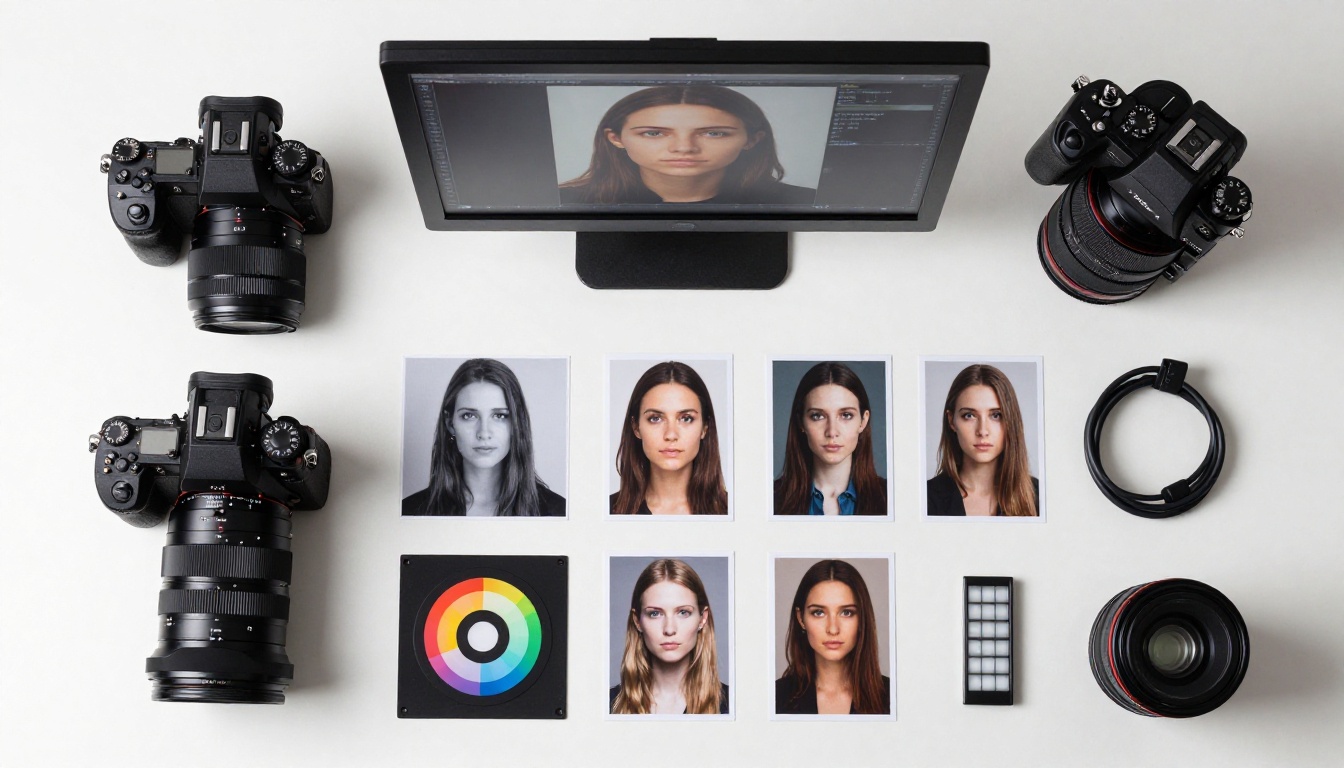
💡 Quality check before finalizing: Open the upscaled image at 200% zoom and examine three things in order: (1) eye sharpness and iris detail, (2) skin texture naturalness without plastic smoothing, (3) hair-to-background edge quality. These three details determine whether the portrait reads as photographic or AI-generated to a professional eye.
The Numbers Behind 4K Portrait Quality
To put resolution in concrete terms, here is what different output sizes mean for the professional use cases that actually matter:
| Use Case | Required Resolution | Nano Banana Pro + Upscaler |
|---|
| LinkedIn profile photo | 400x400 minimum | Easily satisfied at native |
| Corporate website header | 800x800 at 72 DPI | Satisfied at native output |
| Conference speaker bio | 1200x1200 at 300 DPI | Satisfied with Crystal Upscaler |
| Printed press photo at A4 | Approx 2500x3500 px | Satisfied with Topaz 6x |
| Large-format print or banner | 5000px or wider | Satisfied with Topaz from 4K source |
One properly generated Nano Banana Pro headshot, upscaled with the right tool, covers every professional use case you will encounter across the lifecycle of a personal or corporate brand.
Create Your Own 4K Headshots on PicassoIA
Professional headshots have always been a barrier for most people. The cost of a studio session, the logistics of scheduling, the awkwardness of being photographed, the wait for edited files. Nano Banana Pro removes every one of those friction points from the equation.
You write the prompt. You run the generation. You upscale. You have a print-ready headshot.
PicassoIA gives you access to the full workflow in one place: text-to-image generation with photorealistic portrait-capable models, portrait-specific upscalers including Crystal Upscaler and Clarity Pro, and the Topaz Image Upscale for when you need full large-format print dimensions. The tools are there. The quality ceiling is higher than it has ever been.
Write a specific prompt. Get a specific result. That is the complete formula for a 4K professional headshot that costs nothing and takes minutes.


