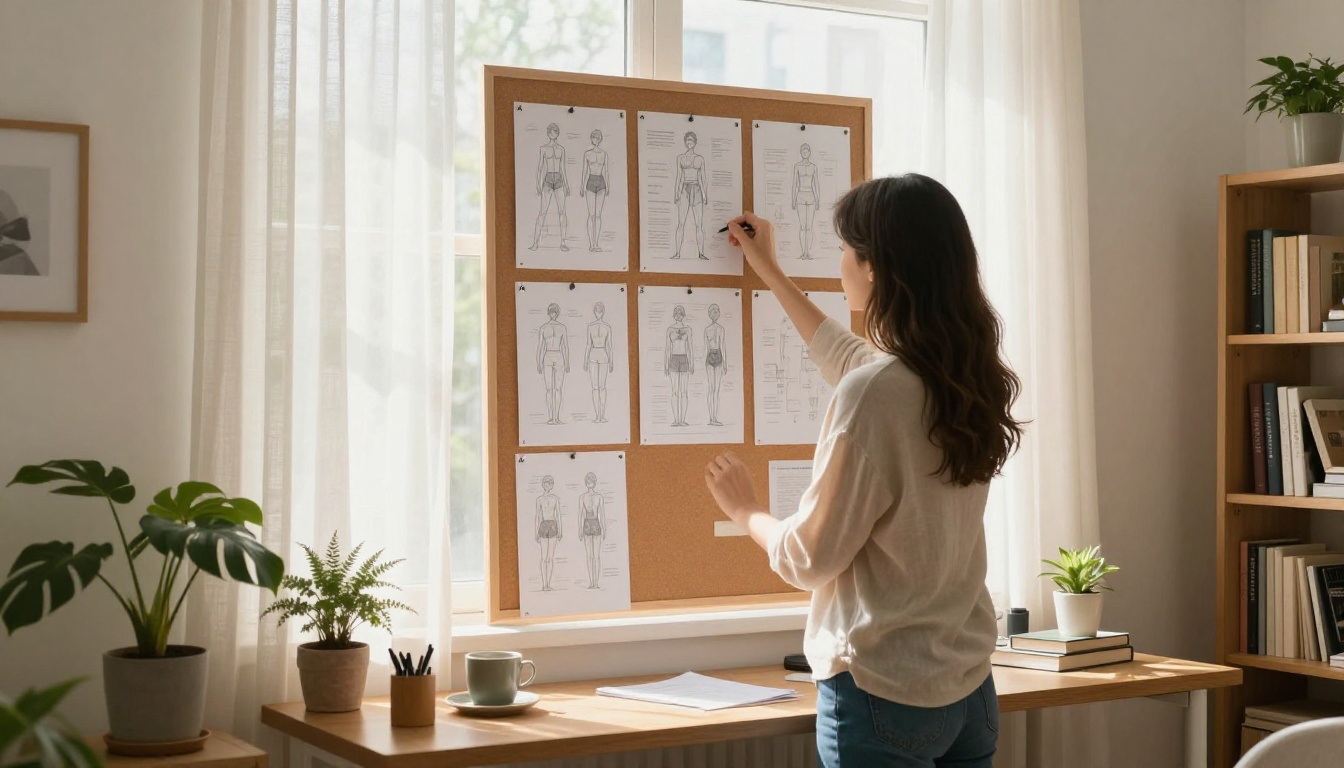
Posing a character in AI image generation has always been the messy part. You write the perfect prompt, describe every detail, and still end up with a figure twisted at an impossible angle or frozen in the same generic front-facing stance. Qwen Image 2, Alibaba's open-weight multimodal model, just made this significantly easier. The update introduces a free 3D character pose input layer, letting you drop in a skeletal reference that the model uses to place and proportion the human figure in your output. No subscription required. No workarounds.
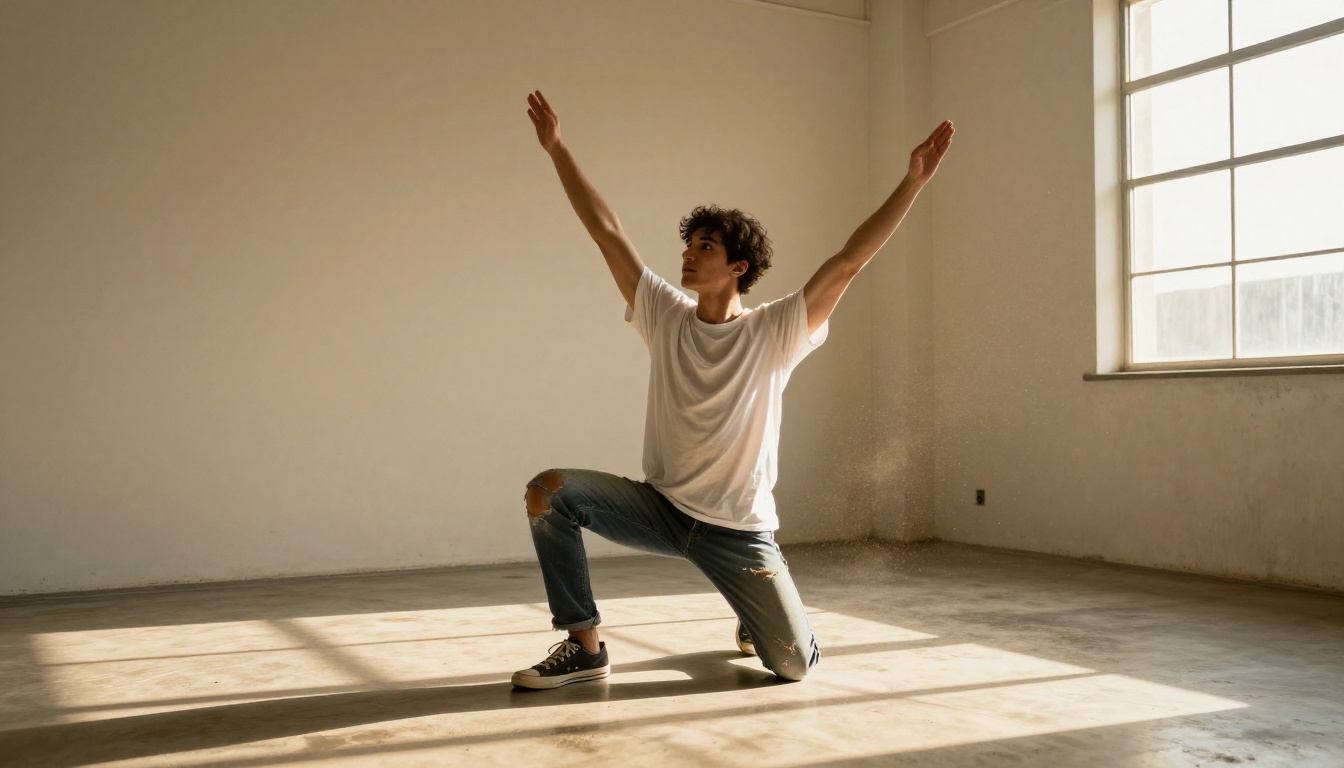
What Qwen Image 2 Just Did
The 3D Pose Feature Explained
The core addition is a ControlNet-style 3D pose conditioning system baked directly into Qwen Image 2's generation pipeline. Instead of relying entirely on text prompts to describe where a character's limbs should be, you now supply a skeleton overlay: a visual map of joints and bones that defines exactly how the body is positioned in 3D space before the model renders anything.
This input takes the form of a 3D mannequin or skeleton visualization, the kind of reference that digital artists have used in software like Design Doll and PoseMyArt for years. The difference is that Qwen Image 2 reads this skeleton as a conditioning signal during inference, meaning the final image is generated around that skeletal template rather than independently from it.
The result is precise, repeatable figure placement. A running character stays in a running pose. A crouching figure keeps its weight distribution. The character's proportions remain consistent even when the angle or setting changes.
Why Alibaba Shipped This Now
Pose control has been a pain point for AI art tools since the beginning. Models like DALL-E and earlier Stable Diffusion versions often struggled with complex poses, especially anything involving overlapping limbs, foreshortening, or non-standard body positions. Artists working on character sheets, storyboards, or game concept art have routinely needed to post-process outputs or layer multiple generations together to get something usable.
The market pressure came from tools like ControlNet for Stable Diffusion, which offered exactly this kind of structural conditioning. Alibaba's decision to include 3D pose support at no additional cost in Qwen Image 2 puts the feature in the hands of anyone using the model through any interface, including PicassoIA.
💡 Worth noting: 3D pose input is different from text-based pose descriptions. Text descriptions are interpreted probabilistically. 3D skeleton input is deterministic about joint positions, giving you structural accuracy that text alone cannot reliably produce.
How Pose-Guided Generation Works
The Technology Behind It
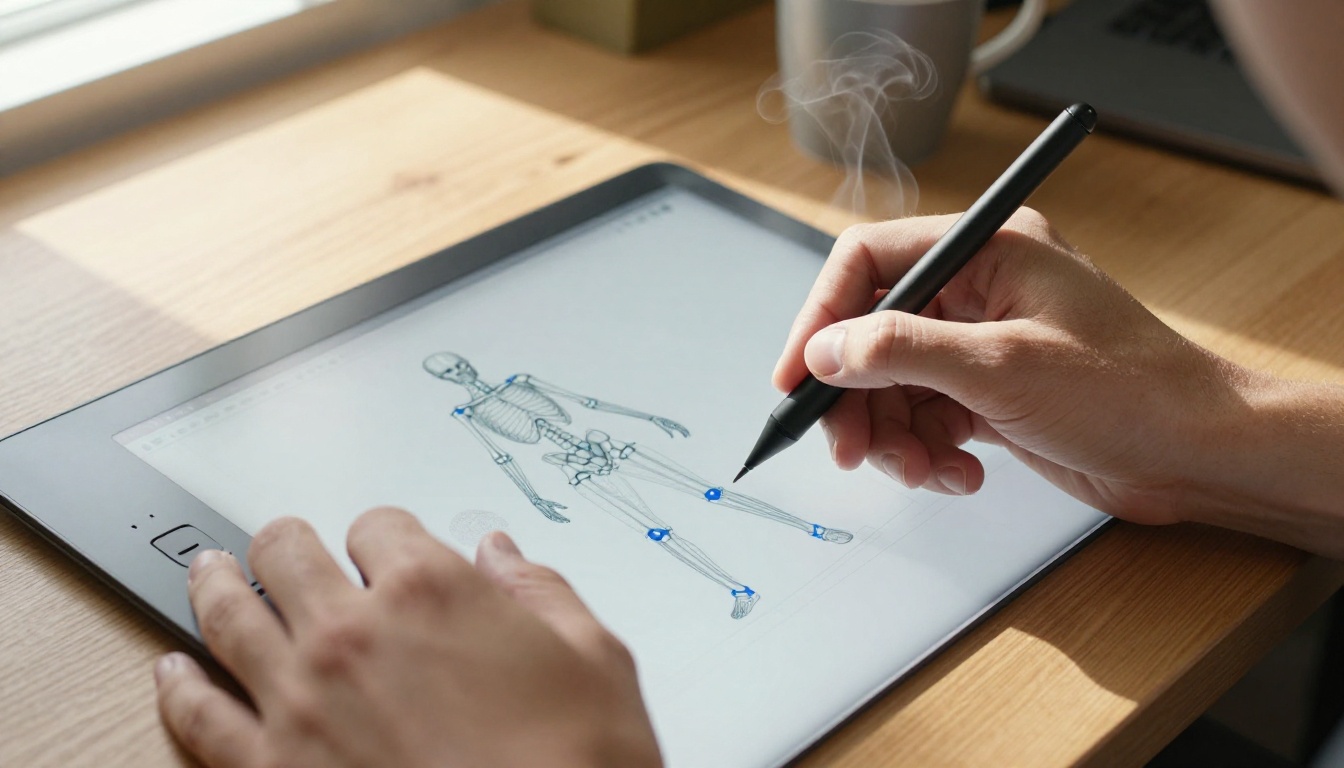
At the model level, pose guidance in Qwen Image 2 works through a conditioning encoder that processes the skeleton input alongside the text prompt. Both signals are weighted and combined before the diffusion process begins. The skeleton defines the spatial layout while the text prompt handles style, setting, clothing, lighting, and all other semantic elements.
The 3D skeletal input typically comes in as an OpenPose-format image, a standardized visualization format that maps 18 key joint positions on the human body: head, neck, shoulders, elbows, wrists, hips, knees, and ankles. When you position a 3D mannequin in a pose editor and export it as an OpenPose image, Qwen Image 2 reads that as its figure blueprint.
What makes this particularly useful is the separation of concerns. The skeleton tells the model where the body is. The text tells it what it looks like. You can swap the text prompt entirely and generate the same pose in a completely different style, environment, or clothing while the figure's position stays locked.
Accuracy vs. Old Methods
Before dedicated pose conditioning, the options for controlling character positions were limited and unreliable:
| Method | Reliability | Speed | Cost |
|---|
| Text description only | Low | Fast | Free |
| Image-to-image from reference photo | Medium | Medium | Free |
| ControlNet with OpenPose | High | Medium | Free (with right tools) |
| 3D pose input (Qwen Image 2) | High | Medium | Free |
Text descriptions of poses fail most often with complex positions. Saying "woman with left arm raised and right leg bent at 90 degrees" usually produces a figure that captures the general idea but gets the specifics wrong. The more joints you try to describe, the worse this gets.
Image-to-image from a reference photo works better but introduces style bleed from the reference. If your reference photo has a certain lighting or background, those elements often leak into the output even when you do not want them.
The ControlNet approach, now essentially standardized through Qwen Image 2's built-in support, gives you the accuracy of image conditioning without the style contamination, because you are providing a skeleton rather than a full photograph.
Real Use Cases
Figure Drawing for Artists
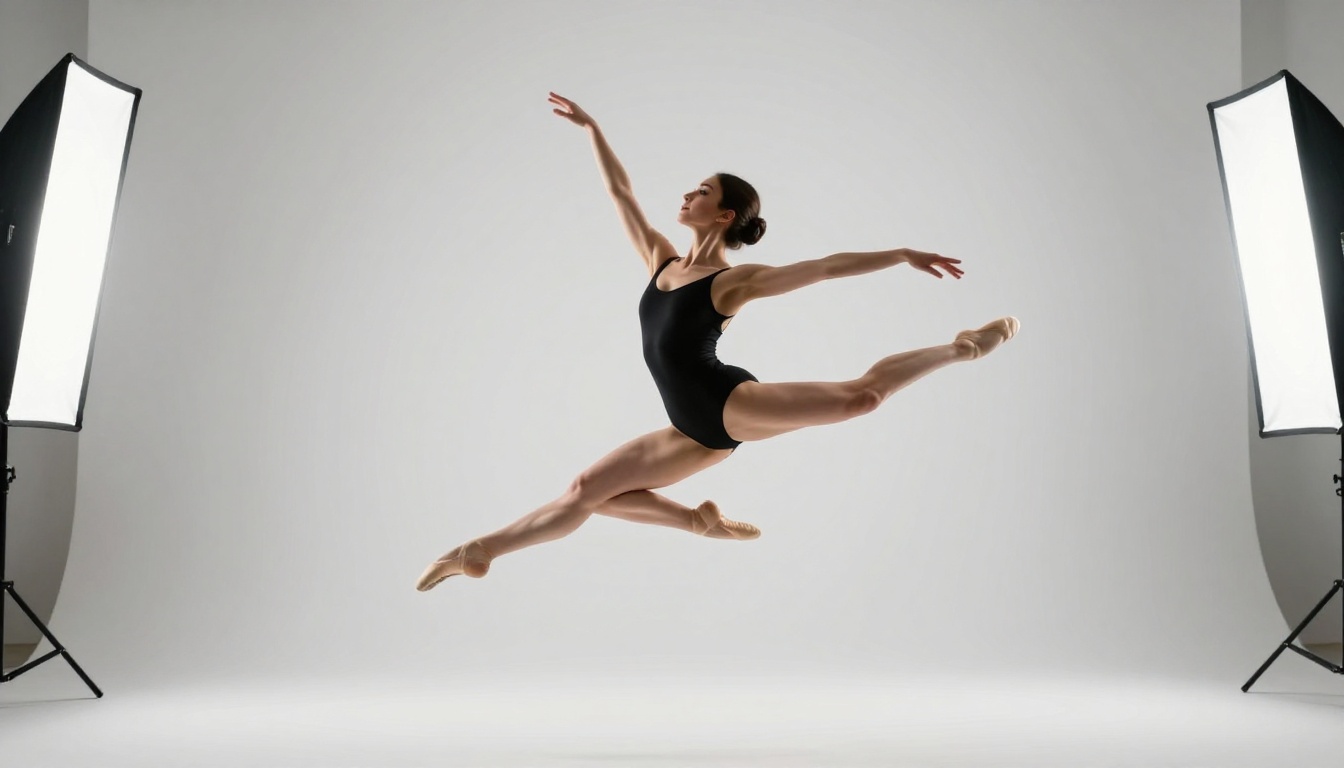
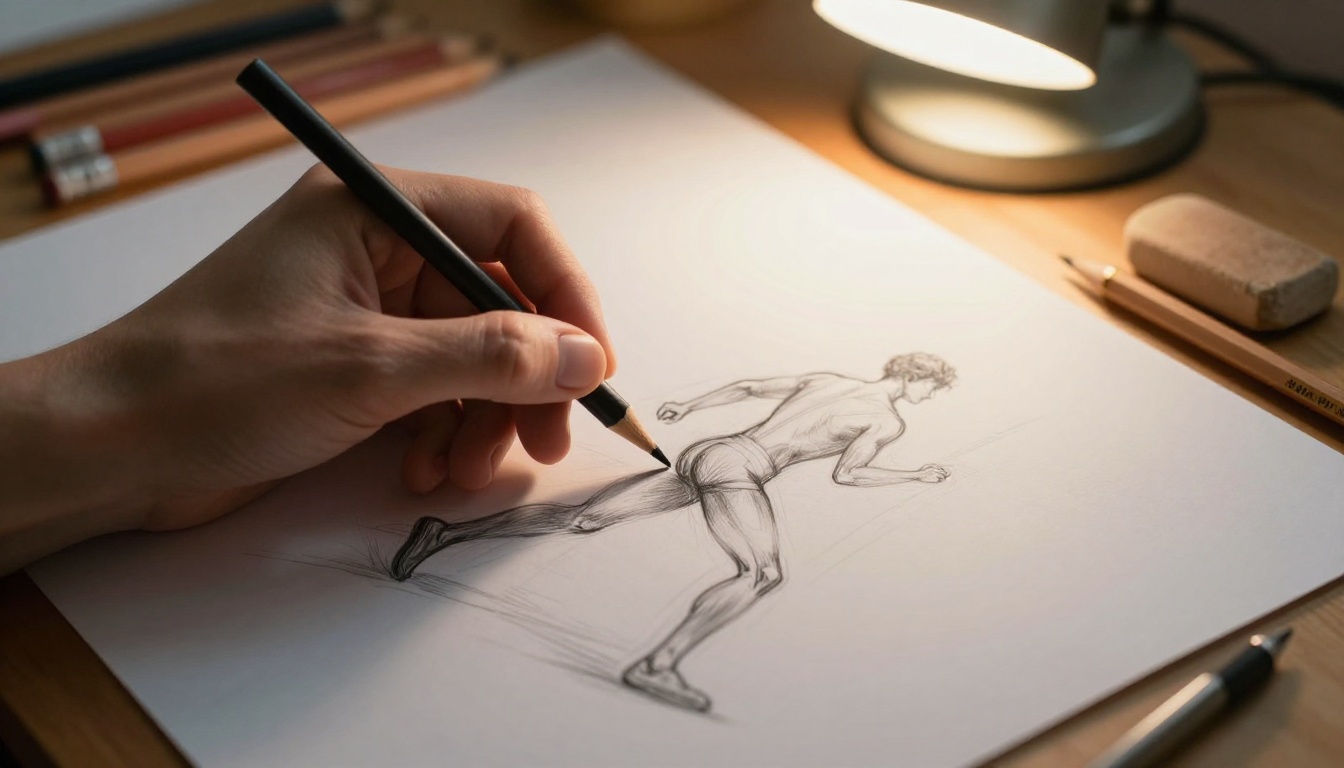
For traditional and digital artists, pose reference has always been a workflow staple. Websites like SenshiStock and services like Line of Action provide human pose references specifically for figure drawing practice. The AI version is more flexible because you can generate poses that do not exist in any stock photo library, at any camera angle, in any lighting condition.
With Qwen Image 2's 3D pose feature, an artist working on character sheets can:
- Set a specific dynamic pose in a 3D mannequin tool
- Export the skeleton as an OpenPose image
- Generate dozens of costume or style variations of that same exact pose
- Use the results as direct drawing references or as final assets
The time savings are significant. A pose reference session that previously required hiring a model or searching stock libraries for the right position can now happen in minutes.
Character Design for Games and Animation
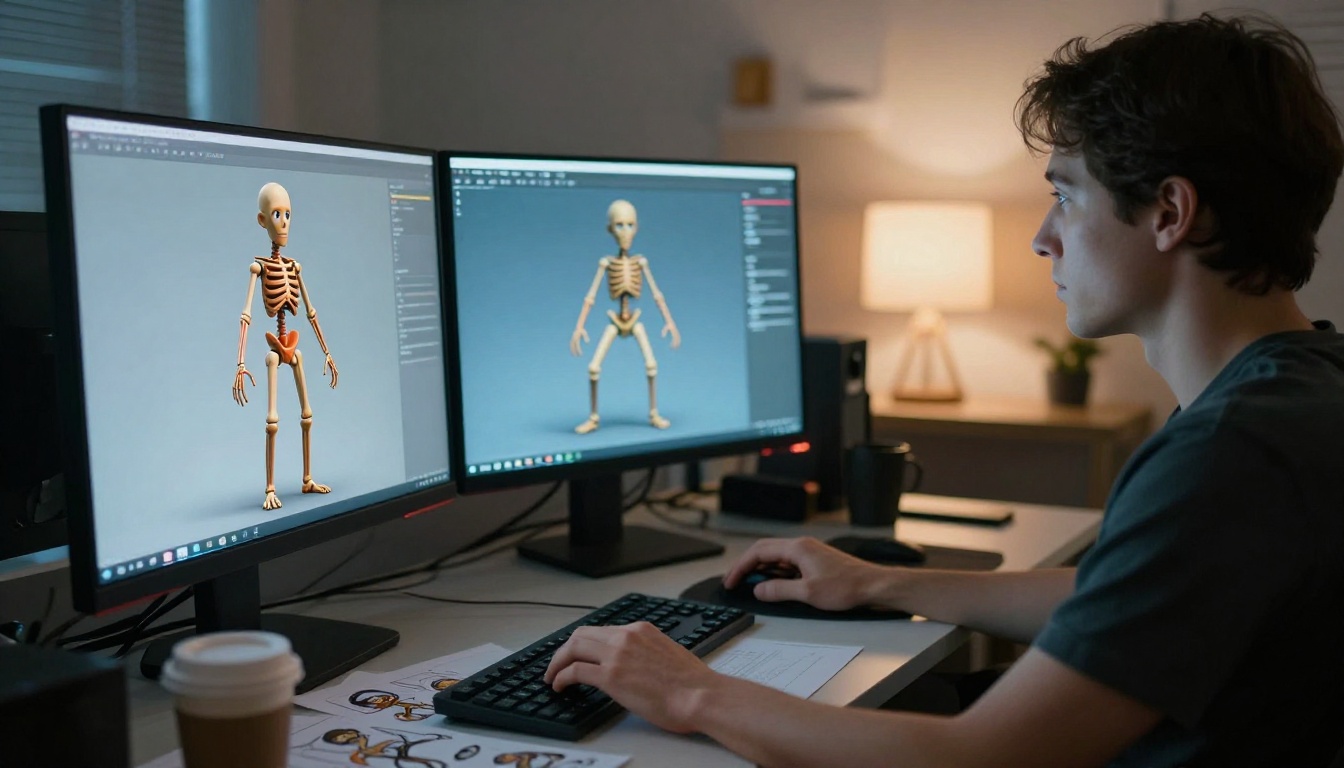
Game character designers work with a fundamental constraint: every character needs to be shown in multiple poses for the game engine. The starting position (usually a T-pose or A-pose for rigging), combat stances, idle animations, and cutscene poses all need concept art.
With pose conditioning in Qwen Image 2, a designer can:
- Build a 3D skeleton for each required pose
- Generate concept art variations quickly with different costumes, lighting, or visual styles
- Maintain consistent proportions across all variations without post-processing corrections
- Export references for the 3D modeling team to work from
The consistency advantage is especially valuable here. When a character's proportions shift between reference sheets, the 3D modeler has to make judgment calls about the "real" proportions. Pose-conditioned generation eliminates this ambiguity.
Posing for Product and Commercial Shots
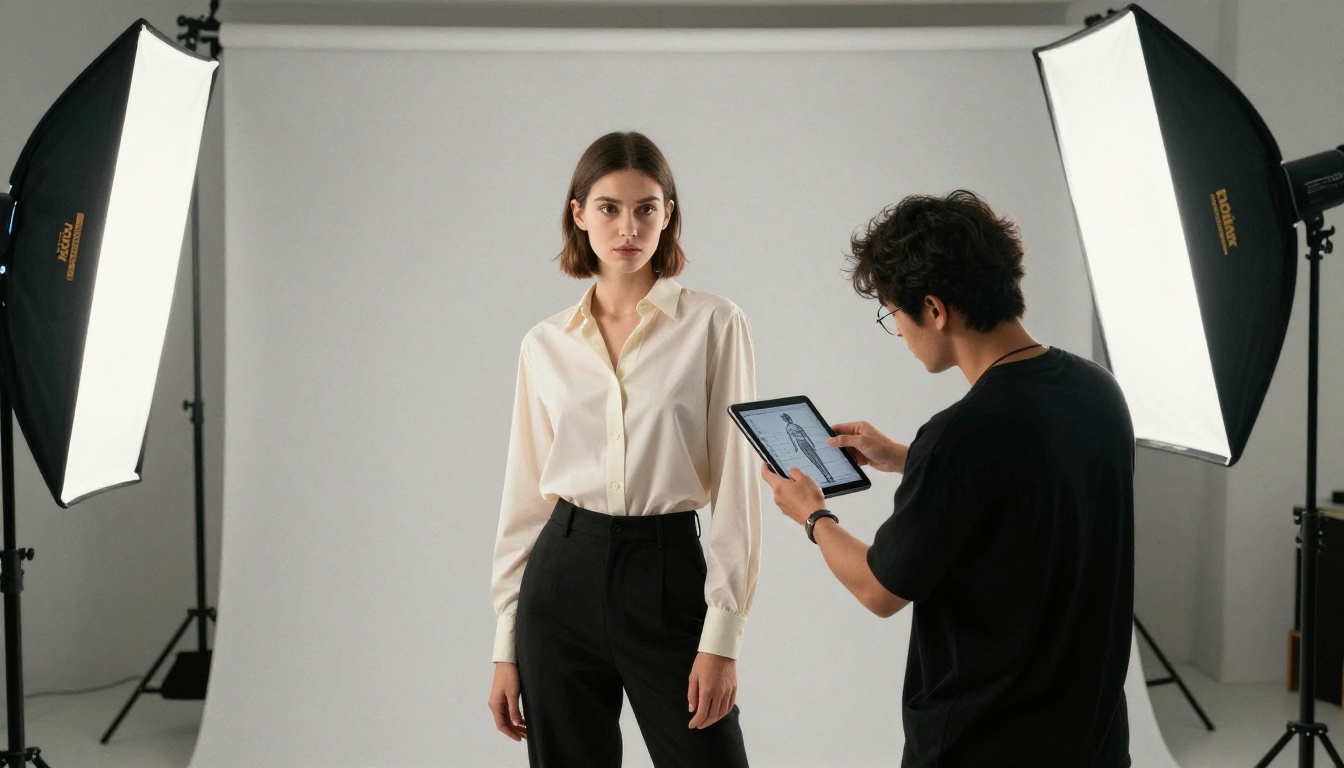
Commercial photographers and advertising designers use this feature differently. When a brand needs to show a product being held or worn by a figure at a specific angle for a specific crop, the traditional workflow requires booking a photoshoot. The AI alternative uses pose conditioning to position a figure exactly where it needs to be in frame, then generates photorealistic clothing or context around it.
This is not a replacement for all product photography. But for initial concept visualization, social media assets, and mockups, the ability to specify figure placement precisely makes AI generation genuinely useful in commercial workflows.
💡 Practical tip: For product-hold poses, position the hand and wrist joints very deliberately in the 3D skeleton. These are the joints most likely to look anatomically wrong without explicit conditioning.
Qwen Image 2 on PicassoIA
Step-by-Step: Using It
PicassoIA gives you direct access to Qwen Image 2 through its text-to-image interface. Here is how to use the 3D pose feature:
Step 1: Prepare your skeleton reference
Open a 3D pose editor such as PoseMyArt, 3D Pose Maker, or Blender with an OpenPose plugin. Position the mannequin into your desired pose and export it as an OpenPose image (the colored skeleton on a black background).
Step 2: Open Qwen Image 2 on PicassoIA
Go to the Qwen Image 2 model page on PicassoIA. You will find the ControlNet or pose conditioning input where you can upload your skeleton image.
Step 3: Write your prompt
Your prompt now only needs to describe the visual elements, not the pose itself. Focus on: character appearance, clothing, environment, lighting, and camera angle.
Step 4: Set parameters
- Aspect ratio: match your intended output (16:9 for wide shots, 1:1 for character portraits)
- Steps: 30 to 50 for best quality
- Guidance scale: 7 to 9 for a good balance of prompt adherence and natural variation
Step 5: Generate and iterate
Because the pose is locked by the skeleton input, iterating is fast. You can change the text prompt without losing your character's position.
What You Can Generate
The range of viable outputs with pose conditioning is wide:
- Action sequences with multiple frames showing the same character moving through a choreographed motion
- Character sheets showing a single design from multiple angles (generate the same skeleton rotated for front, side, and three-quarter views)
- Storyboard panels where character placement in the frame needs to be consistent across scenes
- Social media assets with figures in dynamic, attention-grabbing poses
For the most detailed outputs, Qwen Image 2 Pro is available on PicassoIA. The Pro version handles fine detail more precisely, which matters when your output needs to hold up at large sizes or in print.
The Qwen Image 2512 variant also deserves mention. It improves on facial rendering and text rendering within images, which makes it the right choice when your character design includes close-ups or any in-image typography.
ControlNet Variants
If you want to apply pose conditioning through a different base model, PicassoIA offers multiple ControlNet options that pair structural conditioning with different visual styles:
SDXL ControlNet LoRA combines SDXL's high-resolution output with ControlNet structural conditioning. This model is strong for photorealistic character generation at high resolutions. The LoRA integration means you can also add custom style training on top of the pose conditioning.
SDXL Multi ControlNet LoRA takes this further by stacking multiple conditioning signals simultaneously. You can combine OpenPose skeletal input with Canny edge detection (for precise background structure) or depth maps (for accurate spatial relationships between figure and environment). This is the highest-control option available for complex scenes.
💡 Multi-ControlNet tip: When combining pose and Canny conditioning, keep the pose weight slightly higher (0.6 to 0.8) and Canny lower (0.4 to 0.6) to prevent the edge map from overriding the figure's pose.
For structural conditioning without a full pose skeleton, Flux Canny Pro uses edge detection to preserve the structural composition of a reference image while transforming its style. Flux Depth Pro adds depth map conditioning, which is especially useful for accurately placing figures within three-dimensional environments.
Character Consistency Options
Pose control is about where the body goes. Character consistency is about making sure the same face and physical design show up across multiple images. These are related but different problems, and PicassoIA has tools for both.
Ideogram Character is built specifically for character consistency. It takes a reference appearance and generates that same character in different poses, settings, and situations. When used alongside a pose conditioning model, you can specify both the character's appearance AND their position in the frame.
The workflow for this combination:
- Generate a reference character image with Ideogram Character
- Use the character reference in Qwen Image 2 with a pose skeleton input
- The output maintains the character's visual identity while placing them in your specified pose
Flux Kontext Pro handles this differently. It is an in-context editing model that takes an existing image and applies text-directed changes while preserving the things you do not want to change. For character design work, this means you can take a base character image and change their pose, clothing, or setting without losing consistent facial features.
Flux Dev is also worth having in your rotation when the priority is photorealism at scale. Its strong understanding of human anatomy produces figures with natural proportions even on difficult poses, and it pairs well with skeleton conditioning inputs.

Different tools on PicassoIA serve different parts of the character creation workflow. Here is a breakdown by use case:
The right choice depends on your output goal. If you just need a character in a specific pose with no particular style requirement, Qwen Image 2 is the fastest path. If you are building a consistent character for a comic, game, or series, combining Ideogram Character with one of the Flux conditioning models gives you the best of both worlds.
For artists who want maximum control over every element of the composition, SDXL Multi ControlNet LoRA with stacked conditioning signals gives you the closest thing to drawing with AI. You specify the skeleton, the edges, the depth, and the style separately, then let the model combine them into a single coherent output.
It is also worth pairing pose generation with PicassoIA's Super Resolution tools when you need final-production quality. Upscaling a pose-locked character image 2x to 4x lets you use it in print, large-format displays, or high-resolution game assets without losing the structural accuracy you built into the original generation.
Start Creating Posed Characters on PicassoIA
The addition of free 3D character poses in Qwen Image 2 closes one of the most frustrating gaps in AI image generation. Precise figure placement is no longer a matter of hoping the model interprets your text description correctly. You give it a skeleton, it builds around that skeleton, and you iterate from there with full confidence in the underlying anatomy.
PicassoIA puts all of these tools in one place, with no separate accounts or API setup required. Whether you start with Qwen Image 2 for its new pose feature, Flux Dev for photorealistic outputs, or Ideogram Character for a consistent character across multiple scenes, you have everything you need to move from pose concept to finished image in a single session.
The full catalog is available at picassoia.com/en/all-models. Pick a pose, position the skeleton, write your prompt, and see what your characters actually look like when the anatomy cooperates.