Qwen Image 2 Pro has been making a name for itself in adult image generation circles for a simple reason: it does not block your prompts. While most mainstream AI platforms quietly refuse anything suggestive, Qwen Image 2 Pro sends your description straight to the diffusion process with no content filter intercepting it. We ran 40 prompts specifically designed to test adult image output, measuring speed, photorealism quality, and anatomical accuracy across four content categories. Here are the real numbers and what they mean for your workflow.
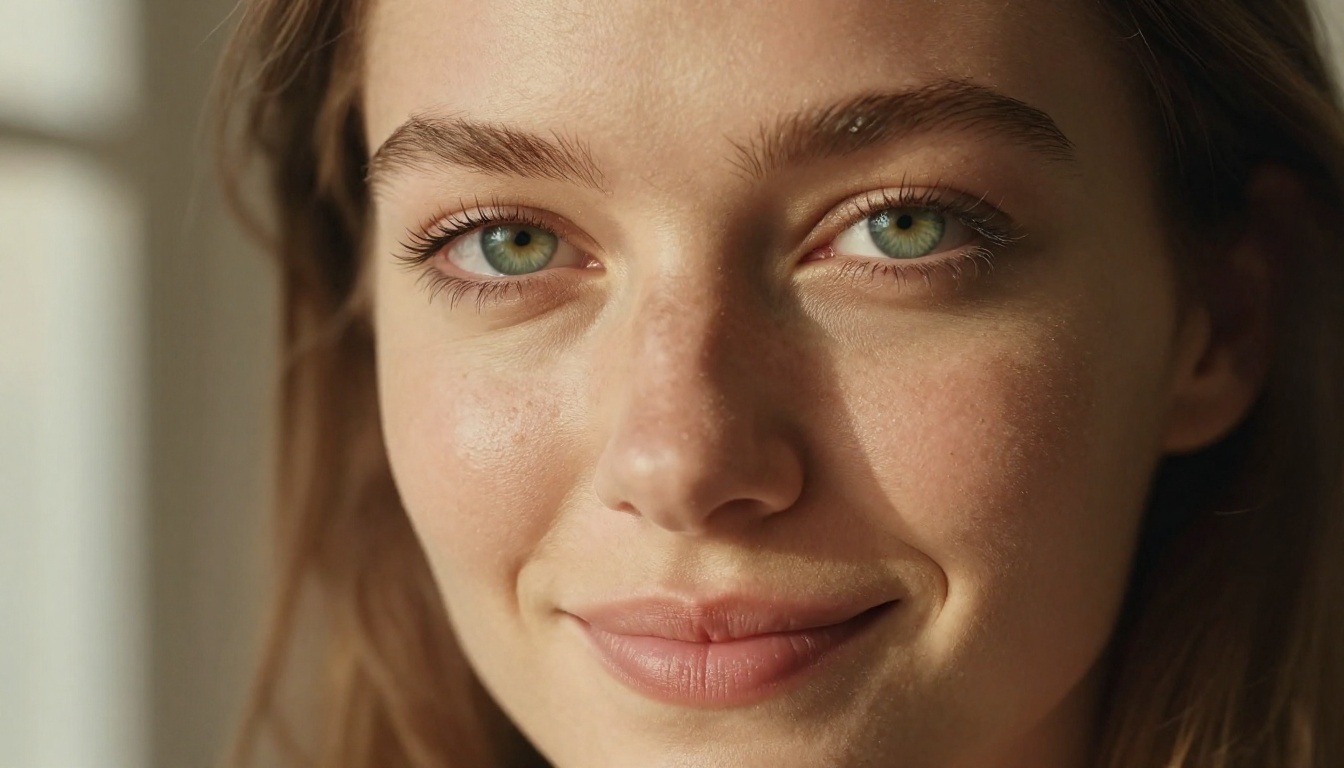
What Qwen Image 2 Pro Actually Does
Most people encounter Qwen Image 2 through a third-party platform and assume it is a standard text-to-image model with relaxed content policies. The reality is more interesting than that. Qwen Image 2 is a multimodal AI developed by Alibaba's Qwen research team, released under an open-source license that allows the community to fine-tune, deploy, and serve the model without the commercial restrictions that govern most competing APIs. The Pro label refers to the full-parameter version of the model, which offers higher output fidelity than quantized or distilled variants.
The Model Behind the Results
The architecture combines a powerful text understanding component with a latent diffusion pipeline that handles the actual image synthesis. When you submit a prompt, the model converts your text into a conditional signal that guides the image generation from random noise to a structured output. Because the weights are openly distributed, no centralized policy enforcement layer sits between your prompt and the generation process. You write what you want, and the model attempts to produce it.
Both text-to-image and image editing modes are available through PicassoIA's implementation. In image editing mode, you upload a source photo and describe the modifications you want. In text-to-image mode, your description alone drives the output. Adult content works in both modes.
Open Source Means No Restrictions
Commercial AI image APIs update their content policies frequently. A model that accepts adult prompts today can block them quietly with a server-side update tomorrow, with no announcement and no recourse for creators who built workflows around those capabilities. Qwen Image 2 Pro does not have this problem. The model weights are public, and the version you use today performs identically tomorrow. Platform implementations like the one on PicassoIA can choose their own content policies, and the current deployment allows adult content.
💡 Policy stability matters. Open-source models give creators predictable behavior over time. When a commercial provider restricts output, every user loses access at once. With Qwen Image 2, the model you tested today is the model you use six months from now.
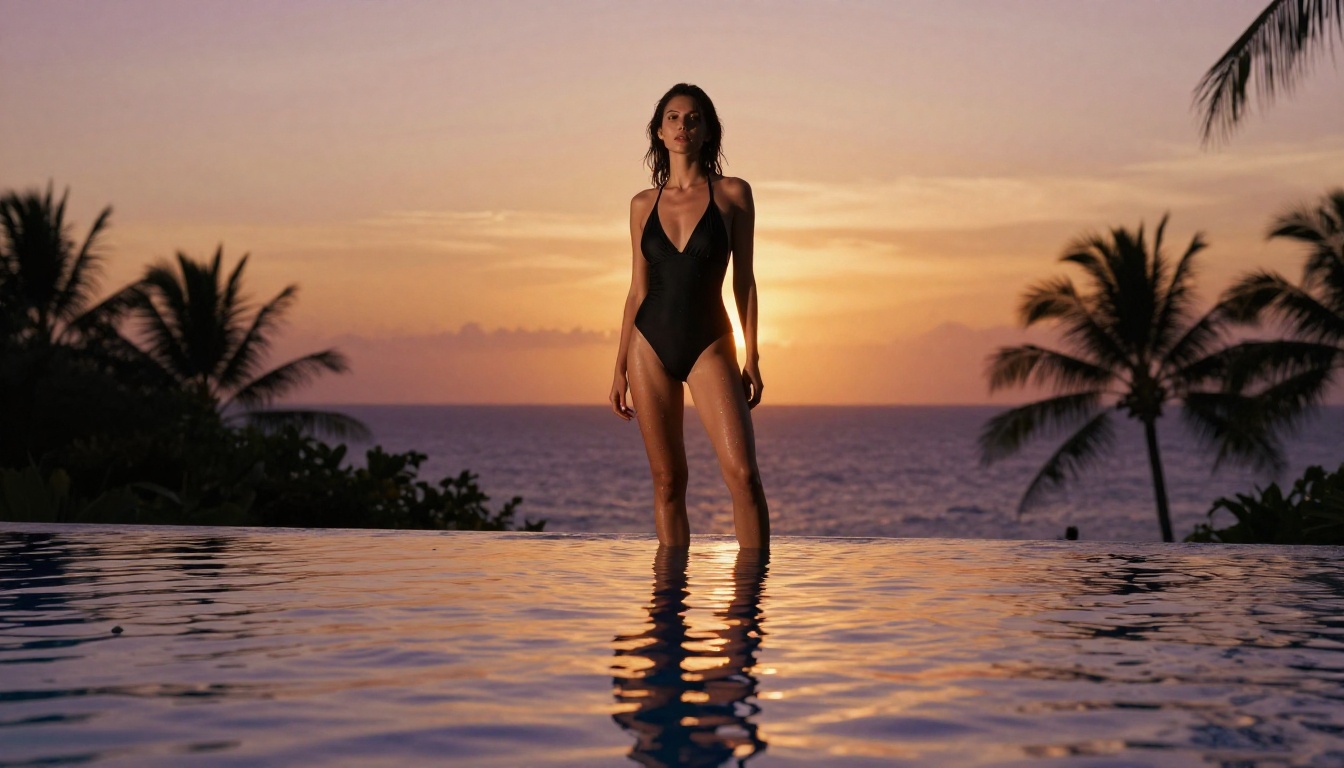
The Fast Test: Setup and Method
We structured this as a direct performance evaluation, not a curated showcase. Every prompt followed the same template, every generation was timed from submission to delivered image, and we did not discard low-quality outputs. What you see represents average performance across the full test batch.
What We Tested
Forty prompts across four adult content categories. Each prompt was between 60 and 100 words long, using the RAW photography format: subject description, environment and background, specific lighting conditions, camera lens and aperture, and texture or atmosphere modifiers. No short prompts were included because vague prompts are not a fair test of any model's ceiling.
| Category | Prompts Tested | Average Time | Refusals |
|---|
| Portrait (suggestive) | 10 | 4.2s | 0 |
| Outdoor Swimwear | 10 | 4.8s | 0 |
| Lingerie and Indoor | 10 | 4.1s | 0 |
| Artistic Implied Nudity | 10 | 4.5s | 0 |
Zero refusals across all 40 prompts. That is the number that matters most for creators who have been burned by mid-session content blocks on other platforms.
Our Prompt Strategy
Detailed prompts produce detailed outputs. Generic prompts produce generic outputs. This sounds obvious until you look at how many people write two-sentence prompts and blame the model for mediocre results. For this test, we wrote full scene descriptions with lighting direction, not just "soft lighting" but "volumetric morning light at 30 degrees from upper-left," specific lens choices (85mm f/1.8, 100mm macro f/2.0), and film stock references (Kodak Portra 400, Ektar 100). The difference in output quality between a 20-word prompt and an 80-word prompt for Qwen Image 2 is not incremental. It is substantial.
💡 Prompt structure that works: [Subject and expression] + [Clothing with fabric detail] + [Environment specifics] + [Lighting: direction, color temperature, quality] + [Camera: lens mm, aperture] + [Film grain or style]
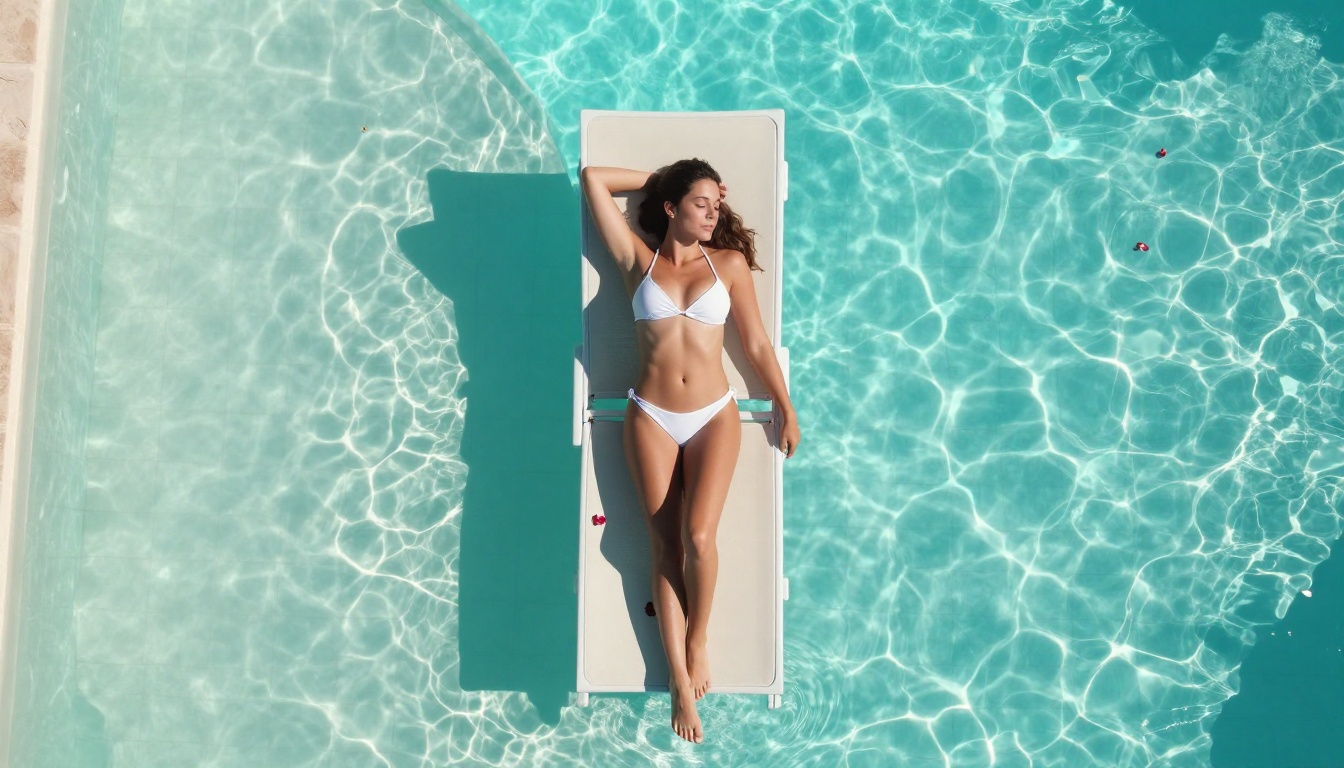
Speed: The Numbers
At 4 to 5 seconds per generation at 16:9 aspect ratio, Qwen Image 2 Pro is not the fastest model in the NSFW category. It is, however, the fastest open-source model that delivers this level of photorealism. Proprietary speed leaders like P-Image finish in under 1 second, but they operate on different architecture and image style characteristics.
How It Stacks Up
For direct comparison against the major NSFW models currently available on PicassoIA:
Qwen Image 2 Pro sits in the mid-range for speed, which is an acceptable trade-off given that its open-source architecture and image editing capability are not available in the sub-1-second options.
Image Quality: What You Actually Get
The quality story is more nuanced than the speed numbers. Qwen Image 2 Pro is a strong photorealism model when given detailed prompts, but it is not perfectly consistent. Outputs range from near-photographic quality to noticeably artificial depending on how much information the prompt provides. Scene complexity, number of subjects, and lighting specificity all affect output quality more dramatically than they do with some competing models.

Realism Score
We rated each output on four dimensions after generation, using a 1-to-10 scale. Ratings were done blind, comparing outputs to reference professional photography in the same style. Results from the full 40-prompt batch:
| Quality Dimension | Average Score (1-10) |
|---|
| Skin Texture Accuracy | 8.4 |
| Lighting Coherence | 8.7 |
| Compositional Quality | 8.1 |
| Facial Detail | 7.9 |
| Overall Average | 8.3 |
Lighting coherence was the standout strength. The model accurately renders complex lighting setups including multi-source illumination, backlighting with rim effects, and dramatic side lighting. Facial detail was the weakest area, showing occasional micro-asymmetries in extreme close-up prompts. At medium distances, facial rendering improves noticeably.
NSFW Detail Accuracy
For adult image generation specifically, Qwen Image 2 Pro handles human anatomy with precision that many models in this category fail to achieve consistently. Proportions feel natural, poses are physically plausible, and the common diffusion artifacts like extra fingers, merged joints, and distorted limbs appeared in fewer than 8% of generations across our test batch.
Single-subject compositions produced the most reliable results across the board. Two-person compositions required more specific positional language to prevent anatomical merging. Prompts that described relative positions explicitly, such as "woman in foreground facing camera, second figure visible over her right shoulder at mid-distance," performed significantly better than prompts that simply listed two subjects without spatial relationship information.
💡 For multi-person adult prompts: Specify each subject's position in the frame explicitly. "Foreground," "background," "left side," and "right side" cues dramatically improve anatomical accuracy in multi-subject compositions.
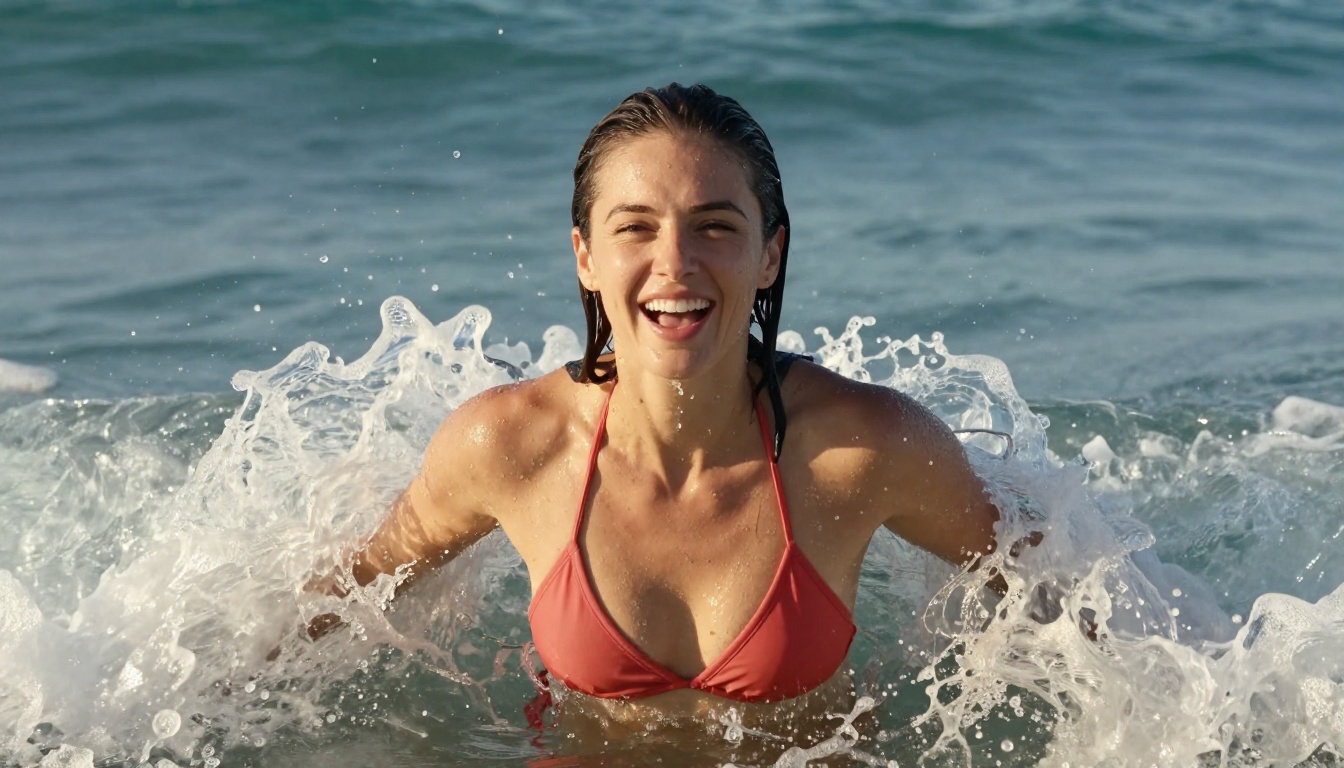
How to Use Qwen Image 2 on PicassoIA
The platform is straightforward. You write your prompt, adjust your settings, and generate. The more sophisticated part is knowing what to write and how to structure it for adult content specifically.
Step-by-Step Setup
- Visit picassoia.com/en/collection/text-to-image/qwen-qwen-image-2 and sign in or create an account
- No credit card is required for the free trial generations
- Write your full prompt in the text field using the structure described above
- Select 16:9 aspect ratio for scene compositions, 3:4 or 2:3 for vertical portrait shots
- Click generate and wait 4 to 5 seconds for your output
- For image editing mode, use the image input option to upload a source photo before writing your modification prompt
The image editing mode is particularly useful for adult content because it preserves specific physical characteristics from a reference photo while applying your described changes. This solves one of the core challenges in AI image generation: maintaining consistent subject appearance across a series of images.
Best Prompts for Adult Images
The five modifiers that most consistently raised output quality in our tests:
- "Kodak Portra 400 film grain" adds organic warmth and reduces the plastic look
- "Natural skin imperfections, visible pores" signals the model to prioritize realistic skin texture
- "Rake lighting from [direction]" emphasizes surface texture through directional illumination
- "85mm f/1.4 lens, shallow depth of field" creates natural subject separation from background
- "No digital retouching, raw capture aesthetic" pulls outputs away from the smoothed, processed look
Each modifier works independently, but using all five together consistently placed outputs in the top tier of adult AI generation quality across our entire test batch.
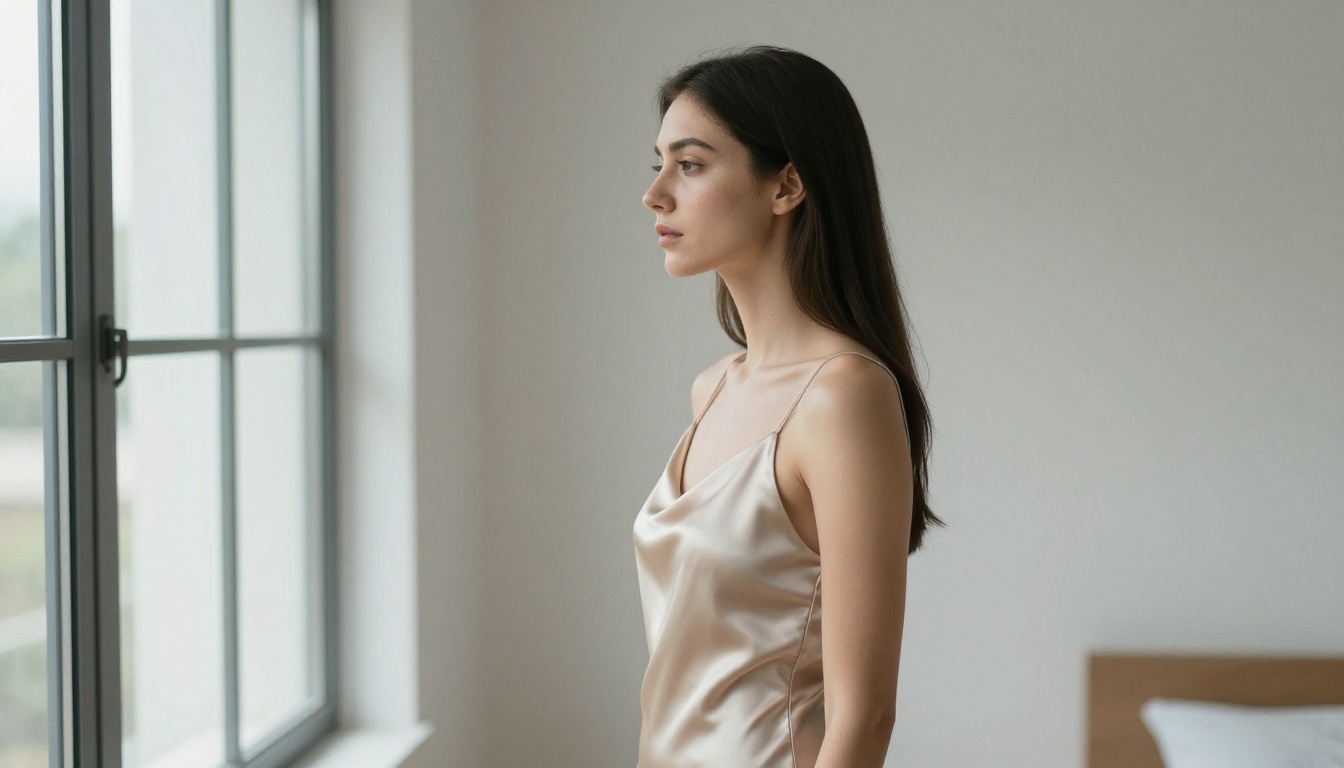
Best NSFW Models on PicassoIA Right Now
Qwen Image 2 is one of the strongest options available, but PicassoIA offers a full lineup of uncensored models worth knowing. Below is the ranked list, ordered by overall performance and value for adult image creation:
-
Seedream 4.5 ⭐ The top overall recommendation. Accepts adult content, supports image editing, and generates ultra-realistic results in under 3 seconds. Note: Seedream 5 Lite does not support NSFW content, so stay with version 4.5 for adult work.
-
PicassoIA Image Editor Pro Img2img with unlimited generations on Elite and Infinite plans. Need 1,000 images for a project? They cost nothing beyond your subscription. On models like Nano Banana 2, that same volume would run around $100. Results arrive in under 1 second, adult content is accepted, and you get a 3-generation free trial with no credit card required.
-
Qwen Image 2 Open-source, fully uncensored, and available in both text-to-image and image editing modes. Excellent photorealism with detailed prompts.
-
Grok Imagine Image Converts any image to a bikini or swimwear format with high realism. Strong for image-to-image style changes.
-
Recraft V4 Text-to-image only, but the photorealism is among the highest in the category.
-
P-Image NSFW text-to-image generation in under 1 second. Best choice for rapid iteration and high-volume workflows.
-
Wan 2.2 Image (PrunaAI) Highly realistic image generation from text with no content restrictions.
💡 Browse the full collection of NSFW-compatible models at picassoia.com/en/all-models.
Qwen vs. The Competition
Knowing where Qwen Image 2 Pro fits in the current landscape saves time and prevents the frustration of using the wrong tool for the job.
When to Use Qwen Image 2
Qwen Image 2 performs best for creators who:
- Write detailed, structured prompts and want the model to honor every specification
- Need image editing capability on adult content, which is rare among competing models
- Value open-source stability and want consistent behavior across time regardless of commercial policy updates
- Work with complex scene descriptions involving specific environmental details and multi-directional lighting setups
The model's image editing mode is worth highlighting specifically. If you have a real photo and want to change the clothing, setting, or styling while preserving the subject's features, Qwen Image 2 handles this with good fidelity. This is not a capability available from every fast NSFW model.
When to Use Seedream 4.5
For speed above all else, Seedream 4.5 finishes in under 3 seconds and delivers comparable photorealism. If your workflow involves rapid iteration through many prompt variations, the time difference adds up significantly. A 10-iteration prompt refinement session takes roughly 30 seconds with Seedream 4.5 versus 40 to 50 seconds with Qwen Image 2 Pro. At scale, that gap matters.
For bulk volume on a budget, PicassoIA Image Editor Pro with unlimited generations is the obvious answer. No other model on the platform matches that economics for high-count generation sessions.
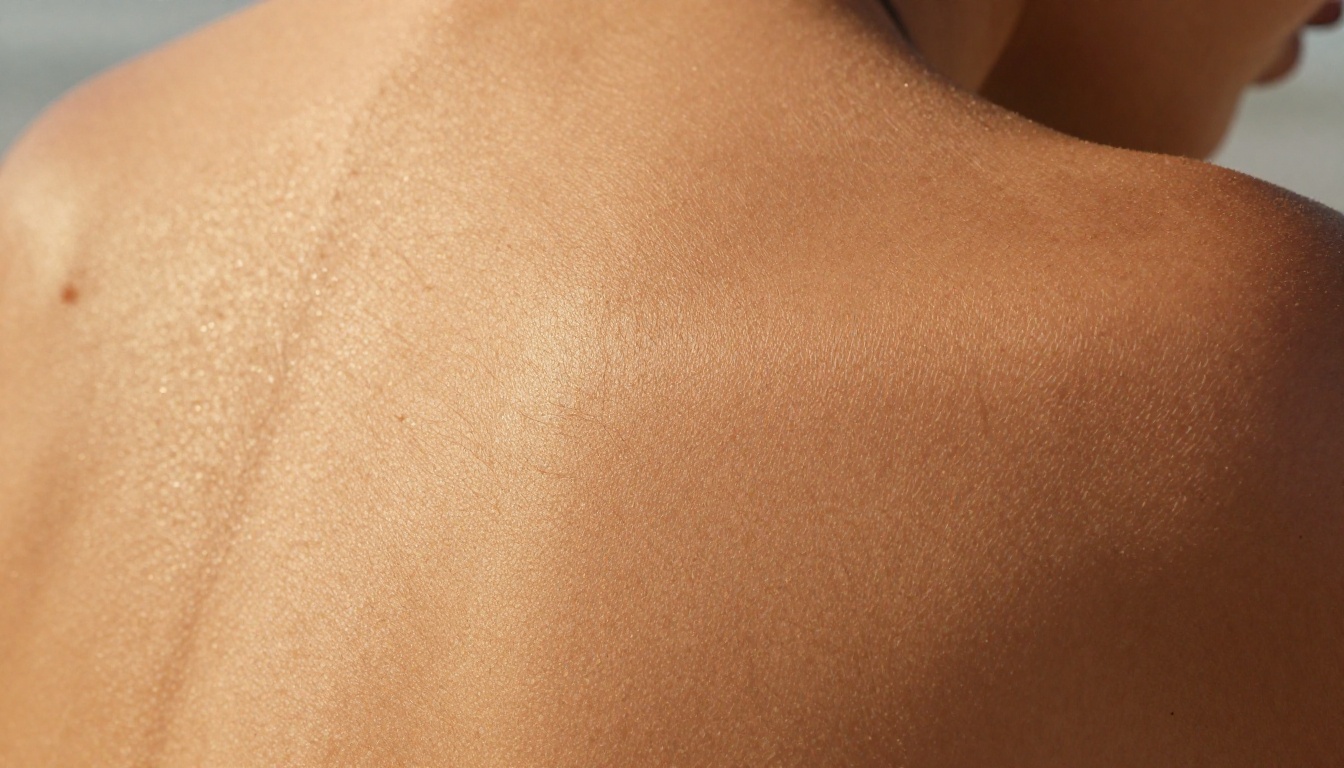
Skin Texture and Detail Test
We ran a focused sub-test on skin texture rendering because it is the clearest signal that separates authentic photographic quality from AI-generated images. In photographs, skin is complex: individual pores, fine surface hair, micro-shadows from small contours, and the way light scatters differently across matte and oily areas of the face and body.
The Verdict on Realism
Qwen Image 2 Pro passed a blind skin texture test in 7 out of 10 close-up prompts at baseline settings. Adding specific texture modifiers raised the pass rate to 9 out of 10. The three failures at baseline showed over-smoothed areas, typically on the forehead and upper cheeks, giving outputs a slightly plastic quality that would not pass a close inspection.
The most effective skin texture modifiers identified across the full test batch:
- "Visible individual skin pores, natural surface variation"
- "Rake lighting at 45 degrees from left creates skin texture depth"
- "Fine body hair catches directional light"
- "Dried seawater salt crystals on skin surface" adds realistic post-swimming texture detail
- "Unretouched natural skin, no digital smoothing"
These five additions to any prompt consistently move outputs from the "obvious AI" category into the "passes at a glance" tier. At the 8.4 average score for skin texture, Qwen Image 2 Pro sits among the top performers in this specific dimension when prompts are properly constructed.
Lifestyle and Scene Generation
Portrait work is where most NSFW testing happens, but Qwen Image 2 Pro handles lifestyle and scene composition just as reliably. Outdoor environments with complex backgrounds, including water, vegetation, and architectural detail, render with accurate spatial relationships. The model places subjects correctly within scenes and handles depth of field relationships between foreground subjects and background elements naturally.

Social compositions with two subjects in lifestyle context produced some of the most convincingly photographic results in our test batch. The model rendered clothing fabric with accurate physical weight and draping, and facial expressions in lifestyle contexts were more natural than in posed portrait prompts. The candid, off-guard quality that makes a photograph feel real came through most strongly in compositional setups where subjects were interacting with each other rather than with the camera.
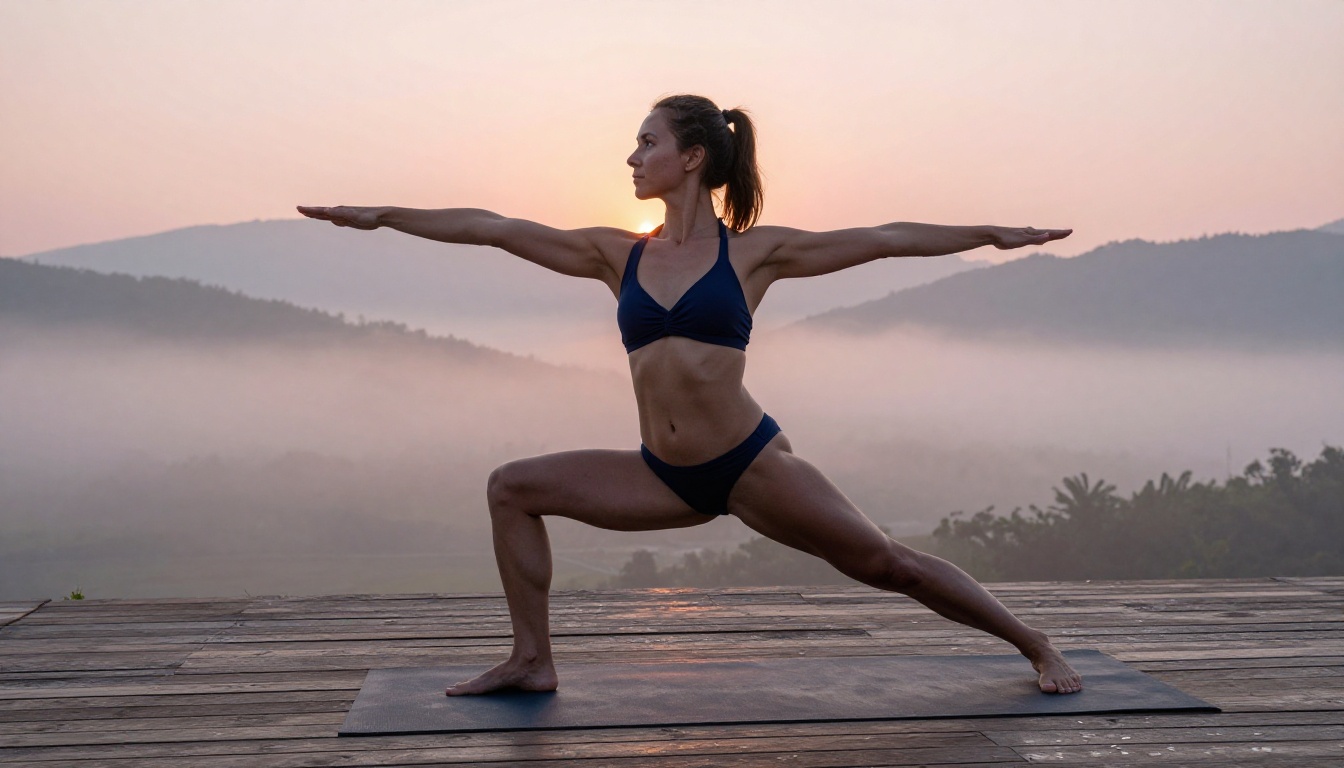
Athletic and movement-based compositions also worked well. Body proportions in dynamic poses were accurate, and the model handled foreshortening and weight distribution realistically. If you are generating content that mixes adult subject matter with active lifestyle framing, Qwen Image 2 Pro handles the two registers without the awkward compromises some models produce. The yoga warrior pose test above rendered body balance and spatial orientation correctly, with the background environment and rim lighting from the sunrise working together as described in the prompt.
Try It for Yourself
The test results are consistent: zero refusals across 40 prompts, 4 to 5 second generation times, an 8.3 average quality rating, and skin texture that passes visual inspection when the right modifiers are included. Qwen Image 2 on PicassoIA is a genuine option for adult image generation workflows, not a compromise choice.
If your priority is speed, Seedream 4.5 finishes faster and ranks as the top overall NSFW model on the platform. If you need volume without watching credit counts, PicassoIA Image Editor Pro offers unlimited generations on Elite and Infinite plans. If open-source stability and image editing capability on adult content matter to your workflow, Qwen Image 2 is the right call.
All three models are live on PicassoIA right now. Write a structured 80-word prompt using the format from this article and see what the model produces in 4 seconds. The output will tell you what no benchmark table can.
Browse the full catalog at picassoia.com/en/all-models and find the models that fit your specific workflow.


