If you've spent time trying to get clean, conversion-worthy product shots from a text-to-image model, you already know how badly most of them fail. Blurry textures, weird reflections, color shifts on packaging, garments that droop wrong. Qwen Image 2 Pro attacks these problems differently. Built by Alibaba's Qwen team with a focus on visual fidelity and instruction following, it produces product-grade results that rival controlled studio setups, without a lightbox, a DSLR, or an afternoon of re-shoots.
This article breaks down exactly what the model does well for e-commerce contexts, which product categories it handles best, and how to run it inside PicassoIA alongside purpose-built product tools that push the output even further.
What Qwen Image 2 Pro Actually Does
Qwen Image 2 Pro is a vision-language model built with a unified architecture that processes images and text together during generation. That matters for product photography because you can describe a product in natural language and get an image that follows your instructions with near-literal precision, even when those instructions involve specific textures, surface materials, backgrounds, and lighting conditions.
The model doesn't just interpret your prompt loosely and return something aesthetically pleasing. It treats the prompt as a specification, which is exactly what product photography requires. Every detail you include in the prompt has a direct effect on the output, and details you omit are filled in conservatively rather than creatively.
The Rendering Engine Behind It
The Pro variant scales up Qwen's base model with higher parameter counts and more rigorous fine-tuning on visual quality feedback. The practical result is stronger physical accuracy in surface rendering. Reflective and transparent materials, both of which break most AI models, perform substantially better here.
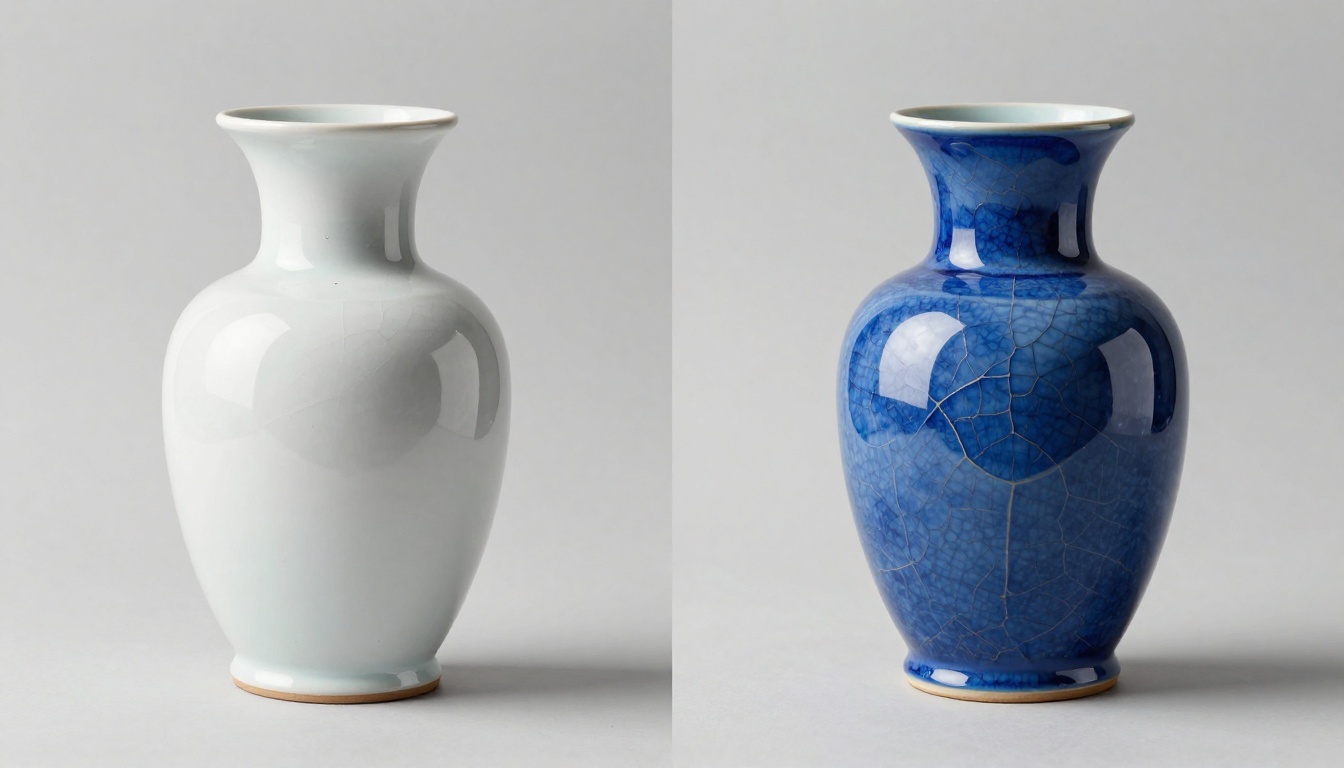
Glass bottles, chrome hardware, glossy packaging, and polished metal surfaces all render with behavior that matches real-world optics. Light passes through transparent materials correctly. Metals show directional specular highlights rather than uniform ambient glow. This is the difference between an image that looks AI-generated and one that passes for controlled studio photography.
Where It Beats Older Models
| Capability | Generic Models | Qwen Image 2 Pro |
|---|
| White background accuracy | Often grey or off-white | True neutral white |
| Reflective surfaces | Artificial glare or noise | Physics-based reflection |
| Text on packaging | Hallucinated or blurry | Cleaner with explicit prompting |
| Color fidelity | Warm shift common | Accurate to prompt specification |
| Instruction following | Loose interpretation | High literal accuracy |
| Material texture detail | Generic surface renders | Specific grain, weave, pore structure |
The gap is biggest on transparency, color accuracy, and instruction following. These are the three things that matter most when a shopper is comparing product photos before buying.
Why Product Photography Is a Different Problem
Most AI image generation is optimized for creative output. The evaluation criterion is "does this look good?" For e-commerce, the criterion is different: "does this look exactly like the product, under controlled conditions, with a background the store can actually use?"
Creative flexibility is a liability in catalog photography. A model that "interprets" your product description and adds its own artistic direction produces unusable listing images. Qwen Image 2 Pro's value in this context comes directly from its low creative deviation and high specification adherence.
What Stores Actually Need from AI
Online retailers need a specific set of characteristics that creative AI often deprioritizes:
- Neutral, clean backgrounds (pure white or light grey for most marketplace platforms)
- Accurate color rendering so customers aren't surprised when the product arrives
- Consistent lighting conditions across catalog pages so products feel cohesive
- High detail fidelity on textures, stitching, surfaces, and packaging
- Reliable reproduction so re-running the same prompt gives a similar result
- Scalable throughput without a studio booking per SKU
Qwen Image 2 Pro delivers on each of these more reliably than general-purpose models. The instruction-following architecture means your prompts translate into precise visual specifications rather than loose approximations that require multiple regenerations to hit the target.
The White Background Challenge
Pure white product backgrounds are deceptively hard for AI models. Most drift toward off-white, cream, or light grey because they've learned that pure white backgrounds in training data often indicate blown-out or overexposed images, not clean backdrops. The result is product images that require a correction pass before upload to any marketplace with background color requirements.
Qwen Image 2 Pro's fine-tuning corrects for this drift. When you specify a white seamless background, you get actual white. No editing pass needed before uploading to Amazon, Shopify, Etsy, or any major platform.
Real Results by Product Category
Different product types stress-test AI generation in different ways. Here's where Qwen Image 2 Pro performs, broken down by the categories that drive most e-commerce volume.
Fashion and Apparel
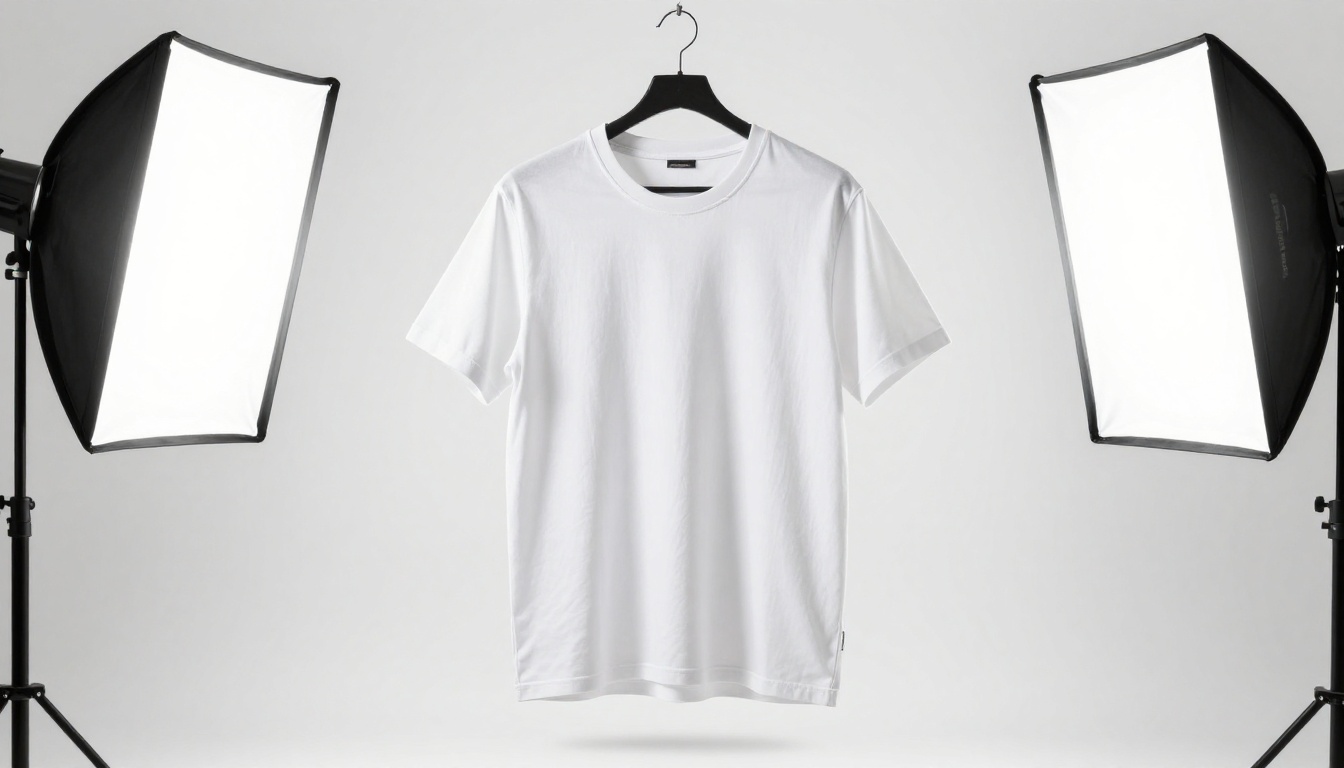
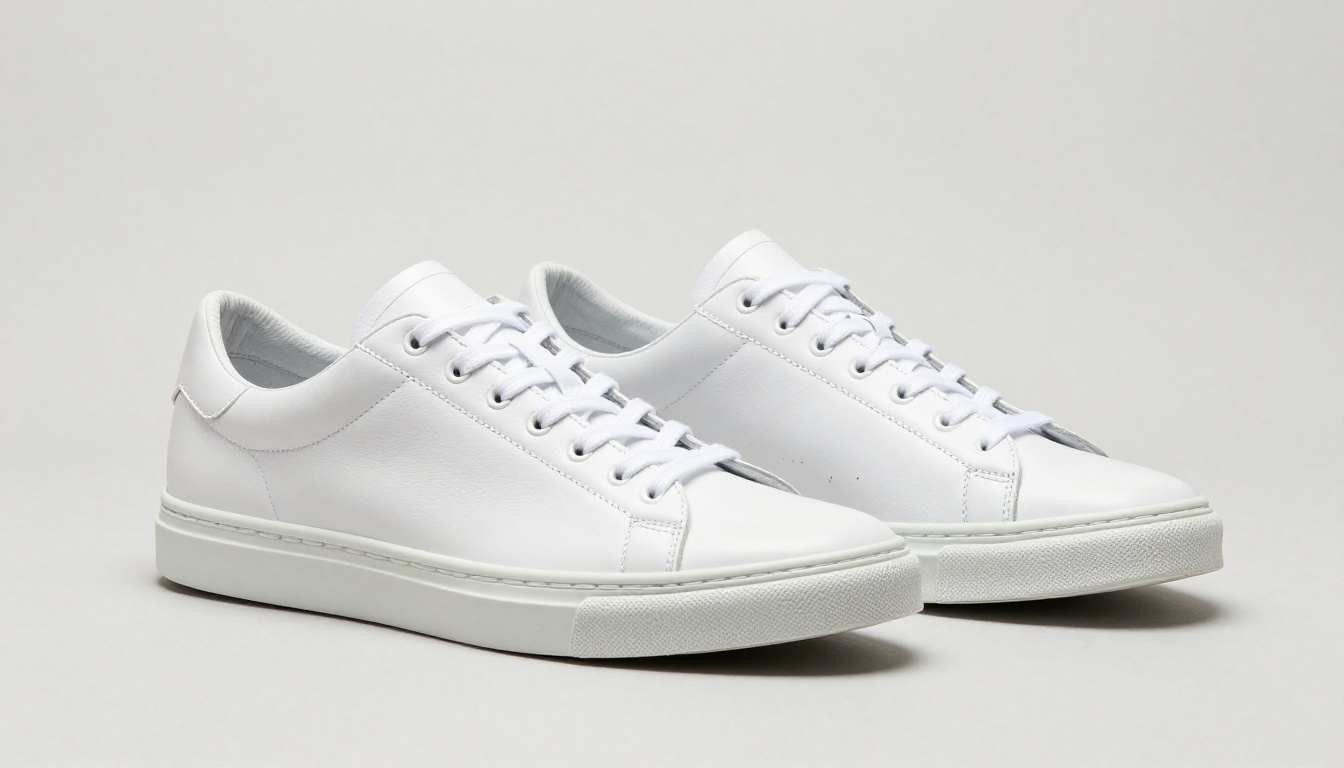
Apparel is one of the hardest categories for AI. Fabric drape, seam construction, color accuracy under studio lighting, and consistent ghost-mannequin presentation all require precise rendering. Qwen Image 2 Pro handles cotton, denim, and leather textures with visible grain and weave structure at the surface level.
The model maintains consistent sizing relationships between garment elements. Collar proportions, sleeve widths, and hemline lengths stay physically plausible rather than drifting into the distorted proportions that appear when a model interprets silhouette loosely.
💡 Tip: Include fabric composition in your prompt ("100% cotton jersey with visible ribbed collar seam") to push detail fidelity. Vague prompts get vague fabric.
Electronics and Tech
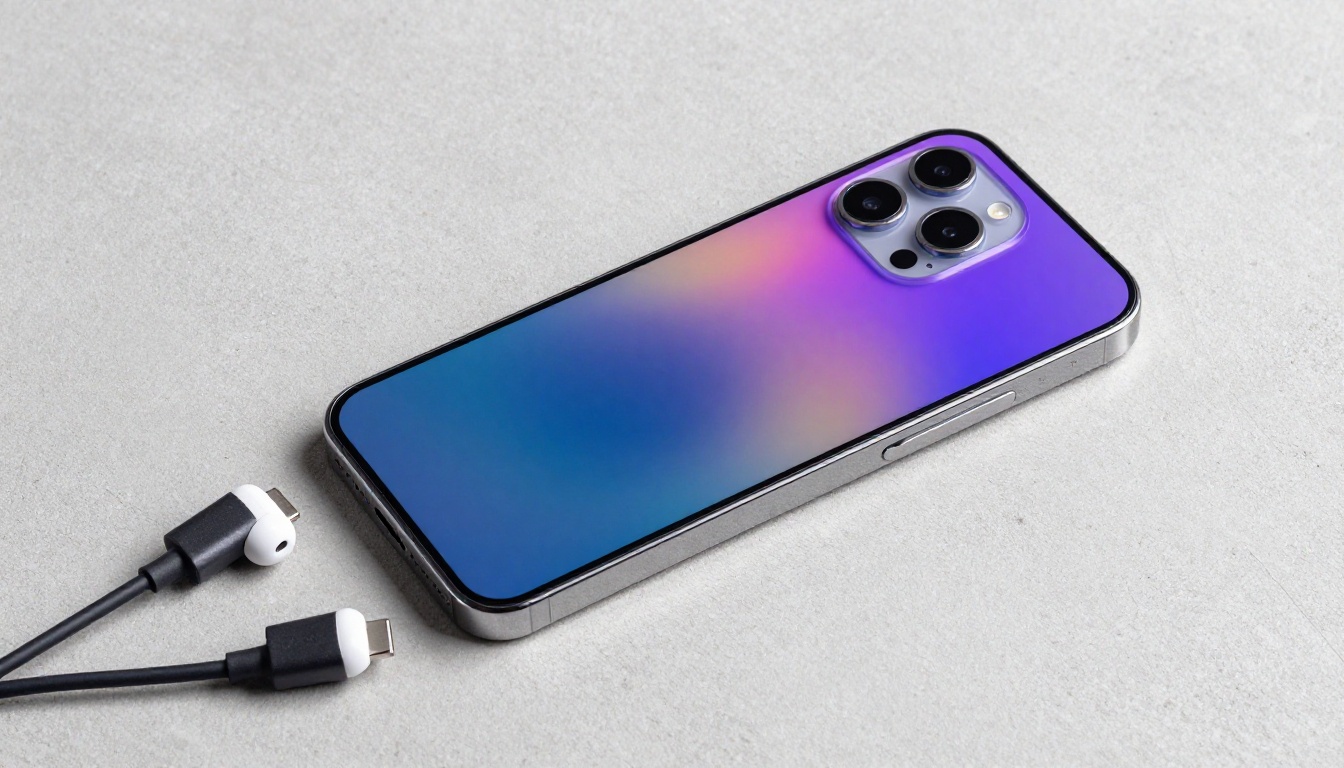
Electronics demand two things AI consistently struggles with: precise geometry and accurate surface rendering on complex materials. Qwen Image 2 Pro's instruction-following makes it possible to specify camera positions precisely (top-down, three-quarter, straight-on) and get exactly that angle without the perspective distortions that appear in other models.
Screen content and reflections are still inconsistent across generations, but the model renders bezels, camera modules, speaker grilles, and button textures with fidelity that works for product listing images. For electronics, the main win is geometric accuracy on the product body itself.
Food and Packaging
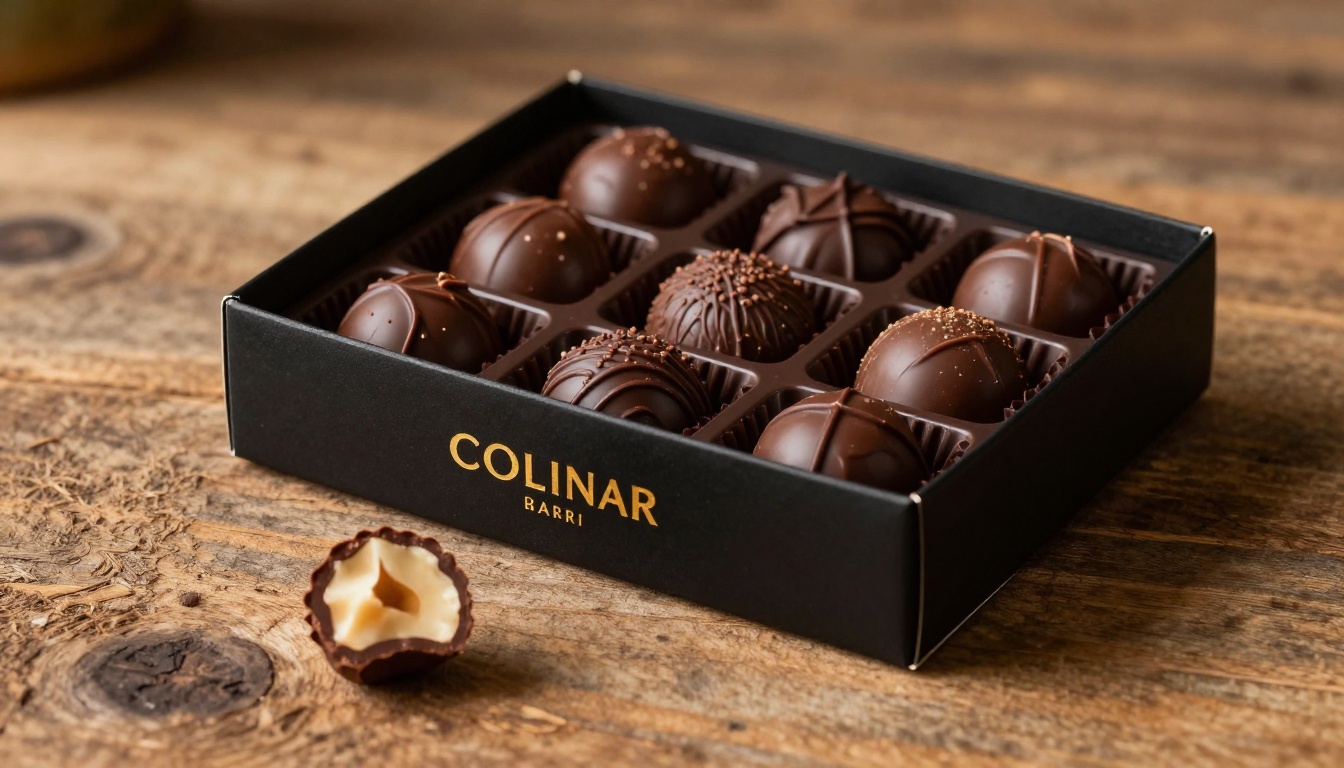
Packaging typography has always been notoriously difficult for AI. Most models hallucinate text or render it as blurry decorative noise. Qwen Image 2 Pro handles packaging better than most alternatives, particularly when you specify "legible text, minimal words, in English." For generic packaging representations without specific brand copy requirements, the results are genuinely usable for catalog purposes.
Food textures work well here, particularly cut cross-sections, glossy coatings, and layered compositions. The model renders depth in food products accurately, which is the primary visual challenge in appealing food photography.
Beauty and Cosmetics
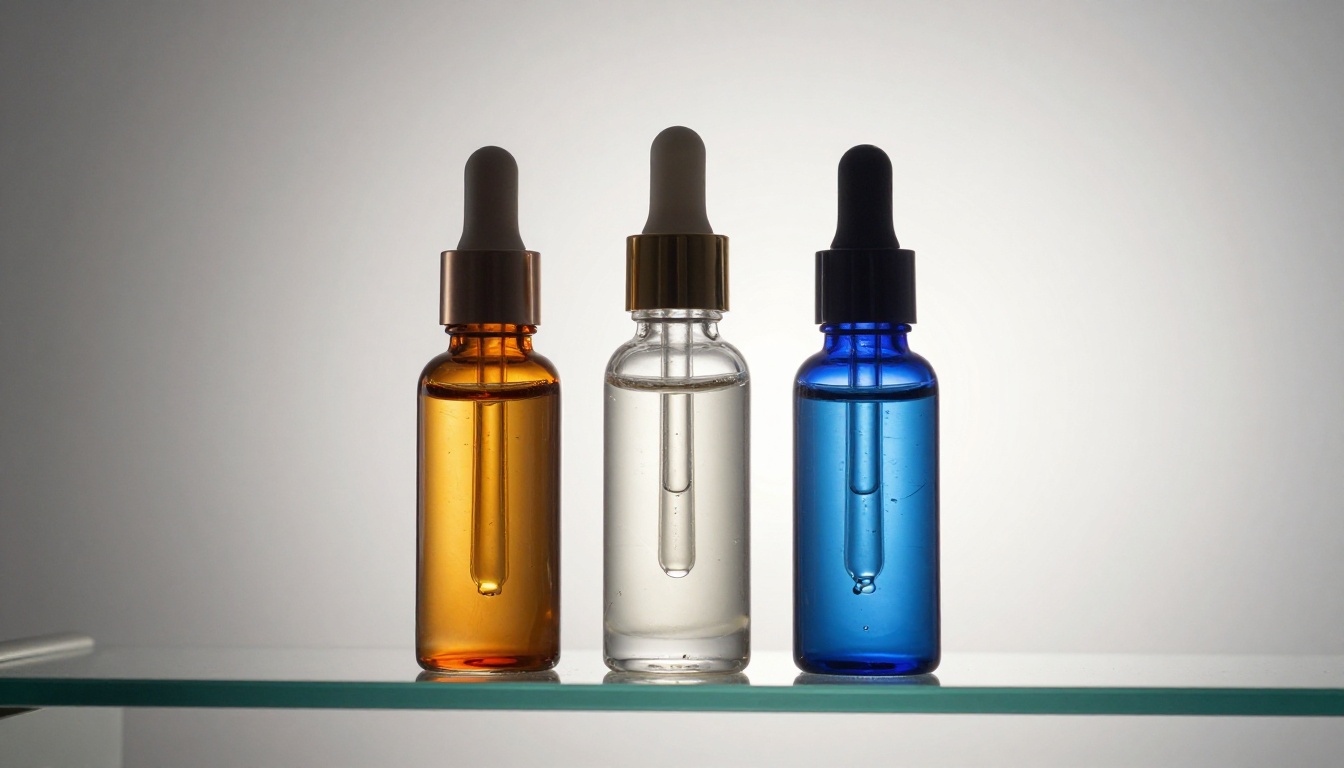
Cosmetics photography lives and dies on surface quality. Matte formulas, glossy lacquers, metallic cases, glass dropper bottles, and velvet-finish packaging all require different light-to-surface interactions. Qwen Image 2 Pro's physically accurate rendering makes it particularly strong in this category.
Glass serum bottles with colored liquids are a reliable benchmark for any image model. Qwen Image 2 Pro renders light refraction through colored glass correctly, showing the internal color against an external specular highlight rather than blending them into a muddy intermediate tone.
Jewelry
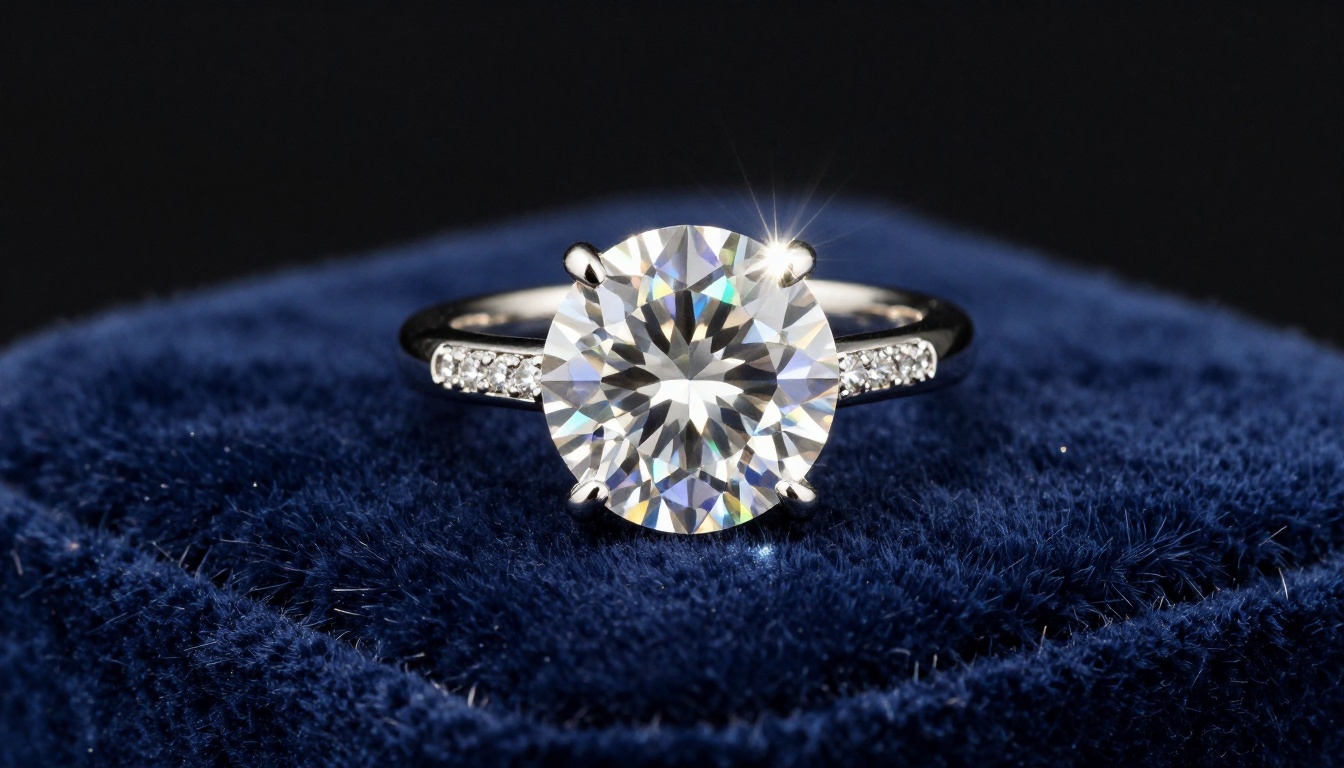
Jewelry is the hardest product category for any AI model. Diamonds need light dispersion, metals need accurate directional specularity, and small-scale details like prong settings and stone facets must render at macro-level detail. Qwen Image 2 Pro handles gemstone rendering better than expected. Diamonds show prismatic light scatter rather than uniform white blobs. Metal surfaces show directional highlights that shift based on the specified lighting position.
High-detail jewelry still benefits from extremely explicit prompts about lighting setup. The model follows lighting specifications more faithfully than most alternatives, which means your prompt investment translates directly into output quality.
💡 Tip: For jewelry, specify "single overhead spotlight, macro lens, velvet surface, high contrast shadows." Generic lighting descriptions produce generic jewelry renders.
How to Use Qwen Image Edit on PicassoIA
PicassoIA offers Qwen Image Edit, a direct implementation of Qwen's image model that accepts both text prompts and existing product images for editing and regeneration. Here's how to run a complete product shot workflow.
Step-by-Step Workflow
Step 1: Define the shot type. Decide whether you're generating from scratch with a text prompt or editing an existing product image. The model handles both, but text-only generation is faster for high-volume catalog work where you don't have source photos yet.
Step 2: Specify the environment in detail. Describe the background, surface, and lighting in precise terms. "White seamless background, single overhead softbox, no cast shadows" produces a clean catalog shot. "Light grey cement surface, directional lighting from upper-left at 45 degrees" produces a lifestyle-adjacent look with more visual depth and context.
Step 3: Add surface and material descriptors. Describe the product's surface properties explicitly: "brushed aluminum with a matte satin finish," "glossy lacquer with visible depth and reflection," "rough-hewn walnut grain with open pores." These modifiers directly determine how each surface renders under your specified lighting. Skip them and the model fills in its own interpretation.
Step 4: Iterate with targeted changes. When a result is close but not quite right, change one variable at a time. Lighting first (biggest visual impact), then surface descriptors (second biggest), then composition. Changing everything at once makes it impossible to identify what fixed the issue.
Best Prompts for Product Shots
These prompt structures consistently produce strong results in Qwen Image Edit:
For clean catalog shots:
[Product] on a white seamless background, single overhead softbox light, no harsh shadows, [camera angle] lens, photorealistic, 8K, RAW photography style, no illustration
For lifestyle-adjacent shots:
[Product] on a [surface material] surface, [background description], [lighting setup with position and quality], [camera angle and lens], photorealistic, 8K, RAW photography style, film grain
For cosmetics and glass:
[Product] on a frosted glass surface, pale grey gradient background, ring light from front, narrow strip light accent from camera-left, 85mm f/2.8 low angle, photorealistic 8K RAW
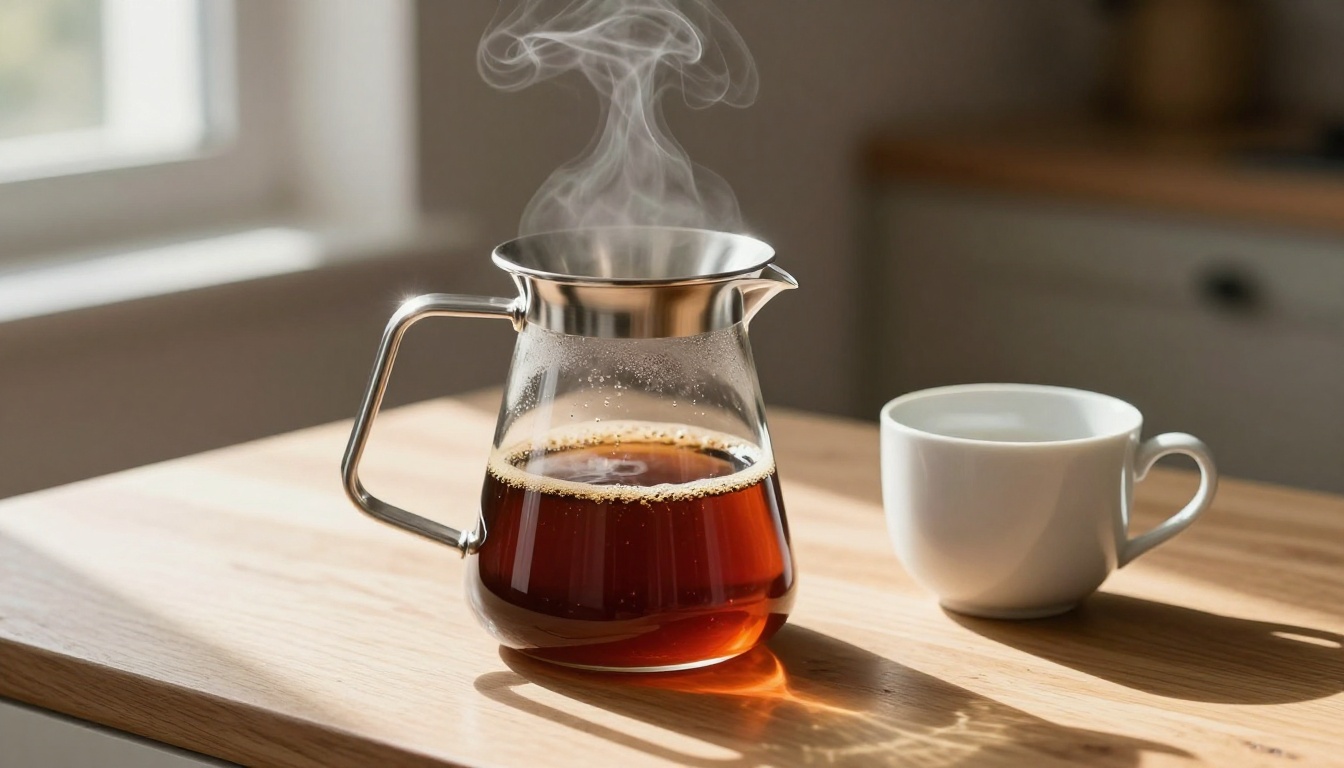
Qwen Image Edit generates the shot. These three specialized tools refine it into fully catalog-ready output without sending anything to an external editor.
Product Cutout for Clean Backgrounds
Product Cutout removes backgrounds with precision optimized specifically for product shapes. Unlike general-purpose background removers that struggle with semi-transparent packaging, fine jewelry chains, or mesh fabrics, this model is trained on product categories and handles edges accurately.
Run your Qwen-generated image through Product Cutout to get a clean transparent-background PNG, ready for any marketplace template, landing page, or catalog PDF. The edge quality on complex product shapes is meaningfully better than generalist tools, particularly around thin straps, cables, and delicate jewelry.
Product Shadow for Depth
A flat product cutout on a white background looks unfinished without any surface connection. Product Shadow adds a physically accurate drop shadow or ground shadow beneath the product, giving it visual weight and the impression of sitting on a real surface.
The shadow style (soft diffused vs. hard directional), intensity, and color temperature can all be adjusted to match your catalog's visual direction or the season's aesthetic requirements.
💡 Three-step workflow: Qwen Image Edit generates the shot, Product Cutout removes the background, Product Shadow adds the finishing grounding effect. Three tools, studio-quality result, no studio required.
Product Packshot for Professional Output
Product Packshot generates the standardized packshot format required by major retailers: clean white background, centered product, consistent neutral lighting. Feed it your source image and it normalizes the output to professional packshot specifications automatically.
This is most valuable when you need consistent visual style across a large catalog where individual custom lighting per product would create inconsistency. Packshot-format consistency improves how product pages look side-by-side on collection pages and search results.
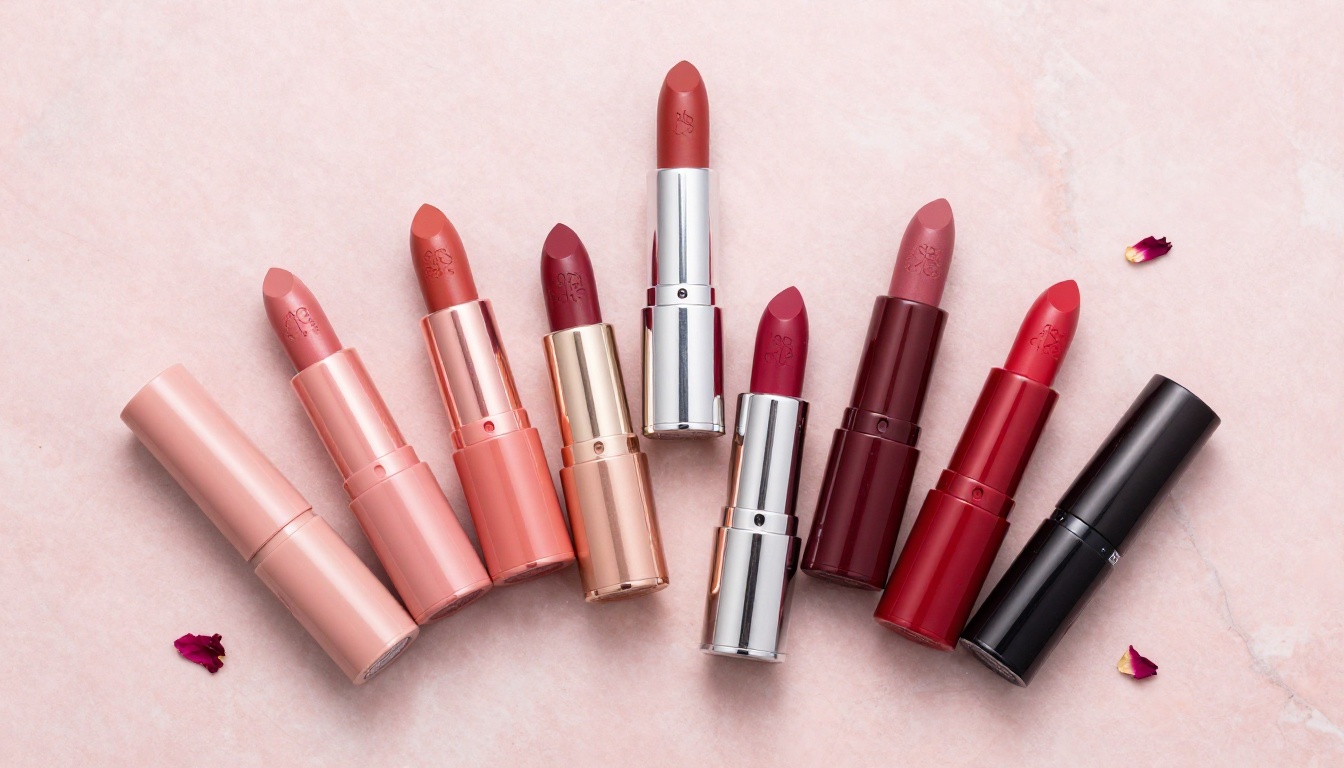
Beyond these three product-specific tools, P-Image is worth using for fast prompt iteration. It generates in under a second, making it useful for testing lighting and composition concepts before committing to a higher-fidelity Qwen generation. Flux Pro handles lifestyle-adjacent product shots where the environment context matters as much as the product itself.
For catalog variations on an existing approved image, where you need different background options or seasonal styling changes while preserving the product, Flux Kontext Fast generates accurate edits that maintain product identity while changing context. Flux Fill Pro handles more substantial background replacements on existing photographs with strong edge quality.
Qwen Image 2 Pro vs. Other Models
The practical comparison here isn't about which model is universally superior. It's about which model is better matched to specific e-commerce photography use cases.
Speed and Throughput
Qwen Image 2 Pro isn't the fastest option. P-Image generates in under a second. Flux Pro sits in the mid-range. Qwen Image 2 Pro operates in roughly the same time range as Flux Pro but with higher prompt fidelity per generation.
For a catalog of 50 SKUs, the difference between "acceptable on first generation" and "needs three iterations" is significant in total production time. Qwen's precision frequently wins the actual-time comparison despite per-image generation times being similar. Fewer retries offsets the generation speed gap.
Color Accuracy in Practice
This is where the model distinguishes itself most clearly for retail use. E-commerce return data consistently shows color discrepancy as a top driver of product returns. Buyers expect the product to match the photo. When it doesn't, it goes back.
Qwen Image 2 Pro's color rendering is the tightest available in the text-to-image category for product contexts. It doesn't warm-shift reds, it doesn't cool-shift blues, and it doesn't flatten saturation on complex multi-color patterns. A red product prompt produces accurate red, not orange-leaning red.
Seedream 5 Pro is competitive on color for lifestyle imagery but doesn't have the same packshot-specific precision. Flux Fill Pro is better suited for editing existing product images when you need to change background while preserving exact product colors from a real photograph.
| Model | Best For | Notable Limitation |
|---|
| Qwen Image Edit | Packshots, texture fidelity, color accuracy | Not the fastest option |
| P-Image | Fast iteration, high-volume testing | Less instruction precision |
| Flux Pro | Lifestyle imagery, complex scenes | Less precise on prompt spec |
| Seedream 5 Pro | High-resolution lifestyle shots | Not packshot-optimized |
| Flux Fill Pro | Background replacement on real photos | Requires source image input |
Start Generating Product Shots Now
Product photography is often the biggest production bottleneck when launching a new store or updating a catalog. A professional studio shoot costs thousands of dollars and weeks of lead time. Working inside PicassoIA costs a fraction of that and takes seconds per image.
The combination of Qwen Image Edit for generation, Product Cutout for clean extraction, and Product Shadow for grounding produces catalog-ready images that hold up against professional studio output at a fraction of the cost and time investment.
If you're running a Shopify store, managing an Amazon seller account, or building a brand that needs consistent product imagery at scale, this is the workflow worth building into your production process. Open PicassoIA and test your first product prompt. Pick something from your catalog where you can immediately judge whether the color, texture, and background are right, and run the comparison yourself.
The results speak more clearly than any written description can.


