Product photos sell products. A blurry image, inconsistent lighting, or a cluttered background can stop a buyer from clicking "Add to Cart" faster than any negative review. Professional product photography fixes this but carries real costs: studio rental, photographer fees, retouching time, and the logistical challenge of bringing every product through the same process. Qwen Image 2 Pro for product photography edits targets exactly this bottleneck, giving brands and solo sellers a way to edit, relight, background-swap, and sharpen product images using plain text descriptions with photorealistic output quality.
This is not a magic one-click tool. It requires intentional prompting and knowing which variant of the model to use for which task. But once you know how it operates, the time savings per image are substantial, and the output quality rivals what you would get from a professional retoucher.
What Qwen Image 2 Pro Actually Does for Product Photos
Qwen Image 2 Pro is a vision-language model built for instruction-following on existing images. Rather than generating from scratch, it reads your uploaded product photo at a semantic level, interprets the scene structure, the product geometry, and the background context, then applies targeted changes based on what you describe in your prompt.
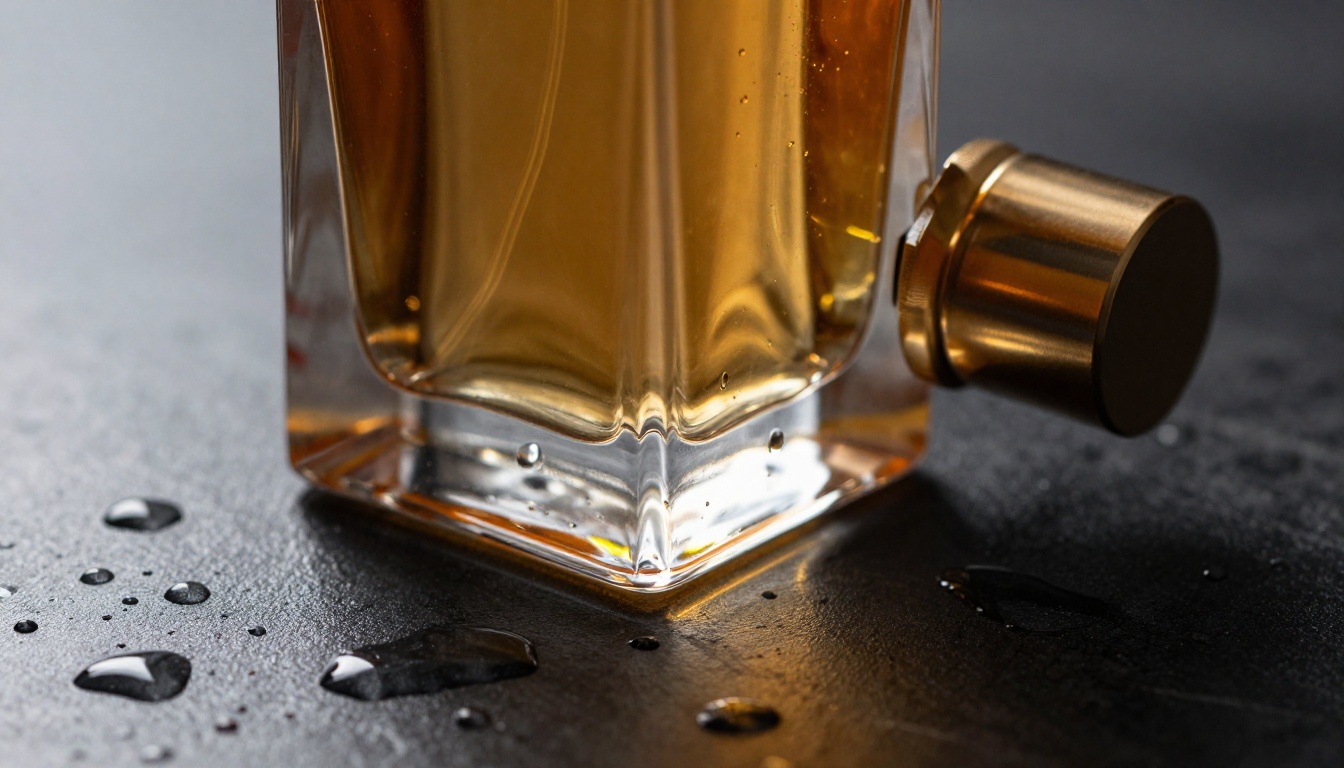
The practical workflow is direct: upload a product image, write a description of what you want changed, and receive a professionally edited version within seconds. No layer masks, no selection tools, no manually painting backgrounds. The model infers what needs to change based on your words and preserves everything you do not mention.
On PicassoIA, you can access Qwen Image 2 alongside the dedicated editing variants including Qwen Image Edit Plus, which adds LoRA-powered fine-tuning for specific task categories like relighting, upscaling, and scene compositing.
Beyond Simple Background Removal
Most AI photo tools do one thing: remove backgrounds. Qwen Image 2 Pro for product photography edits operates at a higher level. It handles full scene replacements that include proper lighting match, surface reflections, and shadow casting in the new environment. This distinction matters enormously for the final output quality.
A background replacement done by a simple AI remover drops your product on a new background. A background replacement done by a multimodal editor places your product into a new background, adjusting how light falls across its surface, adding the appropriate reflection on the new floor material, and generating a natural contact shadow. That difference is the gap between "edited" and "believable."
Specific capabilities include:
- Background swaps with environmental lighting adaptation
- Edge refinement on complex product shapes like jewelry, transparent glass, or hair-like textures
- Shadow generation that matches the direction and hardness of the new scene's light source
- Reflection insertion on shiny or polished product surfaces within new environments
- Object addition and removal around the product without disturbing it
Text Accuracy on Labels
Label text has historically been the Achilles heel of AI image editing. Models either blur text entirely or hallucinate new characters that do not match the original. Qwen Image 2 was designed with text-in-image fidelity as a core capability, and this carries into its editing models.
For products with prominent packaging text, brand names, or ingredient listings, this matters. You can edit the background, lighting, and composition of a product shot while keeping the label perfectly legible. The Qwen Image 2512 December 2025 update pushed this even further with improved sharpness on small serif text and accurate rendering of logotypes.
💡 Tip: Include the exact label text in your prompt to help the model preserve it precisely: "Keep the label text reading 'COLD BREW NO. 3' sharp and unchanged."
Backgrounds That Sell
Background selection determines a product image's platform suitability. Marketplace listings require white backgrounds. Social media performs better with lifestyle context. Email campaigns need variety. Running separate photoshoots for each context is expensive. Qwen Image 2 Pro for product photography edits solves this by treating backgrounds as a variable rather than a fixed asset.
Seamless White Swaps
Marketplaces like Amazon and Etsy require product images on a pure white background with no visible props or distracting shadows. Meeting this standard in post-production using traditional tools requires precise selection work and careful exposure matching.
With Qwen Image Edit, the prompt "clean white seamless background, soft drop shadow directly beneath product, maintain all product edge detail" produces compliant results without manual selection. For products with transparent, translucent, or complex silhouettes, Fibo Edit handles the edge cases where glass transitions to background are particularly challenging.
Before any background replacement, Product Cutout provides the cleanest product isolation on the platform, specifically built for product edge precision.
Lifestyle Scene Injection
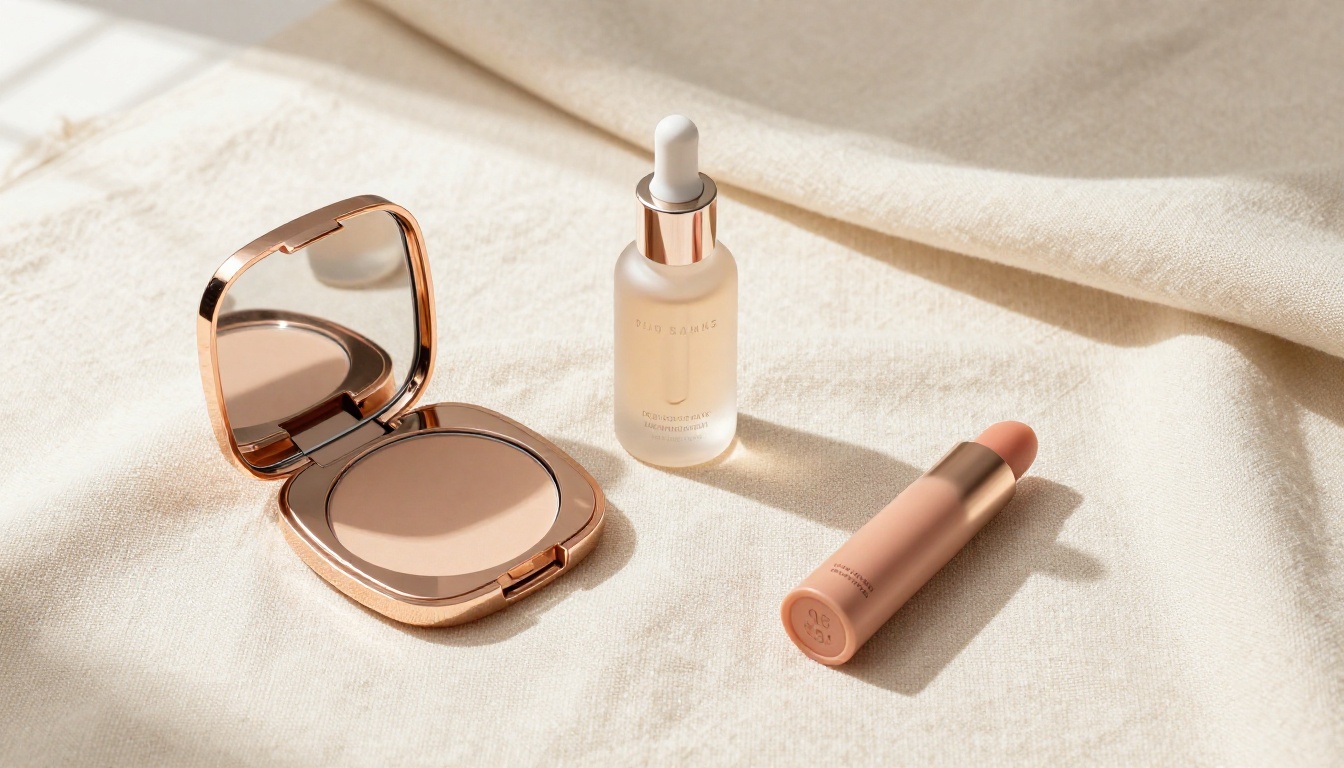
Social commerce responds to context. A skincare serum on a marble bathroom shelf with soft morning light performs differently than the same product on a white background. An artisan food product on a rustic wood table with scattered ingredients tells a story that a sterile studio shot cannot.
Qwen Image Edit Plus LoRA Fusion handles this specific task: blending a product naturally into a new lifestyle environment. The model adjusts the product's contact shadow, surface reflection, and edge lighting to match the new scene's conditions, rather than just placing a cutout on top of a background image.
Prompt precision drives the quality of the result. "Lifestyle background" is too vague. Instead: "Carrara white marble bathroom counter, small white ceramic soap dish to the left, small botanical plant out of focus in background, soft window light from upper left, morning atmosphere." The level of scene specificity directly correlates with how believable the product placement reads.
Lighting Fixes Without a Studio
Lighting is the most technically demanding aspect of product photography. Hard shadows distract from the product. Flat lighting removes depth and makes materials look inexpensive. Mixed color temperatures create color inconsistencies that make the product look different from its physical form.
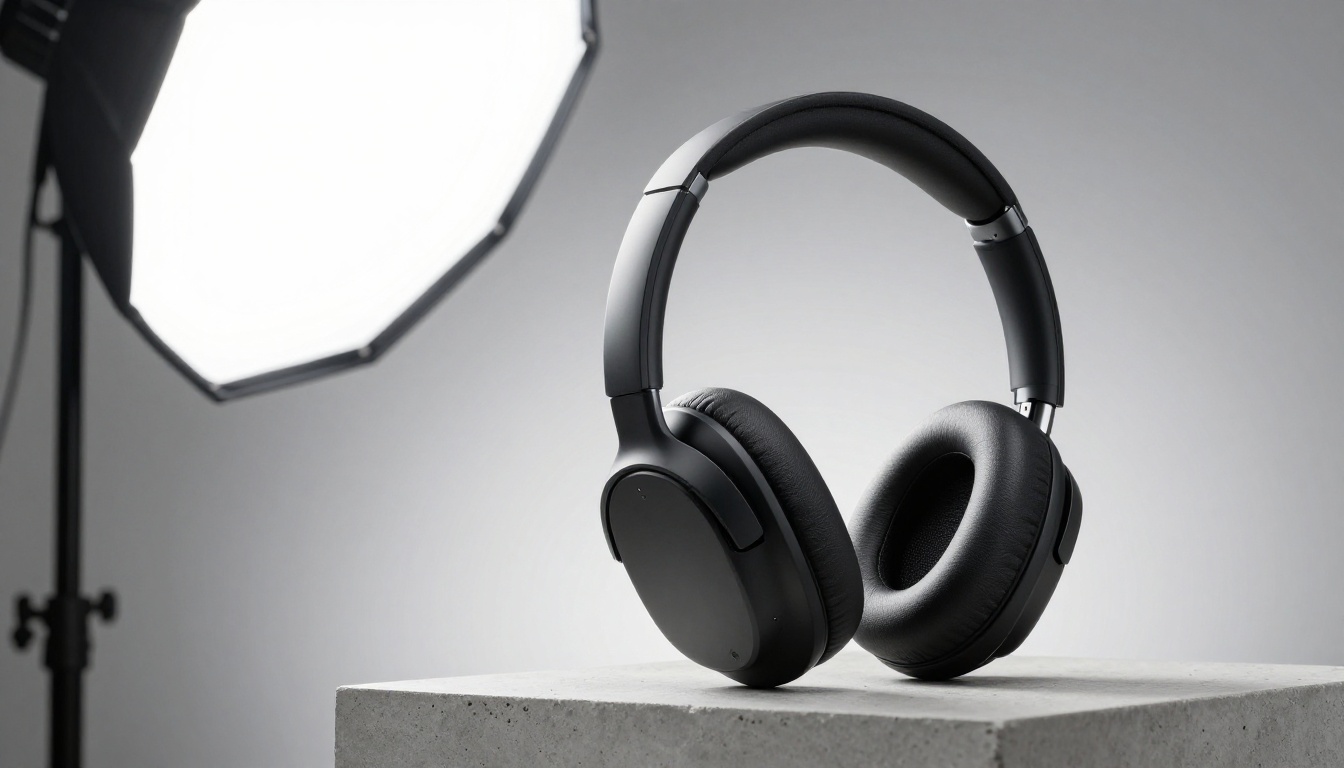
Qwen Image 2 Pro handles instruction-based relighting at a level of specificity that older AI editors could not achieve. Prompts like "shift the main light to the right, deepen shadow on the left side, add a horizontal specular highlight across the top edge of the product, cool color temperature" produce targeted changes rather than uniform filter-style adjustments.
The Relight LoRA Advantage
The Qwen Image Edit Plus LoRA Relight variant is trained specifically on lighting repositioning scenarios. It handles:
- Shadow creation and removal at specific positions in the image
- Specular highlight injection along product edges and curved surfaces
- Color temperature shifting from warm to cool and back
- Rim lighting for product separation from background
- Fill light reduction to add depth and visual drama
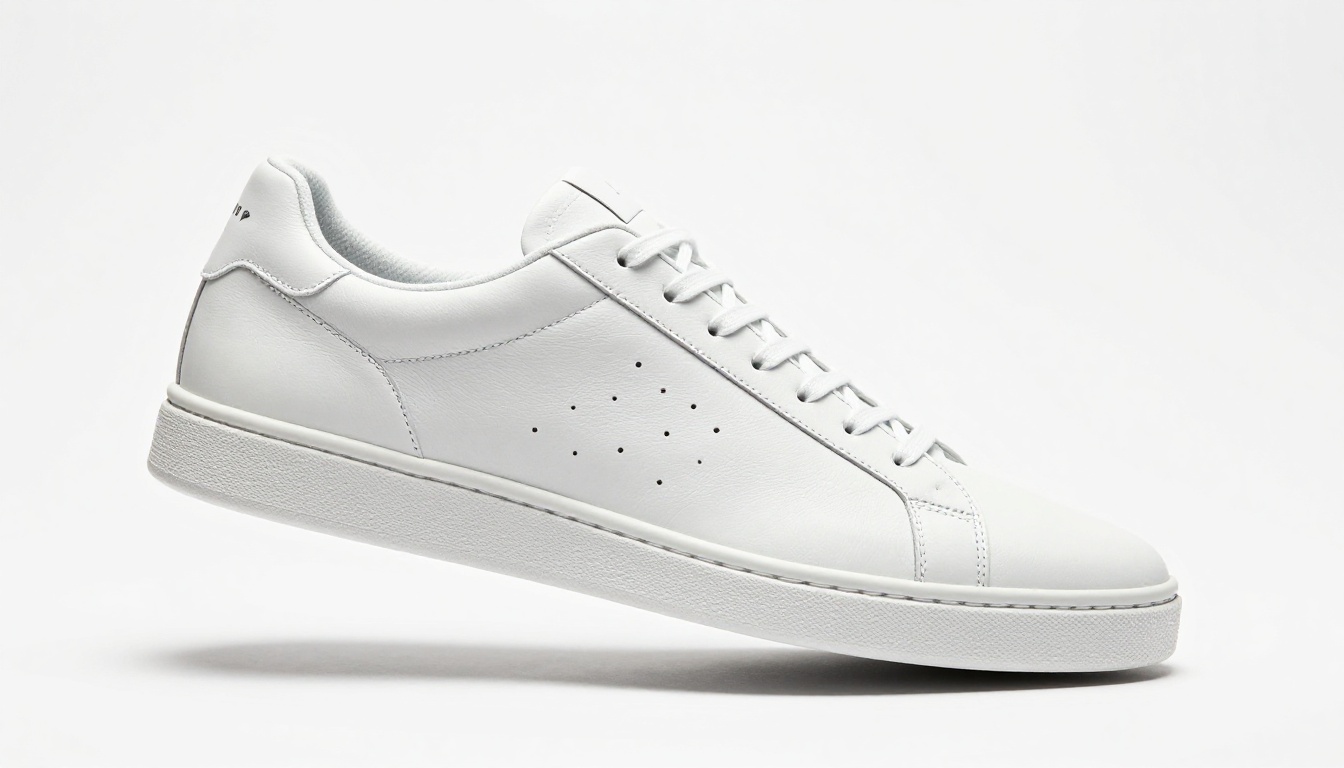
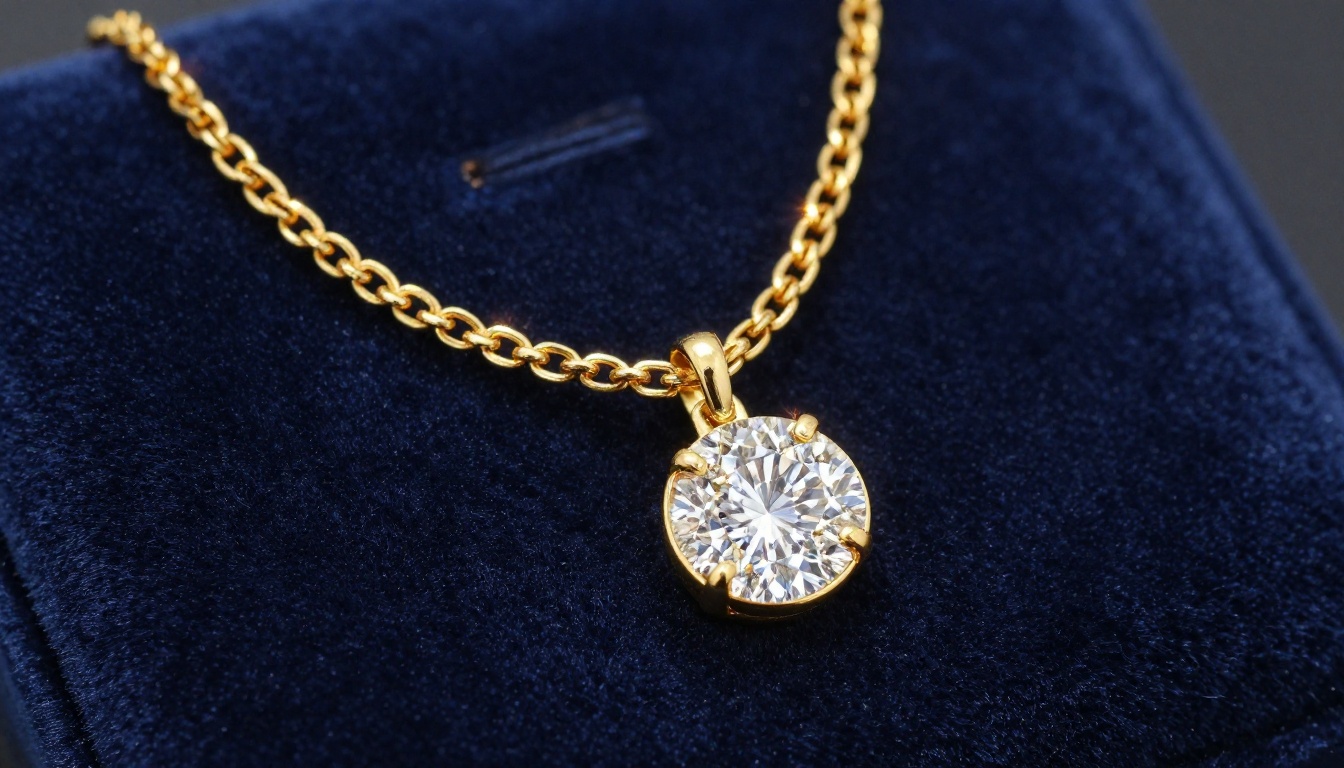
For metal products, watches, and jewelry, specular highlights are non-negotiable for a premium visual result. A stainless steel watch case without precise highlights reads as plastic. A gold chain without rim lighting loses its optical warmth. This LoRA model addresses those specific product-type needs directly.
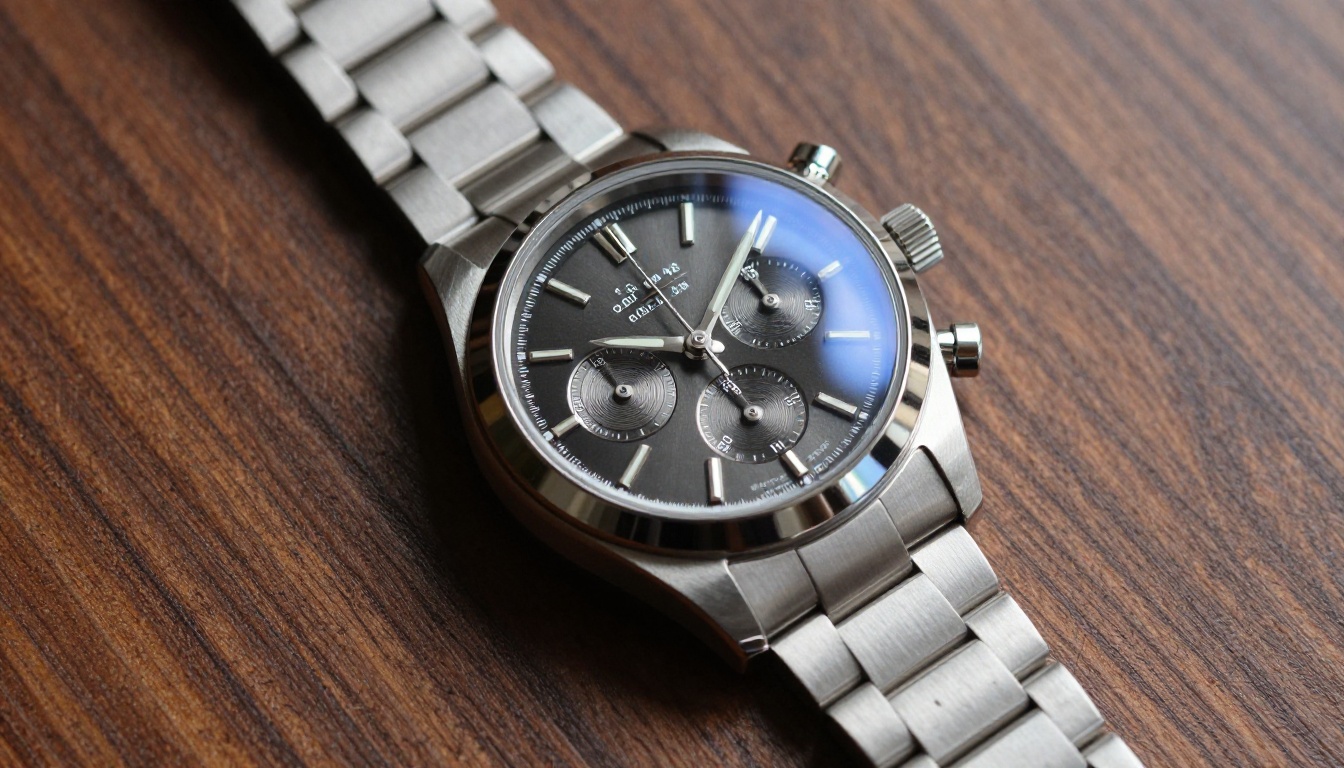
💡 Tip: Describe highlight shape, not just direction. "Narrow horizontal specular across the watch bezel" gives the model more precise information than "add highlights."
Detail Work: Texture and Sharpness
Buyers zoom in. A product image that passes at thumbnail resolution often fails at 100% zoom when surface textures are soft, packaging text is blurred, or material grain is absent. Product photography at scale has a consistent detail problem: factory or warehouse images are often low resolution or shot in flat, unflattering conditions.
Upscaling Without Artifacts
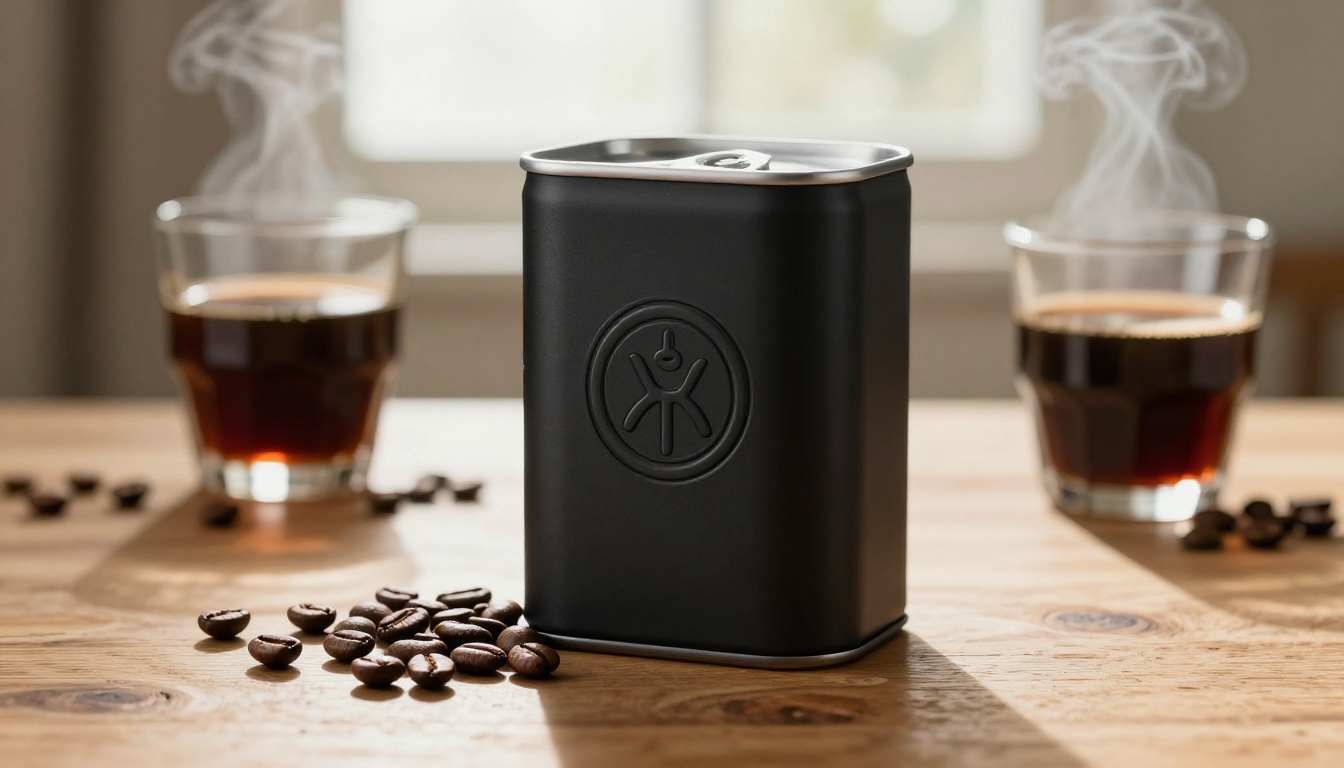
Standard bicubic upscaling makes images larger but softer. AI upscaling with Qwen Image Edit Plus LoRA Upscale increases resolution while simultaneously adding detail that the model infers from surrounding image context. A 600px product photo upscaled to 2000px retains crisp label edges, readable fine text, and visible material texture. The model fills in detail rather than interpolating existing pixels.
For more aggressive resolution improvement on very low-quality source images, Riverflow 2.0 Refsr is specifically trained for true-to-life product photo super-resolution, producing output that maintains product accuracy at high magnification.
Surface Retouching
Physical products photograph with imperfections. A fingerprint smear on a glass bottle. A lint speck on a matte fabric bag. A small scuff on a leather shoe sole. Removing these manually requires careful clone-stamping that is time-consuming across a large catalog.
Qwen Image Edit Plus LoRA Skin, despite being named for skin retouching, works effectively on smooth product surfaces. Prompt "remove the fingerprint from the front face of the bottle, restore the smooth glass surface texture" and the model inpaints with proper surface continuity rather than cloning.
For granular targeted edits to specific regions of a product photo, Qwen Image Edit 2511 offers part-by-part image correction with strong instruction adherence, ideal for products with distinct zones like labels, caps, and body surfaces.
The LoRA Extensions for Product Edits
The Qwen Image Edit Plus ecosystem on PicassoIA offers a suite of task-specific LoRA extensions, each fine-tuned for a different product photography scenario:
| LoRA Extension | Best Use Case |
|---|
| LoRA Fusion | Natural product-to-environment blending |
| LoRA Relight | Lighting repositioning and color temperature |
| LoRA Upscale | Resolution boost with detail preservation |
| LoRA Next Scene | Scene or angle changes for catalog variation |
| LoRA Skin | Surface retouching for smooth product finishes |
For multi-angle catalog work from a single source image, Qwen Edit Multiangle generates additional perspectives without a reshoot. A single hero shot becomes a three-quarter view, a top-down angle, and a side profile, covering the full range of angles most marketplace listings require.
How to Use Qwen Image 2 Pro on PicassoIA
The editing workflow is direct once you know which variant to start with.
Step 1: Select the right model variant
Start with Qwen Image Edit Plus for general edits. If your need is specific, go directly to the relevant LoRA extension. Relighting? LoRA Relight. More resolution? LoRA Upscale. New scene? LoRA Next Scene.
Step 2: Upload your source product image
Higher resolution source images produce better edited outputs. If your source is low resolution, run LoRA Upscale first before attempting other edits.
Step 3: Write a specific edit prompt
Vague prompts produce inconsistent results. Specific prompts give the model clear targets.
Weak prompt: "make it look better"
Strong prompt: "replace the background with a clean white seamless surface, add a soft drop shadow directly below the product, preserve all product edge detail and label text, cool daylight color temperature"
Include in your prompt:
- What to change (explicit instruction)
- What to preserve (explicit instruction to leave product details intact)
- Lighting direction and quality
- New surface or background material description
Step 4: Iterate across variations
Qwen Image 2 Pro generates quickly enough that 5 to 10 variations can be produced in a few minutes. Adjust the prompt between runs, targeting the specific elements that are not reading correctly. Lighting adjustments often require 2 to 3 iterations before the result matches the intended direction.
Step 5: Final upscale
After the edit is correct, run the result through LoRA Upscale for a final, high-resolution output ready for marketplace listing or print.
💡 Tip: For consistent brand presentation across a large catalog, keep a single reference prompt template and modify only the product-specific variables between runs.
Which Models Beat Qwen for Specific Tasks
Qwen Image 2 Pro is strong for instruction-following edits and label fidelity. It is not always the right tool for every task:
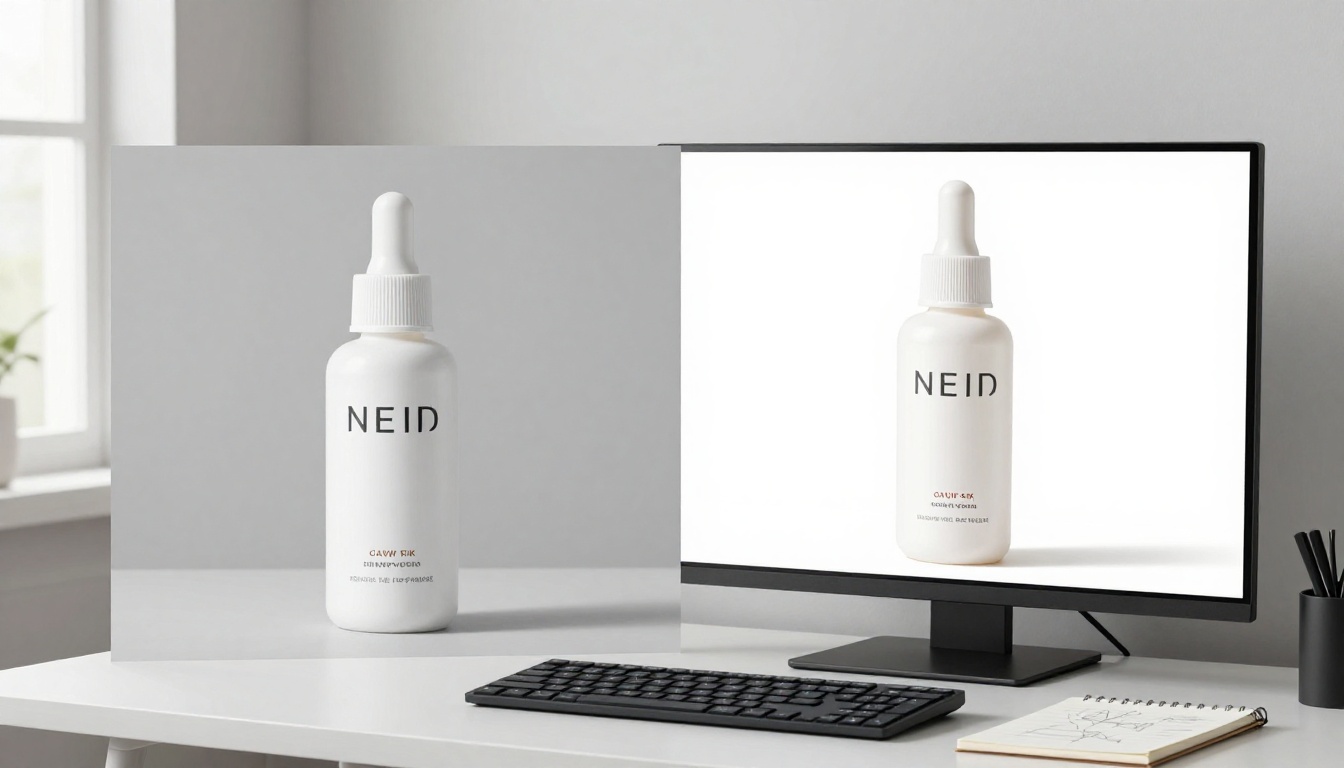
A well-designed product image workflow chains multiple tools: Product Cutout isolates the product first, Qwen Image Edit Plus LoRA Fusion places it into the lifestyle scene, and Qwen Image Edit Plus LoRA Relight corrects the lighting to match the new environment. That three-step chain produces studio-quality compositing without studio overhead.
Start Editing Your Product Photos on PicassoIA
Every product catalog has images that are not performing. Wrong background, flat lighting, too small for the listing requirement, or an angle that does not show the product at its best. Qwen Image 2 Pro for product photography edits addresses each of these without sending photos back to a studio or spending hours in manual editing software.
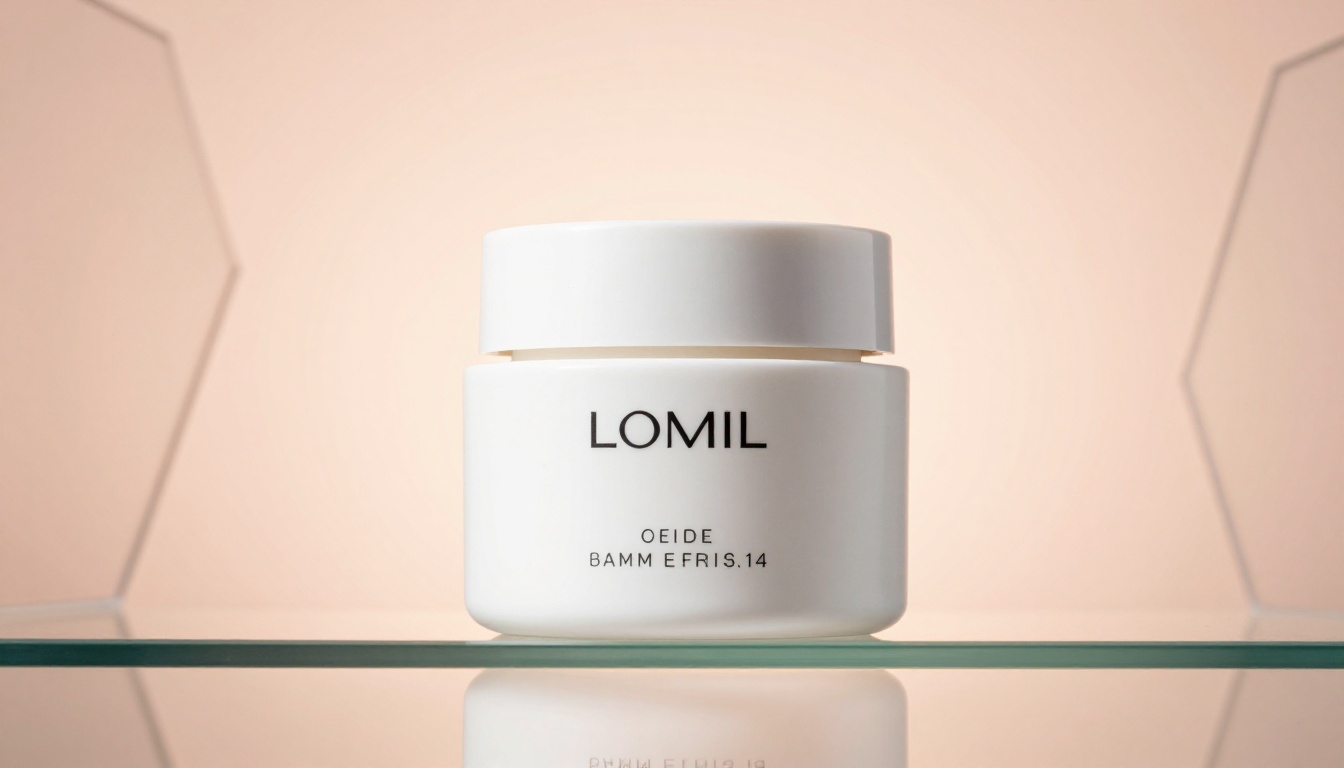
The tools are running right now on PicassoIA. Start with Qwen Image Edit Plus for your first product edit, then work through the specialized LoRA extensions as your editing requirements become more specific. For the full range of AI image models, including the Qwen suite, Flux Kontext Max, Riverflow 2.0 Refsr, and Seedream 5 Pro, browse picassoia.com/en/all-models. Your product images do not have to look like they were shot in a warehouse.


