Qwen Image 2 Pro has been making noise since it dropped from Alibaba's AI research team, but the real question for 2027 is whether it actually delivers where it counts. Photorealism, prompt adherence, text accuracy, and speed all matter when you are choosing an AI image model for real work. This article puts the model through its paces with honest results, direct comparisons, and practical tips for getting the most out of it.
What Qwen Image 2 Pro Actually Does
How the Model Works
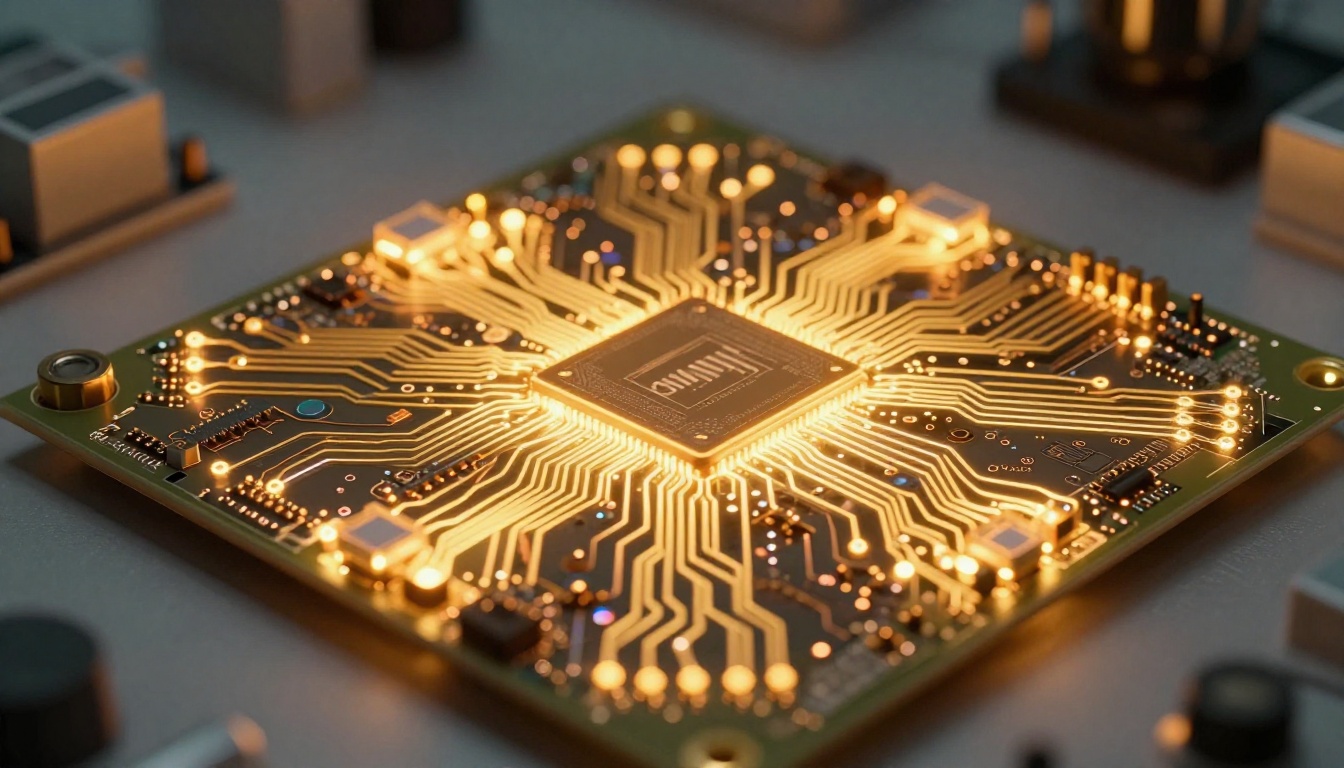
Qwen Image 2 Pro is a multimodal AI model developed by Alibaba's Qwen team. Unlike narrowly focused text-to-image pipelines, it operates as a vision-language model with strong image generation capabilities built in. The architecture allows it to handle complex compositional prompts, edit images through natural language instruction, and generate outputs that reflect real-world spatial relationships with notable accuracy.
The primary technical advantage here is the model's training on a diverse, high-quality dataset spanning photographic references, artistic work, and structured visual data. That training shows up in real outputs: Qwen Image 2 Pro handles detailed scene construction better than earlier Qwen versions, and it has a noticeably lower rate of anatomical errors in human subjects compared to many competing models.
The model processes prompts in both English and Chinese with equal fluency, which gives it an edge for teams working across language contexts. It also supports instruction-based editing, so you can generate a base image and then refine specific elements with targeted text instructions.
Who Built It (and Why It Matters)
Alibaba's Qwen team has been iterating on multimodal models since 2023, and Image 2 Pro represents the most refined version of their image generation work to date. The model benefits from Alibaba's massive compute infrastructure and sustained research investment, which translates to consistent output quality and regular updates.
For users outside China's ecosystem, access to Qwen Image 2 Pro comes primarily through platforms like PicassoIA, which integrates the model directly into its image generation workflow alongside over 200 other text-to-image models.
💡 Qwen Image 2 Pro is available directly on PicassoIA under the text-to-image category, letting you test it alongside top competitors without any setup or API configuration.
Real Image Quality Tests in 2026

Portraits and Human Faces
Portrait generation is where most users first notice the difference between a good model and a great one. Qwen Image 2 Pro performs well on standard portrait prompts, producing natural skin textures, accurate facial proportions, and convincing lighting in most cases. The model handles directional light descriptions well: asking for "window light from the left" consistently produces the expected shadow pattern and fill-light relationship.
Where things get interesting is with more complex portrait prompts. Specific ethnicity descriptors, age characteristics, and emotion cues all translate with reasonable fidelity. Hair rendering has improved significantly from earlier versions, with individual strand detail visible at high resolution. Skin textures avoid the over-smoothed, plastic-skin effect that plagues many AI portrait generators.
One area that still shows room for improvement: extreme close-up eye detail at high zoom. Some outputs show subtle artifacts around the iris in very tight crops, though this is less pronounced than with many competitors at the same price tier.
Landscape and Architecture

Landscape outputs from Qwen Image 2 Pro are consistently strong. The model handles atmospheric perspective well, producing convincing depth in wide-angle scene descriptions. Mountain ranges, coastal scenes, and urban environments all benefit from the model's solid grasp of environmental light and spatial layering.
Architecture prompts get particularly impressive results. The model interprets structural concepts accurately, whether generating a modern glass office building or a historic stone facade. Geometric precision is noticeably better than many open-source alternatives, making it useful for architectural visualization workflows.
For anything involving natural environments, the model handles weather and atmosphere with care. Fog, rain, golden hour, and overcast lighting all produce visually coherent outputs without requiring elaborate prompt engineering workarounds.
Text Rendering Accuracy
Text-in-image remains one of the harder problems for AI image models. Qwen Image 2 Pro handles short text strings of one to four words with reasonable accuracy at standard sizes. Longer phrases and smaller text still show the character-level errors common across most models.
Compared to Ideogram v4 Quality, which has been specifically optimized for text rendering, Qwen Image 2 Pro lags behind on typographic precision. For sign-heavy scenes, product labels, or typographic compositions, dedicated text-in-image models remain the stronger choice.
How Qwen Image 2 Pro Stacks Up
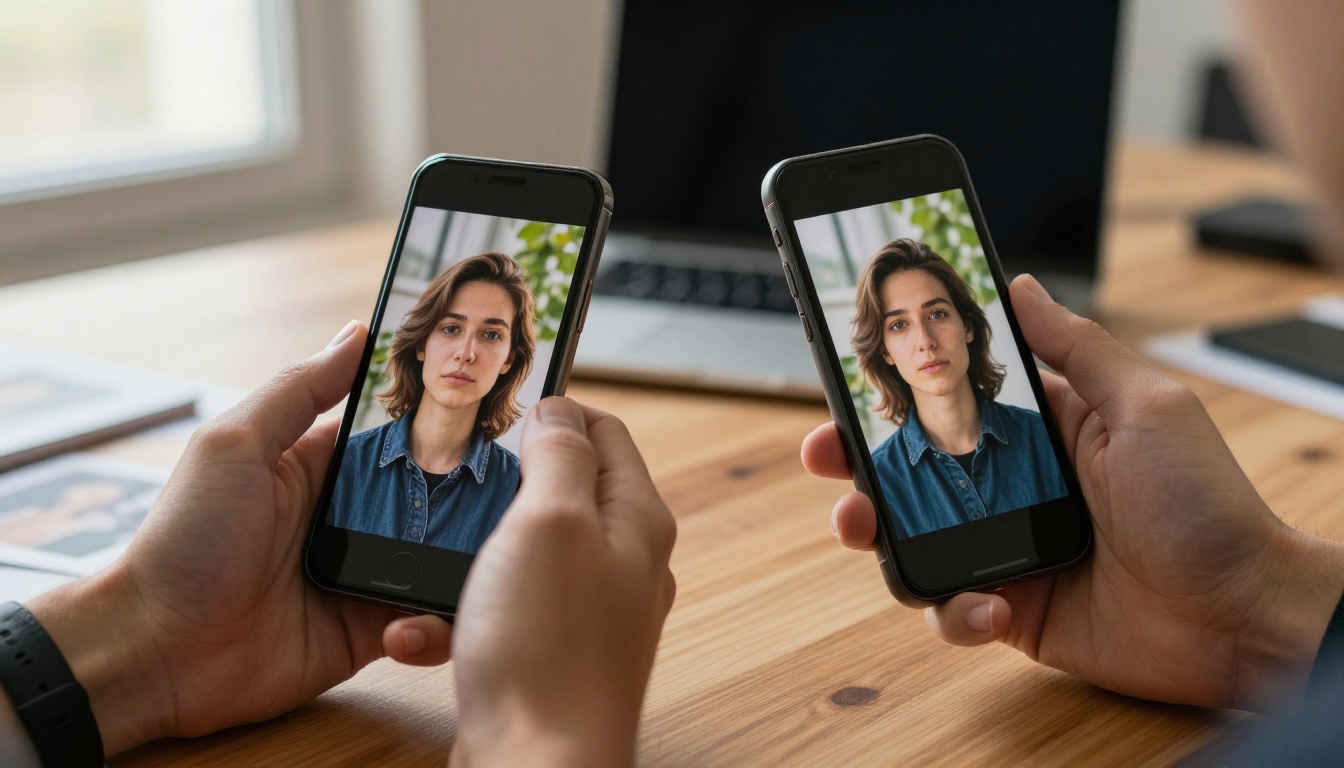
Knowing where Qwen Image 2 Pro sits in the current landscape requires looking at it alongside the strongest alternatives available today. Here is an honest breakdown:
Qwen vs Flux 2 Pro
Flux 2 Pro from Black Forest Labs remains one of the most capable general-purpose text-to-image models available. Compared to Qwen Image 2 Pro, Flux tends to produce slightly more consistent results across a wider range of prompt types, particularly for complex compositional scenes involving multiple subjects with distinct lighting sources.
Qwen Image 2 Pro counters with faster generation times and stronger performance on portrait-specific prompts. For creators focused primarily on people photography or headshot-style imagery, Qwen delivers comparable or better results with less waiting. The practical difference matters most when you are iterating rapidly through multiple concepts.
Qwen vs Seedream 5 Pro
Seedream 5 Pro is ByteDance's flagship image model, capable of producing sharp 2K outputs with exceptional micro-texture detail. In direct comparisons, Seedream 5 Pro edges out Qwen Image 2 Pro on raw image detail and material surface rendering. The tradeoff is generation time: Seedream's highest quality outputs take noticeably longer to produce.
For most everyday creative tasks, the quality gap between the two is subtle enough that workflow speed often matters more than the marginal detail difference. If your output size is standard web resolution, Qwen Image 2 Pro's faster generation wins on productivity.
Where It Falls Short

No model is perfect in 2027, and Qwen Image 2 Pro has a few consistent weaknesses worth knowing before you commit to it for a large project.
Prompt Sensitivity Issues
Qwen Image 2 Pro can be sensitive to prompt phrasing in ways that other models handle more gracefully. Slight rewording of a prompt can produce noticeably different results, which adds trial-and-error time for complex scenes. Users who prefer to write shorter, less detailed prompts may find more reliable results from Flux Dev or Krea 2 Large, both of which interpret ambiguous prompts more predictably.
The workaround is to build a prompt template for each project type and refine it through a few test generations. Once you find the phrasing that works for your specific use case, the model becomes much more consistent.
Hand and Finger Rendering
This is a widespread challenge across AI image models, and Qwen Image 2 Pro is not immune. Complex hand positions, especially with fingers spread or in motion, still produce artifacts more often than natural resting poses. For images where hands are prominent, plan for additional generation attempts. Alternatively, use Qwen Image Edit Plus LoRA to fix specific problem areas after generation rather than regenerating the entire image from scratch.
Niche Artistic Styles
Qwen Image 2 Pro is optimized for photorealism. If your workflow involves watercolor, oil paint, ink illustration, or other painterly aesthetics, models specifically tuned for those styles will perform better. The model handles photo styles exceptionally but artistic styles can look generic or inconsistent without significant prompt engineering effort.
💡 For consistent photorealistic outputs, Qwen Image 2 Pro is a strong choice. For artistic styles or heavy text rendering, pair it with a specialized model on PicassoIA to cover both workflows.
How to Use Qwen Image 2 Pro on PicassoIA

Since Qwen Image 2 Pro exists natively on PicassoIA, you can access it directly without any API setup, account credits to purchase separately, or technical configuration. Here is the straightforward way to get started and get good results immediately.
Step 1: Open the Model Page
Go directly to Qwen Image 2 Pro on PicassoIA. The model page shows curated example outputs, a description of the model's strengths, and the generation interface. Reviewing the examples before writing your first prompt helps calibrate what the model does well.
Step 2: Write a Detailed Prompt
This model rewards specificity. Instead of writing "a woman in a park," try:
"A woman in her early 30s sitting on a wooden bench in a sun-dappled urban park, golden afternoon light filtering through oak leaves from the right side, wearing a rust-colored linen jacket, holding a paperback book, natural skin texture with visible pores, shallow depth of field, 85mm f/1.8 Canon lens"
The difference in output quality between short and detailed prompts is significant with Qwen Image 2 Pro. Vague prompts produce generic results; specific prompts produce work you can actually use.
Step 3: Set Your Aspect Ratio
For social media content, 1:1 or 9:16 are standard. For blog headers and website banners, 16:9 is the right choice. The model handles all aspect ratios well, but for portrait work, 3:4 or 4:5 tends to produce the most natural-feeling compositions with better use of vertical space.
Step 4: Refine with the Editor
If the first result is 90% correct but has a minor issue, like an awkward hand position or a small background artifact, use Qwen Image Edit Plus LoRA to fix the specific area with a targeted text instruction rather than regenerating the full image. This saves time and preserves the parts of the image that were working well.
Practical tips for better results:
- Describe lighting direction precisely, for example: "soft morning light from the left"
- Include camera lens specs in prompts, such as "85mm f/1.4 depth of field"
- Mention surface textures for objects: "brushed aluminum surface" or "natural linen fabric"
- For portraits, include skin detail descriptors to avoid the polished, artificial look
- Add film stock references like "Kodak Portra 400 color grading" for a natural photographic tone
Best Use Cases in 2027

Content Creators and Social Media
For creators producing consistent visual content at scale, Qwen Image 2 Pro is a practical choice. Its fast generation times mean you can iterate through multiple concepts quickly without long waits between outputs. Portrait quality is high enough for profile imagery, campaign visuals, and product-lifestyle shots that need a real-photography feel.
Paired with Stable Diffusion 3.5 Large for stylistic variation and Nano Banana Pro for rapid concept drafts, Qwen Image 2 Pro fits naturally into a multi-model creative workflow where different tools handle different needs.
What creators are using it for:
- Lifestyle photography for brand partnerships and sponsored content
- Headshots and profile images where natural skin rendering matters
- Scene-setting imagery for editorial articles and blog posts
- Seasonal campaign visuals at scale without photography shoots
Product Shots and E-commerce
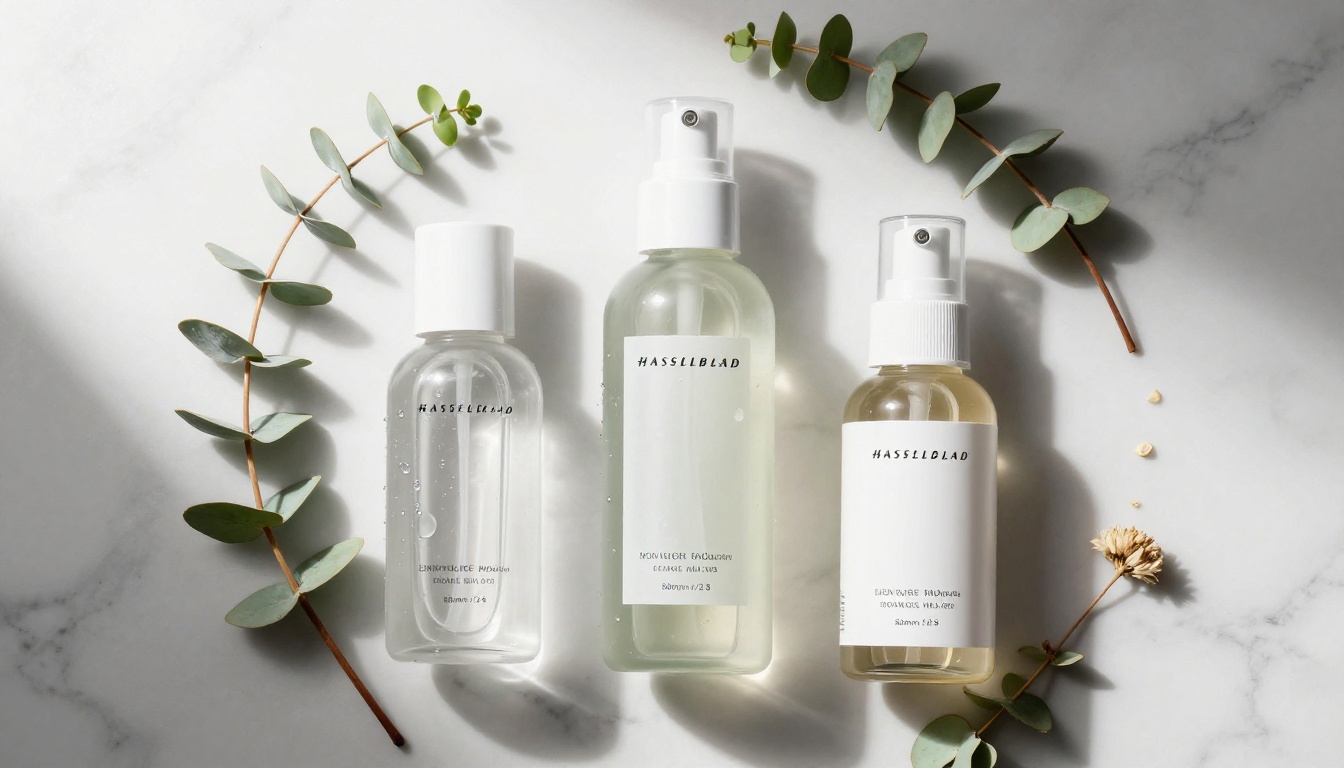
Product photography is one of Qwen Image 2 Pro's stronger use cases. The model handles material textures convincingly: glass, fabric, ceramic, leather, and metal surfaces all render with believable physical properties. For brands producing large volumes of product imagery without a full photography budget, this model produces usable outputs with relatively straightforward prompts.
The critical factor is prompt consistency. Building a reusable prompt template with fixed lighting conditions, surface descriptions, and background style keeps product shots visually cohesive across a collection. This is especially valuable for e-commerce catalogs that need to maintain a unified aesthetic across hundreds of SKUs.
Architecture and Interior Design
Architects, interior designers, and real estate professionals can use Qwen Image 2 Pro for concept visualization. The model's accuracy with geometric structures and spatial relationships makes it practical for early-stage ideation, where photorealistic renders help clients visualize spaces before committing to design decisions.
For more refined architectural visualization with tighter line control and edge accuracy, Reve 2.1 offers strong results with particularly precise rendering of structural elements.
The Verdict
Qwen Image 2 Pro in 2027 is a genuinely capable model that earns its place in any AI image workflow. It is not the single best option for every task, but for portrait work, landscape generation, and product imagery, it consistently delivers photorealistic results at competitive speed. The PicassoIA integration makes it accessible without friction, and the ability to pair it with editing tools like Qwen Image Edit Plus LoRA adds meaningful flexibility for post-generation refinement.
Where Qwen Image 2 Pro stands out most is in its balance of quality and speed. It is not the slowest high-quality option, nor the fastest low-quality one. It sits at a productive midpoint that works well for creators who need good results without long waits.
Who should use it:
- Portrait and lifestyle photographers who want AI-assisted production at scale
- E-commerce brands building product imagery without studio shoots
- Content creators who need fast photorealistic outputs for regular publishing
- Designers who want a reliable general-purpose model alongside specialized tools
Who should look elsewhere first:
- Projects that require heavy text-in-image accuracy (use Ideogram v4 Quality instead)
- Artistic and painterly styles that need stylized rather than photorealistic outputs
- Maximum-detail 2K outputs where generation time is not a constraint (use Seedream 5 Pro)
Start Creating with AI Images on PicassoIA

The fastest way to form your own opinion about Qwen Image 2 Pro is to run it on your actual use case. Every review has limitations based on the specific prompts tested, and your creative workflow might see better or worse results than general benchmarks suggest.
PicassoIA gives you direct access to Qwen Image 2 Pro alongside over 200 other text-to-image models, including Flux 2 Pro, Seedream 5 Pro, Krea 2 Large, and many more. Test the same prompt across multiple models side by side and see which one fits your visual style best.
Run your first generation at picassoia.com/en/all-models and build your own comparison from real results.


