The debate between Qwen Image 2 Pro and Recraft V4.1 Pro splits the AI art community down the middle. Both models promise photorealistic output, both have built strong followings among creators who work with uncensored content, and both are accessible today through platforms that do not apply additional content filtering. But they were built with different priorities, produce different results, and serve different creator types. This comparison breaks down every dimension that matters when your work demands full creative freedom.
Two Models, Two Very Different Approaches
The first thing to understand is that Qwen Image 2 Pro and Recraft V4.1 Pro were not built with the same philosophy. Qwen Image 2 was developed by Alibaba's AI research team as an open-weight, multimodal model that handles text-to-image and image editing in a single unified architecture. Recraft V4.1 Pro was designed by Recraft AI with one specific goal: producing the most technically precise text-to-image results possible.
That philosophical split has real consequences for uncensored art generation. Open-architecture models typically have fewer content restrictions baked into their training pipeline. Precision-focused models sometimes trade flexibility for quality. Knowing which trade-off serves your workflow is what determines which model actually works for you.
What Qwen Image 2 Pro Gets Right
Qwen Image 2 Pro is an open-source multimodal model. That matters more than most people realize. Because the base weights are publicly available, the model has been fine-tuned extensively by the community, which means it responds well to nuanced creative prompts without hitting the content walls that proprietary closed models enforce.
The model handles image editing alongside text-to-image generation. You can take a reference image and modify it with text instructions, adjust lighting, change clothing, alter backgrounds, all from the same model. That editing capability is one reason it has become popular among creators who iterate rapidly on character designs and artistic compositions.
What Recraft V4.1 Pro Brings
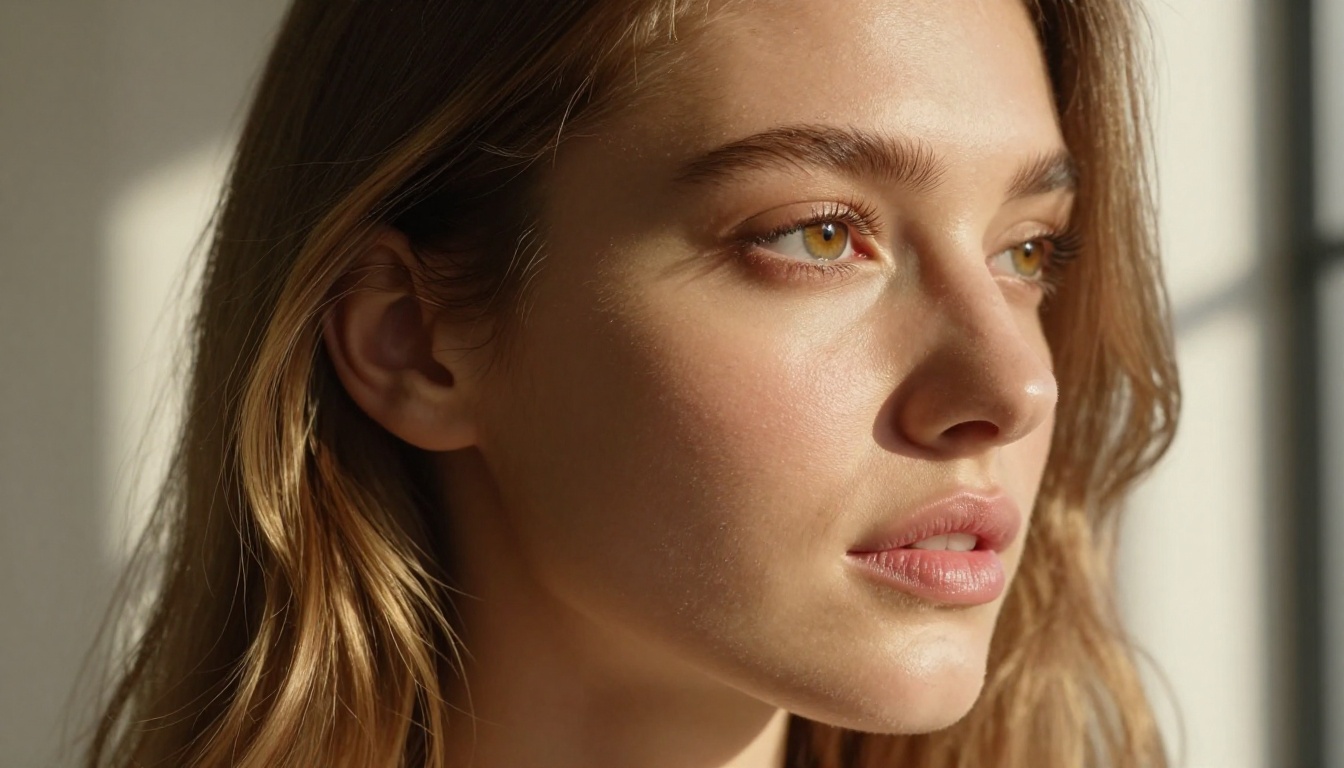
Recraft V4.1 Pro leans into pure text-to-image precision. The model consistently ranks well on technical image quality benchmarks, particularly for photorealistic human subjects with accurate anatomy, fine fabric textures, and believable environmental lighting. It does not have image editing capability, but what it produces from a text prompt often requires less post-processing than competing models.
💡 Pro tip: Qwen Image 2 is the Swiss Army knife. Recraft V4.1 is the scalpel. Neither is universally superior. Your use case determines the winner.
Qwen Image 2 Pro: Speed Meets Realism
Open Source, No Apologies
The open-source architecture of Qwen Image 2 Pro is its defining feature for anyone working with uncensored AI art. Because the base model is publicly available, platforms that host it can configure it for adult content without fighting against a proprietary content policy. This is categorically different from closed models where the content filter is baked into the inference stack and cannot be removed by anyone downstream.
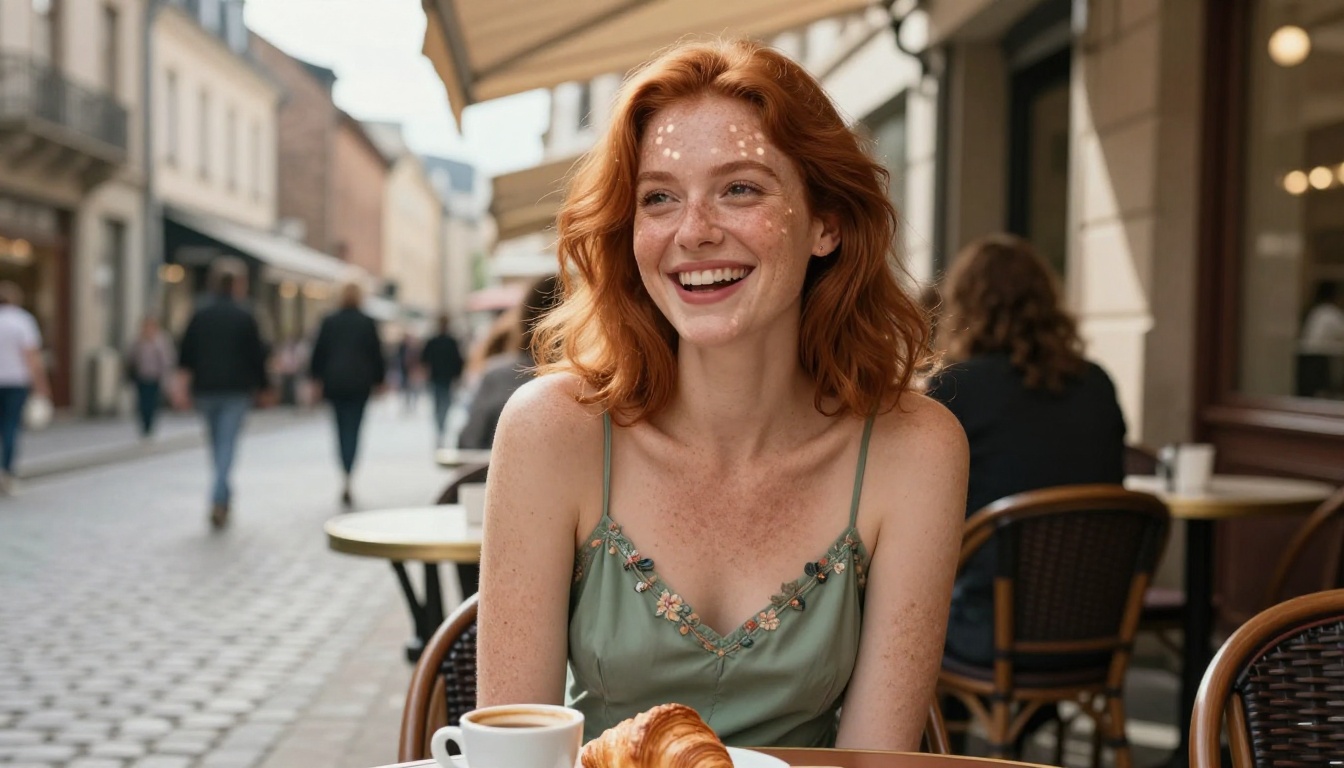
In practical terms, Qwen Image 2 generates content in 3 to 5 seconds on optimized inference hardware. The response to complex, detailed prompts is strong. Skin texture, hair detail, and natural lighting interactions are rendered with convincing photographic accuracy. The model handles directional lighting descriptions well, which matters enormously for portrait and glamour work where Rembrandt patterns, rim lighting, and volumetric effects define the aesthetic quality of an image.
NSFW Prompt Accuracy
For uncensored art specifically, prompt adherence is the make-or-break quality. A model can produce beautiful images, but if it ignores half the instruction, it is useless for precise creative work.
Qwen Image 2 Pro shows strong prompt adherence on compositional instructions: camera angle, distance, subject pose, and clothing description are followed reliably. Where it occasionally diverges is on hyper-specific anatomical positioning in complex multi-subject scenes, where it tends to produce aesthetically good but slightly interpreted results rather than exact matches.
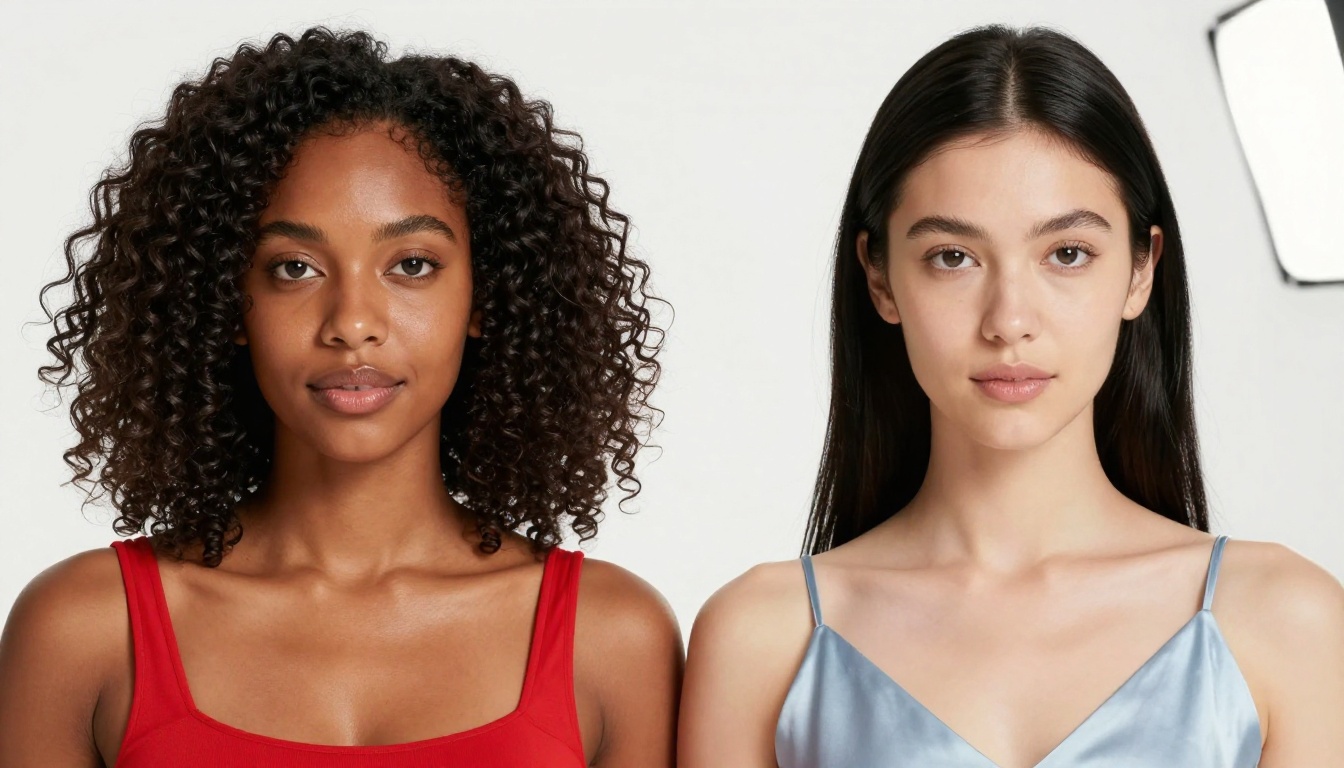
For single-subject NSFW art, the accuracy is very high. Clothing descriptions are followed with good fidelity, skin tone and hair specifications translate reliably, and environmental context renders with convincing detail.
Where It Excels
Qwen Image 2 performs best when:
- You need image editing capabilities alongside generation
- Your prompts include complex environmental context
- You require fast iteration across multiple style variations
- You want a model with no proprietary content restriction to work around
- You are developing character-driven art with iterative refinement cycles
Recraft V4.1 Pro: Precision Over Everything
The Photorealism Argument
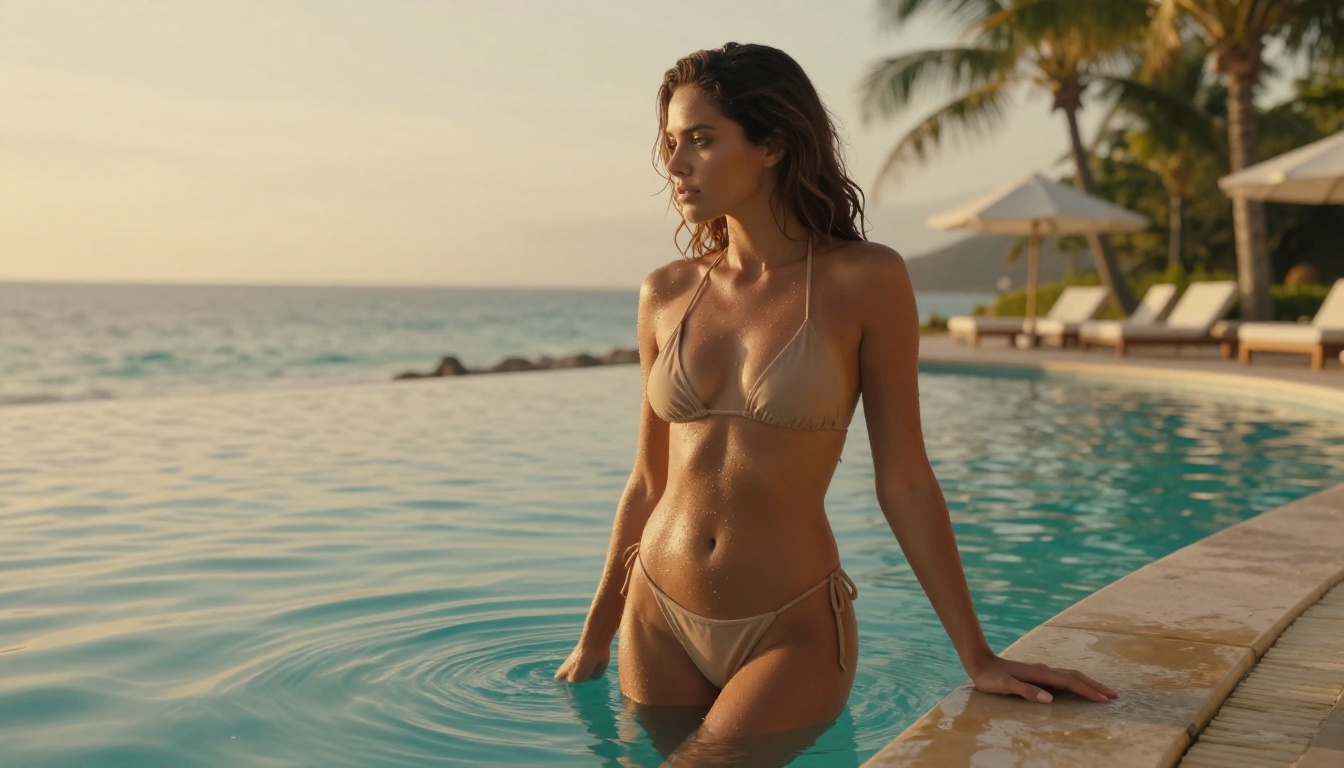
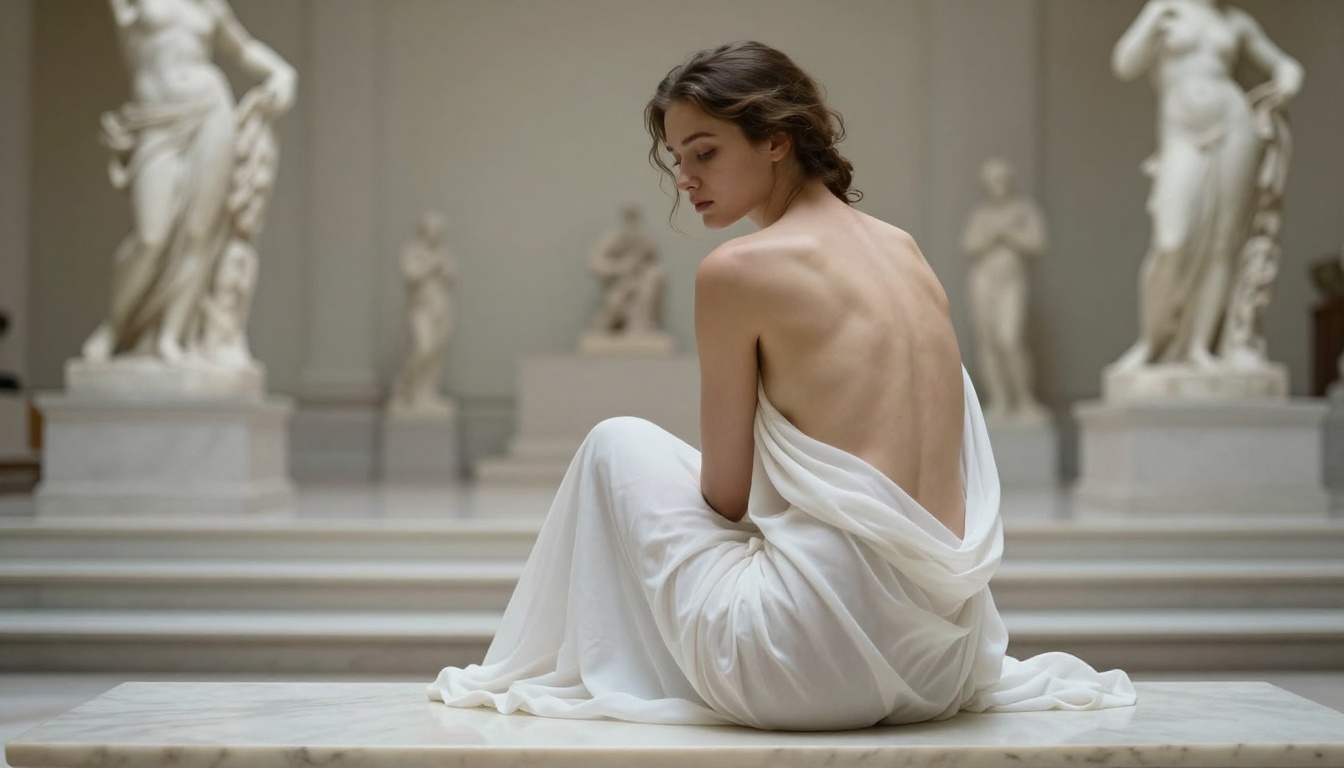
Recraft V4.1 Pro's claim is technical photorealism. In head-to-head tests with standardized prompts, Recraft consistently produces images where fabric weave, skin pore structure, and hair strand separation reach a level of detail that genuinely competes with commercial photography. The model's handling of specular highlights on skin surfaces, the subtle micro-sheen of natural skin under studio light, is particularly strong.
For uncensored art, this translates into results that look less like AI-generated images and more like professional photographs. That visual realism is exactly what many creators in glamour, fashion art, and adult content production are looking for. The difference between an obviously AI-generated image and one that passes a visual inspection matters for portfolio quality and client deliverables.
Text-to-Image Only
Recraft V4 accepts text input only. There is no image editing mode, no img2img pipeline, no reference image support. You describe your scene in text, and the model generates from scratch.
This is not a dealbreaker for all use cases. If you are generating final-output images from detailed text prompts, the text-only constraint has zero impact. But if you work iteratively, starting with a rough composition and refining it through image-to-image passes, Recraft V4.1 forces you to use a second model for that editing layer, adding friction and cost to every revision cycle.
💡 Pro tip: Recraft V4.1 rewards highly detailed, specific prompts. The more precise your instruction, the sharper the output. Generic prompts produce generic results.
Where Recraft V4.1 Falls Short
Recraft V4 is weaker in:
- Multi-subject scenes with complex spatial relationships between figures
- Fast iteration workflows that require editing existing images
- Dynamic lighting conditions that change across a sequence of images
- Prompt flexibility: the model resists stylistic crossover and stays firmly in a photorealistic lane
Head-to-Head Results
Prompt Adherence
| Criterion | Qwen Image 2 Pro | Recraft V4.1 Pro |
|---|
| Single subject, text-to-image | Very High | Excellent |
| Multi-subject scenes | Good | Moderate |
| Image editing / img2img | Yes | No |
| Environmental context | Excellent | Very High |
| NSFW prompt fidelity | Very High | High |
| Clothing description accuracy | High | Very High |
NSFW Depth and Detail
Both models produce NSFW-capable output when accessed through platforms that do not apply additional content filtering. The difference lies in anatomical realism and depth of detail:
- Qwen Image 2 Pro tends to produce warmer, more naturalistic skin tones with good textural variety across large image areas
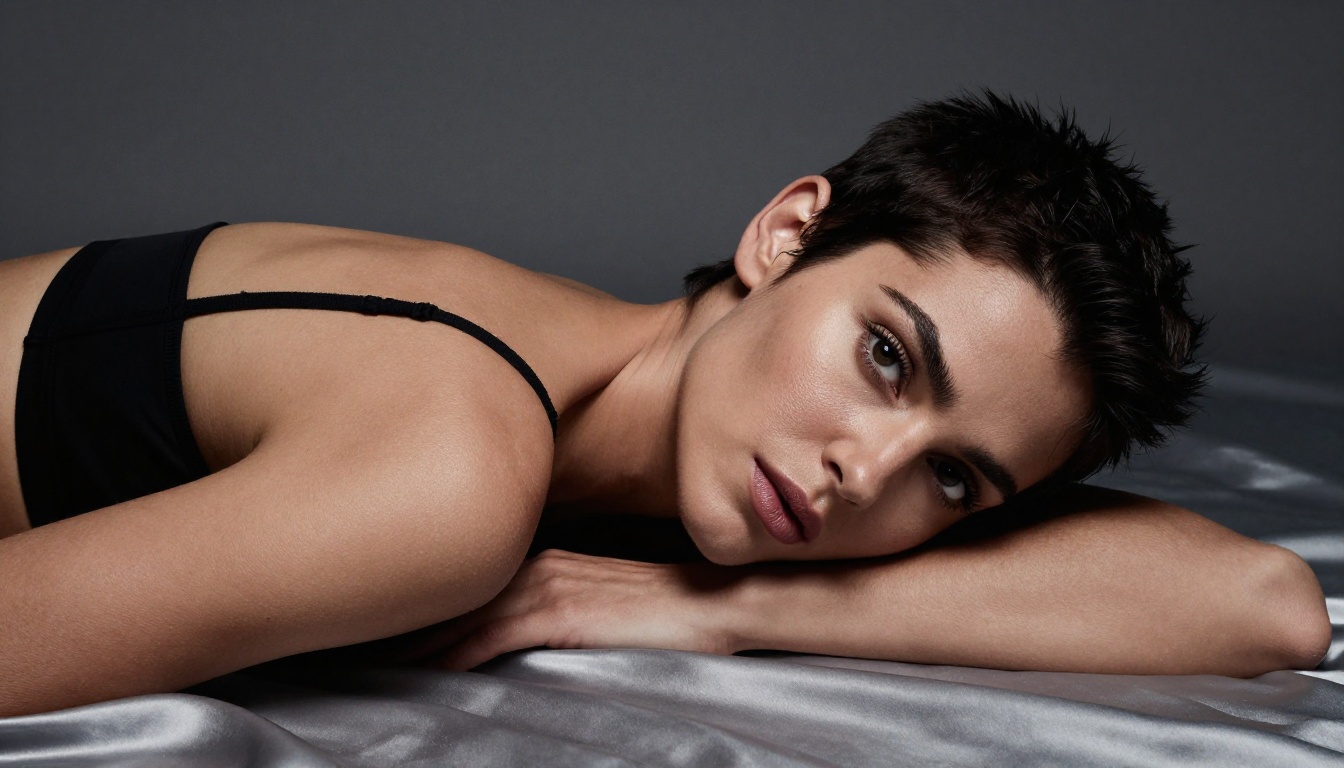
- Recraft V4.1 Pro produces colder, more technically precise skin rendering with higher specular accuracy in focused portrait work
Neither model is definitively better for all NSFW use cases. For soft glamour and artistic nude work, Recraft's technical precision is an advantage. For character-driven adult art with editing capability, Qwen's flexibility wins.
Speed Comparison
| Metric | Qwen Image 2 Pro | Recraft V4.1 Pro |
|---|
| Average generation time | 3 to 5 seconds | 8 to 15 seconds |
| Batch throughput | High | Moderate |
| Editing speed | Under 3 seconds | Not available |
| Resolution support | Up to 1024px native | Up to 1440px native |
Overall Image Quality
Recraft V4.1 Pro has a slight edge in technical output quality at high resolution. Qwen Image 2 Pro compensates with speed, editing capability, and consistent cross-platform availability. For creators who need quantity and iteration speed, Qwen is the practical choice. For creators who need maximum fidelity in a single final output, Recraft V4.1 is the stronger pick.
Best NSFW AI Models on PicassoIA
PicassoIA offers direct access to both models and much more. For creators working with uncensored AI art, the platform's model lineup is purpose-built for adult and unrestricted content with no content filters applied at the platform level. Here are the top models to use, in recommended order:
-
Seedream 4.5: The best overall NSFW model on PicassoIA. Ultra-realistic content, image editing support, and generation in under 3 seconds. Its successor, Seedream 5 Lite, does not support NSFW prompts, so stick with 4.5 for adult content.
-
PicassoIA Image Editor Pro: Image-to-image with unlimited generations on Elite and Infinite plans. Need 1,000 NSFW images for a project? That is $0 extra with Image Editor Pro vs. roughly $100 on per-credit models. Results land in under 1 second. Free trial with no credit card required.
-
Qwen Image 2: Open-source and uncensored. Edit or create any image in seconds with very detailed realism. One of the two models featured in this comparison.
-
Grok Imagine Image: Converts any image to a bikini format with impressive realism. Strong for transformation-based adult content workflows.
-
Recraft V4: Very realistic text-to-image results. Text input only, but photorealistic output quality is among the best on the platform.
-
P-Image: NSFW text-to-image in under 1 second. Excellent for high-volume, fast generation workflows.
-
Wan 2.2 Image: Generate highly realistic images from text descriptions without content filters.
-
PicassoIA Video: Unlimited video generation from text prompts at up to 720p and 5 seconds per clip.
-
P-Video: Text, image, or audio to video at up to 1080p. Safety filter off by default. Draft mode for fast previews.
-
Grok Imagine Video: Up to 15-second clips from text, image, or existing video. No watermarks.
-
LTX 2.3 Pro: The highest-fidelity video option at up to 4K/50fps. Retake and extend editing for precise control.
Unlike many mainstream AI platforms, PicassoIA gives creators full access to unrestricted, high-performance models.
Browse the full lineup at picassoia.com/en/all-models.
Using Qwen Image 2 on PicassoIA
PicassoIA hosts Qwen Image 2 with no additional content filtering, making it one of the most accessible uncensored generation tools available today.
Step-by-Step
- Go to Qwen Image 2 on PicassoIA
- Select Text-to-Image mode for new generation or Image Edit mode to modify an existing photo
- Write a detailed prompt including: subject description, clothing specifics, lighting type, camera angle, and environment
- Set your output resolution (up to 1024px recommended for fastest generation)
- Click Generate and receive your image in 3 to 5 seconds
Prompt tips for Qwen Image 2:
- Specify lighting direction: "volumetric morning light from left" outperforms "soft light"
- Name your camera lens: "85mm f/1.4 depth of field" activates photorealistic depth rendering
- Describe skin texture explicitly: "natural pores visible, fine peach fuzz catching backlight"
- Use editing mode to adjust specific elements without regenerating the full composition from scratch
Using Recraft V4 on PicassoIA
Recraft V4 on PicassoIA delivers text-to-image generation with full NSFW capability and no additional platform filtering.
Step-by-Step
- Navigate to Recraft V4 on PicassoIA
- Write a precise, detailed text prompt. Recraft rewards specificity far more than most models
- Include technical photography language: lens focal length, aperture, lighting setup, surface material textures
- Select your output resolution (Recraft supports up to 1440px native)
- Generate and review. For NSFW output, the first generation from a strong prompt typically needs minimal adjustment
Prompt tips for Recraft V4.1:
- Front-load the most important subject detail in the first sentence of your prompt
- Describe surface textures explicitly: "silk charmeuse with visible individual thread weave" vs. "silk dress"
- Specify body positioning with anatomical precision for consistent results
- Use negative prompts to prevent unwanted artistic interpretation (e.g., "no illustration, no CGI, no cartoon")
Which One Should You Use?
The honest answer depends entirely on your workflow. Both models are strong. Both are capable of producing uncensored NSFW art without restrictive content walls. But they serve different creative patterns.
Choose Qwen Image 2 Pro if:
- You need image editing capabilities alongside generation
- You generate in high volume and need fast turnaround
- You work with complex multi-subject scenes or character-driven art
- You want a single model that handles both creation and refinement in one workflow
Choose Recraft V4.1 Pro if:
- Your priority is maximum technical photorealism
- You generate from detailed text prompts and rarely need to edit afterward
- You produce single hero images for portfolio or client work
- Higher resolution output justifies longer generation times for your workflow
Use both through PicassoIA if:
- You want to leverage each model's strength without managing APIs or self-hosted inference
- You want to compare outputs on the same prompt in a single session
- You need the flexibility to switch models as your project requirements change
Start Generating on PicassoIA
Both Qwen Image 2 and Recraft V4 are available right now on PicassoIA with no additional content filtering applied. You do not need to manage API keys, configure self-hosted inference, or fight against a platform's content policy. The models are ready to use directly in your browser.
If you are new to NSFW AI art generation, start with Seedream 4.5 as your primary model. It produces the most realistic uncensored content in the fastest time of any model on the platform. Once you have your baseline workflow established, experiment with Qwen Image 2 for editing workflows and Recraft V4 for maximum-quality single outputs.
For unlimited generation without per-credit costs, PicassoIA Image Editor Pro is the most cost-effective option in the lineup. Elite and Infinite subscribers generate without limits, which means a project requiring hundreds of variations costs no more than a project requiring ten.
The full catalog of NSFW-capable models, including video generation options, is at picassoia.com/en/all-models. Every model on the list has been tested for uncensored output and ranked by performance, speed, and value.


