The AI image generation landscape just shifted. Qwen Image 2, Alibaba's open-source visual model, has officially dropped its legacy NSFW content restrictions. The old filters blocked prompts for glamour photography, artistic nudity, suggestive imagery, and anything that fell into the broader "sensitive" category. The updated release handles those same prompts without hesitation. For creators working in fashion, adult content, fine art, and realistic lifestyle photography, this is one of the most significant model updates of the year. What follows covers exactly what changed, what the model now supports, how to use it, and which platforms give you the most creative freedom.
What Changed in the Qwen Image 2 Filters
The original Qwen Image releases shipped with safety filters that matched what you would expect from a cautious corporate AI product. Prompts involving skin, implied intimacy, swimwear, or anything interpreted as adult-adjacent were frequently blocked. Even legitimate fashion and editorial prompts triggered refusals.
The Old Filter System
Qwen's initial content moderation operated at two levels: prompt analysis and output review. The model scanned incoming prompts for flagged terms, then also analyzed generated images before delivery. This dual-layer approach meant that even carefully worded prompts avoiding obvious trigger keywords could still be blocked at the output stage. Creators quickly learned the system was unpredictable and overly aggressive, making Qwen Image difficult for any work outside the most conservative parameters.
How the New Version Works
The updated Qwen Image 2 has removed the restrictive prompt-level blocking system. The model now processes a significantly broader range of inputs without flagging them as policy violations. Because the weights are publicly available, developers deploying the model can configure their own moderation layer or remove it entirely. This is the structural change that matters: the model itself no longer enforces the heavy restrictions that characterized earlier Qwen Image versions. Deployment platforms now own the moderation decision.
Why This Matters for AI Creators
Content filters in AI image models are not a neutral engineering decision. They define who can use the tool, for what purpose, and under what constraints. When Qwen Image 2 operated with strict restrictions, an entire category of creative work was effectively locked out of the model's capabilities, even when those capabilities were technically impressive.
The Demand for Unrestricted Tools
The market for unrestricted AI image generation has grown considerably as models have become more capable. Photographers, adult content creators, fashion studios, and fine art platforms all need tools that produce realistic human imagery without filter interference. Existing open-source alternatives like Stable Diffusion have filled this gap for years, but they require local compute, technical setup, and ongoing maintenance. Cloud-based platforms with capable unrestricted models are in high demand precisely because they combine ease of use with creative freedom.
What Qwen Image 2 Now Handles
With the restrictions removed, Qwen Image 2 now generates without issue:
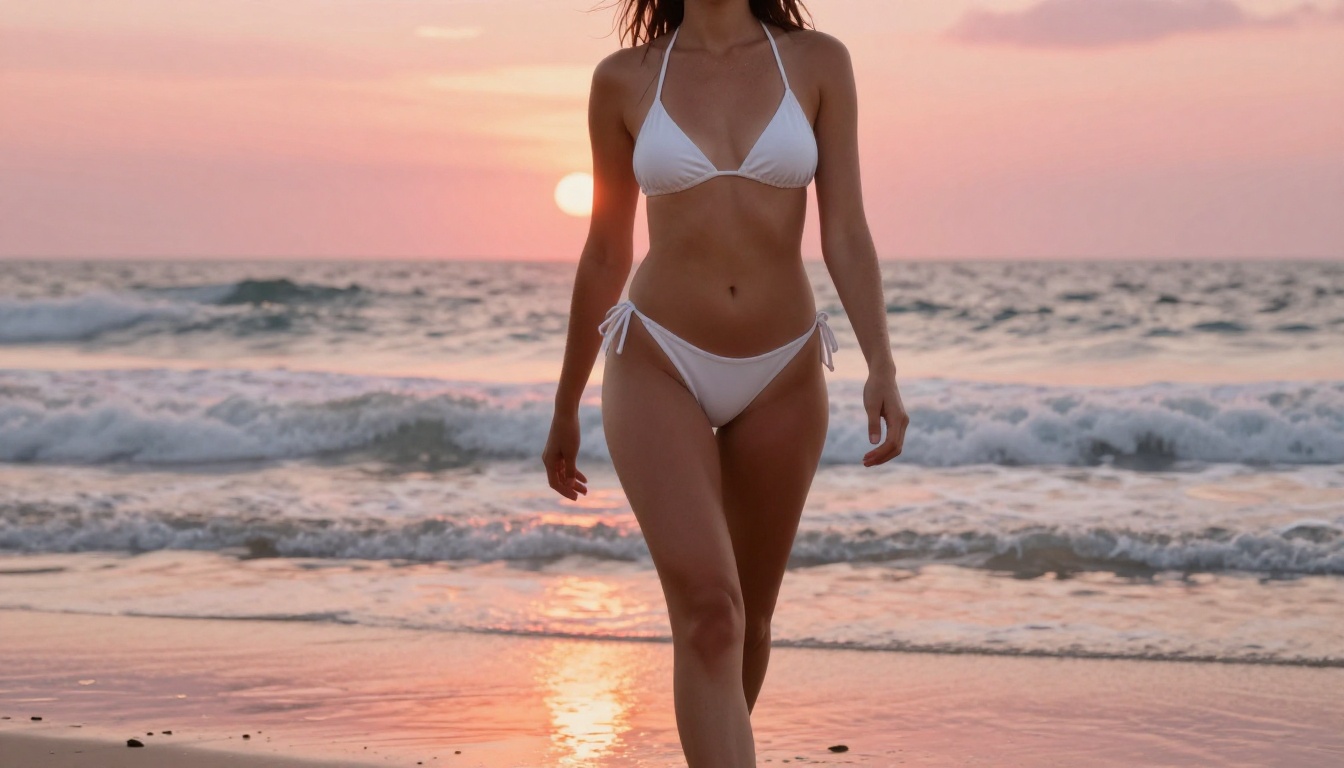
- Glamour and fashion photography with realistic skin, natural body posture, and detailed fabric rendering
- Artistic implied nudity in the style of fine art photography and high-end editorial shoots
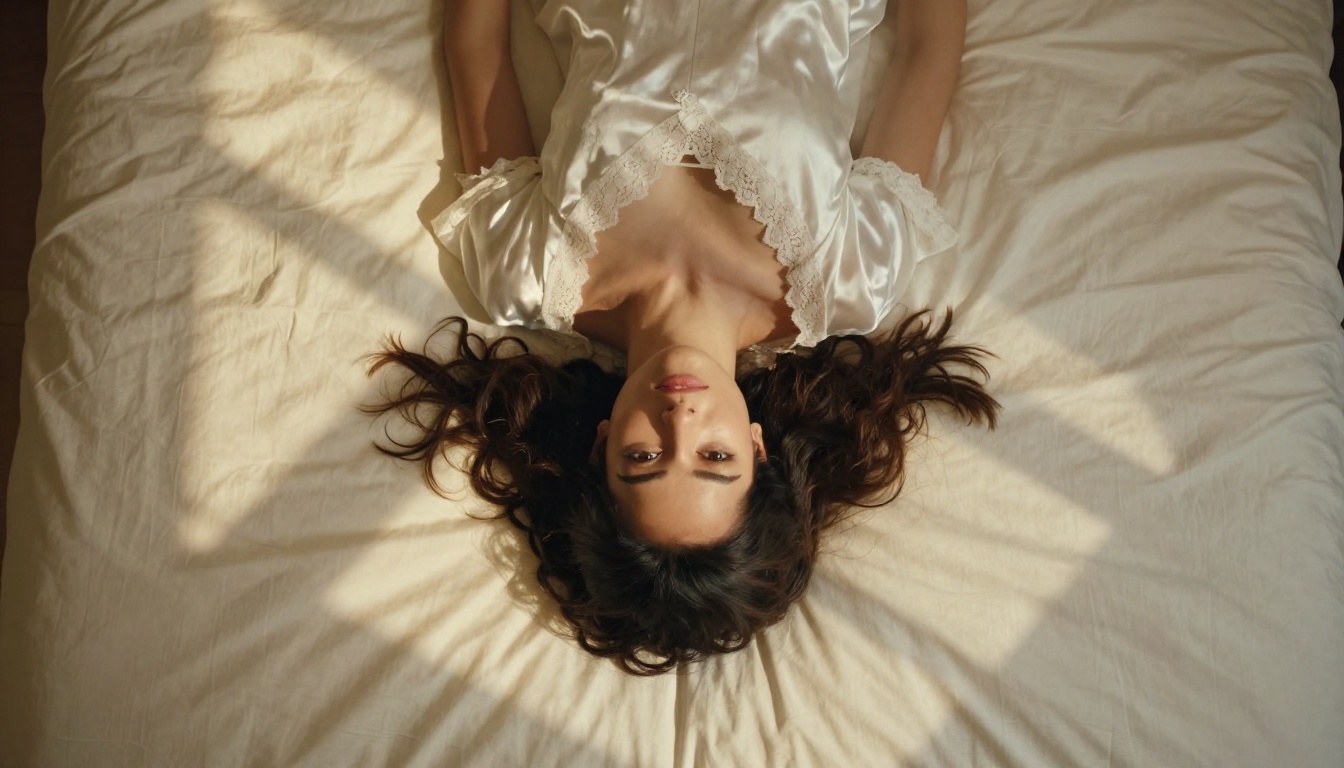
- Lifestyle imagery involving intimate or romantic settings and contexts
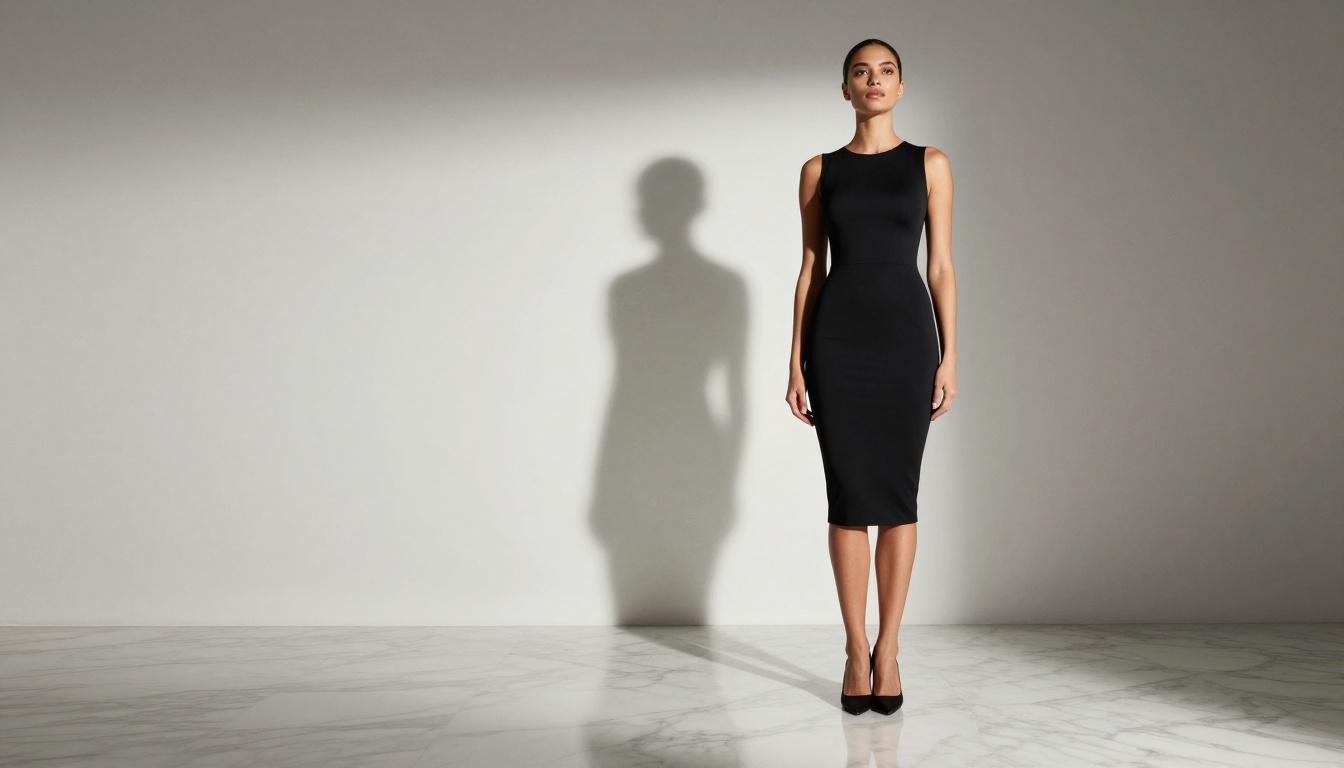
- Suggestive photography including swimwear, lingerie, and form-fitting fashion
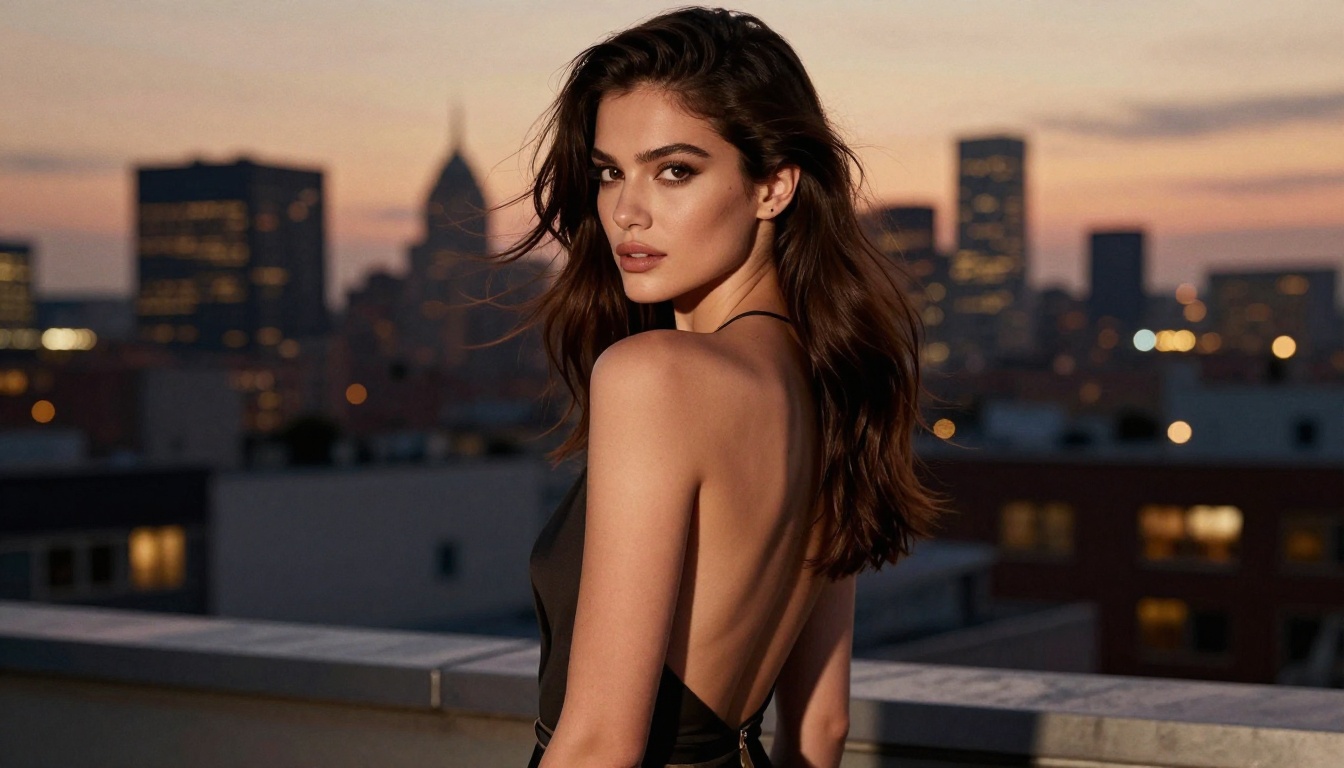
- Detailed portrait work where photorealistic skin texture and natural human features are required
💡 The open-source nature of Qwen Image 2 is its biggest structural advantage. Platforms can deploy it with custom configurations, giving creators more consistent and reliable access than models hosted and restricted directly by their developers.
Qwen Image 2 vs. Other Unrestricted Models
Not all NSFW-capable AI models perform at the same level. Speed, output realism, editing capabilities, and prompt precision vary considerably across the current field. Here is how Qwen Image 2 compares against the strongest alternatives available today.
Qwen Image 2 holds its own in both text-to-image and image editing tasks. The model accepts a reference image and applies edits based on a text instruction, which is a capability many NSFW-capable models lack. This makes it genuinely useful for workflows that extend beyond a single prompt into iterative editing.
How to Use Qwen Image 2 on PicassoIA
PicassoIA hosts Qwen Image 2 directly in its platform, providing browser-based access without local setup or API configuration. Here is the full workflow.
Step 1: Open the Model Page
Navigate to picassoia.com/en/collection/text-to-image/qwen-qwen-image-2. The interface presents a prompt field and an optional image upload. For pure text-to-image generation, leave the image upload empty. For editing an existing photo, upload your reference image.
Step 2: Write a Detailed Prompt
Qwen Image 2 responds well to descriptive, specific prompts. Vague prompts produce generic results. The model handles natural language effectively, so you do not need to use comma-separated tags the way older Stable Diffusion models expected.
Effective prompt structure:
- Subject description: appearance, clothing, expression, posture
- Setting and environment: location, time of day, specific background elements
- Lighting direction: "warm afternoon sunlight from the left window at 45 degrees"
- Camera and lens style: "85mm portrait at f/1.8", "wide angle 24mm", "close-up macro"
- Quality markers: "photorealistic, RAW, 8K, Kodak Portra 400 film grain"
Step 3: Generate and Iterate
Click generate and review the result. Qwen Image 2 is fast, so iterating is practical. If the result is close but not quite right, adjust the specific element that needs changing in your next prompt. Avoid rewriting the entire prompt: change only the element that needs correction, and keep everything else that worked.
Step 4: Edit With Image Reference
For editing workflows, upload an existing image alongside a text instruction describing the change. The model preserves the subject's structure and context while applying your described modification. Clothing changes, background swaps, lighting adjustments, and style shifts all work reliably in this mode.
💡 Prompt tip for realism: Describe your lighting source with specificity. "Warm golden-hour sunlight from the right, casting a soft orange rim on the left shoulder" consistently outperforms "good lighting." Light direction is one of the strongest signals for photorealism in this model.
Common Prompt Mistakes to Avoid
Several prompt patterns produce poor results with Qwen Image 2:
- Too abstract: "A beautiful woman" produces a generic result. Add specific physical details, clothing, and environment.
- No lighting instruction: Without a lighting description, the model defaults to flat, uninspiring light.
- Mixed style signals: Combining "photorealistic" with "digital art" or "illustration style" confuses the model. Commit to one direction.
- Overloaded prompts: Cramming 30 requirements into one prompt dilutes all of them. Focus on 5-7 strong instructions.

The Best NSFW Models on PicassoIA Right Now
Qwen Image 2 is now among the top options for unrestricted AI image generation, but it is not the only strong model on the platform. PicassoIA hosts a full range of NSFW-capable models, each optimized for different workflows. Here is the ranked list based on performance, speed, and creative flexibility.
1. Seedream 4.5 by ByteDance
Seedream 4.5 is the strongest all-around recommendation. It generates highly realistic content in under 3 seconds, accepts adult content without restriction, and includes image editing capabilities. Results are consistently natural, detailed, and photorealistic. Its successor, Seedream 5 Lite, does not support NSFW content, so Seedream 4.5 remains the version to use for adult creative work.
2. PicassoIA Image Editor Pro
PicassoIA Image Editor Pro is the best option for high-volume workflows. It runs as an img2img model, accepts NSFW content, and delivers results in under one second. Its defining feature is unlimited generations for Elite and Infinite subscribers. Generating 1,000 images costs nothing extra on this plan, compared to approximately $100 on per-image models like Nano Banana 2. A free trial of 3 generations is available without a credit card.
3. Qwen Image 2
Qwen Image 2 is now a serious option after removing its old filters. Open-source, fast, and capable of both text-to-image and image editing tasks. The model produces very detailed, realistic results and handles complex prompt instructions with precision.
4. Grok Imagine Image by xAI
Grok Imagine Image excels at realistic image transformation, particularly for bikini and swimwear conversions. The model takes an existing image and converts it to the described style with strong structural fidelity, producing natural and believable output.
5. Recraft V4
Recraft V4 offers very realistic text-to-image results for NSFW content. It operates only in text-to-image mode without an editing workflow, but the output quality is consistently high.
6. P-Image by PrunaAI
P-Image generates NSFW content in under one second. Optimized for speed above all else, it is the right choice when you need fast iteration and large volumes of images in a short timeframe.
The platform also includes Wan 2.2 Image from PrunaAI for highly realistic text-to-image generation without content filters, alongside several video models for creators who work across both stills and motion content.
💡 Browse the full catalog of unrestricted AI models at picassoia.com/en/all-models.
Upscaling Your Qwen Image 2 Results
AI image models generate at a fixed base resolution. For professional use, large-format print, or high-resolution web publishing, you often need significantly higher resolution than the native output provides. PicassoIA's super-resolution tools can increase resolution 2x to 6x while preserving and enhancing photographic detail.
Why Output Resolution Matters
A base Qwen Image 2 output might be 1024x576 pixels. For a large print or a high-resolution editorial use, that is insufficient. AI upscaling tools do not simply stretch the image: they use trained neural networks to reconstruct plausible high-resolution detail from the lower-resolution source. Done well, upscaled AI images can appear sharper and more detailed than the original output.
Best Upscalers for AI-Generated Imagery
For NSFW portrait work specifically, Crystal Upscaler is optimized for skin texture and portrait detail at 4x. For maximum resolution on any content type, Topaz Image Upscale reaches up to 6x with strong detail reconstruction.
What the Filter Removal Signals for AI Development
Qwen Image 2 removing its NSFW filters is not an isolated event. It reflects a broader pattern in AI development where open-source models are increasingly separating safety restrictions from core model weights. The reasoning is structurally sound: filters embedded in model weights are a blunt instrument. They cannot distinguish between an adult content platform with proper verification and an uncontrolled public interface. Leaving moderation to the deployment layer, where operators apply context-appropriate restrictions, is architecturally more appropriate.
The Open-Source Advantage
Because Qwen Image 2's weights are publicly available, the model benefits from community refinement, fine-tuning, and deployment across many platforms simultaneously. Each platform that hosts Qwen Image 2 configures it for its specific audience. PicassoIA's deployment allows adult content generation for its users. A children's educational platform using the same weights would apply entirely different restrictions. The model itself remains neutral. The restriction becomes the platform's responsibility.
What This Means for Creative Stability
For creators, the practical implication is more reliable and stable access over time. When a model's content policy is embedded in the weights themselves, every upstream update risks reintroducing restrictions without notice. With platform-level moderation, model behavior is more stable across updates. What you tested and relied on last month is more likely to still work next month.

Skin Texture and Visual Realism in Qwen Image 2
One aspect of Qwen Image 2 that gets less attention than its NSFW capabilities is its strong performance with photorealistic skin rendering and fine visual texture. These qualities matter directly for adult and glamour photography work.
Skin Rendering Quality
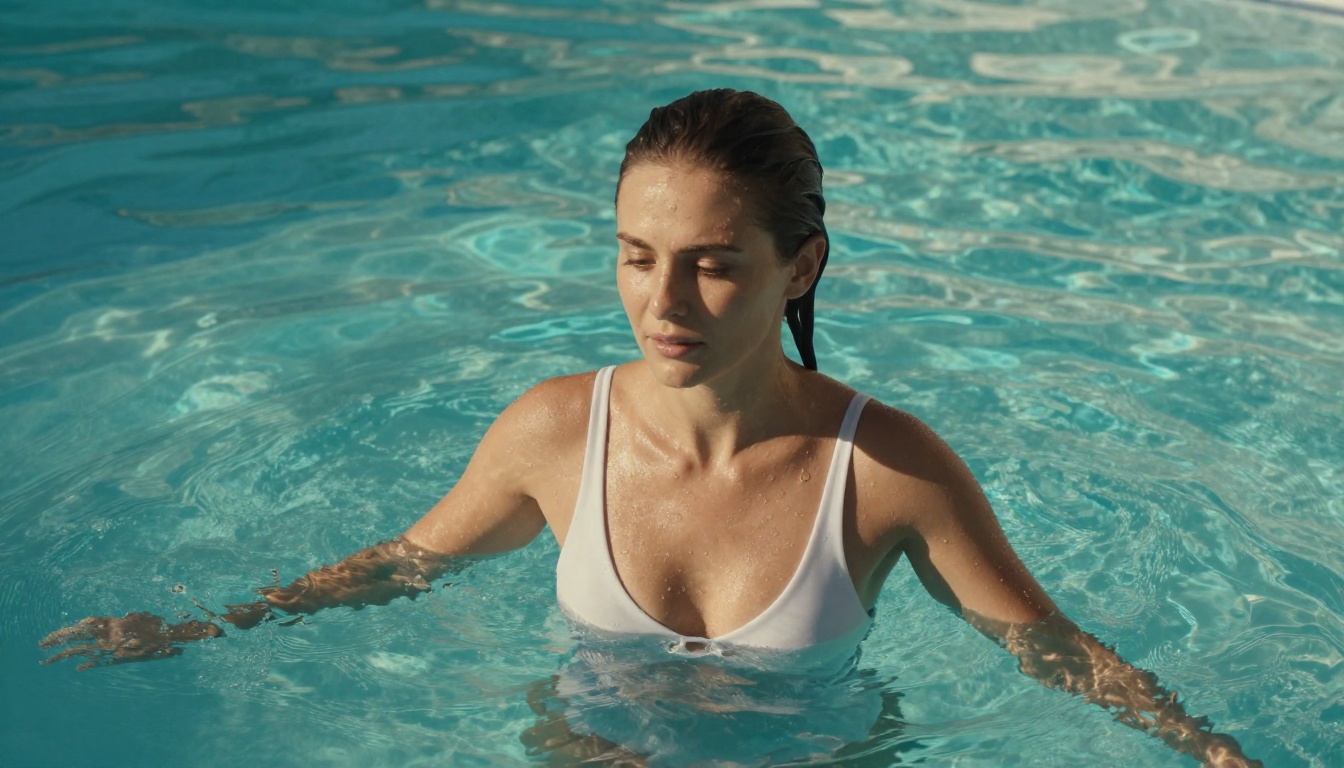
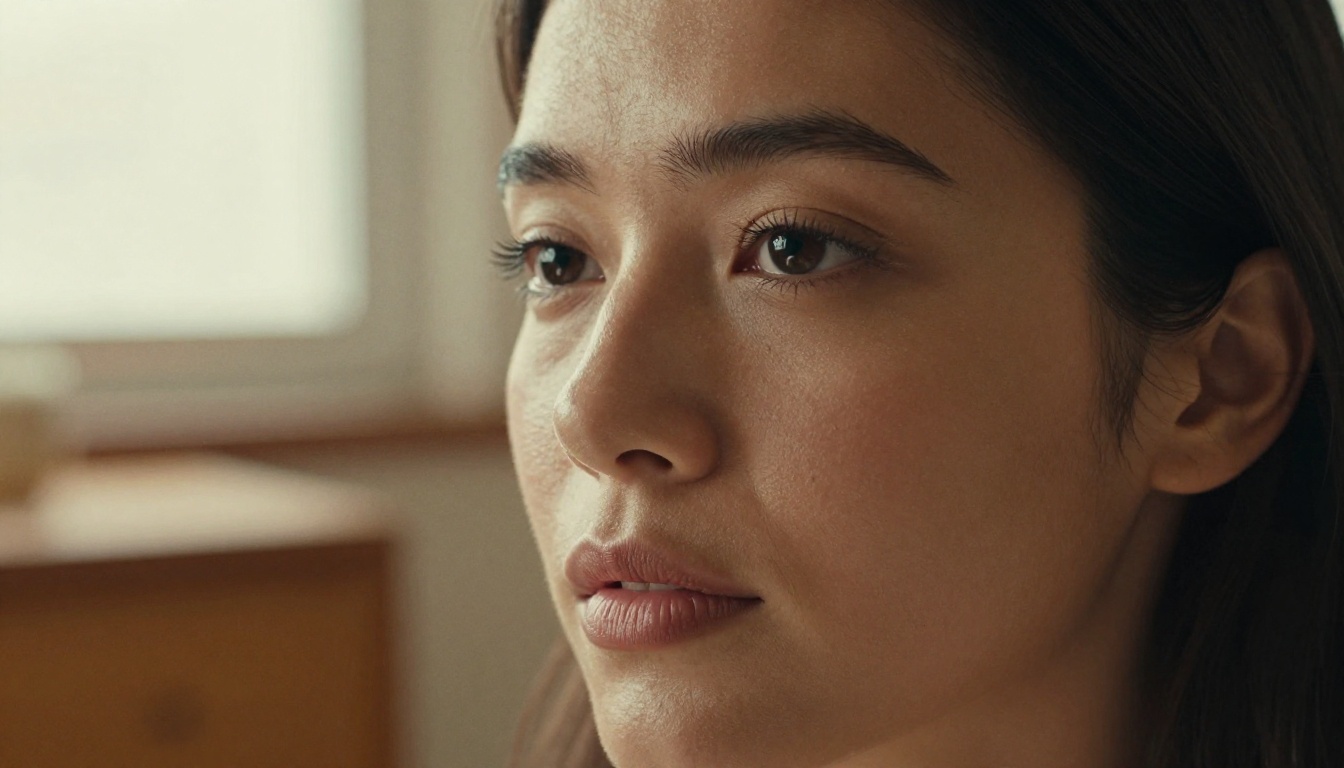
The model produces authentic skin texture in portrait and figure photography. Fine details like visible pores, realistic shadows in skin folds, natural color variation across tones, and the subtle warmth of sunlit skin are rendered with a level of fidelity that many models approximate but few consistently achieve. This matters for NSFW work because artificial-looking skin immediately breaks the realism of an image, regardless of how well the composition and lighting are handled.
Prompt Control Over Texture
Qwen Image 2 responds to specific prompt instructions for texture. Writing "visible skin pores, natural micro-hair on arms, subtle warmth from sunlight on collarbone" will produce noticeably different and more realistic output than a prompt that does not mention texture at all. The model has learned strong correlations between texture-specific language and photorealistic output.
💡 Workflow combination: Generate with Qwen Image 2, then upscale with Clarity Pro Upscaler for a 4x resolution boost that preserves and sharpens the model's native texture detail.

Start Generating Without Restrictions
The removal of Qwen Image 2's old NSFW filters opens access to one of the more capable open-source image models available right now. Whether your work is fashion photography, artistic glamour, fine art, or adult content, the model now handles your prompts without the frustrating blocks that defined earlier versions.
PicassoIA puts Qwen Image 2, Seedream 4.5, PicassoIA Image Editor Pro, and over 90 additional text-to-image models in one platform with a consistent interface. You can switch between models to compare results, upscale your best outputs to 6x resolution, and run image editing workflows all in the same place.
The platform includes a free trial for new users with no credit card required on select models. For evaluating which NSFW tool fits your workflow, starting with PicassoIA Image Editor Pro is a practical first step: unlimited generations on Elite and Infinite plans means you can produce as many test images as needed without watching a credit counter.
Every model, every upscaler, and every creative tool you need is available at picassoia.com/en/all-models. Qwen Image 2, now unrestricted, is one of the strongest options on that list.


